Calhoun County Quitclaim Deed Form
Last validated June 2, 2026 by our Forms Development Team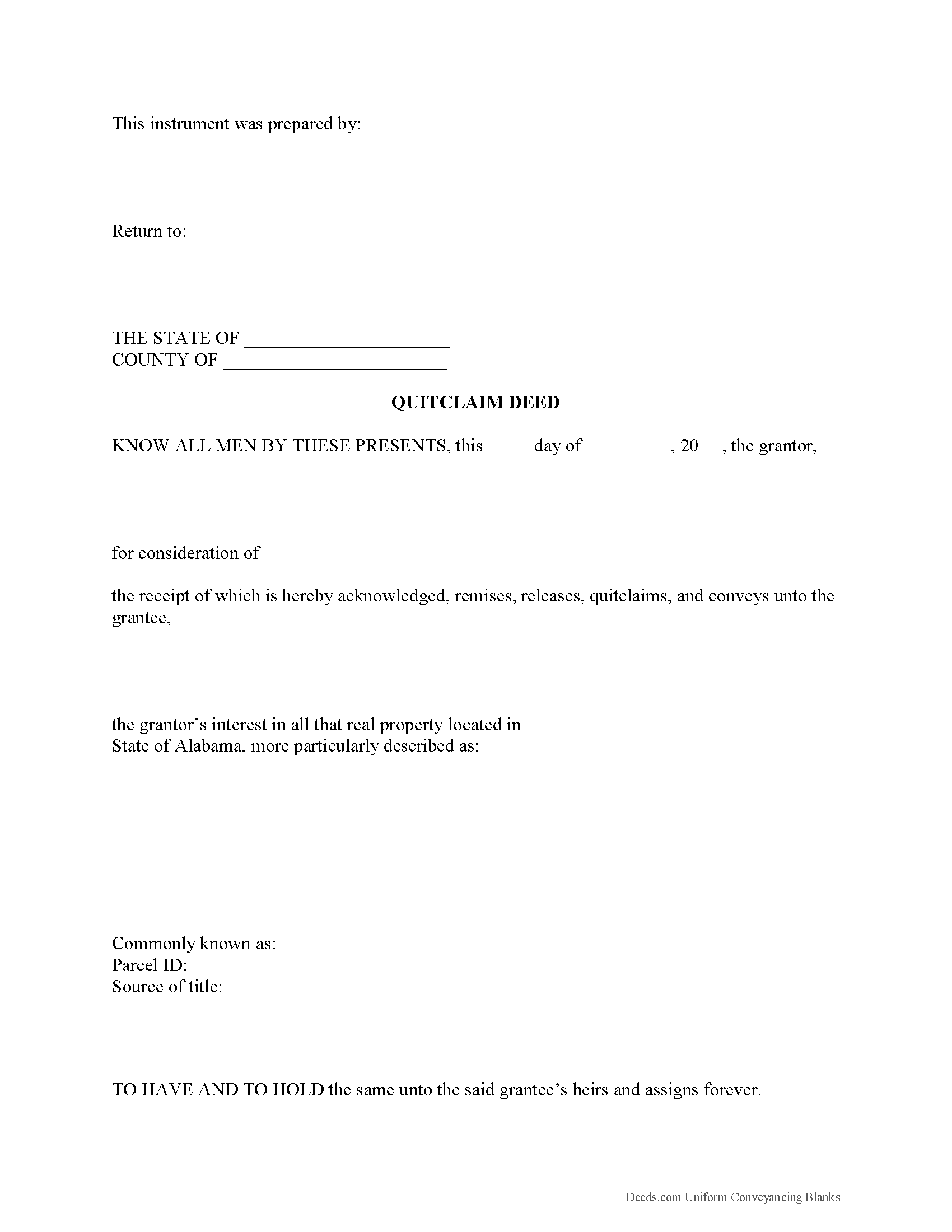
Calhoun County Quitclaim Deed Form
Fill in the blank Quitclaim Deed form formatted to comply with all Alabama recording and content requirements.
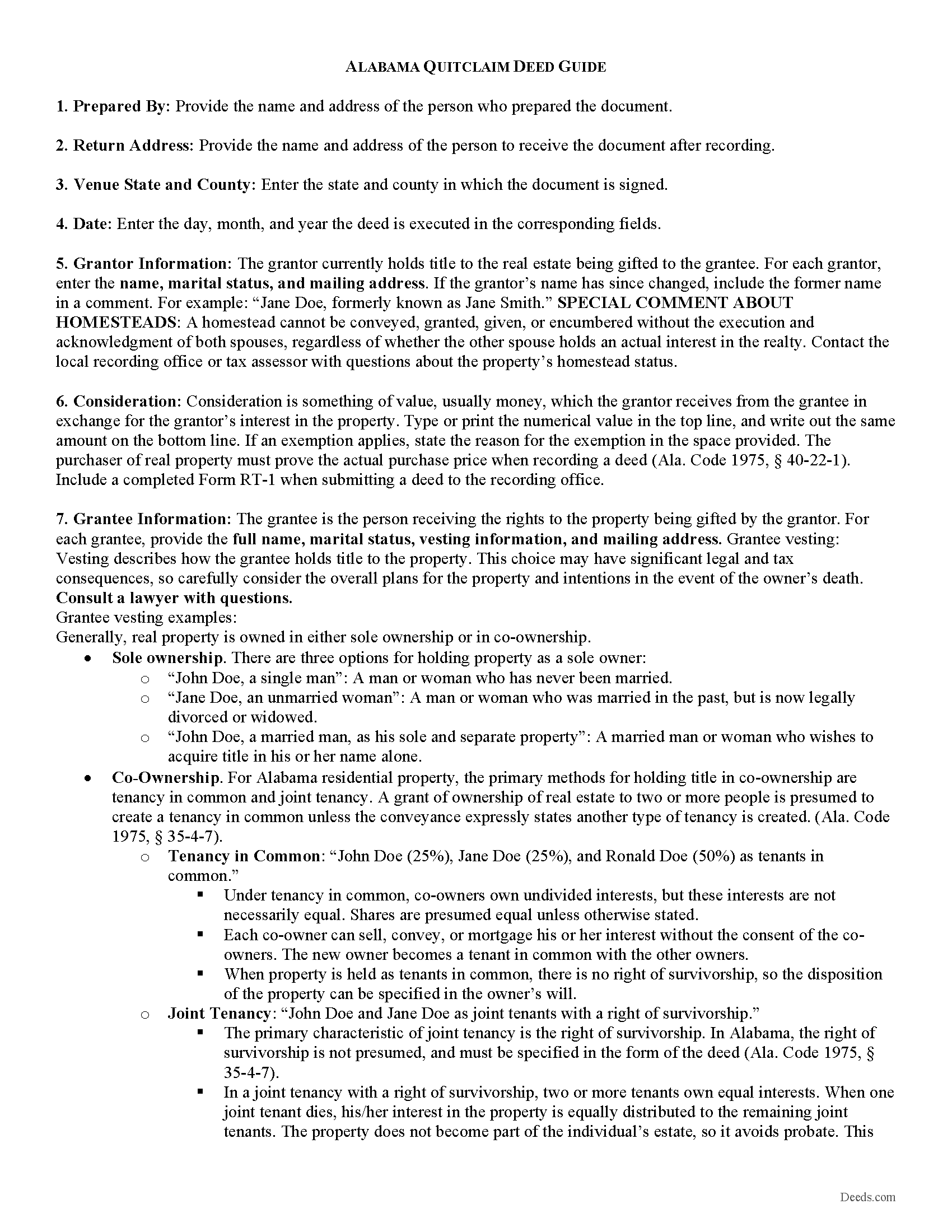
Calhoun County Quitclaim Deed Guide
Line by line guide explaining every blank on the Quitclaim Deed form.
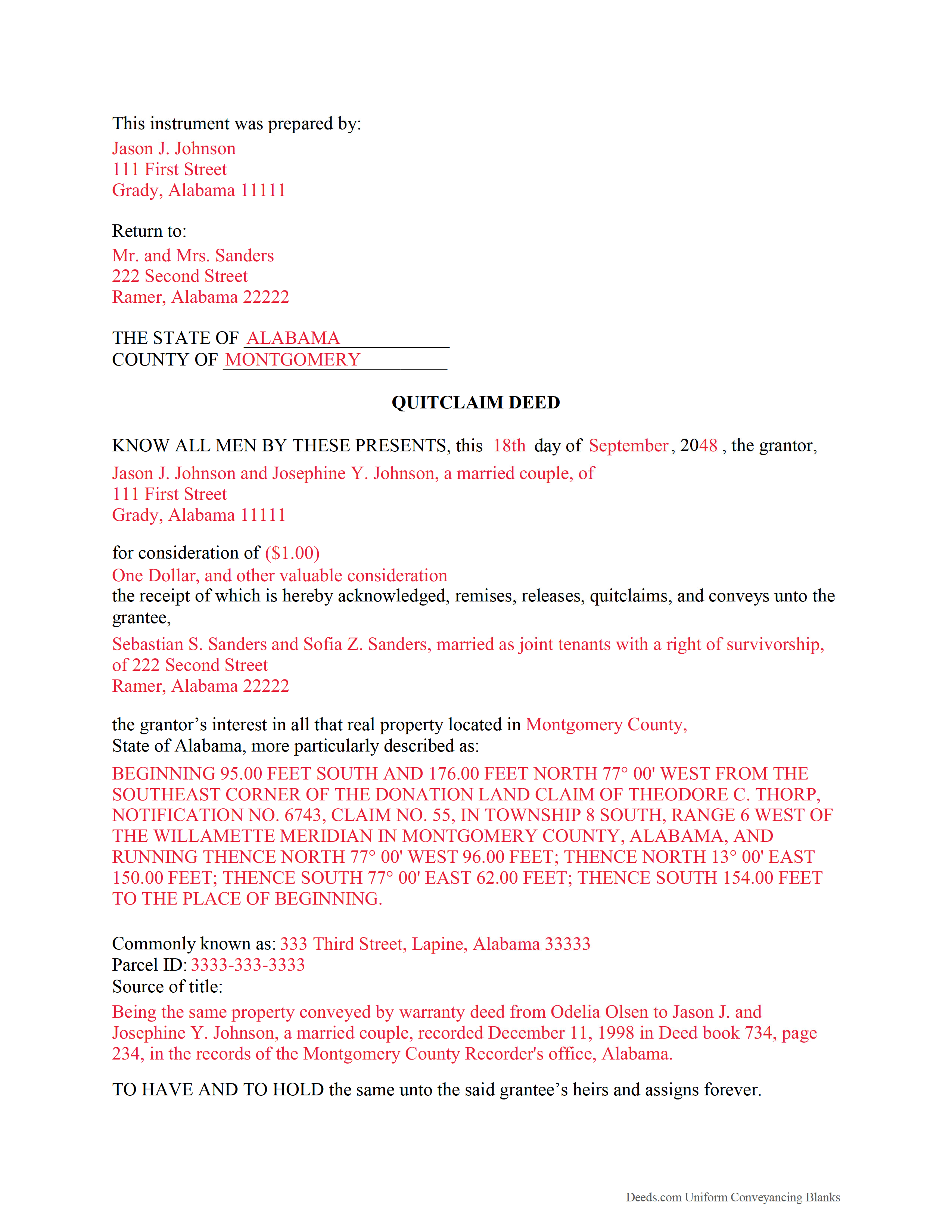
Calhoun County Completed Example of the Quitclaim Deed Document
Example of a properly completed Alabama Quitclaim Deed document for reference.
All 3 documents above included • One-time purchase • No recurring fees
Immediate Download • Secure Checkout
Additional Alabama and Calhoun County documents included at no extra charge:
Where to Record Your Documents
Judge of Probate: Recording Div.
Anniston, Alabama 36201
Hours: 8:00 to 4:30 M-F
Phone: (256) 241-2825
Recording Tips for Calhoun County:
- Ask if they accept credit cards - many offices are cash/check only
- Double-check legal descriptions match your existing deed
- Leave recording info boxes blank - the office fills these
- Bring extra funds - fees can vary by document type and page count
- Have the property address and parcel number ready
Cities and Jurisdictions in Calhoun County
Properties in any of these areas use Calhoun County forms:
- Alexandria
- Anniston
- Bynum
- Choccolocco
- De Armanville
- Eastaboga
- Jacksonville
- Ohatchee
- Oxford
- Piedmont
- Weaver
- Wellington
Hours, fees, requirements, and more for Calhoun County
How do I get my forms?
Forms are available for immediate download after payment. The Calhoun County forms will be in your account ready to download to your computer. An account is created for you during checkout if you don't have one. Forms are NOT emailed.
Are these forms guaranteed to be recordable in Calhoun County?
Yes. Our form blanks are guaranteed to meet or exceed the applicable formatting requirements used for recording in Calhoun County, including margin requirements, font requirements, and other layout standards. This guarantee applies to formatting, not to the legal sufficiency of information entered by the user or the suitability of a form for a particular transaction.
Can I reuse these forms?
Yes. You can reuse the forms for your personal use. For example, if you have multiple properties in Calhoun County you only need to order once.
What do I need to use these forms?
The forms are PDFs that you fill out on your computer. You'll need Adobe Reader (free software that most computers already have). You do NOT enter your property information online - you download the blank forms and complete them privately on your own computer.
Are there any recurring fees?
No. This is a one-time purchase. Nothing to cancel, no memberships, no recurring fees.
How much does it cost to record in Calhoun County?
Recording fees in Calhoun County vary. Contact the recorder's office at (256) 241-2825 for current fees.
Questions answered? Let's get started!
An Alabama quitclaim deed conveys whatever interest the grantor holds in a property — no more, no less — without any warranty of title. Unlike a warranty deed, the grantor makes no promise that title is clear or that they even own the property outright. For that reason, quitclaim deeds are typically used where both parties already know the history of the property: transferring title between spouses after a marriage or divorce, adding or removing a family member from title, moving property into a living trust, or resolving a cloud on title from an old recording error.
Alabama has several requirements that set it apart from most states, particularly around homestead properties and the recording process. Understanding these before you prepare or sign your deed can prevent rejection at the Probate Judge's office.
What the deed must contain
Under Ala. Code § 35-4-20, an Alabama quitclaim deed must be in writing on a tangible medium — paper in practice. The deed must include the following:
- Grantor information — full legal name, address, and marital status
- Grantee information — full legal name, address, and vesting language (how the grantee will hold title)
- Legal description — a complete description of the property, with references to prior recorded instruments as needed
- Consideration — the type and amount of consideration; the actual dollar value need not appear in the deed itself (Ala. Code § 35-4-34)
- Preparer identification — the name and address of the person who prepared the deed (Ala. Code §§ 35-4-110, 35-4-113)
Signatures and notarization
The grantor — or an authorized agent — must sign the deed. Notarization or a witness acknowledgment is required. If the grantor cannot write, an additional witness must be present (Ala. Code § 35-4-20).
Homestead properties require both spouses to sign
This is one of the most important Alabama-specific rules. If the property being transferred is the grantor's designated homestead, both spouses must sign the deed — regardless of how title is held or who appears on it. A deed signed by only one spouse on a homestead property can be challenged and potentially voided.
For non-homestead properties, the deed should include a statement confirming the property is not the grantor's homestead. This protects the grantee and prevents complications at recording.
Warranty language matters
Word choice on a quitclaim deed is not merely stylistic. Terms that imply a warranty of title — "grant," "bargain," or "sell" — can create unintended legal obligations. Use language that makes the nature of the transfer explicit: "quit claim and convey" or "remise, release, and quit claim" (Ala. Code § 35-4-271). Our forms use the correct language for Alabama quitclaim deeds.
Recording with the Probate Judge
Alabama records real estate documents through the county Probate Judge's office, not a recorder or register of deeds. This is one of the few states that uses this system, and it applies to every county.
The deed must be recorded in the county where the property is located to provide constructive notice of the transfer and establish priority against competing claims. Under Ala. Code § 35-4-50, a later conveyance that is recorded first generally prevails over an earlier conveyance that was never recorded. Record promptly after execution.
Real Estate Sales Validation Form required at recording
Since Ala. Act 2012-494, Alabama requires disclosure of the actual purchase price or fair market value at the time of recording using the Real Estate Sales Validation Form (Ala. Code § 40-22-1). The deed will not be accepted for recording without this form and payment of the applicable transfer tax. This form is included in your download package.
County-specific forms included
Each Alabama county has its own recording requirements, and the Probate Judge's office has the authority to reject documents that don't meet local standards. Our forms are prepared and validated specifically for each Alabama county. Your download includes the deed form, a completed example, a line-by-line guide, and the Alabama supplemental documents you'll need at recording — including the RT-1 form, homestead information, and applicable non-resident withholding forms. Select your county from the list to get the forms for your specific jurisdiction.
Important: Your property must be located in Calhoun County to use these forms. Documents should be recorded at the office below.
This Quitclaim Deed meets all recording requirements specific to Calhoun County.
Our Promise
The documents you receive here are guaranteed to meet or exceed the applicable Calhoun County recording format requirements. If there is a rejection caused by our formatting, we will correct the issue or refund your payment. This guarantee applies to document formatting only and does not extend to information entered by the user, the selection of the form, or the legal effect of the completed document.
Save Time and Money
Get your Calhoun County Quitclaim Deed form done right the first time with Deeds.com Uniform Conveyancing Blanks. At Deeds.com, we understand that your time and money are valuable resources, and we don't want you to face a penalty fee or rejection imposed by a county recorder for submitting nonstandard documents. We constantly review and update our forms to meet rapidly changing state and county recording requirements for roughly 3,500 counties and local jurisdictions.
4.8 out of 5 - ( 4733 Reviews )
Robert B.
September 28th, 2021
Excellent service. Unbelievably rapid and detailed responses. Was not happy to have to pay the fee but totally worth it.
Thank you for your feedback. We really appreciate it. Have a great day!
Susan B.
August 8th, 2023
I guess I got what I paid for. The site said I would be able to download blank PDF forms that I could fill out on my computer. I expected fillable forms, like I download for taxes. Instead the forms I got could only be completed by using Adobe Sign and Fill tools. These are much harder to use than fillable forms.
Thank you for your feedback. We really appreciate it. Have a great day!
William G.
January 11th, 2021
I am very pleased with Deeds.com. They responded back very quickly, checked my forms, gave an example for a correction, and submitted the forms over the weekend. What more could you ask?
Thank you!
Patricia D.
January 22nd, 2019
It worked great- I had a little trouble at first with the site, figuring out where to do what, but the form was much better than the one we purchased at Staples, loved being able to fill out with the computer. We did need the other form as per the screen prior to ordering but couldn't figure out which one. The ladies at the recorders were great too.
We appreciate your business and value your feedback. Thank you. Have a wonderful day!
Evan W.
February 2nd, 2021
Quick service. Thank you
Thank you!
Karl H.
January 5th, 2021
Still in process, but it is well explained. I would recommend it to anyone in Texas.
Thank you for your feedback. We really appreciate it. Have a great day!
Prentis T.
September 9th, 2019
So far so good
Thank you for your feedback. We really appreciate it. Have a great day!
Beverly H.
February 13th, 2019
Thanks!!
Thank you!
Chanda C.
June 2nd, 2020
It's going well so far!
Thank you!
Julia M.
June 26th, 2024
I live in AZ and have an existing beneficiary deed on my property. I needed to know the process of revoking a beneficiary deed. Your site was very helpful by providing the correct form and instructions for recording it. Thank you!
Your satisfaction with our services is of utmost importance to us. Thank you for letting us know how we did!
Leo b.
March 26th, 2019
Awesome site great paperwork EZ Forms great.
Thank you Leo.
JAVIER B.
February 11th, 2021
EXCELLENT JOB DEEDS.COM I AM SO PROUD I WAS ABLE TO RECEIVE A COPY OF THE REAL ESTATE DEED FROM MY OLD HOME OUT OF TOWN. HIGHLY RECOMMEND!!!
Thank you for your feedback. We really appreciate it. Have a great day!
John v.
April 7th, 2020
Process is well laid out, clear and concise. Check out is easy. Recommendations: * Assign names to the downloadable files that are meaningful, such as: WARRANTY DEED instead of the useless and cryptic 1420490866F11417.pdf. * Provide a ONE BUTTON DOWNLOAD for all forms ordered. It's aggravating to have to click on each of the 20 documents and download them individually.
Thank you for your feedback. We really appreciate it. Have a great day!
Juan M.
February 11th, 2021
Very happy
We appreciate your business and value your feedback. Thank you. Have a wonderful day!
Joseh R.
May 6th, 2020
Very pleased! Forms easy to understand and use. Thank you!
Thank you for your feedback. We really appreciate it. Have a great day!