Saint Clair County Quitclaim Deed Form
Last validated October 6, 2026 by our Forms Development TeamFormatted for recording in Saint Clair County, for property anywhere in the county: rural and unincorporated areas as well as Ashville, Cook Springs, Cropwell, Margaret, Moody, Odenville, Pell City, Ragland and 4 more.
- 3 documents included
- Immediate PDF download
- Formatting guarantee
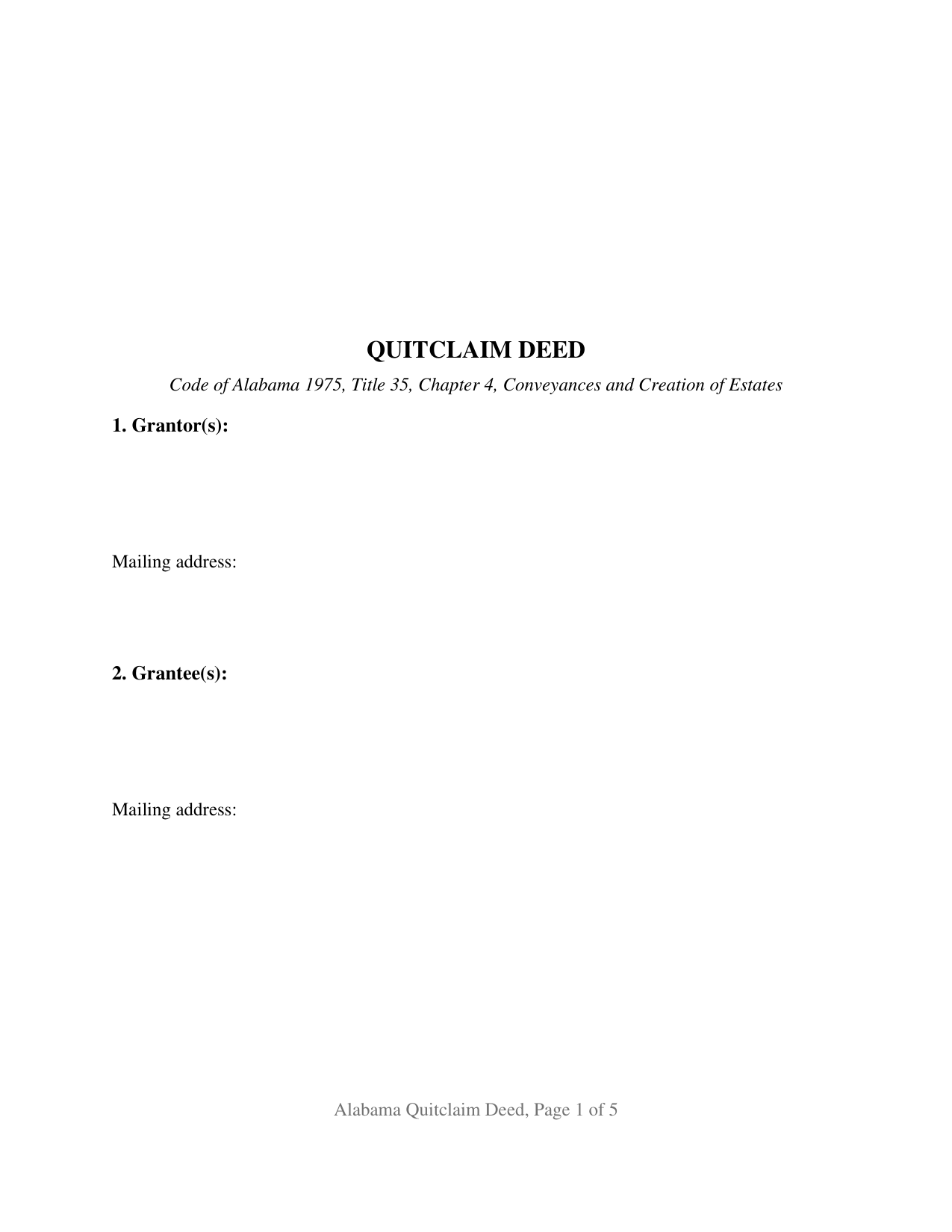
Saint Clair County Quitclaim Deed Form
Fill in the blank Quitclaim Deed form formatted to comply with all Alabama recording and content requirements.
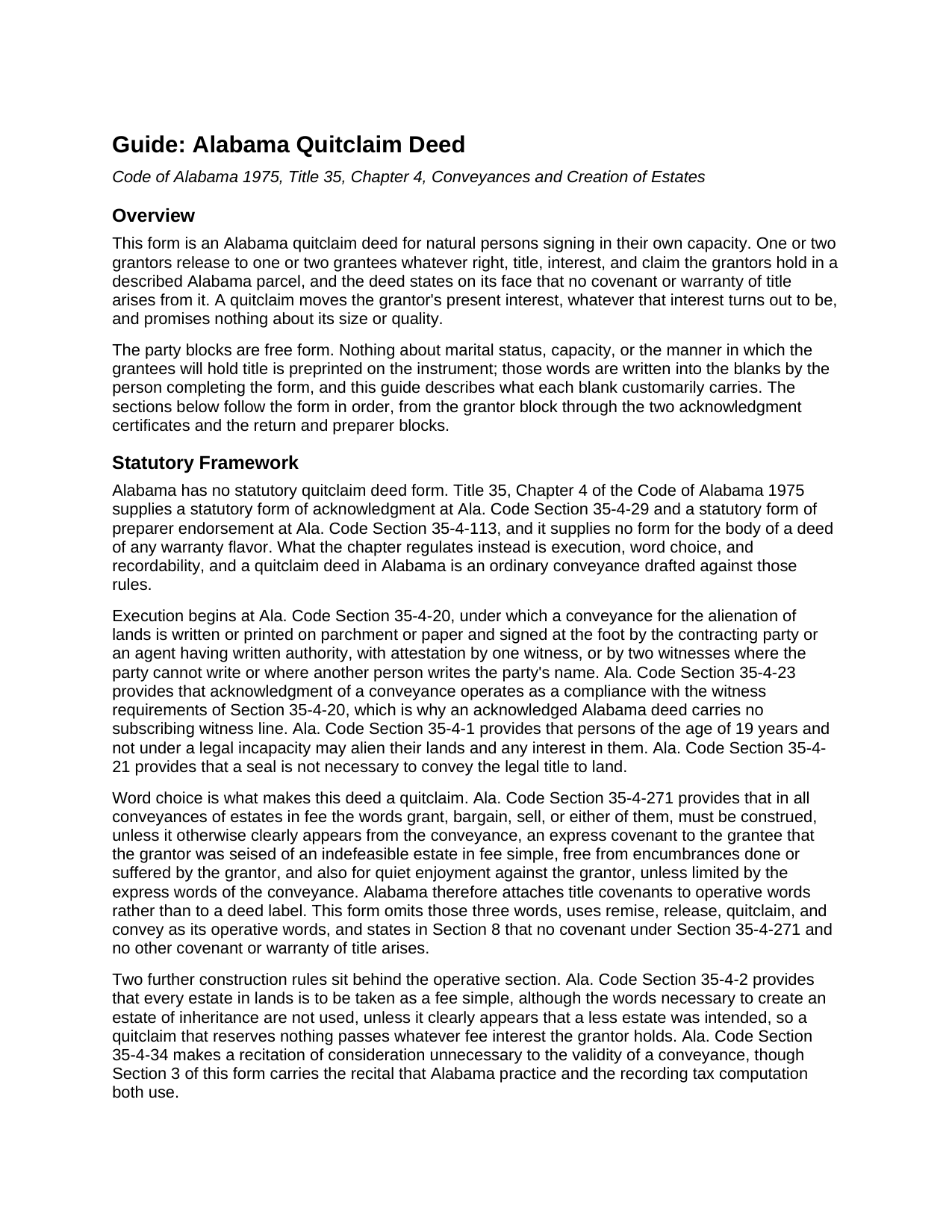
Saint Clair County Quitclaim Deed Guide
Line by line guide explaining every blank on the Quitclaim Deed form.
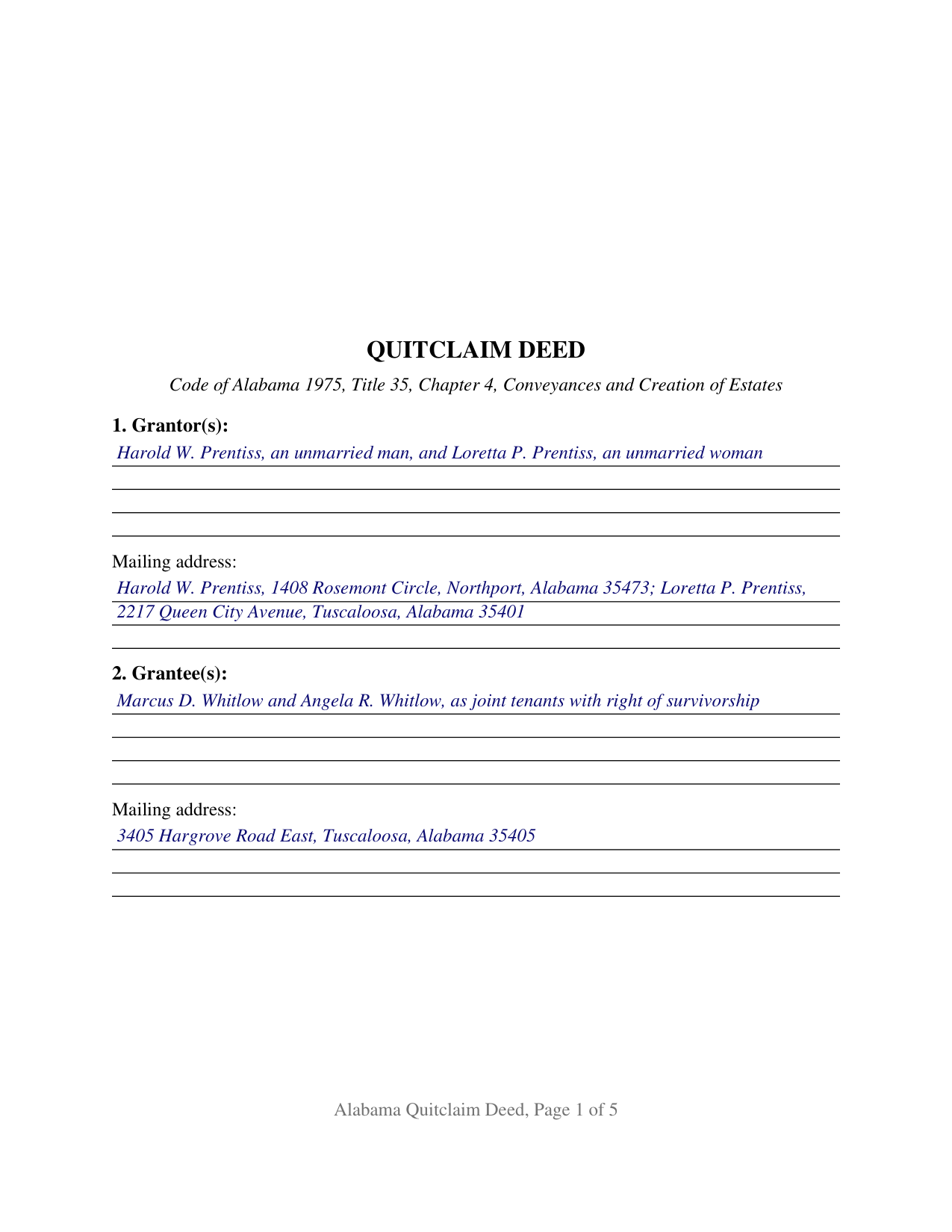
Saint Clair County Completed Example of the Quitclaim Deed Document
Example of a properly completed Alabama Quitclaim Deed document for reference.
All 3 documents above included • One-time purchase • No recurring fees
Immediate Download • Secure Checkout
Additional Alabama and Saint Clair County documents included at no extra charge:
Where to Record Your Documents
St. Clair County Probate Office
Ashville, Alabama 35953
Hours: 8:00am - 4:30pm M-F
Phone: (205) 594-2120
Pell City Probate Office
Pell City, Alabama 35125
Hours: 8:00am - 4:30pm M-F
Phone: (205) 338-9449
Recording Tips for Saint Clair County:
- Bring your driver's license or state-issued photo ID
- Ensure all signatures are in blue or black ink
- Both spouses typically need to sign if property is jointly owned
- Bring extra funds - fees can vary by document type and page count
- Check margin requirements - usually 1-2 inches at top
Cities and Jurisdictions in Saint Clair County
Properties in any of these areas use Saint Clair County forms:
- Ashville
- Cook Springs
- Cropwell
- Margaret
- Moody
- Odenville
- Pell City
- Ragland
- Riverside
- Springville
- Steele
- Wattsville
Hours, fees, requirements, and more for Saint Clair County
How do I get my forms?
Forms are available for immediate download after payment. The Saint Clair County forms will be in your account ready to download to your computer. An account is created for you during checkout if you don't have one. Forms are NOT emailed.
Are these forms guaranteed to be recordable in Saint Clair County?
Yes. Our form blanks are guaranteed to meet or exceed the applicable formatting requirements used for recording in Saint Clair County, including margin requirements, font requirements, and other layout standards. This guarantee applies to formatting, not to the legal sufficiency of information entered by the user or the suitability of a form for a particular transaction.
Can I reuse these forms?
Yes. You can reuse the forms for your personal use. For example, if you have multiple properties in Saint Clair County you only need to order once.
What do I need to use these forms?
The forms are PDFs that you fill out on your computer. The free Adobe Acrobat Reader is recommended, and most PDF apps also work. You do NOT enter your property information online - you download the blank forms and complete them privately on your own computer.
Are there any recurring fees?
No. This is a one-time purchase. Nothing to cancel, no memberships, no recurring fees.
How much does it cost to record in Saint Clair County?
Recording fees in Saint Clair County vary. Contact the recorder's office at (205) 594-2120 for current fees.
Questions answered? Let's get started!
Alabama keeps two of its most distinctive deed rules in the blanks rather than the printed text. A deed does not reach the record unless it states the marital status of each individual grantor, and co-owners take with a right of survivorship only where the instrument says so. Neither answer can be printed in advance. The Alabama Quitclaim Deed is built accordingly: one or two grantors release to one or two grantees whatever right, title, interest, and claim they hold in a described parcel, with no covenant or warranty, and the party blocks stay open.
The status line the probate judge looks for
Ala. Code Section 35-4-73 has barred deeds from the Alabama record since July 21, 1972 unless the marital status of an individual grantor or vendor is recited, and a knowingly false recitation is a misdemeanor. The entry runs a few words and is seldom the same twice: an unmarried man, a widow, a divorced person not since remarried. Section 1 takes it right after the grantor's name, since a printed status would settle a fact belonging to the signer.
Survivorship is something an Alabama deed has to say
Ala. Code Section 35-4-7 reverses an assumption many buyers arrive with. Where a joint tenant dies before severance, that interest does not pass to the others; it descends and vests as though it had been severed. Survivorship attaches only where the creating instrument states that the tenancy carries a right of survivorship, or uses other words showing that intention. The grantee block is therefore as open as the grantor block, and the guide sets out each form the state recognizes and the one it does not.
Three words this deed leaves out
Alabama attaches title covenants to vocabulary, not to a deed's label. Ala. Code Section 35-4-271 reads grant, bargain, and sell, or any one of them, in a fee conveyance as express covenants of an indefeasible fee, of freedom from encumbrances done or suffered by the grantor, and for quiet enjoyment, unless the deed clearly says otherwise. A quitclaim here is defined by the omission: the operative sentence uses remise, release, quitclaim, and convey, and the text adds that no such covenant arises. The grantee takes the interest the grantor holds at delivery, recorded liens and easements traveling with it.
One or two on each side
Two positions on each side, one architecture across every count pattern from one grantor and one grantee up to two of each. Section 1 is a single free-form block taking grantor names with their status wording; Section 2 does the same for grantees, with any designation of how they take. Section 9 gives each grantor position a signature block, and a separate acknowledgment certificate follows each, so two grantors may acknowledge on different dates and before different notaries; on a single-grantor fill the second block and certificate stay blank. Two co-owners who took undivided shares under an estate distribution and release them together to a couple taking with survivorship present the two-on-two pattern this form recites. It is not set up for a company, a trustee, a signer under a power of attorney, or more than two persons on a side, and both signature blocks are captioned for grantors, not for a spouse signing only to give the Ala. Code Section 6-10-3 homestead assent.
At the judge of probate
The deed goes to the judge of probate where the land lies. Recording is notice, not effectiveness: the interest passes on delivery, while Ala. Code Section 35-4-90 leaves an unrecorded conveyance void against a later purchaser for value, mortgagee, or judgment creditor without notice. The Ala. Code Section 40-22-1 tax runs 50 cents per $500.00, or fraction, of the value conveyed, and Alabama's sales value information rides along on Department of Revenue Form RT-1, a one page state form handed over at the counter. The first page keeps its top three inches open for the stamp, and the preparer name and address that Sections 35-4-110 and 35-4-113 make a condition of recordation sit in the text.
Shoppers also search this instrument as a quit claim deed or a quick claim deed. The download holds three files: a blank fillable PDF, a completed example set on a Tuscaloosa County release, and a guide walking every entry, the vesting menu, and both certificates. Nothing here is legal advice; these pages state Alabama law in general terms, and reading it against one parcel and one chain of title is work for an Alabama attorney.
Important: Your property must be located in Saint Clair County to use these forms. Documents should be recorded at the county recording office listed above.
This Quitclaim Deed meets all recording requirements specific to Saint Clair County.
Our Promise
The documents you receive here are guaranteed to meet or exceed the applicable Saint Clair County recording format requirements. If there is a rejection caused by our formatting, we will correct the issue or refund your payment. This guarantee applies to document formatting only and does not extend to information entered by the user, the selection of the form, or the legal effect of the completed document.
Save Time and Money
Get your Saint Clair County Quitclaim Deed form done right the first time with Deeds.com Uniform Conveyancing Blanks. At Deeds.com, we understand that your time and money are valuable resources, and we don't want you to face a penalty fee or rejection imposed by a county recorder for submitting nonstandard documents. We constantly review and update our forms to meet rapidly changing state and county recording requirements for roughly 3,500 counties and local jurisdictions.
4.8 out of 5 - ( 4,820 Reviews )
raquel f. 5 out of 5 stars
Wow!!! that was super easy to record a mechanic lien! I will definitely use your service again but I hope I won't have to.
We appreciate your business and value your feedback. Thank you. Have a wonderful day!
Julie A. 5 out of 5 stars
This process was so easy. I am pleased with efficiency and ease of it all.
Thank you!
Vera P. 5 out of 5 stars
An excellent service!
Thank you!
Joseph D. 5 out of 5 stars
Exellent and easy! Thqanks!
Thank you for your feedback. We really appreciate it. Have a great day!
Alan C. 5 out of 5 stars
The Transfer on Death Deed paperwork was easy to complete, as it included a detailed guide and a completed example. We encountered no issues recording the document with our County. Thanks to Deeds.com, we were also able to save time and money by utilizing a DIY approach for our situation.
We are delighted to have been of service. Thank you for the positive review!
ANTHONY W. 5 out of 5 stars
It's been extremely easy to communicate across this platform.
Thank you!
Norma V. 5 out of 5 stars
So far it's been great. My 2 deeds were accepted and prepared for recording very quickly. Now I am waiting for the County to record them and Deeds.com to e-send them back to me. Very impressive!
We appreciate your business and value your feedback. Thank you. Have a wonderful day!
Deborah G. 5 out of 5 stars
Absolutely wonderful customer service. I am very pleased with the service I received and highly recommend this to everyone.
We appreciate your business and value your feedback. Thank you. Have a wonderful day!
Peter N. 5 out of 5 stars
Your website was easy to use and I was able to accomplish my task. Thank You very much.
Thank you for your feedback. We really appreciate it. Have a great day!
Judith F. 5 out of 5 stars
Was easy to use the eRecording service.
Thank you!
Loretta W. 5 out of 5 stars
Thank you for your excellent service
We appreciate your business and value your feedback. Thank you. Have a wonderful day!
KELLY P. 5 out of 5 stars
That was easy!!
Thank you!
Jaime S. 1 out of 5 stars
To call an affidavit of minor correction a Correction Deed in your descriptions is incorrect. They are two different products. I did not intend to purchase an affidavit. I intended to purchase a Correction Deed.
Thank you!
Sherry F. 5 out of 5 stars
Good product and service.
Thank you!
Steve D. 5 out of 5 stars
I requested a property detail report on two houses that I own. The requests were easy to make. After submitting the requests, each report was available for my review within 15 minutes. The reports contained all the information I needed. I am very satisfied with this service.
We appreciate your business and value your feedback. Thank you. Have a wonderful day!