Lamar County Easement Deed Form
Last validated October 23, 2026 by our Forms Development TeamFormatted for recording in Lamar County, for property anywhere in the county: rural and unincorporated areas as well as Beaverton, Detroit, Kennedy, Millport, Sulligent, Vernon.
- 4 documents included
- Immediate PDF download
- Formatting guarantee
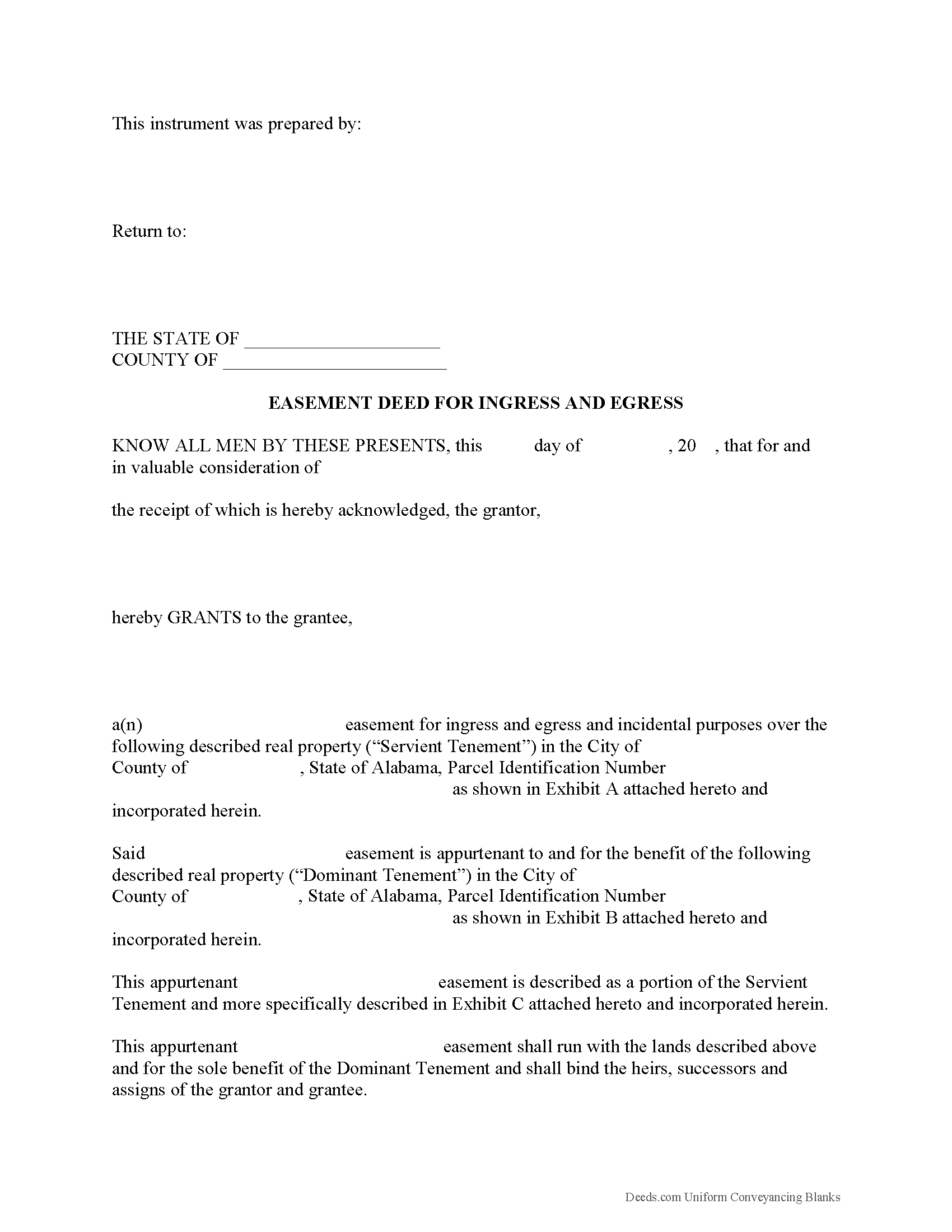
Lamar County Easement Deed Form
Fill in the blank form formatted to comply with all recording and content requirements.
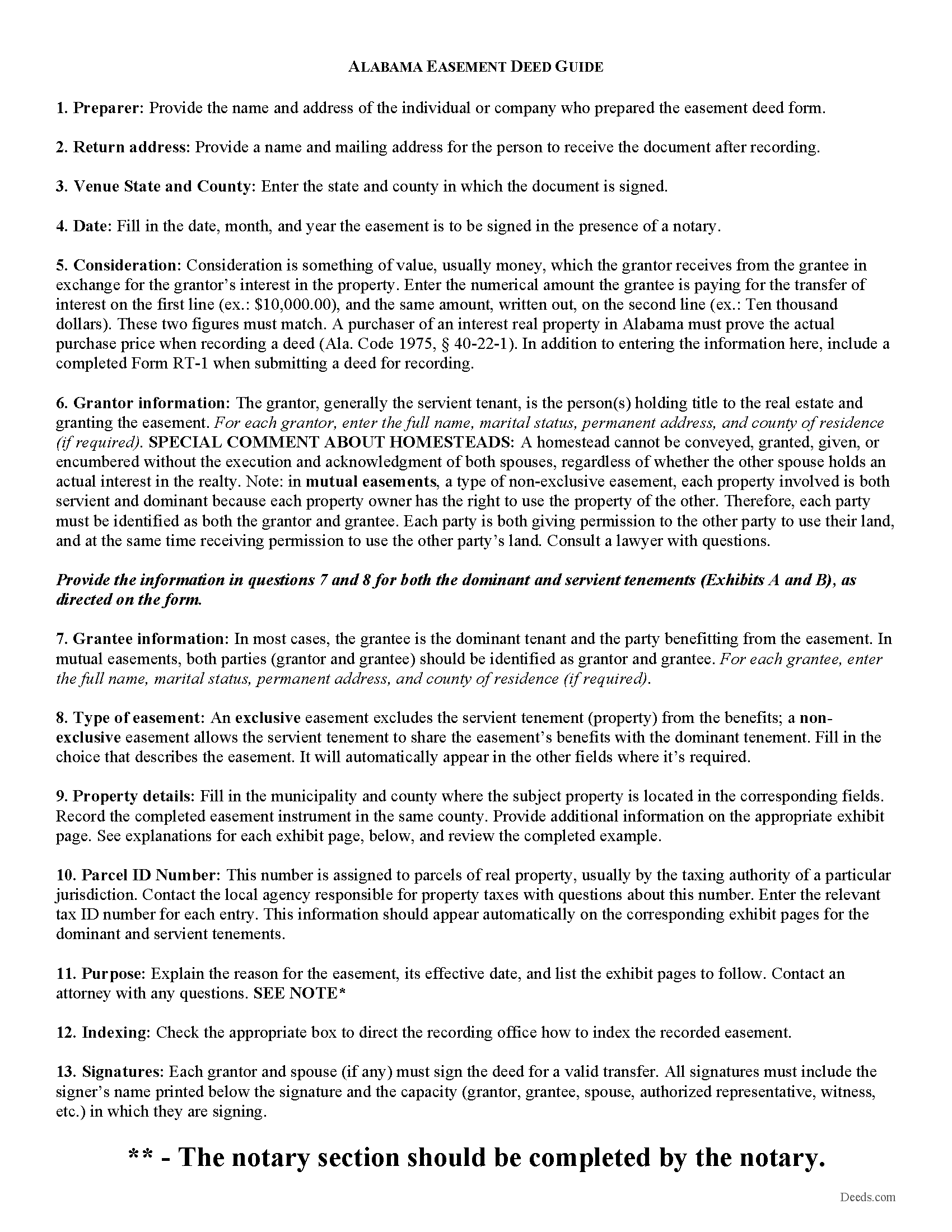
Lamar County Easement Deed Guide
Line by line guide explaining every blank on the form.
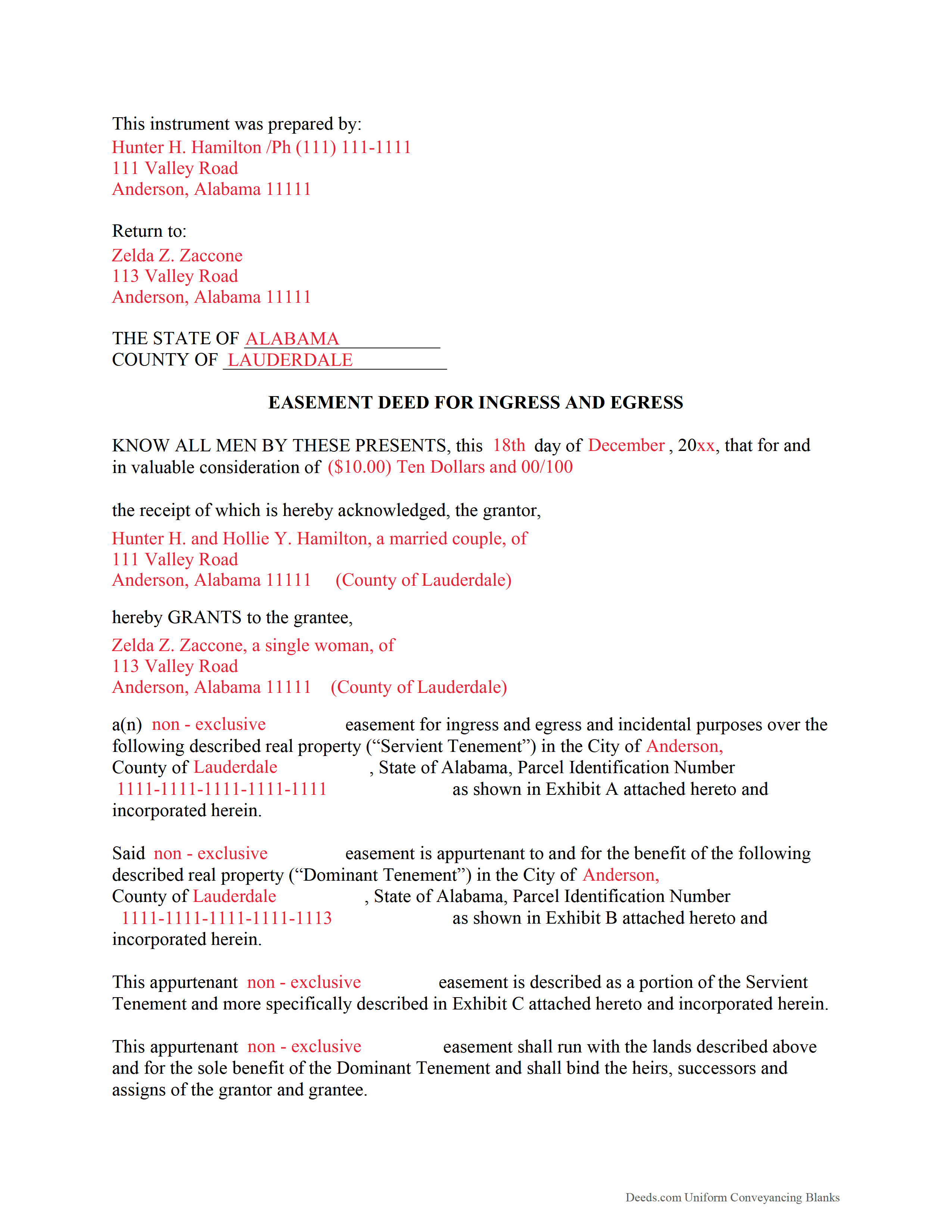
Lamar County Completed Example of the Easement Deed Document
Example of a properly completed form for reference.
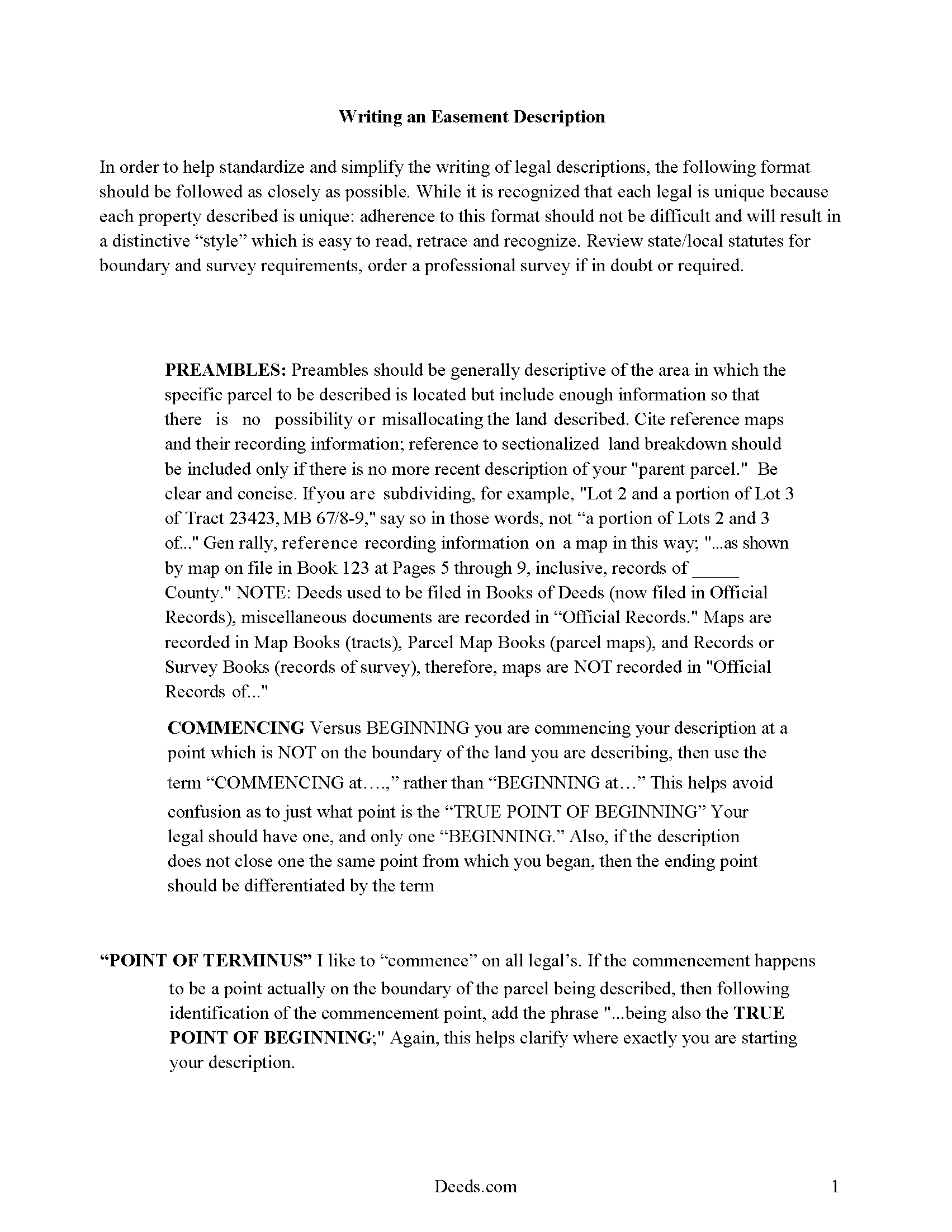
Lamar County Guide to Writing an Easement Description
A Description of the Easement will be required, apply this guide to write an acceptable description of an easement/right of way, which gives access, to and from - point A to point B.
All 4 documents above included • One-time purchase • No recurring fees
Immediate Download • Secure Checkout
Additional Alabama and Lamar County documents included at no extra charge:
Where to Record Your Documents
Lamar County Probate Office
Vernon, Alabama 35592
Hours: 8:00am to 5:00pm M-F
Phone: (205) 695-9119
Recording Tips for Lamar County:
- Bring your driver's license or state-issued photo ID
- Ensure all signatures are in blue or black ink
- Bring extra funds - fees can vary by document type and page count
- Check margin requirements - usually 1-2 inches at top
- Leave recording info boxes blank - the office fills these
Cities and Jurisdictions in Lamar County
Properties in any of these areas use Lamar County forms:
- Beaverton
- Detroit
- Kennedy
- Millport
- Sulligent
- Vernon
Hours, fees, requirements, and more for Lamar County
How do I get my forms?
Forms are available for immediate download after payment. The Lamar County forms will be in your account ready to download to your computer. An account is created for you during checkout if you don't have one. Forms are NOT emailed.
Are these forms guaranteed to be recordable in Lamar County?
Yes. Our form blanks are guaranteed to meet or exceed the applicable formatting requirements used for recording in Lamar County, including margin requirements, font requirements, and other layout standards. This guarantee applies to formatting, not to the legal sufficiency of information entered by the user or the suitability of a form for a particular transaction.
Can I reuse these forms?
Yes. You can reuse the forms for your personal use. For example, if you have multiple properties in Lamar County you only need to order once.
What do I need to use these forms?
The forms are PDFs that you fill out on your computer. The free Adobe Acrobat Reader is recommended, and most PDF apps also work. You do NOT enter your property information online - you download the blank forms and complete them privately on your own computer.
Are there any recurring fees?
No. This is a one-time purchase. Nothing to cancel, no memberships, no recurring fees.
How much does it cost to record in Lamar County?
Recording fees in Lamar County vary. Contact the recorder's office at (205) 695-9119 for current fees.
Questions answered? Let's get started!
An Alabama Easement Deed is used to grant a defined right to use another person’s land—such as for access, utilities, or drainage—while leaving ownership with the grantor. In Alabama, easements can arise without a written instrument through implication or necessity, which makes a clearly drafted and recorded easement deed especially important to establish scope, location, and enforceability in the county probate records.
What an Alabama Easement Deed Does and When It Is Used
An Alabama Easement Deed creates a non-possessory interest that allows the grantee to use a specific portion of the servient property for a stated purpose. It is commonly used for driveway access, shared roads, utility lines, ingress and egress, or drainage rights, particularly where adjoining parcels depend on one another for access or infrastructure.
Alabama-Specific Legal Requirements
Alabama requires conveyances of interests in land, including easements, to be in writing and signed by the grantor (Ala. Code § 35-4-20). The instrument should clearly identify:
- The grantor (servient owner) and grantee (benefited party)
- The purpose and scope of the easement
- A precise legal description of the affected area
- Whether the easement is permanent or limited in duration
Because Alabama recognizes implied and prescriptive easements, a recorded deed helps avoid disputes by defining the rights in express terms rather than relying on historical use.
Execution Requirements in Alabama
To be recordable, an Alabama Easement Deed must be properly executed. The grantor must sign the document, and the signature must be either:
- Attested by at least one witness, or
- Acknowledged before a notary public, which satisfies the witness requirement (Ala. Code § 35-4-20)
Only the grantor is required to sign, but all signatures must be properly acknowledged or witnessed for recording acceptance.
Common Alabama Easement Traps
- Homestead rights: If the property is a homestead, a spouse may need to join in the conveyance to release homestead rights (Ala. Code § 6-10-3). Failure to include the spouse can invalidate the easement.
- Marital status disclosure: Alabama practice requires stating the grantor’s marital status, which can affect title validity.
- Vague descriptions: Easements that lack a defined location or dimensions may lead to disputes or enforcement issues.
- Unrecorded easements: While valid between parties, unrecorded easements may not protect against subsequent purchasers without notice.
- Overlap with implied rights: Existing implied or prescriptive easements may conflict with new grants if not carefully reviewed.
Recording an Easement Deed in Alabama
Easement deeds are recorded in the probate office of the county where the property is located. Recording establishes priority and provides public notice of the easement (Ala. Code § 35-4-90). Requirements typically include:
- Original signed and acknowledged document
- Correct legal description of the burdened property
- Applicable recording fees set by the county
Prompt recording is critical because Alabama follows a race-notice system, meaning later purchasers who record first without notice of the easement may take priority.
Types of Easements Recognized in Alabama
- Appurtenant easements: Attach to and benefit a specific parcel of land and transfer automatically with that parcel
- Easements in gross: Benefit a person or entity rather than a parcel, often used for utilities
- Prescriptive easements: Arise through continuous, open, and adverse use over time
The type of easement affects transferability and duration, so the deed should clearly identify the nature of the interest being created.
Vesting and Duration Considerations
In Alabama, appurtenant easements typically run with the land and bind future owners of both the dominant and servient estates. Easements in gross may or may not be transferable depending on their terms. The deed should state whether the easement is perpetual or subject to conditions or termination events.
What the Download Package Includes
- Alabama Easement Deed form formatted for county recording
- Step-by-step instructions for completing the form
- Example of a properly completed easement deed
- Guidance on execution and recording requirements in Alabama
Important: Your property must be located in Lamar County to use these forms. Documents should be recorded at the county recording office listed above.
This Easement Deed meets all recording requirements specific to Lamar County.
Our Promise
The documents you receive here are guaranteed to meet or exceed the applicable Lamar County recording format requirements. If there is a rejection caused by our formatting, we will correct the issue or refund your payment. This guarantee applies to document formatting only and does not extend to information entered by the user, the selection of the form, or the legal effect of the completed document.
Save Time and Money
Get your Lamar County Easement Deed form done right the first time with Deeds.com Uniform Conveyancing Blanks. At Deeds.com, we understand that your time and money are valuable resources, and we don't want you to face a penalty fee or rejection imposed by a county recorder for submitting nonstandard documents. We constantly review and update our forms to meet rapidly changing state and county recording requirements for roughly 3,500 counties and local jurisdictions.
4.8 out of 5 - ( 4,840 Reviews )
Gene N. 5 out of 5 stars
My mind is blown! For some reason, our veteran title companies wouldn't record our deed but luckily, the assessor's page recommended Deeds and other sites to e-record. It was so simple and so convenient!
We appreciate your business and value your feedback. Thank you. Have a wonderful day!
Hans S. 5 out of 5 stars
This is my first time using this service so having not yet filed the documents I purchased, I will say that I am impressed at how comprehensive the instructions are that accompany the document I purchased.
We appreciate your business and value your feedback. Thank you. Have a wonderful day!
Daniel B. 5 out of 5 stars
A very easy to use and reasonably priced site. My documents were immediately available as was my receipt.
We appreciate your business and value your feedback. Thank you. Have a wonderful day!
Jason B. 5 out of 5 stars
KVH provided excellent customer service (great communication was provided). I would differently use this service if needed in the further.
We appreciate your business and value your feedback. Thank you. Have a wonderful day!
Jerri S. 5 out of 5 stars
Very helpful. Print out go to court house spent less then 15 minutes there and done! Thanks will use again.
Thank you Jerri, we appreciate your feedback.
Michael G. 5 out of 5 stars
Very helpful and easy to use
Your appreciative words mean the world to us. Thank you.
Kathy-Louise A. 5 out of 5 stars
I found the process of downloading and completing the documents very user friendly. Thank you for the Declare Value instructions. It was easy to follow, though a sample of the declaration form would be very useful. I didn't know how to list my "capacity" so I left it blank so the recorder could advise me. Otherwise, thank you so much for being available for people who are capable of completing simple legal tasks without the expense of a lawyer. Thank you, thank you, thank you!!!
Your appreciative words mean the world to us. Thank you.
Stephen G. 5 out of 5 stars
Well, we are 10 days from leaving the country for months and needed to notarize and record deed changes to our rental properties. We worried about USPS, UPS, DHL, etc. and hardcopies in the County's bureaucrats' hands. Soooo, we learned of Deeds.com from the County web site via one of the bulk digital recorders telling me about Deeds.com. Hit their site, read their instructions, concluded my tiny brain and decrepit abilities could handle the chore. WITHIN AN HOUR OF UPLOADING EVERYTHING INCLUDING C.C. FOR PMT IT WAS RECORDED AND I printed out copies. WORTH the $$ in speed, convenience and PEACE of mind. Pardon the loud trumpeting.
We appreciate your business and value your feedback. Thank you. Have a wonderful day!
James A. 5 out of 5 stars
Good.
Thank you!
Muriel S. 5 out of 5 stars
The three people we dealt with were courteous and helpful.
Thank you!
Joshua M. 5 out of 5 stars
Fast service, very responsive. Thank you!
We appreciate your business and value your feedback. Thank you. Have a wonderful day!
William M. 5 out of 5 stars
I found your service for deeds easy to use and I was able to quickly get the information (forms, example of forms filled out, and guide for filling out the form) down downloaded. I wish all government services and information was as easy to use as your's was. Thank you!
We appreciate your business and value your feedback. Thank you. Have a wonderful day!
Monica M. 5 out of 5 stars
I was very impressed with the quick responses I received from my questions. Usually when forced to communicate via email, responses aren't received right away. Thank you for being on top of things.
Thank you!
Susan J. 5 out of 5 stars
Simple and easy to use. I was thrilled to find deeds.com during my online search for deed forms and more pleased that I could narrow it down by state and county. Thanks
We appreciate your business and value your feedback. Thank you. Have a wonderful day!
Gloria S. 5 out of 5 stars
I needed a Contest of Lien form and was told by our County Department that the forms could be obtained online. The whole process of paying and receiving a PDF re-usable form was user friendly and the items that came with the purchase;the directions about filling out the form ect., were a fantastic addition for the price of the document. Happy customer!
We appreciate your business and value your feedback. Thank you. Have a wonderful day!