Limestone County Quitclaim Deed (Divorce) Form
Last validated September 7, 2026 by our Forms Development TeamFormatted for recording in Limestone County, for property anywhere in the county: rural and unincorporated areas as well as Ardmore, Athens, Belle Mina, Capshaw, Elkmont, Lester, Madison, Mooresville and 1 more.
- 3 documents included
- Immediate PDF download
- Formatting guarantee
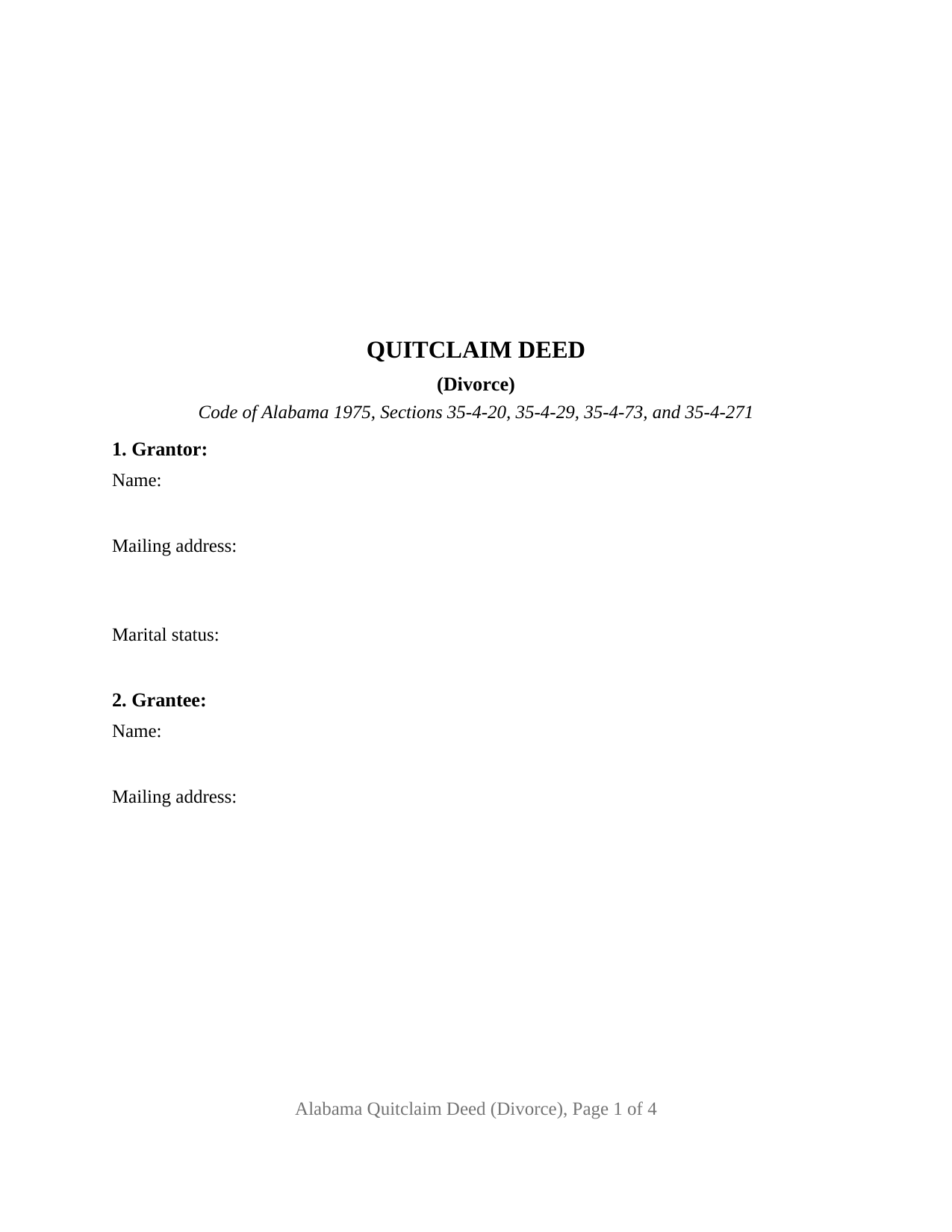
Limestone County Quitclaim Deed (Divorce) Form
Fill in the blank Quitclaim Deed (Divorce) form formatted to comply with all Alabama recording and content requirements.
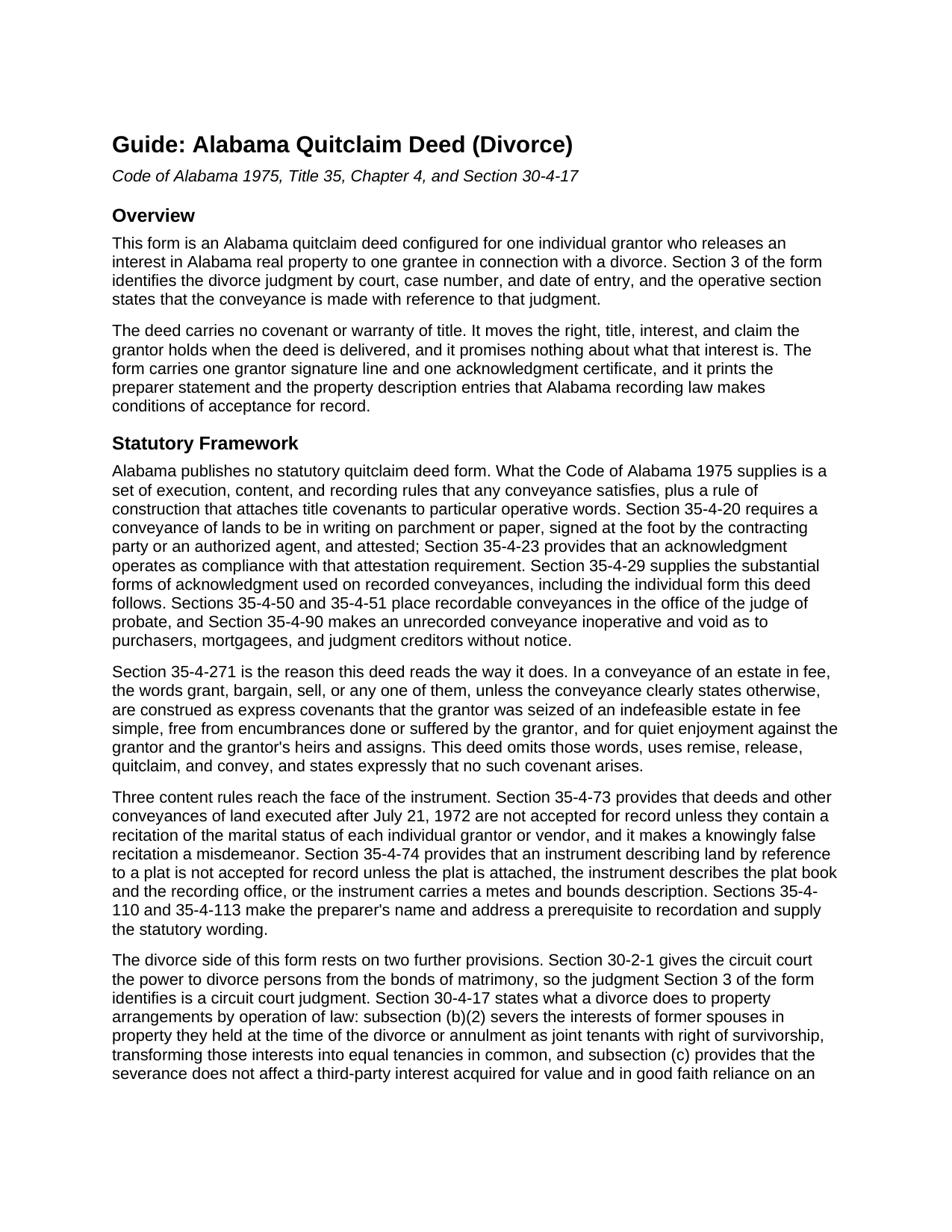
Limestone County Quitclaim Deed (Divorce) Guide
Line by line guide explaining every blank on the Quitclaim Deed (Divorce) form.
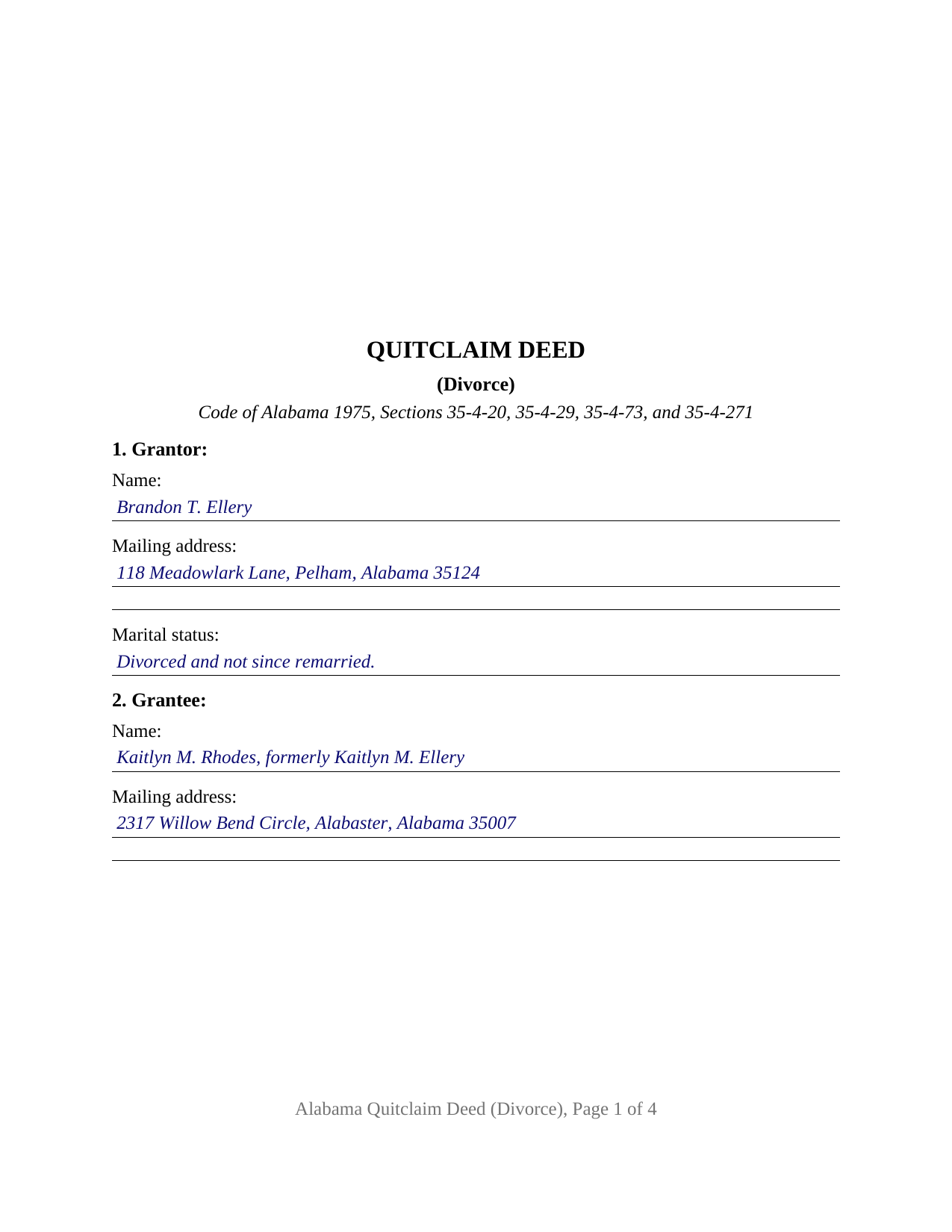
Limestone County Completed Example of the Quitclaim Deed (Divorce) Document
Example of a properly completed Alabama Quitclaim Deed (Divorce) document for reference.
All 3 documents above included • One-time purchase • No recurring fees
Immediate Download • Secure Checkout
Additional Alabama and Limestone County documents included at no extra charge:
Where to Record Your Documents
Probate Office: Recording Division
Athens, Alabama 35611
Hours: 8:00 to 4:30 M-F
Phone: (256) 233-6427
Recording Tips for Limestone County:
- Bring your driver's license or state-issued photo ID
- Ensure all signatures are in blue or black ink
- Ask about accepted payment methods when you call ahead
- Ask for certified copies if you need them for other transactions
- Ask if they accept credit cards - many offices are cash/check only
Cities and Jurisdictions in Limestone County
Properties in any of these areas use Limestone County forms:
- Ardmore
- Athens
- Belle Mina
- Capshaw
- Elkmont
- Lester
- Madison
- Mooresville
- Tanner
Hours, fees, requirements, and more for Limestone County
How do I get my forms?
Forms are available for immediate download after payment. The Limestone County forms will be in your account ready to download to your computer. An account is created for you during checkout if you don't have one. Forms are NOT emailed.
Are these forms guaranteed to be recordable in Limestone County?
Yes. Our form blanks are guaranteed to meet or exceed the applicable formatting requirements used for recording in Limestone County, including margin requirements, font requirements, and other layout standards. This guarantee applies to formatting, not to the legal sufficiency of information entered by the user or the suitability of a form for a particular transaction.
Can I reuse these forms?
Yes. You can reuse the forms for your personal use. For example, if you have multiple properties in Limestone County you only need to order once.
What do I need to use these forms?
The forms are PDFs that you fill out on your computer. The free Adobe Acrobat Reader is recommended, and most PDF apps also work. You do NOT enter your property information online - you download the blank forms and complete them privately on your own computer.
Are there any recurring fees?
No. This is a one-time purchase. Nothing to cancel, no memberships, no recurring fees.
How much does it cost to record in Limestone County?
Recording fees in Limestone County vary. Contact the recorder's office at (256) 233-6427 for current fees.
Questions answered? Let's get started!
Section 3 of this deed asks for a court, a case number, and a date. The Alabama Quitclaim Deed (Divorce) is drafted for one former spouse who releases an interest in Alabama real property to the other under a divorce judgment, and it names that judgment on the face of the instrument. No covenant of title travels with the release.
What the divorce already did to the title
Alabama does not wait for a deed to unwind a survivorship holding. Ala. Code Section 30-4-17(b)(2) severs the interests of former spouses in property held by them at the time of the divorce as joint tenants with the right of survivorship, transforming those interests into equal tenancies in common. Subsection (c) is why a paper still matters: the severance does not reach a third party who acquired an interest for value in good faith reliance on an apparent survivorship title, unless a writing declaring it has been recorded in the records relied on as evidence of ownership. A recorded release puts the change where a title examiner looks.
The judgment stays in the circuit court
Alabama divorce judgments are entered by the circuit court (Ala. Code Section 30-2-1), and this form identifies one by court, case number, and date of entry without attaching it. In capital letters the instrument states that it conveys title only, does not amend, satisfy, or enforce the judgment, and releases no debt secured by the property. Where a court moved title itself, Alabama Rule of Civil Procedure 70 lets a judgment divest a party's title and vest it in another with the effect of a conveyance executed in due form of law; a certified copy of that judgment is recorded separately and is no part of this package.
A marital status line after the marriage ends
Ala. Code Section 35-4-73 keeps a conveyance out of the record unless it recites the marital status of each individual grantor, for instruments executed after July 21, 1972. The completed example fills Section 1 as divorced and not since remarried. Timing shapes it: a grantor signing after entry of the judgment is a divorced individual, the term Section 30-4-17 itself uses, while a grantor signing during a pending case is still married, and Ala. Code Section 6-10-3 conditions a married person's homestead conveyance on the spouse's assent, shown by examination before an officer and by that officer's certificate. The deed prints the condition in capital letters, this configuration drawing one signature line.
Configured for one grantor and one judgment
Section 1 takes the grantor's name, mailing address, and marital status; Section 2 the grantee, often under a resumed name carrying the former name with it; Section 3 the court, case number, and date of entry. Section 11 carries one signature line, and a single certificate drawn from the individual form of Ala. Code Section 35-4-29 closes the instrument. A former spouse releasing an undivided half so the other holds the parcel alone, and a former spouse clearing a name the record still shows after a judgment awarded the property to the other party, present the pattern this deed recites. It is not set up for two grantors, a company grantor, a signer acting under a power of attorney, or a grantee taking in a representative capacity.
Release words, then the probate counter
The operative sentence remises, releases, quitclaims, and conveys, leaving out grant, bargain, and sell, the words Ala. Code Section 35-4-271 construes as express covenants in a fee conveyance; the deed states that none arises. Recording is with the judge of probate of the county holding the land; until then Ala. Code Section 35-4-90 leaves the deed void as to purchasers, mortgagees, and judgment creditors without notice. That office measures the Ala. Code Section 40-22-1 tax against the value of the interest conveyed and takes Alabama's sales value information on Form RT-1. Ala. Code Section 35-4-112 marks one difference there: that endorsement division reaches no decree or judgment, while this deed carries the statement Sections 35-4-110 and 35-4-113 require.
Shoppers reach this Alabama quitclaim deed under other names too: quit claim deed, quick claim deed, and divorce deed. The package holds a blank fillable PDF, a completed example built on a Shelby County release, and a guide walking Section 3's judgment blanks with every other entry and the certificate. These pages set out Alabama law generally and are not legal advice; an Alabama attorney can measure them against one judgment and one chain of title.
Important: Your property must be located in Limestone County to use these forms. Documents should be recorded at the county recording office listed above.
This Quitclaim Deed (Divorce) meets all recording requirements specific to Limestone County.
Our Promise
The documents you receive here are guaranteed to meet or exceed the applicable Limestone County recording format requirements. If there is a rejection caused by our formatting, we will correct the issue or refund your payment. This guarantee applies to document formatting only and does not extend to information entered by the user, the selection of the form, or the legal effect of the completed document.
Save Time and Money
Get your Limestone County Quitclaim Deed (Divorce) form done right the first time with Deeds.com Uniform Conveyancing Blanks. At Deeds.com, we understand that your time and money are valuable resources, and we don't want you to face a penalty fee or rejection imposed by a county recorder for submitting nonstandard documents. We constantly review and update our forms to meet rapidly changing state and county recording requirements for roughly 3,500 counties and local jurisdictions.
4.8 out of 5 - ( 4,832 Reviews )
Tim R. 5 out of 5 stars
Quick and efficient
Thank you Tim, we appreciate your feedback.
April K. 5 out of 5 stars
Thank you so much! Quick and easy. Received it in under 5 minutes.
We appreciate your business and value your feedback. Thank you. Have a wonderful day!
Scott H. 5 out of 5 stars
Very helpful
Thank you!
Delroy S. 5 out of 5 stars
Simple and complete. I found all the forms and Instructions I was looking for. Thank You.
We appreciate your business and value your feedback. Thank you. Have a wonderful day!
Tyler F. 5 out of 5 stars
worked great!!!
Awesome, great to hear. Thank you.
Renata L. 3 out of 5 stars
Was a bit difficult to navigate. I feel a fee to access the site and a fee to print is a bit much. I am in the real estate business and find the deeds very useful
Thank you for your feedback. We really appreciate it. Have a great day!
Constance F. 5 out of 5 stars
Quick and easy download with instructions and a sample document to ensure conformity to the different jurisdictions.
Thank you!
Samuel T. 5 out of 5 stars
So far, so good. explanations provided for the forms and instructions on how I should proceed were clear as a bell, and it was nice to get immediate delivery of the forms. I'll be looking for other ways to take advantage of this site, for sure.
Thank you!
Betty H. S. 5 out of 5 stars
I have no complaints thank you.
Thanks Betty, Have a great day!
david h. 5 out of 5 stars
very convenient...
Thank you!
Clay H. 5 out of 5 stars
The provided docs and guide were very helpful. Well worth the price in my opinion.
Thank you for your feedback. We really appreciate it. Have a great day!
michael b. 5 out of 5 stars
Your web site is very user friendly and easy to navigate I was very pleased with the experience
Thank you!
Annette H. 5 out of 5 stars
Deeds.com has done a wonderful job! They are quick to get back to me either with the Deed or reason why there is no Deed. You have saved me so much time using your services that I hope to keep using them for years to come! Thank you!
Thank you!
Marlin M. 5 out of 5 stars
all round GREAT!
Always great to hear kind words from such a long time customer Marlin, thank you.
Carol W. 2 out of 5 stars
The only reason for the low review was I could not find the form that I needed.
Sorry to hear that we did not have what you needed. We hope you found it somewhere. Have a wonderful day.