Etowah County Quitclaim Deed (Married Couple as Grantors) Form
Last validated October 12, 2026 by our Forms Development TeamFormatted for recording in Etowah County, for property anywhere in the county: rural and unincorporated areas as well as Altoona, Attalla, Boaz, Gadsden, Gallant, Rainbow City, Walnut Grove.
- 3 documents included
- Immediate PDF download
- Formatting guarantee
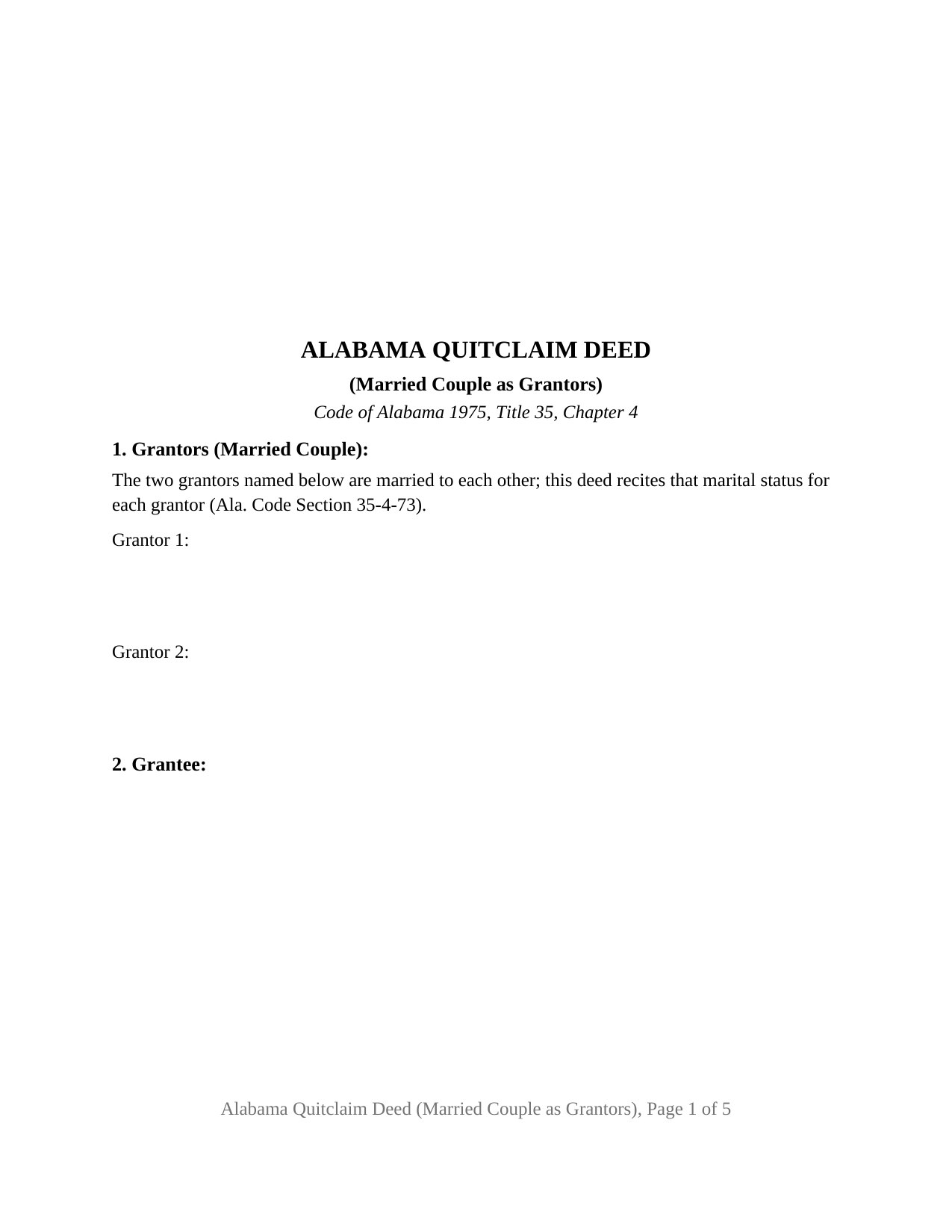
Etowah County Quitclaim Deed (Married Couple as Grantors) Form
Fill in the blank Quitclaim Deed (Married Couple as Grantors) form formatted to comply with all Alabama recording and content requirements.
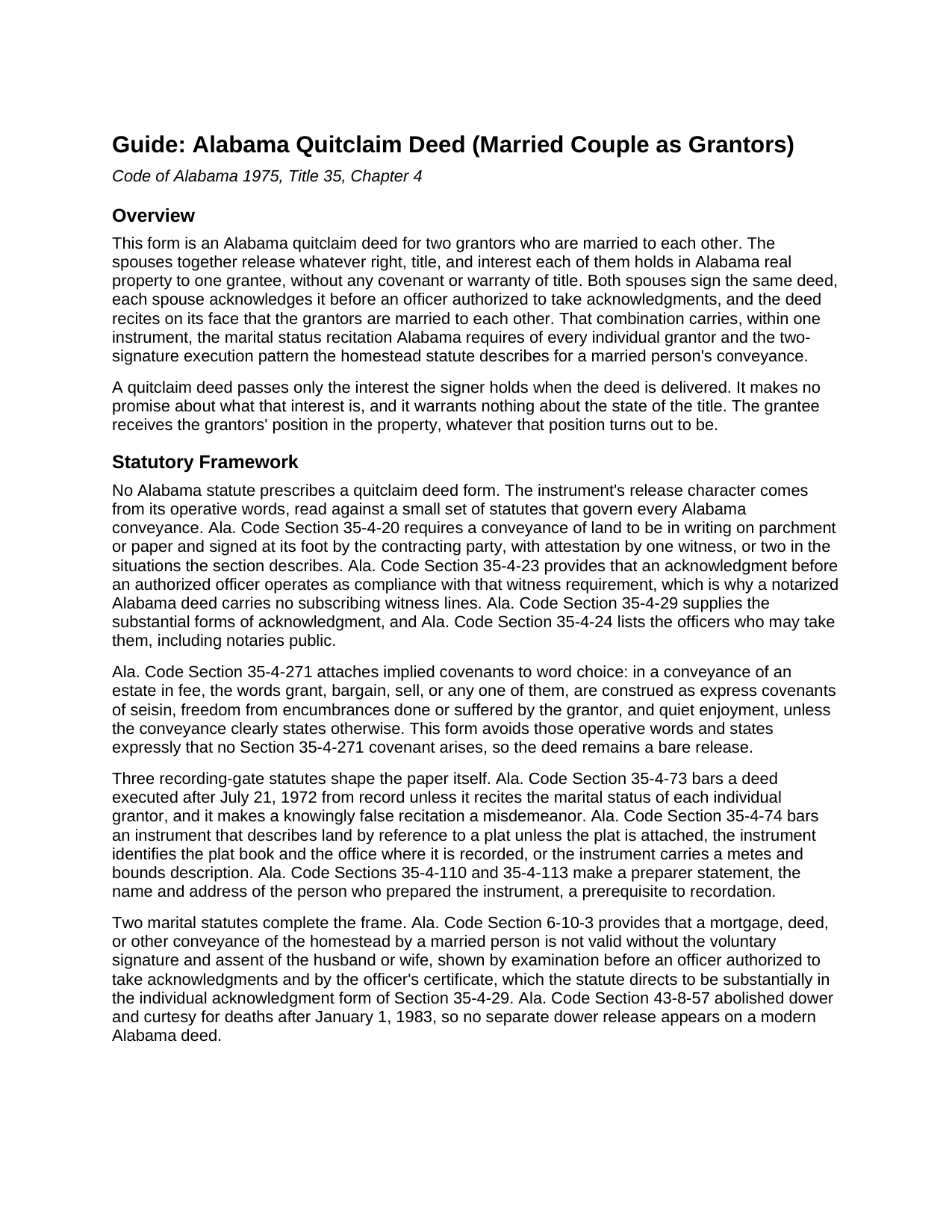
Etowah County Quitclaim Deed (Married Couple as Grantors) Guide
Line by line guide explaining every blank on the Quitclaim Deed (Married Couple as Grantors) form.
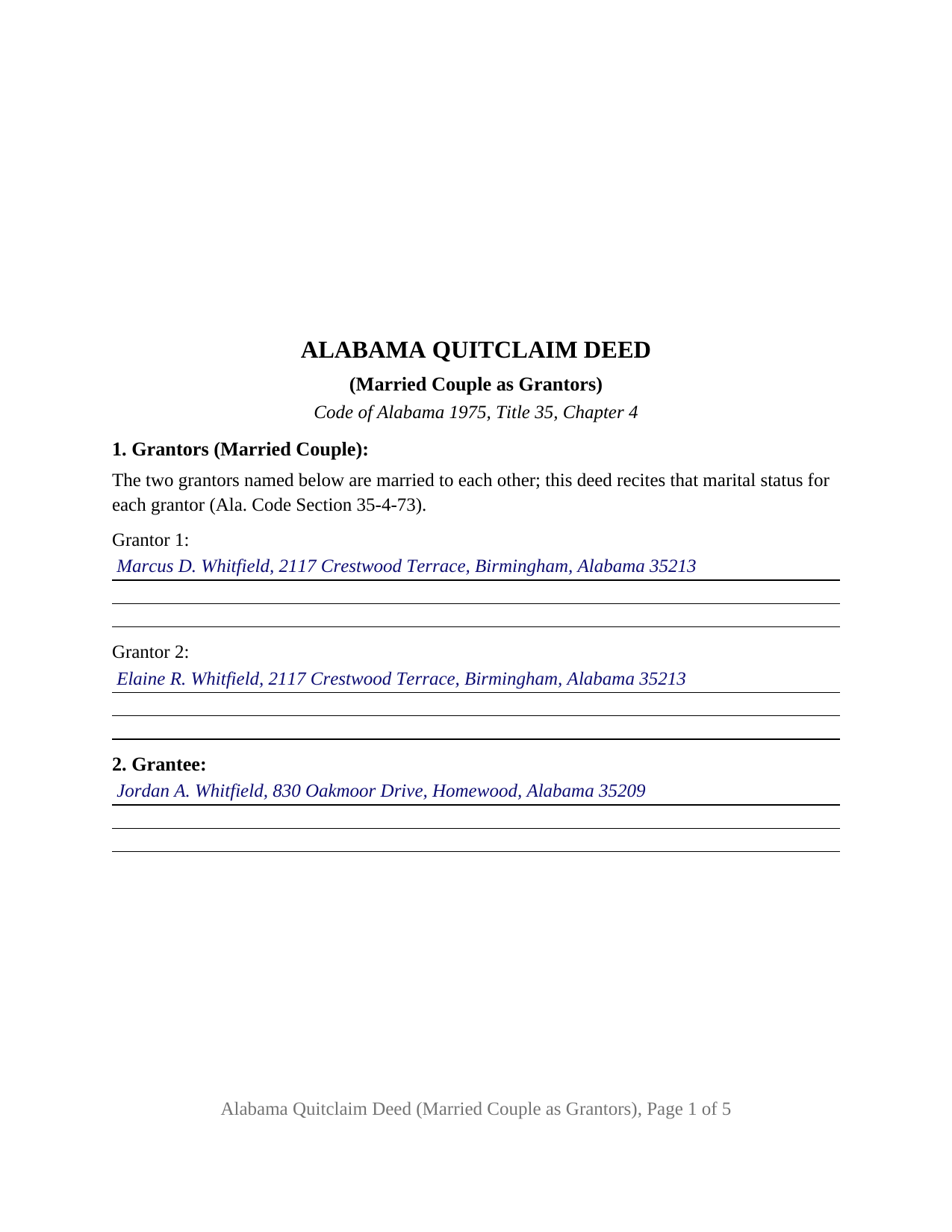
Etowah County Completed Example of the Quitclaim Deed (Married Couple as Grantors) Document
Example of a properly completed Alabama Quitclaim Deed (Married Couple as Grantors) document for reference.
All 3 documents above included • One-time purchase • No recurring fees
Immediate Download • Secure Checkout
Additional Alabama and Etowah County documents included at no extra charge:
Where to Record Your Documents
Etowah County Probate Office
Gadsden, Alabama 35901
Hours: 8:00am-5:00pm M-F
Phone: (256) 549-5341
Recording Tips for Etowah County:
- Bring your driver's license or state-issued photo ID
- Ensure all signatures are in blue or black ink
- Ask about accepted payment methods when you call ahead
- Ask for certified copies if you need them for other transactions
- Ask if they accept credit cards - many offices are cash/check only
Cities and Jurisdictions in Etowah County
Properties in any of these areas use Etowah County forms:
- Altoona
- Attalla
- Boaz
- Gadsden
- Gallant
- Rainbow City
- Walnut Grove
Hours, fees, requirements, and more for Etowah County
How do I get my forms?
Forms are available for immediate download after payment. The Etowah County forms will be in your account ready to download to your computer. An account is created for you during checkout if you don't have one. Forms are NOT emailed.
Are these forms guaranteed to be recordable in Etowah County?
Yes. Our form blanks are guaranteed to meet or exceed the applicable formatting requirements used for recording in Etowah County, including margin requirements, font requirements, and other layout standards. This guarantee applies to formatting, not to the legal sufficiency of information entered by the user or the suitability of a form for a particular transaction.
Can I reuse these forms?
Yes. You can reuse the forms for your personal use. For example, if you have multiple properties in Etowah County you only need to order once.
What do I need to use these forms?
The forms are PDFs that you fill out on your computer. The free Adobe Acrobat Reader is recommended, and most PDF apps also work. You do NOT enter your property information online - you download the blank forms and complete them privately on your own computer.
Are there any recurring fees?
No. This is a one-time purchase. Nothing to cancel, no memberships, no recurring fees.
How much does it cost to record in Etowah County?
Recording fees in Etowah County vary. Contact the recorder's office at (256) 549-5341 for current fees.
Questions answered? Let's get started!
Marriage puts an extra statute on an Alabama deed. Ala. Code Section 6-10-3 makes a married person's homestead conveyance turn on the other spouse's voluntary signature and assent, and Section 35-4-73 puts each individual grantor's marital status on the face of every deed. The Alabama Quitclaim Deed (Married Couple as Grantors) is drafted with both conditions already in its printed text: two spouses together pass their right, title, and interest in Alabama real property to one grantee, both sign, both acknowledge, and the deed states on its face that its grantors are married to each other.
The two-signature pattern the homestead statute describes
Section 6-10-3 gives the homestead conveyance a specific execution shape: the spouse's voluntary signature and assent, shown by examination before an officer authorized to take acknowledgments and by a certificate the statute directs to follow the individual acknowledgment form of Ala. Code Section 35-4-29. On this deed, that shape is the architecture. Both spouses are grantors; each signs, each appears before the officer, and each certificate carries the Section 35-4-29 substance. The deed reads the same whether record title stands in one spouse's name or in both, and whether or not the parcel is homestead: the signatures and certificates the statute contemplates are on the instrument either way.
One marital status, printed once for both grantors
Because the grantors are a couple, the deed handles the Section 35-4-73 recitation differently than a form for unrelated owners. Rather than asking twice, the first section prints the operative fact, that the two grantors named in it are married to each other, which recites the marital status of each grantor in a single sentence. The blanks in Section 1 take only each spouse's name and mailing address.
What a married couple actually holds in Alabama
Alabama recognizes no tenancy by the entirety, so marriage alone says nothing about how spouses hold their land. Under Ala. Code Section 35-4-7, spouses on a deed together are tenants in common unless their vesting deed expressed survivorship, in which case they hold as joint tenants with right of survivorship. Each spouse passes that spouse's own interest, whatever its form, and the configuration works equally where one spouse alone holds record title and the other joins to give the Section 6-10-3 assent. The grantee collects whatever the two interests amount to; the operative words remise, release, quitclaim, and convey, with an express statement that no covenant arises under Ala. Code Section 35-4-271, keep the instrument a bare release.
Spouses releasing together
The form recites exactly two grantors, married to each other, and one grantee. Section 9 carries a signature line, printed name, and date for each spouse, and an acknowledgment certificate for each spouse closes the instrument; a couple commonly completes both before one notary in a single sitting, as the included example shows. A married couple deeding the homeplace to an adult child, spouses moving a parcel to the trustee of their revocable living trust, and a husband and wife delivering their interests to a buyer who takes the title as it stands present the pattern this deed recites. The form is not set up as a release by one owner acting alone, by co-owners who are not spouses of one another, or by an entity grantor.
From signing table to probate office
Alabama treats acknowledgment as satisfying its deed-witnessing rule (Ala. Code Sections 35-4-20 and 35-4-23), so the notarized deed needs no subscribing witnesses. Recording happens with the judge of probate for the county where the land lies; Ala. Code Section 35-4-90 leaves an unrecorded conveyance void as to later purchasers, mortgagees, and judgment creditors without notice. The probate office collects the statutory deed tax on the value conveyed (Ala. Code Section 40-22-1) and the sales-value proof Alabama requires with deeds, commonly Department of Revenue Form RT-1, prepared separately when the deed is presented. The deed itself arrives intake-ready, with the statutory preparer statement in its text and the top three inches of page one left open for the recording stamp.
The download delivers this Alabama quitclaim deed for spouses, the same instrument buyers search for as a quit claim or quick claim deed, as a blank fillable PDF, with a completed example on a Jefferson County parents-to-child transfer and a guide covering every entry from the married-couple recitation to the notary blocks. The materials are informational and are not legal advice; how these rules operate on a specific title and marriage is a question for an Alabama attorney.
Important: Your property must be located in Etowah County to use these forms. Documents should be recorded at the county recording office listed above.
This Quitclaim Deed (Married Couple as Grantors) meets all recording requirements specific to Etowah County.
Our Promise
The documents you receive here are guaranteed to meet or exceed the applicable Etowah County recording format requirements. If there is a rejection caused by our formatting, we will correct the issue or refund your payment. This guarantee applies to document formatting only and does not extend to information entered by the user, the selection of the form, or the legal effect of the completed document.
Save Time and Money
Get your Etowah County Quitclaim Deed (Married Couple as Grantors) form done right the first time with Deeds.com Uniform Conveyancing Blanks. At Deeds.com, we understand that your time and money are valuable resources, and we don't want you to face a penalty fee or rejection imposed by a county recorder for submitting nonstandard documents. We constantly review and update our forms to meet rapidly changing state and county recording requirements for roughly 3,500 counties and local jurisdictions.
4.8 out of 5 - ( 4,828 Reviews )
FRANK O. 4 out of 5 stars
Easy to download and use the forms, however two forms needed for my county recording were not included.
Thank you for your feedback Frank. We'll look into finding and including the additional supplemental documents. Sometimes supplemental documents have to be generated by the county's system, specific to the transaction.
Matthew D. 5 out of 5 stars
Fantastic forms easy process couldn't be happier! Thanks
Thank you Matthew!
Connie B. 5 out of 5 stars
Needed to remove a deceased person from my mother's title. I live in another state. Deeds.com made it SO EASY to accomplish. I loved the example forms showing me how to fill out the forms that were provided. It went incredibly well at the County offices (all 3 departments!). Definitely will use Deeds.com again!
We appreciate your business and value your feedback. Thank you. Have a wonderful day!
Cynthia S. 5 out of 5 stars
I am an attorney assisting my son with some simple legal docs & this service saved me a lot of time and is user friendly!
We appreciate your business and value your feedback. Thank you. Have a wonderful day!
Jean M. 5 out of 5 stars
Very easy to use and easy to download
Thank you, Jean! We’re glad you found the process easy and the download straightforward. That’s exactly what we aim for. We appreciate you taking the time to share your experience!
Darrell G. 5 out of 5 stars
Very easy to work with.
Thank you!
Thomas C. 5 out of 5 stars
I got the right form but I waited too long to use it and Oregon changed the formatting. I should have checked and made sure the form was still good. Deeds responded quickly.
Thank you!
Mary L. 5 out of 5 stars
Great site. Very easy to use.
Thank you for your feedback. We really appreciate it. Have a great day!
Albert G. 5 out of 5 stars
Download was smooth. I'll post an update after I get a change to work with the forms.
Thank you!
Kathy Ann M. 5 out of 5 stars
Got the report. However, Retrieving process was not clear.
Thank you for your feedback. We really appreciate it. Have a great day!
Kirsten Z. 5 out of 5 stars
Thank you! Including the Guide and completed example was especially helpful.
Thank you for your feedback. We really appreciate it. Have a great day!
Kevin C. 2 out of 5 stars
I like your service, but the error message I received yesterday was confusing. It said that Utah County does not record cover pages, so I should either remove the cover page or change the “order“ of the documents being submitted. This is ambiguous. I examined my package and it looked like the cover page was already being submitted separately, as a supporting document at the end, and there was no way to explicitly change the ordering of the submitted documents, that is up to your service. So I removed the cover page. But that makes me nervous, how will they know where to route it when it is done? So now I’m not sure if it was submitted correctly.
Thank you for the review, Kevin, and for laying out exactly what you saw.
The message you received ("Utah County does not accept cover pages for recording. Please remove or reorder to the back. Thank you.") came directly from the Utah County Recorder. We pass recorder rejection notes along as written, and we agree it was ambiguous. Rejection notes from recording offices often are, since they are written for people who file in that county every day.
Supporting documents always travel behind the main document they belong to, so there was nothing for you to reorder, and by your description the cover page was already at the back. With the cover page removed, the package matched what the recorder's note asked for.
On routing: nothing is mailed back with e-recording. The recorder records the document image, adds the recording information, and returns the recorded copy electronically through the e-recording system to us. It then appears on your package in your account and you get a message from us. A cover page plays no part in that, so leaving it out did not affect where your document goes.
James S. 4 out of 5 stars
It worked great. But it turns out I didn't need it.
Thank you!
Kevin C. 5 out of 5 stars
Easy to use but the quit claim deep looked old and dated. The example of how to fill out should have asterisks stating what is need and what can be skipped
Thank you for your feedback. We really appreciate it. Have a great day!
Ray L. 5 out of 5 stars
Thank you, I am very satisfied with the process and will provide a final review after the documents are completed and accepted by the state.
Thank you for your feedback. We really appreciate it. Have a great day!