Boone County Assignment of Mortgage or Deed of Trust Form
Last validated October 9, 2026 by our Forms Development TeamFormatted for recording in Boone County, for property anywhere in the county: rural and unincorporated areas as well as Alpena, Bergman, Diamond City, Everton, Harrison, Lead Hill, Omaha, Valley Springs.
- 6 documents included
- Immediate PDF download
- Formatting guarantee
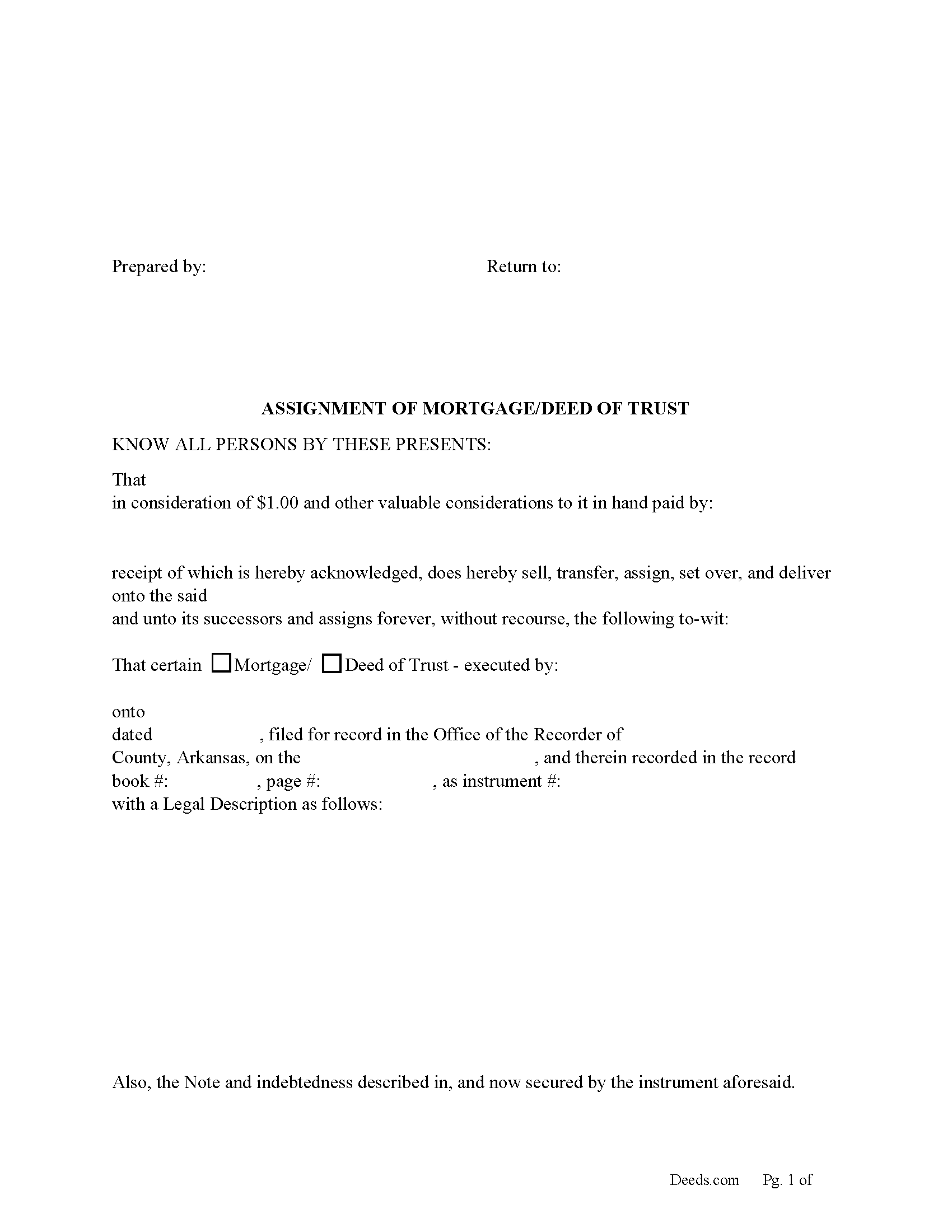
Boone County Assignment of Mortgage or Deed of Trust form
Fill in the blank form formatted to comply with all recording and content requirements.
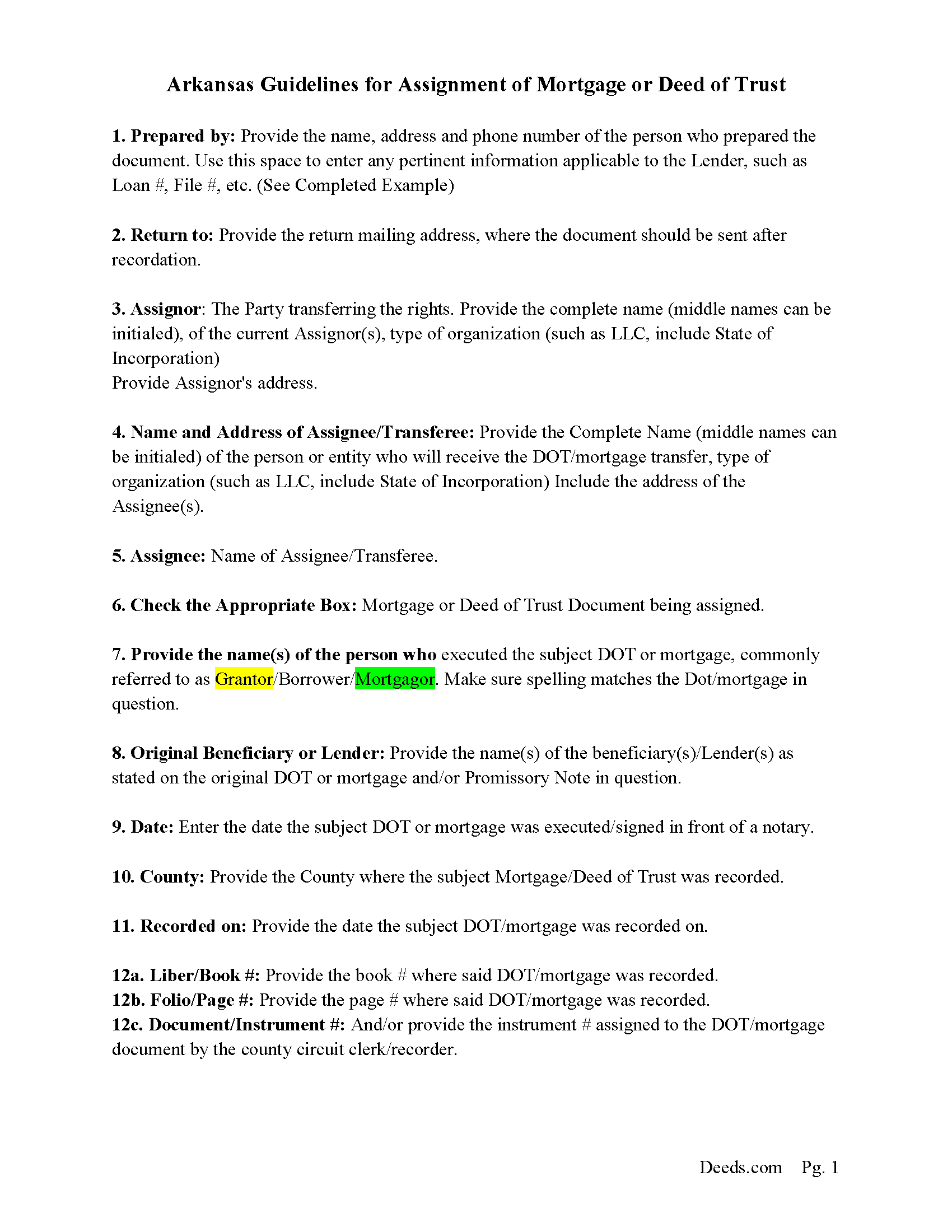
Boone County Assignment Guidelines
Line by line guide explaining every blank on the form.
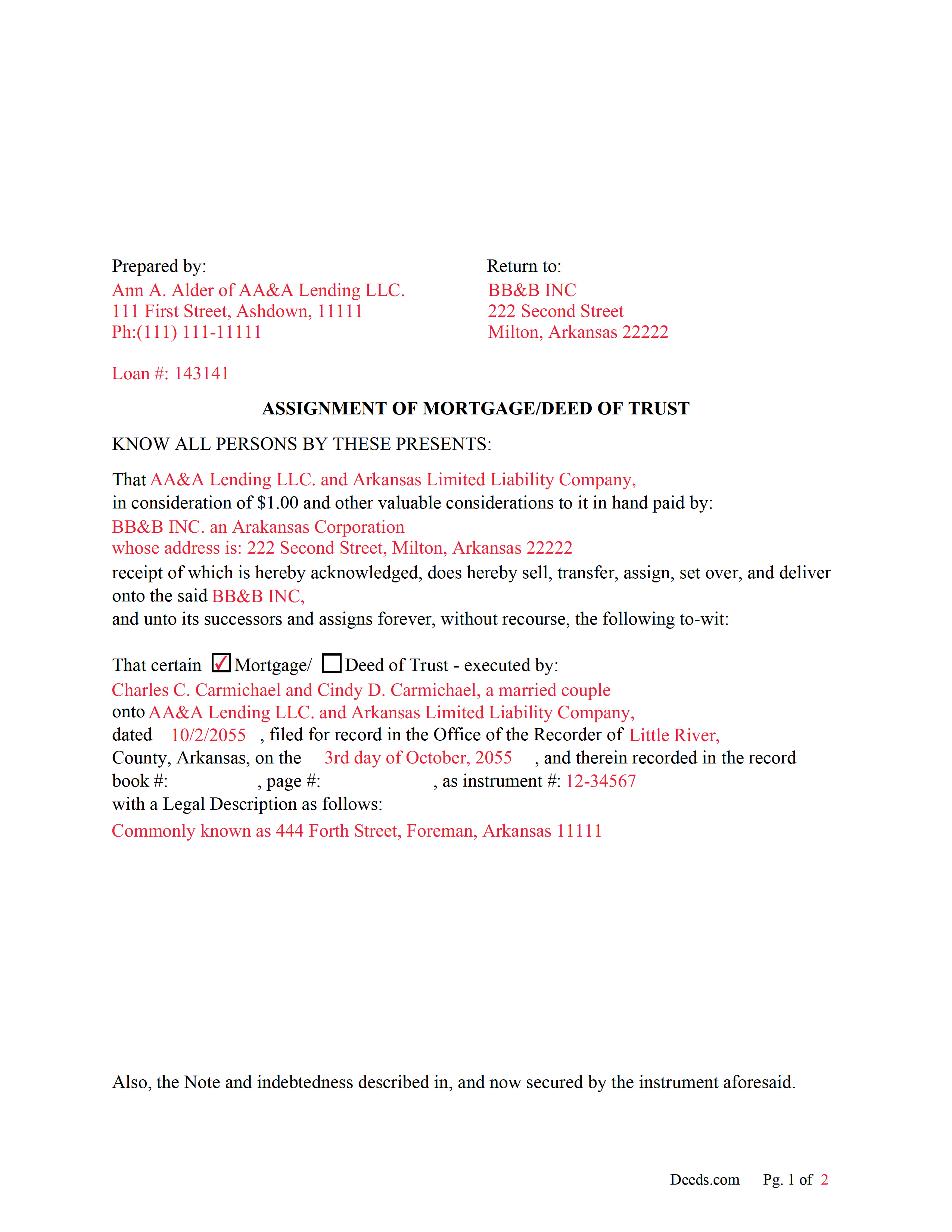
Boone County Completed Example of an Assignment Document
Example of a properly completed form for reference.
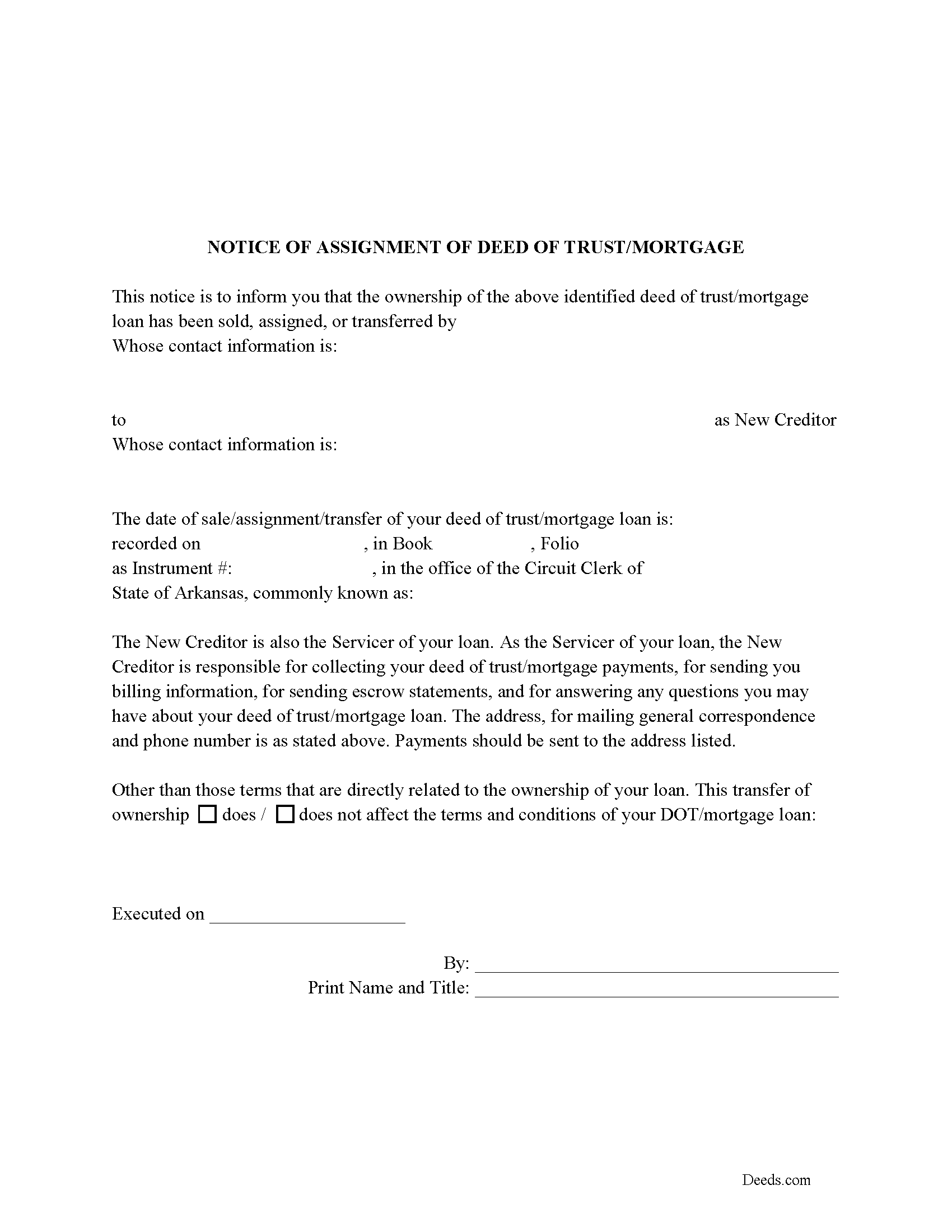
Boone County Notice of Assignment of Mortgage or DOT
Required form notifies borrowers of the recorded Assignment.
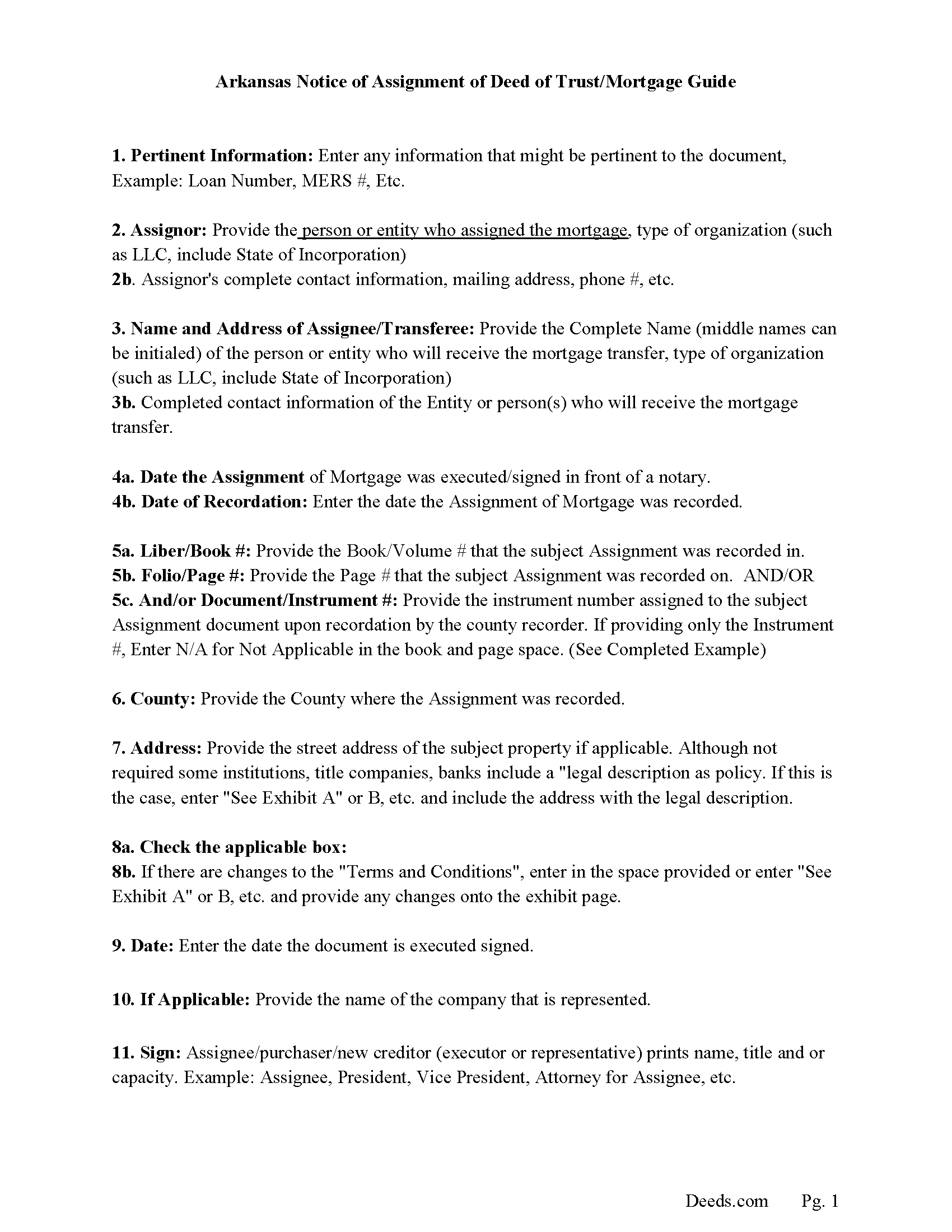
Boone County Notice of Assignment Guidelines
Line by line guide explaining every blank on the form.
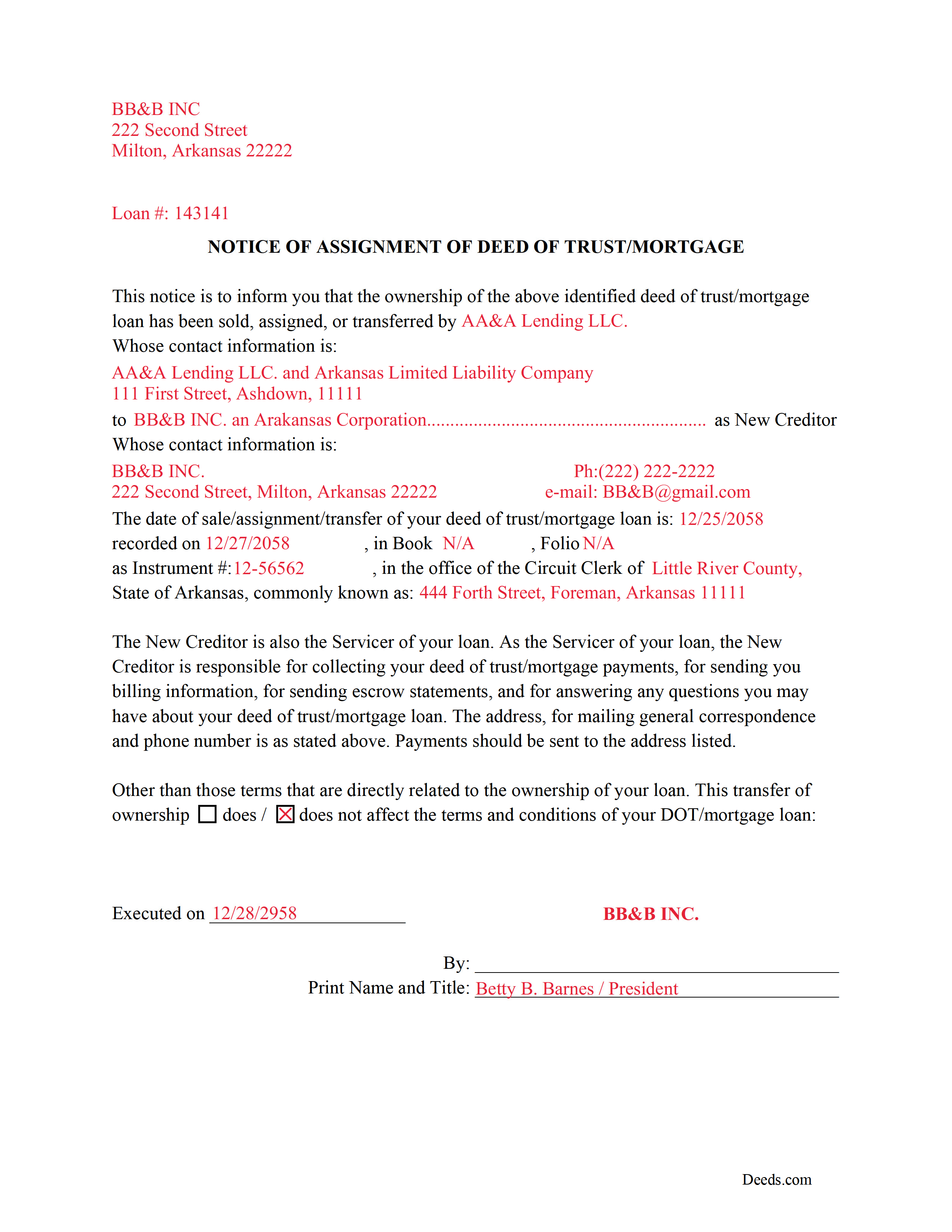
Boone County Completed Example of a Notice of Assignment Document
Example of a properly completed form for reference.
All 6 documents above included • One-time purchase • No recurring fees
Immediate Download • Secure Checkout
Additional Arkansas and Boone County documents included at no extra charge:
Where to Record Your Documents
Boone County Circuit Clerk
Harrison, Arkansas 72601
Hours: 8:00 to 4:30 M-F
Phone: (870) 741-5560
Recording Tips for Boone County:
- Bring your driver's license or state-issued photo ID
- Ensure all signatures are in blue or black ink
- Request a receipt showing your recording numbers
- Ask about accepted payment methods when you call ahead
- Ask for certified copies if you need them for other transactions
Cities and Jurisdictions in Boone County
Properties in any of these areas use Boone County forms:
- Alpena
- Bergman
- Diamond City
- Everton
- Harrison
- Lead Hill
- Omaha
- Valley Springs
Hours, fees, requirements, and more for Boone County
How do I get my forms?
Forms are available for immediate download after payment. The Boone County forms will be in your account ready to download to your computer. An account is created for you during checkout if you don't have one. Forms are NOT emailed.
Are these forms guaranteed to be recordable in Boone County?
Yes. Our form blanks are guaranteed to meet or exceed the applicable formatting requirements used for recording in Boone County, including margin requirements, font requirements, and other layout standards. This guarantee applies to formatting, not to the legal sufficiency of information entered by the user or the suitability of a form for a particular transaction.
Can I reuse these forms?
Yes. You can reuse the forms for your personal use. For example, if you have multiple properties in Boone County you only need to order once.
What do I need to use these forms?
The forms are PDFs that you fill out on your computer. The free Adobe Acrobat Reader is recommended, and most PDF apps also work. You do NOT enter your property information online - you download the blank forms and complete them privately on your own computer.
Are there any recurring fees?
No. This is a one-time purchase. Nothing to cancel, no memberships, no recurring fees.
How much does it cost to record in Boone County?
Recording fees in Boone County vary. Contact the recorder's office at (870) 741-5560 for current fees.
Questions answered? Let's get started!
Use these forms to assign/transfer a previously recorded mortgage or deed of trust onto a new party, this is frequently done when a mortgage/deed of trust has been sold.
Notice of Assignment Form Included.
The Truth and lending act requires that borrowers be notified when their Mortgage/Deed of Trust debt has been sold, transferred, or assigned to a new creditor.
Title 18 - Property
Subtitle 4 - Mortgages and Liens
Chapter 40 - Mortgages
18-40-109. Transfer, etc., by separate instrument
(a)
(1) No provision contained in 18-40-103, 18-40-106, 18-40-107, and this section shall prevent any mortgagee, trustee, agent of owner of record, or the owner of record, transferee, or assignee appearing of record, from selling, transferring, or assigning any deed of trust, mortgage, or vendor's lien retained in deed by separate instrument duly acknowledged and recorded.
(2) At the time of recording any separate instrument transferring any mortgage, deed of trust, vendor's lien, or lien retained in deed, note, bond, or other instrument, the clerk and ex officio recorder in the office in which the transfer or assignment shall appear shall note on the margin of the record of the original mortgage, deed of trust, or deed retaining vendor's lien a memorandum noting that the lien contained in the instrument, and the notes or other instruments evidenced thereby, have been transferred, to whom transferred, the date of the transfer, and the book and page where the separate instrument and transfer may be found.
(3) The failure of the clerk and ex officio recorder to make the marginal entry or notation shall not invalidate the sale, transfer, or assignment recorded as provided in this section.
(b)
(1) The clerks in counties which use other than paper recording systems shall not allow any assignment by marginal notation after December 31, 1995.
(2) Any such marginal notation entered after December 31, 1995, is void
(Arkansas Assignment Package includes form, guidelines, and completed example) For use in Arkansas only.
Important: Your property must be located in Boone County to use these forms. Documents should be recorded at the county recording office listed above.
This Assignment of Mortgage or Deed of Trust meets all recording requirements specific to Boone County.
Our Promise
The documents you receive here are guaranteed to meet or exceed the applicable Boone County recording format requirements. If there is a rejection caused by our formatting, we will correct the issue or refund your payment. This guarantee applies to document formatting only and does not extend to information entered by the user, the selection of the form, or the legal effect of the completed document.
Save Time and Money
Get your Boone County Assignment of Mortgage or Deed of Trust form done right the first time with Deeds.com Uniform Conveyancing Blanks. At Deeds.com, we understand that your time and money are valuable resources, and we don't want you to face a penalty fee or rejection imposed by a county recorder for submitting nonstandard documents. We constantly review and update our forms to meet rapidly changing state and county recording requirements for roughly 3,500 counties and local jurisdictions.
4.8 out of 5 - ( 4,819 Reviews )
Tonya B. 5 out of 5 stars
Easy and fast. I will definitely use this service again.
Thank you for your feedback. We really appreciate it. Have a great day!
Allan y. 5 out of 5 stars
I liked the guide and example to follow to fill out the form. Very helpful!!
Thank you!
Jayne S. 5 out of 5 stars
Very prompt and excellent service!
Thank you for your feedback. We really appreciate it. Have a great day!
Reed W. 5 out of 5 stars
Thanks
Thank you!
Nawal F. 5 out of 5 stars
Friendly user
Thank you!
Anne M H. 5 out of 5 stars
Appears to be just what I need. Quick and easy to download. Thank you
We appreciate your business and value your feedback. Thank you. Have a wonderful day!
Larry R. 5 out of 5 stars
I appreciate the opportunity to take care of business without the hassle of parking, security checks and lines. It was all done quickly and easily.
Thank you!
Daniel D. 5 out of 5 stars
Well done. A little pricy.
Thank you!
Michael G M. 5 out of 5 stars
The download files should have the name of the form included. The present numeric soup is frustrating to navigate.
Thank you for your feedback. We really appreciate it. Have a great day!
Catherine W. 5 out of 5 stars
I appreciate your prompt and honest response. You did not find what I was looking for but You also did not charge Me. It was a pleasure working with You.
Thank you for your feedback Catherine, sorry we were unable to find what you needed. Have a wonderful day.
Traci R. 1 out of 5 stars
I was disappointed in the form received. The language was not clear and for the price, one would think we would receive a Word version rather than a PDF.
Sorry to hear of your struggle Traci. We have canceled your order and payment. We do hope that you find something more suitable to your needs elsewhere. Have a wonderful day.
Juan M. 5 out of 5 stars
Very happy
We appreciate your business and value your feedback. Thank you. Have a wonderful day!
Jeffrey S. 5 out of 5 stars
Web site was clear to understand and easy to use. Found what I needed quickly and crossed it off my to do list. Thanks, JS
We are grateful for your feedback and looking forward to serving you again. Thank you!
Eileen C. 5 out of 5 stars
Easy, fast, affordable. Satisfied customer
Thank you!
Theresa B. 4 out of 5 stars
Will review after I attempt to complete. I like your site. Im very nervous to try this Hope not outdated information. Will let you know if filing goes okay.
Thank you!