Yell County Quitclaim Deed (Corporation Grantor) Form
Last validated October 12, 2026 by our Forms Development TeamFormatted for recording in Yell County, for property anywhere in the county: rural and unincorporated areas as well as Belleville, Bluffton, Briggsville, Centerville, Danville, Dardanelle, Gravelly, Havana and 3 more.
- 3 documents included
- Immediate PDF download
- Formatting guarantee
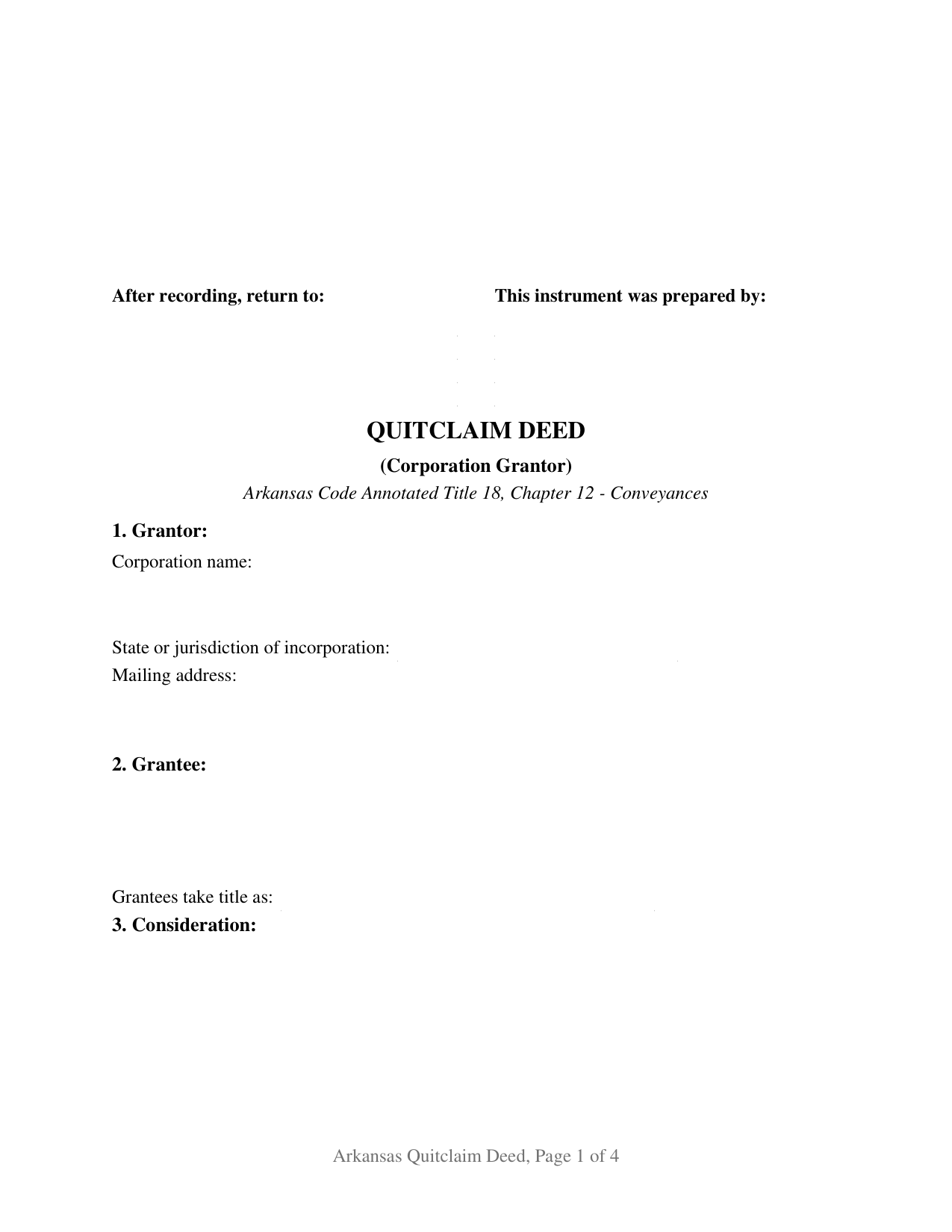
Yell County Quitclaim Deed (Corporation Grantor) Form
Fill in the blank Quitclaim Deed (Corporation Grantor) form formatted to comply with all Arkansas recording and content requirements.
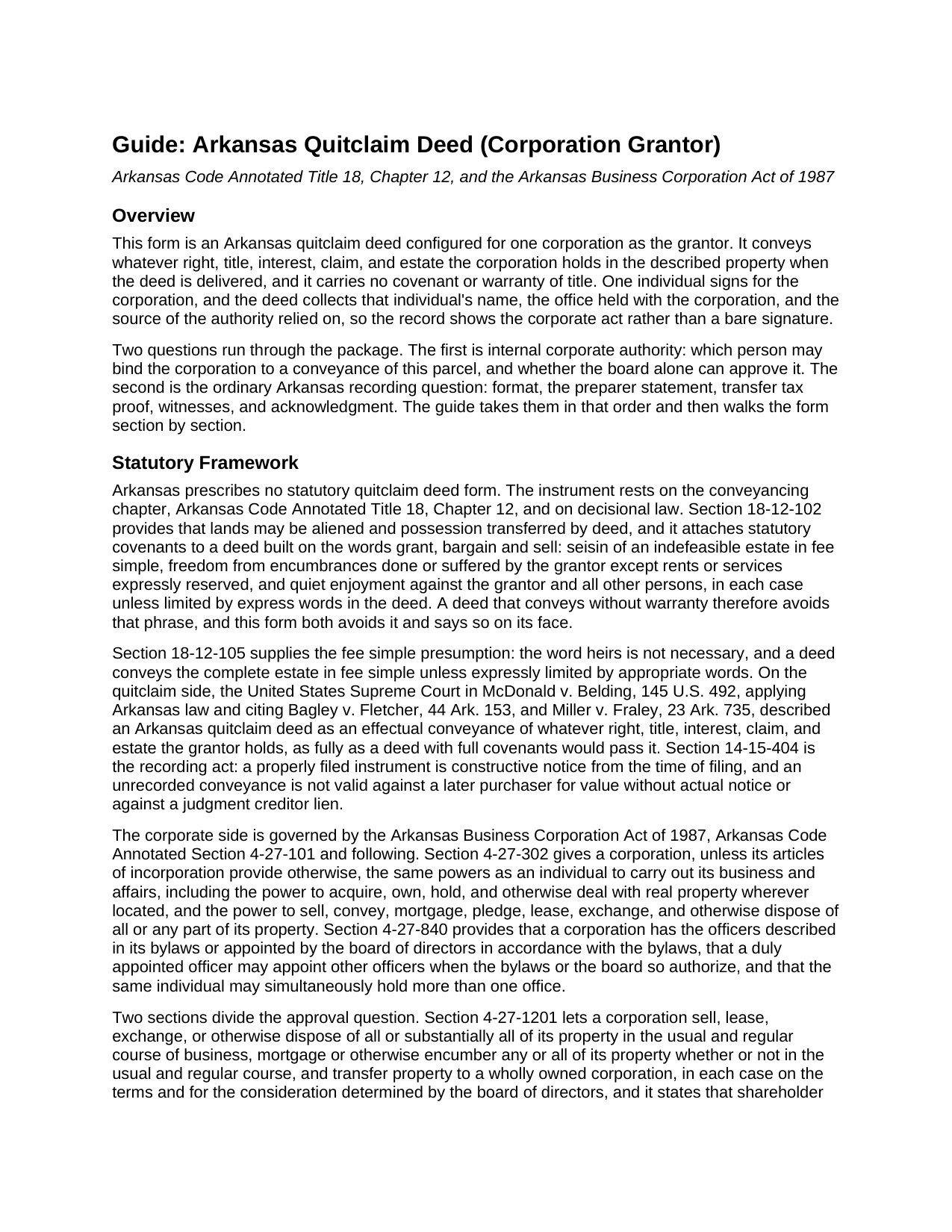
Yell County Quitclaim Deed (Corporation Grantor) Guide
Line by line guide explaining every blank on the Quitclaim Deed (Corporation Grantor) form.
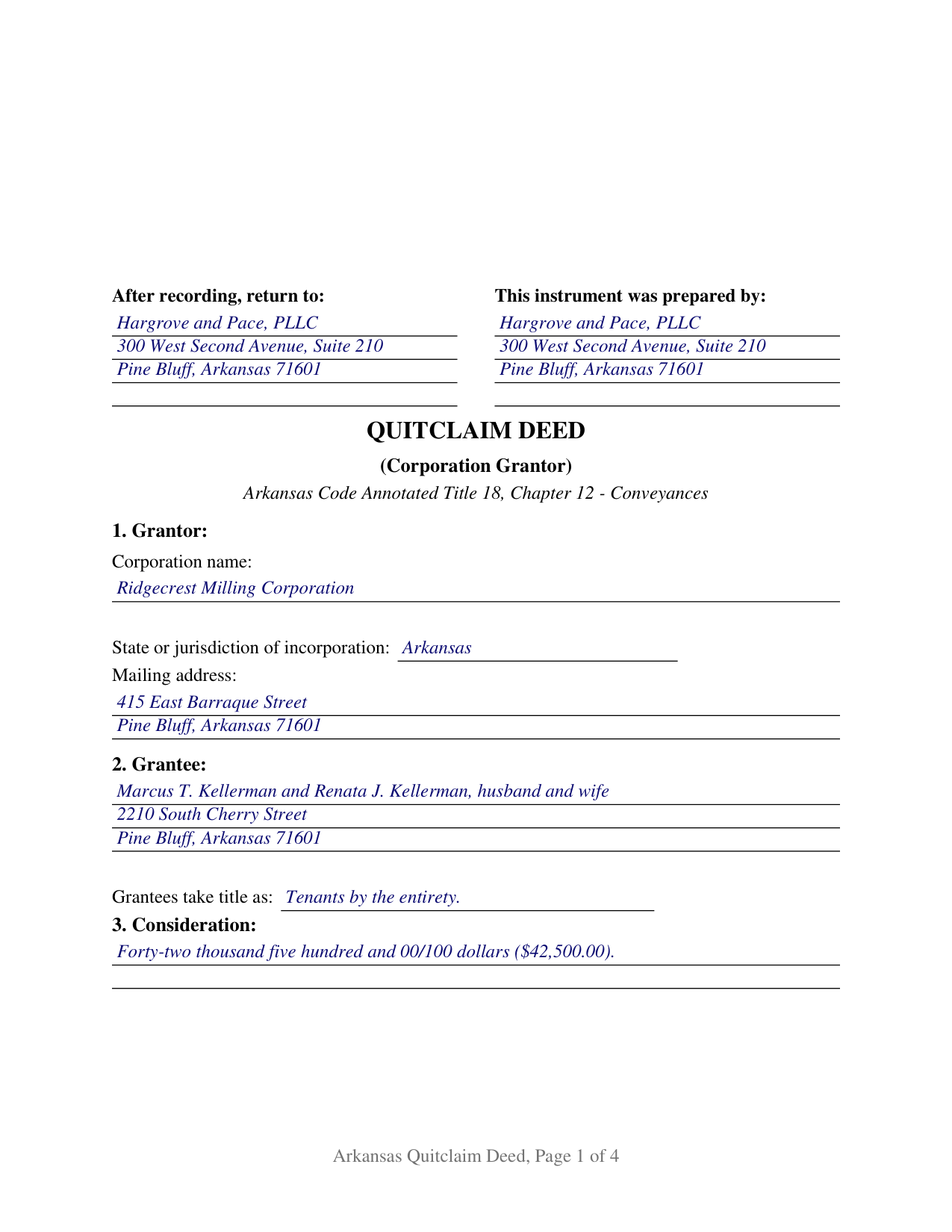
Yell County Completed Example of the Quitclaim Deed (Corporation Grantor) Document
Example of a properly completed Arkansas Quitclaim Deed (Corporation Grantor) document for reference.
All 3 documents above included • One-time purchase • No recurring fees
Immediate Download • Secure Checkout
Additional Arkansas and Yell County documents included at no extra charge:
Where to Record Your Documents
Circuit and County Clerk
Danville, Arkansas 72833
Hours: 8:00am to 4:30pm M-F
Phone: (479) 495-4850
Circuit & County Clerk
Dardanelle , Arkansas 72834
Hours: 8:00am to 4:30pm M-F
Phone: (479) 229-4404
Recording Tips for Yell County:
- Bring your driver's license or state-issued photo ID
- Ensure all signatures are in blue or black ink
- Check margin requirements - usually 1-2 inches at top
- Leave recording info boxes blank - the office fills these
- Make copies of your documents before recording - keep originals safe
Cities and Jurisdictions in Yell County
Properties in any of these areas use Yell County forms:
- Belleville
- Bluffton
- Briggsville
- Centerville
- Danville
- Dardanelle
- Gravelly
- Havana
- Ola
- Plainview
- Rover
Hours, fees, requirements, and more for Yell County
How do I get my forms?
Forms are available for immediate download after payment. The Yell County forms will be in your account ready to download to your computer. An account is created for you during checkout if you don't have one. Forms are NOT emailed.
Are these forms guaranteed to be recordable in Yell County?
Yes. Our form blanks are guaranteed to meet or exceed the applicable formatting requirements used for recording in Yell County, including margin requirements, font requirements, and other layout standards. This guarantee applies to formatting, not to the legal sufficiency of information entered by the user or the suitability of a form for a particular transaction.
Can I reuse these forms?
Yes. You can reuse the forms for your personal use. For example, if you have multiple properties in Yell County you only need to order once.
What do I need to use these forms?
The forms are PDFs that you fill out on your computer. The free Adobe Acrobat Reader is recommended, and most PDF apps also work. You do NOT enter your property information online - you download the blank forms and complete them privately on your own computer.
Are there any recurring fees?
No. This is a one-time purchase. Nothing to cancel, no memberships, no recurring fees.
How much does it cost to record in Yell County?
Recording fees in Yell County vary. Contact the recorder's office at (479) 495-4850 for current fees.
Questions answered? Let's get started!
Two questions decide how an Arkansas corporation signs away real estate, and the Business Corporation Act of 1987 answers them in separate places: who inside the corporation may sign, and how much of the corporation moves with the parcel, because a tract amounting to all or substantially all of the corporate property takes a shareholder vote no officer supplies alone. This quitclaim deed is configured for one corporation as grantor and releases whatever interest it holds, with no warranty of title.
Where board power stops
Arkansas Code Annotated Section 4-27-302 gives a corporation, unless its articles provide otherwise, an individual's powers to own real property and to sell, convey, mortgage, lease, and exchange it. Section 4-27-1201 leaves a disposition in the usual and regular course of business, a mortgage of any property, and a transfer to a wholly owned corporation to the board of directors alone, with no shareholder approval unless the articles require one. Section 4-27-1202 draws the opposite line: a disposition of all or substantially all of the property, outside that course, takes a board proposal, a notice describing the transaction, and approval by a majority of all votes entitled to be cast. For a closely held corporation whose only real asset is the tract in the deed, that boundary is the transaction.
What the authority section records
Officers exist because the bylaws describe them or the board appoints them under the bylaws, which is what Section 4-27-840 provides, and no corporate title carries conveyancing power by its name alone. So the human side of the signature gets its own numbered section: the individual signing, the office held, and the source of authority, whether a bylaws provision, a board resolution, or a shareholder approval. That office repeats on the printed name line and in the notarial certificate, so one capacity reads consistently.
A curative rule written for entity certificates
Section 16-47-107(a) prints the acknowledgment form for instruments affecting Arkansas real estate executed by corporations and other legal entities, with the appearing person stating the capacity held in that behalf. Strict adherence is not the measure: under Section 18-12-208(c) an instrument is not insufficient because the acknowledgment departs from the printed form, drops the consideration and purposes phrase, lists a mismatched gender, or omits the title of the person acknowledging for a corporation. The certificate here carries that substance and names the capacity anyway, which is what a later examiner reads.
Three words the deed does not use
Section 18-12-102 converts grant, bargain and sell into statutory covenants of title unless express words limit them, so a no warranty conveyance keeps clear of the phrase. The conveyance section operates by remise, release, and forever quitclaim, and it adds that the signing individual conveys no individual interest and gives no personal covenant.
One corporation, one signer, one certificate
The form recites one corporation with its jurisdiction of incorporation, one signing individual, and a grantee block with a vesting line. Two disinterested witnesses subscribe under Section 18-12-104, and one notarial certificate follows, since one person signs for the grantor. No marital status entry appears, because a corporation has no spouse. Patterns presenting this configuration recur in the records: a corporation clearing the chain after a merger under a former name, a corporation releasing a surplus tract to a purchaser who prices no assurance about the title, and a corporation quitting whatever interest an old subdivision plat left in its name. A deed by two corporations, and one by a corporation acting as trustee, sit outside these blocks.
Stamps, identification, and the circuit clerk
Arkansas charges its transfer tax on actual consideration above one hundred dollars, and the deed prints the Section 26-60-110 certification for the grantee or that person's agent beside the statutory exemption sentence; the guide covers the affidavit route and the Section 26-60-102 exemption list. Act 752 of 2025 reaches the individual signing on behalf of a grantor, so on a corporate filing the identification a counter or mail presentation has carried since August 5, 2025 belongs to the officer named in the authority section.
What the download delivers
The package holds this deed as a fillable PDF, a completed example worked through a Jefferson County release out of a milling corporation, and a plain language guide to the blanks, the authority and execution formalities, and recording. Searches landing here include corporate quitclaim deed, quit claim deed from a corporation, and quick claim deed signed by a company officer. The materials are informational and are not legal advice.
Important: Your property must be located in Yell County to use these forms. Documents should be recorded at the county recording office listed above.
This Quitclaim Deed (Corporation Grantor) meets all recording requirements specific to Yell County.
Our Promise
The documents you receive here are guaranteed to meet or exceed the applicable Yell County recording format requirements. If there is a rejection caused by our formatting, we will correct the issue or refund your payment. This guarantee applies to document formatting only and does not extend to information entered by the user, the selection of the form, or the legal effect of the completed document.
Save Time and Money
Get your Yell County Quitclaim Deed (Corporation Grantor) form done right the first time with Deeds.com Uniform Conveyancing Blanks. At Deeds.com, we understand that your time and money are valuable resources, and we don't want you to face a penalty fee or rejection imposed by a county recorder for submitting nonstandard documents. We constantly review and update our forms to meet rapidly changing state and county recording requirements for roughly 3,500 counties and local jurisdictions.
4.8 out of 5 - ( 4,829 Reviews )
Craig L. 5 out of 5 stars
Fast and easy and saved me $240. What's not to like? Five stars.
We appreciate your business and value your feedback. Thank you. Have a wonderful day!
Monica S. 5 out of 5 stars
Great forms, thank you so much.
Thank you for your feedback. We really appreciate it. Have a great day!
Roy B. 5 out of 5 stars
Great way to get forms needed and fill them out then we only need to record them!
Thank you!
Jan C. 5 out of 5 stars
Wow - finding your service was a lifesaver! I know my forms, but I don't have the time right now to draft them from "scratch". So once I found this site it was a couple of quick clicks and VOILA!! almost a done deal. Thanks for the assistance.
Thank you for your feedback. We really appreciate it. Have a great day!
Myrna P. 5 out of 5 stars
Easy to download, form very user friendly, and its customized to our county. Very much worth the money.
Thank you Myrna. Have a fantastic day!
Eric D. 5 out of 5 stars
Very helpful and informative. It has saved me time going to get the forms at county recorder / clerk (as my county and state websites dont offer forms on their sites) and also provided help understanding the uses of the specific deed I needed to use.
Thank you Eric. Have a great day!
Debra H. 5 out of 5 stars
I find this site easy to use and every form I may need. Now to figure out how to fill in on line. :)
Thank you for your feedback Debra. Be sure to download the forms and fill them out on your computer, they should not be filled out "online". Have a great day.
Jeffrey T. 5 out of 5 stars
First Time User here. Simple and easy. Delivered Deed in excellent time. Sure beats going to the recorder's office.
Thank you for your feedback. We really appreciate it. Have a great day!
William S. 5 out of 5 stars
Contents were well done. Could not remove and replace the "Deeds/" footer, rendering the form unusable for filing with a court and county deed records. This should be corrected.
Thank you for your feedback. We really appreciate it. Have a great day!
Melody P. 5 out of 5 stars
Thanks once again for such great service!
Thank you!
Mark & Linda W. 4 out of 5 stars
Quite simple and easy. Only one critique: It would be easier if the names of the PDF would reflect the name of the deed/form such as 'Controlling tax return' rather than '1579101185SF56863.pdf'. However I love downloading forms rather than mail.
Thank you for your feedback. We really appreciate it. Have a great day!
Angela W. 5 out of 5 stars
Very helpful and very quick to respond. Thank you!
We appreciate your business and value your feedback. Thank you. Have a wonderful day!
Michael O. 5 out of 5 stars
Great experience. Pre-printed forms, line explanations and samples - solve a lot of problems, eliminate many headaches and research. Thank You!!!
We appreciate your business and value your feedback. Thank you. Have a wonderful day!
Stephen E. 5 out of 5 stars
Thank you for your great response on my needs. In less than 24 hours I had my documents in hand as needed. Looking forward to working with Deeds.com again. Steve Esler
Thank you for your feedback Steve, glad we could help.
Anabel H. 5 out of 5 stars
Everything went smoothly, quickly and efficiently.
We appreciate your business and value your feedback. Thank you. Have a wonderful day!