Montgomery County Affidavit of Non Payment Form
Last validated September 29, 2026 by our Forms Development TeamFormatted for recording in Montgomery County, for property anywhere in the county: rural and unincorporated areas as well as Ailey, Alston, Mount Vernon, Tarrytown, Uvalda.
- 3 documents included
- Immediate PDF download
- Formatting guarantee
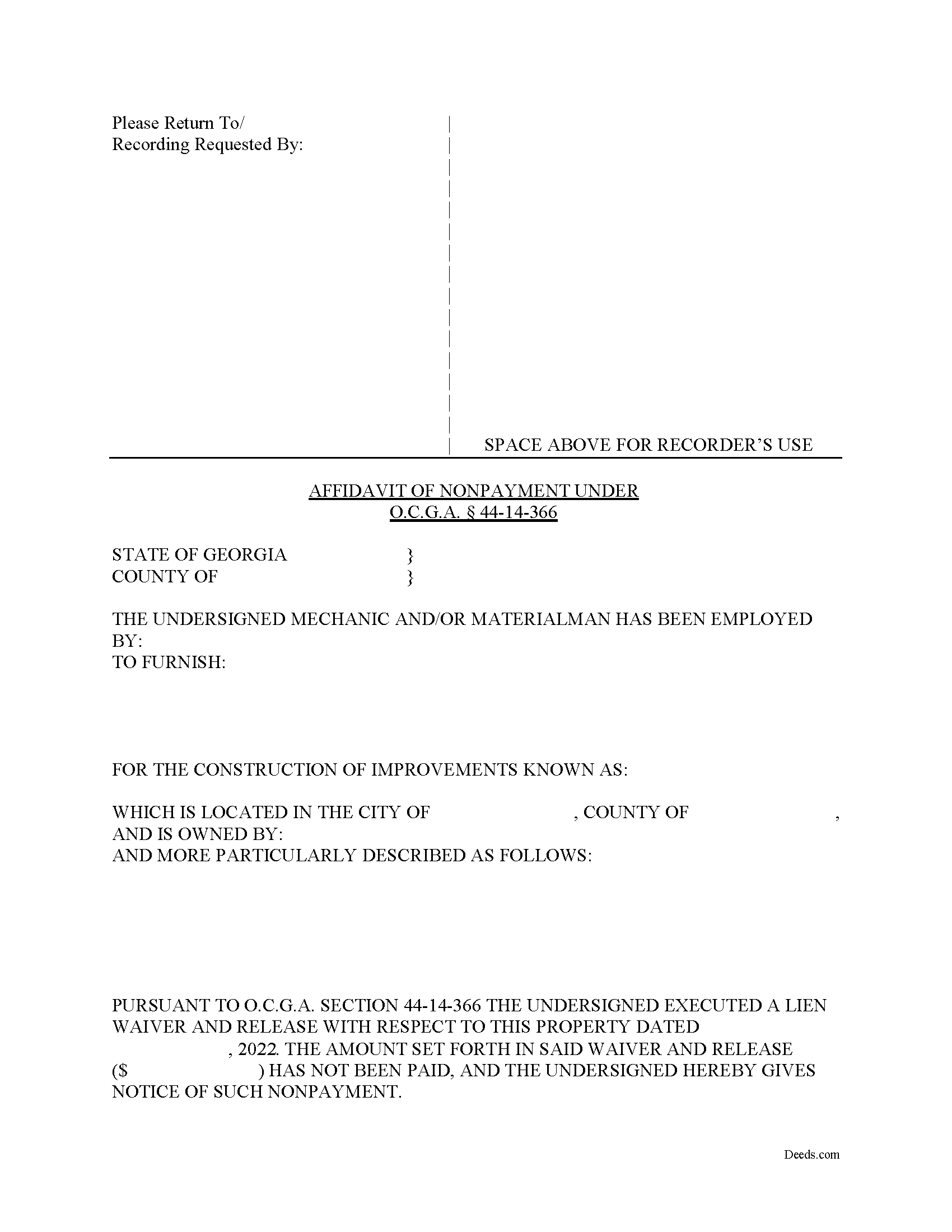
Montgomery County Affidavit of Non Payment Form
Fill in the blank Affidavit of Non Payment form formatted to comply with all Georgia recording and content requirements.
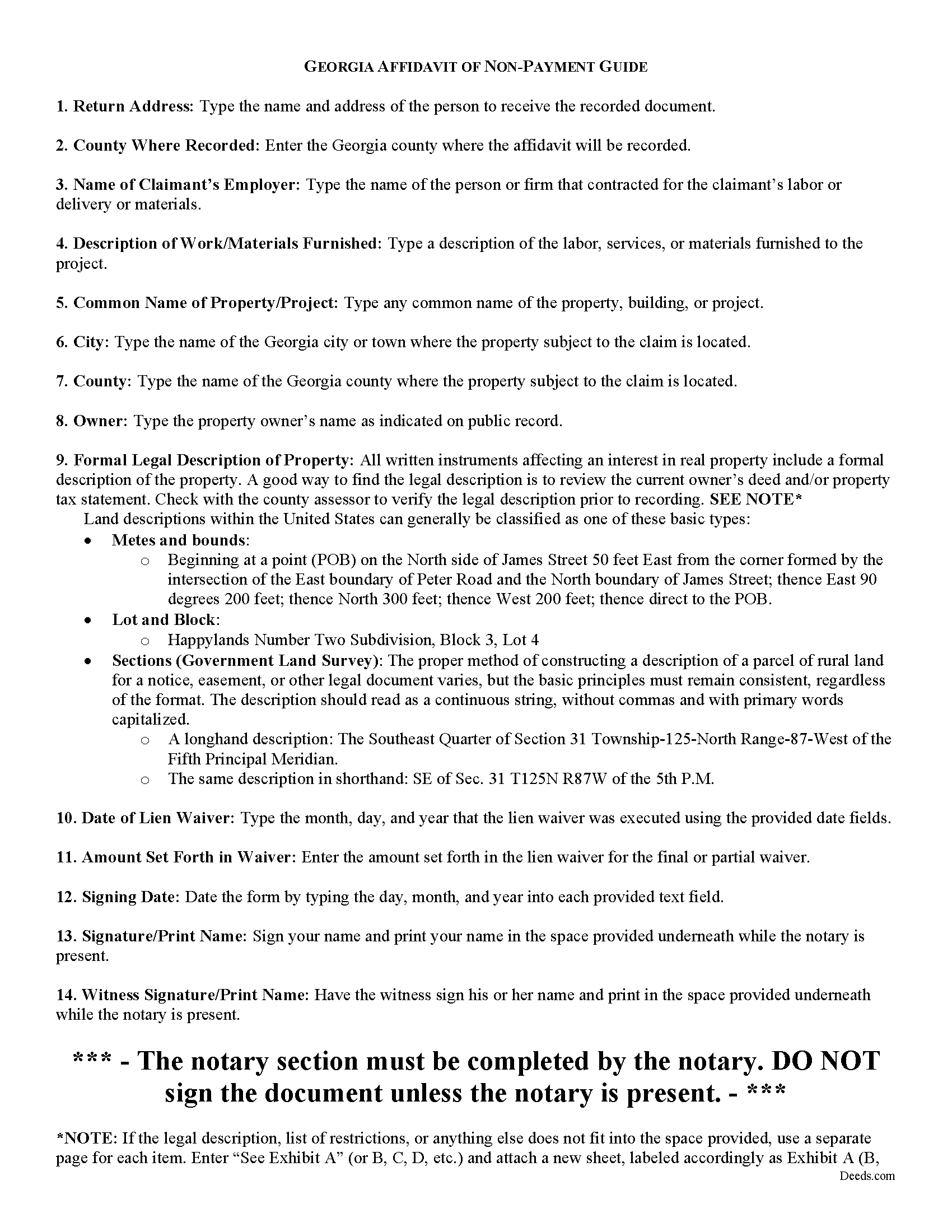
Montgomery County Affidavit of Non Payment Guide
Line by line guide explaining every blank on the form.
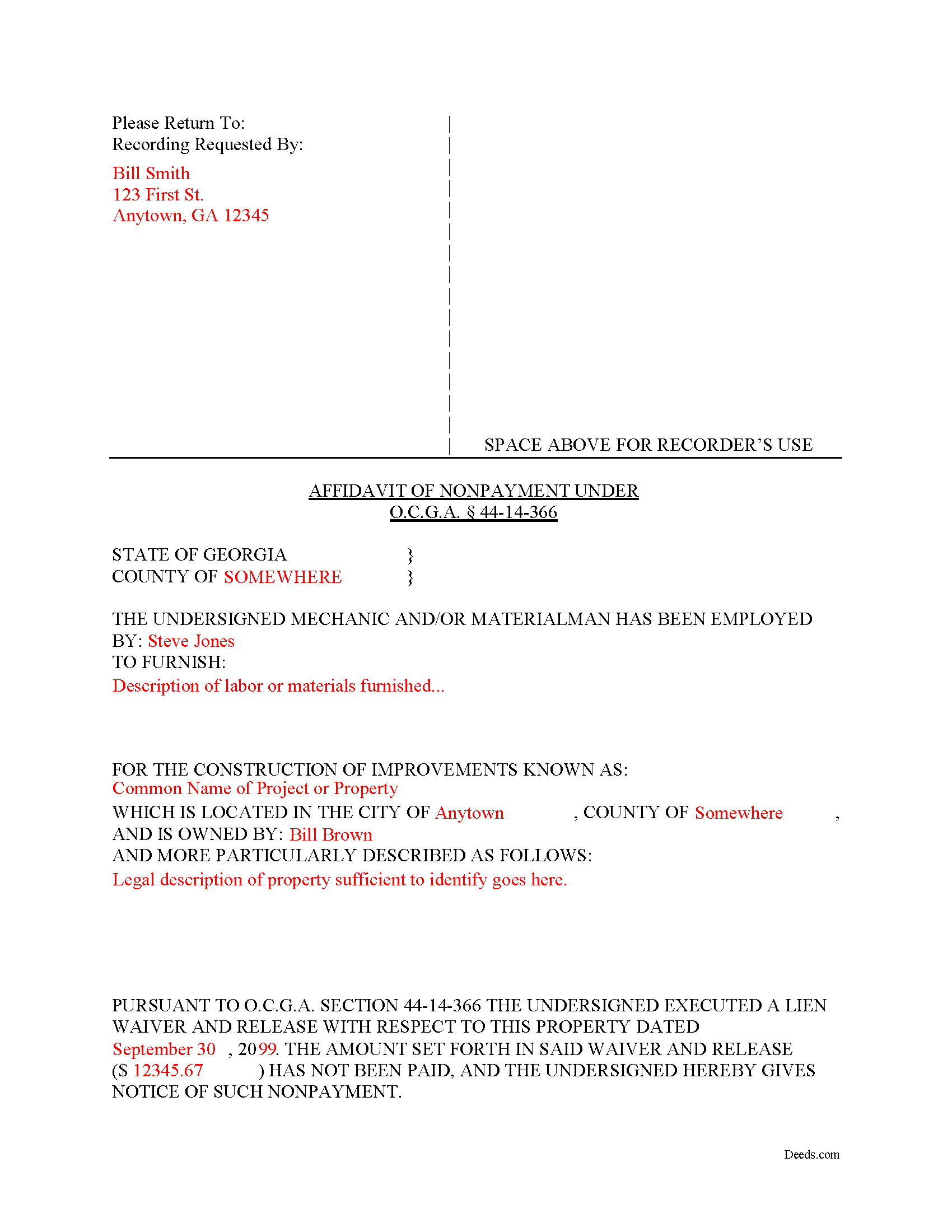
Montgomery County Completed Example of the Affidavit of Non Payment Document
Example of a properly completed form for reference.
All 3 documents above included • One-time purchase • No recurring fees
Immediate Download • Secure Checkout
Additional Georgia and Montgomery County documents included at no extra charge:
Where to Record Your Documents
Clerk of Superior Court
Mt. Vernon, Georgia 30445
Hours: 8:30 to 5:00 M-F
Phone: (912) 583-4401
Recording Tips for Montgomery County:
- Bring your driver's license or state-issued photo ID
- Ensure all signatures are in blue or black ink
- Make copies of your documents before recording - keep originals safe
- Recorded documents become public record - avoid including SSNs
- Recording fees may differ from what's posted online - verify current rates
Cities and Jurisdictions in Montgomery County
Properties in any of these areas use Montgomery County forms:
- Ailey
- Alston
- Mount Vernon
- Tarrytown
- Uvalda
Hours, fees, requirements, and more for Montgomery County
How do I get my forms?
Forms are available for immediate download after payment. The Montgomery County forms will be in your account ready to download to your computer. An account is created for you during checkout if you don't have one. Forms are NOT emailed.
Are these forms guaranteed to be recordable in Montgomery County?
Yes. Our form blanks are guaranteed to meet or exceed the applicable formatting requirements used for recording in Montgomery County, including margin requirements, font requirements, and other layout standards. This guarantee applies to formatting, not to the legal sufficiency of information entered by the user or the suitability of a form for a particular transaction.
Can I reuse these forms?
Yes. You can reuse the forms for your personal use. For example, if you have multiple properties in Montgomery County you only need to order once.
What do I need to use these forms?
The forms are PDFs that you fill out on your computer. The free Adobe Acrobat Reader is recommended, and most PDF apps also work. You do NOT enter your property information online - you download the blank forms and complete them privately on your own computer.
Are there any recurring fees?
No. This is a one-time purchase. Nothing to cancel, no memberships, no recurring fees.
How much does it cost to record in Montgomery County?
Recording fees in Montgomery County vary. Contact the recorder's office at (912) 583-4401 for current fees.
Questions answered? Let's get started!
What happens if a contractor records a lien waiver, but the owner never pays the bill?
Best practices dictate that lien claimants should only grant waivers when payment can be verified. Even so, some claimants still choose to execute a waiver before that time. Unlike many other states, Georgia law provides an avenue for recourse: the Affidavit of Non-Payment. An affidavit of non-payment is a sworn statement filed with the county recorder after a lien waiver has already been filed but no payment was ever received.
When executed, a waiver and release of lien is considered binding against the claimant for all purposes, subject only to payment in full of the amount set forth in the waiver and release. 44-14-366(f)(1). This means if payment is never received, the waiver is considered ineffective. Note that, in order to declare the waiver void, the claimant must file an affidavit of non-payment.
An affidavit of non-payment identifies the parties, the nature of work and materials provided, the location of the improvements, the amount unpaid, and the recording information for the waiver. The affiant/claimant signs the document in front of two witnesses, one of whom must be a notary, then submits the completed affidavit to the same office that recorded the original lien and waiver.
The affidavit must be filed sixty days after the date of the execution of the waiver and release. 44-14-366(f)(2)(C). There's an exception to this requirement if the claimant files their lien claim prior to the expiration of the 60-day period. Id.
This article is offered for informational purposes only and should not be relied upon as the substitute for the advice of an attorney. Please contact an attorney with questions about Affidavits of Non-payment or any other issues related to mechanic's liens in Georgia.
Important: Your property must be located in Montgomery County to use these forms. Documents should be recorded at the county recording office listed above.
This Affidavit of Non Payment meets all recording requirements specific to Montgomery County.
Our Promise
The documents you receive here are guaranteed to meet or exceed the applicable Montgomery County recording format requirements. If there is a rejection caused by our formatting, we will correct the issue or refund your payment. This guarantee applies to document formatting only and does not extend to information entered by the user, the selection of the form, or the legal effect of the completed document.
Save Time and Money
Get your Montgomery County Affidavit of Non Payment form done right the first time with Deeds.com Uniform Conveyancing Blanks. At Deeds.com, we understand that your time and money are valuable resources, and we don't want you to face a penalty fee or rejection imposed by a county recorder for submitting nonstandard documents. We constantly review and update our forms to meet rapidly changing state and county recording requirements for roughly 3,500 counties and local jurisdictions.
4.8 out of 5 - ( 4,824 Reviews )
W J C. 5 out of 5 stars
Good documents. Very helpful.
Thank you!
Scott P. 5 out of 5 stars
The site was easy to use and find what I needed. The purchase and download were very easy.
Thank you!
Wayne T. 5 out of 5 stars
I was skeptical when I first came upon this website. Not sure why I had such a negative feeling, but after I received the printed deed I felt relieved and completely satisfied. This is a great website for everyone who wouldn't want to retrieve their deed in person and worth the reasonable fee.
We appreciate your business and value your feedback. Thank you. Have a wonderful day!
Dominick D. 5 out of 5 stars
Deed.com was easy to work with, not just a website, they have real people that speak to you. They were extremely helpful with a VERY difficult Northeast county. They made the process smooth and effortless.
We appreciate your business and value your feedback. Thank you. Have a wonderful day!
Lana B. 5 out of 5 stars
Website is easy to use. I ordered the form, filled it out and uploaded it for recording. My only critique is that you can't preview the form before ordering and paying for it. I ordered a Deed of Full Reconveyance form only to find out I needed the Substitution of Trustee and Deedn of Reconveyance form instead. So I wasted $22 on the wrong form.
Thank you for your feedback. Order and payment for the incorrect order has been canceled. Have a wonderful day.
Johnny A. 5 out of 5 stars
My complete name is Johnny Alicea Rodriguez And the DEED is on my half brother and mine name. Jimmy Dominguez and myself Thanks
Tiffany J. 5 out of 5 stars
Easy steps to create an account, will recommend to anyone.
Thank you for your feedback. We really appreciate it. Have a great day!
William S. 5 out of 5 stars
Contents were well done. Could not remove and replace the "Deeds/" footer, rendering the form unusable for filing with a court and county deed records. This should be corrected.
Thank you for your feedback. We really appreciate it. Have a great day!
Barry C. 5 out of 5 stars
prompt, complete and efficient process --- kudos to you
Thank you so much Barry. Have a great day!
Jayne B. 5 out of 5 stars
This makes it so easy and I'm so glad I found you. I visited two other sites before I found this one. They were cumbersome to use to the point where I abandoned them and kept on looking. Then I found yours, and it was a breeze. Thank you so much!
We appreciate your business and value your feedback. Thank you. Have a wonderful day!
Mary K. 5 out of 5 stars
Awesome site. Looking for a way to save hiring an attorney. Family doesn't have the money for that so this site is much appreciated.
Thank you for your feedback. We really appreciate it. Have a great day!
Samantha W. 5 out of 5 stars
Great place to get the forms you need. The instructions were clear and made it easy to complete. Pricing was great, especially compared to similar providers.
We appreciate your business and value your feedback. Thank you. Have a wonderful day!
Brian B. 5 out of 5 stars
Very good price. It came with instructions and a sample filled out. Very helpful.
Thank you for your feedback. We really appreciate it. Have a great day!
Glenda R. 5 out of 5 stars
My experience with deeds.com during this pandemic that has us inconvenienced has made it easy for personal business to continue as usual. I will recommend deeds.com to anyone I learn of needing the assistance.
Thank you for your feedback. We really appreciate it. Have a great day!
Glenda C. 4 out of 5 stars
It was easy to find what I was looking for. The instructions were easy to follow. The example given was most beneficial in completing form.
We appreciate your business and value your feedback. Thank you. Have a wonderful day!