Echols County Correction Deed Form
Last validated September 11, 2026 by our Forms Development TeamFormatted for recording in Echols County, for property anywhere in the county: rural and unincorporated areas as well as Statenville.
- 3 documents included
- Immediate PDF download
- Formatting guarantee
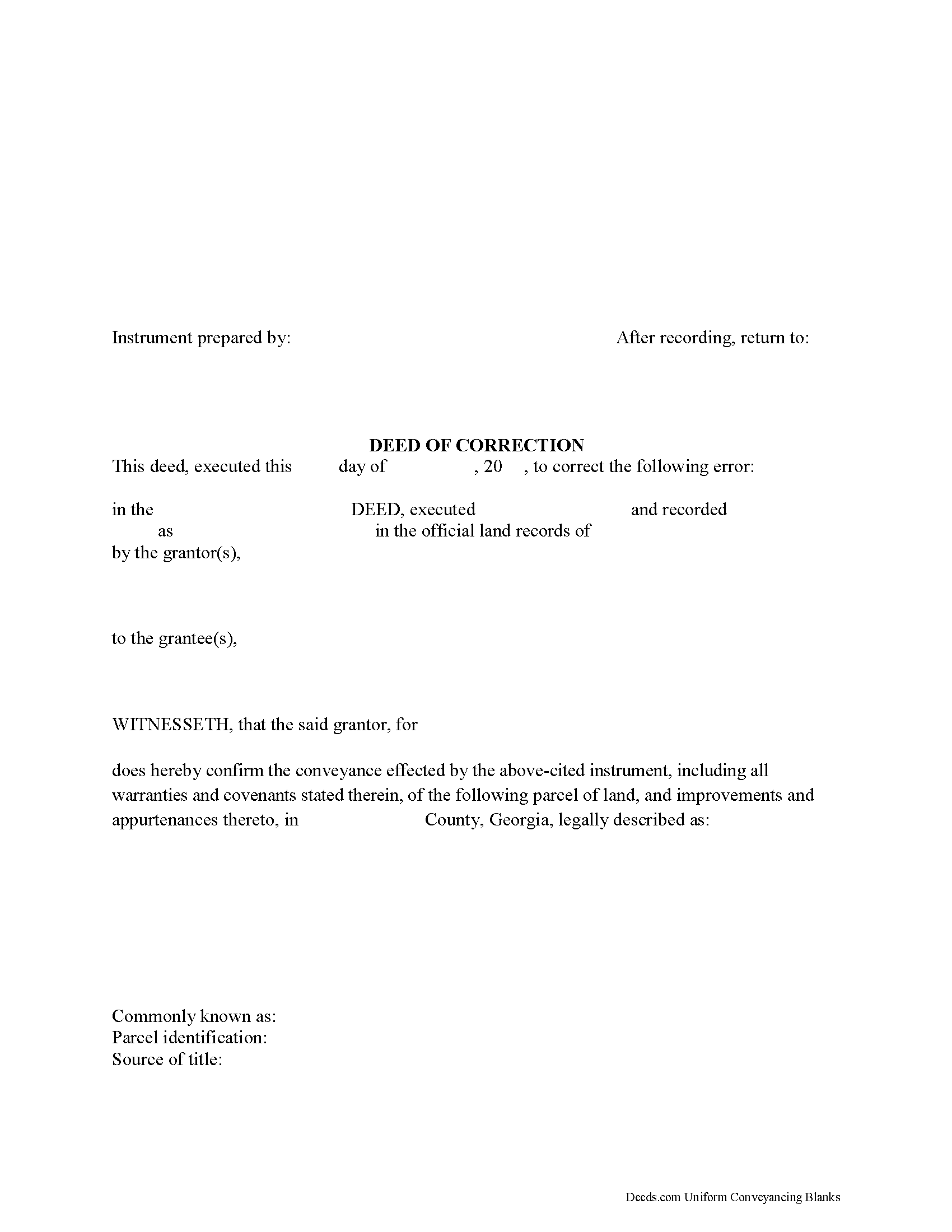
Echols County Correction Deed Form
Fill in the blank form formatted to comply with all recording and content requirements.
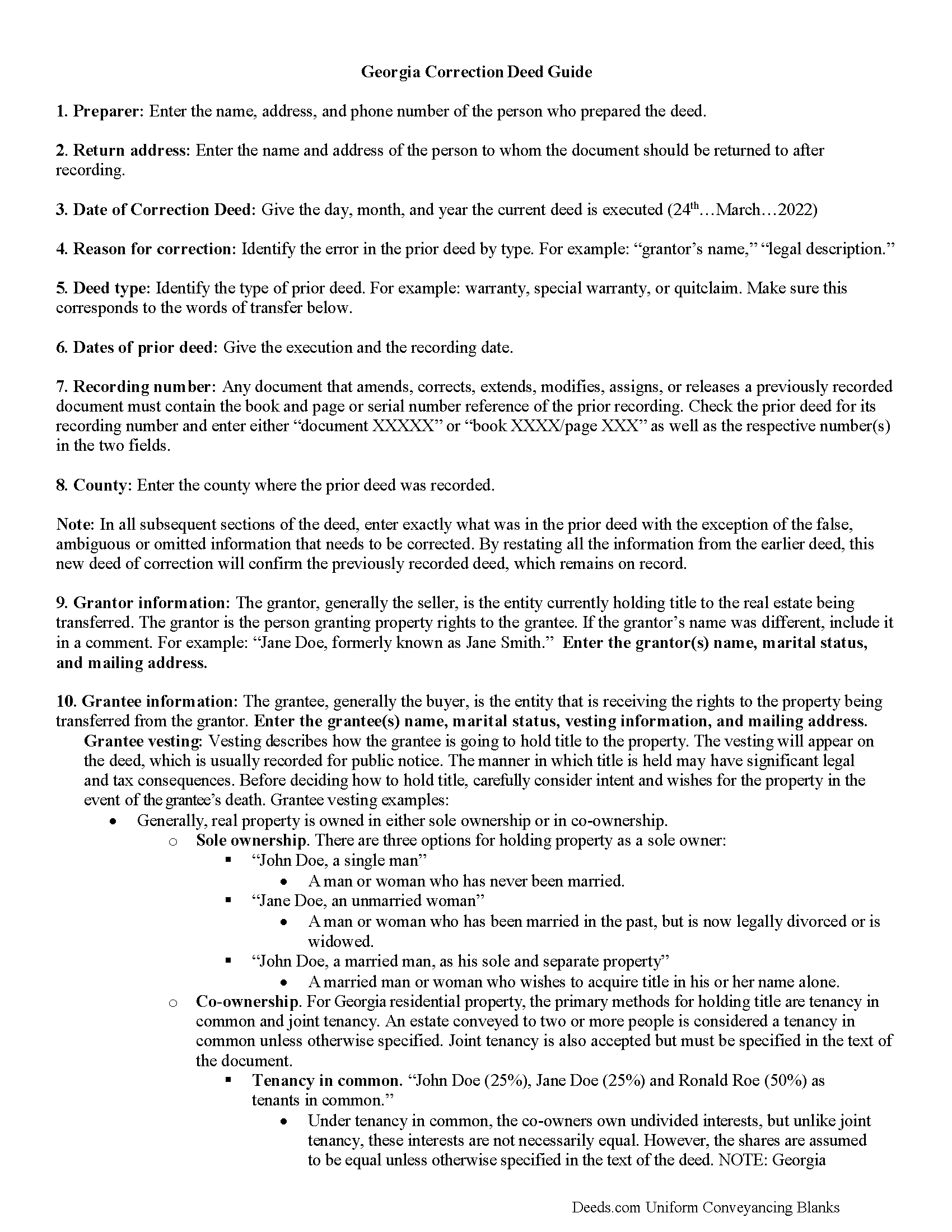
Echols County Correction Deed Guide
Line by line guide explaining every blank on the form.
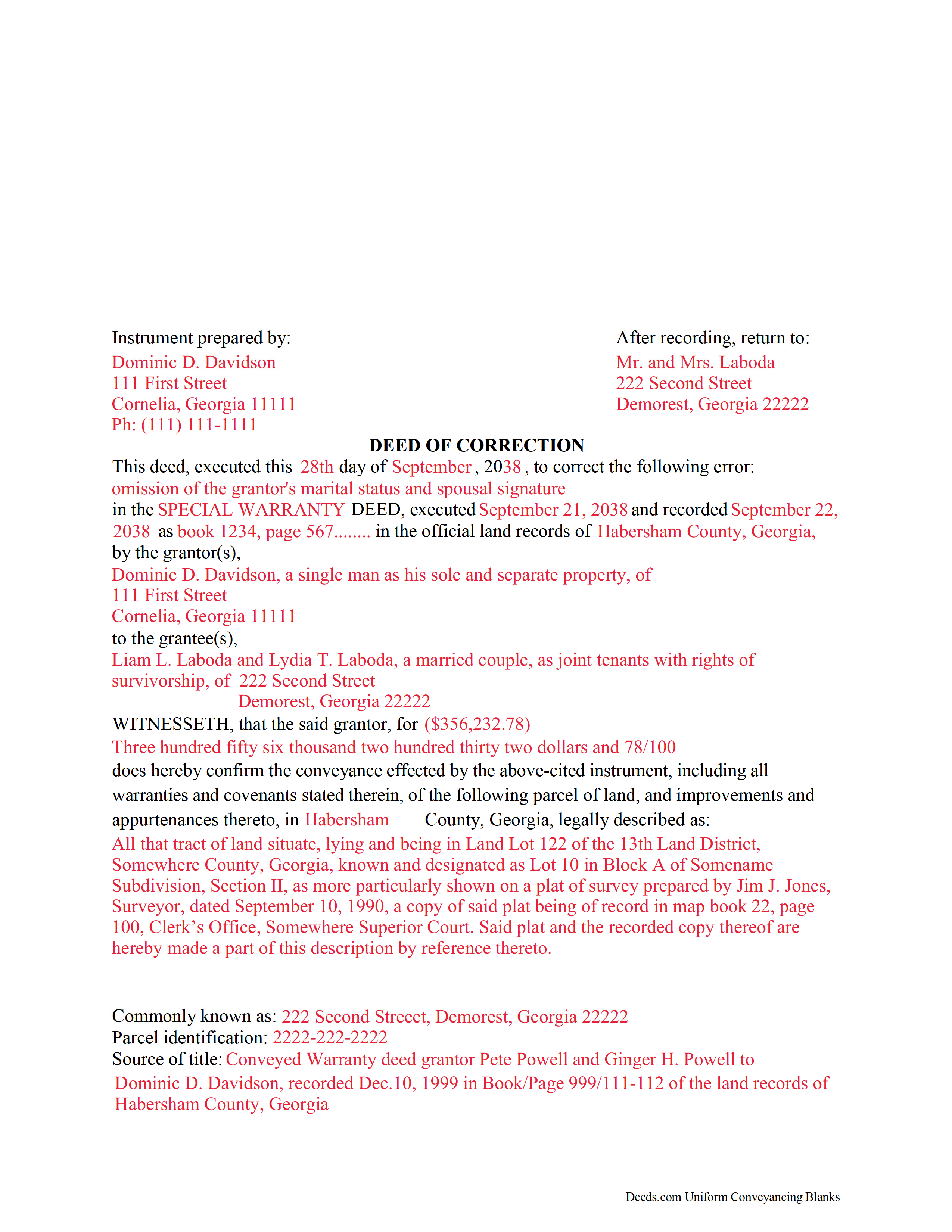
Echols County Completed Example of the Correction Deed Document
Example of a properly completed form for reference.
All 3 documents above included • One-time purchase • No recurring fees
Immediate Download • Secure Checkout
Additional Georgia and Echols County documents included at no extra charge:
Where to Record Your Documents
Clerk of Superior Court
Statenville, Georgia 31648
Hours: Monday – Friday, 8:00 – 12:00 and 1:00 – 5:00 (closed for lunch 12 – 1)
Phone: (912) 559-5642
Recording Tips for Echols County:
- Bring your driver's license or state-issued photo ID
- Ensure all signatures are in blue or black ink
- Check that your notary's commission hasn't expired
- Documents must be on 8.5 x 11 inch white paper
- Double-check legal descriptions match your existing deed
Cities and Jurisdictions in Echols County
Properties in any of these areas use Echols County forms:
- Statenville
Hours, fees, requirements, and more for Echols County
How do I get my forms?
Forms are available for immediate download after payment. The Echols County forms will be in your account ready to download to your computer. An account is created for you during checkout if you don't have one. Forms are NOT emailed.
Are these forms guaranteed to be recordable in Echols County?
Yes. Our form blanks are guaranteed to meet or exceed the applicable formatting requirements used for recording in Echols County, including margin requirements, font requirements, and other layout standards. This guarantee applies to formatting, not to the legal sufficiency of information entered by the user or the suitability of a form for a particular transaction.
Can I reuse these forms?
Yes. You can reuse the forms for your personal use. For example, if you have multiple properties in Echols County you only need to order once.
What do I need to use these forms?
The forms are PDFs that you fill out on your computer. The free Adobe Acrobat Reader is recommended, and most PDF apps also work. You do NOT enter your property information online - you download the blank forms and complete them privately on your own computer.
Are there any recurring fees?
No. This is a one-time purchase. Nothing to cancel, no memberships, no recurring fees.
How much does it cost to record in Echols County?
Recording fees in Echols County vary. Contact the recorder's office at (912) 559-5642 for current fees.
Questions answered? Let's get started!
Use this correction deed to correct an error in a previously executed and recorded deed.
Correction deeds are used to adjust the earlier deed when that document contains minor errors of omission or typographical errors, sometimes called scrivener's mistakes. For example, a misspelled name, an omitted or wrong middle initial, a minor error in the property description, or an omitted execution date.
The correction deed, also called deed of correction or deed of confirmation, must state that its sole purpose is to correct a specific error, which is usually identified by type. For example: an error in the grantor's name, or an error in the grantor's marital status.
Once the correction deed is recorded, it will relate back to the date of the original deed. So it is not necessarily a good idea to re-execute the original deed or to execute and record a different type of deed, such as a quitclaim deed, to correct an error. Both of these cannot relate back to the date of the original deed that needs to be corrected. Only the deed of correction is so closely linked to the prior document that all corrections are effective as of the date of the original recorded instrument.
(Georgia Correction Deed Package includes form, guidelines, and completed example)
Important: Your property must be located in Echols County to use these forms. Documents should be recorded at the county recording office listed above.
This Correction Deed meets all recording requirements specific to Echols County.
Our Promise
The documents you receive here are guaranteed to meet or exceed the applicable Echols County recording format requirements. If there is a rejection caused by our formatting, we will correct the issue or refund your payment. This guarantee applies to document formatting only and does not extend to information entered by the user, the selection of the form, or the legal effect of the completed document.
Save Time and Money
Get your Echols County Correction Deed form done right the first time with Deeds.com Uniform Conveyancing Blanks. At Deeds.com, we understand that your time and money are valuable resources, and we don't want you to face a penalty fee or rejection imposed by a county recorder for submitting nonstandard documents. We constantly review and update our forms to meet rapidly changing state and county recording requirements for roughly 3,500 counties and local jurisdictions.
4.8 out of 5 - ( 4,828 Reviews )
Brian O. 5 out of 5 stars
It's an instant download. I was very pleased that it included instructions and any necessary additional forms. Much easier than spending 3 hours on a county assessor's website searching for every single form. A good deal and I don't know how Deeds.com keeps up with thousands of counties. The fillable .pdf capability is a great enhancement.
Thank you for your feedback. We really appreciate it. Have a great day!
Elma Jean B. 5 out of 5 stars
My experience was great! Thank you, ejb
We appreciate your business and value your feedback. Thank you. Have a wonderful day!
Warren B. 5 out of 5 stars
Outstanding. There is nothing worse than finding the correct forms or having to hire an atty to do what most people can do on their own. I cant speak for all but these forms are fairly easy. The addition of guides and supplement forms are excellent. I just saved quite a bit of money with your site. Thanks
We appreciate your business and value your feedback. Thank you. Have a wonderful day!
Sharon B. 5 out of 5 stars
Awesome and so easy Thanks
Thank you!
Darrell S. 5 out of 5 stars
Easy to follow forms, and the attached go-by and instructions made it easy to complete.
We appreciate your business and value your feedback. Thank you. Have a wonderful day!
Elizabeth W. 5 out of 5 stars
would have been smart to give each pdf a name instead of unintelligible numbers...
Thank you for your feedback. We really appreciate it. Have a great day!
Richard R. 5 out of 5 stars
Very straightforward, and fair-enough pricing.
Thank you!
Robert H. 5 out of 5 stars
Just what I needed to file in Orange County. East to use and reasonably priced. Will use again if needed.
We appreciate your business and value your feedback. Thank you. Have a wonderful day!
Joseph B. 5 out of 5 stars
All very good
Thank you!
Wendy C. 3 out of 5 stars
I purchased a Warranty Deed "package" on Friday and found that the Main download was a working document, but the secondary document (which is required) was not. In other words, I was able to use the fill-in feature on the main document, but not on the second document. I used the portal on the website to report my issue the same day. That was Friday. This is Wednesday. I have not heard a word from them and I have to use my documents in 2 days. I will probably have to resort to pen and ink for that document, but I have already tried filling it out twice and have to keep reprinting and starting over. You can't white out or cross out. I would really prefer to have the complete service that I paid for.
Thank you for your feedback. As is noted on the site, supplemental forms are provided as a courtesy with your order. They are not our forms, we did not create them. They are created and provided by the jurisdiction/agency that requires them. Have a wonderful day.
Debora E. 5 out of 5 stars
I was amazed! This company is so incredibly fast! They promised 10 minutes, it was actually less and I had the exact info I was needing! Definitely worth the cost!
We appreciate your business and value your feedback. Thank you. Have a wonderful day!
Vicky M. 5 out of 5 stars
I would give Deeds.com 10 stars if I could!! The staff were super friendly and easy to work with. They kept me constantly updated during the process of uploading and forwarding my deeds for recording. And, the price was extremely reasonable. I look forward to utilizing Deeds.com every time I need to record a deed no matter what U.S. State. I wholeheartedly recommend them!
Thank you for your feedback. We really appreciate it. Have a great day!
Bobby J. 5 out of 5 stars
Good document as expected
We’re glad to hear things went well. Thank you for the review.
WJ H. 5 out of 5 stars
The Quit Claim Deed for the state of Ohio worked for me, saving me the cost of an attorney doing it. O.K., maybe that wouldn't have amounted to more than a few hundred dollars, but anywhere I thought I could save money (and learn something new on top of it) is something I want to do. That said, be forwarned. While I'm not an attorney I'm not averse to spending many hours researching the lingo found in this kind of form and thoroughly understanding exactly how everything has to be filled in. I should add that my ex-wife and I remain friends and she was the one giving me the property/house (thus, technically I filled out the forms on her behalf). Because there was no personal conflict, it made it easier to undertake. Lastly, what others have said about the county office where you must file a Quit Claim Deed not being helpful, that's true in the sense that they do not want to be instructing non-attorneys on filling out the necessary forms. I did take a preliminary draft set of the forms to the county office but was VERY CAREFUL about explaining that I only needed a couple of questions answered about procedure for submitting the final documents. They were helpful once I made it clear I wasn't asking them for "legal advice". And their help was critical as the final submittals requires stopping at three different offices (MapDocuments, Auditor and finally the Recorder's office). So I say thank you to Deeds.com. Their service for the Quit Claim Deed was invaluable.
We appreciate your business and value your feedback. Thank you. Have a wonderful day!
Kevin B. 4 out of 5 stars
It looks like it can be a huge time saver. I did a deed and appeared very professional.
Thank you for your feedback. We really appreciate it. Have a great day!