Laurens County Correction Deed Form
Last validated October 23, 2026 by our Forms Development TeamFormatted for recording in Laurens County, for property anywhere in the county: rural and unincorporated areas as well as Cadwell, Dexter, Dublin, Dudley, East Dublin, Montrose, Rentz, Rockledge.
- 3 documents included
- Immediate PDF download
- Formatting guarantee
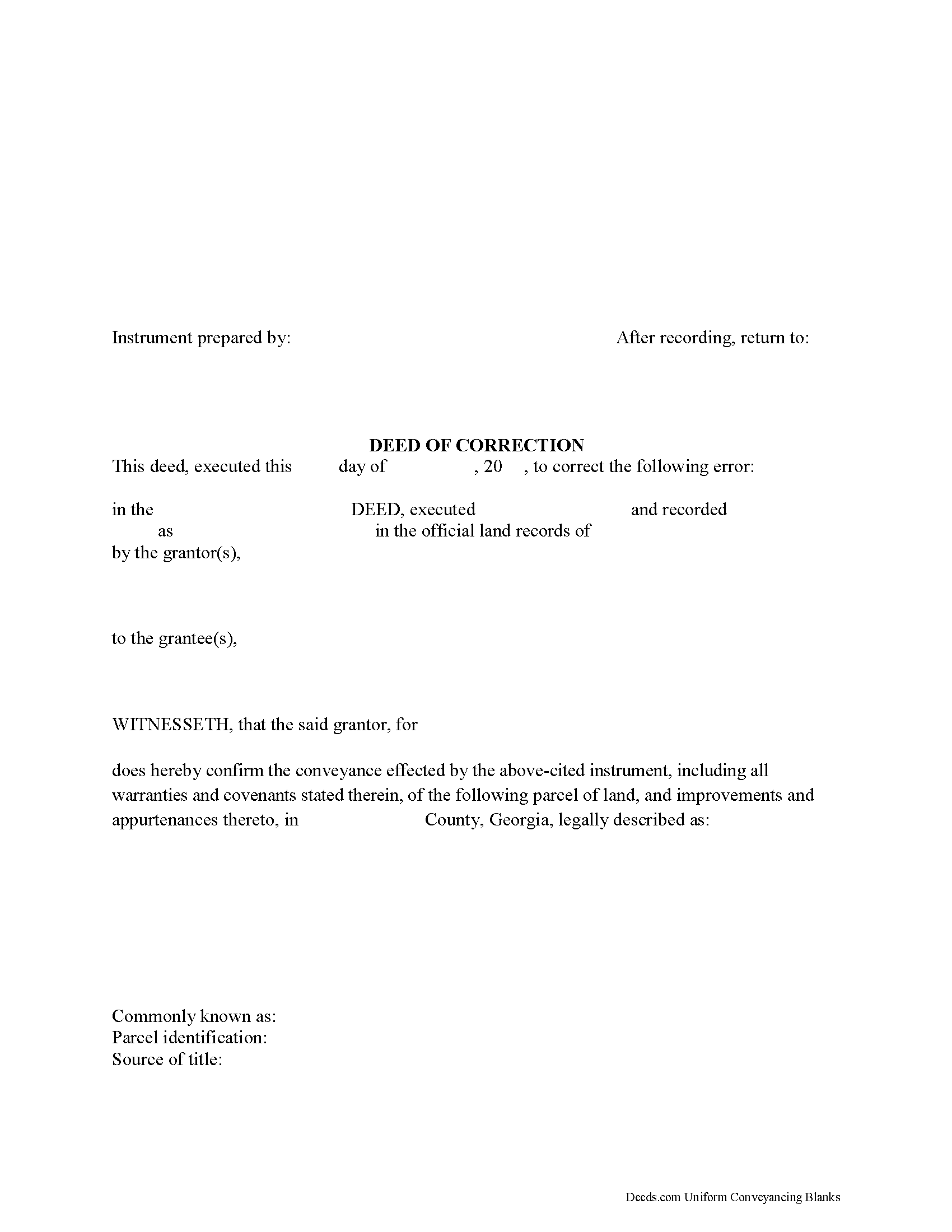
Laurens County Correction Deed Form
Fill in the blank form formatted to comply with all recording and content requirements.
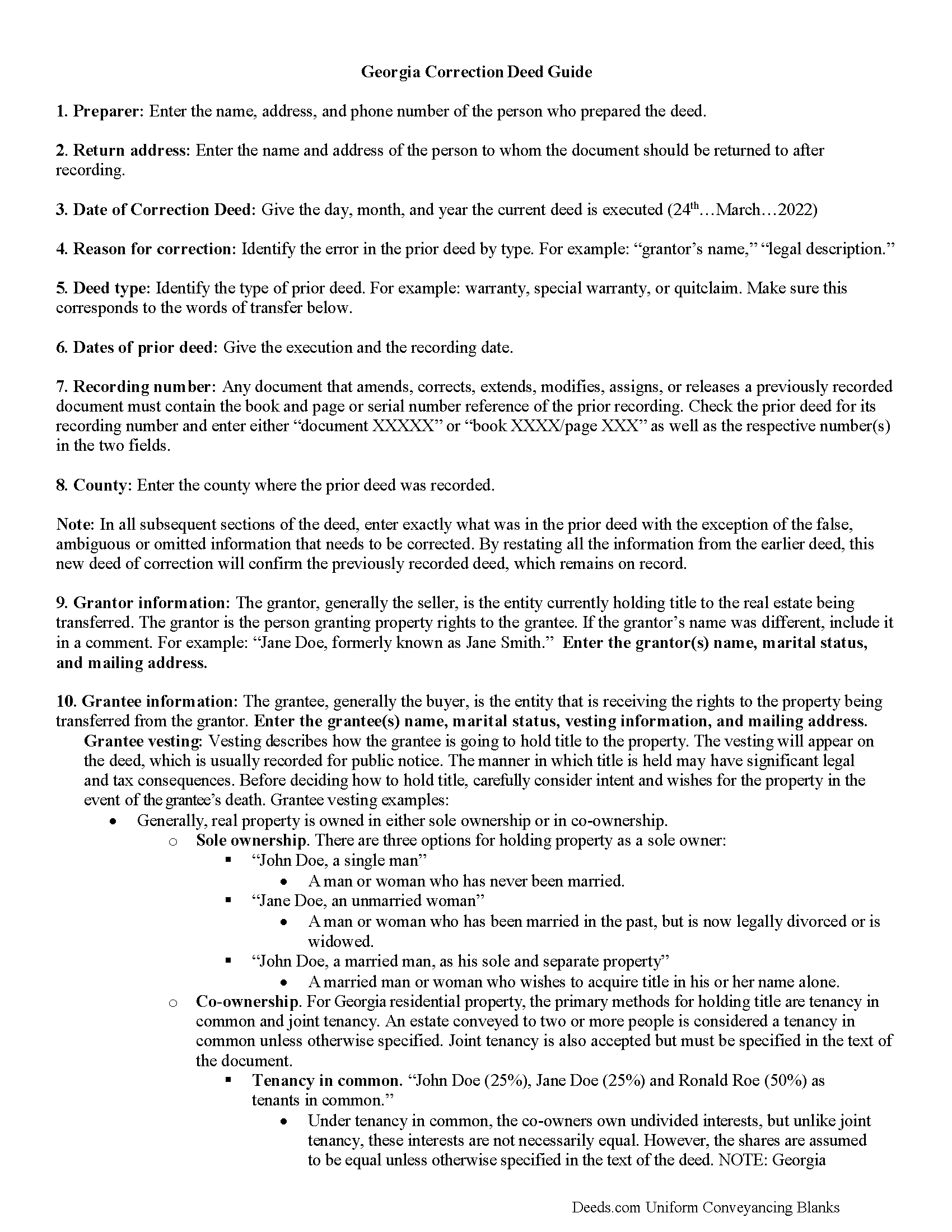
Laurens County Correction Deed Guide
Line by line guide explaining every blank on the form.
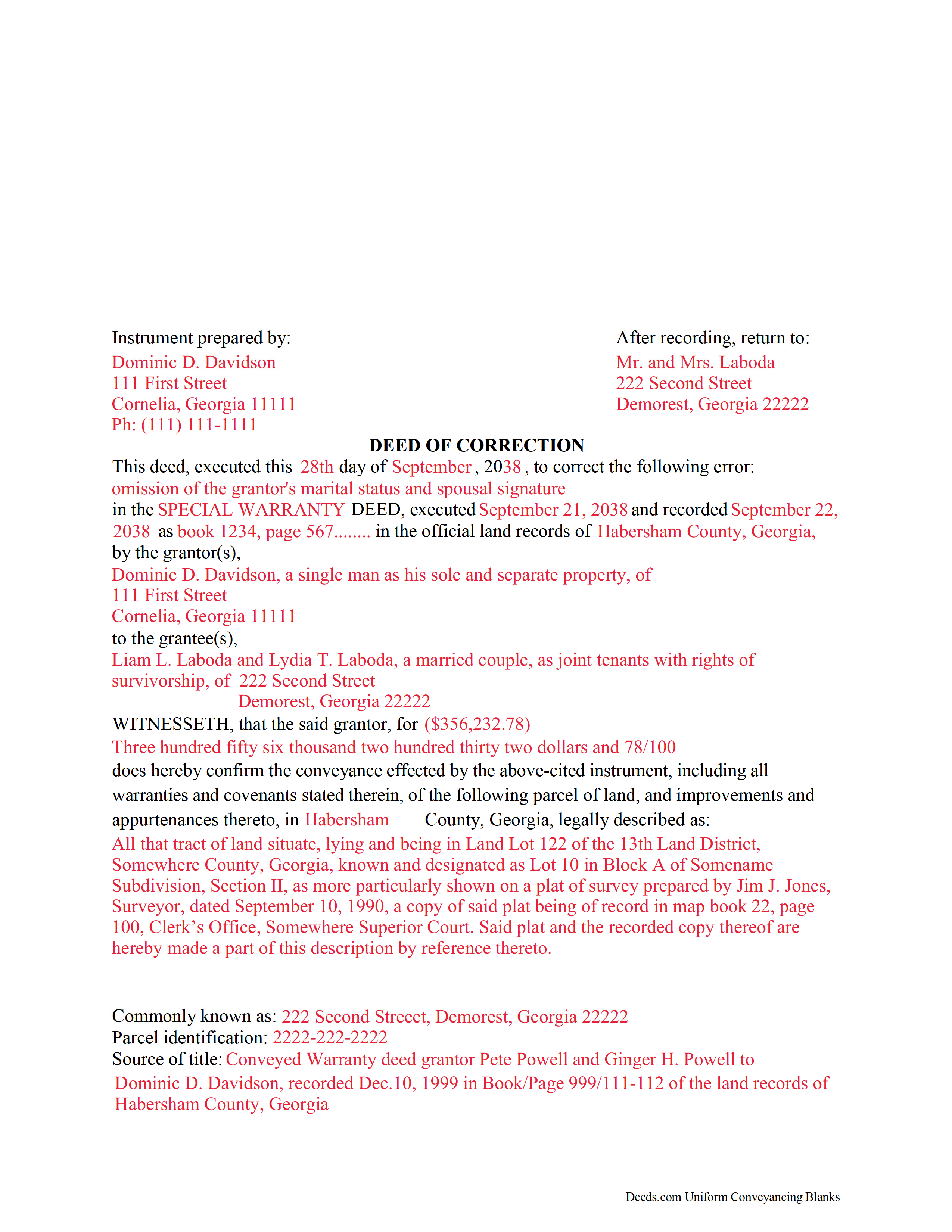
Laurens County Completed Example of the Correction Deed Document
Example of a properly completed form for reference.
All 3 documents above included • One-time purchase • No recurring fees
Immediate Download • Secure Checkout
Additional Georgia and Laurens County documents included at no extra charge:
Where to Record Your Documents
Laurens County Clerk Of Courts
Dublin, Georgia 31040
Hours: 8:30am - 5:30pm Monday - Friday
Phone: (478) 272-3210
Recording Tips for Laurens County:
- Bring your driver's license or state-issued photo ID
- Ensure all signatures are in blue or black ink
- Recorded documents become public record - avoid including SSNs
- Recording fees may differ from what's posted online - verify current rates
- Request a receipt showing your recording numbers
Cities and Jurisdictions in Laurens County
Properties in any of these areas use Laurens County forms:
- Cadwell
- Dexter
- Dublin
- Dudley
- East Dublin
- Montrose
- Rentz
- Rockledge
Hours, fees, requirements, and more for Laurens County
How do I get my forms?
Forms are available for immediate download after payment. The Laurens County forms will be in your account ready to download to your computer. An account is created for you during checkout if you don't have one. Forms are NOT emailed.
Are these forms guaranteed to be recordable in Laurens County?
Yes. Our form blanks are guaranteed to meet or exceed the applicable formatting requirements used for recording in Laurens County, including margin requirements, font requirements, and other layout standards. This guarantee applies to formatting, not to the legal sufficiency of information entered by the user or the suitability of a form for a particular transaction.
Can I reuse these forms?
Yes. You can reuse the forms for your personal use. For example, if you have multiple properties in Laurens County you only need to order once.
What do I need to use these forms?
The forms are PDFs that you fill out on your computer. The free Adobe Acrobat Reader is recommended, and most PDF apps also work. You do NOT enter your property information online - you download the blank forms and complete them privately on your own computer.
Are there any recurring fees?
No. This is a one-time purchase. Nothing to cancel, no memberships, no recurring fees.
How much does it cost to record in Laurens County?
Recording fees in Laurens County vary. Contact the recorder's office at (478) 272-3210 for current fees.
Questions answered? Let's get started!
Use this correction deed to correct an error in a previously executed and recorded deed.
Correction deeds are used to adjust the earlier deed when that document contains minor errors of omission or typographical errors, sometimes called scrivener's mistakes. For example, a misspelled name, an omitted or wrong middle initial, a minor error in the property description, or an omitted execution date.
The correction deed, also called deed of correction or deed of confirmation, must state that its sole purpose is to correct a specific error, which is usually identified by type. For example: an error in the grantor's name, or an error in the grantor's marital status.
Once the correction deed is recorded, it will relate back to the date of the original deed. So it is not necessarily a good idea to re-execute the original deed or to execute and record a different type of deed, such as a quitclaim deed, to correct an error. Both of these cannot relate back to the date of the original deed that needs to be corrected. Only the deed of correction is so closely linked to the prior document that all corrections are effective as of the date of the original recorded instrument.
(Georgia Correction Deed Package includes form, guidelines, and completed example)
Important: Your property must be located in Laurens County to use these forms. Documents should be recorded at the county recording office listed above.
This Correction Deed meets all recording requirements specific to Laurens County.
Our Promise
The documents you receive here are guaranteed to meet or exceed the applicable Laurens County recording format requirements. If there is a rejection caused by our formatting, we will correct the issue or refund your payment. This guarantee applies to document formatting only and does not extend to information entered by the user, the selection of the form, or the legal effect of the completed document.
Save Time and Money
Get your Laurens County Correction Deed form done right the first time with Deeds.com Uniform Conveyancing Blanks. At Deeds.com, we understand that your time and money are valuable resources, and we don't want you to face a penalty fee or rejection imposed by a county recorder for submitting nonstandard documents. We constantly review and update our forms to meet rapidly changing state and county recording requirements for roughly 3,500 counties and local jurisdictions.
4.8 out of 5 - ( 4,842 Reviews )
Robert B. 5 out of 5 stars
Very easy to use.
Thank you for your feedback. We really appreciate it. Have a great day!
Charles K. 5 out of 5 stars
Was successful, I'm happy. Tks
Glad to hear everything went smoothly. Thanks for your feedback, Charles!
Lorie C. 5 out of 5 stars
Easy and effective...surely saved hundreds by avoiding a lawyer.
We appreciate your business and value your feedback. Thank you. Have a wonderful day!
spencer d. 5 out of 5 stars
Great and quick service!
Thank you!
Robin G. 5 out of 5 stars
Very responsive and helpful.
Thank you!
Leonard N. 5 out of 5 stars
Nice and clear. Can't wait to process the completed documents at the Recorder's Office
Thank you!
Randal R. 5 out of 5 stars
While disappointed that my request could not be filled, I understand the issue, and appreciate the attempt and the responsiveness. I certainly will be back if the occasion arises!
Thank you!
David P. 5 out of 5 stars
This service and company are THE best. We are out of State and needed to efile, and we got it done for the closing. Thanks Deeds.com
We appreciate your business and value your feedback. Thank you. Have a wonderful day!
Christine A. 5 out of 5 stars
So far do good. Don't understand the billing procedure yet and have just sent a request for information. Awaiting reply. Thank you, Christine Alvarez
Thanks for the feedback. Looks like your E-recording invoice is available. It takes a few minutes for our staff to prepare documents for recording and generate the invoice.
JOE M. 5 out of 5 stars
The form I needed were easy to find. And very affordable. Great service.
Thank you for your feedback. We really appreciate it. Have a great day!
Paula M. 5 out of 5 stars
So far it seems good. I am still trying to send information to this company so they can help me with the deed.
Thank you for your feedback. We really appreciate it. Have a great day!
Paulette O. 5 out of 5 stars
I love this! I wish there was one for a simple personal will.
Thank you!
Daniel F. 4 out of 5 stars
It was convenient to be able to download the deed template, instructions, and a completed sample deed all from deeds.com. I was able to complete my deed with little effort. My only complaint is that the editable fields in the pdf document are of fixed size, leaving some large spaces within a sentence, for example: Executed on this 1st day of July ,2020. This makes the printed document look a little peculiar.
Thank you for your feedback. We really appreciate it. Have a great day!
Monique C. 5 out of 5 stars
Very quick and efficient service! I will continue to use them for future reference.
Thank you!
Dorothy N. 5 out of 5 stars
The mortgage and note were thorough and very satisfactory for my purposes. The accompanying forms were excellent. I am very pleased with my purchase.
We welcome your positive feedback and are thrilled to have met your expectations. Thank you for choosing our services.