Murray County Correction Deed Form
Last validated October 23, 2026 by our Forms Development TeamFormatted for recording in Murray County, for property anywhere in the county: rural and unincorporated areas as well as Chatsworth, Cisco, Crandall, Eton, Tennga.
- 3 documents included
- Immediate PDF download
- Formatting guarantee
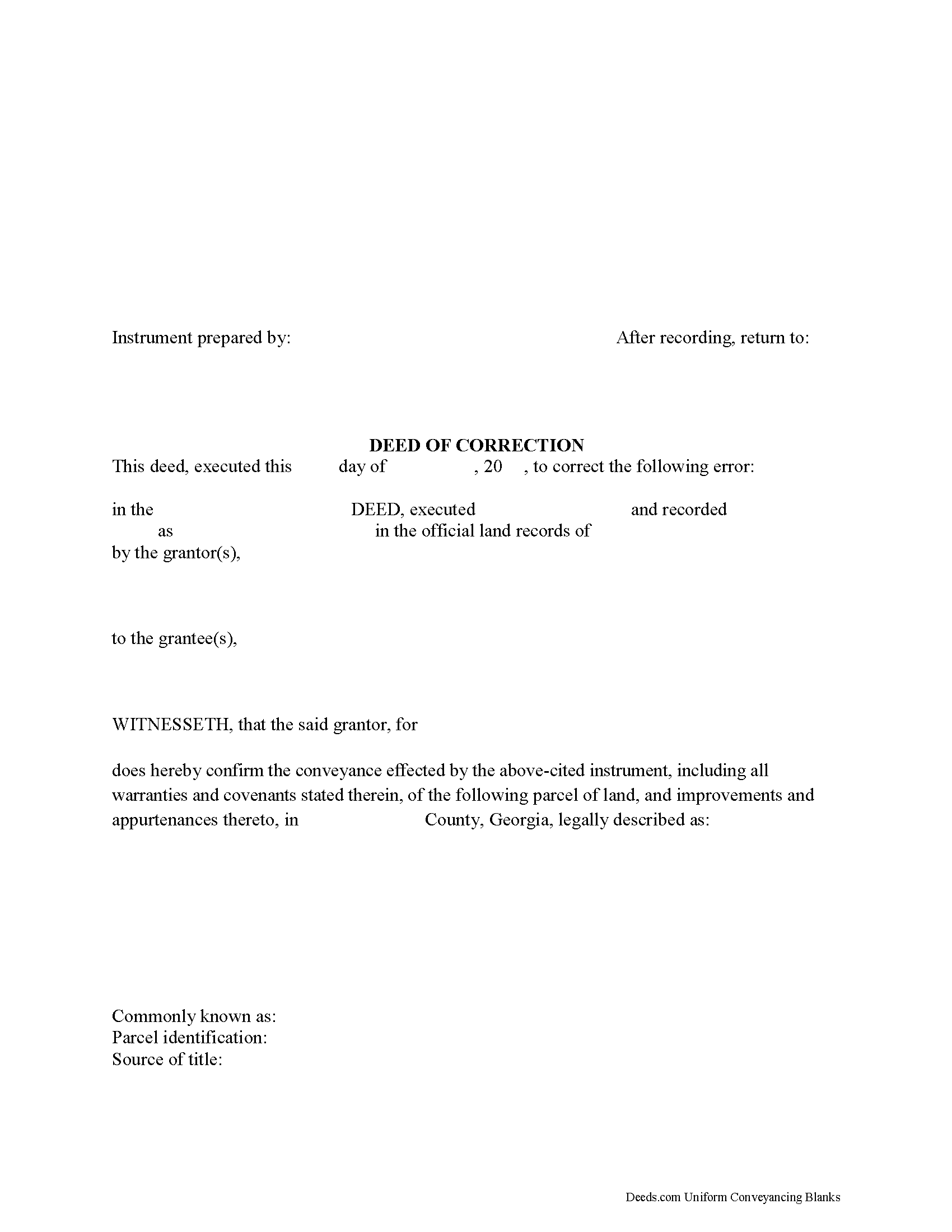
Murray County Correction Deed Form
Fill in the blank form formatted to comply with all recording and content requirements.
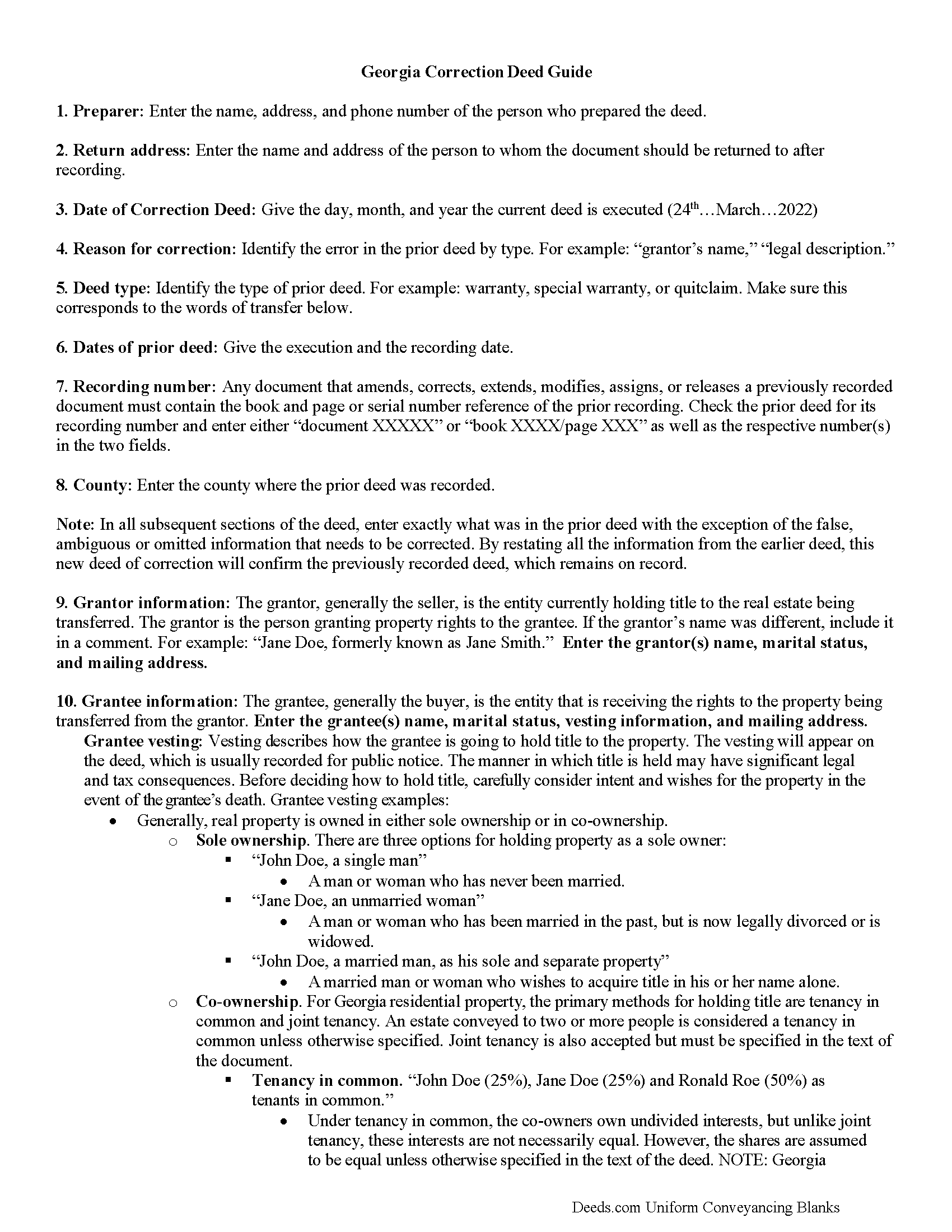
Murray County Correction Deed Guide
Line by line guide explaining every blank on the form.
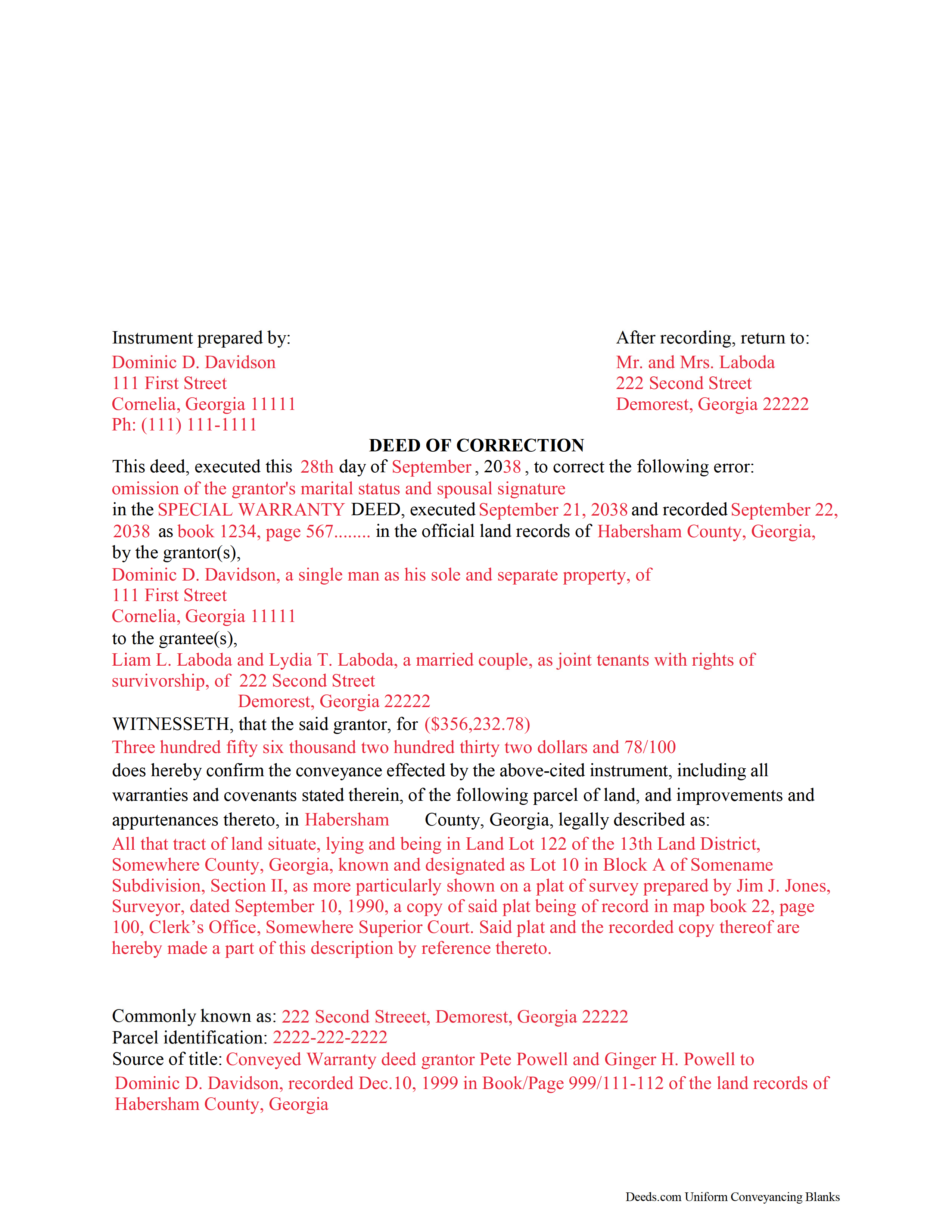
Murray County Completed Example of the Correction Deed Document
Example of a properly completed form for reference.
All 3 documents above included • One-time purchase • No recurring fees
Immediate Download • Secure Checkout
Additional Georgia and Murray County documents included at no extra charge:
Where to Record Your Documents
Clerk of Superior Court
Chatsworth, Georgia 30705
Hours: 8:30 to 5:00 M-F
Phone: (706) 695-2932
Recording Tips for Murray County:
- Bring your driver's license or state-issued photo ID
- Ensure all signatures are in blue or black ink
- Verify all names are spelled correctly before recording
- White-out or correction fluid may cause rejection
- Ask about their eRecording option for future transactions
Cities and Jurisdictions in Murray County
Properties in any of these areas use Murray County forms:
- Chatsworth
- Cisco
- Crandall
- Eton
- Tennga
Hours, fees, requirements, and more for Murray County
How do I get my forms?
Forms are available for immediate download after payment. The Murray County forms will be in your account ready to download to your computer. An account is created for you during checkout if you don't have one. Forms are NOT emailed.
Are these forms guaranteed to be recordable in Murray County?
Yes. Our form blanks are guaranteed to meet or exceed the applicable formatting requirements used for recording in Murray County, including margin requirements, font requirements, and other layout standards. This guarantee applies to formatting, not to the legal sufficiency of information entered by the user or the suitability of a form for a particular transaction.
Can I reuse these forms?
Yes. You can reuse the forms for your personal use. For example, if you have multiple properties in Murray County you only need to order once.
What do I need to use these forms?
The forms are PDFs that you fill out on your computer. The free Adobe Acrobat Reader is recommended, and most PDF apps also work. You do NOT enter your property information online - you download the blank forms and complete them privately on your own computer.
Are there any recurring fees?
No. This is a one-time purchase. Nothing to cancel, no memberships, no recurring fees.
How much does it cost to record in Murray County?
Recording fees in Murray County vary. Contact the recorder's office at (706) 695-2932 for current fees.
Questions answered? Let's get started!
Use this correction deed to correct an error in a previously executed and recorded deed.
Correction deeds are used to adjust the earlier deed when that document contains minor errors of omission or typographical errors, sometimes called scrivener's mistakes. For example, a misspelled name, an omitted or wrong middle initial, a minor error in the property description, or an omitted execution date.
The correction deed, also called deed of correction or deed of confirmation, must state that its sole purpose is to correct a specific error, which is usually identified by type. For example: an error in the grantor's name, or an error in the grantor's marital status.
Once the correction deed is recorded, it will relate back to the date of the original deed. So it is not necessarily a good idea to re-execute the original deed or to execute and record a different type of deed, such as a quitclaim deed, to correct an error. Both of these cannot relate back to the date of the original deed that needs to be corrected. Only the deed of correction is so closely linked to the prior document that all corrections are effective as of the date of the original recorded instrument.
(Georgia Correction Deed Package includes form, guidelines, and completed example)
Important: Your property must be located in Murray County to use these forms. Documents should be recorded at the county recording office listed above.
This Correction Deed meets all recording requirements specific to Murray County.
Our Promise
The documents you receive here are guaranteed to meet or exceed the applicable Murray County recording format requirements. If there is a rejection caused by our formatting, we will correct the issue or refund your payment. This guarantee applies to document formatting only and does not extend to information entered by the user, the selection of the form, or the legal effect of the completed document.
Save Time and Money
Get your Murray County Correction Deed form done right the first time with Deeds.com Uniform Conveyancing Blanks. At Deeds.com, we understand that your time and money are valuable resources, and we don't want you to face a penalty fee or rejection imposed by a county recorder for submitting nonstandard documents. We constantly review and update our forms to meet rapidly changing state and county recording requirements for roughly 3,500 counties and local jurisdictions.
4.8 out of 5 - ( 4,842 Reviews )
Kathyren O. 5 out of 5 stars
Very helpful and I will be using your services in the near future. Thank you Kathyren Oleary
Thanks Kathyren, we really appreciate your feedback.
Dretha W. 5 out of 5 stars
Ordered the fill in the blank form for a deed. Very professional looking but more importantly, correct for my recording office. It was recorded with no question. The guide was a big help in completed the deed.
Great to hear Dretha. We appreciate you taking the time to leave your feedback. Have a wonderful day!
SHASTA S. 3 out of 5 stars
Ordered quitclaim deed form for Knox county Illinois. It got the job done however it was not a very good format. I had to explain all to the county recorder & was worried she would reject it. I would not recommend this item.
Thank you!
Anne-Marie B. 5 out of 5 stars
This was the first time I have ever e-recorded a document. The process was smooth and simple. I loved being informed at each step along the way. I am glad I chose deeds.com and plan to use them in the future for all my electronic recording of legal documents.
Thank you!
Leah P. 5 out of 5 stars
Thank you for your complete listing of deeds and forms. The Deed form I needed worked perfectly!
Thank you!
Paul R. 5 out of 5 stars
Worked very quickly and smoothly. Helps if you know what documents you need. Thanks.
Thank you for your feedback. We really appreciate it. Have a great day!
Joy N. 5 out of 5 stars
As a real estate professional, I've had the opportunity to use various legal form providers over the years, but none have matched the quality and user-friendliness of Deeds.com's real estate legal forms. The forms themselves are comprehensive, up-to-date, and in line with current real estate laws and regulations, which is paramount in our field. The clarity and thoroughness of the documentation ensured that I could complete with confidence, knowing that every detail was covered. I wholeheartedly recommend their services and look forward to continuing our partnership.
Your feedback is greatly appreciated. Thank you for taking the time to share your experience!
Patricia N. 5 out of 5 stars
Wonderful fast service, quick thoughtful responses on chat! Files download easily too, great pruces
We are delighted to have been of service. Thank you for the positive review!
Linda M L. 3 out of 5 stars
Easy to use, documents look good, but pretty expensive.
Thank you for your feedback. We really appreciate it. Have a great day!
Charles H. 5 out of 5 stars
Website is user-friendly and very helpful, butI will have to wait until I submit my documents to the Clerk of Court to see if they are acceptable.
Thank you for your feedback. We really appreciate it. Have a great day!
Thomas W. 5 out of 5 stars
easy to use, no problems except in beneficiary box. Need to make the box bigger because I have 4 beneficiaries to list. how do I enlarge the box.
Thanks for reaching out. All available space on the document is being used. As is noted in the guide, if you have information that does not fit in the available space the included exhibit page should be used.
Michael R. 5 out of 5 stars
Very simple to use and everything included
Thank you for your feedback. We really appreciate it. Have a great day!
Lisa P. 5 out of 5 stars
It was easy to find and download the documents that I needed.
We are thankful for your continued support and feedback, which inspire us to continuously improve. Thank you..
Mary H. 5 out of 5 stars
Easy, convenient, and very reasonably priced. I really appreciate the comprehensive step-by-step instructions to complete the forms. I would recommend their services and will use them again if needed.
We’re glad you had a positive experience. Thank you.
Denise B. 5 out of 5 stars
Quick, easy and the most resonably priced!
We appreciate your review and your business. Thank you.