Stewart County Correction Deed Form
Last validated September 11, 2026 by our Forms Development TeamFormatted for recording in Stewart County, for property anywhere in the county: rural and unincorporated areas as well as Louvale, Lumpkin, Omaha, Richland.
- 3 documents included
- Immediate PDF download
- Formatting guarantee
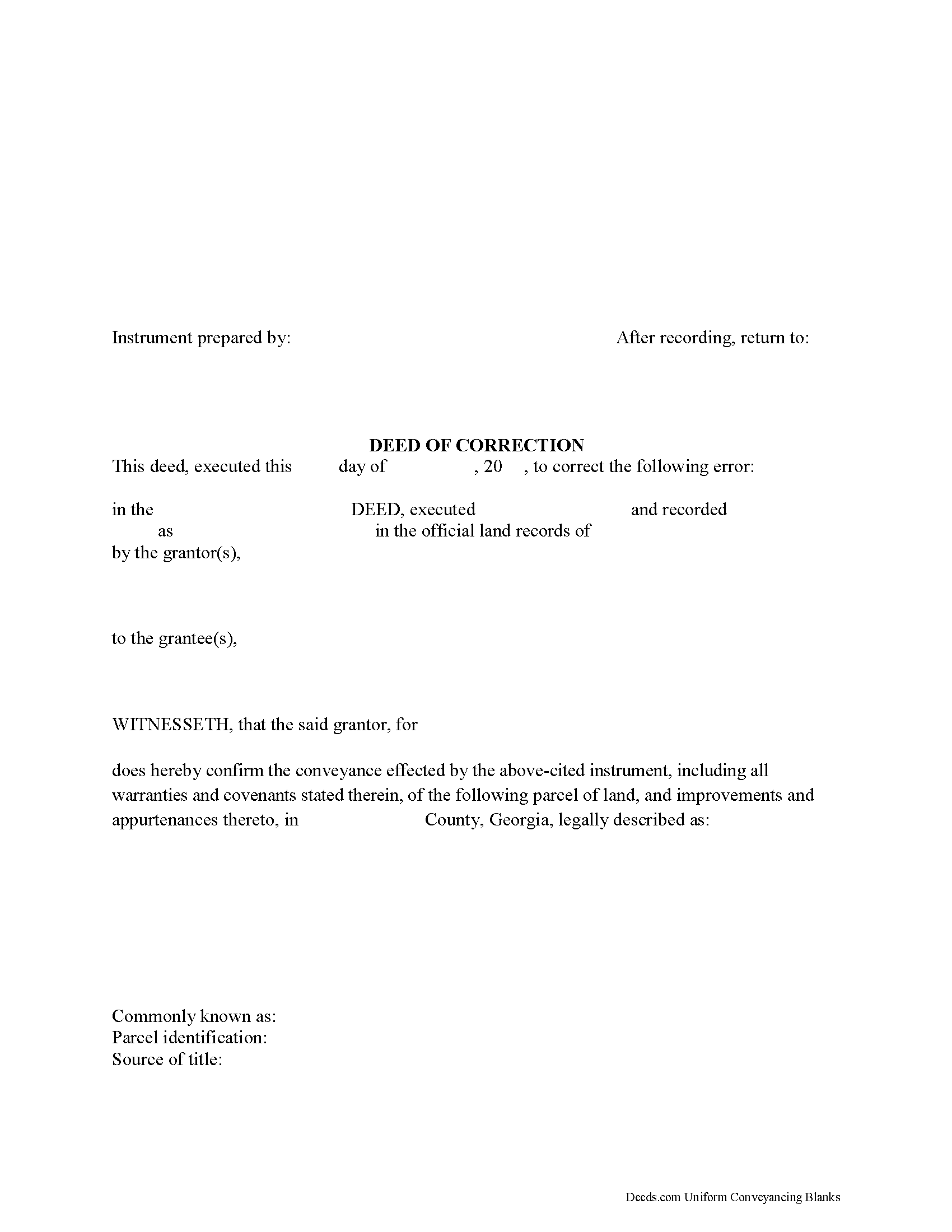
Stewart County Correction Deed Form
Fill in the blank form formatted to comply with all recording and content requirements.
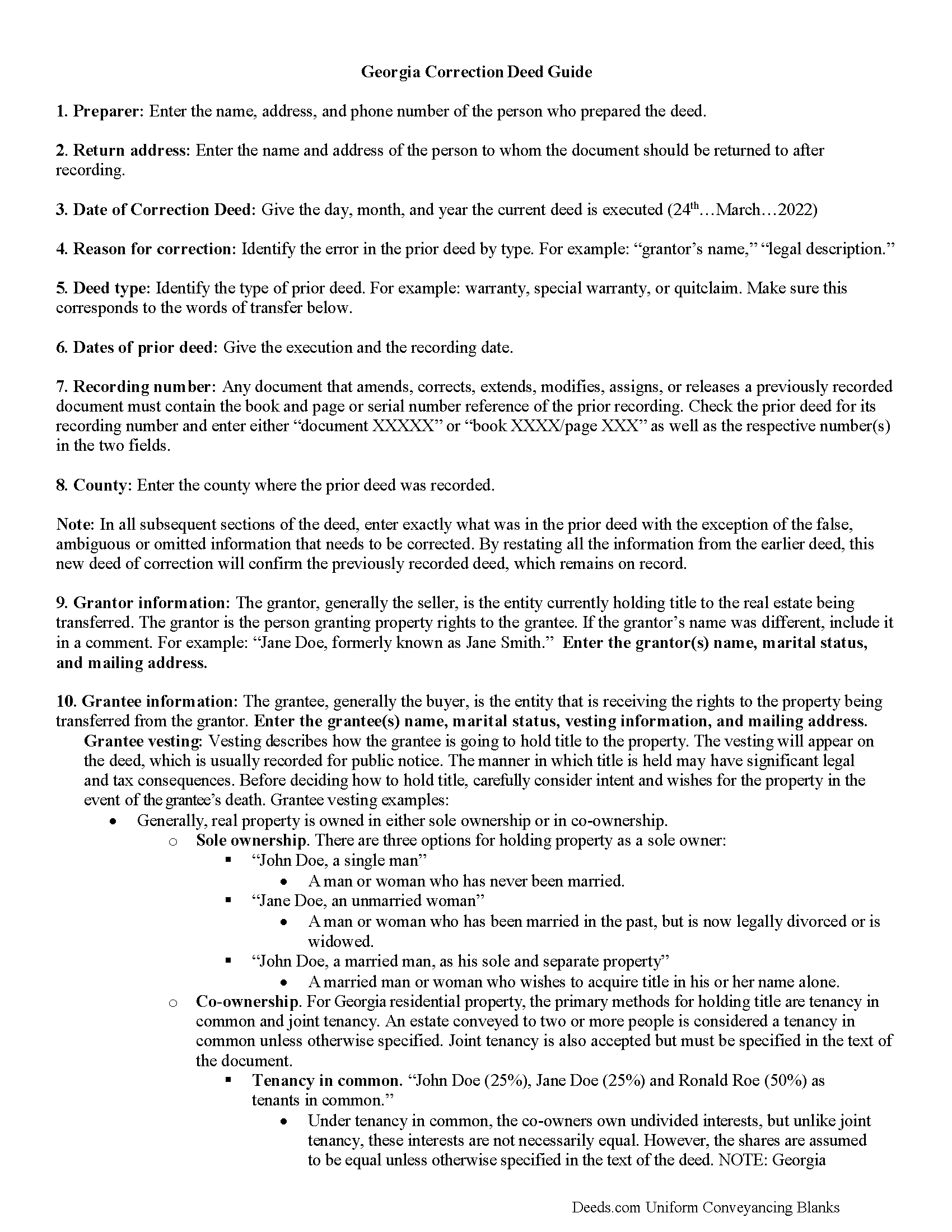
Stewart County Correction Deed Guide
Line by line guide explaining every blank on the form.
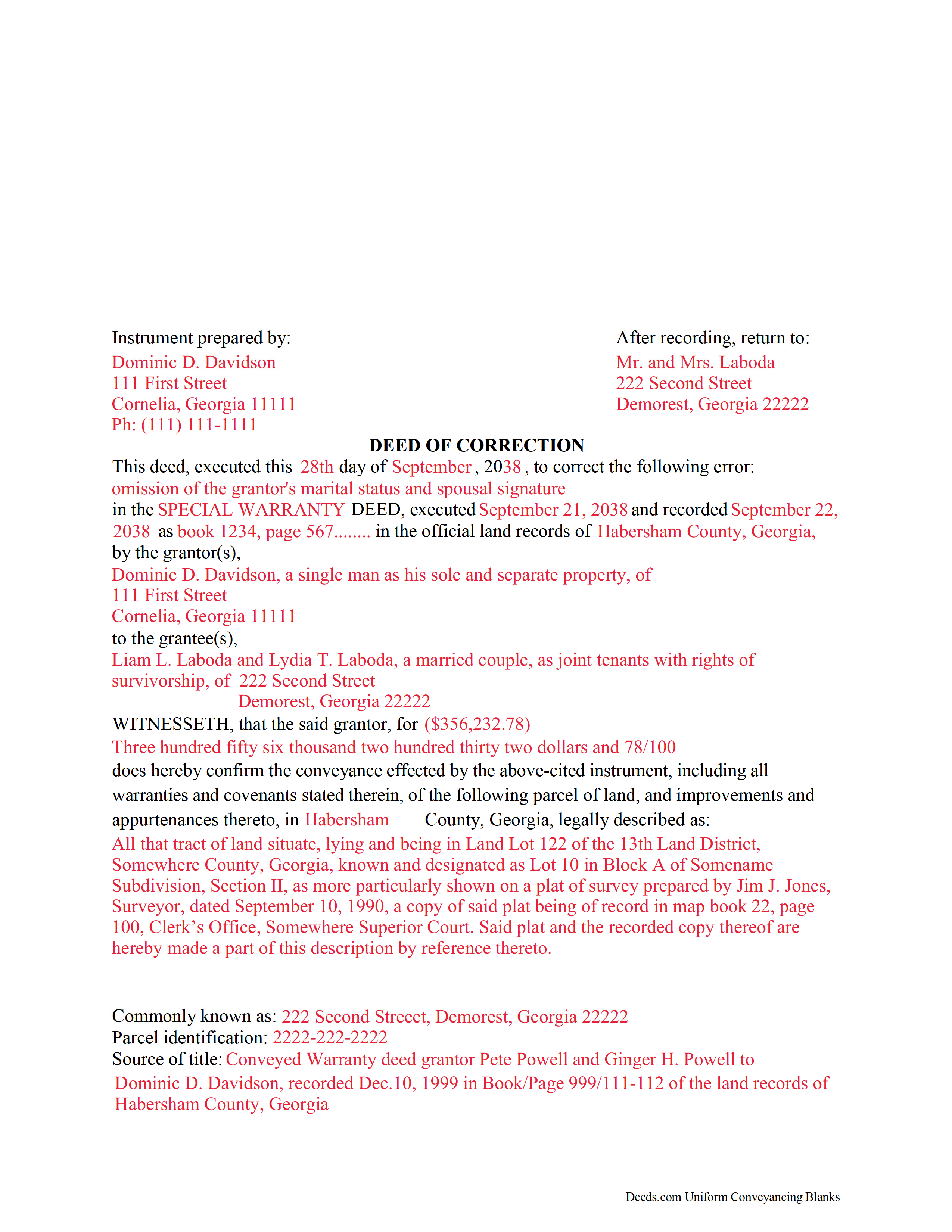
Stewart County Completed Example of the Correction Deed Document
Example of a properly completed form for reference.
All 3 documents above included • One-time purchase • No recurring fees
Immediate Download • Secure Checkout
Additional Georgia and Stewart County documents included at no extra charge:
Where to Record Your Documents
Clerk of Superior Court
Lumpkin, Georgia 31815
Hours: 8:00 - 4:30 Monday - Friday
Phone: (229) 838-6220
Recording Tips for Stewart County:
- Bring your driver's license or state-issued photo ID
- Ensure all signatures are in blue or black ink
- Make copies of your documents before recording - keep originals safe
- Recorded documents become public record - avoid including SSNs
- Recording fees may differ from what's posted online - verify current rates
Cities and Jurisdictions in Stewart County
Properties in any of these areas use Stewart County forms:
- Louvale
- Lumpkin
- Omaha
- Richland
Hours, fees, requirements, and more for Stewart County
How do I get my forms?
Forms are available for immediate download after payment. The Stewart County forms will be in your account ready to download to your computer. An account is created for you during checkout if you don't have one. Forms are NOT emailed.
Are these forms guaranteed to be recordable in Stewart County?
Yes. Our form blanks are guaranteed to meet or exceed the applicable formatting requirements used for recording in Stewart County, including margin requirements, font requirements, and other layout standards. This guarantee applies to formatting, not to the legal sufficiency of information entered by the user or the suitability of a form for a particular transaction.
Can I reuse these forms?
Yes. You can reuse the forms for your personal use. For example, if you have multiple properties in Stewart County you only need to order once.
What do I need to use these forms?
The forms are PDFs that you fill out on your computer. The free Adobe Acrobat Reader is recommended, and most PDF apps also work. You do NOT enter your property information online - you download the blank forms and complete them privately on your own computer.
Are there any recurring fees?
No. This is a one-time purchase. Nothing to cancel, no memberships, no recurring fees.
How much does it cost to record in Stewart County?
Recording fees in Stewart County vary. Contact the recorder's office at (229) 838-6220 for current fees.
Questions answered? Let's get started!
Use this correction deed to correct an error in a previously executed and recorded deed.
Correction deeds are used to adjust the earlier deed when that document contains minor errors of omission or typographical errors, sometimes called scrivener's mistakes. For example, a misspelled name, an omitted or wrong middle initial, a minor error in the property description, or an omitted execution date.
The correction deed, also called deed of correction or deed of confirmation, must state that its sole purpose is to correct a specific error, which is usually identified by type. For example: an error in the grantor's name, or an error in the grantor's marital status.
Once the correction deed is recorded, it will relate back to the date of the original deed. So it is not necessarily a good idea to re-execute the original deed or to execute and record a different type of deed, such as a quitclaim deed, to correct an error. Both of these cannot relate back to the date of the original deed that needs to be corrected. Only the deed of correction is so closely linked to the prior document that all corrections are effective as of the date of the original recorded instrument.
(Georgia Correction Deed Package includes form, guidelines, and completed example)
Important: Your property must be located in Stewart County to use these forms. Documents should be recorded at the county recording office listed above.
This Correction Deed meets all recording requirements specific to Stewart County.
Our Promise
The documents you receive here are guaranteed to meet or exceed the applicable Stewart County recording format requirements. If there is a rejection caused by our formatting, we will correct the issue or refund your payment. This guarantee applies to document formatting only and does not extend to information entered by the user, the selection of the form, or the legal effect of the completed document.
Save Time and Money
Get your Stewart County Correction Deed form done right the first time with Deeds.com Uniform Conveyancing Blanks. At Deeds.com, we understand that your time and money are valuable resources, and we don't want you to face a penalty fee or rejection imposed by a county recorder for submitting nonstandard documents. We constantly review and update our forms to meet rapidly changing state and county recording requirements for roughly 3,500 counties and local jurisdictions.
4.8 out of 5 - ( 4,828 Reviews )
Sherry C. 5 out of 5 stars
more than 5 stars really! best company to do business with. I was helped and got everything I needed, then helped again by this company when I asked for a refund. their response was our office took care of it and you got your refund! what kind of professional company is this! they are very helpful!
Your review means a lot to us. Thank you for taking the time.
Cedric W. 5 out of 5 stars
This process was very easy to go through, from beginning to end. It was fast, precise and got the job done without me having to leave my computer. If opportunities arise, I will definitely use deeds.com again.
Thank you for your feedback. We really appreciate it. Have a great day!
Tamara H. 5 out of 5 stars
Absolutely awesome! Quick, easy and efficient. I will definitely be using again!
Thank you Tamara. We really appreciate you taking the time to leave your comments. Have an amazing day!
Marc P. 5 out of 5 stars
Simple and fast!
Thank you for your feedback. We really appreciate it. Have a great day!
Terry S. 5 out of 5 stars
Forms were very easy to use using the completed form as an example.
Thank you for your feedback. We really appreciate it. Have a great day!
pete k. 5 out of 5 stars
Excellent service and quick turnaround time.I ordered a copy of my property deed and I received a downloadable digital copy in about 10 to 15 minutes. Very impressed. Thank You
Thank you for your feedback. We really appreciate it. Have a great day!
Lisa M. 5 out of 5 stars
Awesome and so easy to use!
We appreciate your business and value your feedback. Thank you. Have a wonderful day!
Alex Q. 5 out of 5 stars
The best people to work with! Thank you for all you do. We send documents from all states to Deeds.com to record for us. They are professional, keep us updated and always notify us if there is an issue with one of our documents prior to sending to recording and that saves us money and time! Thank you!!
Thanks for the kind words Alex. We appreciate you!
M T. 5 out of 5 stars
Really nice deed form and guide the whole process was super easy.
Thank you!
Ralph H. 5 out of 5 stars
They must have busy when I applied. The screen said it should be done in under10 mins unless heavier traffic. I was a little nervous because of a time deadline. It was completed in 45 mins and for under $30 it was worth every penny to have my deed details at my fingertips. So I give it a 5 on ease of use and quick handling. You can get it done less expensively, but great in a time crunch.
We appreciate your business and value your feedback. Thank you. Have a wonderful day!
ray r. 5 out of 5 stars
excellent service
Thank you!
Jearsel W. 5 out of 5 stars
I was surprised how helpful the completed example was. It was nice to see what the form should look like when it is filled out. Great job!
That's wonderful to hear Jearsel, thanks for your feedback. Have an awesome day.
Lynn H. 5 out of 5 stars
A very informative WEB site. It was simple to access the forms I needed for my specific situation. I would highly recommend Deeds.com. I will be back with future needs when they arise! I was left with a very positive impression. Thank you so much!
We appreciate your business and value your feedback. Thank you. Have a wonderful day!
David M. 5 out of 5 stars
Best $20 ever spent. I'm a bit of an idiot with these things, thankfully there are professionals who know what they are doing so I don't screw things up...
Thank you!
Christine B. 5 out of 5 stars
The site was easy to navigate.
Thank you!