Mcintosh County Deed to Secure Debt and Promissory Note Form
Last validated October 30, 2026 by our Forms Development TeamFormatted for recording in Mcintosh County, for property anywhere in the county: rural and unincorporated areas as well as Crescent, Darien, Meridian, Sapelo Island, Townsend.
- 8 documents included
- Immediate PDF download
- Formatting guarantee
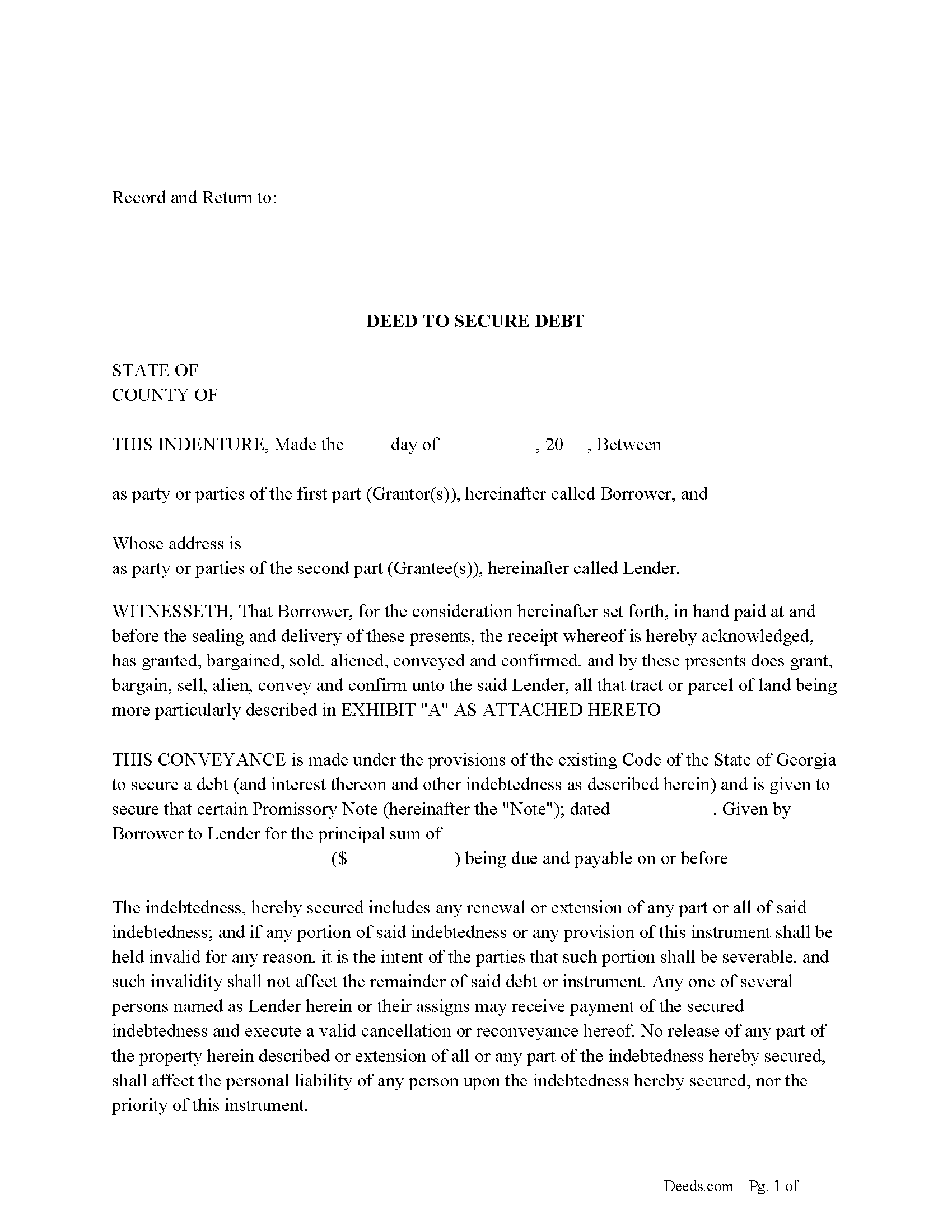
Mcintosh County Deed to Secure Debt
Fill in the blank form formatted to comply with all recording and content requirements.
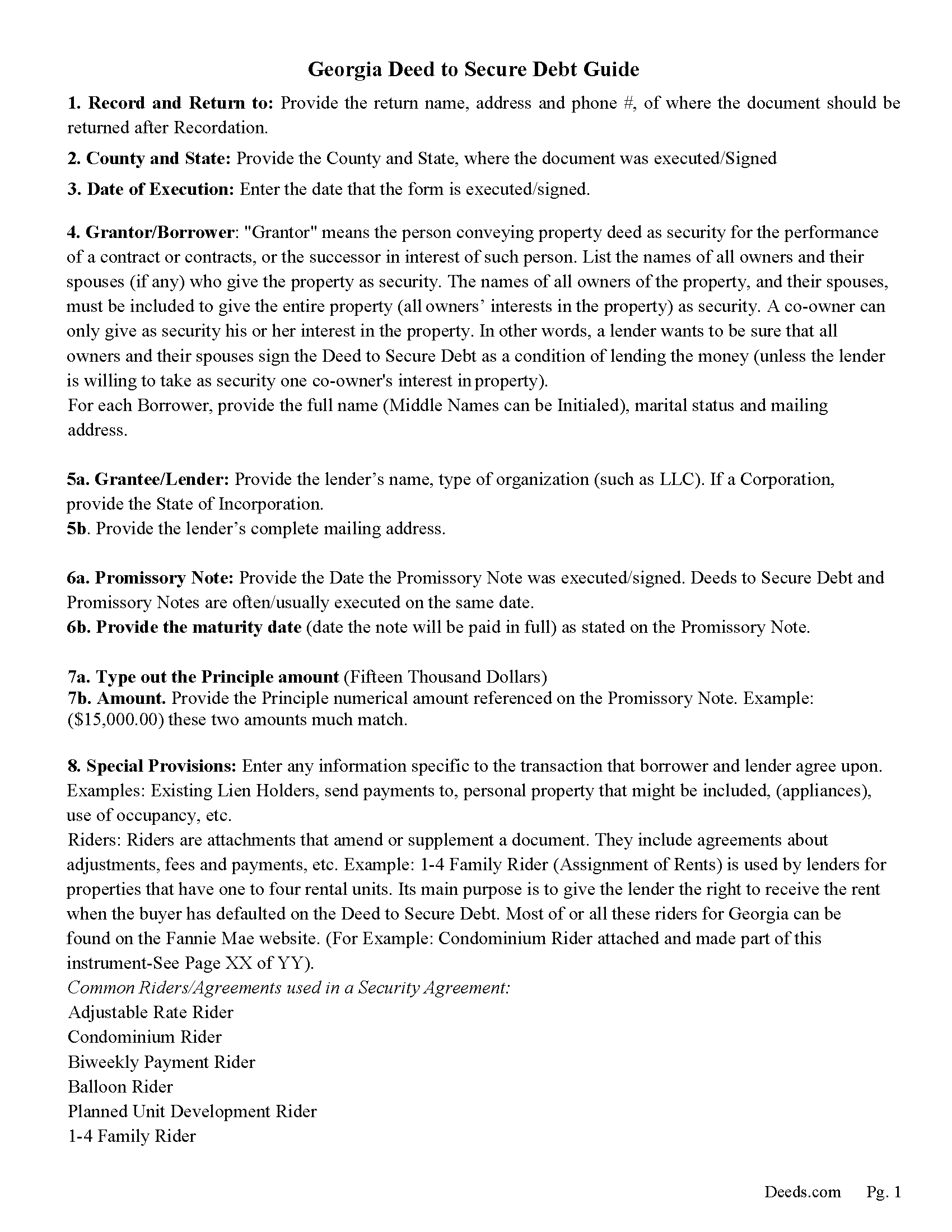
Mcintosh County Deed to Secure Debt Guidelines
Line by line guide explaining every blank on the form.
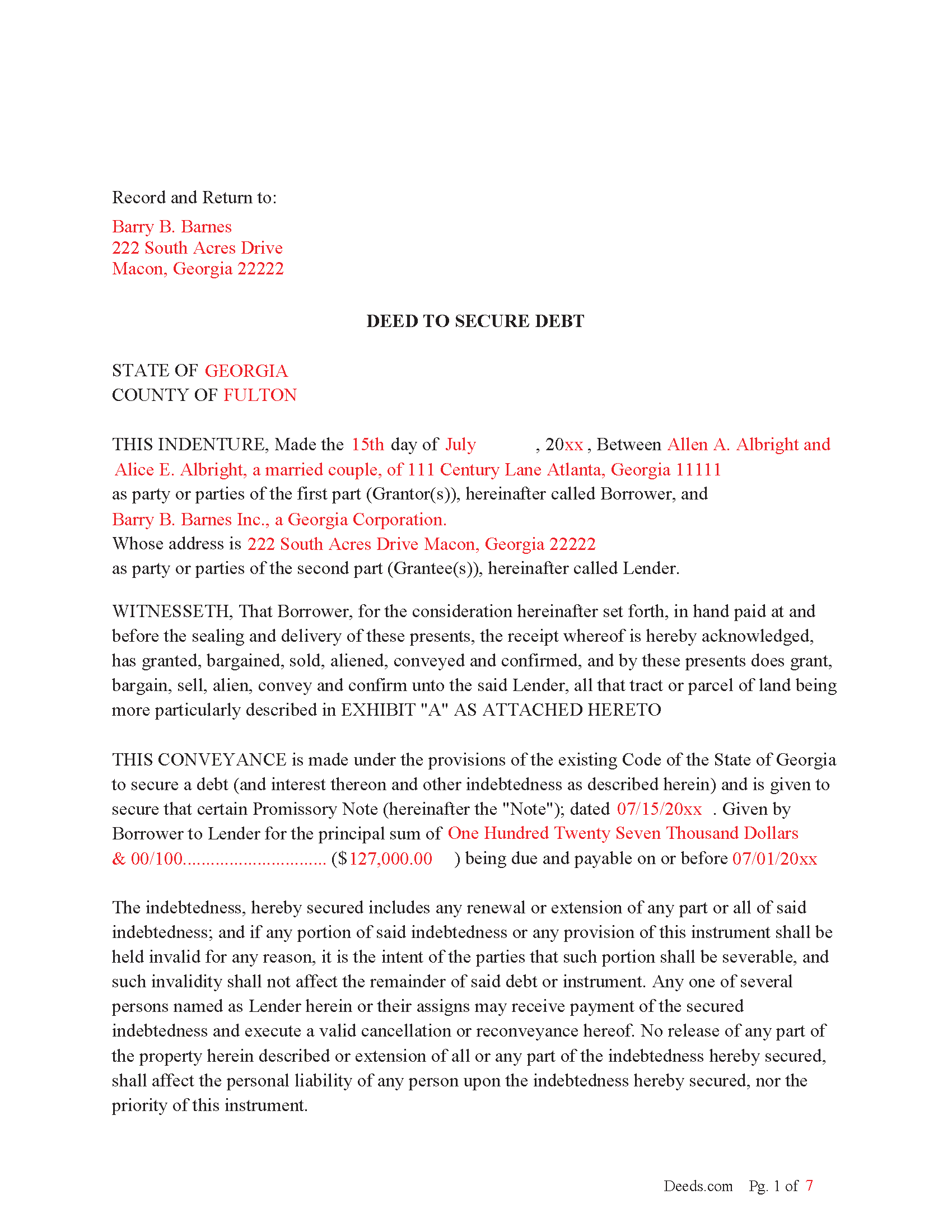
Mcintosh County Completed Example-Deed to Secure Debt
Example of a properly completed form for reference.
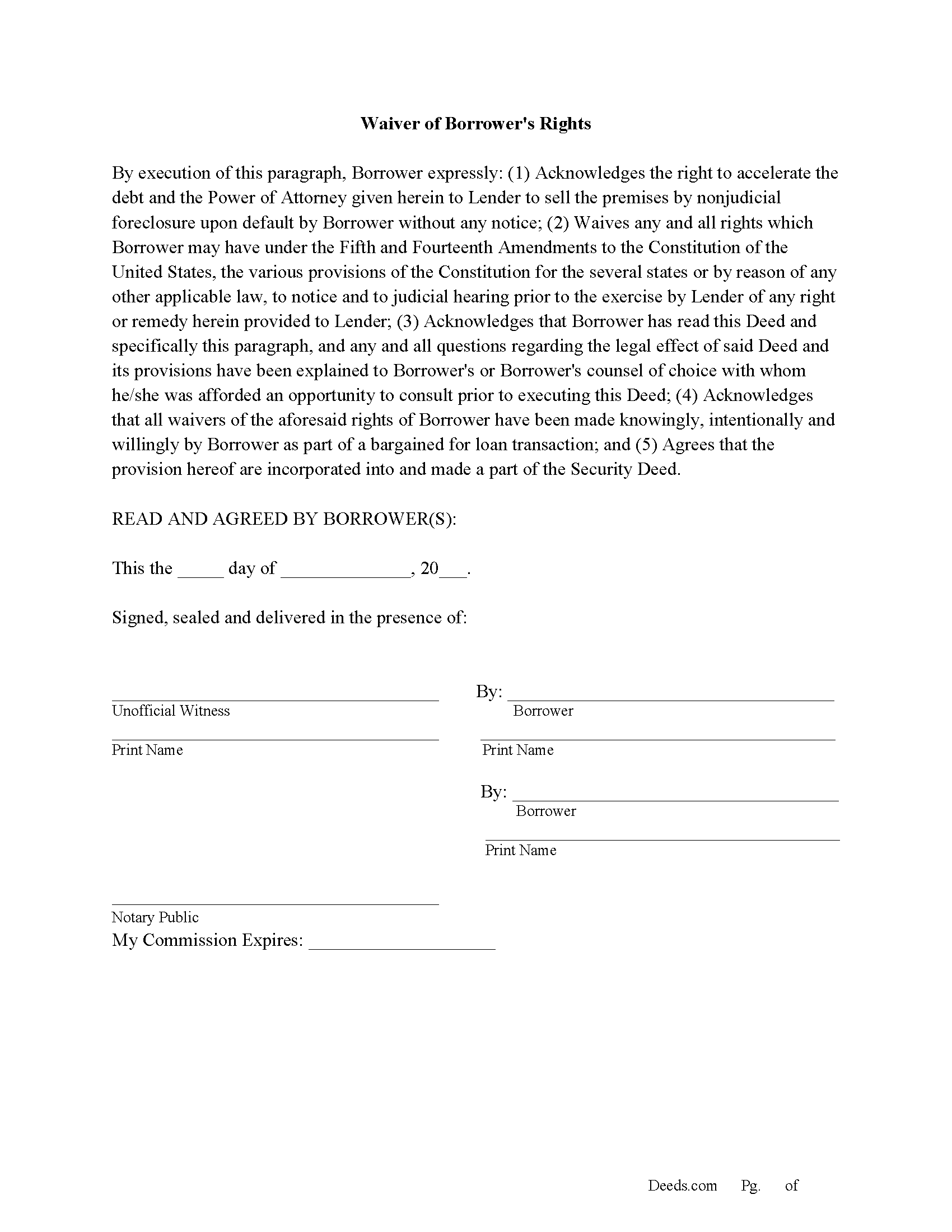
Mcintosh County Waiver of Borrowers Rights Form
Borrowers confirm they have waived their rights to a judicial foreclosure.
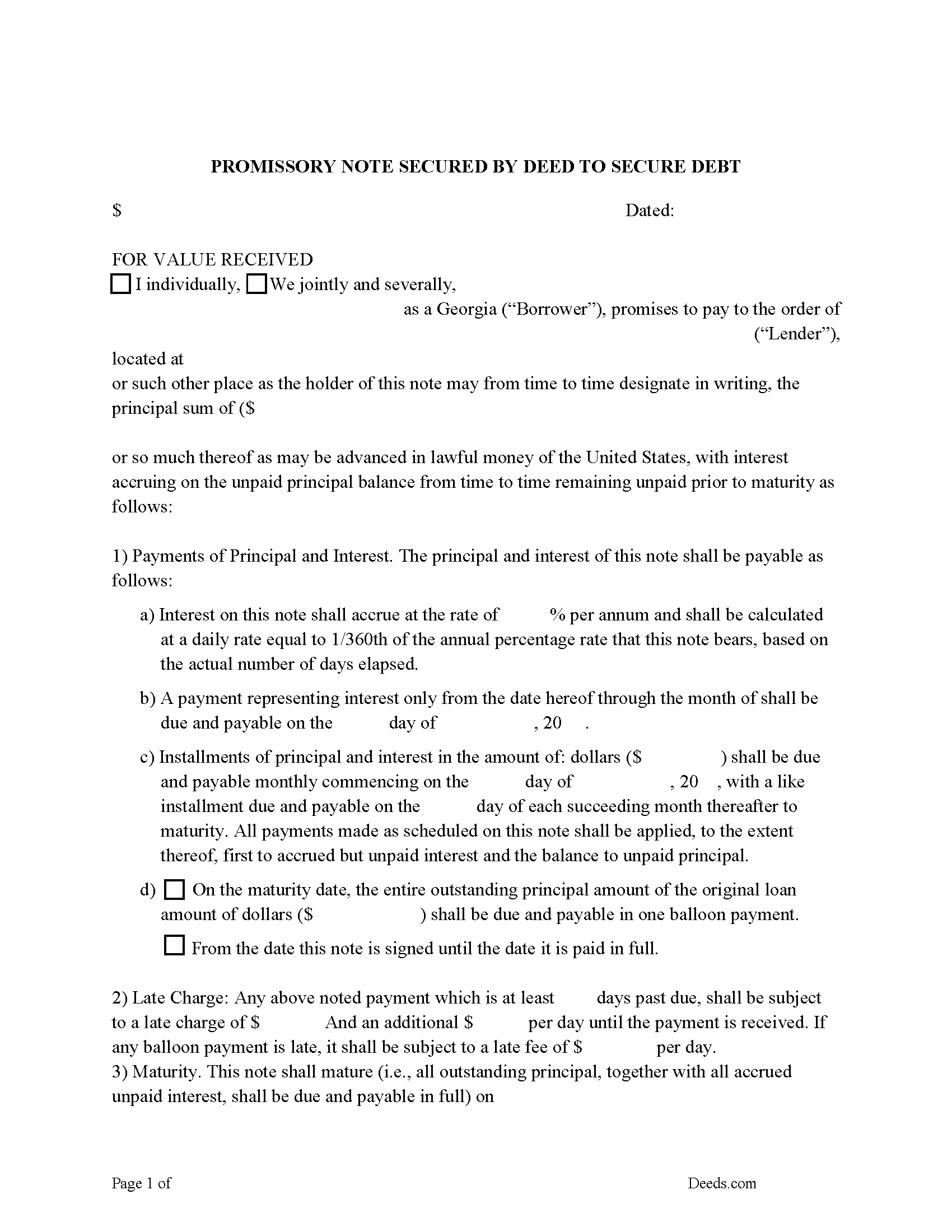
Mcintosh County Promissory Note Form
Note that is secured by the Deed to Secure Debt
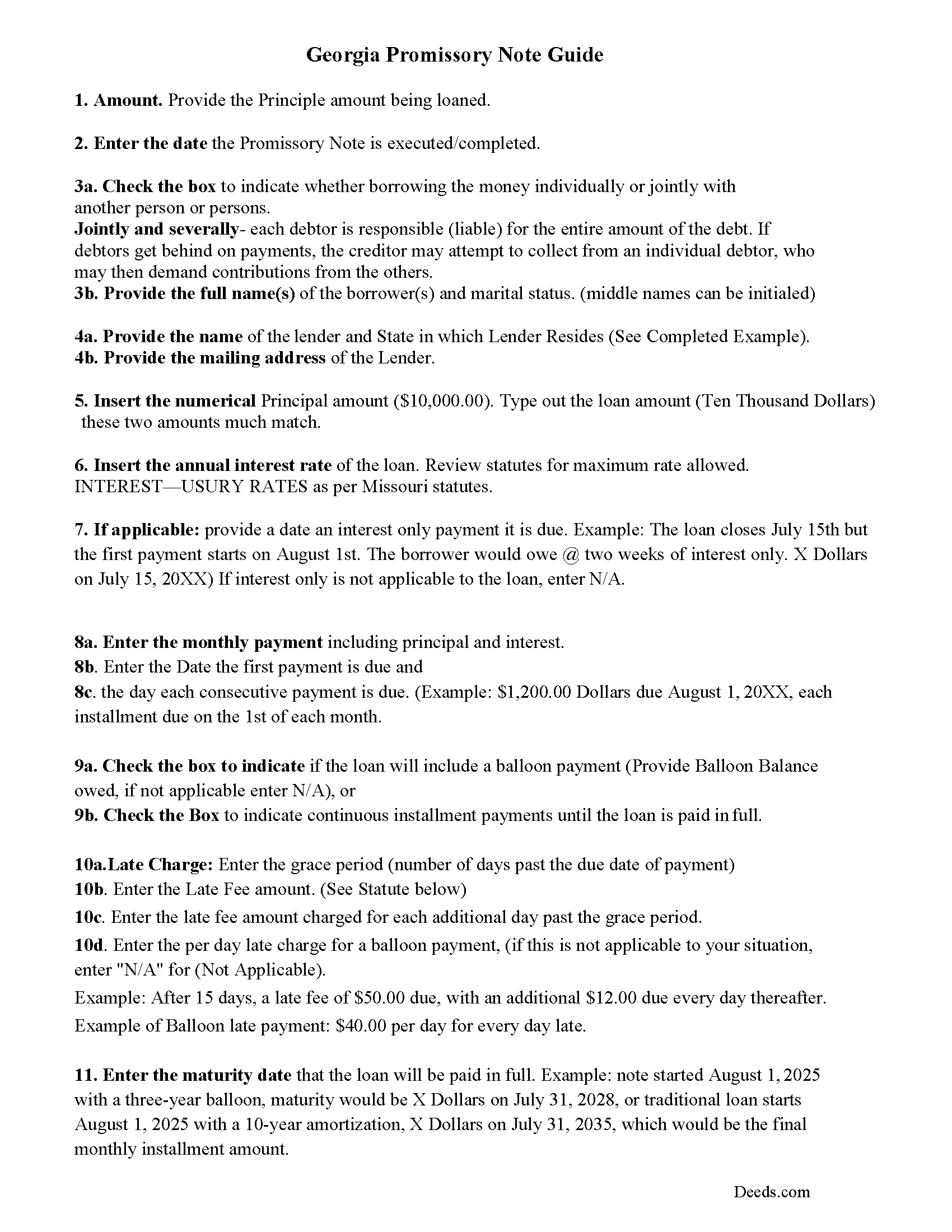
Mcintosh County Promissory Note Guidelines
Line by line guide explaining every blank on the form.
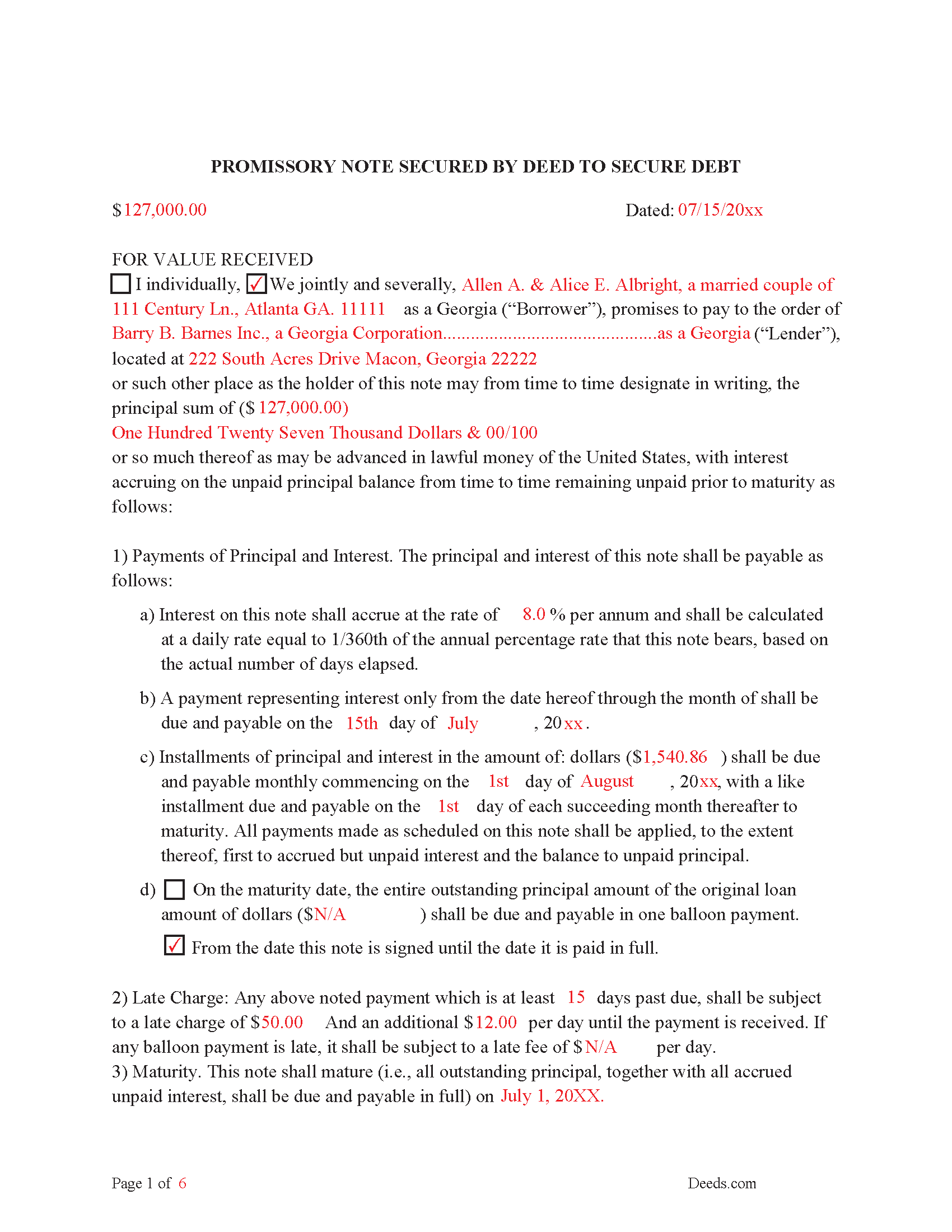
Mcintosh County Completed Example of the Promissory Note Document
Example of a properly completed form for reference.
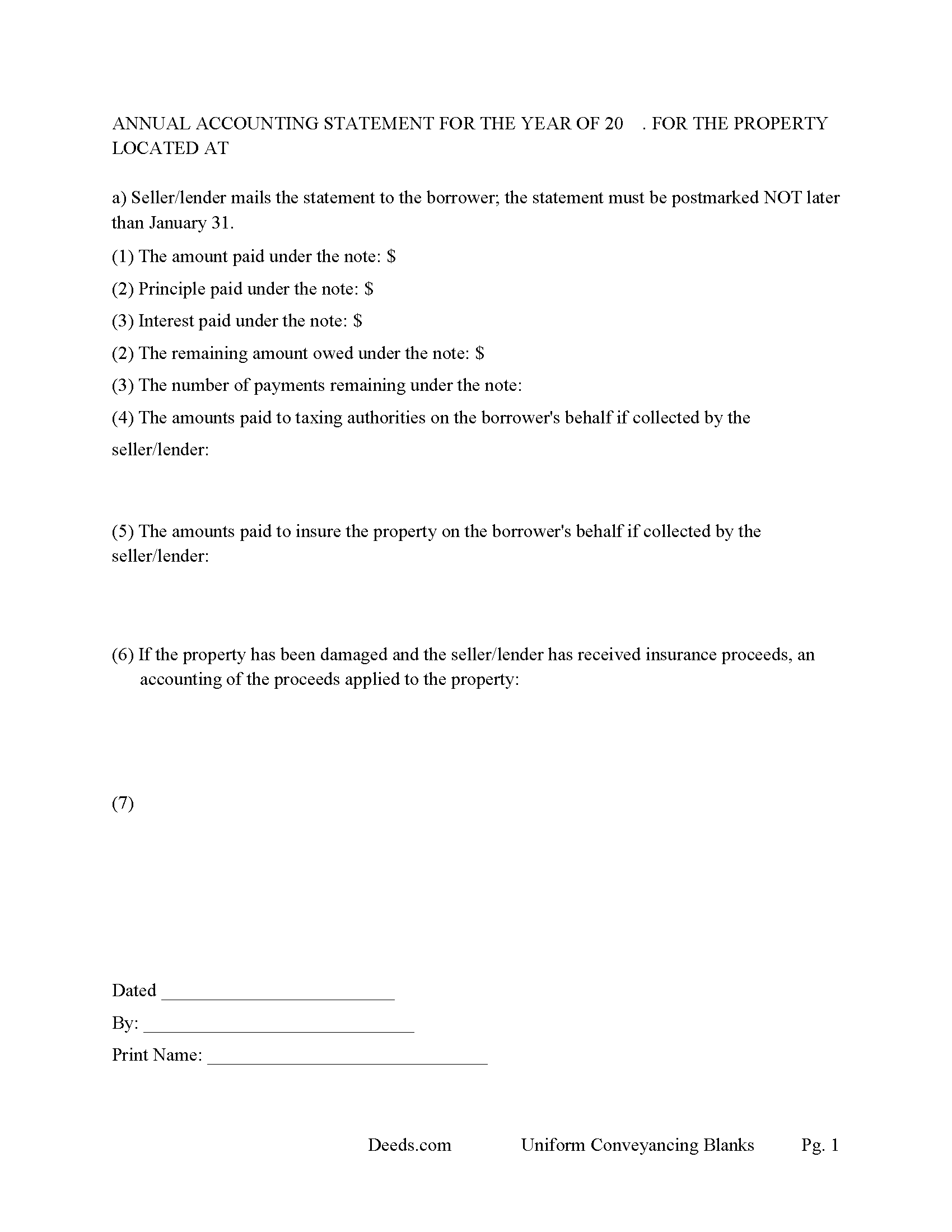
Mcintosh County Annual Accounting Statement Form
Mail to borrower for fiscal year reporting.
All 8 documents above included • One-time purchase • No recurring fees
Immediate Download • Secure Checkout
Additional Georgia and Mcintosh County documents included at no extra charge:
Where to Record Your Documents
Clerk of Superior Court
Darien, Georgia 31305
Hours: 8:00 to 4:30 M-F
Phone: (912) 437-6641
Recording Tips for Mcintosh County:
- Bring your driver's license or state-issued photo ID
- Ensure all signatures are in blue or black ink
- Verify all names are spelled correctly before recording
- White-out or correction fluid may cause rejection
- Ask about their eRecording option for future transactions
Cities and Jurisdictions in Mcintosh County
Properties in any of these areas use Mcintosh County forms:
- Crescent
- Darien
- Meridian
- Sapelo Island
- Townsend
Hours, fees, requirements, and more for Mcintosh County
How do I get my forms?
Forms are available for immediate download after payment. The Mcintosh County forms will be in your account ready to download to your computer. An account is created for you during checkout if you don't have one. Forms are NOT emailed.
Are these forms guaranteed to be recordable in Mcintosh County?
Yes. Our form blanks are guaranteed to meet or exceed the applicable formatting requirements used for recording in Mcintosh County, including margin requirements, font requirements, and other layout standards. This guarantee applies to formatting, not to the legal sufficiency of information entered by the user or the suitability of a form for a particular transaction.
Can I reuse these forms?
Yes. You can reuse the forms for your personal use. For example, if you have multiple properties in Mcintosh County you only need to order once.
What do I need to use these forms?
The forms are PDFs that you fill out on your computer. The free Adobe Acrobat Reader is recommended, and most PDF apps also work. You do NOT enter your property information online - you download the blank forms and complete them privately on your own computer.
Are there any recurring fees?
No. This is a one-time purchase. Nothing to cancel, no memberships, no recurring fees.
How much does it cost to record in Mcintosh County?
Recording fees in Mcintosh County vary. Contact the recorder's office at (912) 437-6641 for current fees.
Questions answered? Let's get started!
A "Deed to Secure Debt" often called a "Security Deed" that is protected by a "Promissory Note" is the preferred method of financing by Lenders in Georgia. Foreclosures can be done non-judicially saving time and expense. It being intended by the parties that this document shall operate as a deed, not as a mortgage and is made under those provisions of O.C.G.A. Sections 44-14-60 through 44-14-85 to secure the payment of Indebtedness.
There are two parties in this instrument.
"Borrower" means a person who has secured an indebtedness with a security interest in real property or a person who has taken an interest in real property subject to an outstanding security interest in the real property and has notified the holder of the security interest that he has taken the real property and assumed the indebtedness secured by the real property. (Section 44-14-5)(1)
"Lender" means a person who has a security interest in real property, which interest is evidenced by a security deed, a mortgage, a trust deed, a bond for title, or other security document granting a security interest in real property to secure an indebtedness owed to the lender. (Section 44-14-5)(2)
All transfers of deeds to secure debt shall be in writing; shall be signed by the grantee or, if the deed has been previously transferred, by the last transferee; and shall be witnessed as required for deeds. 44-14-64(a) This Document meets Georgia County and State recording requirements
Every deed to secure debt shall be recorded in the county where the land conveyed is located. Every bill of sale to secure debt shall be recorded in the county where the maker, if a resident of this state, resided at the time of its execution and, if a nonresident, in the county where the personalty conveyed is located. Deeds or bills of sale not recorded shall remain valid against the persons executing them. The effect of the failure to record deeds and bills of sale shall be the same as the effect of the failure to record a deed of bargain and sale. 44-14-63(a)
(A deed to secure debt shall not be recorded unless it includes the mailing address of the grantee thereof.) (44-14-63(b))
The Promissory Note is a contract used to evidence the debt owed by the borrower. The borrower promises to pay the lender the agreed amount under certain terms and conditions, these include interest rate, late payments, default interest rate (what the interest rate increases to, after a specified number of days)
Use for Residential Property, Condominiums, Rental Property, Vacant Land, Planned Unit Development and Small Commercial Property.
(Georgia Deed to Secure Debt Package includes forms, guidelines, and completed examples) For use in Georgia Only.
Important: Your property must be located in Mcintosh County to use these forms. Documents should be recorded at the county recording office listed above.
This Deed to Secure Debt and Promissory Note meets all recording requirements specific to Mcintosh County.
Our Promise
The documents you receive here are guaranteed to meet or exceed the applicable Mcintosh County recording format requirements. If there is a rejection caused by our formatting, we will correct the issue or refund your payment. This guarantee applies to document formatting only and does not extend to information entered by the user, the selection of the form, or the legal effect of the completed document.
Save Time and Money
Get your Mcintosh County Deed to Secure Debt and Promissory Note form done right the first time with Deeds.com Uniform Conveyancing Blanks. At Deeds.com, we understand that your time and money are valuable resources, and we don't want you to face a penalty fee or rejection imposed by a county recorder for submitting nonstandard documents. We constantly review and update our forms to meet rapidly changing state and county recording requirements for roughly 3,500 counties and local jurisdictions.
4.8 out of 5 - ( 4,839 Reviews )
Edward M. 5 out of 5 stars
Professional and courteous and responsive service by KVH for my problem. He or she should receive a pat on the back but not on the back side. Ed Mattingly
Thank you for your feedback. We really appreciate it. Have a great day!
Lester A. 5 out of 5 stars
Couldnt have been easier. Docs recorded the next day!
Thanks Lester, glad we could help.
David A. 5 out of 5 stars
Excellent service. I have been looking for a beneficiary deed for quite a wile with no success. My friend found your site and I was overjoyed. Fast, easy to use, and understand.I recommend this site to anyone.
We appreciate your business and value your feedback. Thank you. Have a wonderful day!
Susan H. 5 out of 5 stars
Best idea ever for completing an on-line government form. And it came with instructions!!!!! Thank you, Gadsden County.
Thank you!
Tom L. 5 out of 5 stars
An excellent service that I would be happy to use again.
Thank you for your feedback. We really appreciate it. Have a great day!
Dennis W. 4 out of 5 stars
Fairly straight forward. Notary had a small amount of confusion regarding what wanted in their area.
Thank you for your feedback, Dennis! We're glad the process was straightforward overall. We appreciate you noting the confusion about area requirements - we'll work with our notary partners to ensure clearer communication going forward. Your input helps us improve!
Sara P. 5 out of 5 stars
Wonderful response time, and patient with me. Thank you.
We appreciate your business and value your feedback. Thank you. Have a wonderful day!
Cameron Z. 5 out of 5 stars
Outstanding!! The guidelines and example pages were clear and easy to comprehend. Saved me 410 dollars over having to hire a lawyer.
Great to hear — thank you for taking the time to write a review.
Chrisona S. 5 out of 5 stars
Received the forms as promised. Very satisfied.
Thank you!
Terry M. 4 out of 5 stars
Application is not well laid out. I guess it does the job but leaves a lot to be desired. Hard to follow
Thank you for your feedback. We really appreciate it. Have a great day!
Marion Paul W. 5 out of 5 stars
Quick service .Easy download.I ordered Quit Claim and should have ordered warranty deed. I will make it work
Thank you!
Gary G. 5 out of 5 stars
Ordered the forms I needed for my state and county and everything worked out perfectly. All the forms came with examples (filled in) and very detailed instructions for each block that required an entry. I was able to fill everything out on my computer and save the files for future use, if required. Deeds provides an excellent product. I highly recommend their products and will use their services again.
Thank you for your feedback. We really appreciate it. Have a great day!
Deirdre K. 5 out of 5 stars
Fantastic! So helpful, got my deed recorded with no problem.
Thank you!
Nancy O. 5 out of 5 stars
Have not actually filed as yet but package seems to answer all my questions and believe this will be a walk in the park instead a a headache or expensive endeavor. Thanks.
Thank you for your feedback. We really appreciate it. Have a great day!
Amanda W. 5 out of 5 stars
Very helpful.
Thank you!