Towns County Preliminary Notice of Mechanics Lien Form
Last validated October 1, 2026 by our Forms Development TeamFormatted for recording in Towns County, for property anywhere in the county: rural and unincorporated areas as well as Hiawassee, Young Harris.
- 3 documents included
- Immediate PDF download
- Formatting guarantee
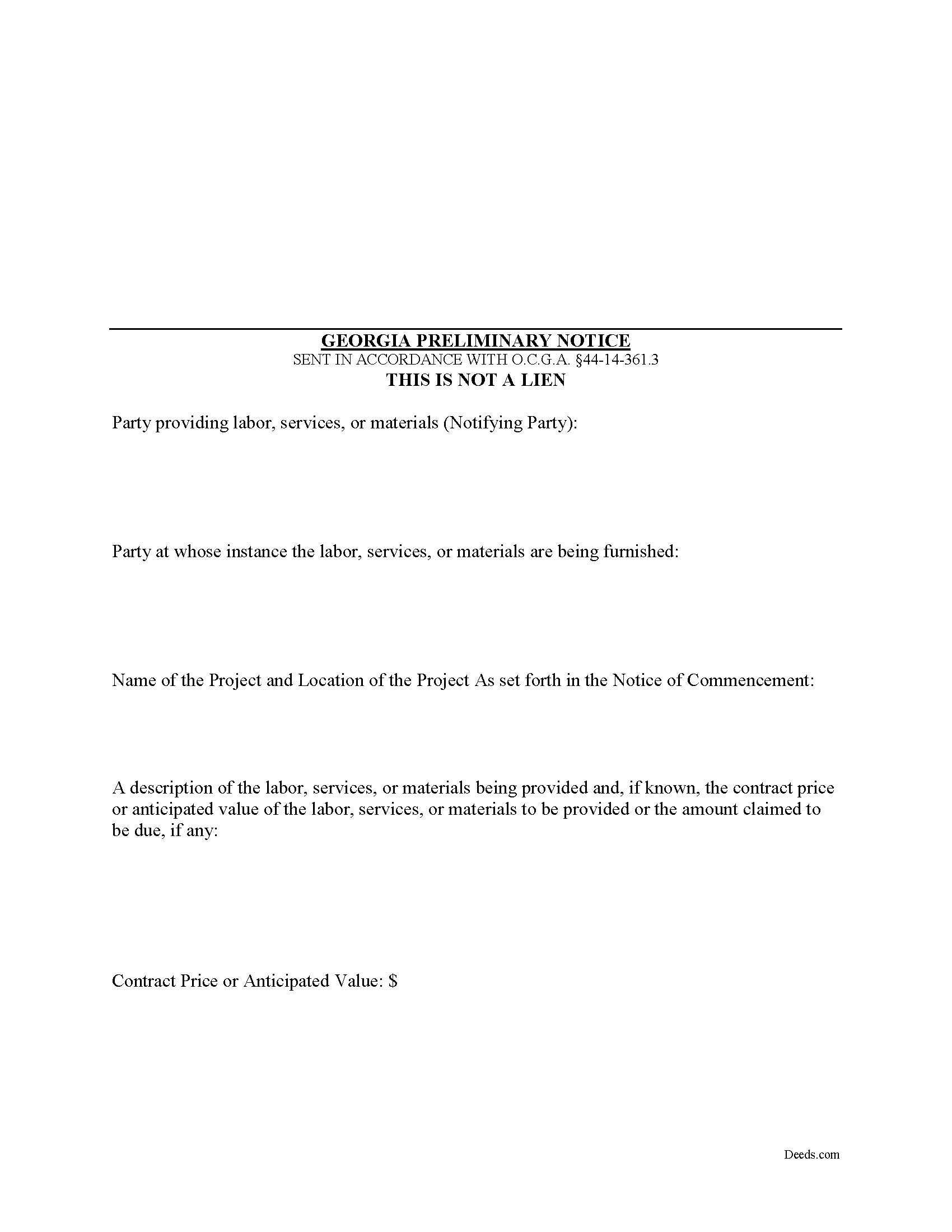
Towns County Preliminary Notice of Mechanics Lien Form
Fill in the blank Preliminary Notice of Mechanics Lien form formatted to comply with all Georgia recording and content requirements.
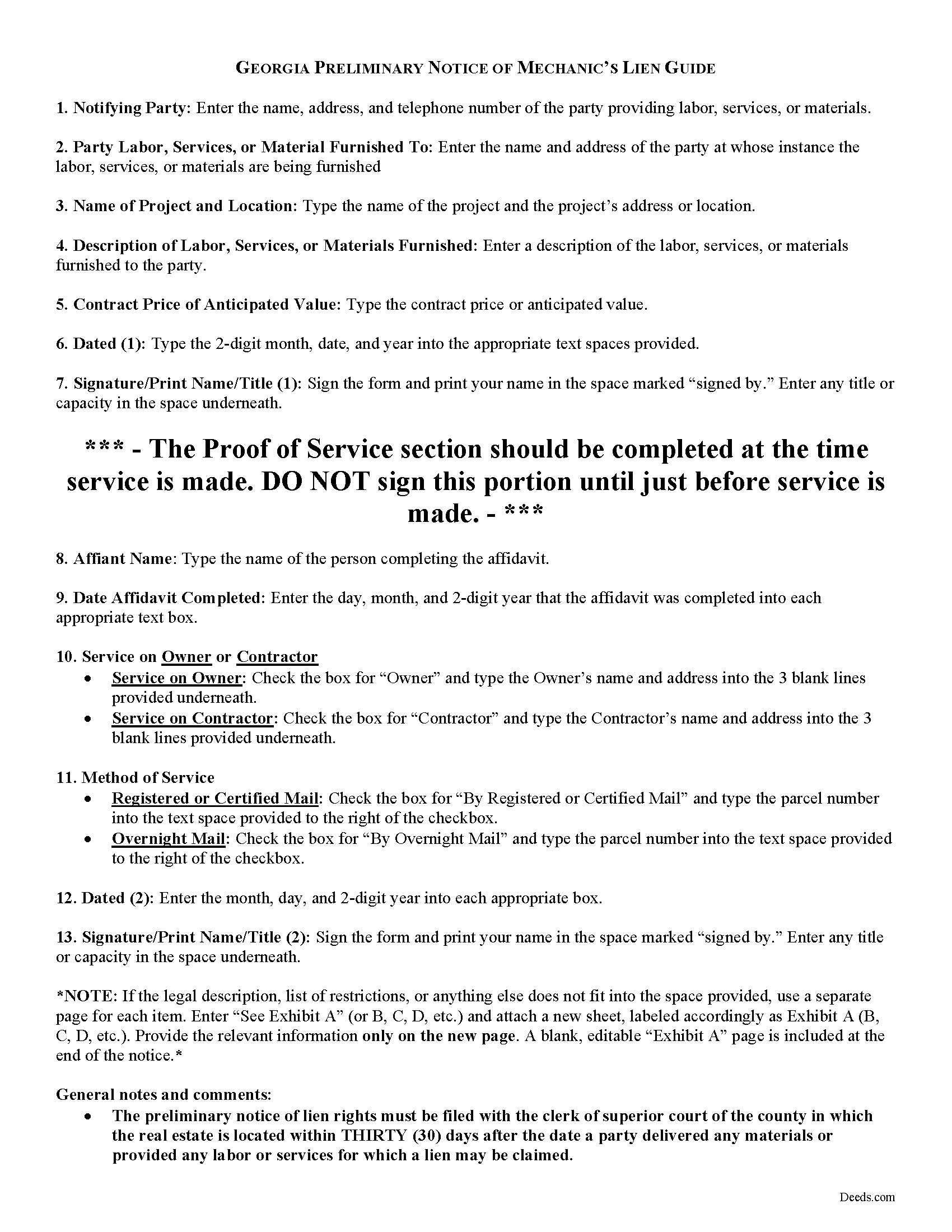
Towns County Preliminary Notice of Mechanics Lien Guide
Line by line guide explaining every blank on the form.
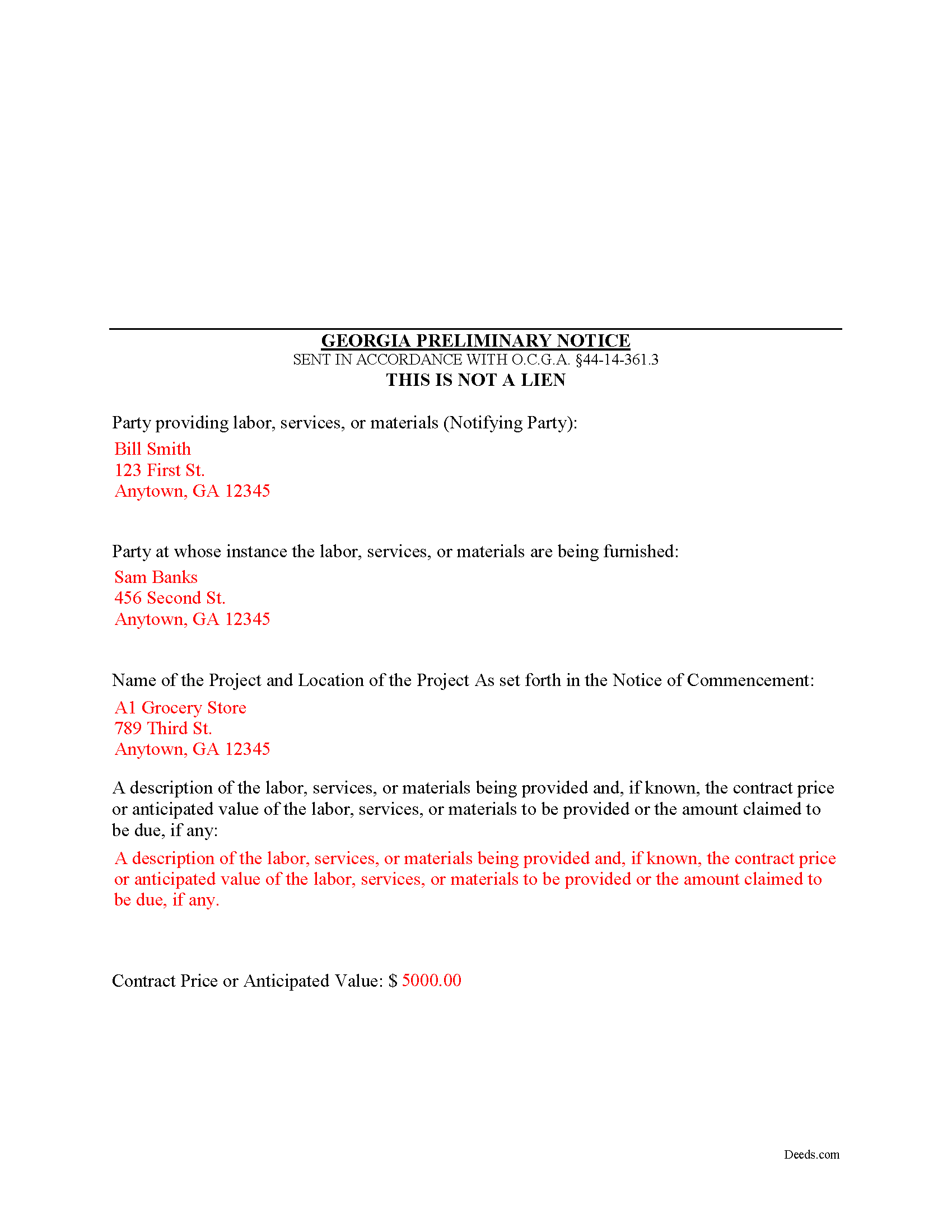
Towns County Completed Example of the Preliminary Notice of Mechanics Lien Document
Example of a properly completed form for reference.
All 3 documents above included • One-time purchase • No recurring fees
Immediate Download • Secure Checkout
Additional Georgia and Towns County documents included at no extra charge:
Where to Record Your Documents
Clerk of Superior Court
Hiawassee, Georgia 30546
Hours: 8:30 to 4:30 M-F
Phone: (706) 896-2130
Recording Tips for Towns County:
- Bring your driver's license or state-issued photo ID
- Ensure all signatures are in blue or black ink
- Ask if they accept credit cards - many offices are cash/check only
- Check that your notary's commission hasn't expired
- Documents must be on 8.5 x 11 inch white paper
Cities and Jurisdictions in Towns County
Properties in any of these areas use Towns County forms:
- Hiawassee
- Young Harris
Hours, fees, requirements, and more for Towns County
How do I get my forms?
Forms are available for immediate download after payment. The Towns County forms will be in your account ready to download to your computer. An account is created for you during checkout if you don't have one. Forms are NOT emailed.
Are these forms guaranteed to be recordable in Towns County?
Yes. Our form blanks are guaranteed to meet or exceed the applicable formatting requirements used for recording in Towns County, including margin requirements, font requirements, and other layout standards. This guarantee applies to formatting, not to the legal sufficiency of information entered by the user or the suitability of a form for a particular transaction.
Can I reuse these forms?
Yes. You can reuse the forms for your personal use. For example, if you have multiple properties in Towns County you only need to order once.
What do I need to use these forms?
The forms are PDFs that you fill out on your computer. The free Adobe Acrobat Reader is recommended, and most PDF apps also work. You do NOT enter your property information online - you download the blank forms and complete them privately on your own computer.
Are there any recurring fees?
No. This is a one-time purchase. Nothing to cancel, no memberships, no recurring fees.
How much does it cost to record in Towns County?
Recording fees in Towns County vary. Contact the recorder's office at (706) 896-2130 for current fees.
Questions answered? Let's get started!
Georgia Mechanic's Lien on your mind? First file your preliminary notice!
In many states, claimants must file a document known as a "preliminary" or "pre-lien" notice as a prerequisite to securing mechanic's lien rights. Georgia does not adhere to this requirement, so forgetting to file preliminary notice won't cost the claimant's lien rights. Under Georgia law, however, a person with a lien right may, at his or her option, file a preliminary notice. O.G.C.A. 44-14-361.3.
Preliminary notices are used by subcontractors and material suppliers who are not under a direct contract with the owner. A preliminary notice form follows a simple format that must include: (1) the name, address, and telephone number of the potential lien claimant; (2) the name and address of the contractor or other person at whose instance the labor, services, or materials were furnished; (3) the name of the owner of the real estate and include a description sufficient to identify the real estate against which the lien is or may be claimed; and (4) include a general description of the labor, services, or materials furnished or to be furnished. O.G.C.A. 44-14-361.3(a)(2)---(5).
The preliminary notice of lien rights must be filed with the clerk of superior court of the county in which the real estate is located within thirty (30) days after the date a party delivered any materials or provided any labor or services for which a lien may be claimed. O.G.C.A. 44-14-361.3(a)(1).
The Notice must also be served after filing on either the owner or contractor. A party filing a preliminary notice of lien rights (except a contractor) shall, within seven (7) days of filing the notice, send by registered or certified mail or statutory overnight delivery a copy of the notice to the contractor on the property named in the notice or to the owner of the property. The lien claimant may rely on the building permit issued on the property for the name of the contractor. O.G.C.A. 44-14-361.3(b).
As stated earlier, the preliminary notice is not a required document. A person having a lien may enforce the lien without filing a preliminary notice of lien. O.G.C.A. 44-14-361.3(d). However, filing and serving preliminary notice on an owner or prime contractor is good practice and can help preserve your lien rights, especially when there are multiple claimants.
This article is provided for informational purposes only and should not be used as a substitute for the advice of an attorney. Please contact an attorney with questions about the preliminary notice or any other issues related to liens in Georgia.
Important: Your property must be located in Towns County to use these forms. Documents should be recorded at the county recording office listed above.
This Preliminary Notice of Mechanics Lien meets all recording requirements specific to Towns County.
Our Promise
The documents you receive here are guaranteed to meet or exceed the applicable Towns County recording format requirements. If there is a rejection caused by our formatting, we will correct the issue or refund your payment. This guarantee applies to document formatting only and does not extend to information entered by the user, the selection of the form, or the legal effect of the completed document.
Save Time and Money
Get your Towns County Preliminary Notice of Mechanics Lien form done right the first time with Deeds.com Uniform Conveyancing Blanks. At Deeds.com, we understand that your time and money are valuable resources, and we don't want you to face a penalty fee or rejection imposed by a county recorder for submitting nonstandard documents. We constantly review and update our forms to meet rapidly changing state and county recording requirements for roughly 3,500 counties and local jurisdictions.
4.8 out of 5 - ( 4,839 Reviews )
Barbara E. 5 out of 5 stars
Love the accessibility to all counties. Save money and time using Deeds for all our recording needs!
Your satisfaction with our services is of utmost importance to us. Thank you for letting us know how we did!
Thomas H. 5 out of 5 stars
I had an initial problem of downloading the form. After contacting the website, I got an answer very quickly, and they fixed the problem.
Thank you for your feedback. We really appreciate it. Have a great day!
Marcus W. 5 out of 5 stars
The Service was excellent the county recorder’s can sometimes cause issues and or delays because of certain filing requirements , but overall I am more than satisfied with DEEDS.com fast friendly services.
Thank you Marcus, we appreciate you.
Juanita G. 5 out of 5 stars
Easy and efficient service. The communication is on point. Thank you!
Thank you for your positive words! We’re thrilled to hear about your experience.
Daniel N. 5 out of 5 stars
Deeds.com provided the document template and instructions I needed, right when I needed them. I was able to navigate through an unfamiliar process with exactly the support I needed at an affordable and fair price. Thank you!
We appreciate your business and value your feedback. Thank you. Have a wonderful day!
Scott A. 2 out of 5 stars
The information and instructions provided is thorough and great. But, the fill-in-the-blanks form does not work well and is very frustrating. The font size of the information I was adding on each individual line varies and is determined by the number of characters entered on that individual line. So the font size is different on each line. And the number of lines is fixed making it impossible to fill in the full legal name of the trust I needed to fill out the form for. My needs are somewhat unusual, but the form should have been designed to be flexible enough to handle it. A blank paper form would have been more useful.
Thank you for your feedback. We really appreciate it. Have a great day!
Jamie F. 4 out of 5 stars
I purchased he Alabama Correction Warranty Deed Form to correct a mistake in the legal description. However, this form says it must be signed by all who previously signed the deed. One of these people is now deceased. Can I use this form? How would it be different? I would give you 5 stars but wish this issue had been addressed. Thanks.
Thank you for your feedback. From the product description: All parties who signed the prior deed must sign the correction deed in the presence of a notary.
Karen J. 5 out of 5 stars
Excellent and easy to download and use. Love the example page and was so easy to fill out and use immediately. Thank you
Thank you for your feedback Karen. We really appreciate it. Enjoy your day!
Evtishios D. 5 out of 5 stars
good site only recommendation would to allow to down load multiple forms at one time
Thank you for your feedback Evtishios.
Ben C. 5 out of 5 stars
Easy and Quick,Thanks
Thank you for your feedback. We really appreciate it. Have a great day!
Valerie C. 5 out of 5 stars
Thanks
Thank you!
Fernando V. 5 out of 5 stars
Excellent!
Thank you!
Gillian G. 5 out of 5 stars
Looks good and provides lots of instruction.
Thank you!
Michael C. 3 out of 5 stars
No Search feature on the site? How do I look for forms?
Thank you for your feedback. We really appreciate it. Have a great day!
Marlin M. 5 out of 5 stars
all round GREAT!
Always great to hear kind words from such a long time customer Marlin, thank you.