Fayette County Purchase and Sale Agreement Form
Last validated October 27, 2026 by our Forms Development TeamFormatted for recording in Fayette County, for property anywhere in the county: rural and unincorporated areas as well as Brooks, Fayetteville, Peachtree City, Tyrone.
- 5 documents included
- Immediate PDF download
- Formatting guarantee
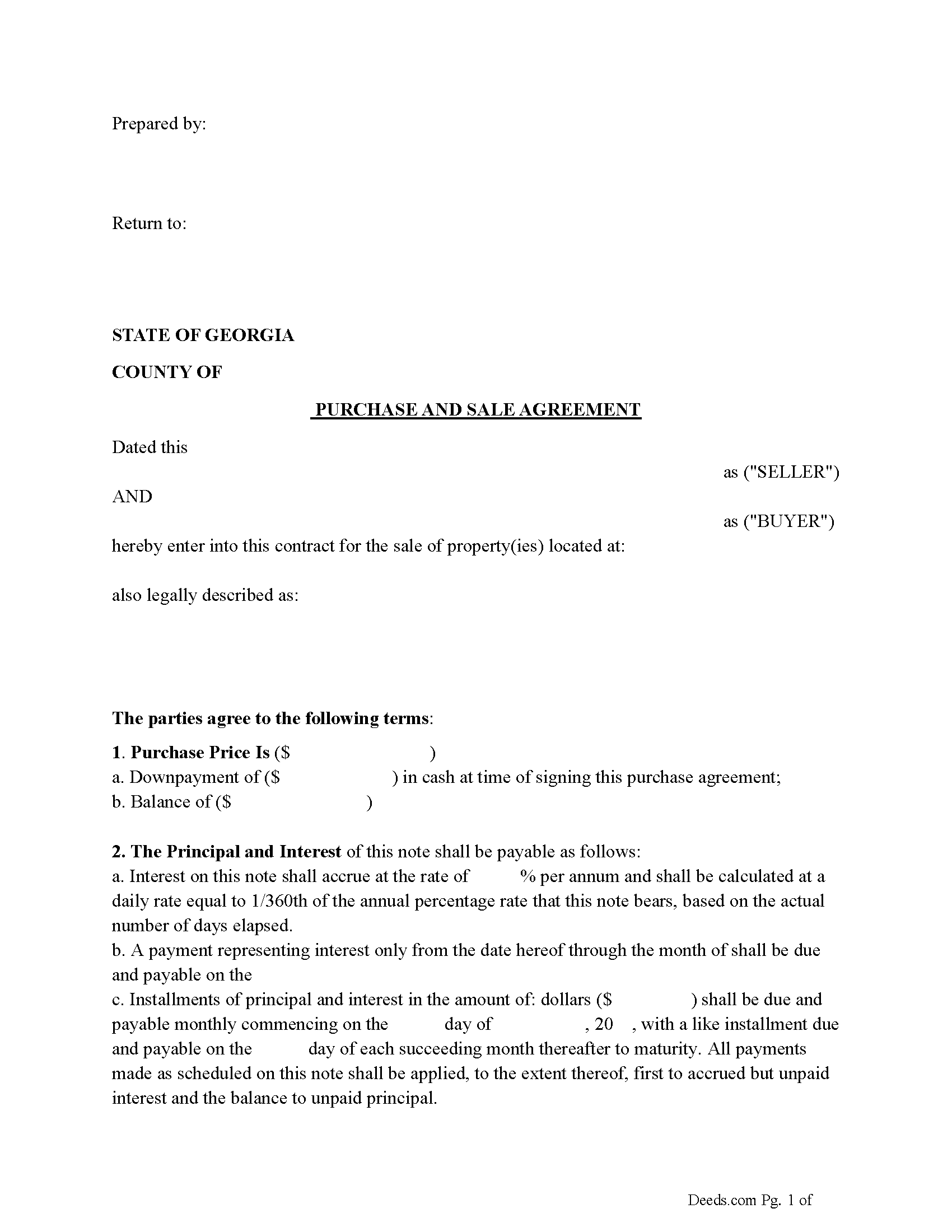
Fayette County Purchase and Sale Agreement Form
Fill in the blank Purchase and Sale Agreement form formatted to comply with all Georgia recording and content requirements.
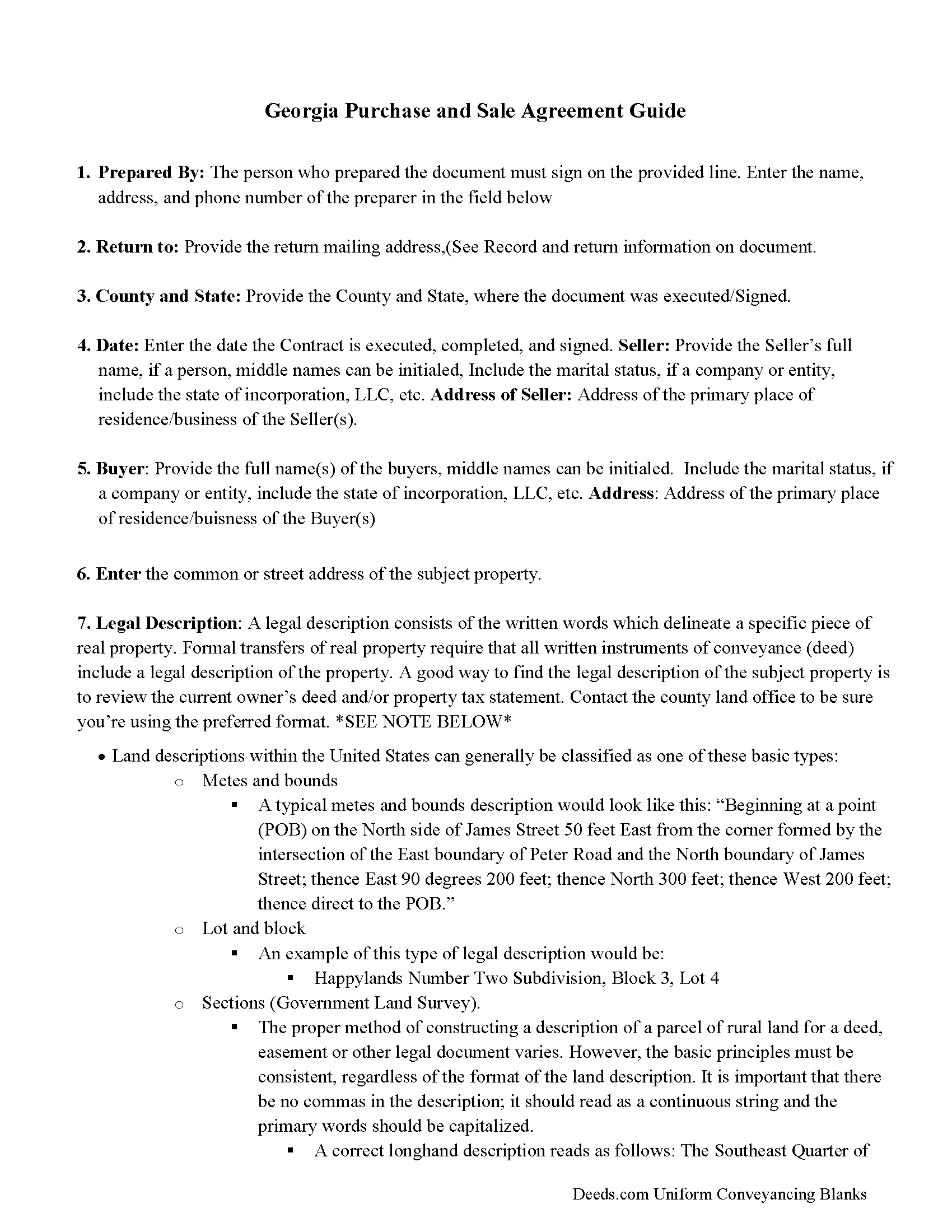
Fayette County Purchase and Sale Agreement Guide
Line by line guide explaining every blank on the Purchase and Sale Agreement form.
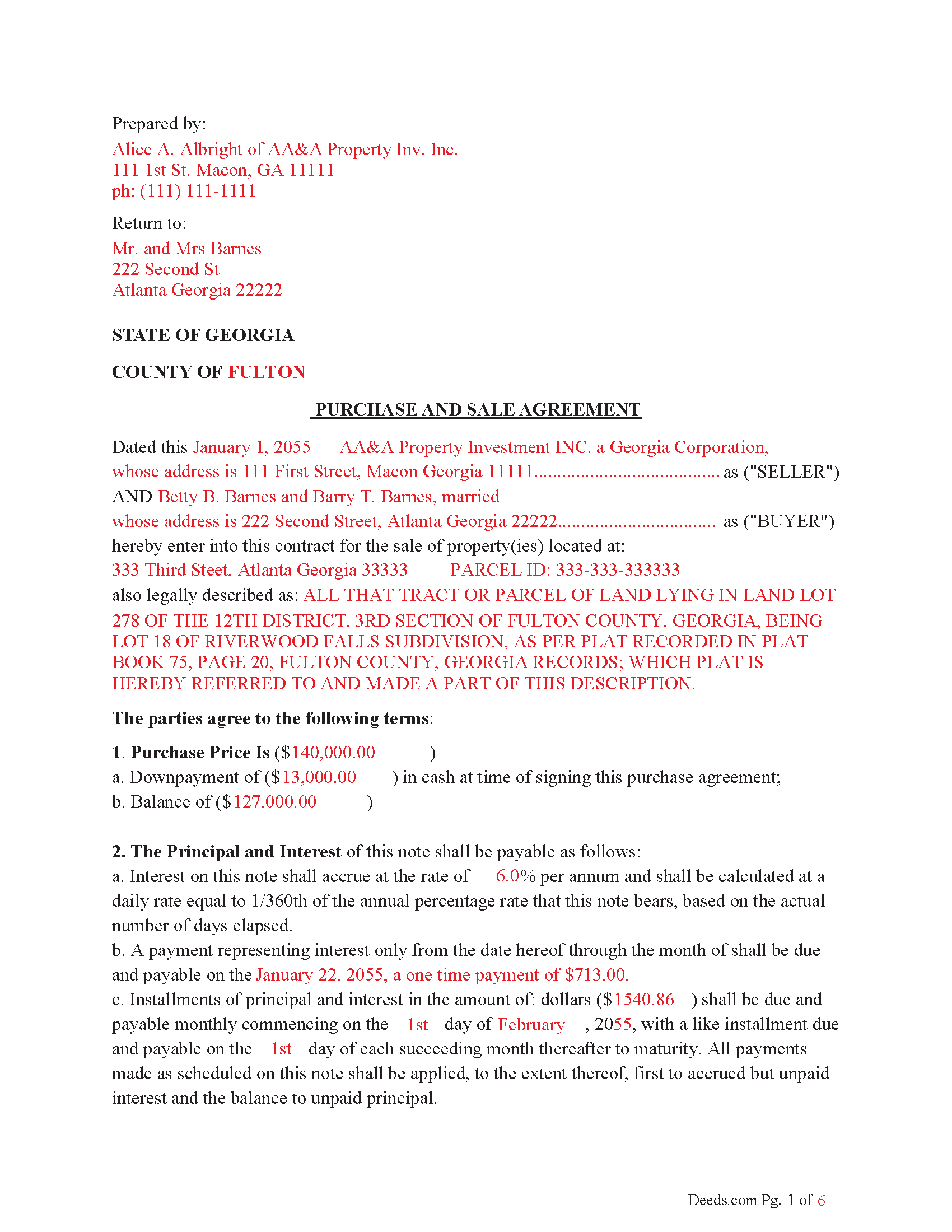
Fayette County Completed Example of the Purchase and Sale Agreement Document
Example of a properly completed Georgia Purchase and Sale Agreement document for reference.
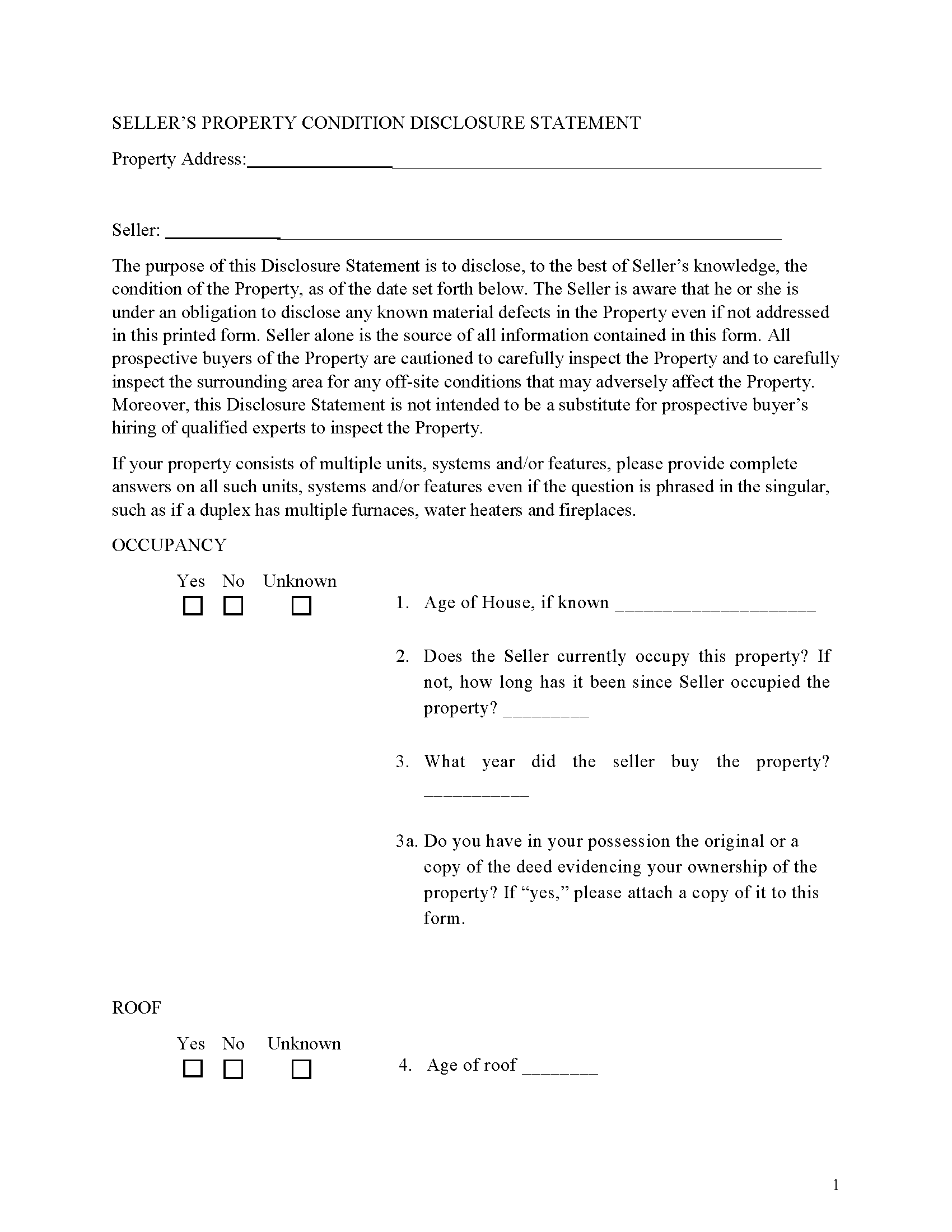
Fayette County Sellers Disclosure Form
Discloses known property conditions.
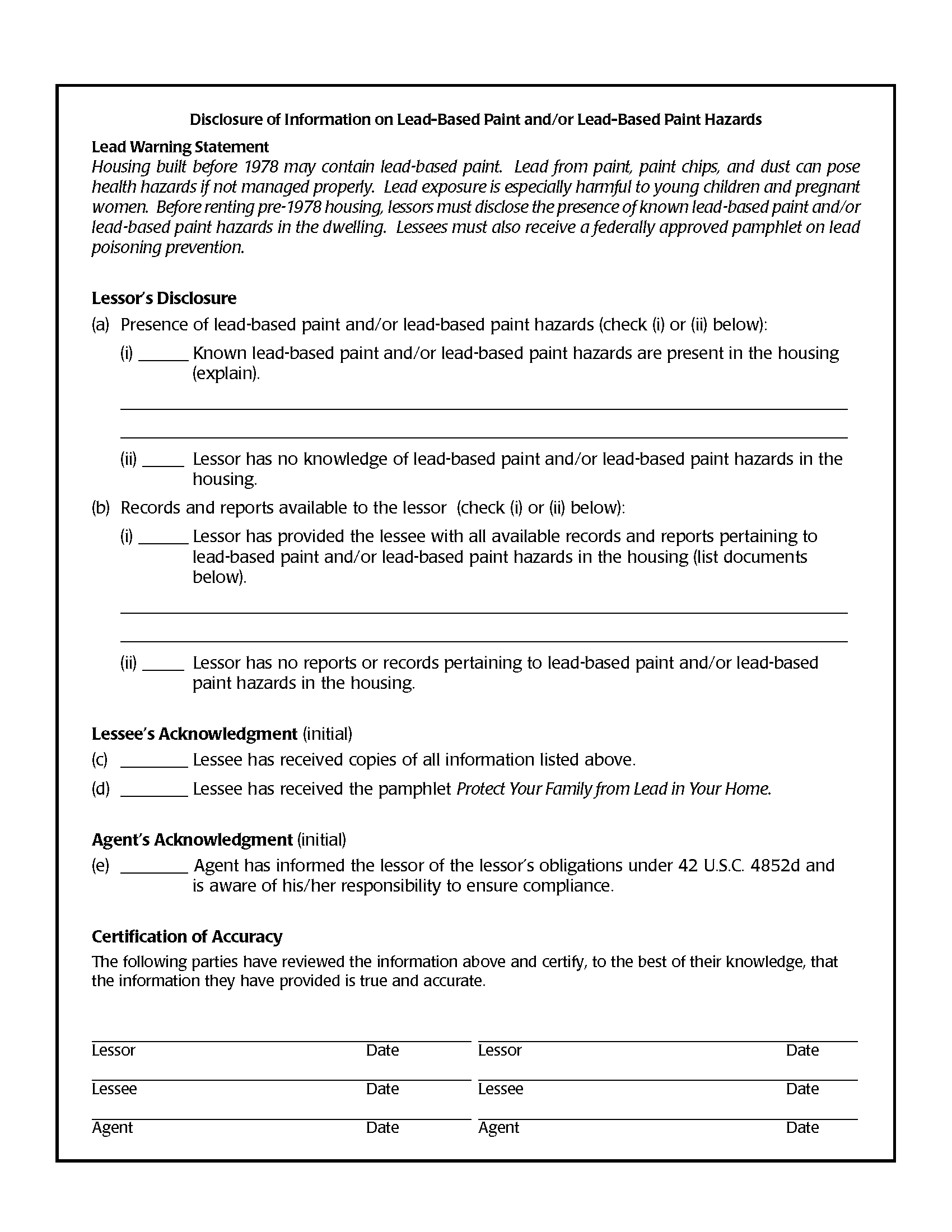
Fayette County Lead Based Paint Disclosure Form
Required for residential property built before 1978
All 5 documents above included • One-time purchase • No recurring fees
Immediate Download • Secure Checkout
Additional Georgia and Fayette County documents included at no extra charge:
Where to Record Your Documents
Clerk of Court
Fayetteville, Georgia 30214
Hours: 9:00 to 4:30 M-F
Phone: (770) 716-4290
Recording Tips for Fayette County:
- Bring your driver's license or state-issued photo ID
- Ensure all signatures are in blue or black ink
- Recorded documents become public record - avoid including SSNs
- Recording fees may differ from what's posted online - verify current rates
- Request a receipt showing your recording numbers
Cities and Jurisdictions in Fayette County
Properties in any of these areas use Fayette County forms:
- Brooks
- Fayetteville
- Peachtree City
- Tyrone
Hours, fees, requirements, and more for Fayette County
How do I get my forms?
Forms are available for immediate download after payment. The Fayette County forms will be in your account ready to download to your computer. An account is created for you during checkout if you don't have one. Forms are NOT emailed.
Are these forms guaranteed to be recordable in Fayette County?
Yes. Our form blanks are guaranteed to meet or exceed the applicable formatting requirements used for recording in Fayette County, including margin requirements, font requirements, and other layout standards. This guarantee applies to formatting, not to the legal sufficiency of information entered by the user or the suitability of a form for a particular transaction.
Can I reuse these forms?
Yes. You can reuse the forms for your personal use. For example, if you have multiple properties in Fayette County you only need to order once.
What do I need to use these forms?
The forms are PDFs that you fill out on your computer. The free Adobe Acrobat Reader is recommended, and most PDF apps also work. You do NOT enter your property information online - you download the blank forms and complete them privately on your own computer.
Are there any recurring fees?
No. This is a one-time purchase. Nothing to cancel, no memberships, no recurring fees.
How much does it cost to record in Fayette County?
Recording fees in Fayette County vary. Contact the recorder's office at (770) 716-4290 for current fees.
Questions answered? Let's get started!
1. Seller Financing Purchase and Sale Agreement
• Purpose: A Purchase and Sale Agreement (sometimes referred to a Land Cotract) with seller financing outlines the terms of the sale of the property and specifies that the seller will provide financing to the buyer. It functions as a contract between the buyer and seller that details the sale price, terms of financing (interest rate, payment schedule), contingencies, and other aspects of the transaction.
• Parties: This agreement involves the buyer and seller.
To protect both parties. The title company shall serve as the escrow agent for the closing of this transaction. All documents and funds necessary to the completion of the transaction shall be placed in escrow five days prior to the closing. This agreement is to serve as escrow instructions for the closing of this transaction; the escrow agent may attach standard Conditions of Acceptance, insofar as the same is not inconsistent with the terms of this agreement. Seller shall pay out of the purchase price through escrow: (a) all costs associated with preparation of the deed; (b) all fees for filing the deed; (c) any amounts due Buyer by reason of prorations; and (d) one-half of the escrow fee. Buyer shall pay: (a) one-half of the escrow fee; (b) the cost of the title search; (c) the premium for the title commitment and the owner's fee policy of insurance; (d) any prorations due Seller; (e) all fees associated with the preparation and filing of Buyers mortgage; and (f) the real estate transfer tax.
title shall transfer to Buyer upon the expiration of the installment payment period, or thirty days after Seller's receipt that the balance of the purchase price has been deposited in escrow, whichever is earlier, or at such other time as the parties may agree in writing. The closing date may be extended or shortened upon written agreement of the parties
Finance: Traditional Finance with installments or with a balloon payment apply.
Default: In the event that the Buyer fails to make any installment payment when due under this Agreement, or fails to perform any of the other covenants or obligations required by this Agreement, and such default continues for a period of thirty (30) days after written notice of default has been given to the Buyer by the Seller, the Seller may declare the entire remaining unpaid balance of the purchase price immediately due and payable, and the Seller shall have the right to foreclose upon the property under the Power of Sale contained herein, subject to the provisions outlined.
Power of Sale - No Court Involvement: The foreclosure is completed without the need for court intervention unless the borrower files a lawsuit to challenge the foreclosure.
Timeframe: Non-judicial foreclosures in Georgia can be relatively quick, typically taking 30 to 60 days from the time of default to the foreclosure sale.
Use this form for the sale of residential, rental, condominiums, vacant land and planned unit developments.
For use in Georgia only.
Important: Your property must be located in Fayette County to use these forms. Documents should be recorded at the county recording office listed above.
This Purchase and Sale Agreement meets all recording requirements specific to Fayette County.
Our Promise
The documents you receive here are guaranteed to meet or exceed the applicable Fayette County recording format requirements. If there is a rejection caused by our formatting, we will correct the issue or refund your payment. This guarantee applies to document formatting only and does not extend to information entered by the user, the selection of the form, or the legal effect of the completed document.
Save Time and Money
Get your Fayette County Purchase and Sale Agreement form done right the first time with Deeds.com Uniform Conveyancing Blanks. At Deeds.com, we understand that your time and money are valuable resources, and we don't want you to face a penalty fee or rejection imposed by a county recorder for submitting nonstandard documents. We constantly review and update our forms to meet rapidly changing state and county recording requirements for roughly 3,500 counties and local jurisdictions.
4.8 out of 5 - ( 4,849 Reviews )
Jeff R. 5 out of 5 stars
Great company. I had some issues with what I had prepared on my end but my contact at Deeds.com helped me with modifying the documents and submitted them successfully. Thanks for going the extra mile
Thank you for your feedback. We really appreciate it. Have a great day!
crystal l. 5 out of 5 stars
Another legal professional directed me to this site. The best advice I've received from the legal profession! Forms were instantly available, easily printed & exactly what I needed at a cost that was more than affordable!! I will definitely be back again!!
Thank you Crystal and please thank your associate for us. Have a fantastic day!
Thomas F. 5 out of 5 stars
Very convenient!
Thank you!
Timothy L. 5 out of 5 stars
It was very simple and easy to fill out the information need to do the warranty deed.
Thank you for your feedback. We really appreciate it. Have a great day!
Lutz P. 5 out of 5 stars
Your forms are great but I couldn’t use them with my computer and acrobats reader didn’t work. And then my thermal printer would only print 1/3 size pages with no way to fix it. I ordered a new color printer and we’ll see what happens.
Thank you, Lutz. We're glad you like the forms, and we're sorry getting them working turned into such a hassle. That shrunken page is typical of thermal printers: most use narrow receipt or label paper, so a full page gets scaled down to fit, and no setting can change that. Thermal paper also fades over time, which you don't want on a document you're recording, so the new printer is the right call. When it arrives, print on plain white paper with “Actual size” selected in the print settings so the page comes out full size with its margins intact. If Acrobat Reader gives you trouble again, save the form to your computer first and open the saved file in Acrobat Reader rather than in your web browser. Still stuck? Contact our support team and we'll walk you through it.
Ernest B. 5 out of 5 stars
Forms were perfect, recorded quickly with no issue.
Thank you!
Lisa D. 5 out of 5 stars
It was an easy site to use and very a good price. Thank you!!
We appreciate your business and value your feedback. Thank you. Have a wonderful day!
Brenda H. 1 out of 5 stars
I purchased this thinking I would be able to complete the QuitClaim Deed myself because an example was provided, but you still need to be a lawyer to figure all the wording out. It was not worth the price I paid for it.
Thank you for your feedback. We really appreciate it. Have a great day!
Michael T. 5 out of 5 stars
Quick, simple and easy.
Thank you!
Rebecca H. 5 out of 5 stars
quick and easy. Perfect
We appreciate your business and value your feedback. Thank you. Have a wonderful day!
Melvin M. 4 out of 5 stars
loads of forms and instructions....for a good buy...it would help to know where to send the forms after completing them...
We appreciate your business and value your feedback. Thank you. Have a wonderful day!
Jane N. 5 out of 5 stars
Good morning, It seems to be easy to navigate and print out the form I needed. Great!!! Jane
We appreciate your business and value your feedback. Thank you. Have a wonderful day!
James N. 2 out of 5 stars
The purchasing process was very slick and my credit card was charged IMMEDIATELY. The deliver went well as the link was provided immediately. However I asked a question via the "Contact Us" link and days later I get a survey but no reply. I may have been directed to the wrong forms via my County and I wanted to confirm that...but still no answer. What would that deserve as a rating???
Also, your history on our site shows no messages sent via our contact us page.
Terry S. 5 out of 5 stars
Forms were very easy to use using the completed form as an example.
Thank you for your feedback. We really appreciate it. Have a great day!
Jane E. 5 out of 5 stars
The form was incompatible with my son's new computer. I do not have a printer. We did use your form to type a copy into "word" so he could print it.
Thank you!