Hart County Quitclaim Deed (Individual Grantor by Attorney-in-Fact) Form
Last validated September 18, 2026 by our Forms Development TeamFormatted for recording in Hart County, for property anywhere in the county: rural and unincorporated areas as well as Bowersville, Hartwell.
- 3 documents included
- Immediate PDF download
- Formatting guarantee
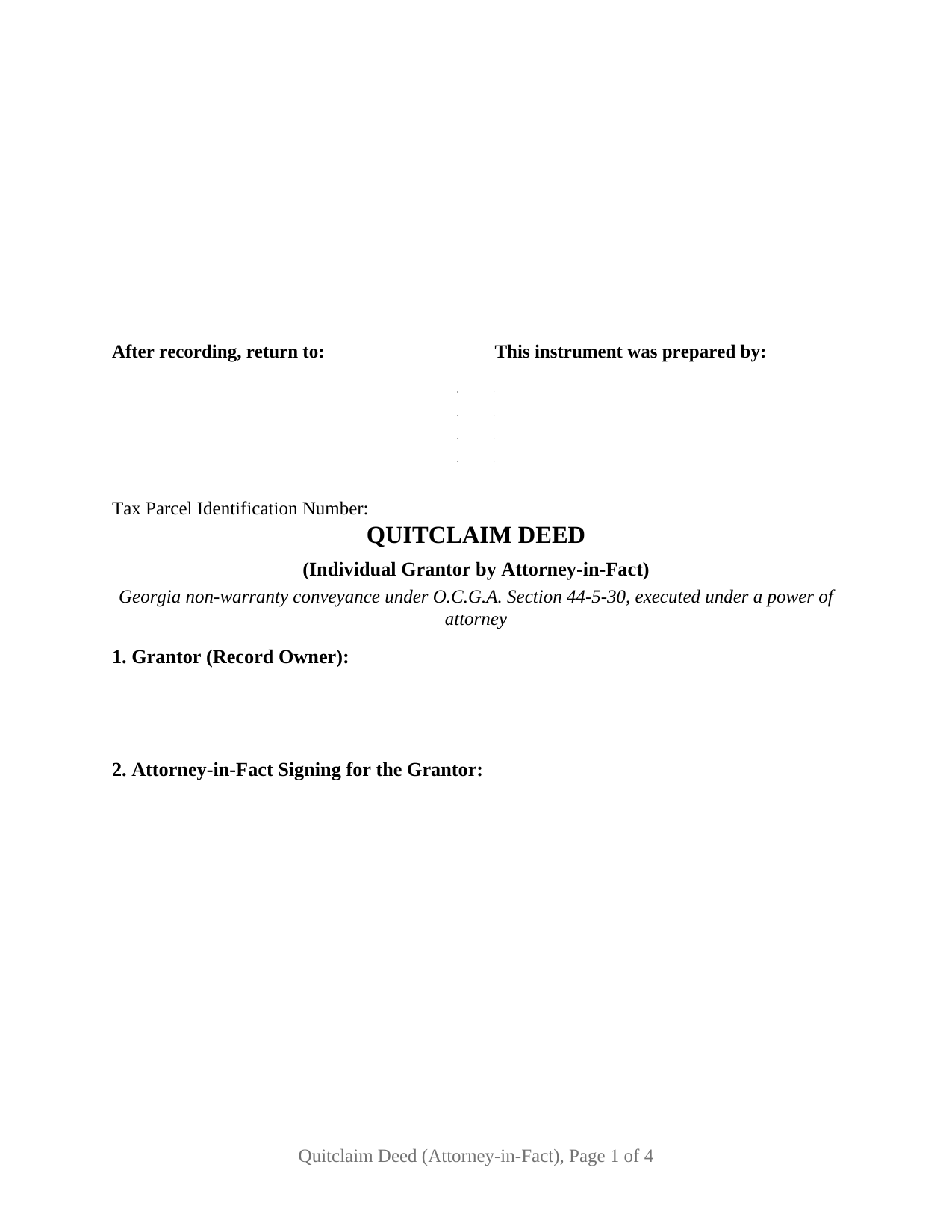
Hart County Quitclaim Deed (Individual Grantor by Attorney-in-Fact) Form
Fill in the blank Quitclaim Deed (Individual Grantor by Attorney-in-Fact) form formatted to comply with all Georgia recording and content requirements.
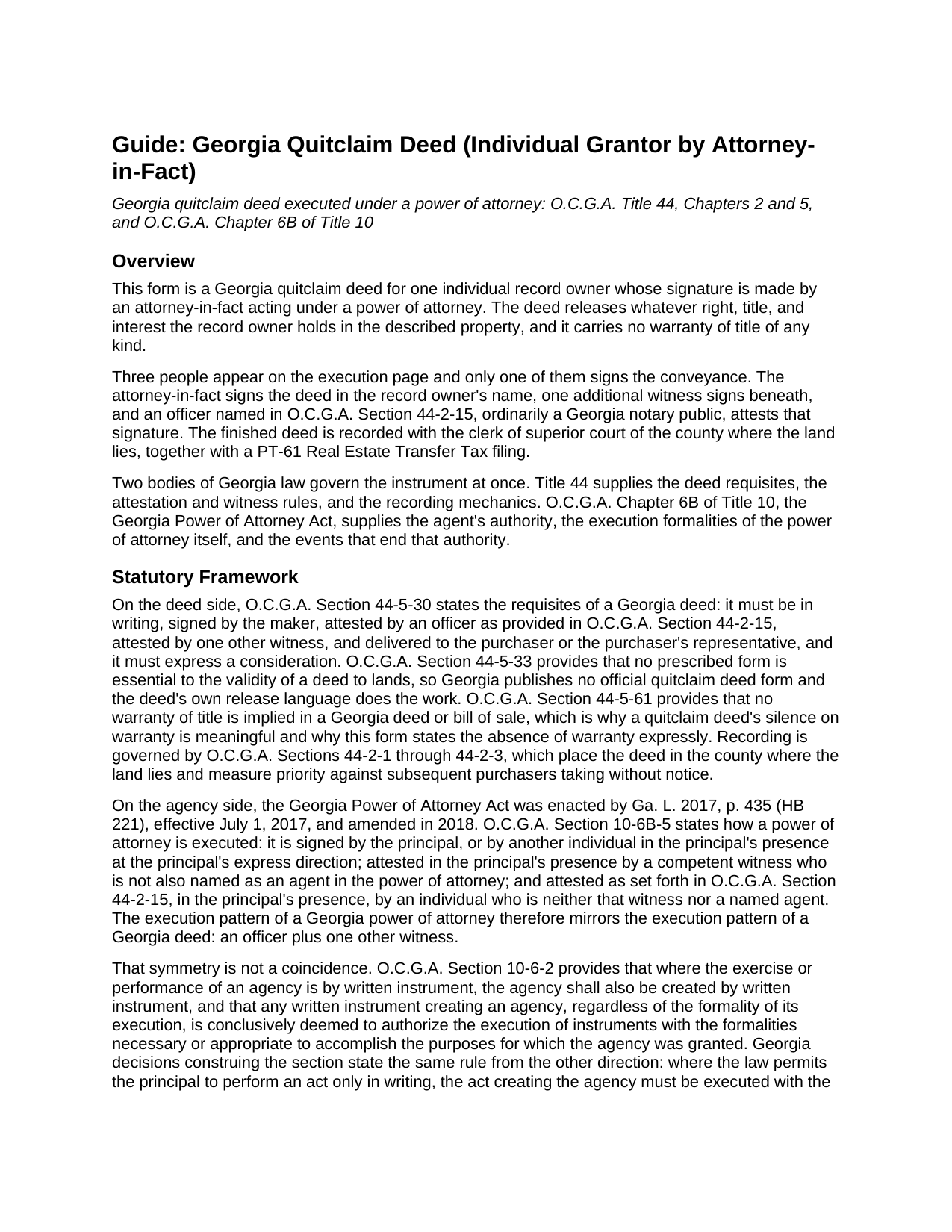
Hart County Quitclaim Deed (Individual Grantor by Attorney-in-Fact) Guide
Line by line guide explaining every blank on the Quitclaim Deed (Individual Grantor by Attorney-in-Fact) form.
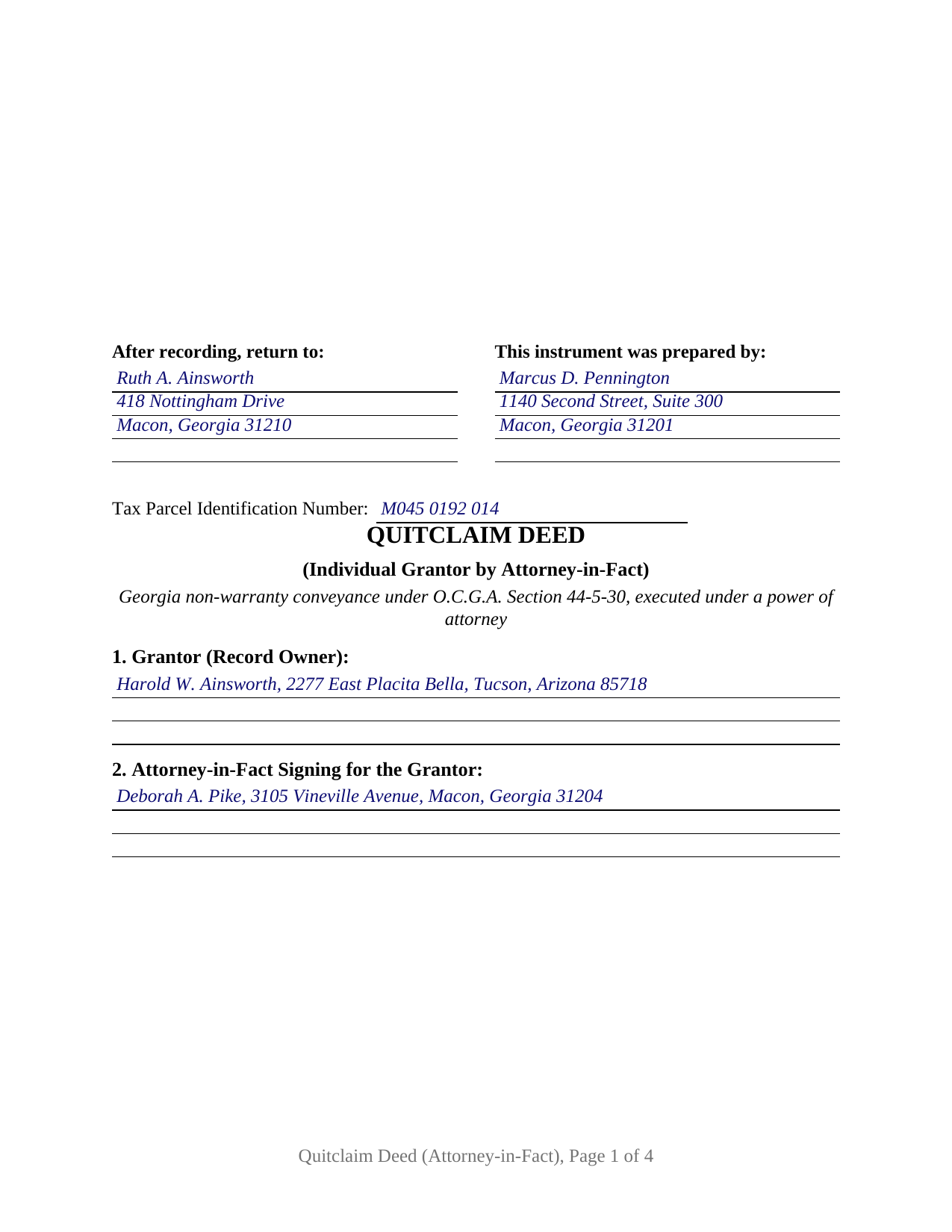
Hart County Completed Example of the Quitclaim Deed (Individual Grantor by Attorney-in-Fact) Document
Example of a properly completed Georgia Quitclaim Deed (Individual Grantor by Attorney-in-Fact) document for reference.
All 3 documents above included • One-time purchase • No recurring fees
Immediate Download • Secure Checkout
Additional Georgia and Hart County documents included at no extra charge:
Where to Record Your Documents
Clerk of Superior Court
Hartwell, Georgia 30643
Hours: 8:00am-5:00pm M-F
Phone: (706) 376-7189
Recording Tips for Hart County:
- Bring your driver's license or state-issued photo ID
- Ensure all signatures are in blue or black ink
- Make copies of your documents before recording - keep originals safe
- Recorded documents become public record - avoid including SSNs
- Recording fees may differ from what's posted online - verify current rates
Cities and Jurisdictions in Hart County
Properties in any of these areas use Hart County forms:
- Bowersville
- Hartwell
Hours, fees, requirements, and more for Hart County
How do I get my forms?
Forms are available for immediate download after payment. The Hart County forms will be in your account ready to download to your computer. An account is created for you during checkout if you don't have one. Forms are NOT emailed.
Are these forms guaranteed to be recordable in Hart County?
Yes. Our form blanks are guaranteed to meet or exceed the applicable formatting requirements used for recording in Hart County, including margin requirements, font requirements, and other layout standards. This guarantee applies to formatting, not to the legal sufficiency of information entered by the user or the suitability of a form for a particular transaction.
Can I reuse these forms?
Yes. You can reuse the forms for your personal use. For example, if you have multiple properties in Hart County you only need to order once.
What do I need to use these forms?
The forms are PDFs that you fill out on your computer. The free Adobe Acrobat Reader is recommended, and most PDF apps also work. You do NOT enter your property information online - you download the blank forms and complete them privately on your own computer.
Are there any recurring fees?
No. This is a one-time purchase. Nothing to cancel, no memberships, no recurring fees.
How much does it cost to record in Hart County?
Recording fees in Hart County vary. Contact the recorder's office at (706) 376-7189 for current fees.
Questions answered? Let's get started!
The Grantor named in this Georgia quitclaim deed never signs it. An attorney-in-fact signs the owner's name under a power of attorney, and the deed is arranged to show a title examiner where that authority came from: the date of the power of attorney, its recording reference, and a signature made in the record owner's name by another person's hand.
One signature, made in the owner's name
Georgia executes deeds by attestation. O.C.G.A. Section 44-5-30 has the maker's signature attested by an officer named in O.C.G.A. Section 44-2-15, ordinarily a Georgia notary public, and by one additional witness, the unofficial witness. Where an agent signs, the record owner remains the maker and the agent is only the hand, so the deed carries one grantor signature block rather than two: the officer and the unofficial witness attest the agent's pen, and the principal never appears. O.C.G.A. Section 10-6B-40(g) supplies the effect, providing that an act performed by an agent under a power of attorney binds the principal and the principal's successors in interest as if the principal had performed it. The certificate below is captioned as an attestation, and the printed name line shows the capacity in which the signer signed.
Where the agent's authority comes from
Not from the deed. A quitclaim of the principal's own land is not among the acts O.C.G.A. Section 10-6B-40(a) reserves to an express grant; it rides on a grant of general authority over the subject of real property, and O.C.G.A. Section 10-6B-43 spells out what that grant carries, naming quitclaim and release among the dispositions an agent may make. Two further rules govern the document standing behind the signature. O.C.G.A. Section 10-6-2 has an agency created in writing wherever the act itself is performed in writing, and O.C.G.A. Section 10-6B-5 has the principal's signature on the power of attorney attested by a competent witness who is not a named agent and, separately, attested by an officer under O.C.G.A. Section 44-2-15, the same execution shape a Georgia deed carries.
The power of attorney travels with the deed
No Georgia statute located for this form conditions recording of the deed on recording the power of attorney: O.C.G.A. Section 15-6-61(a)(10) and O.C.G.A. Section 44-2-14 set the paper, margin, preparation, and return-address conditions on recordation, and neither names it. County practice files the two together anyway, so the chain of title shows the authority, and that is why Section 3 takes a recording reference beside the date of the power of attorney. Under O.C.G.A. Section 10-6B-10 a power of attorney terminates at the principal's death and upon revocation, and a principal who revokes may file the notice, with evidence of the agent's receipt, with the clerk of superior court in the county of the principal's domicile. A person accepting an attested power of attorney in good faith has the reliance protection of O.C.G.A. Section 10-6B-19, and may request the agent's certification of facts on the optional statutory form at O.C.G.A. Section 10-6B-71, which is prepared separately.
A release with no warranty, and a first page built for the clerk
The operative words remise, release, and forever quitclaim the record owner's right, title, interest, claim, and demand, and because O.C.G.A. Section 44-5-61 reads no warranty into a Georgia deed, this instrument states plainly that it gives none, leaving every security deed and lien of record in place. Georgia publishes no prescribed deed form (O.C.G.A. Section 44-5-33), and the instrument is searched as a quit claim deed or a non-warranty deed. The completed example fills the form for a Bibb County release in which a Macon agent signs for a principal living in Arizona, on stated consideration of $42,000.00, producing $42.00 of Georgia transfer tax on the PT-61 that travels with the deed (O.C.G.A. Sections 48-6-1 and 48-6-4). Recording runs a flat $25.00 (O.C.G.A. Section 15-6-77), the first three inches of the page stay clear for the clerk's notation, and the return-to name and mailing address open the page where O.C.G.A. Section 44-2-14(b) places them, above a tax parcel line answering DeKalb County's local first-page rule.
Three files arrive with the purchase: the blank deed as a fillable PDF, the completed Bibb County example, and a plain language guide covering all ten numbered sections, the attestation and witness formalities, the grantee's ownership choices, and the PT-61 and electronic filing path. The power of attorney itself is a separate instrument, executed by the principal and not included. These materials describe Georgia law in general terms and are not legal advice.
Important: Your property must be located in Hart County to use these forms. Documents should be recorded at the county recording office listed above.
This Quitclaim Deed (Individual Grantor by Attorney-in-Fact) meets all recording requirements specific to Hart County.
Our Promise
The documents you receive here are guaranteed to meet or exceed the applicable Hart County recording format requirements. If there is a rejection caused by our formatting, we will correct the issue or refund your payment. This guarantee applies to document formatting only and does not extend to information entered by the user, the selection of the form, or the legal effect of the completed document.
Save Time and Money
Get your Hart County Quitclaim Deed (Individual Grantor by Attorney-in-Fact) form done right the first time with Deeds.com Uniform Conveyancing Blanks. At Deeds.com, we understand that your time and money are valuable resources, and we don't want you to face a penalty fee or rejection imposed by a county recorder for submitting nonstandard documents. We constantly review and update our forms to meet rapidly changing state and county recording requirements for roughly 3,500 counties and local jurisdictions.
4.8 out of 5 - ( 4,839 Reviews )
Kevin A. 5 out of 5 stars
I LOVE THIS SITE KEEP UP THE GREAT WORK YOUR DOING THNKS KEVIN
Thank you!
James L. 5 out of 5 stars
The process to obtain online forms was simple and straight forward and uncomplicated.
Thank you for your feedback. We really appreciate it. Have a great day!
Michael H. 5 out of 5 stars
another exact match with what i needed, thank you! the recorded of deeds accepted it with no problem.
Thank you for your feedback. We really appreciate it. Have a great day!
Catherine B. 5 out of 5 stars
Trying to get a hold of someone in the office is very difficult. This made it so much easier, thank you!
Thank you for your feedback. We really appreciate it. Have a great day!
Jan H. 5 out of 5 stars
This is a great service. It was easy to find and the instructions were complete and easy to follow.
Thank you!
Bobbi W. 5 out of 5 stars
Site was super easy to use. After frustrating search for the item I needed I found it here!
We appreciate your business and value your feedback. Thank you. Have a wonderful day!
Mary W. 5 out of 5 stars
Great service. Thank you
We appreciate your business and value your feedback. Thank you. Have a wonderful day!
Donald H. 5 out of 5 stars
EXCELLENT,,super good. Quick & easy
Thank you!
Christina W. 5 out of 5 stars
I stand corrected. I received my report and it was exactly what I requested.
Thank you!
Steve W. 5 out of 5 stars
Simple and easy transaction
Thank you for your feedback. We really appreciate it. Have a great day!
Belinda B. 2 out of 5 stars
Very difficult navigating this site.
Sorry to hear of your struggle. Thank you for your feedback.
HELEN F. 5 out of 5 stars
Was straight to the point... Easy to read instructions... smooth process
Thank you for your feedback. We really appreciate it. Have a great day!
JOHN H. 5 out of 5 stars
It was simple and fast thanks so much.
We appreciate your business and value your feedback. Thank you. Have a wonderful day!
Kathryn S. 5 out of 5 stars
So quick. So easy. Worth every penny!
Thank you for your feedback. We really appreciate it. Have a great day!
Anthony L. 5 out of 5 stars
I recently needed an affidavit of death. The form and help tools made it easy to fill out and file. the Recorder accepted this form . Which made the experience painless and easy . All things considered..
We appreciate your business and value your feedback. Thank you. Have a wonderful day!