Douglas County Trustee Deed Form
Last validated September 10, 2026 by our Forms Development TeamFormatted for recording in Douglas County, for property anywhere in the county: rural and unincorporated areas as well as Douglasville, Lithia Springs, Winston.
- 3 documents included
- Immediate PDF download
- Formatting guarantee
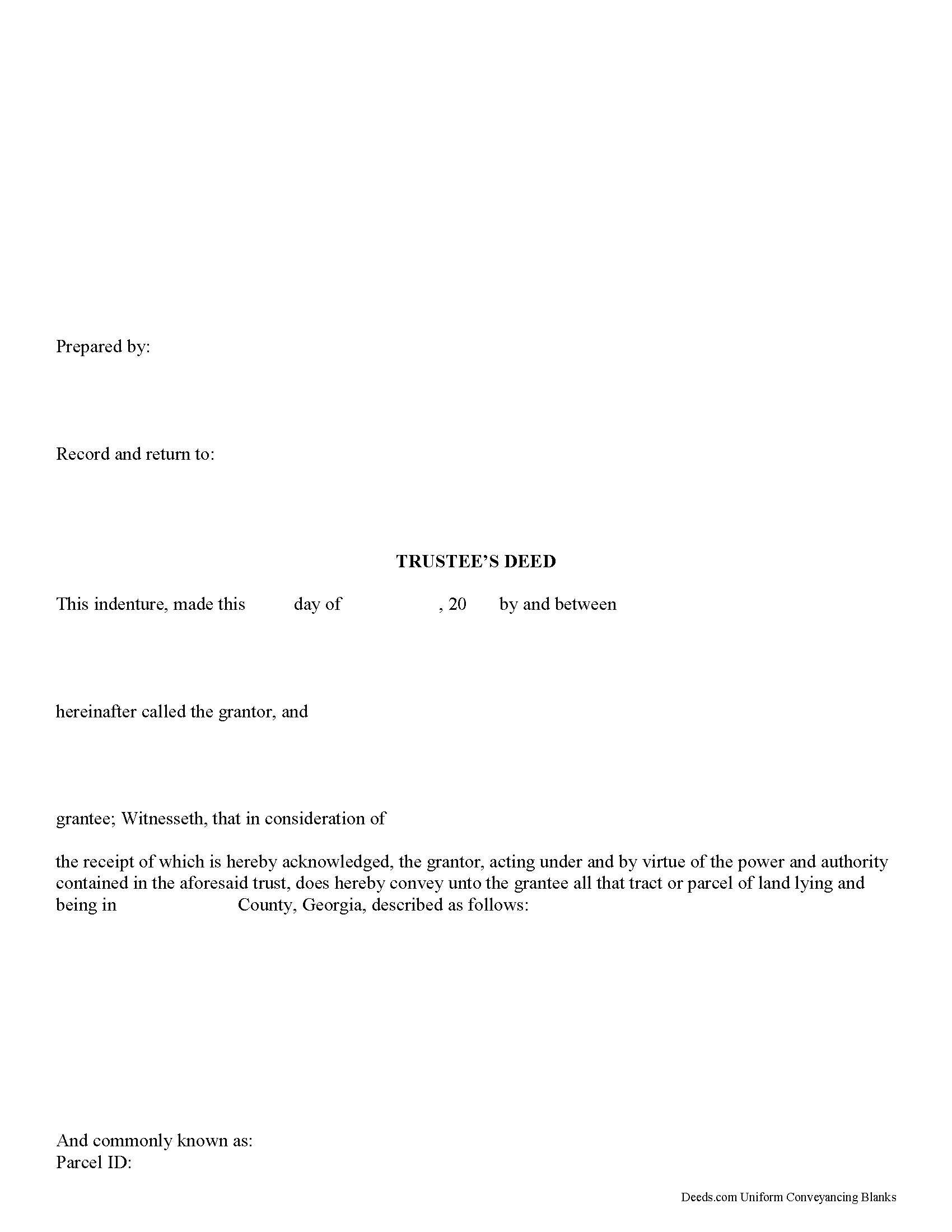
Douglas County Trustee Deed Form
Fill in the blank form formatted to comply with all recording and content requirements.
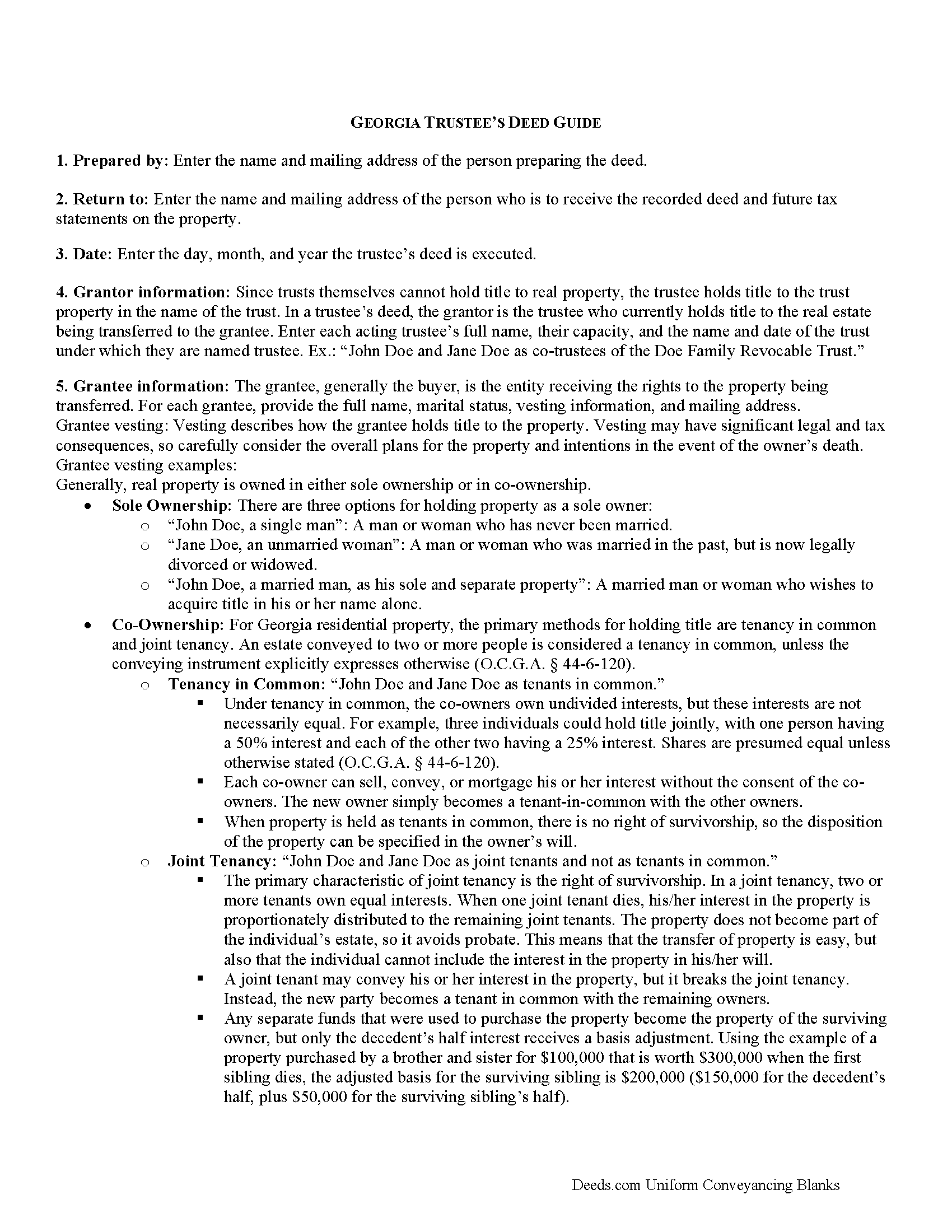
Douglas County Trustee Deed Guide
Line by line guide explaining every blank on the form.
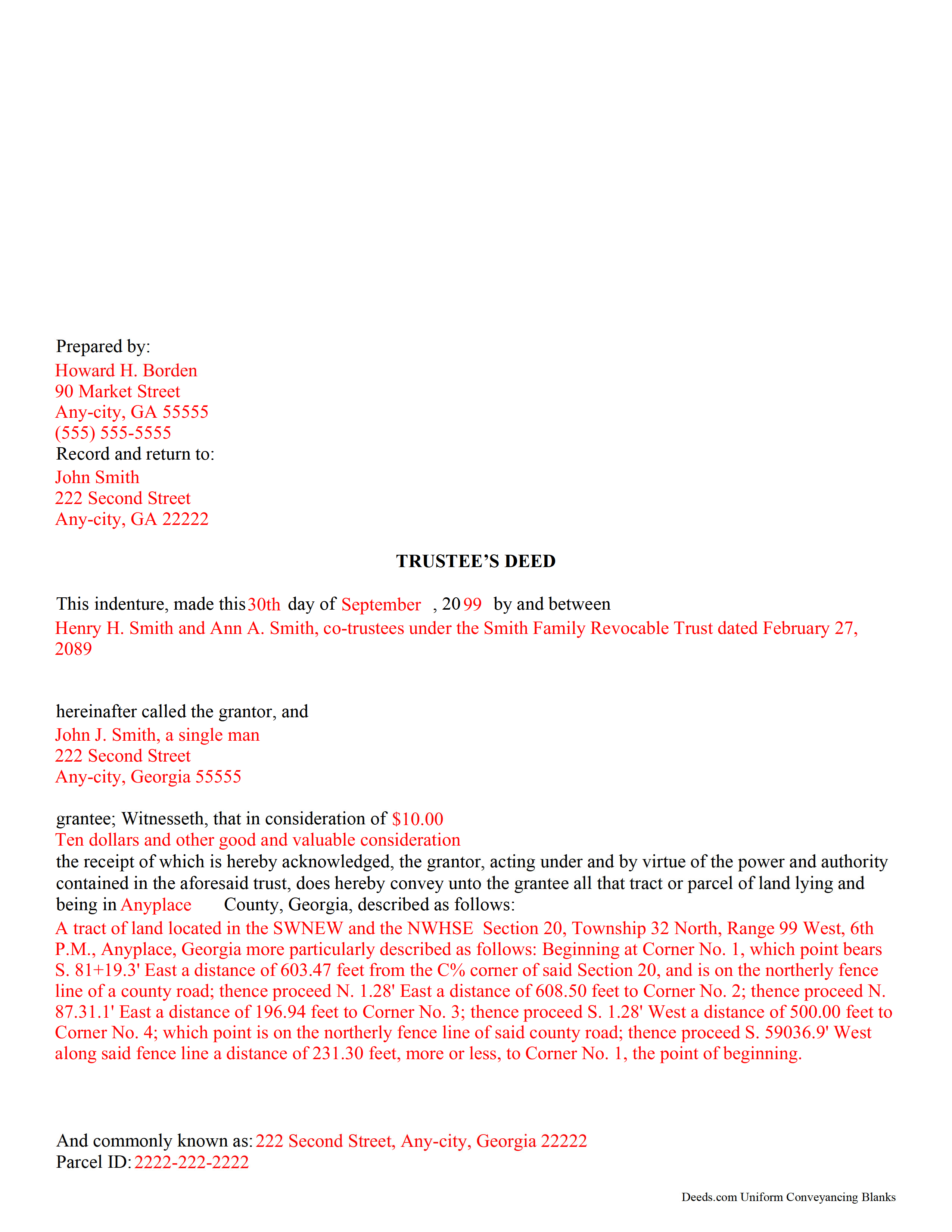
Douglas County Completed Example of the Trustee Deed Document
Example of a properly completed form for reference.
All 3 documents above included • One-time purchase • No recurring fees
Immediate Download • Secure Checkout
Additional Georgia and Douglas County documents included at no extra charge:
Where to Record Your Documents
Douglas Clerk of Superior Court
Douglasville, Georgia 30134
Hours: 8:00 to 5:00 M-F
Phone: (770) 920-7252
Recording Tips for Douglas County:
- Bring your driver's license or state-issued photo ID
- Ensure all signatures are in blue or black ink
- White-out or correction fluid may cause rejection
- Ask about their eRecording option for future transactions
- Avoid the last business day of the month when possible
Cities and Jurisdictions in Douglas County
Properties in any of these areas use Douglas County forms:
- Douglasville
- Lithia Springs
- Winston
Hours, fees, requirements, and more for Douglas County
How do I get my forms?
Forms are available for immediate download after payment. The Douglas County forms will be in your account ready to download to your computer. An account is created for you during checkout if you don't have one. Forms are NOT emailed.
Are these forms guaranteed to be recordable in Douglas County?
Yes. Our form blanks are guaranteed to meet or exceed the applicable formatting requirements used for recording in Douglas County, including margin requirements, font requirements, and other layout standards. This guarantee applies to formatting, not to the legal sufficiency of information entered by the user or the suitability of a form for a particular transaction.
Can I reuse these forms?
Yes. You can reuse the forms for your personal use. For example, if you have multiple properties in Douglas County you only need to order once.
What do I need to use these forms?
The forms are PDFs that you fill out on your computer. The free Adobe Acrobat Reader is recommended, and most PDF apps also work. You do NOT enter your property information online - you download the blank forms and complete them privately on your own computer.
Are there any recurring fees?
No. This is a one-time purchase. Nothing to cancel, no memberships, no recurring fees.
How much does it cost to record in Douglas County?
Recording fees in Douglas County vary. Contact the recorder's office at (770) 920-7252 for current fees.
Questions answered? Let's get started!
A trustee's deed is an instrument of trust administration used by a trustee to convey real property out of a trust.
A trust is created by a settlor, who funds the trust with real and/or personal property for estate planning purposes. Since a trust is not a person and cannot hold title, when the settlor transfers real property into the trust, title to the property is vested in the name of the trustee. The trustee manages the trust's assets according to the directions set out in the trust document, often for the benefit of a third party, called a beneficiary.
There is no statutory form for conveyances in Georgia, so long as the transfer between parties is clear (O.C.G.A. 44-5-33). A valid trustee's deed names the trustee as the grantor and provides basic information about the trust under which the trustee is acting, including the name and date of the trust. The settlor is not involved in the transfer. However, a certificate of trust is sometimes included, which names the original settlor of the trust, verifies the trust's existence and the trustee's authority to act on its behalf, and confirms the power of sale that the trustee has under the trust.
In Georgia, the basic trustee's deed is similar to a quitclaim deed, in that it offers no warranty of title. Depending on the situation, the trustee can add guarantees to bring the deed in line with special warranty or warranty deeds.
Since a trustee's deed affects real property, in addition to the information regarding the trust, it must also meet the content requirements for recording other deeds, including a legal description of the property subject to the transaction, the parcel identification number, and any restrictions or easements the transfer is subject to. All trustees must sign the deed, which must be witnessed by two people (one of which may be the notary) and acknowledged in the presence of a notary. The deed is then recorded in the county in which the real property subject to the trust is situated.
Trust law can quickly become complicated, and each situation is unique. Contact a lawyer with any specific questions and for guidance on trust law.
(Georgia Trustee Deed Package includes form, guidelines, and completed example)
Important: Your property must be located in Douglas County to use these forms. Documents should be recorded at the county recording office listed above.
This Trustee Deed meets all recording requirements specific to Douglas County.
Our Promise
The documents you receive here are guaranteed to meet or exceed the applicable Douglas County recording format requirements. If there is a rejection caused by our formatting, we will correct the issue or refund your payment. This guarantee applies to document formatting only and does not extend to information entered by the user, the selection of the form, or the legal effect of the completed document.
Save Time and Money
Get your Douglas County Trustee Deed form done right the first time with Deeds.com Uniform Conveyancing Blanks. At Deeds.com, we understand that your time and money are valuable resources, and we don't want you to face a penalty fee or rejection imposed by a county recorder for submitting nonstandard documents. We constantly review and update our forms to meet rapidly changing state and county recording requirements for roughly 3,500 counties and local jurisdictions.
4.8 out of 5 - ( 4,824 Reviews )
Rodrigo M. 5 out of 5 stars
Excellent service
Thank you!
Michael S. 5 out of 5 stars
Great product and service. So convenient.
Your satisfaction with our services is of utmost importance to us. Thank you for letting us know how we did!
Edward S. 5 out of 5 stars
Easy to use and comprehensive in content. Would recommend to anyone that is looking for a cheaper alternative to a lawyer. (They hate services that cut into their business)
Thank you!
Vonnie F. 5 out of 5 stars
This service is very user-friendly and efficient.
Thank you!
Kathleen M. 5 out of 5 stars
Your Service was excellent. Very responsive. Thank you.
Thank you!
Warren B. 5 out of 5 stars
Outstanding. There is nothing worse than finding the correct forms or having to hire an atty to do what most people can do on their own. I cant speak for all but these forms are fairly easy. The addition of guides and supplement forms are excellent. I just saved quite a bit of money with your site. Thanks
We appreciate your business and value your feedback. Thank you. Have a wonderful day!
David B. 5 out of 5 stars
fast and easy.
Thank you!
Duncan M. 2 out of 5 stars
Forms are fine, but the inability to download a completed form is not. Nor is the ability to convert to another format. Everytime I went to download, the form erased. I didn't have a printer available, so everything I did was to waste.
Thank you for your feedback Duncan. The blank forms should be downloaded first and then completed on your computer.
Barbara G. 5 out of 5 stars
I got what I needed very quickly. Thank you.
Thank you!
Sharon H. 5 out of 5 stars
I was able to print the deed and follow the instructions and sample deed quite easily. Thank you
We appreciate your business and value your feedback. Thank you. Have a wonderful day!
Dave W. 5 out of 5 stars
Very handy when clueless about filling out a form. Saved hours of research.
Your appreciative words mean the world to us. Thank you and we look forward to serving you again!
Abram A. 5 out of 5 stars
Very easy to navigate around and to obtain desired forms and service.
We appreciate your business and value your feedback. Thank you. Have a wonderful day!
JIM H. 5 out of 5 stars
Excellent service Always find the documents in minutes. Supporting docs is a super plus!
Thank you!
Deborah C. 5 out of 5 stars
I just printed out my documents and they are so helpful. Now I will sit and fill out my documents and submit them to the PG County deed Office. Thanks for having this infomation online. Regards,
Thank you!
April K. 5 out of 5 stars
Thank you so much! Quick and easy. Received it in under 5 minutes.
We appreciate your business and value your feedback. Thank you. Have a wonderful day!