Franklin County Assignment of Deed of Trust Form
Last validated September 14, 2026 by our Forms Development TeamFormatted for recording in Franklin County, for property anywhere in the county: rural and unincorporated areas as well as Clifton, Dayton, Franklin, Preston, Thatcher, Weston.
- 6 documents included
- Immediate PDF download
- Formatting guarantee
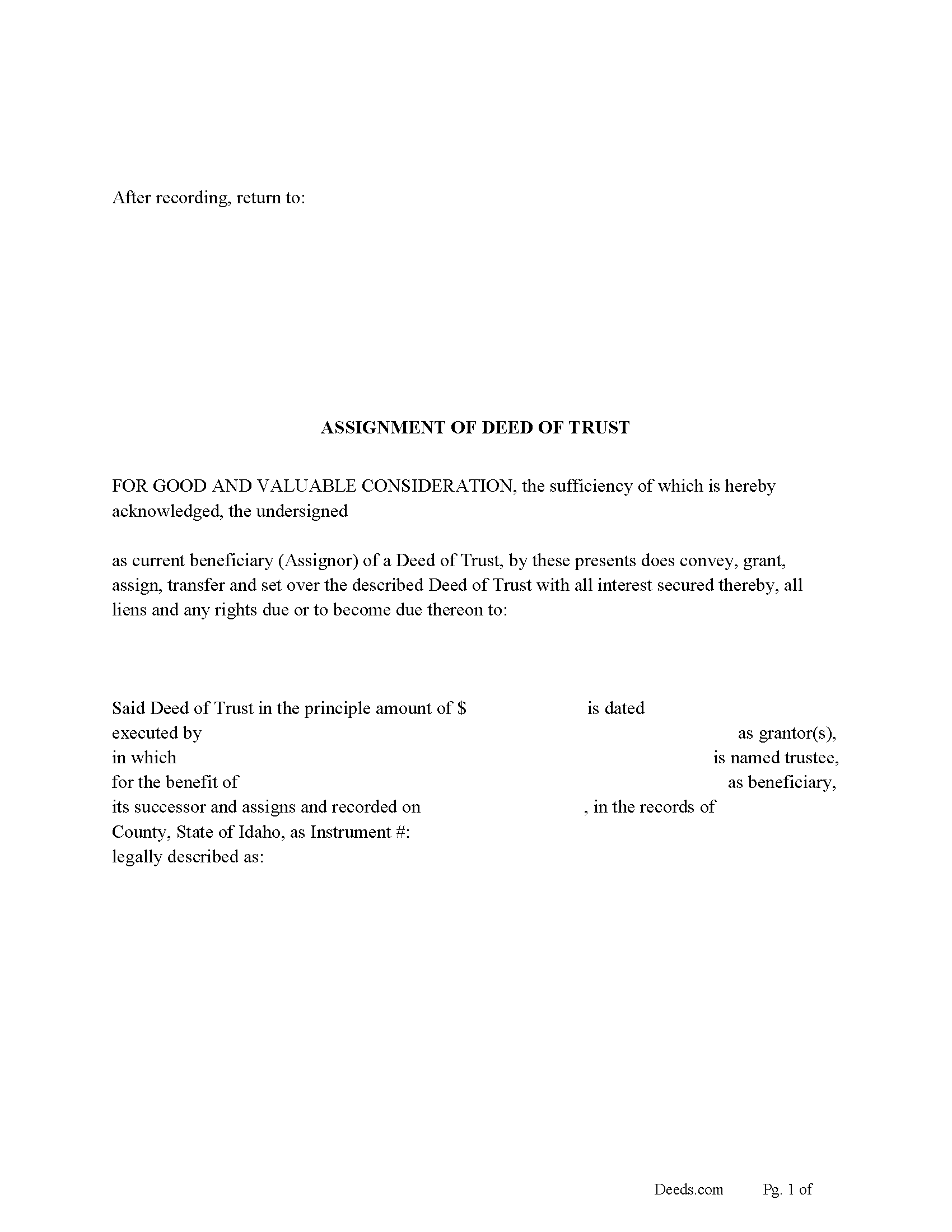
Franklin County Assignment of Deed of Trust Form
Fill in the blank form formatted to comply with all recording and content requirements.
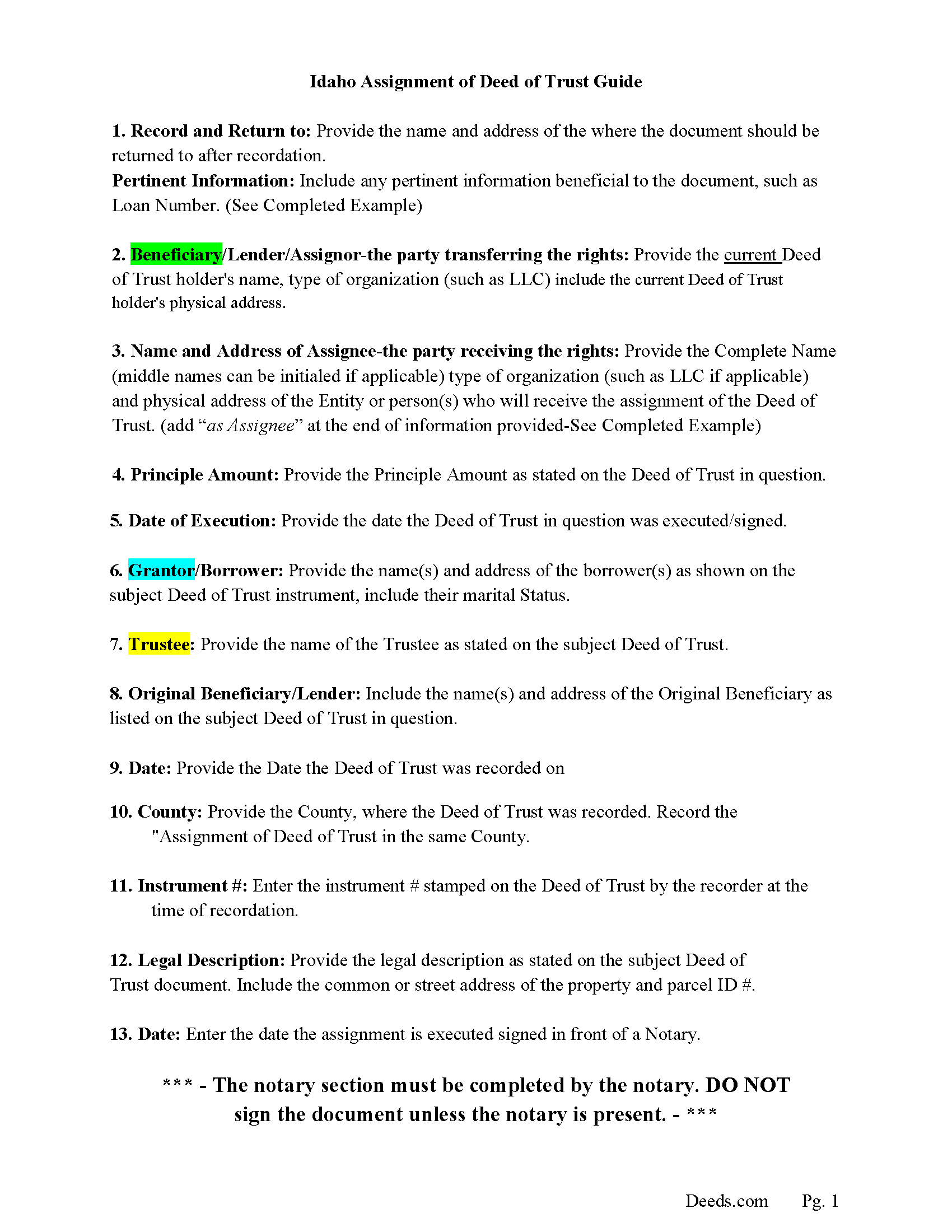
Franklin County Assignment of Deed of Trust Guidelines
Line by line guide explaining every blank on the form.
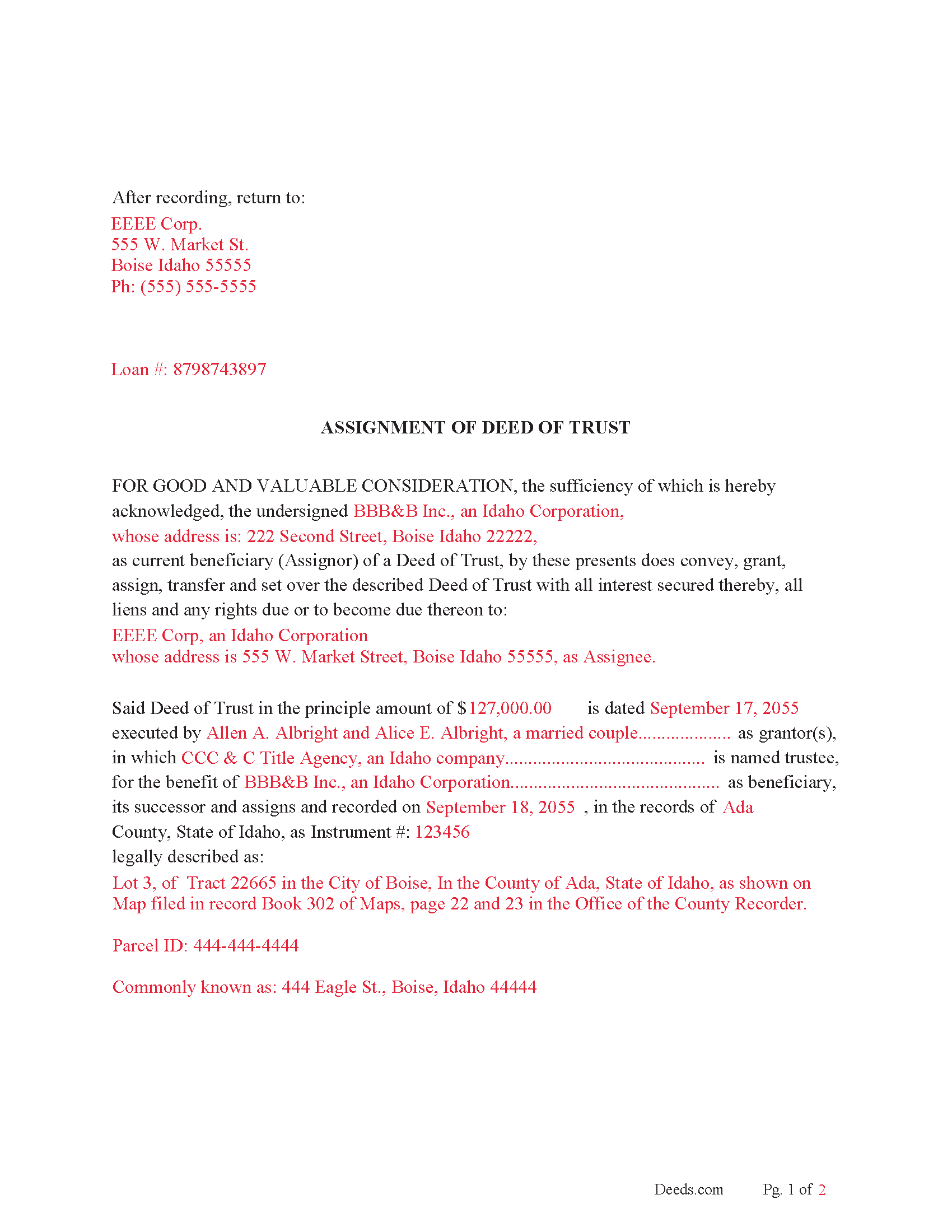
Franklin County Completed Example of the Assignment of Deed of Trust Document
Example of a properly completed form for reference.
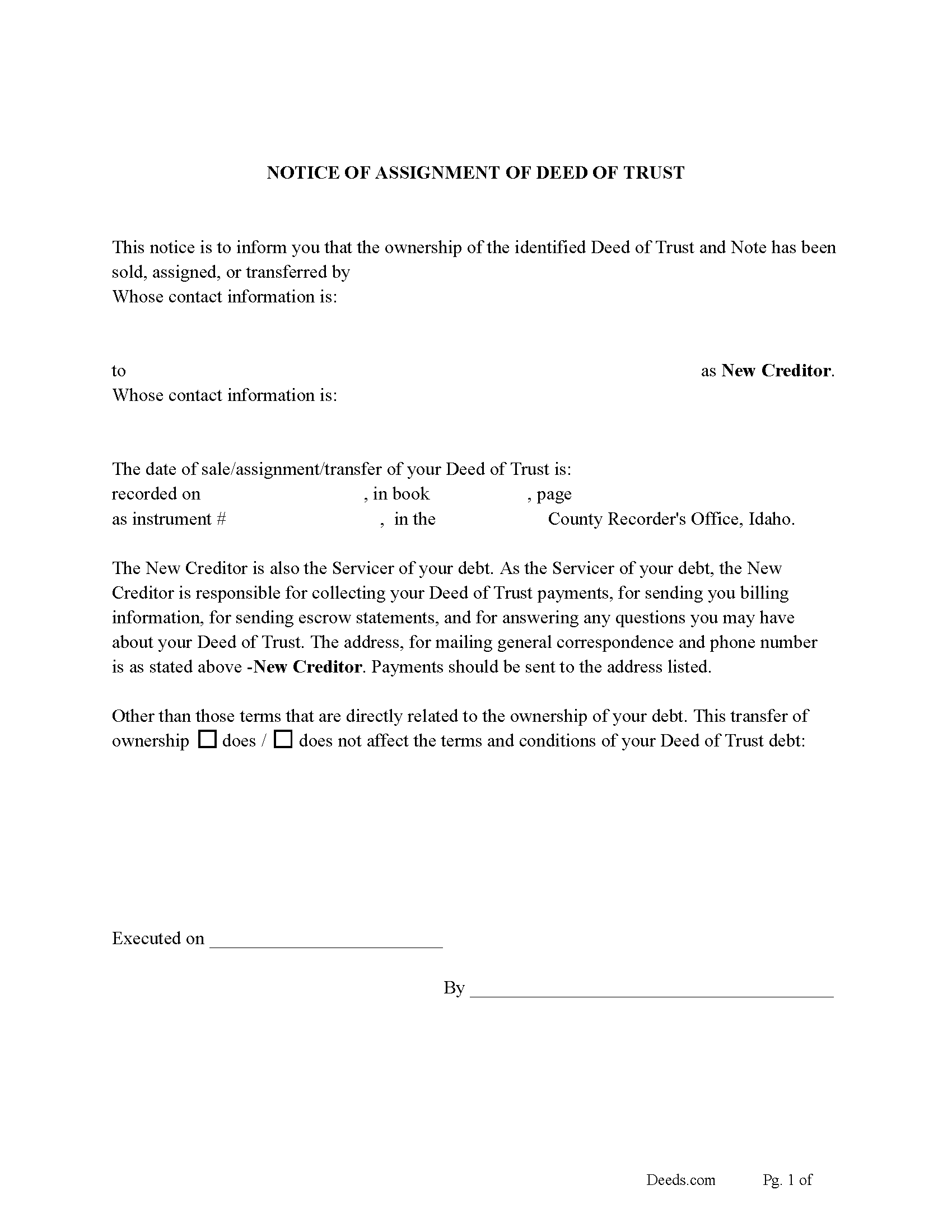
Franklin County Notice of Assignment of Deed of Trust Form
Fill in the blank form formatted to comply with all content requirements
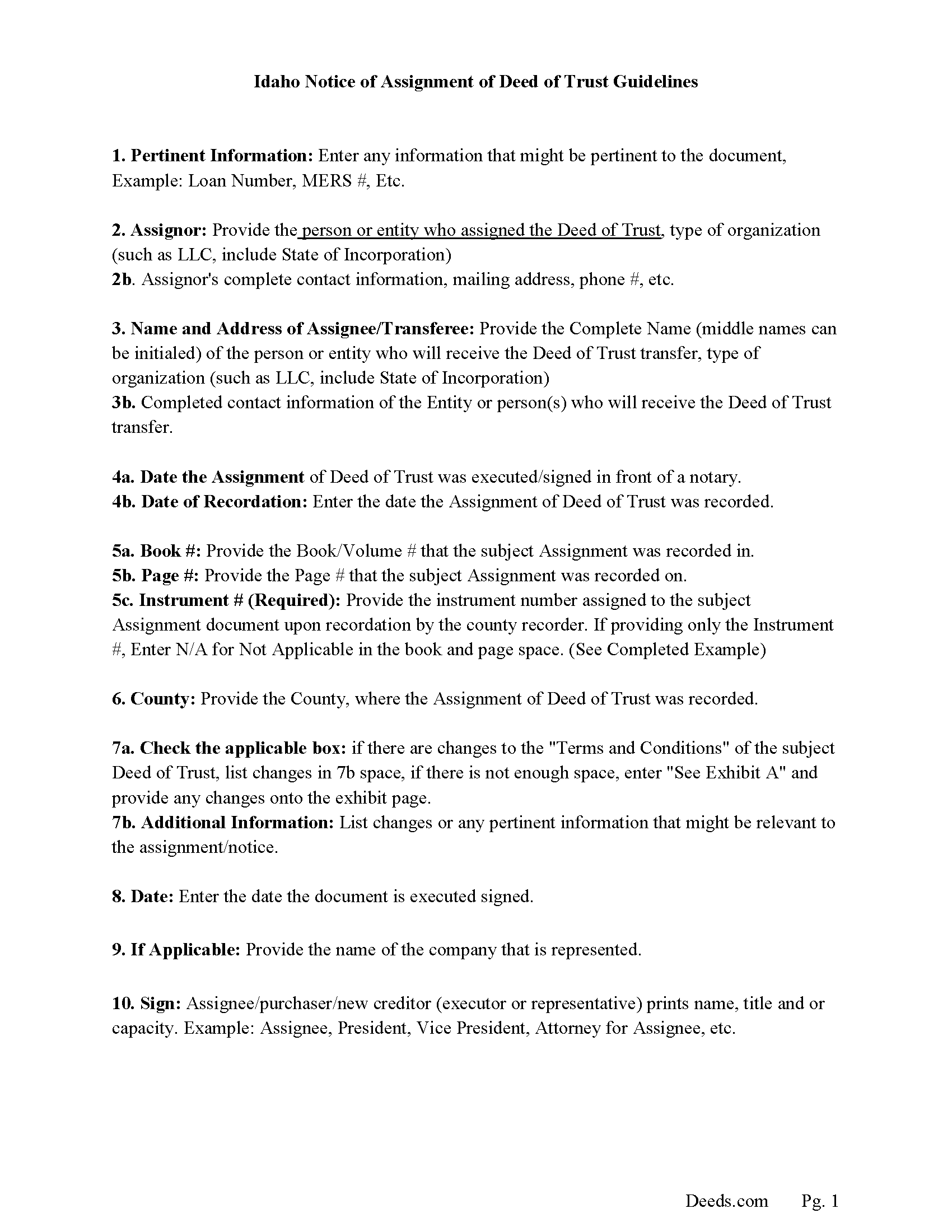
Franklin County Guidelines Notice of Assignment of Deed of Trust
Line by line guide explaining every blank on the form.
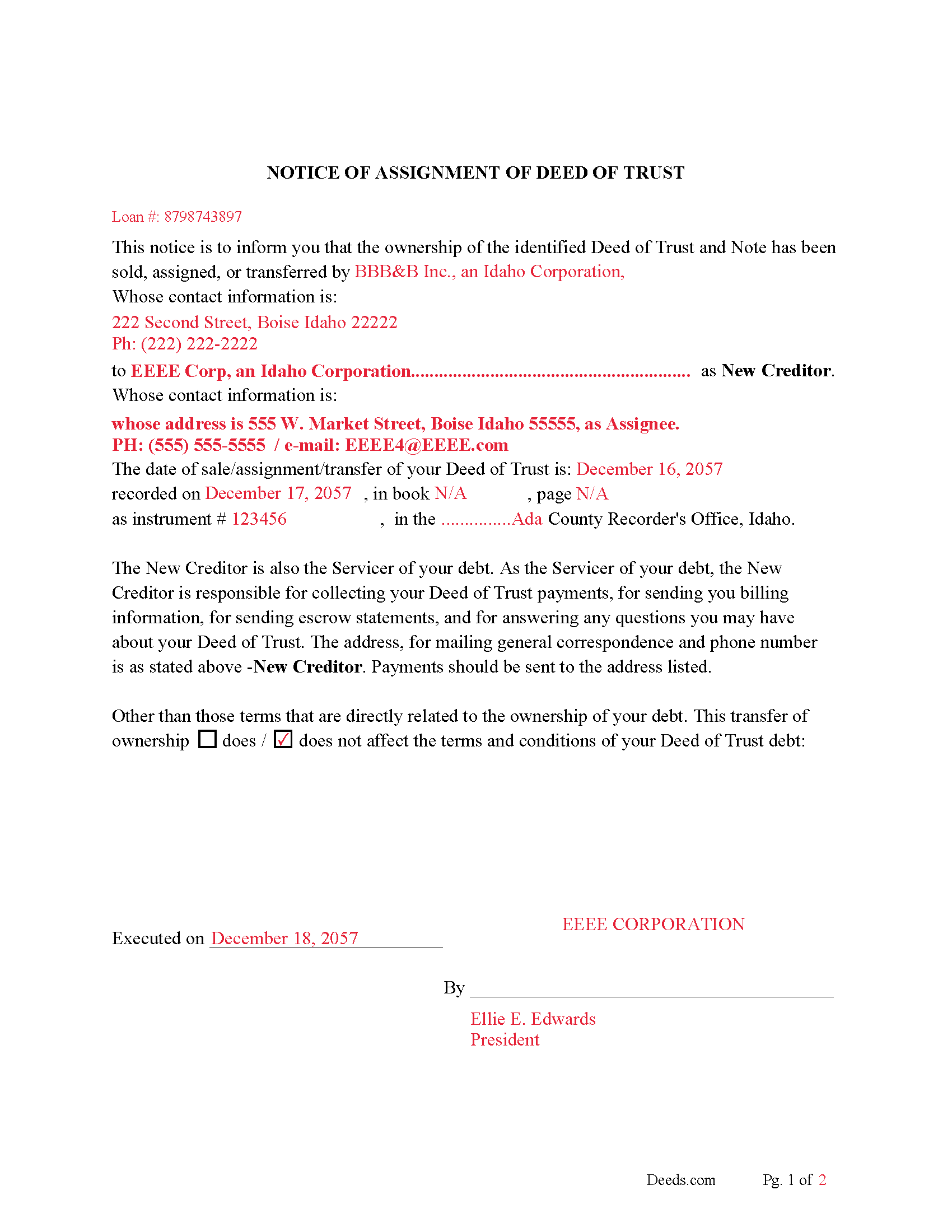
Franklin County Completed Example of the Notice of Assignment of Deed of Trust Document
Example of a properly completed form for reference.
All 6 documents above included • One-time purchase • No recurring fees
Immediate Download • Secure Checkout
Additional Idaho and Franklin County documents included at no extra charge:
Where to Record Your Documents
Franklin County Clerk
Preston, Idaho 83263
Hours: 9:00am to 5:00pm M-F
Phone: (208) 852-1090
Recording Tips for Franklin County:
- Bring your driver's license or state-issued photo ID
- Ensure all signatures are in blue or black ink
- Ask for certified copies if you need them for other transactions
- Ask if they accept credit cards - many offices are cash/check only
- Check that your notary's commission hasn't expired
Cities and Jurisdictions in Franklin County
Properties in any of these areas use Franklin County forms:
- Clifton
- Dayton
- Franklin
- Preston
- Thatcher
- Weston
Hours, fees, requirements, and more for Franklin County
How do I get my forms?
Forms are available for immediate download after payment. The Franklin County forms will be in your account ready to download to your computer. An account is created for you during checkout if you don't have one. Forms are NOT emailed.
Are these forms guaranteed to be recordable in Franklin County?
Yes. Our form blanks are guaranteed to meet or exceed the applicable formatting requirements used for recording in Franklin County, including margin requirements, font requirements, and other layout standards. This guarantee applies to formatting, not to the legal sufficiency of information entered by the user or the suitability of a form for a particular transaction.
Can I reuse these forms?
Yes. You can reuse the forms for your personal use. For example, if you have multiple properties in Franklin County you only need to order once.
What do I need to use these forms?
The forms are PDFs that you fill out on your computer. The free Adobe Acrobat Reader is recommended, and most PDF apps also work. You do NOT enter your property information online - you download the blank forms and complete them privately on your own computer.
Are there any recurring fees?
No. This is a one-time purchase. Nothing to cancel, no memberships, no recurring fees.
How much does it cost to record in Franklin County?
Recording fees in Franklin County vary. Contact the recorder's office at (208) 852-1090 for current fees.
Questions answered? Let's get started!
A recorded instrument in which the current Lender/beneficiary/assignor assigns an existing Deed of Trust to an assignee. This is typically performed when a Deed of Trust has been sold.
Notice of Assignment of Deed of Trust Form Included.
To avoid penalty the truth and lending act requires that borrowers be notified when their Deed of Trust debt has been sold, transferred, or assigned to a new creditor.
For use in Idaho only.
Important: Your property must be located in Franklin County to use these forms. Documents should be recorded at the county recording office listed above.
This Assignment of Deed of Trust meets all recording requirements specific to Franklin County.
Our Promise
The documents you receive here are guaranteed to meet or exceed the applicable Franklin County recording format requirements. If there is a rejection caused by our formatting, we will correct the issue or refund your payment. This guarantee applies to document formatting only and does not extend to information entered by the user, the selection of the form, or the legal effect of the completed document.
Save Time and Money
Get your Franklin County Assignment of Deed of Trust form done right the first time with Deeds.com Uniform Conveyancing Blanks. At Deeds.com, we understand that your time and money are valuable resources, and we don't want you to face a penalty fee or rejection imposed by a county recorder for submitting nonstandard documents. We constantly review and update our forms to meet rapidly changing state and county recording requirements for roughly 3,500 counties and local jurisdictions.
4.8 out of 5 - ( 4,828 Reviews )
Kathleen S. 5 out of 5 stars
The process was easy and the Staff was very helpful. Document was recorded quickly.
We appreciate your business and value your feedback. Thank you. Have a wonderful day!
diana c. 5 out of 5 stars
quick and easy, thankyou
Thank you!
Stephen E. 5 out of 5 stars
Thank you for your great response on my needs. In less than 24 hours I had my documents in hand as needed. Looking forward to working with Deeds.com again. Steve Esler
Thank you for your feedback Steve, glad we could help.
Elma Jean B. 5 out of 5 stars
My experience was great! Thank you, ejb
We appreciate your business and value your feedback. Thank you. Have a wonderful day!
Sandra T. 5 out of 5 stars
I hope this will address all I need to make sure my father is not being taken for granted by my siblings and a nephew and his wife. thank you
Thank you!
Chanda C. 5 out of 5 stars
It's going well so far!
Thank you!
Mary S. 5 out of 5 stars
I am so excited to find this site. Thank you
Thank you Mary. We appreciate your enthusiasm, have a great day!
Tracy H. 5 out of 5 stars
Deeds.com was an amazing experience. They made it so easy and stress free. The agent I worked with was fantastic and communicated quickly to make it a very positive experience. I will be using them from now on. Thank you!
We appreciate your business and value your feedback. Thank you. Have a wonderful day!
Melody P. 5 out of 5 stars
Great service, as always!!
We appreciate your business and value your feedback. Thank you. Have a wonderful day!
Mary W. 5 out of 5 stars
Easy to access and good instructions. Where to mail would be the only thing I would add.
Thank you for your feedback. We really appreciate it. Have a great day!
Charlotte A. 4 out of 5 stars
This information gave me enough to complete a quit claim deed yesterday
Thank you for your positive words! We’re thrilled to hear about your experience.
Colleen N. 5 out of 5 stars
The instruction were very clear and the sample was also very helpful.
Thank you!
Jean K. 4 out of 5 stars
The website worked fine and I would have been happy to pay the extra money except the deed I needed was "not available". Ended up calling the courthouse anyway.
Thank you for your feedback. We really appreciate it. Have a great day!
Michael M. 5 out of 5 stars
Easy to follow directions and instructions to properly and legally fill-in the Deed that I requested. It was also very easy and convenient. If I was going to employ an Attorney or Legal Documents Preparer, they would easily charge me between $150 to $225 a Deed! For the cost of $19.97, anyone would pursue this price! Thank you, Deeds.com for a wonderful and terrific experience! I'm going to need you again to change Titles for my other Investment Properties.
Thank you for your feedback. We really appreciate it. Have a great day!
Rip V. 1 out of 5 stars
Found the forms I needed but had to type these out my self in Word since these forms do not allow any information to be saved. I understand you want this to be proprietary information but you failed to deliver a usable product. I printed this template and built my own in microsoft word. Good examples and instructions with poor execution. I lost hours of typing and nearly lost real estate deals due to these documents not being in a format ready to use. Will be using another service next time or buying these as guides alone.
Thank you for taking the time to leave your feedback. Sorry to hear of the struggle you had using our forms. We will look into the issues you reported to see what we can do to provide a better product. For your trouble we have provided a full refund of your order.