Christian County Correction Deed Form
Last validated October 8, 2026 by our Forms Development TeamFormatted for recording in Christian County, for property anywhere in the county: rural and unincorporated areas as well as Assumption, Bulpitt, Edinburg, Kincaid, Morrisonville, Mount Auburn, Moweaqua, Owaneco and 6 more.
- 3 documents included
- Immediate PDF download
- Formatting guarantee
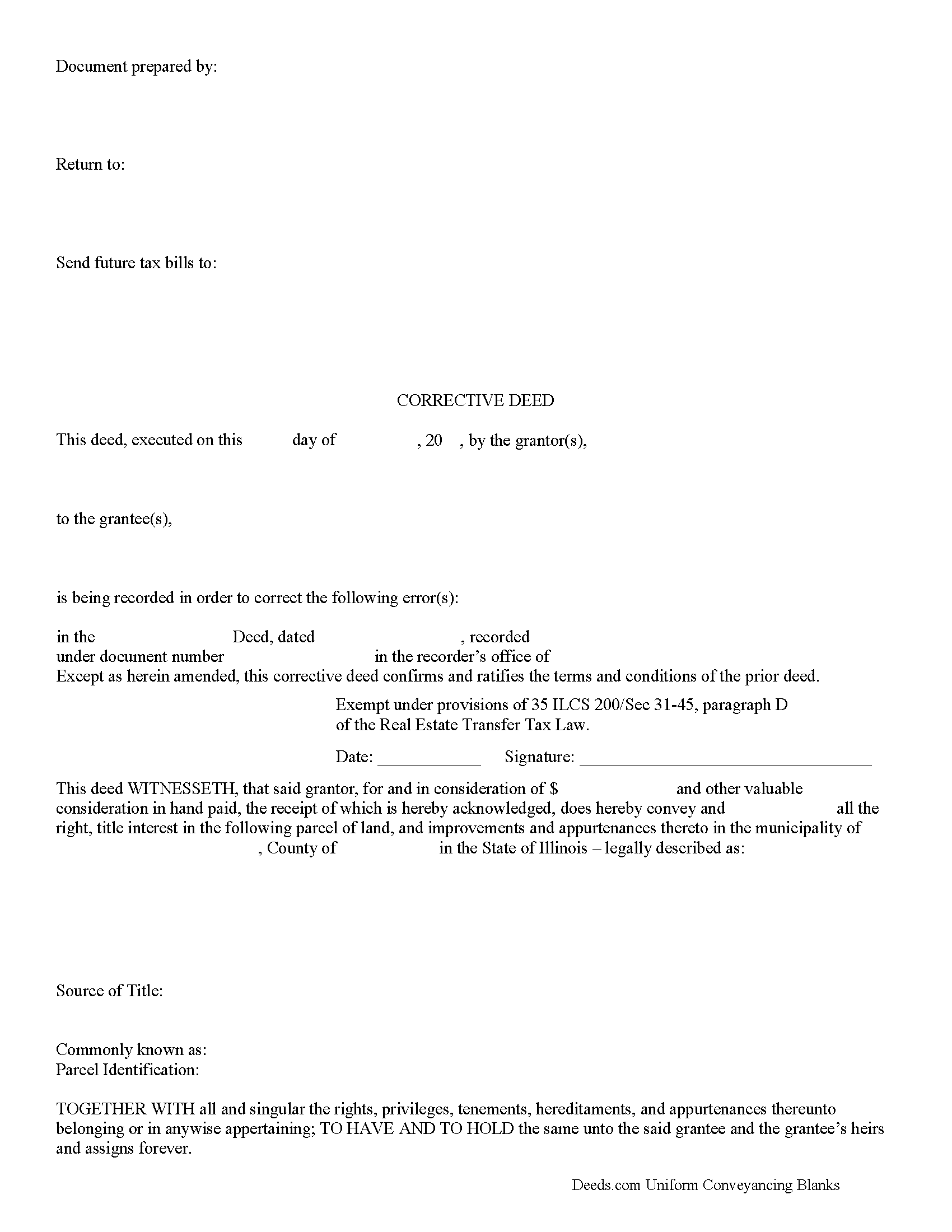
Christian County Correction Deed Form
Fill in the blank form formatted to comply with all recording and content requirements.
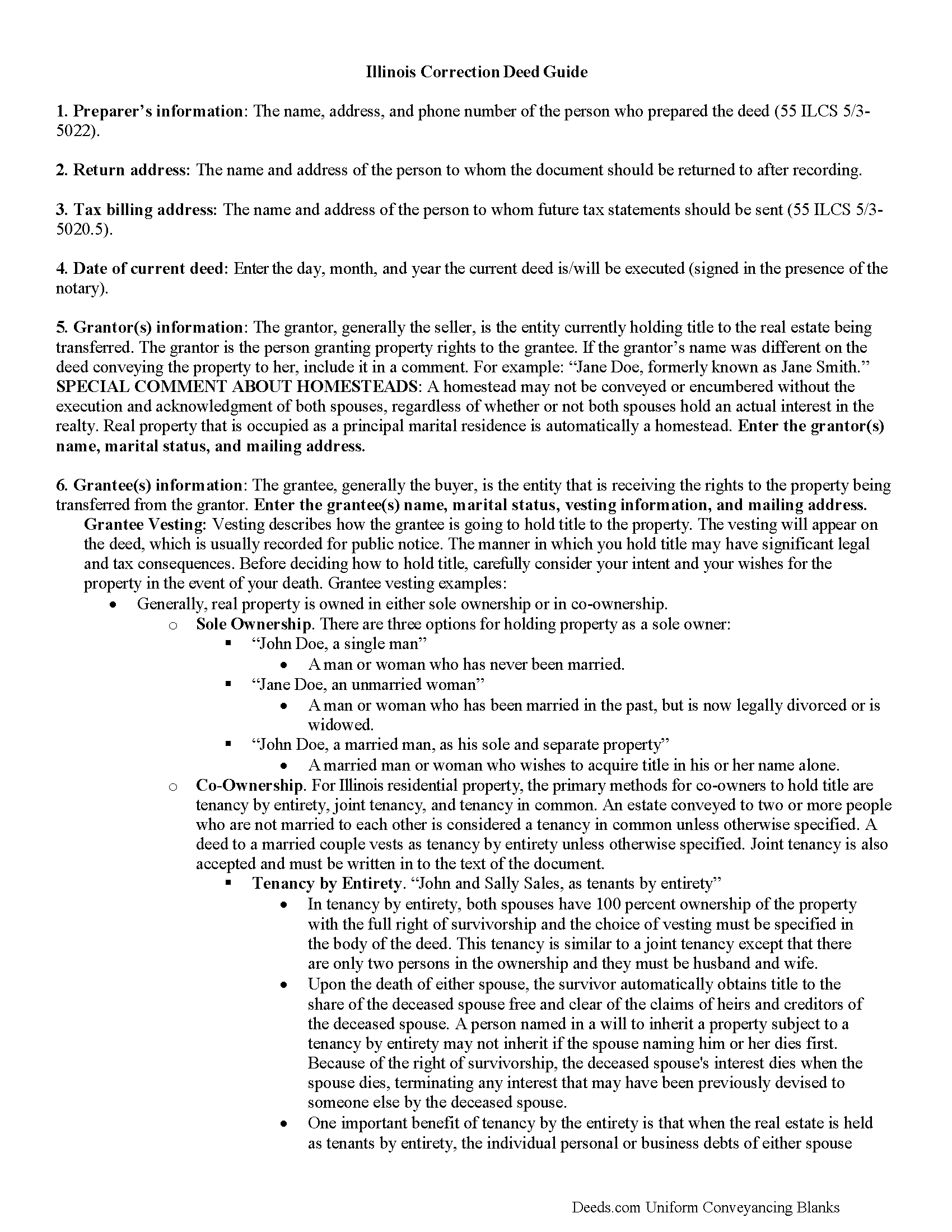
Christian County Correction Deed Guide
Line by line guide explaining every blank on the form.
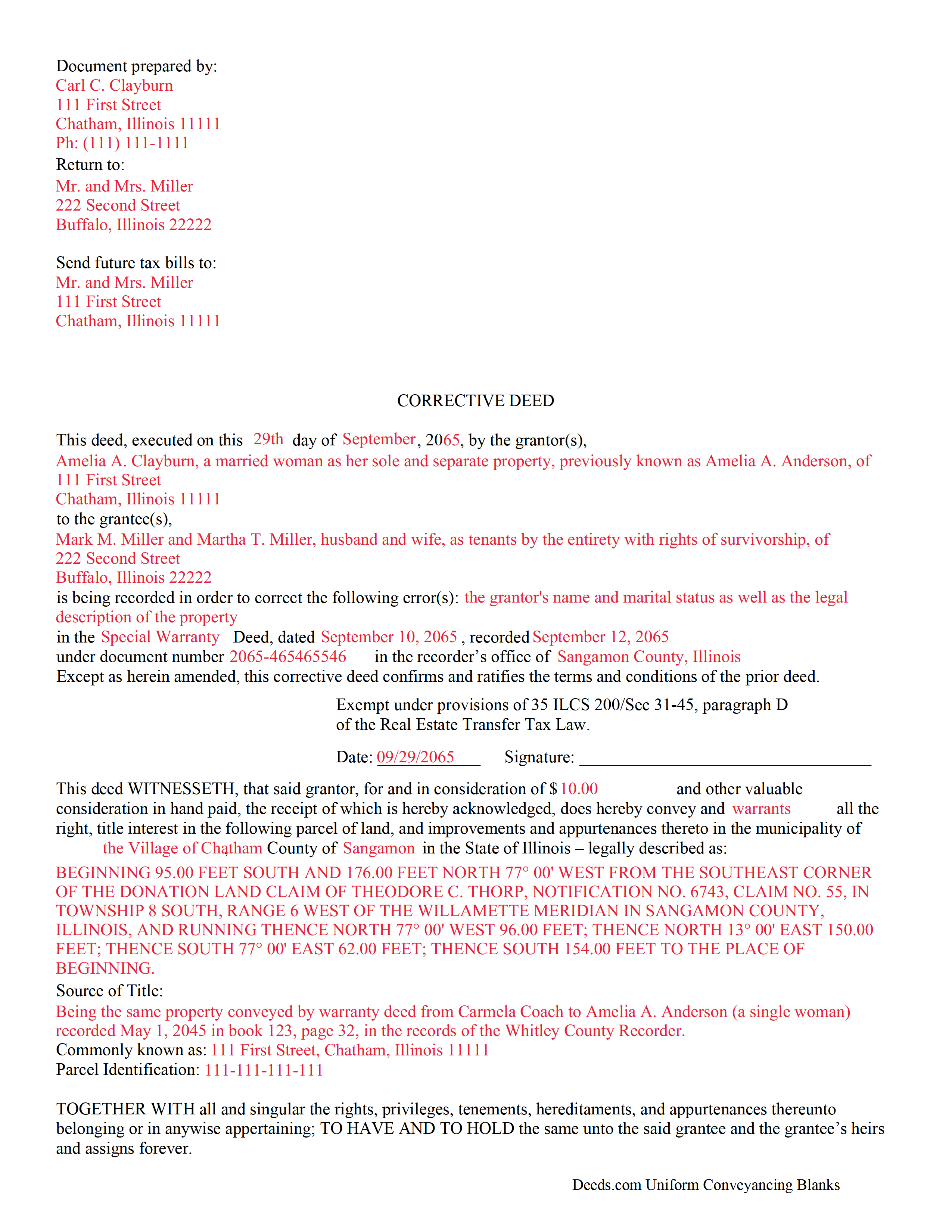
Christian County Completed Example of the Correction Deed Document
Example of a properly completed form for reference.
All 3 documents above included • One-time purchase • No recurring fees
Immediate Download • Secure Checkout
Additional Illinois and Christian County documents included at no extra charge:
Where to Record Your Documents
Christian County Recorder's Office
Taylorville, Illinois 62568
Hours: 8:00 to 4:00 Monday through Friday
Phone: (217) 824-4960
Recording Tips for Christian County:
- Bring your driver's license or state-issued photo ID
- Ensure all signatures are in blue or black ink
- Both spouses typically need to sign if property is jointly owned
- Bring extra funds - fees can vary by document type and page count
- Check margin requirements - usually 1-2 inches at top
Cities and Jurisdictions in Christian County
Properties in any of these areas use Christian County forms:
- Assumption
- Bulpitt
- Edinburg
- Kincaid
- Morrisonville
- Mount Auburn
- Moweaqua
- Owaneco
- Palmer
- Pana
- Rosamond
- Stonington
- Taylorville
- Tovey
Hours, fees, requirements, and more for Christian County
How do I get my forms?
Forms are available for immediate download after payment. The Christian County forms will be in your account ready to download to your computer. An account is created for you during checkout if you don't have one. Forms are NOT emailed.
Are these forms guaranteed to be recordable in Christian County?
Yes. Our form blanks are guaranteed to meet or exceed the applicable formatting requirements used for recording in Christian County, including margin requirements, font requirements, and other layout standards. This guarantee applies to formatting, not to the legal sufficiency of information entered by the user or the suitability of a form for a particular transaction.
Can I reuse these forms?
Yes. You can reuse the forms for your personal use. For example, if you have multiple properties in Christian County you only need to order once.
What do I need to use these forms?
The forms are PDFs that you fill out on your computer. The free Adobe Acrobat Reader is recommended, and most PDF apps also work. You do NOT enter your property information online - you download the blank forms and complete them privately on your own computer.
Are there any recurring fees?
No. This is a one-time purchase. Nothing to cancel, no memberships, no recurring fees.
How much does it cost to record in Christian County?
Recording fees in Christian County vary. Contact the recorder's office at (217) 824-4960 for current fees.
Questions answered? Let's get started!
Use a correction or corrective deed to clear up a title flaw in a deed recorded in Illinois. This form allows for correction of errors in one or multiple sections of the deed.
When correcting an error in a deed in Illinois, there are two basic options: 1) re-record the original deed with corrections made on the face of it by striking out the wrong item; or 2) record a correction or corrective deed. While some counties prefer re-recording the original deed, others recommend the cleaner recording of a new deed. So it is always a good idea to check with the local recorder's office. The gravity of the error and correction it requires also will determine which option to choose. Use the re-recording of the original deed primarily for smaller typographical mistakes.
When correcting a minor error and re-recording the prior deed, use the original deed only, strike through the wrong information, and write the correction down close to it and by hand. Usually, a cover page must be added, stating the important identifiers, as well as the reason for re-recording. For a more involved error, the correction deed might be a better option. Except for the corrected error, it restates and confirms all information of the prior deed, referencing it by date, recording number, and identifying the corrected error by type. In terms of recording fees, there may be a small difference between the two options in some counties.
A corrective deed is exempt from transfer tax according to 35 ILCS 200/35-41 (d). Add a sentence stating this exemption to the cover page when re-recording the original deed. On the corrective deed form, a tax statement, along with a line for the signature of the buyer, seller, or a representative, serves that purpose.
(Illinois Correction Deed Package includes form, guidelines, and completed example)
Important: Your property must be located in Christian County to use these forms. Documents should be recorded at the county recording office listed above.
This Correction Deed meets all recording requirements specific to Christian County.
Our Promise
The documents you receive here are guaranteed to meet or exceed the applicable Christian County recording format requirements. If there is a rejection caused by our formatting, we will correct the issue or refund your payment. This guarantee applies to document formatting only and does not extend to information entered by the user, the selection of the form, or the legal effect of the completed document.
Save Time and Money
Get your Christian County Correction Deed form done right the first time with Deeds.com Uniform Conveyancing Blanks. At Deeds.com, we understand that your time and money are valuable resources, and we don't want you to face a penalty fee or rejection imposed by a county recorder for submitting nonstandard documents. We constantly review and update our forms to meet rapidly changing state and county recording requirements for roughly 3,500 counties and local jurisdictions.
4.8 out of 5 - ( 4,836 Reviews )
Bruce L. 5 out of 5 stars
Fantastic. The forms were easy to read and complete. Came with a guide and examples of how it looked completed Thanks!
We appreciate your business and value your feedback. Thank you. Have a wonderful day!
Jennifer J. 5 out of 5 stars
I have to admit this process was a scary one but you have made it very clear and simple to follow along with. I felt their virtual hand holding, that is how user friendly it is. Thank you for being top notch.
Thank you!
tim g. 5 out of 5 stars
that is what I was looking for thanks
Thanks Tim, glad we could help.
Lisa P. 5 out of 5 stars
Your forms are worth the investment. The guide and example were very helpful and thorough.
We appreciate your business and value your feedback. Thank you. Have a wonderful day!
Julie B. 5 out of 5 stars
I wish all the forms had been in a downloadable package so that it wasn't so difficult to make sure I had them all. Too many pages open on the click throughs. I haven't had a chance to fill them out but hope they are all there.
Thank you for your feedback. We really appreciate it. Have a great day!
Janice S. 5 out of 5 stars
All instructions and forms are very easy to read and fill-out. Thank you
Thank you for your feedback. We really appreciate it. Have a great day!
Paula P. 2 out of 5 stars
Important: Click Download to save each PDF to your device. Open and complete the PDFs using Adobe Acrobat Reader (free). Get Adobe Acrobat Reader Browser PDF viewers (Chrome, Edge, Firefox, Mac Preview) may display fillable fields incorrectly. This information should be shared with the potential buyer BEFORE purchase. Messy formatting and a deeds.com advertisement on each page. I will not purchase from deeds.com again.
Paula, thank you for taking the time to leave feedback. As the product wasn’t a good fit for you, we’ve canceled your order and provided a full refund so there’s no need for you to use the documents.
Judith M. 5 out of 5 stars
You all have been very patient and helpful. Thank you.
Thank you!
Michael L. 5 out of 5 stars
Quick and Easy. Much appreciated!
Thank you for your feedback. We really appreciate it. Have a great day!
Tami C. 5 out of 5 stars
Excellent service, easy to follow instructions.
We appreciate your business and value your feedback. Thank you. Have a wonderful day!
DONNA F. 5 out of 5 stars
very easy and fast thank you would recommend
We appreciate your business and value your feedback. Thank you. Have a wonderful day!
DENIS K. 5 out of 5 stars
Excellent, invaluable and reasonable!
We appreciate your business and value your feedback. Thank you. Have a wonderful day!
Tiffani D. 5 out of 5 stars
The website was very user-friendly. I am glad it was available!
Thank you!
Thomas G. 5 out of 5 stars
fast and easy
Thank you!
Kathryn C. 5 out of 5 stars
descriptions for some areas were longer than what would print out on document - it showed and was visible on the form but would not print out - for example in the legal description. would be nice in fill in areas could be extended as needed
Thank you for your feedback. We really appreciate it. Have a great day!