Marshall County Correction Deed Form
Last validated October 8, 2026 by our Forms Development TeamFormatted for recording in Marshall County, for property anywhere in the county: rural and unincorporated areas as well as Camp Grove, Henry, La Rose, Lacon, Sparland, Toluca, Varna, Washburn and 1 more.
- 3 documents included
- Immediate PDF download
- Formatting guarantee
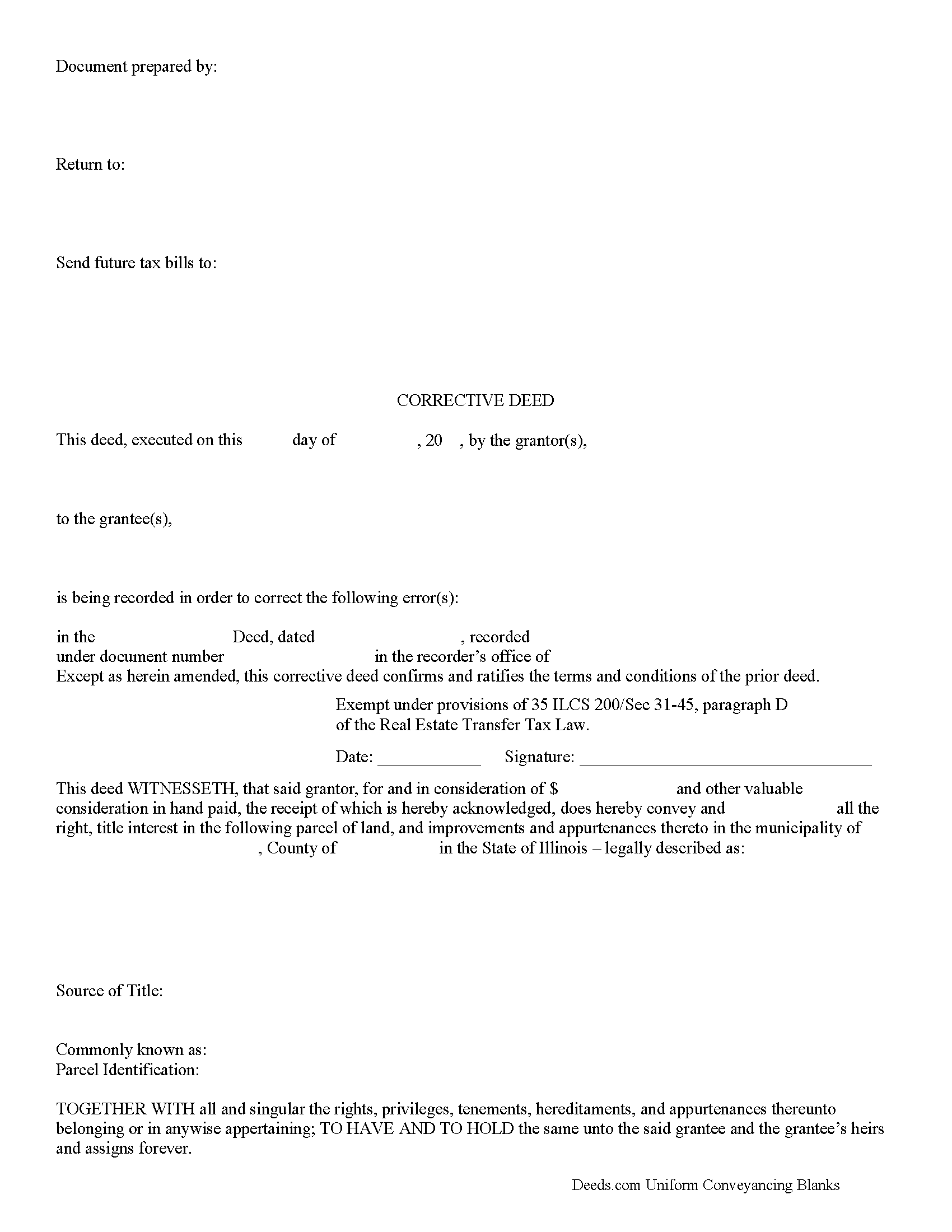
Marshall County Correction Deed Form
Fill in the blank form formatted to comply with all recording and content requirements.
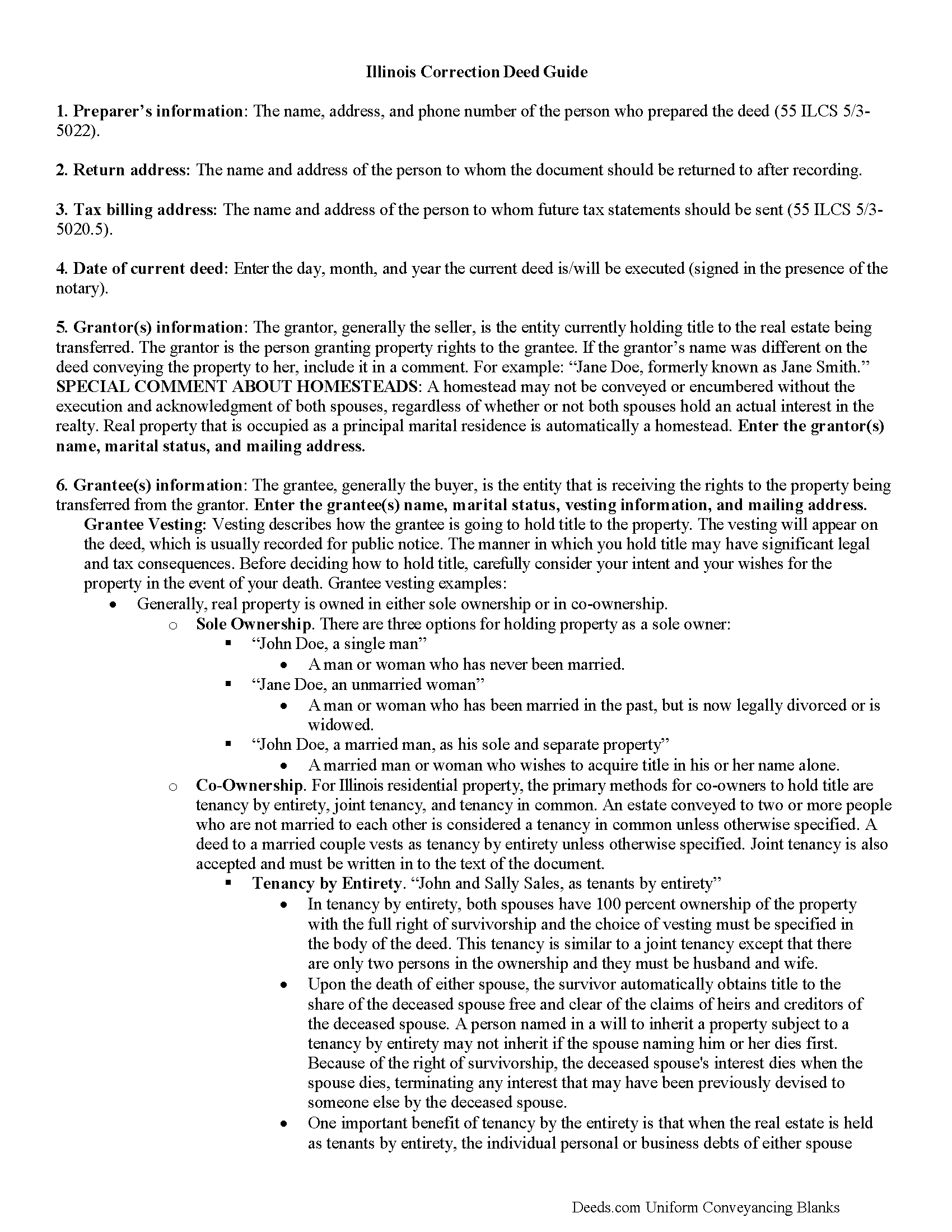
Marshall County Correction Deed Guide
Line by line guide explaining every blank on the form.
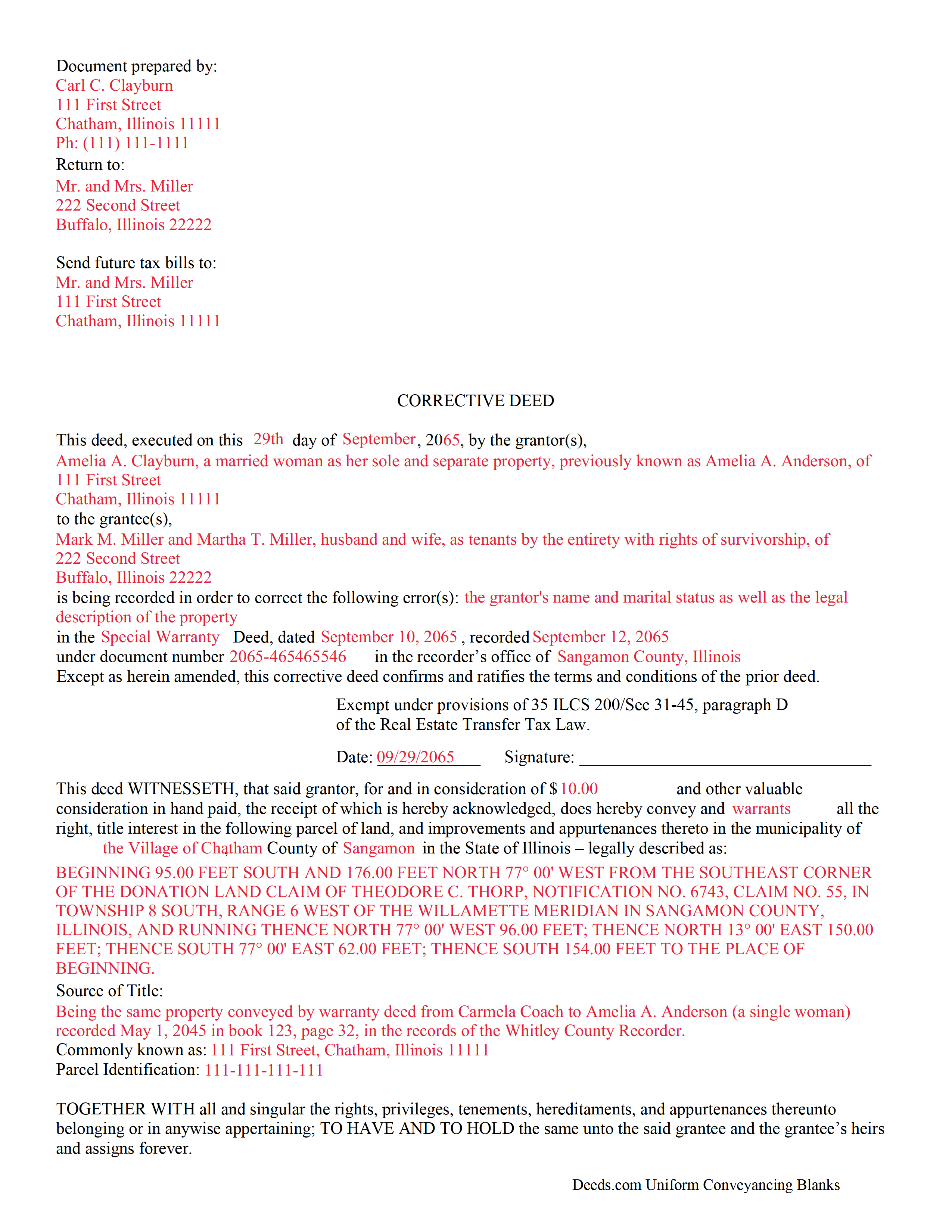
Marshall County Completed Example of the Correction Deed Document
Example of a properly completed form for reference.
All 3 documents above included • One-time purchase • No recurring fees
Immediate Download • Secure Checkout
Additional Illinois and Marshall County documents included at no extra charge:
Where to Record Your Documents
Marshall County Clerk/Recorder
Lacon, Illinois 61540
Hours: 8:30 to 4:30 M-F
Phone: (309) 246-6325
Recording Tips for Marshall County:
- Bring your driver's license or state-issued photo ID
- Ensure all signatures are in blue or black ink
- Ask for certified copies if you need them for other transactions
- Ask if they accept credit cards - many offices are cash/check only
- Check that your notary's commission hasn't expired
Cities and Jurisdictions in Marshall County
Properties in any of these areas use Marshall County forms:
- Camp Grove
- Henry
- La Rose
- Lacon
- Sparland
- Toluca
- Varna
- Washburn
- Wenona
Hours, fees, requirements, and more for Marshall County
How do I get my forms?
Forms are available for immediate download after payment. The Marshall County forms will be in your account ready to download to your computer. An account is created for you during checkout if you don't have one. Forms are NOT emailed.
Are these forms guaranteed to be recordable in Marshall County?
Yes. Our form blanks are guaranteed to meet or exceed the applicable formatting requirements used for recording in Marshall County, including margin requirements, font requirements, and other layout standards. This guarantee applies to formatting, not to the legal sufficiency of information entered by the user or the suitability of a form for a particular transaction.
Can I reuse these forms?
Yes. You can reuse the forms for your personal use. For example, if you have multiple properties in Marshall County you only need to order once.
What do I need to use these forms?
The forms are PDFs that you fill out on your computer. The free Adobe Acrobat Reader is recommended, and most PDF apps also work. You do NOT enter your property information online - you download the blank forms and complete them privately on your own computer.
Are there any recurring fees?
No. This is a one-time purchase. Nothing to cancel, no memberships, no recurring fees.
How much does it cost to record in Marshall County?
Recording fees in Marshall County vary. Contact the recorder's office at (309) 246-6325 for current fees.
Questions answered? Let's get started!
Use a correction or corrective deed to clear up a title flaw in a deed recorded in Illinois. This form allows for correction of errors in one or multiple sections of the deed.
When correcting an error in a deed in Illinois, there are two basic options: 1) re-record the original deed with corrections made on the face of it by striking out the wrong item; or 2) record a correction or corrective deed. While some counties prefer re-recording the original deed, others recommend the cleaner recording of a new deed. So it is always a good idea to check with the local recorder's office. The gravity of the error and correction it requires also will determine which option to choose. Use the re-recording of the original deed primarily for smaller typographical mistakes.
When correcting a minor error and re-recording the prior deed, use the original deed only, strike through the wrong information, and write the correction down close to it and by hand. Usually, a cover page must be added, stating the important identifiers, as well as the reason for re-recording. For a more involved error, the correction deed might be a better option. Except for the corrected error, it restates and confirms all information of the prior deed, referencing it by date, recording number, and identifying the corrected error by type. In terms of recording fees, there may be a small difference between the two options in some counties.
A corrective deed is exempt from transfer tax according to 35 ILCS 200/35-41 (d). Add a sentence stating this exemption to the cover page when re-recording the original deed. On the corrective deed form, a tax statement, along with a line for the signature of the buyer, seller, or a representative, serves that purpose.
(Illinois Correction Deed Package includes form, guidelines, and completed example)
Important: Your property must be located in Marshall County to use these forms. Documents should be recorded at the county recording office listed above.
This Correction Deed meets all recording requirements specific to Marshall County.
Our Promise
The documents you receive here are guaranteed to meet or exceed the applicable Marshall County recording format requirements. If there is a rejection caused by our formatting, we will correct the issue or refund your payment. This guarantee applies to document formatting only and does not extend to information entered by the user, the selection of the form, or the legal effect of the completed document.
Save Time and Money
Get your Marshall County Correction Deed form done right the first time with Deeds.com Uniform Conveyancing Blanks. At Deeds.com, we understand that your time and money are valuable resources, and we don't want you to face a penalty fee or rejection imposed by a county recorder for submitting nonstandard documents. We constantly review and update our forms to meet rapidly changing state and county recording requirements for roughly 3,500 counties and local jurisdictions.
4.8 out of 5 - ( 4,828 Reviews )
Christina P. 5 out of 5 stars
Fantastic!! The gals at Deeds really seem to have their stuff together! Great Forms, easy, exhaustive, and most importantly... accepted at the recorder the FIRST TIME!
Thank you so much for your review! Your feedback is highly appreciated, and we look forward to assisting you again in the future!
Sheryl G. 5 out of 5 stars
Simple way to complete documents with very detailed instructions. And to be able to e-file them is great too.
We appreciate your business and value your feedback. Thank you. Have a wonderful day!
Tim T. 3 out of 5 stars
Although I am sure that the Quit Claim form was acceptable for my county, I felt that it was not formatted in the manor that I have seen while viewing the other deeds recorded. So that forms that I received were not useful to me.
Thank you for your feedback. We really appreciate it. Have a great day!
Laurie S. 5 out of 5 stars
This was amazingly easy to access.
We appreciate your business and value your feedback. Thank you. Have a wonderful day!
Karen T. 5 out of 5 stars
Thank you for the feedback. I reviewed this with my client/friend and she is following up with the appropriate people, including the Police and a lawyer. Thank you for your help.
Thank you!
Mary K. 5 out of 5 stars
I love this site already! Even though I have not executed my downloads, the documents are so professionally written, and the extras are great. I am impressed with Deeds. Thank you! I will continue to use Deeds as a source for my business and personal needs.
Thank you for your positive words! We’re thrilled to hear about your experience.
Jeffrey T. 5 out of 5 stars
First Time User here. Simple and easy. Delivered Deed in excellent time. Sure beats going to the recorder's office.
Thank you for your feedback. We really appreciate it. Have a great day!
Carole M. 5 out of 5 stars
So far it seems easy and hopefully be acceptable to Hillsborough Co
We appreciate your business and value your feedback. Thank you. Have a wonderful day!
Andrew D. 5 out of 5 stars
I was very pleased with the entire package we received. It will certainly make my job easier.
Thank you for your feedback. We really appreciate it. Have a great day!
Robert J. 5 out of 5 stars
Ordered the quitclaim forms. Amazing value! Received everything I needed and then some. The forms were easy to use and understand with the help of the guide. The best part was that once completed I used deeds.com's e-recording service to submit the document for recording (our county offices are still closed). Outstanding!
Thank you for the kinds words Robert, glad we could help.
Johnnie R. 5 out of 5 stars
quick and easy to use
We appreciate your business and value your feedback. Thank you. Have a wonderful day!
wendell s. 5 out of 5 stars
The forms were everything promised. The guide was very helpful and made the process painless.
We appreciate your business and value your feedback. Thank you. Have a wonderful day!
Brenda B. 5 out of 5 stars
Excellent transaction.
Thank you Brenda.
Mary D. 5 out of 5 stars
Gift Deed is exactly what was required. Thank you!
Thank you for your feedback. We really appreciate it. Have a great day!
Bobby Y. 5 out of 5 stars
I like the content and the availability to conduct valuable business online
Thank you!