Macoupin County Lis Pendens Release Form
Last validated October 23, 2026 by our Forms Development TeamFormatted for recording in Macoupin County, for property anywhere in the county: rural and unincorporated areas as well as Benld, Brighton, Bunker Hill, Carlinville, Chesterfield, Eagarville, Gillespie, Girard and 12 more.
- 3 documents included
- Immediate PDF download
- Formatting guarantee
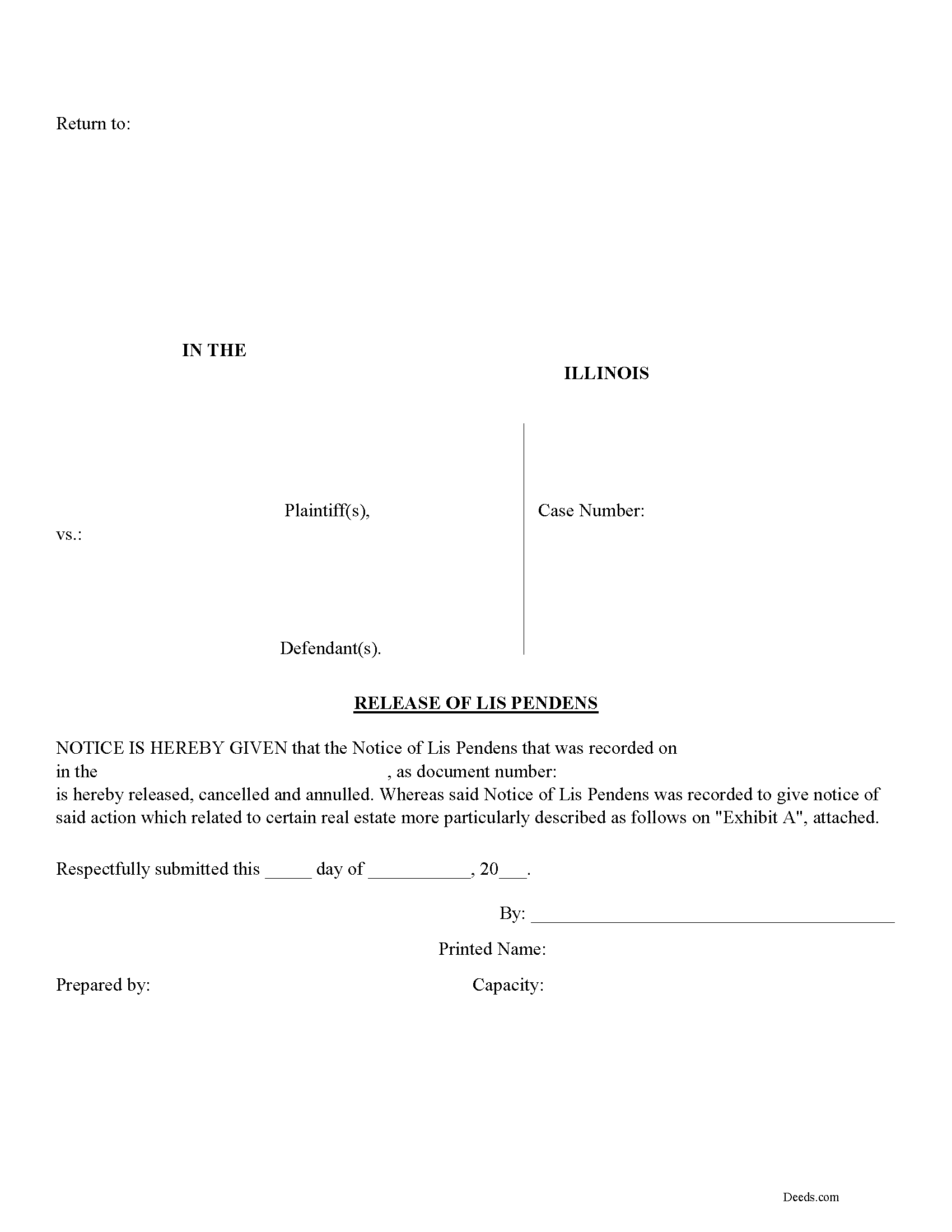
Macoupin County Lis Pendens Release Form
Fill in the blank form formatted to comply with all recording and content requirements.
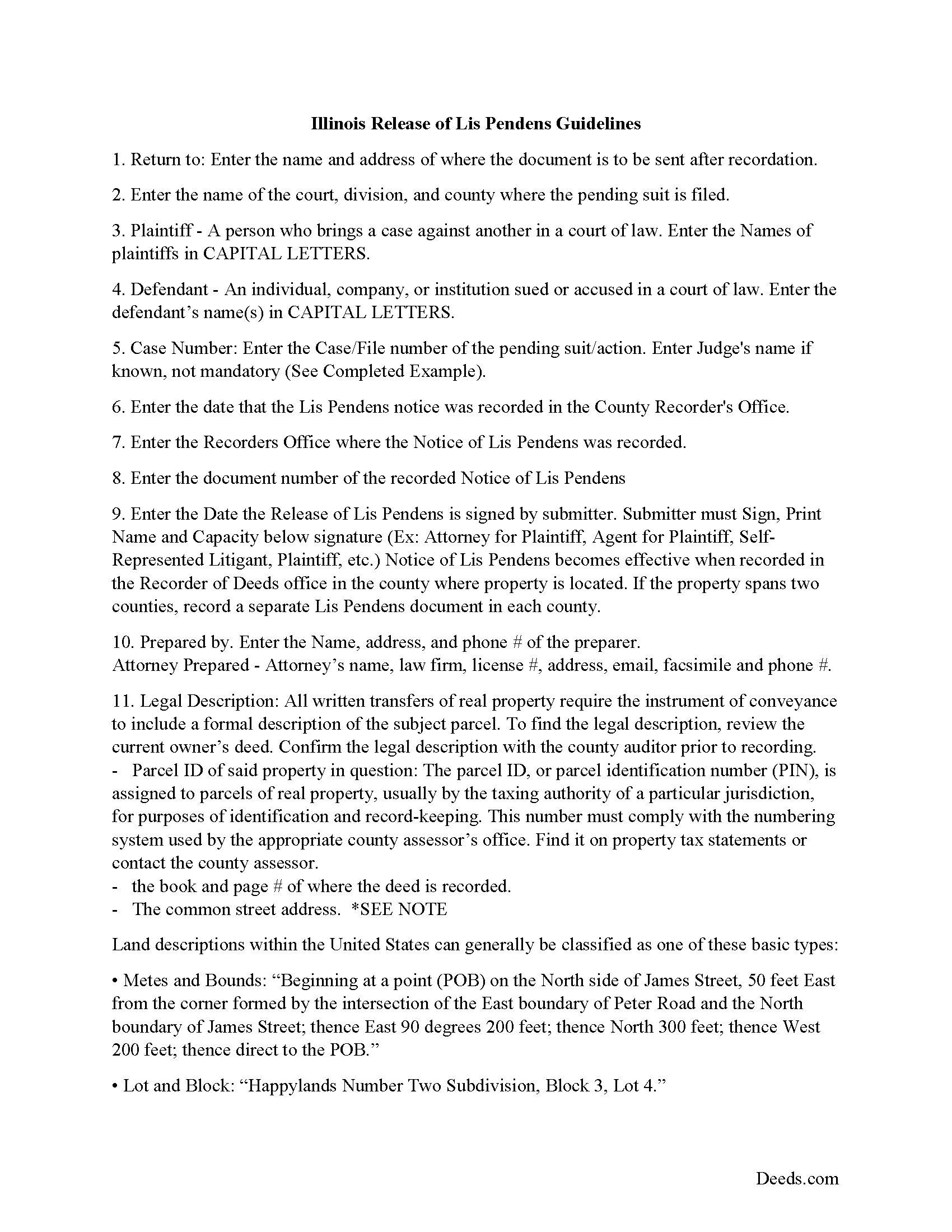
Macoupin County Lis Pendens Release Guide
Line by line guide explaining every blank on the form.
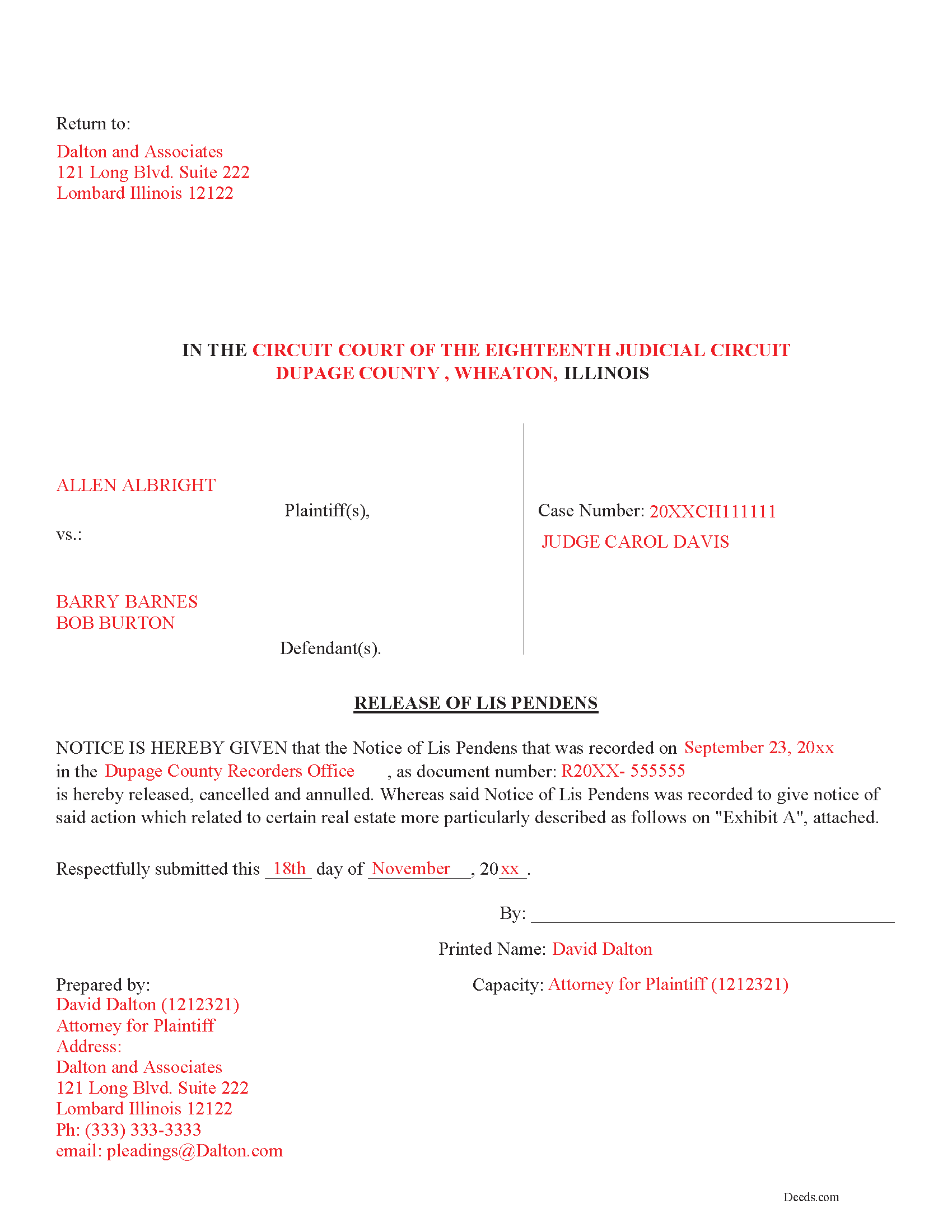
Macoupin County Completed Example of the Lis Pendens Release Document
Example of a properly completed form for reference.
All 3 documents above included • One-time purchase • No recurring fees
Immediate Download • Secure Checkout
Additional Illinois and Macoupin County documents included at no extra charge:
Where to Record Your Documents
Macoupin County Clerk/Recorder
Carlinville, Illinois 62626-0197
Hours: 8:30 to 4:30 M-F
Phone: (217) 854-3214
Recording Tips for Macoupin County:
- Bring your driver's license or state-issued photo ID
- Ensure all signatures are in blue or black ink
- Verify all names are spelled correctly before recording
- White-out or correction fluid may cause rejection
- Ask about their eRecording option for future transactions
Cities and Jurisdictions in Macoupin County
Properties in any of these areas use Macoupin County forms:
- Benld
- Brighton
- Bunker Hill
- Carlinville
- Chesterfield
- Eagarville
- Gillespie
- Girard
- Hettick
- Modesto
- Mount Olive
- Nilwood
- Palmyra
- Piasa
- Sawyerville
- Scottville
- Shipman
- Staunton
- Virden
- Wilsonville
Hours, fees, requirements, and more for Macoupin County
How do I get my forms?
Forms are available for immediate download after payment. The Macoupin County forms will be in your account ready to download to your computer. An account is created for you during checkout if you don't have one. Forms are NOT emailed.
Are these forms guaranteed to be recordable in Macoupin County?
Yes. Our form blanks are guaranteed to meet or exceed the applicable formatting requirements used for recording in Macoupin County, including margin requirements, font requirements, and other layout standards. This guarantee applies to formatting, not to the legal sufficiency of information entered by the user or the suitability of a form for a particular transaction.
Can I reuse these forms?
Yes. You can reuse the forms for your personal use. For example, if you have multiple properties in Macoupin County you only need to order once.
What do I need to use these forms?
The forms are PDFs that you fill out on your computer. The free Adobe Acrobat Reader is recommended, and most PDF apps also work. You do NOT enter your property information online - you download the blank forms and complete them privately on your own computer.
Are there any recurring fees?
No. This is a one-time purchase. Nothing to cancel, no memberships, no recurring fees.
How much does it cost to record in Macoupin County?
Recording fees in Macoupin County vary. Contact the recorder's office at (217) 854-3214 for current fees.
Questions answered? Let's get started!
This document is used to release/cancel a previously recorded Notice of Lis Pendens. File this form in the County Recorder's Office in which the Notice was filed.
(Illinois Release of Lis Pendens Package includes form, guidelines, and completed example)
Important: Your property must be located in Macoupin County to use these forms. Documents should be recorded at the county recording office listed above.
This Lis Pendens Release meets all recording requirements specific to Macoupin County.
Our Promise
The documents you receive here are guaranteed to meet or exceed the applicable Macoupin County recording format requirements. If there is a rejection caused by our formatting, we will correct the issue or refund your payment. This guarantee applies to document formatting only and does not extend to information entered by the user, the selection of the form, or the legal effect of the completed document.
Save Time and Money
Get your Macoupin County Lis Pendens Release form done right the first time with Deeds.com Uniform Conveyancing Blanks. At Deeds.com, we understand that your time and money are valuable resources, and we don't want you to face a penalty fee or rejection imposed by a county recorder for submitting nonstandard documents. We constantly review and update our forms to meet rapidly changing state and county recording requirements for roughly 3,500 counties and local jurisdictions.
4.8 out of 5 - ( 4,833 Reviews )
Martha R. 5 out of 5 stars
Provided all the info that I needed.
We appreciate your business and value your feedback. Thank you. Have a wonderful day!
janelle s. 5 out of 5 stars
Uncertain about use as I am new to online forms. Through use I am sure it will feel more comfortable. I like the storage of filled in info forms because I might be using I will be using them or the info in the future.
Thank you for your feedback. We really appreciate it. Have a great day!
Jesse C. 5 out of 5 stars
I had a little problem understanding how to copie and use.
Thank you for your feedback Jesse. If you are having any issues please contact us so our customer care department can help you out.
Ken S. 5 out of 5 stars
Easy to downloand. Instructions were helpful and easy to follow. Made the process a lot easier for me.
Thanks Ken.
elizabeth m. 5 out of 5 stars
Wonderful service, forms were great. Completed and ready for recording. Will check back in after recorded.
We appreciate your business and value your feedback. Thank you. Have a wonderful day!
Hans K. 5 out of 5 stars
The deeds.com site provides clarifying useful information for the do-it-yourself type of person.
We appreciate your business and value your feedback. Thank you. Have a wonderful day!
Paul S. 5 out of 5 stars
Directions were good. It was an easy process. Thank You.
We appreciate your business and value your feedback. Thank you. Have a wonderful day!
Michael C. 5 out of 5 stars
I would appreciate being able to increase the size of the blocks such as the Grantor block and the legal description block where information is enter on the form and to adjust the font. Otherwise great product,
Thank you for your feedback Michael. We do wish we could make that an option. Unfortunately, adhering to formatting requirements (specifically margin requirements) leaves a finite amount of space available on the page.
Kenneth H. 5 out of 5 stars
The deeds.com website is incredibly easy to navigate and the nearly instantaneous chat function allowed me to quickly correct an entry error I made uploading a document. The day after enrolling and uploading the document I had a copy of the document properly filed. Very efficient; very effective.
Thank you for your feedback. We really appreciate it. Have a great day!
James W. 5 out of 5 stars
Thank-you for your excellent services
Thank you!
Mary B. 5 out of 5 stars
Thank you for making these forms available at affordable prices and with lots of information.
Thank you for your positive words! We’re thrilled to hear about your experience.
Marolyn V. 3 out of 5 stars
The booklet is too wordy. Not concise enough for someone who is inexperienced at filling out your form. It would be nice to have a picture example of what you are talking about. When we got to the Registars office we found out they do not have a notary. Would have been nice to know before we went. The form asks for page and book which is no longer needed. So why have it on there?
Thank you, Marolyn, this is useful feedback. A completed sample is actually included with the form, and your note tells us we should make it easier to find and tie it more directly to the instructions, so we'll do that. We'll also add a "before you begin" checklist and a clearer note that the document needs to be notarized in advance, since recording offices don't provide notary service. On the book and page: that reference is required by the Utah statute this affidavit is filed under (§ 57-1-5.1) and still applies to older deeds recorded before counties moved to entry-number-only indexing around 2000. You enter whichever reference appears on your recorded deed and leave the rest blank. Appreciate you taking the time to write in.
Cliff S. 5 out of 5 stars
Worked great. Count Clerk and Recorder liked them and we got the job done.
We’re always here to help. Thank you for your feedback.
Allan y. 5 out of 5 stars
I liked the guide and example to follow to fill out the form. Very helpful!!
Thank you!
Luz G. 5 out of 5 stars
very user friendly
Thank you for taking a moment to share your thoughts.