Schuyler County Mechanics Lien Subcontractor Form
Last validated October 23, 2026 by our Forms Development TeamFormatted for recording in Schuyler County, for property anywhere in the county: rural and unincorporated areas as well as Browning, Camden, Frederick, Huntsville, Littleton, Rushville.
- 3 documents included
- Immediate PDF download
- Formatting guarantee
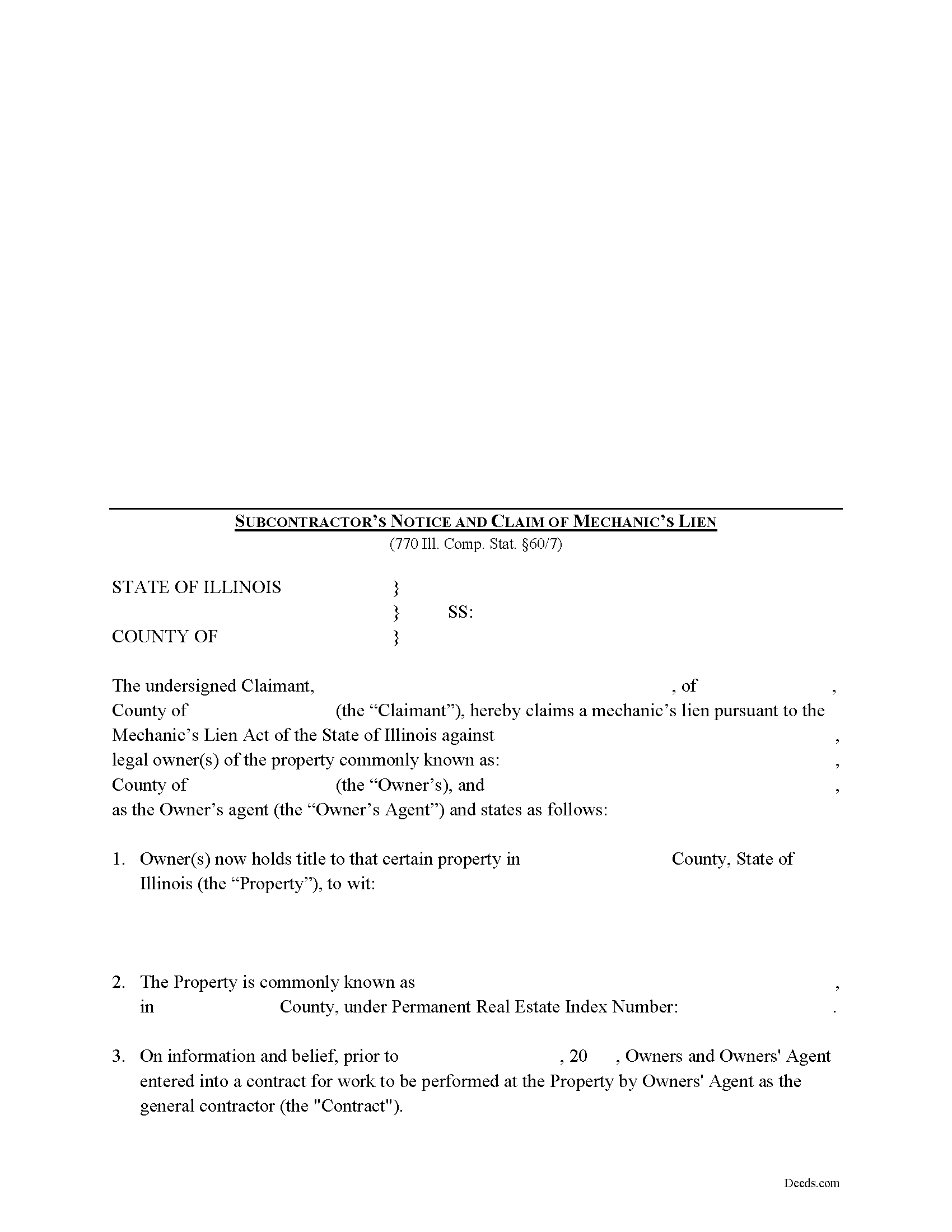
Schuyler County Mechanics Lien Subcontractor Form
Fill in the blank Mechanics Lien Subcontractor form formatted to comply with all Illinois recording and content requirements.
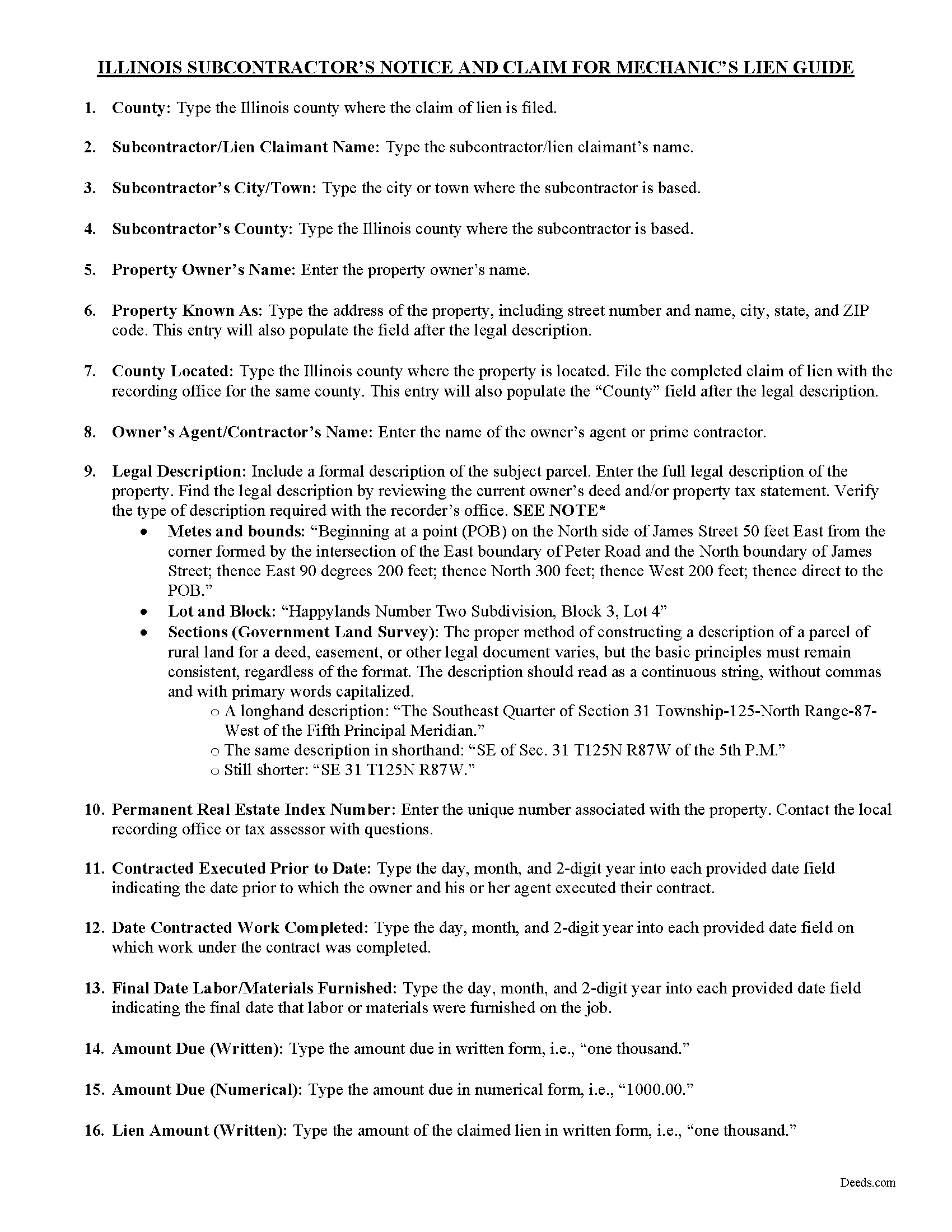
Schuyler County Mechanics Lien Subcontractor Guide
Line by line guide explaining every blank on the form.
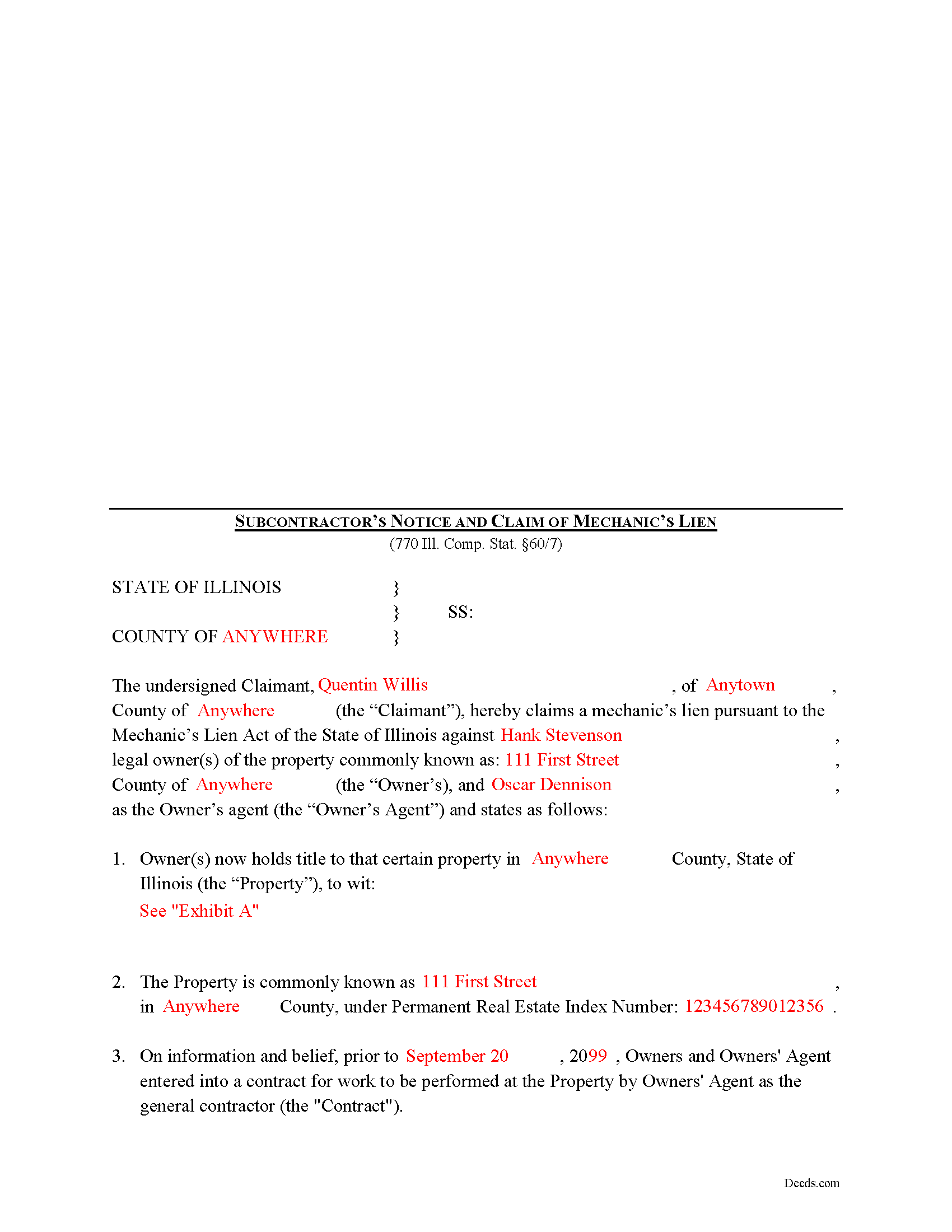
Schuyler County Completed Example of the Mechanics Lien Subcontractor Document
Example of a properly completed form for reference.
All 3 documents above included • One-time purchase • No recurring fees
Immediate Download • Secure Checkout
Additional Illinois and Schuyler County documents included at no extra charge:
Where to Record Your Documents
Schuyler County Clerk/Recorder
Rushville, Illinois 62681
Hours: 8:00 to 4:00 Monday through Friday
Phone: (217) 322-4734
Recording Tips for Schuyler County:
- Bring your driver's license or state-issued photo ID
- Ensure all signatures are in blue or black ink
- Make copies of your documents before recording - keep originals safe
- Recorded documents become public record - avoid including SSNs
- Recording fees may differ from what's posted online - verify current rates
Cities and Jurisdictions in Schuyler County
Properties in any of these areas use Schuyler County forms:
- Browning
- Camden
- Frederick
- Huntsville
- Littleton
- Rushville
Hours, fees, requirements, and more for Schuyler County
How do I get my forms?
Forms are available for immediate download after payment. The Schuyler County forms will be in your account ready to download to your computer. An account is created for you during checkout if you don't have one. Forms are NOT emailed.
Are these forms guaranteed to be recordable in Schuyler County?
Yes. Our form blanks are guaranteed to meet or exceed the applicable formatting requirements used for recording in Schuyler County, including margin requirements, font requirements, and other layout standards. This guarantee applies to formatting, not to the legal sufficiency of information entered by the user or the suitability of a form for a particular transaction.
Can I reuse these forms?
Yes. You can reuse the forms for your personal use. For example, if you have multiple properties in Schuyler County you only need to order once.
What do I need to use these forms?
The forms are PDFs that you fill out on your computer. The free Adobe Acrobat Reader is recommended, and most PDF apps also work. You do NOT enter your property information online - you download the blank forms and complete them privately on your own computer.
Are there any recurring fees?
No. This is a one-time purchase. Nothing to cancel, no memberships, no recurring fees.
How much does it cost to record in Schuyler County?
Recording fees in Schuyler County vary. Contact the recorder's office at (217) 322-4734 for current fees.
Questions answered? Let's get started!
Lien Claims by Subcontractor in Illinois
Mechanic's liens are available in Illinois pursuant to the Mechanic's Lien Act compiled under 770 ILCS 60. Liens are generally available for contractors, subcontractors, material or equipment suppliers, architects, and other design professionals. Subcontractors claiming a mechanic's lien should use the specialized form that references the contract between the property owner and the contractor (referred to as his or her agent in the lien claim document).
A lien is a type of property interest, like a mortgage. There are many types of liens such as tax liens, attorneys' liens, and judgment liens. A lien operates by allowing the lienor to make a claim against the property if it is later sold. Therefore, for a sale to occur, the property owner is required to disclose the existence of the lien to any potential purchaser and the sales proceeds must be used to pay off that lien. If the lien exceeds the value of the property this creates something known as a "deficiency," which must be recovered through a lawsuit. The lienor can also force a sale through foreclosure. Illinois only authorizes mechanic's liens on private projects and not those associated with public (government) entities.
When you provide labor or materials as a subcontractor to a general contractor and the general contractor never pays his or her invoice, filing a mechanic's lien is usually the next step in recovering the amount due. Subcontractors must also individually file 60-day (owner-occupied residential projects only) and 90-day notices to access their lien rights under State law. It is also helpful to attach these previous filed documents to the lien claim as exhibits to further support your case.
Mechanic's liens demand strict deadlines and missing the filing date by even one day can cost you your right to a lien. In Illinois, the time to file a lien arises within four (4) months from the last date of furnishing labor or delivered materials to the jobsite pursuant to the contract between the owner and his or her agent (contractor). The four-month period applies to your right against all third parties and subsequent owners. You have two (2) years to file suit against the original owner to foreclose on a mechanic's lien. 770 ILCS 60/9.
The claim for lien must state the parties to the contract and its terms, identify the general contractor and property owner, state a legal description of the owner's property, and state the total amount due and unpaid as of the date the notice is recorded. The lien amount includes the invoice amount owed minus all credits and offsets. A lienor may not include extras such as attorney's fees (unless a suit is filed to enforce the lien) or lost profits but may charge interest measured by the legal rate in Illinois. 770 ILCS 60/1(a).
Before recording the lien, sign it in the presence of a notary public who then notarizes it with his or her seal. The lien should be recorded at the recording office for the county where the property is situated. For residential projects, you must serve the owner with a copy of the recorded lien within ten (10) days' time.
The deadlines for filing a lien are set in stone, and failure to file on time will cost you your right to a lien. Additionally, putting in improper amounts or exaggerating the claim will invalidate the lien. If you lose your lien rights, the only remedy is to sue the property owner under contract law. As lawsuits are expensive, time-consuming, and stressful, this will become a much more challenging endeavor as opposed to enforcing a lien.
Each case is unique. Contact an attorney with specific questions regarding filing a subcontractor's claim or any other issues related to mechanic's liens in Illinois
Important: Your property must be located in Schuyler County to use these forms. Documents should be recorded at the county recording office listed above.
This Mechanics Lien Subcontractor meets all recording requirements specific to Schuyler County.
Our Promise
The documents you receive here are guaranteed to meet or exceed the applicable Schuyler County recording format requirements. If there is a rejection caused by our formatting, we will correct the issue or refund your payment. This guarantee applies to document formatting only and does not extend to information entered by the user, the selection of the form, or the legal effect of the completed document.
Save Time and Money
Get your Schuyler County Mechanics Lien Subcontractor form done right the first time with Deeds.com Uniform Conveyancing Blanks. At Deeds.com, we understand that your time and money are valuable resources, and we don't want you to face a penalty fee or rejection imposed by a county recorder for submitting nonstandard documents. We constantly review and update our forms to meet rapidly changing state and county recording requirements for roughly 3,500 counties and local jurisdictions.
4.8 out of 5 - ( 4,845 Reviews )
Edwina L. 5 out of 5 stars
Awesomeness a true life saver I'm very appreciative.
Thank you!
Reitman R. 5 out of 5 stars
Ordering, payment, and downloads went without a hitch. I appreciated the guide and examples. Than k you for hosting a good, working site.
Thank you for your feedback. We really appreciate it. Have a great day!
Lisa M. 5 out of 5 stars
This site was awesome And received what I wanted the same day.
Thank you for your feedback. We really appreciate it. Have a great day!
Pansie H. 5 out of 5 stars
Quick and Easy
Thank you!
Jacqueline J. 1 out of 5 stars
Unable to use.
Sorry to hear that Jacqueline.
Joseph L. 5 out of 5 stars
Very easy to fill out and and saved a lot of extra cost by doing it ourselves and getting it notarized.
Thank you Joseph, we really appreciate your feedback.
James B. 5 out of 5 stars
Reliable and fast. A great assest.
Thank you!
David K. 5 out of 5 stars
Worked Great! First time go at the courthouse
Thank you!
Jean K. 4 out of 5 stars
The website worked fine and I would have been happy to pay the extra money except the deed I needed was "not available". Ended up calling the courthouse anyway.
Thank you for your feedback. We really appreciate it. Have a great day!
Alan M. 4 out of 5 stars
The packet I downloaded was complete and useful, and process was not unduly opaque. However, I would have liked to download the whole packet, about 6 files, all at one go. Still, the forms provided the complete solution to my situation.
Thank you for your feedback. We really appreciate it. Have a great day!
Nancy C. 5 out of 5 stars
Amazing every that you need right at your fingertips. Extremely easy to navigate and very informative. I would highly recommend this site!!!
We appreciate your business and value your feedback. Thank you. Have a wonderful day!
Greg F. 5 out of 5 stars
Sorry that this a little late. I'm VERY HAPPY with everything. The deeds paperwork was just what I was looking for. It was very to fill out, it was different than n the folks used years ago. I called the county clerk, and they were very helpful. Thank you for the paperwork it was easy to use and understand.
Thank you for your feedback. We really appreciate it. Have a great day!
Gisela A. 5 out of 5 stars
Great selection of documents. Properly formatted form also included great instructions and the example was very helpful. Filed it myself - no problem!
We appreciate your business and value your feedback. Thank you. Have a wonderful day!
Marsha C. 5 out of 5 stars
Awesome so far! What a great service!
Thank you Marsha, we really appreciate your feedback.
Jerome R. 5 out of 5 stars
great service clean and accurate
Thank you for your feedback. We really appreciate it. Have a great day!