Delaware County Certificate of Trust Form
Last validated September 25, 2026 by our Forms Development TeamFormatted for recording in Delaware County, for property anywhere in the county: rural and unincorporated areas as well as Albany, Daleville, Eaton, Gaston, Muncie, Oakville, Selma, Yorktown.
- 3 documents included
- Immediate PDF download
- Formatting guarantee
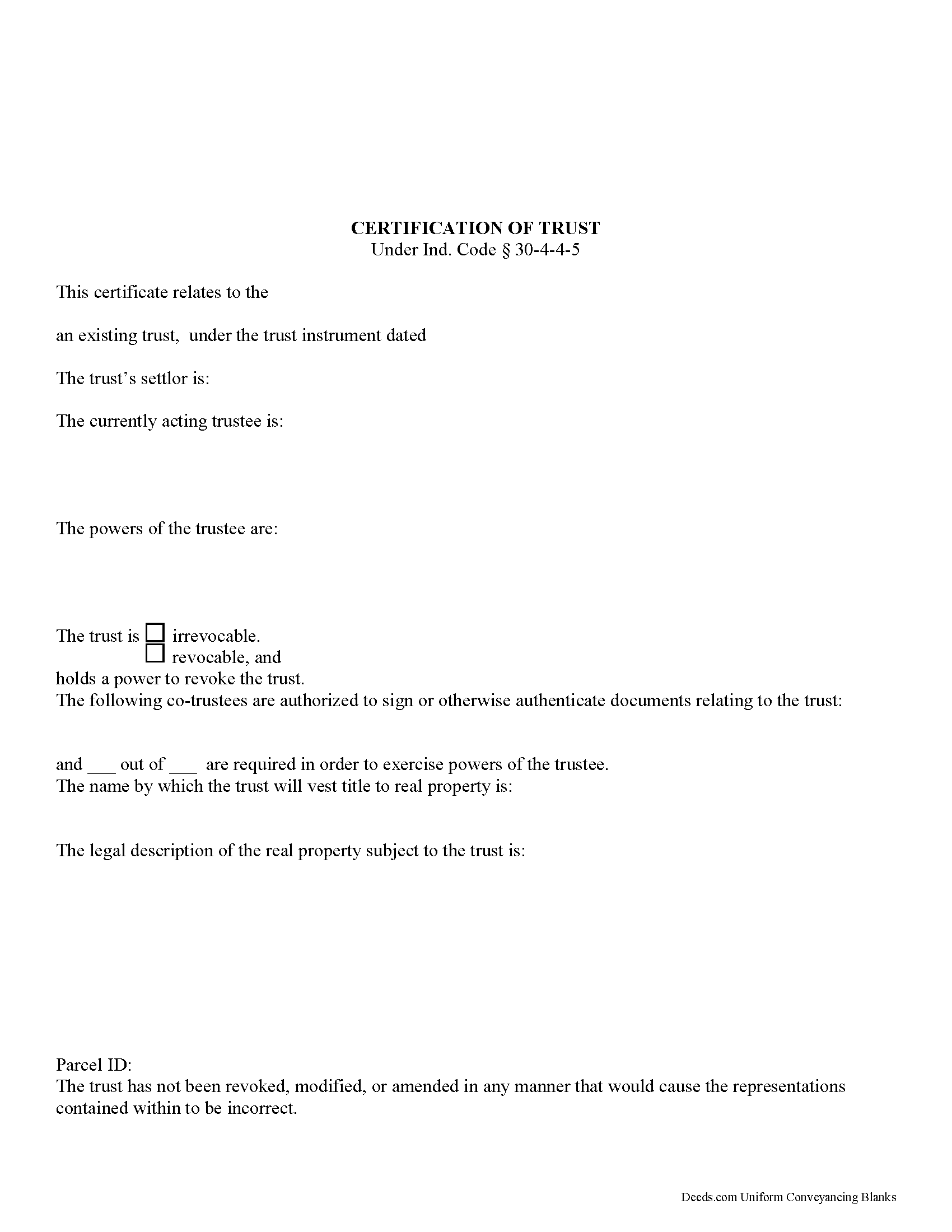
Delaware County Certificate of Trust Form
Fill in the blank form formatted to comply with all recording and content requirements.
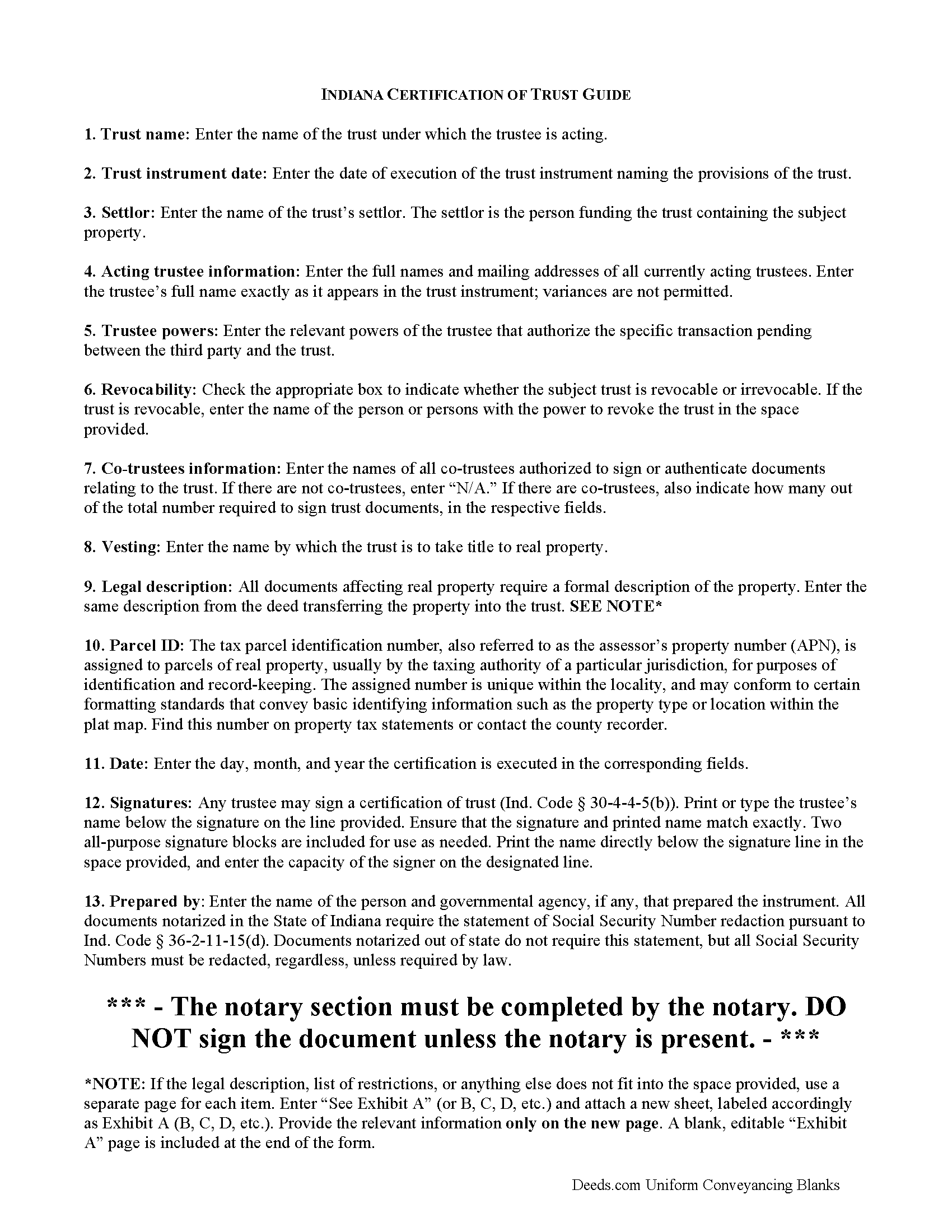
Delaware County Certificate of Trust Guide
Line by line guide explaining every blank on the form.
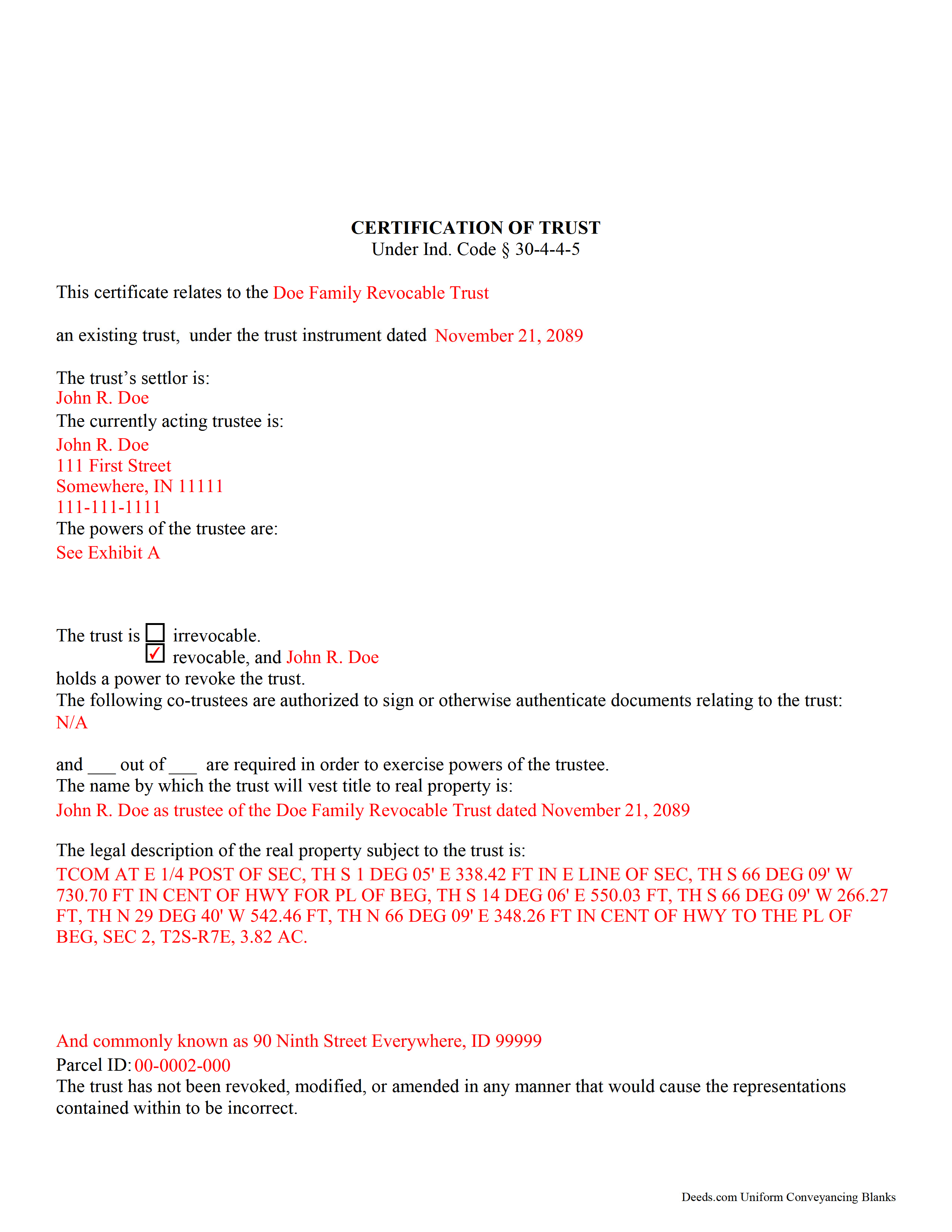
Delaware County Completed Example of the Certificate of Trust Document
Example of a properly completed form for reference.
All 3 documents above included • One-time purchase • No recurring fees
Immediate Download • Secure Checkout
Additional Indiana and Delaware County documents included at no extra charge:
Where to Record Your Documents
Delaware County Recorder
Muncie, Indiana 47305
Hours: 8:30 to 4:00 Monday through Friday
Phone: (765) 747-7804
Recording Tips for Delaware County:
- Bring your driver's license or state-issued photo ID
- Ensure all signatures are in blue or black ink
- Bring extra funds - fees can vary by document type and page count
- Check margin requirements - usually 1-2 inches at top
- Leave recording info boxes blank - the office fills these
Cities and Jurisdictions in Delaware County
Properties in any of these areas use Delaware County forms:
- Albany
- Daleville
- Eaton
- Gaston
- Muncie
- Oakville
- Selma
- Yorktown
Hours, fees, requirements, and more for Delaware County
How do I get my forms?
Forms are available for immediate download after payment. The Delaware County forms will be in your account ready to download to your computer. An account is created for you during checkout if you don't have one. Forms are NOT emailed.
Are these forms guaranteed to be recordable in Delaware County?
Yes. Our form blanks are guaranteed to meet or exceed the applicable formatting requirements used for recording in Delaware County, including margin requirements, font requirements, and other layout standards. This guarantee applies to formatting, not to the legal sufficiency of information entered by the user or the suitability of a form for a particular transaction.
Can I reuse these forms?
Yes. You can reuse the forms for your personal use. For example, if you have multiple properties in Delaware County you only need to order once.
What do I need to use these forms?
The forms are PDFs that you fill out on your computer. The free Adobe Acrobat Reader is recommended, and most PDF apps also work. You do NOT enter your property information online - you download the blank forms and complete them privately on your own computer.
Are there any recurring fees?
No. This is a one-time purchase. Nothing to cancel, no memberships, no recurring fees.
How much does it cost to record in Delaware County?
Recording fees in Delaware County vary. Contact the recorder's office at (765) 747-7804 for current fees.
Questions answered? Let's get started!
Codified at Indiana Code 30-4-4-5, a certification of trust is a document presented by a trustee as evidence of the trustee's authority to act on behalf of a trust.
Lending institutions or other third parties might request a certification of trust before they enter into any transactions with a trustee. Since trust instruments are not recorded, the identities of those with a beneficial interest in the trust remain private. The certification presents only the essential information needed while maintaining confidentiality of personal information a trustee or trust maker may not wish to disclose.
The certification verifies the existence of the trust under which the trustee is named. The document provides basic information, such as the name and date of the trust; the type of trust and who, if any, retains a power to revoke the trust; the identity of the trust's settlor; and the identities of all acting trustees. If a trust has co-trustees, the certification states how many co-trustees are required to sign off on documents relating to the trust, as well as their identities. In addition, the certification provides the name by which the trust is to hold assets.
As with other documents relating to real property, the certification should include a legal description of the subject real estate. The document may be executed and signed by any acting trustee and acknowledged before a notary public. Certifications can be recorded in the county or counties in which the real property is situated.
Finally, the powers of the trustee relevant to the transaction at hand are laid out. A recipient of a certification may request additional excerpts from the trust instrument, such as those which designate the trustee and lay out the trustee's powers to act in the pending transaction, but the recipient can reliably act on the information contained in the certification alone as if it were fact.
Requesting excerpts from a trust instrument opens the requester to certain liability under Ind. Code 30-4-4-5(h).
Trust law is complicated, and each situation is unique. Consult a lawyer for guidance.
(Indiana Certificate of Trust Package includes form, guidelines, and completed example)
Important: Your property must be located in Delaware County to use these forms. Documents should be recorded at the county recording office listed above.
This Certificate of Trust meets all recording requirements specific to Delaware County.
Our Promise
The documents you receive here are guaranteed to meet or exceed the applicable Delaware County recording format requirements. If there is a rejection caused by our formatting, we will correct the issue or refund your payment. This guarantee applies to document formatting only and does not extend to information entered by the user, the selection of the form, or the legal effect of the completed document.
Save Time and Money
Get your Delaware County Certificate of Trust form done right the first time with Deeds.com Uniform Conveyancing Blanks. At Deeds.com, we understand that your time and money are valuable resources, and we don't want you to face a penalty fee or rejection imposed by a county recorder for submitting nonstandard documents. We constantly review and update our forms to meet rapidly changing state and county recording requirements for roughly 3,500 counties and local jurisdictions.
4.8 out of 5 - ( 4,821 Reviews )
terrance G. 5 out of 5 stars
Excellent Service, with quick turnaround times.
Thank you for your positive words! We’re thrilled to hear about your experience.
Lenore B. 4 out of 5 stars
Thank you for making this deed available. The guide was such a big help.
Thanks Lenore, have a great day!
Jan C. 5 out of 5 stars
Wow - finding your service was a lifesaver! I know my forms, but I don't have the time right now to draft them from "scratch". So once I found this site it was a couple of quick clicks and VOILA!! almost a done deal. Thanks for the assistance.
Thank you for your feedback. We really appreciate it. Have a great day!
Gladys F. 5 out of 5 stars
The process was very friendly and easy to use. I appreciated the status updates as well as clear instructions on what was needed to get the file ready for recording.
Thank you!
Richard T. 5 out of 5 stars
Amazing service from competent individuals that really go above and beyond to get you documents processed.
Thank you!
Holly M. 5 out of 5 stars
This was the simplest method of filing a document that I've ever encountered. I've already recommended it my colleagues, and would highly encourage anyone to use it. Fast, easy, simple.
We appreciate your business and value your feedback. Thank you. Have a wonderful day!
Curley B. 5 out of 5 stars
So far, I'm pleased. I am a first-time user, as most of my clients are in California. I look forward to working with you more in the future.
Thank you for your feedback. We really appreciate it. Have a great day!
ROBERT K. 5 out of 5 stars
It was so easy to obtain the necessary documents.
Thank you for your feedback. We really appreciate it. Have a great day!
ALICIA G. 5 out of 5 stars
To set the service was incredibly easy and the results came back very fast. Very reasonable price.
Thank you for your feedback. We really appreciate it. Have a great day!
Carolyn M. 5 out of 5 stars
Very helpful and informative. The online site walked you through step by step and if you had a question, which I did, I called with my question. Thanks again.
Thank you!
Joy R. 5 out of 5 stars
Easy and efficient way to get a deed copy.
Thank you!
Ruth L. 5 out of 5 stars
Extremely convenient for a moderate fee. Will definitely use Deeds.com for my recording needs going forward. Will also share with my team on their projects. Thanks a bunch!!!
Thank you for your feedback. We really appreciate it. Have a great day!
Jerry W. 5 out of 5 stars
Great program and easy to follow instructions.
Thank you for your feedback. We really appreciate it. Have a great day!
raymond w. 5 out of 5 stars
answeed many questions I had.
Thank you!
barbara m. 5 out of 5 stars
deeds.com is the most efficient, easy to use site for legal forms I've found! Thank You
We appreciate your business and value your feedback. Thank you. Have a wonderful day!