Rush County Partial Lien Waiver Form
Last validated September 28, 2026 by our Forms Development TeamFormatted for recording in Rush County, for property anywhere in the county: rural and unincorporated areas as well as Arlington, Carthage, Falmouth, Homer, Manilla, Mays, Milroy, Rushville.
- 3 documents included
- Immediate PDF download
- Formatting guarantee
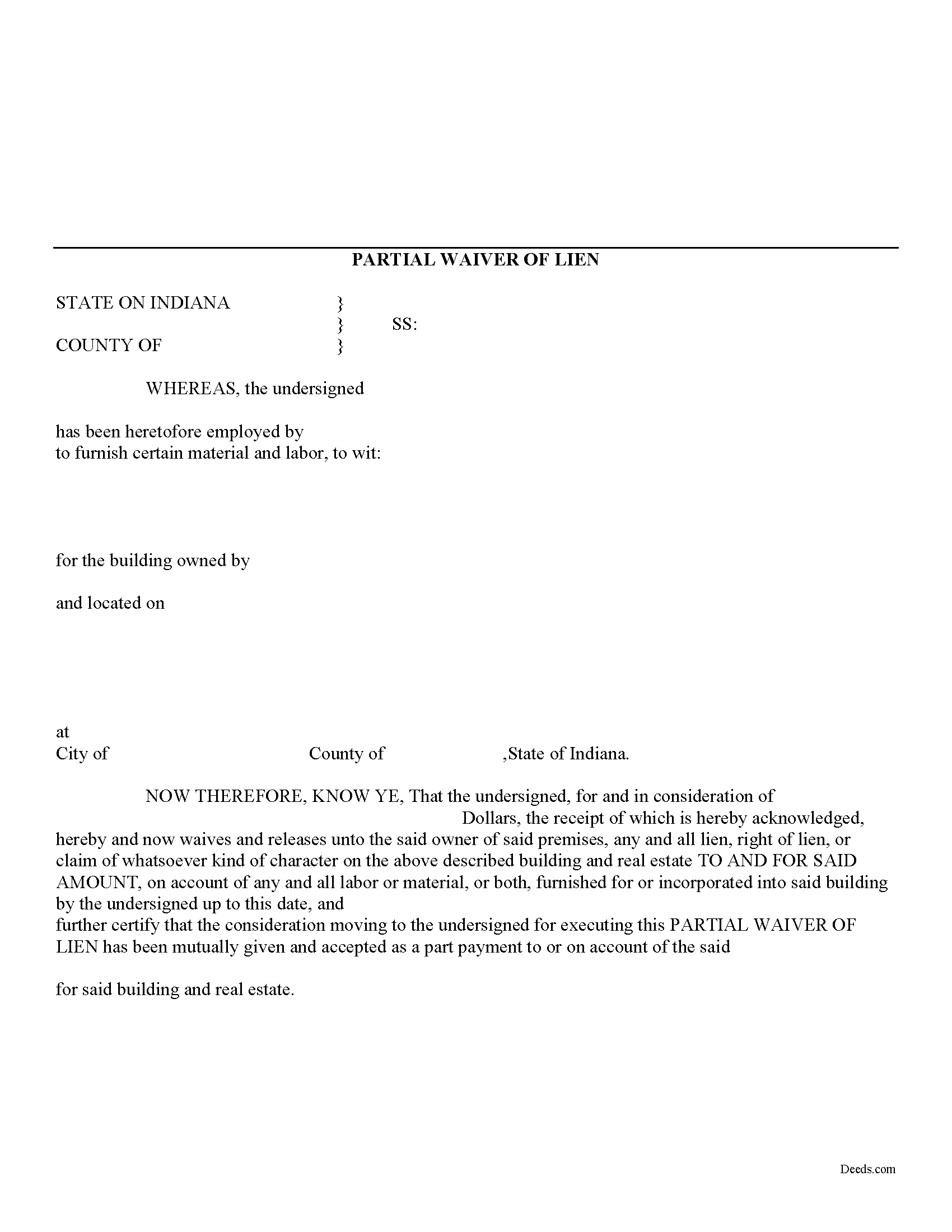
Rush County Partial Lien Waiver Form
Fill in the blank Partial Lien Waiver form formatted to comply with all Indiana recording and content requirements.
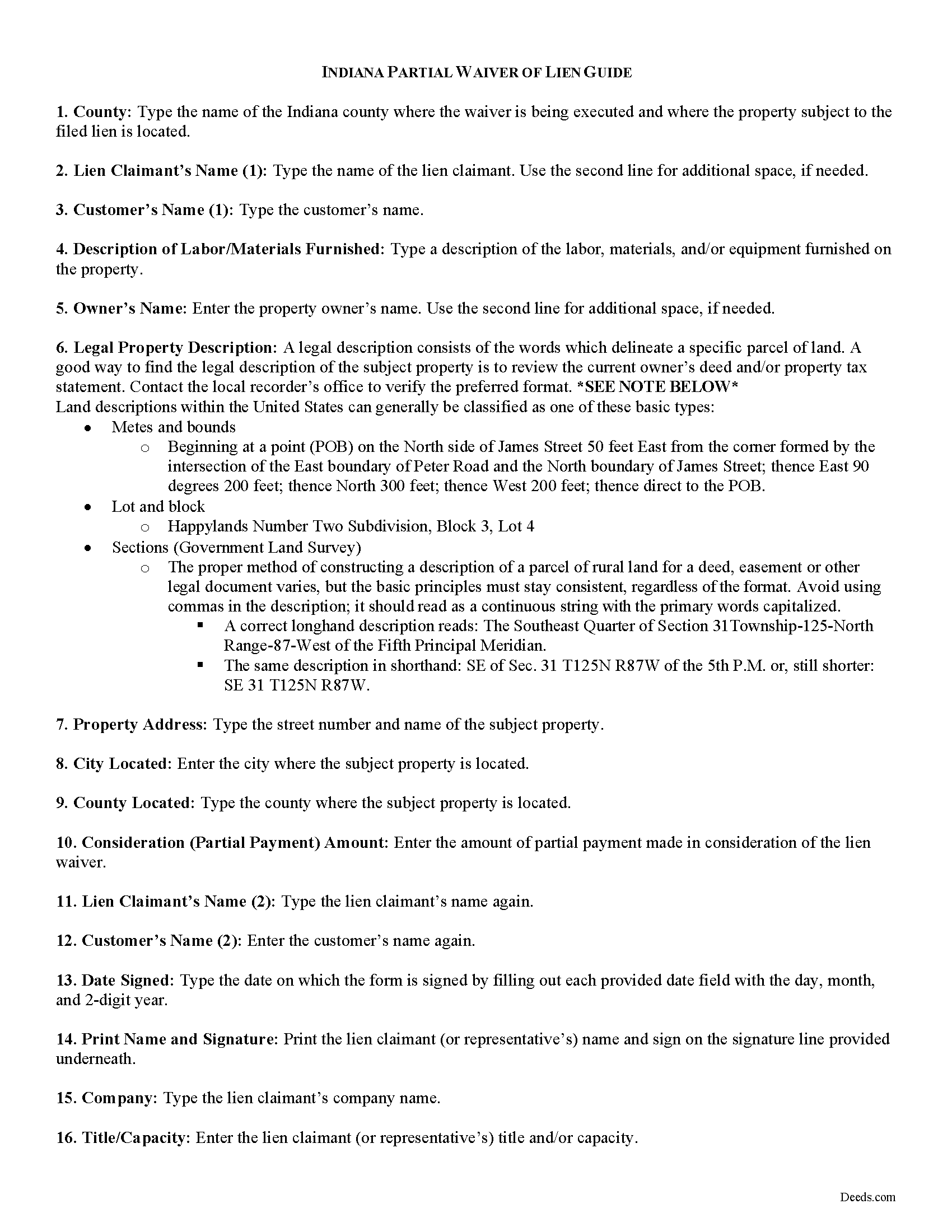
Rush County Partial Lien Waiver Guide
Line by line guide explaining every blank on the form.
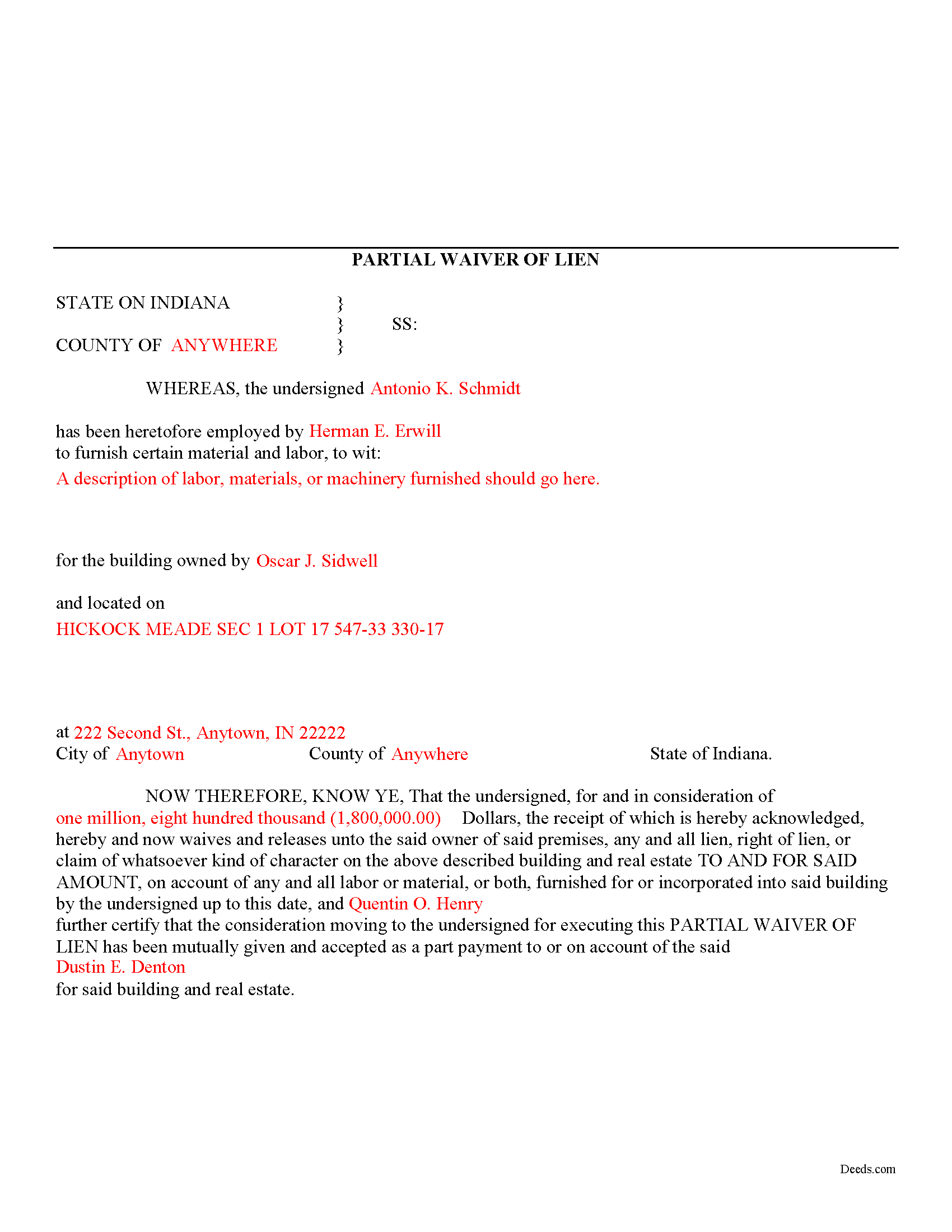
Rush County Completed Example of the Partial Lien Waiver Document
Example of a properly completed form for reference.
All 3 documents above included • One-time purchase • No recurring fees
Immediate Download • Secure Checkout
Additional Indiana and Rush County documents included at no extra charge:
Where to Record Your Documents
Rush County Recorder
Rushville, Indiana 46173
Hours: 8:00 to 4:00 Monday through Friday
Phone: (765) 932-2388
Recording Tips for Rush County:
- Bring your driver's license or state-issued photo ID
- Ensure all signatures are in blue or black ink
- Bring extra funds - fees can vary by document type and page count
- Check margin requirements - usually 1-2 inches at top
- Leave recording info boxes blank - the office fills these
Cities and Jurisdictions in Rush County
Properties in any of these areas use Rush County forms:
- Arlington
- Carthage
- Falmouth
- Homer
- Manilla
- Mays
- Milroy
- Rushville
Hours, fees, requirements, and more for Rush County
How do I get my forms?
Forms are available for immediate download after payment. The Rush County forms will be in your account ready to download to your computer. An account is created for you during checkout if you don't have one. Forms are NOT emailed.
Are these forms guaranteed to be recordable in Rush County?
Yes. Our form blanks are guaranteed to meet or exceed the applicable formatting requirements used for recording in Rush County, including margin requirements, font requirements, and other layout standards. This guarantee applies to formatting, not to the legal sufficiency of information entered by the user or the suitability of a form for a particular transaction.
Can I reuse these forms?
Yes. You can reuse the forms for your personal use. For example, if you have multiple properties in Rush County you only need to order once.
What do I need to use these forms?
The forms are PDFs that you fill out on your computer. The free Adobe Acrobat Reader is recommended, and most PDF apps also work. You do NOT enter your property information online - you download the blank forms and complete them privately on your own computer.
Are there any recurring fees?
No. This is a one-time purchase. Nothing to cancel, no memberships, no recurring fees.
How much does it cost to record in Rush County?
Recording fees in Rush County vary. Contact the recorder's office at (765) 932-2388 for current fees.
Questions answered? Let's get started!
Mechanic's liens are governed under Title 32 of the Indiana Code. A waiver is a knowing relinquishment of a right. In this case, the person granting the waiver is relinquishing the right to seek a mechanic's lien for all or part of the amount due. This assurance is usually enough to get the other party to pay. In Indiana, there are no statutory forms for waivers, although according to the principles of contract law, the parties may agree to such modifications in writing.
A partial conditional waiver is used when a progress or partial payment is made and money is still due and owing. The waiver applies only to the partial payment amount and is conditioned upon the actual receipt of that money. Waivers must identify the parties, the type of materials/services provided, the location of the job, the amount paid/dates covered, and the claimant's notarized signature. Record the completed document in the land records for the county where the property is located.
This article is provided for information purposes only and should not be relied upon as a substitute for the advice from an attorney. Please speak with an Indiana attorney with questions about using a lien waiver, or any other issues related to mechanic's liens in Indiana.
Important: Your property must be located in Rush County to use these forms. Documents should be recorded at the county recording office listed above.
This Partial Lien Waiver meets all recording requirements specific to Rush County.
Our Promise
The documents you receive here are guaranteed to meet or exceed the applicable Rush County recording format requirements. If there is a rejection caused by our formatting, we will correct the issue or refund your payment. This guarantee applies to document formatting only and does not extend to information entered by the user, the selection of the form, or the legal effect of the completed document.
Save Time and Money
Get your Rush County Partial Lien Waiver form done right the first time with Deeds.com Uniform Conveyancing Blanks. At Deeds.com, we understand that your time and money are valuable resources, and we don't want you to face a penalty fee or rejection imposed by a county recorder for submitting nonstandard documents. We constantly review and update our forms to meet rapidly changing state and county recording requirements for roughly 3,500 counties and local jurisdictions.
4.8 out of 5 - ( 4,824 Reviews )
Donna L. 5 out of 5 stars
Documents were easy to complete!
Thank you for your feedback. We really appreciate it. Have a great day!
Helen M. 5 out of 5 stars
All forms were exactly what I needed. Thank you Immediate, smoothly downloaded and printed.
We appreciate your business and value your feedback. Thank you. Have a wonderful day!
Robert B. 5 out of 5 stars
Excellent service. Very efficient. Electronic filing was far faster and less stress than doing it in person.
We appreciate your business and value your feedback. Thank you. Have a wonderful day!
Carol R. 5 out of 5 stars
I found the site to be useful,informative and very accessable. Thank You
Thank you!
Bobby W. 5 out of 5 stars
The site delivered just what it promised - I needed a specific deed formatted for a specific county/state, and they delivered it at a great price. One note for improvement - it is not intuitively obvious that I could go back and re-download if necessary and this caused me stress, but a follow up email alleviated this. Great service!
Thank you for the kind words Bobby, have a great day!
AKILAH S. 4 out of 5 stars
It was a little challenging and I had to call to speak to someone a few time but I got it done and and over with so I'm happy.
It was a pleasure serving you. Thank you for the positive feedback!
Stefan L. 5 out of 5 stars
Great templates and very efficient
We appreciate your business and value your feedback. Thank you. Have a wonderful day!
Ginger O. 5 out of 5 stars
Thank you for making this so easy to use. I had looked all over the internet and yours was the most user friendly and for a reasonable price.
We appreciate your business and value your feedback. Thank you. Have a wonderful day!
Janalee T. 5 out of 5 stars
Fast, easy. quickly accepted by county recorder.
Thank you!
Laurence G. 5 out of 5 stars
Easy to use, inexpensive, very helpful
Thank you!
David C. 5 out of 5 stars
Very fast service
Thank you!
Marvita J. 5 out of 5 stars
Deeds.com was fast and easy and I got everything I needed in one stop!
Thank you for your feedback. We really appreciate it. Have a great day!
Daren R. 5 out of 5 stars
I believe that you should wait until a pending file is completed before asking for feedback. Thank you. Daren
Thank you!
David W. 5 out of 5 stars
Excellent assistance provided by your forms, guide and example.
Thank you!
Tracey T. 5 out of 5 stars
I downloaded the Lady Bird deed. The process was quick and easy to download. Just select your county, fill out the form. You will need the property description from your original deed. In my case I had to go downtown Wayne County (Detroit). (Make an appt online). 1st you will have to get the property tax certified to ensure all taxes are paid to date (5th floor at the Wayne County Treasurer office). Give them the form you just filled out and they will stamp certified $5. After that take the form to the Register of Deeds (7th floor) appt needed. $18. Make sure it is properly notarized and all signatures completed. Once approved, they will scan it, stamp it, give it back with a receipt and mail a copy also. All Done. Worked beautifully. My co worker go a lawyer and paid over $250. I just used deeds.com and total for forms and going downtown with notarizing was less than $40 Yea!
Thank you for your feedback. We really appreciate it. Have a great day!