Tipton County Satisfaction of Lien Form
Last validated October 23, 2026 by our Forms Development TeamFormatted for recording in Tipton County, for property anywhere in the county: rural and unincorporated areas as well as Goldsmith, Hobbs, Kempton, Sharpsville, Tipton, Windfall.
- 3 documents included
- Immediate PDF download
- Formatting guarantee
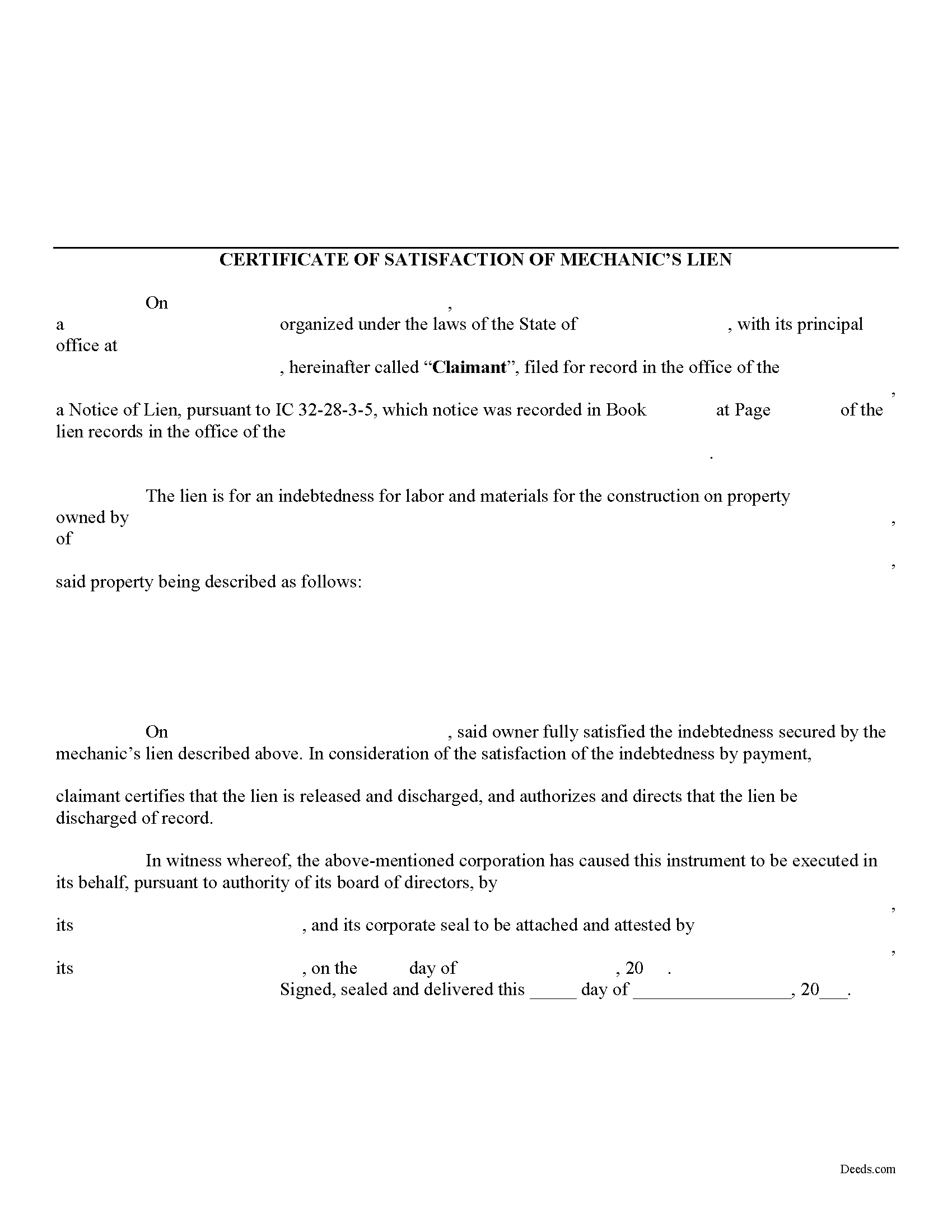
Tipton County Satisfaction of Lien Form
Fill in the blank Satisfaction of Lien form formatted to comply with all Indiana recording and content requirements.
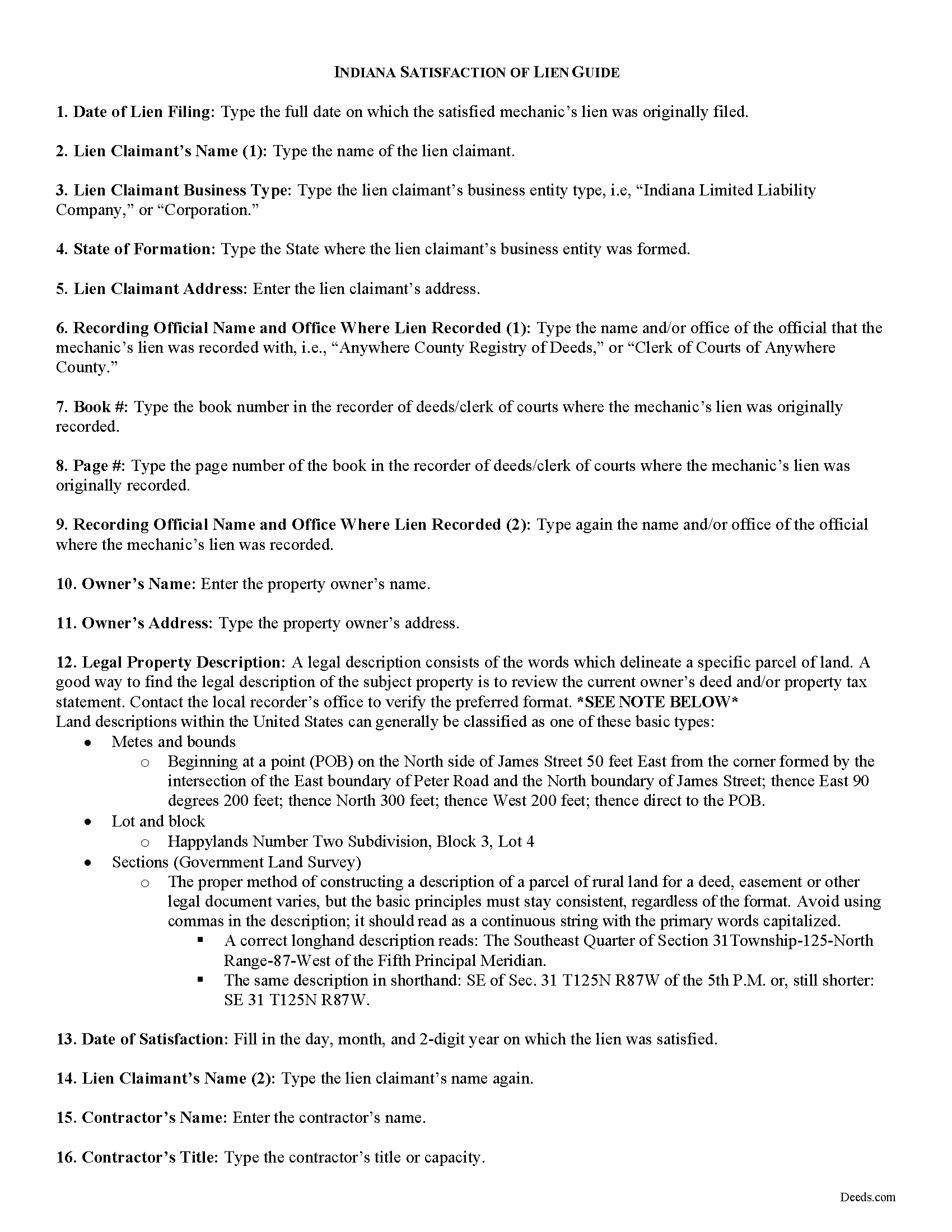
Tipton County Satisfaction of Mechanic Lien Guide
Line by line guide explaining every blank on the form.
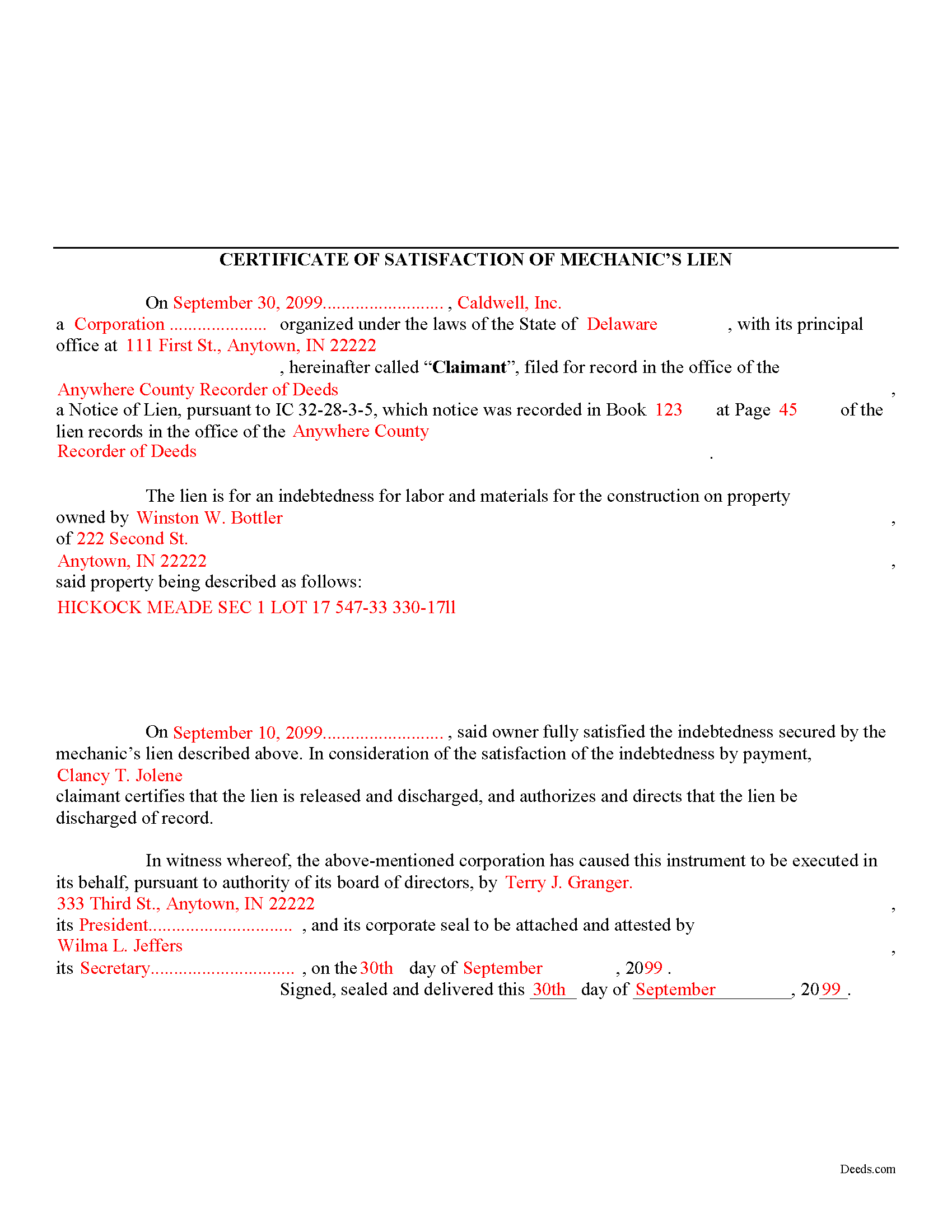
Tipton County Completed Example of the Satisfaction of Mechanic Lien Document
Example of a properly completed form for reference.
All 3 documents above included • One-time purchase • No recurring fees
Immediate Download • Secure Checkout
Additional Indiana and Tipton County documents included at no extra charge:
Where to Record Your Documents
Tipton County Recorder
Tipton, Indiana 46072
Hours: 8:00 to 4:00 M, W-F; Tue until 5:00
Phone: (765) 675-4614
Recording Tips for Tipton County:
- Bring your driver's license or state-issued photo ID
- Ensure all signatures are in blue or black ink
- Leave recording info boxes blank - the office fills these
- Make copies of your documents before recording - keep originals safe
- Recorded documents become public record - avoid including SSNs
Cities and Jurisdictions in Tipton County
Properties in any of these areas use Tipton County forms:
- Goldsmith
- Hobbs
- Kempton
- Sharpsville
- Tipton
- Windfall
Hours, fees, requirements, and more for Tipton County
How do I get my forms?
Forms are available for immediate download after payment. The Tipton County forms will be in your account ready to download to your computer. An account is created for you during checkout if you don't have one. Forms are NOT emailed.
Are these forms guaranteed to be recordable in Tipton County?
Yes. Our form blanks are guaranteed to meet or exceed the applicable formatting requirements used for recording in Tipton County, including margin requirements, font requirements, and other layout standards. This guarantee applies to formatting, not to the legal sufficiency of information entered by the user or the suitability of a form for a particular transaction.
Can I reuse these forms?
Yes. You can reuse the forms for your personal use. For example, if you have multiple properties in Tipton County you only need to order once.
What do I need to use these forms?
The forms are PDFs that you fill out on your computer. The free Adobe Acrobat Reader is recommended, and most PDF apps also work. You do NOT enter your property information online - you download the blank forms and complete them privately on your own computer.
Are there any recurring fees?
No. This is a one-time purchase. Nothing to cancel, no memberships, no recurring fees.
How much does it cost to record in Tipton County?
Recording fees in Tipton County vary. Contact the recorder's office at (765) 675-4614 for current fees.
Questions answered? Let's get started!
A Certificate of Satisfaction of MECHANIC'S Lien is used to certify that a MECHANIC'S lien has been paid off in full and that the official who originally recorded the lien is instructed to strike or erase the lien from the record. While Indiana statute does not specifically provide for a form of satisfaction of a lien, this document will suffice to discharge any recorded liens.
Use the Certificate of Satisfaction of Lien when a lien has been satisfied in full or if the lien is no longer necessary for any other reason. The Satisfaction of Lien document includes the following information: 1) lien claimant's name; 2) details of the underlying lien including office where recorded, date of recording, and book and page number of recording index; 3) owner's name and address; 4) a legal property description; 5) date lien satisfied; 6) the contractor's name and title; and 7) witnesses name and date witnessed.
Record the Certificate in the office where the lien was originally filed. Following its filing, the lien will be discharged and released from the record.
This article is provided for informational purposes only and should not be relied upon as a substitute for advice from an attorney. Please consult with an Indiana attorney for any questions regarding discharging a mechanic's lien.
Important: Your property must be located in Tipton County to use these forms. Documents should be recorded at the county recording office listed above.
This Satisfaction of Lien meets all recording requirements specific to Tipton County.
Our Promise
The documents you receive here are guaranteed to meet or exceed the applicable Tipton County recording format requirements. If there is a rejection caused by our formatting, we will correct the issue or refund your payment. This guarantee applies to document formatting only and does not extend to information entered by the user, the selection of the form, or the legal effect of the completed document.
Save Time and Money
Get your Tipton County Satisfaction of Lien form done right the first time with Deeds.com Uniform Conveyancing Blanks. At Deeds.com, we understand that your time and money are valuable resources, and we don't want you to face a penalty fee or rejection imposed by a county recorder for submitting nonstandard documents. We constantly review and update our forms to meet rapidly changing state and county recording requirements for roughly 3,500 counties and local jurisdictions.
4.8 out of 5 - ( 4,836 Reviews )
Bayyinah M. 5 out of 5 stars
EasyPeasy!
Thank you!
Raad A. 3 out of 5 stars
Not easy to navigate
Thank you for your feedback.
Linda B. 5 out of 5 stars
Very simple, fast and efficient.
We appreciate your business and value your feedback. Thank you. Have a wonderful day!
james b. 5 out of 5 stars
worked great
Thank you!
JoAnn T. 5 out of 5 stars
Very happy! This was a very easy to use web site, the form came with directions and an example, both were very helpful. I will absolutely use Deeds.com in the future.
Thank you for your feedback. We really appreciate it. Have a great day!
Christopher G. 5 out of 5 stars
Great service and very easy to complete
Thank you for your feedback. We really appreciate it. Have a great day!
LINDA S. 5 out of 5 stars
One thing I would suggest that could be changed is the last page because we have a trust and I had to retype that page to include the trust and both trustee's signatures.
Thank you!
Robert A. 5 out of 5 stars
First timer with Deeds.com - excellent experience. I am a lawyer and do not record often. Did not have to pay membership- fast and easy upload of documents- fast response - fast recording time from county recorder- very legible documents- very reasonable price. I give 6 stars out of 5!
We appreciate your business and value your feedback. Thank you. Have a wonderful day!
Warren B. 5 out of 5 stars
Outstanding. There is nothing worse than finding the correct forms or having to hire an atty to do what most people can do on their own. I cant speak for all but these forms are fairly easy. The addition of guides and supplement forms are excellent. I just saved quite a bit of money with your site. Thanks
We appreciate your business and value your feedback. Thank you. Have a wonderful day!
Martin L. 5 out of 5 stars
Deeds.com is a lifesaver! They are fast and not too expensive. I highly recommend them!
Recognizing the value of your feedback helps us to enhance our services continually. Thank you for sharing your experience with us.
Byron M. 5 out of 5 stars
Very easy to sign up. Very quick to respond for payment once uploaded. Great communication. More expensive than other recording services.
Thank you for your feedback. We really appreciate it. Have a great day!
Marites T. 5 out of 5 stars
Extremely helpful team of professionals who are patient when you need to get things filed correctly. Very small price for the comfort of knowing your DOCUMENTS are FILED with you local Recorder's Office. Some of the filings, if they are correctly formatted are already uploaded and official within a few hours. Here's the ALTERNATIVE you may encounter. For Example: King County Recorder's Office moved which means most filings are backed up 7-10 days if you DROP your filing in a BOX with your CHECK or MAIL IT. Neither is a great option, since they have no WALK IN HOURS.
We appreciate your business and value your feedback. Thank you. Have a wonderful day!
Jon G. 5 out of 5 stars
Excellent service and professionalism
Thank you!
Wendy C. 3 out of 5 stars
I purchased a Warranty Deed "package" on Friday and found that the Main download was a working document, but the secondary document (which is required) was not. In other words, I was able to use the fill-in feature on the main document, but not on the second document. I used the portal on the website to report my issue the same day. That was Friday. This is Wednesday. I have not heard a word from them and I have to use my documents in 2 days. I will probably have to resort to pen and ink for that document, but I have already tried filling it out twice and have to keep reprinting and starting over. You can't white out or cross out. I would really prefer to have the complete service that I paid for.
Thank you for your feedback. As is noted on the site, supplemental forms are provided as a courtesy with your order. They are not our forms, we did not create them. They are created and provided by the jurisdiction/agency that requires them. Have a wonderful day.
Johnathan D. 5 out of 5 stars
Very helpful and quick responses
Thank you!