Newton County Trustee Deed without Warranty Form
Last validated September 24, 2026 by our Forms Development TeamFormatted for recording in Newton County, for property anywhere in the county: rural and unincorporated areas as well as Brook, Goodland, Kentland, Lake Village, Morocco, Mount Ayr, Roselawn, Sumava Resorts and 1 more.
- 3 documents included
- Immediate PDF download
- Formatting guarantee
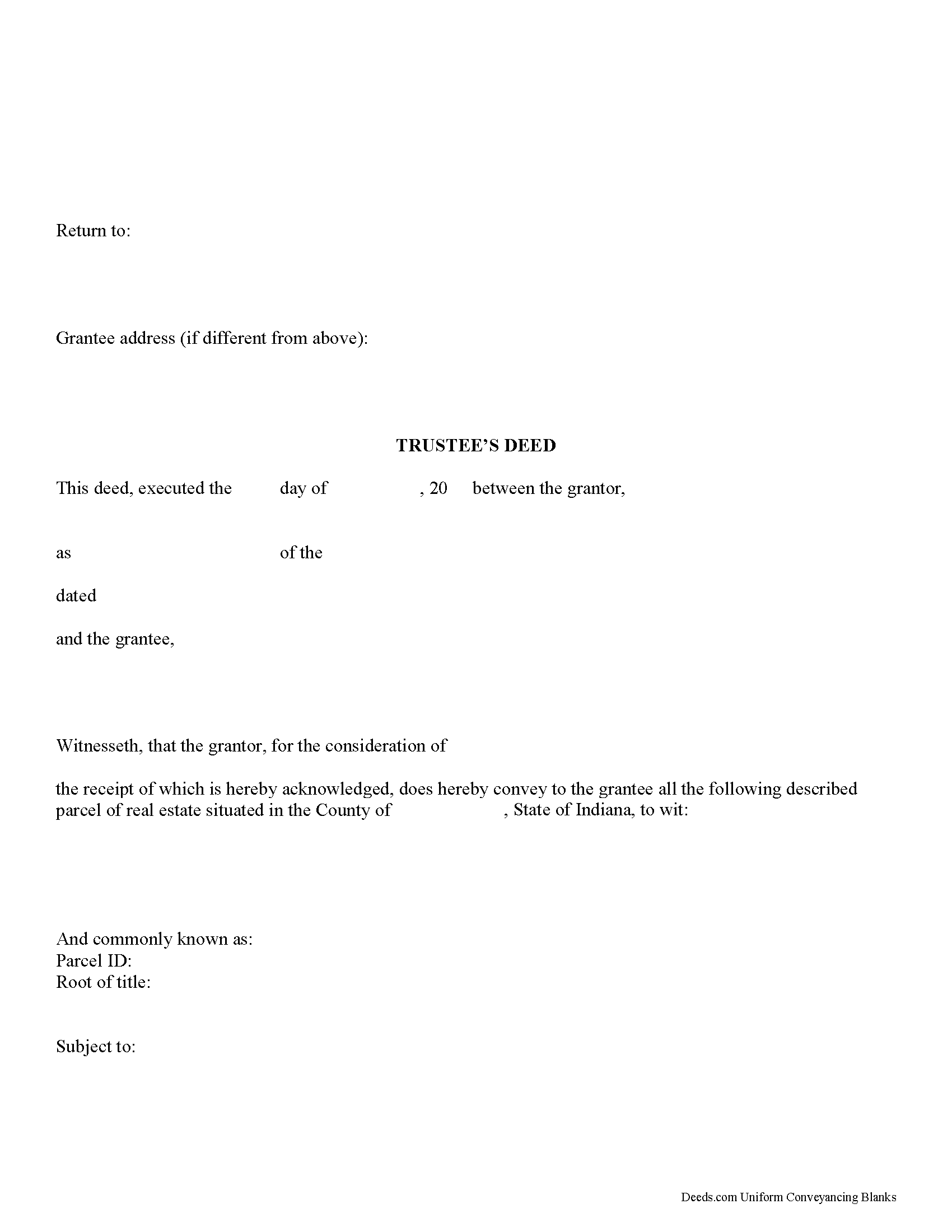
Newton County Trustee Deed Form
Fill in the blank form formatted to comply with all recording and content requirements.
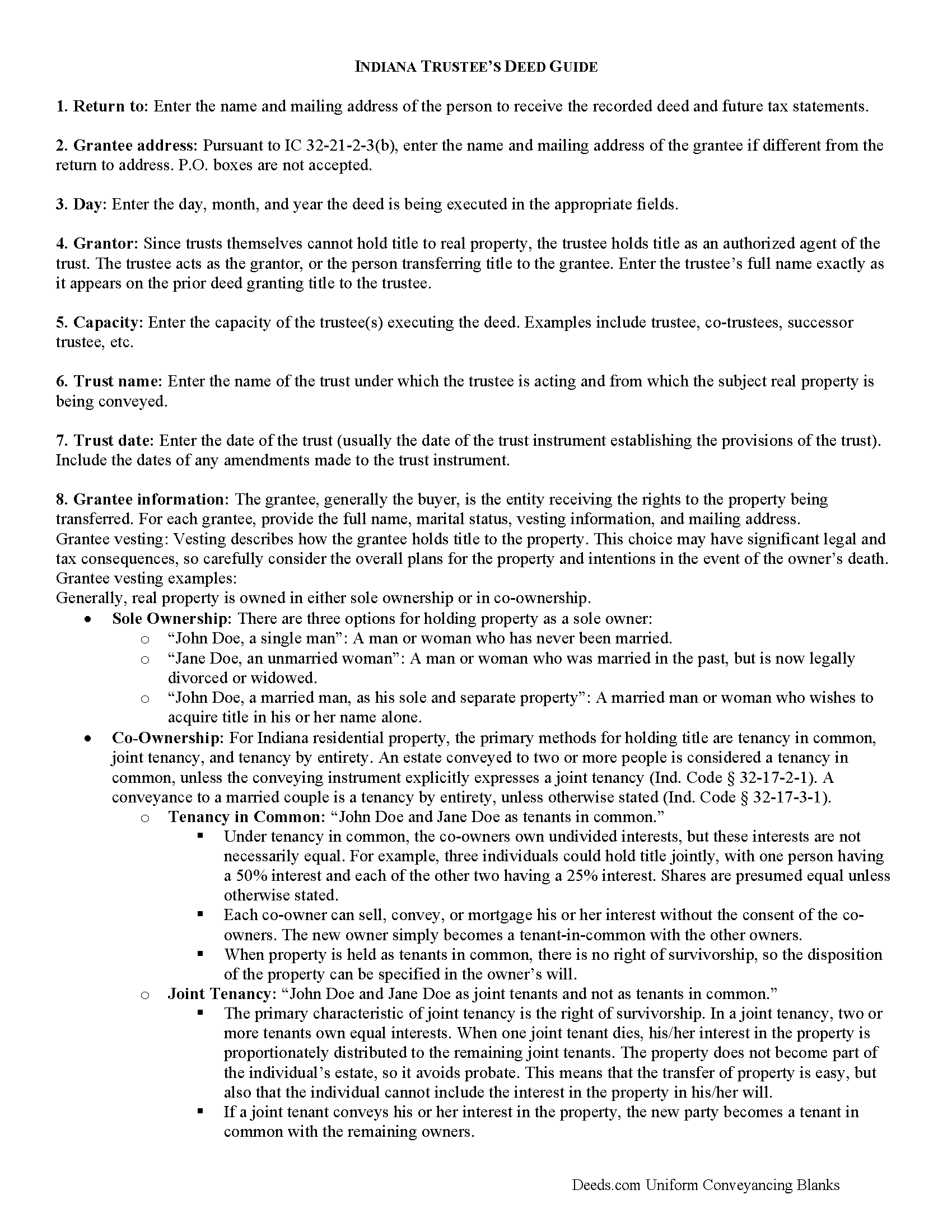
Newton County Trustee Deed Guide
Line by line guide explaining every blank on the form.
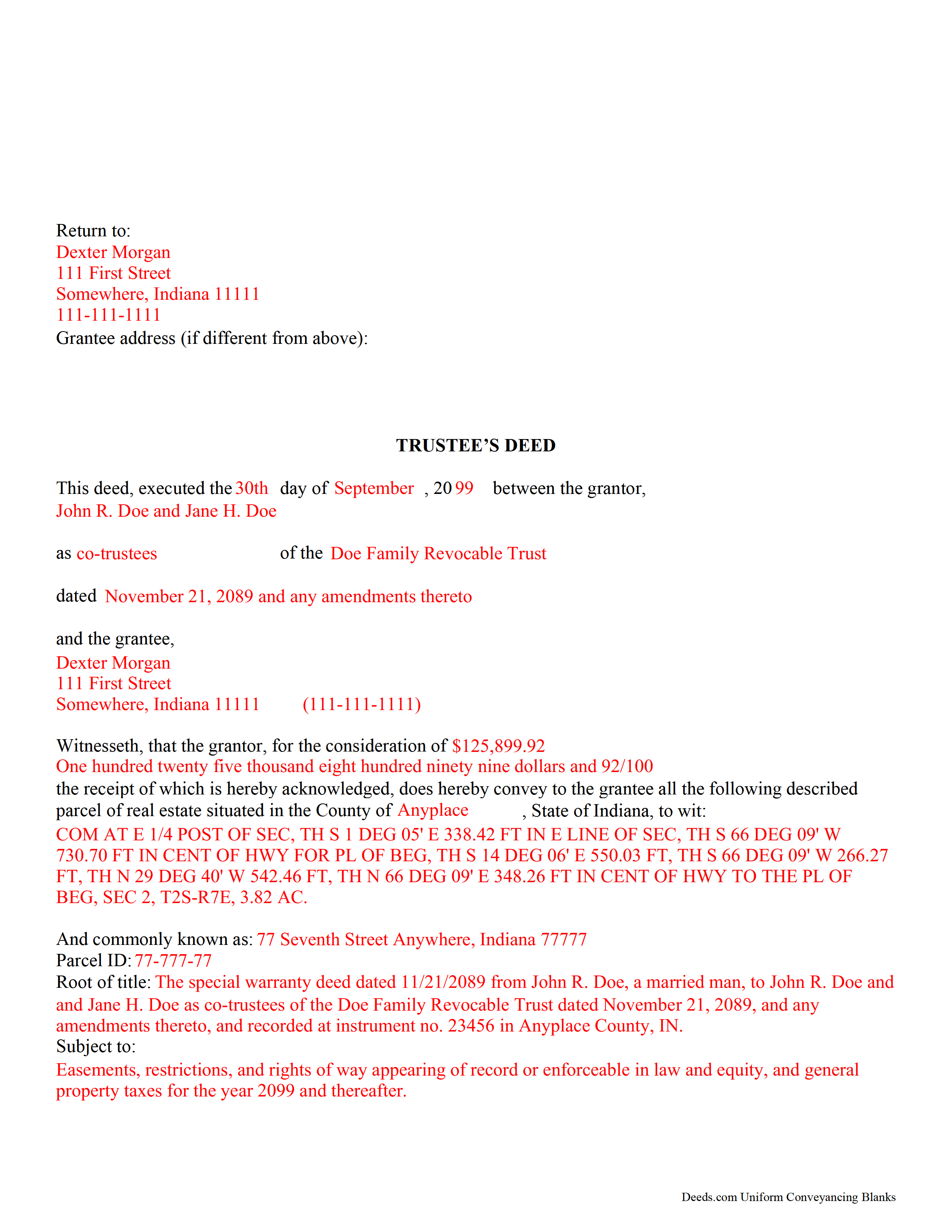
Newton County Completed Example of the Trustee Deed Document
Example of a properly completed form for reference.
All 3 documents above included • One-time purchase • No recurring fees
Immediate Download • Secure Checkout
Additional Indiana and Newton County documents included at no extra charge:
Where to Record Your Documents
Newton County Recorder
Kentland, Indiana 47951
Hours: 8:00 to 4:00 Monday through Friday
Phone: (888) 663-9866 x 1401 or (219) 474-6081
Recording Tips for Newton County:
- Bring your driver's license or state-issued photo ID
- Ensure all signatures are in blue or black ink
- Avoid the last business day of the month when possible
- Both spouses typically need to sign if property is jointly owned
- Bring extra funds - fees can vary by document type and page count
Cities and Jurisdictions in Newton County
Properties in any of these areas use Newton County forms:
- Brook
- Goodland
- Kentland
- Lake Village
- Morocco
- Mount Ayr
- Roselawn
- Sumava Resorts
- Thayer
Hours, fees, requirements, and more for Newton County
How do I get my forms?
Forms are available for immediate download after payment. The Newton County forms will be in your account ready to download to your computer. An account is created for you during checkout if you don't have one. Forms are NOT emailed.
Are these forms guaranteed to be recordable in Newton County?
Yes. Our form blanks are guaranteed to meet or exceed the applicable formatting requirements used for recording in Newton County, including margin requirements, font requirements, and other layout standards. This guarantee applies to formatting, not to the legal sufficiency of information entered by the user or the suitability of a form for a particular transaction.
Can I reuse these forms?
Yes. You can reuse the forms for your personal use. For example, if you have multiple properties in Newton County you only need to order once.
What do I need to use these forms?
The forms are PDFs that you fill out on your computer. The free Adobe Acrobat Reader is recommended, and most PDF apps also work. You do NOT enter your property information online - you download the blank forms and complete them privately on your own computer.
Are there any recurring fees?
No. This is a one-time purchase. Nothing to cancel, no memberships, no recurring fees.
How much does it cost to record in Newton County?
Recording fees in Newton County vary. Contact the recorder's office at (888) 663-9866 x 1401 or (219) 474-6081 for current fees.
Questions answered? Let's get started!
Use this form to transfer real property located in Indiana out of trust, without warranties of title. The deed should be executed by the trust's acting trustee(s).
A trustee's deed is an instrument used in trust administration to convey real property out of a trust. Unlike other forms of conveyance, which are named for the type of warranties they carry, the trustee's deed is named after the executing trustee.
The trustee is the administrator of a trust who is appointed by the settlor. The settlor is the person who funds the trust with assets -- in this case, real property. The settlor executes a trust instrument, which contains the provisions of the trust, including a designation of the trust's beneficiaries. This document is generally not of public record.
The trustee serves as the grantor in the trustee's deed. If there are multiple trustees or the trustee appears as a successor, this information is included also. The settlor does not enter directly into the transaction . In addition, the deed states the trust name and date under which the trustee is appearing, as well as any amendments made to the trust instrument.
All instruments of conveyance in Indiana require a legal description of the property begin conveyed, the grantee's information, and the root of title, as well as a "prepared by" statement and affirmation statement regarding the redaction of Social Security Numbers. All acting trustees must sign the deed in the presence of a notary public before the deed is recorded in the county in which the real property is situated.
Because trustees act in a fiduciary capacity, they may be asked to provide a certification of trust, demonstrating that the trust exists and their authority to enter into transactions on behalf of the trust.
The trustee's deed may require additional information depending on the situation. These instruments may or may not include warranties of title, so make sure to use the correct form for the situation. Consult a lawyer with specific questions or guidance in preparing a trustee's deed.
(Indiana Trustee Deed without Warranty Package includes form, guidelines, and completed example)
Important: Your property must be located in Newton County to use these forms. Documents should be recorded at the county recording office listed above.
This Trustee Deed without Warranty meets all recording requirements specific to Newton County.
Our Promise
The documents you receive here are guaranteed to meet or exceed the applicable Newton County recording format requirements. If there is a rejection caused by our formatting, we will correct the issue or refund your payment. This guarantee applies to document formatting only and does not extend to information entered by the user, the selection of the form, or the legal effect of the completed document.
Save Time and Money
Get your Newton County Trustee Deed without Warranty form done right the first time with Deeds.com Uniform Conveyancing Blanks. At Deeds.com, we understand that your time and money are valuable resources, and we don't want you to face a penalty fee or rejection imposed by a county recorder for submitting nonstandard documents. We constantly review and update our forms to meet rapidly changing state and county recording requirements for roughly 3,500 counties and local jurisdictions.
4.8 out of 5 - ( 4,824 Reviews )
JOY W. 5 out of 5 stars
Really great resource to use in a time that can be very stressful. Downloading was very simple and the instructions provided were detailed and easy to follow. I was grateful to have found this.
Thank you for your review, Joy. We’re glad the process was straightforward and helpful when you needed it most.
Renee K. 5 out of 5 stars
So very easy to upload documents to the site and communication is very quick. It made our transactions so effortless.
Thank you!
Dale K. 5 out of 5 stars
A very user friendly website!
Thank you!
Juanita B. 5 out of 5 stars
Very easy and fast transaction. Thank you for complete set of forms needed for property transfer.
Thank you for your feedback. We really appreciate it. Have a great day!
paula b. 5 out of 5 stars
Very helpful and easy to download, thankyou.
Thank you!
Julie B. 5 out of 5 stars
I wish all the forms had been in a downloadable package so that it wasn't so difficult to make sure I had them all. Too many pages open on the click throughs. I haven't had a chance to fill them out but hope they are all there.
Thank you for your feedback. We really appreciate it. Have a great day!
Jessica S. 1 out of 5 stars
Paid the money, but never received any information; not even an email saying they couldn't find anything.
Thank you for your feedback. Reviewing your account, looks like the property detail report you ordered was completed on December 14, 2018 at 10:56am. The report has been available for you to download in your account ever since.
Brenda E. 5 out of 5 stars
This is a great tool to use. It makes recording documents so easy and convenient. The website is very user-friendly. The only suggestion I would have is if the website could email me directly when I have a message so I don't have to keep checking back to see if my document is ready.
Thank you for your feedback. We really appreciate it. Have a great day!
Darlene D. 5 out of 5 stars
A little confusing to try to save your docouments and how to process them but once figured out easy to do.
Thank you!
Sandra A. 5 out of 5 stars
This site couldn't be any easier to use. Very pleased.
Great to hear — thank you for taking the time to write a review.
Karen O. 5 out of 5 stars
I often think I am smarter than I am. Thankfully there are people that know what they are doing so I can focus on my business and the big picture without worrying about the little things.
Thank you!
Darlo M. 5 out of 5 stars
The process for getting the forms I needed was easy through Deeds.com I would use them again!
We appreciate your business and value your feedback. Thank you. Have a wonderful day!
Thomas D. 2 out of 5 stars
The documents themselves are fine and the information provided with them is helpful. I find the actual processing of the documents, however, to be difficult particularly once the document has been saved. First, I note that the box for the date only allows entry of the last 2 digits of the year. Unfortunately, my download only allows me to enter one of the 2 digits required. When I delete it repeatedly, it eventually allows both digits to be entered but puts them in extremely small text and in superscrypt. I have not found a solution to this problem and am not sure the deed can even be recorded with this problem. Another problem is that if you try to revise the document after you have saved it the curser goes to the end of the line after each key entry. This means that there basically is no way to efficiently save the document for reworking later since you will have to delete everything you have entered in the text box unless you only need to make a single keystroke change or are willing to replace the curser after each entry. Try that with a long property description! Please note that I am using a Mac to prepare my documents and perhaps this is part of an "incompatibility problem". However, I didn't see a disclaimer regarding Mac use and so would expect the documents to perform correctly. Overall, I give the program a "2 star" rating because I am experiencing significant difficulties in entering dates in the documents even before saving them and because saving your work for later revision appears to be basically unworkable.
Thank you for your feedback Thomas, we appreciate you being specific about the issues you encountered. Adobe and Mac have a fairly long history of issues working together.
THOMAS P. 5 out of 5 stars
This site is excellent and makes everything so much easier. 5 star platform.
We appreciate your business and value your feedback. Thank you. Have a wonderful day!
Michael G. S. 5 out of 5 stars
The process was quite easy, following the instructional guide. I have yet to find out if the deed was accepted, but your site was very user friendly.
We appreciate your business and value your feedback. Thank you. Have a wonderful day!