Butler County Easement Deed Form
Last validated October 29, 2026 by our Forms Development TeamFormatted for recording in Butler County, for property anywhere in the county: rural and unincorporated areas as well as Andover, Augusta, Beaumont, Benton, Cassoday, Douglass, El Dorado, Elbing and 7 more.
- 4 documents included
- Immediate PDF download
- Formatting guarantee
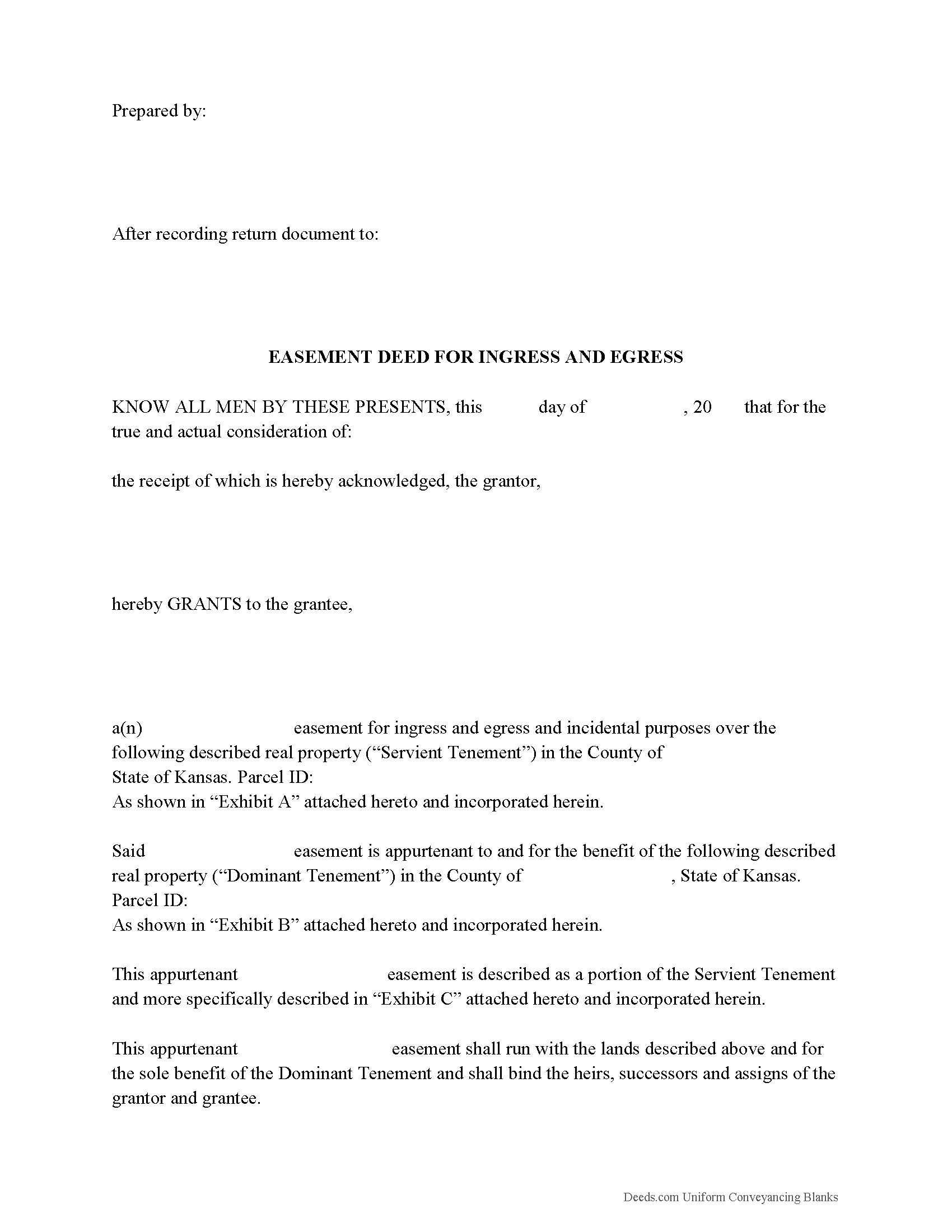
Butler County Easement Deed Form
Fill in the blank form formatted to comply with all recording and content requirements.
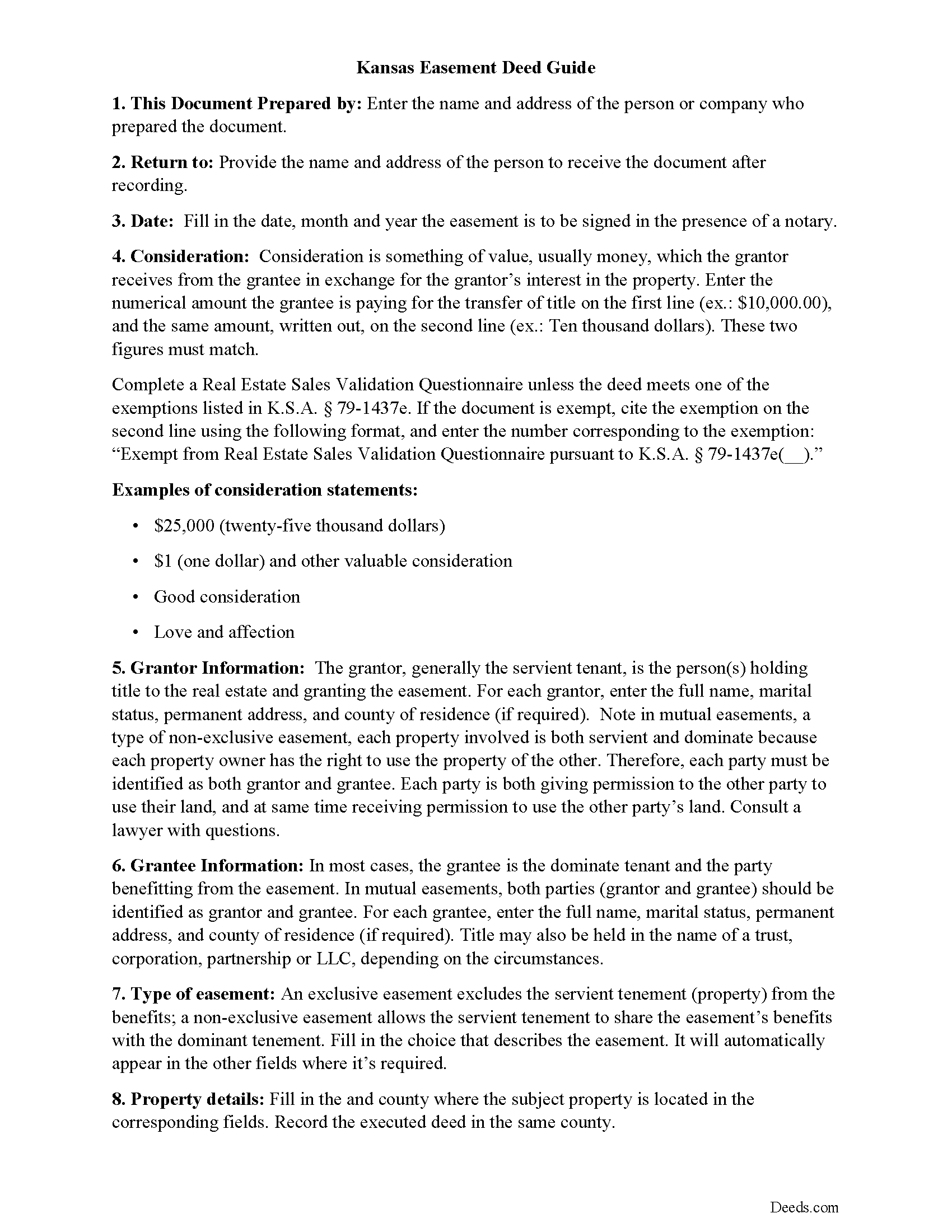
Butler County Easement Deed Guide
Line by line guide explaining every blank on the form.
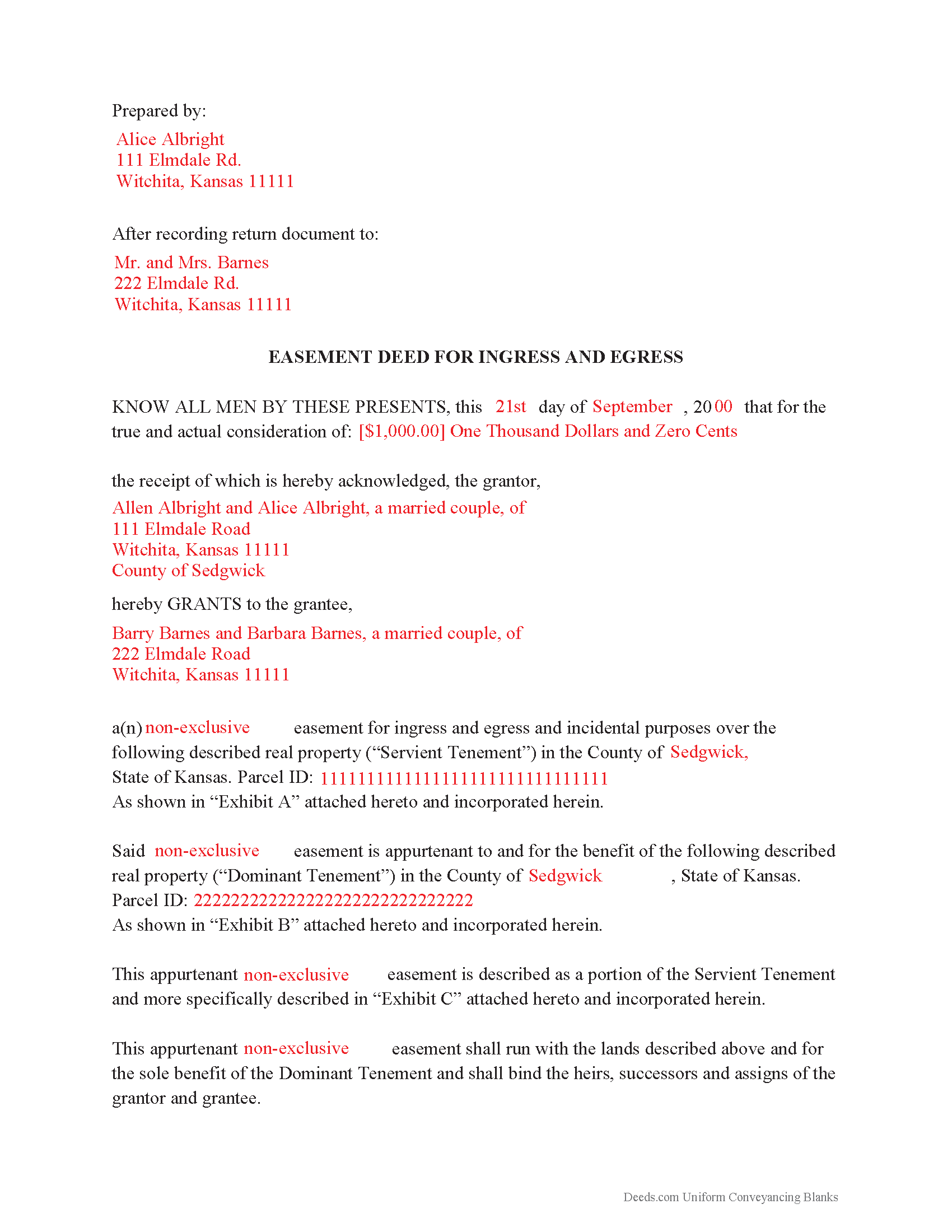
Butler County Completed Example of the Easement Deed Document
Example of a properly completed form for reference.
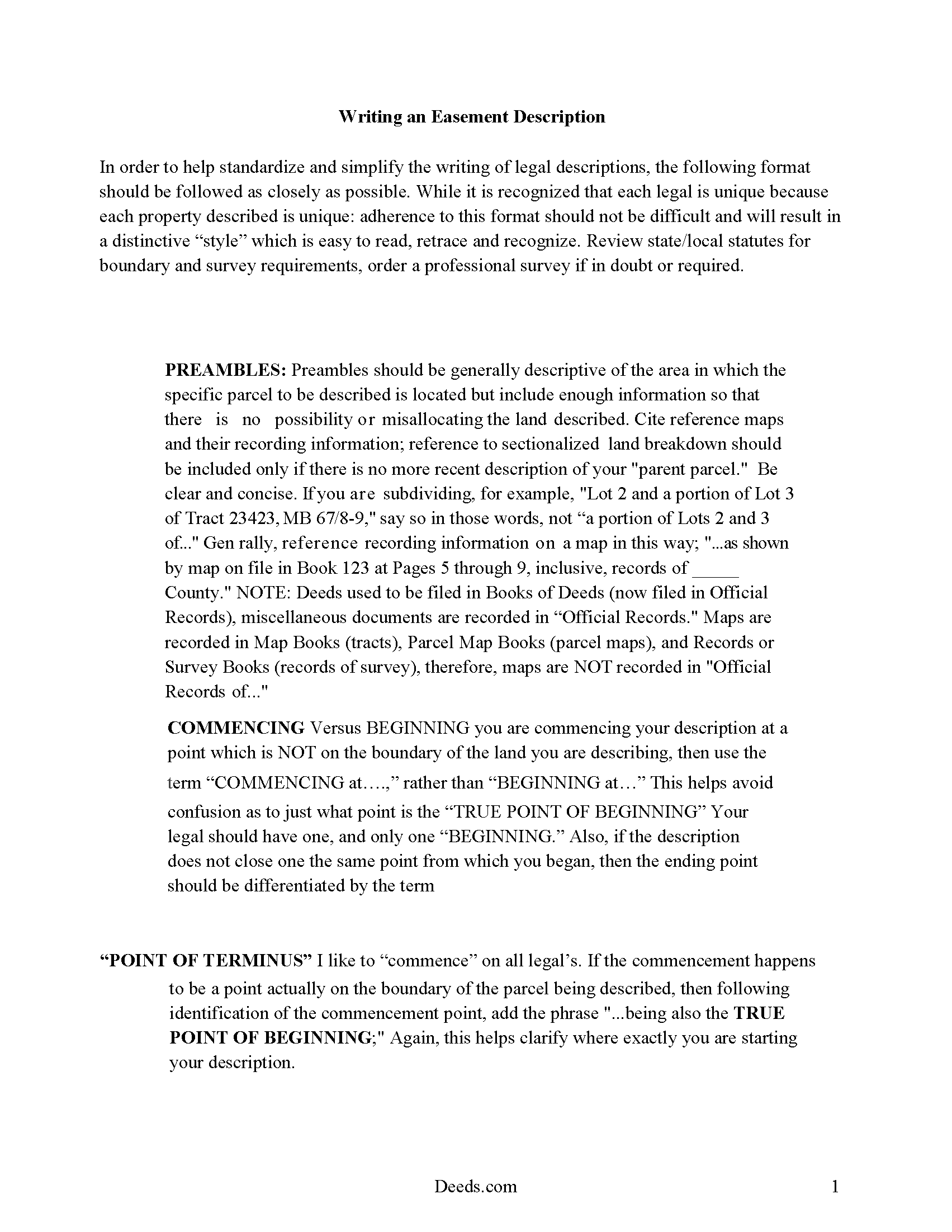
Butler County Easement Deed Description
A Description of the Easement will be required. This will show how to write an acceptable description for a Right of Way Easement, which gives access, to and from - point A to point B.
All 4 documents above included • One-time purchase • No recurring fees
Immediate Download • Secure Checkout
Additional Kansas and Butler County documents included at no extra charge:
Where to Record Your Documents
Butler County Register of Deeds
El Dorado, Kansas 67042
Hours: 8:00 to 5:00 M-F
Phone: (316) 322-4113 or (800) 822-6803
Recording Tips for Butler County:
- Bring your driver's license or state-issued photo ID
- Ensure all signatures are in blue or black ink
- Leave recording info boxes blank - the office fills these
- Make copies of your documents before recording - keep originals safe
- Recorded documents become public record - avoid including SSNs
Cities and Jurisdictions in Butler County
Properties in any of these areas use Butler County forms:
- Andover
- Augusta
- Beaumont
- Benton
- Cassoday
- Douglass
- El Dorado
- Elbing
- Latham
- Leon
- Potwin
- Rosalia
- Rose Hill
- Towanda
- Whitewater
Hours, fees, requirements, and more for Butler County
How do I get my forms?
Forms are available for immediate download after payment. The Butler County forms will be in your account ready to download to your computer. An account is created for you during checkout if you don't have one. Forms are NOT emailed.
Are these forms guaranteed to be recordable in Butler County?
Yes. Our form blanks are guaranteed to meet or exceed the applicable formatting requirements used for recording in Butler County, including margin requirements, font requirements, and other layout standards. This guarantee applies to formatting, not to the legal sufficiency of information entered by the user or the suitability of a form for a particular transaction.
Can I reuse these forms?
Yes. You can reuse the forms for your personal use. For example, if you have multiple properties in Butler County you only need to order once.
What do I need to use these forms?
The forms are PDFs that you fill out on your computer. The free Adobe Acrobat Reader is recommended, and most PDF apps also work. You do NOT enter your property information online - you download the blank forms and complete them privately on your own computer.
Are there any recurring fees?
No. This is a one-time purchase. Nothing to cancel, no memberships, no recurring fees.
How much does it cost to record in Butler County?
Recording fees in Butler County vary. Contact the recorder's office at (316) 322-4113 or (800) 822-6803 for current fees.
Questions answered? Let's get started!
An easement is the non-possessory and non-ownership right of one person to use the real property of another person for a specific use. The specific instrument that creates such right is the easement deed. An easement deed in Kansas can be created for a variety of purposes: rights of way, access points, solar easements, and so on. Easements can be created by deed, by necessity, or by order of law.
Every instrument that conveys any estate or interest created by any lease or easement involving wind or solar resources and technologies to produce and generate electricity should include the requirements listed in section 58-2272 of the Kansas Annotated Statutes. Conservation easements are defined in 58-3810 of the Kansas Annotated Statutes. Easement deeds are subject to the recording and conveying rules of other real property instruments.
As a real property instrument, an easement deed must be signed and acknowledged by the grantor or by the grantor's agent or attorney in accordance with the uniform law on notarial acts and with KSA 58-2216 (58-2209). An easement deed should be acknowledged before a person authorized by the uniform law on notarial acts to perform notarial acts, or, if acknowledged in Kansas, by a county clerk, register of deeds, or mayor or clerk of an incorporated city (58-2211). If a grantor dies before acknowledging the deed or if for any other reason the grantor cannot be procured in order to make the acknowledgement or, if the grantor refuses to acknowledge the easement deed, the proof of the execution and delivery of the deed can be made by any competent testimony (58-2214). A certificate or proof of acknowledgement can be given under seal or otherwise, according to the method by which the courts or officers granting the same usually authenticate their notarial acts (58-2217).
An unrecorded easement deed in writing will be valid between the parties to the deed and those who have actual notice thereof, until it is recorded by the register of deeds in the county where the property is located (58-2223). An easement deed that has been certified and recorded in the manner provided by statute, will, from the time of filing with the register of deeds for record, impart notice to all persons of the contents of the deed; and all subsequent purchasers and mortgagees will be deemed to purchase with notice (58-2222).
(Kansas Easement Deed Package includes form, guidelines, and completed example)
Important: Your property must be located in Butler County to use these forms. Documents should be recorded at the county recording office listed above.
This Easement Deed meets all recording requirements specific to Butler County.
Our Promise
The documents you receive here are guaranteed to meet or exceed the applicable Butler County recording format requirements. If there is a rejection caused by our formatting, we will correct the issue or refund your payment. This guarantee applies to document formatting only and does not extend to information entered by the user, the selection of the form, or the legal effect of the completed document.
Save Time and Money
Get your Butler County Easement Deed form done right the first time with Deeds.com Uniform Conveyancing Blanks. At Deeds.com, we understand that your time and money are valuable resources, and we don't want you to face a penalty fee or rejection imposed by a county recorder for submitting nonstandard documents. We constantly review and update our forms to meet rapidly changing state and county recording requirements for roughly 3,500 counties and local jurisdictions.
4.8 out of 5 - ( 4,862 Reviews )
Theodore K. 2 out of 5 stars
This does the job but we are not able to save this in our account and if you don't pay for Adobe and only have Adobe reader, I cannot save any information on the form online in my account. I do understand why they do this because they would lose money. A huge issue is that when I got to the end of the document and was adding an Exhibit A, as I typed, the page kept jumping back up the to top and I couldn't see what I was typing. I had to type a little then scroll back down and when I would type more, it would jump up again. This was a real problem.
Thank you for your feedback. We really appreciate it. Have a great day!
Margaret S. 5 out of 5 stars
Great experience, quick and easy, thank you!
Thank you for your feedback. We really appreciate it. Have a great day!
Betty J W. 5 out of 5 stars
Was Totally Amazed, it was so easy to follow the example and I am 75 years old. I took my paper work in and it passed with flying colors. Thank-You So much saved me $665.00. BJW
Thank you!
Sandra B. 5 out of 5 stars
Easy and fast. Was able to find the documents needed and saved so much money!!
We appreciate your business and value your feedback. Thank you. Have a wonderful day!
Byron M. 5 out of 5 stars
Very easy to sign up. Very quick to respond for payment once uploaded. Great communication. More expensive than other recording services.
Thank you for your feedback. We really appreciate it. Have a great day!
Craig P. 5 out of 5 stars
Good
Thank you!
Scott S. 5 out of 5 stars
Awesome service. I'm impressed.
We appreciate your business and value your feedback. Thank you. Have a wonderful day!
JOSEPH W. 5 out of 5 stars
Easy peezy!
Thank you!
Barbara S. 5 out of 5 stars
I found your site easy to use, though I would prefer an option to download to MWords but Adobe works well. The cost is very, very reasonable and provides documents I didn't know were needed. I would recommend this to anyone trying to deal with legal documents.
Thank you!
Lisa m. 5 out of 5 stars
Very fast and easy! Thanks!!
Glad we could help. Thank you!
Ronald S. 5 out of 5 stars
got what i wanted
Thank you for your feedback. We really appreciate it. Have a great day!
Dennis E. 5 out of 5 stars
Easy to complete form. Examples were very helpful in using correct verbiage for form. Also way less expensive than the $500 an attorney wanted to charge me for doing the very same thing!!!
Thanks Dennis, we appreciate you taking the time to leave your feedback.
Linda M. 5 out of 5 stars
The form I purchased along with the instructions and completed sample were easy to use. I downloaded them on my iPad. I had to also download the free adobe reader app from the App Store. I had no problem getting the beneficiary deed recorded at the recorder’s office. I am pleased with my purchase.
Thanks so much for the kind words, Linda! Glad the sample and instructions made the process smooth, and that tip about the Adobe Reader app for iPad is genuinely helpful for other customers too. Congrats on getting the deed recorded!
Gabriela C. 5 out of 5 stars
Easy
Thank you!
Ellen O K. 5 out of 5 stars
Good experience. Easy peasy. :)
Thank you Ellen, have a wonderful day!