Rawlins County Mortgage Instrument and Promissory Note Form
Last validated November 25, 2026 by our Forms Development TeamFormatted for recording in Rawlins County, for property anywhere in the county: rural and unincorporated areas as well as Atwood, Herndon, Ludell, Mc Donald.
- 8 documents included
- Immediate PDF download
- Formatting guarantee
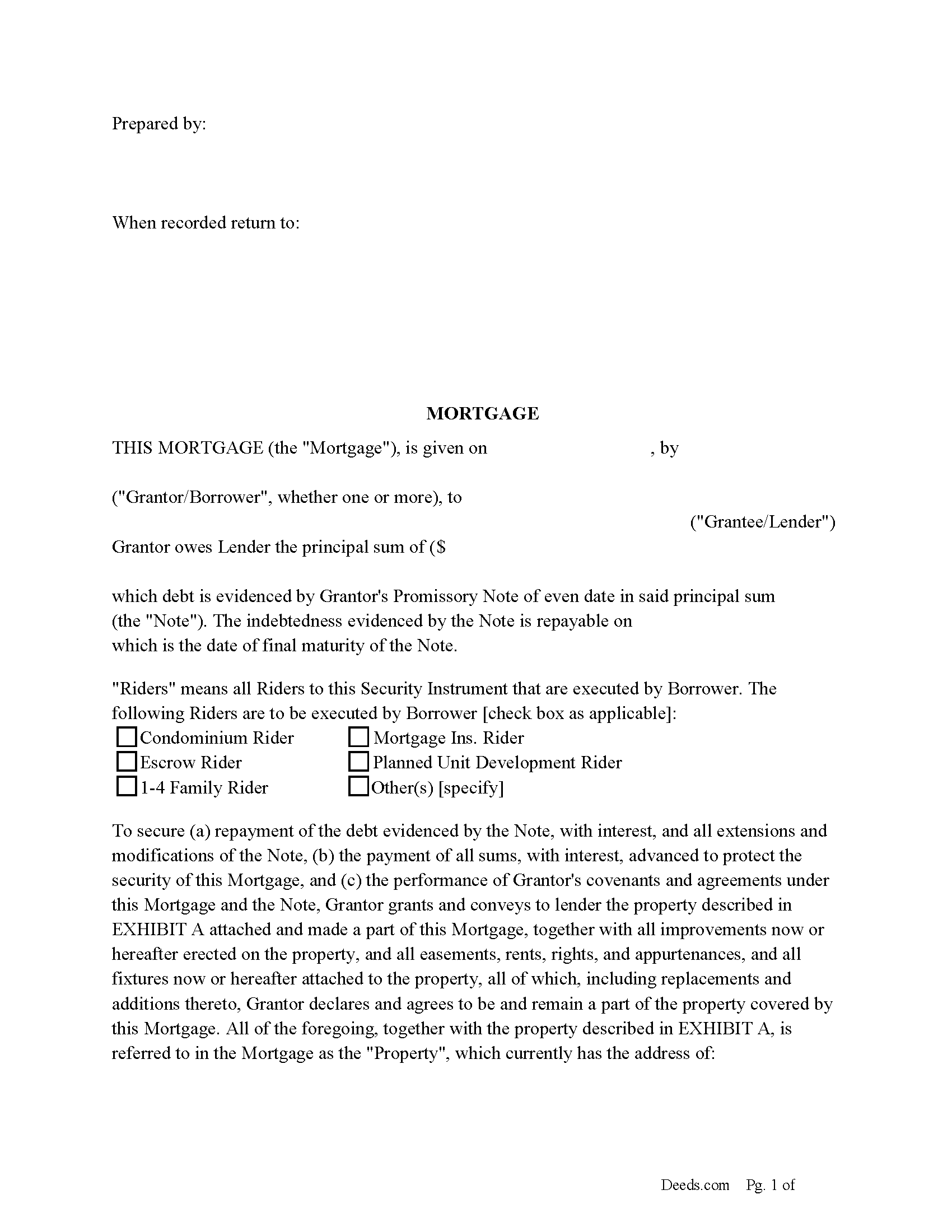
Rawlins County Mortgage Form
Fill in the blank form formatted to comply with all recording and content requirements.
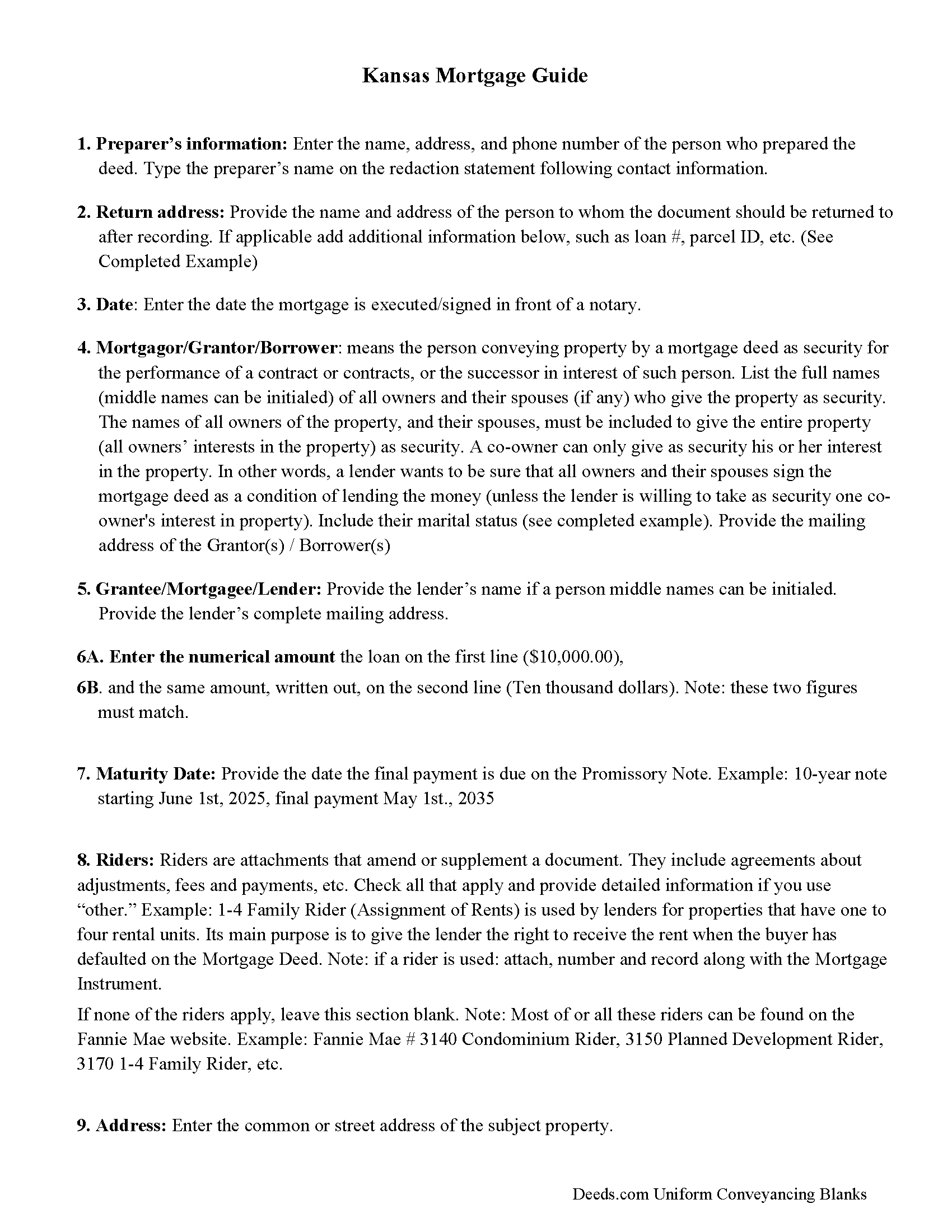
Rawlins County Mortgage Form Guidelines
Line by line guide explaining every blank on the form
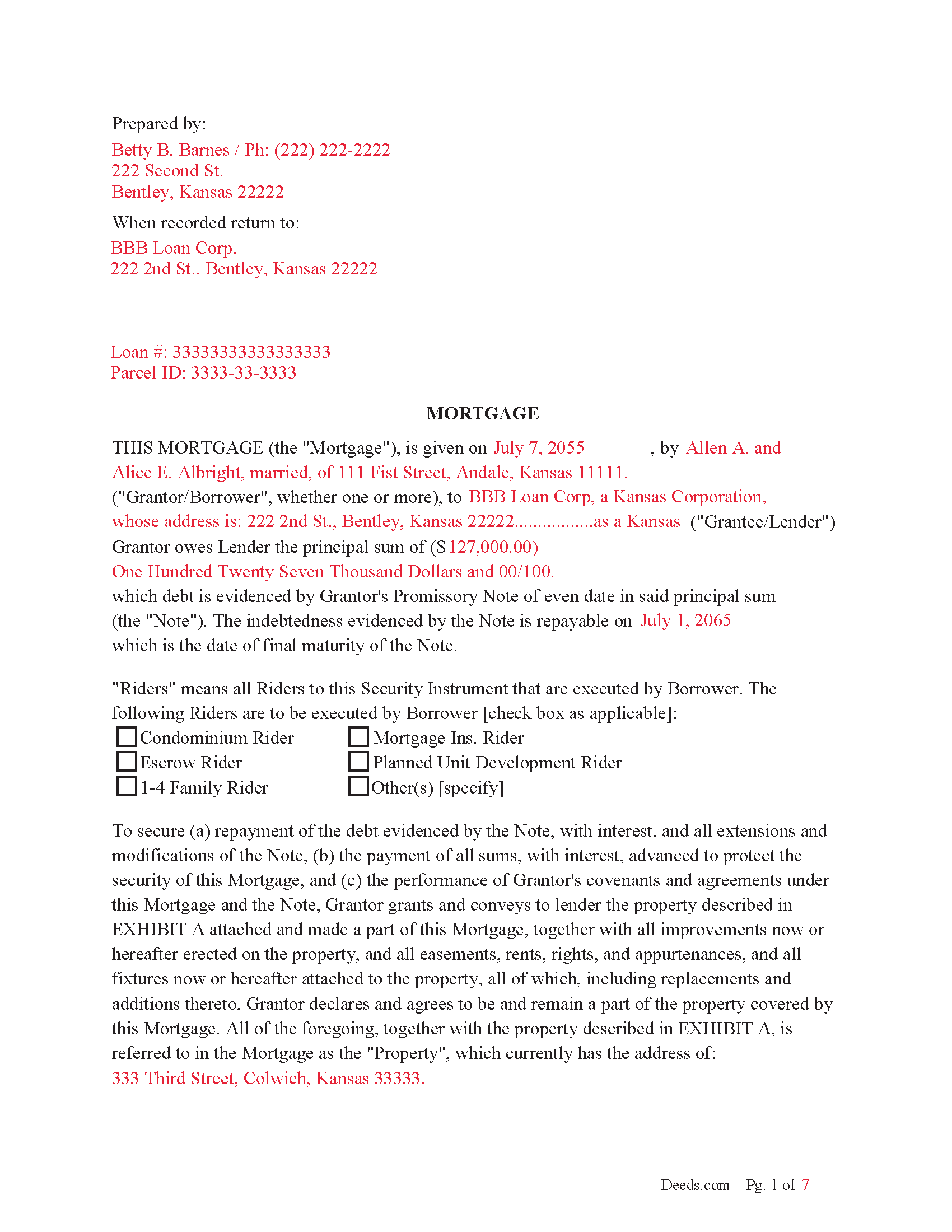
Rawlins County Completed Example of the Mortgage Document
Example of a properly completed form for reference.
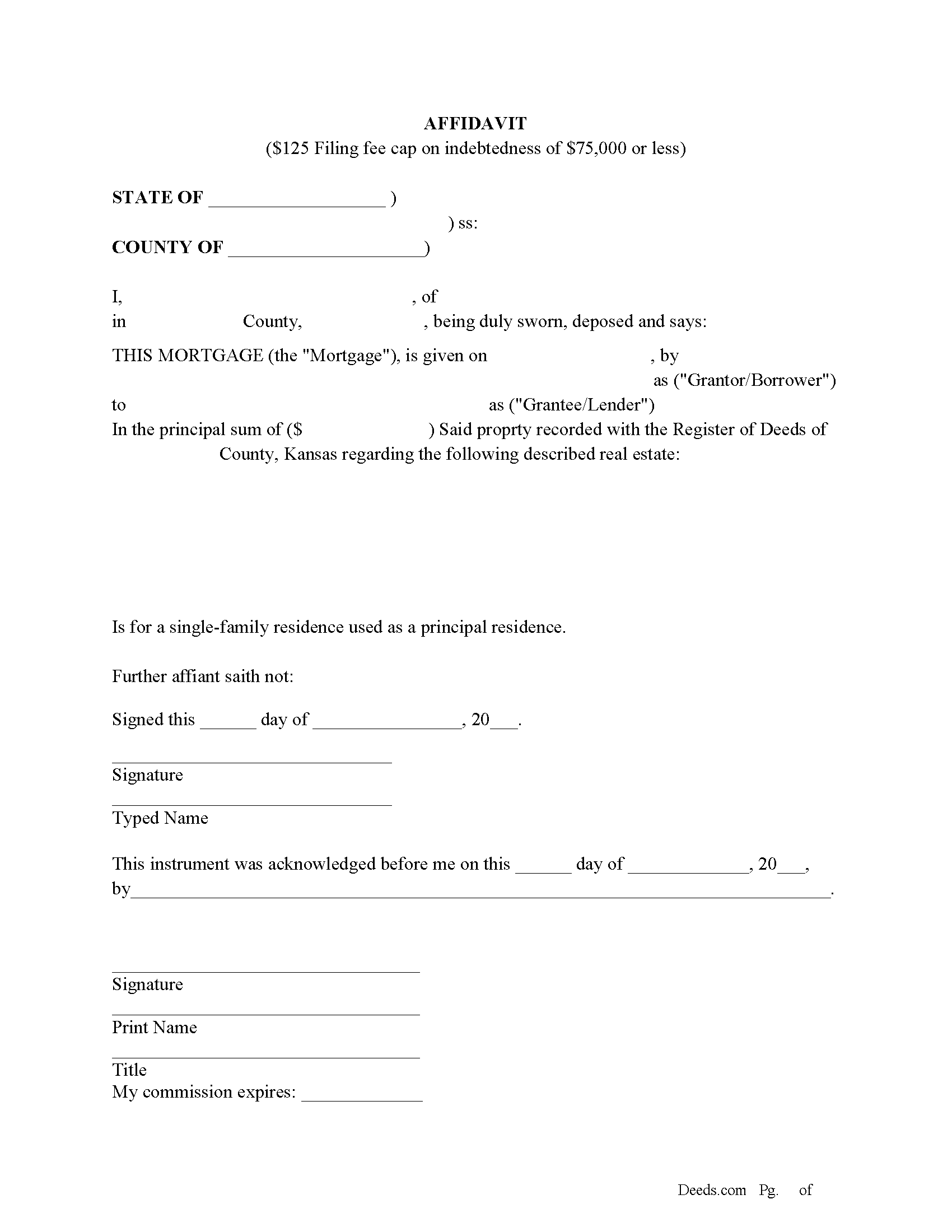
Rawlins County Filing Cap Fee Affidavit
Mortgages filed after January 1, 2015 have a filing fee cap of $125 if the indebtedness is $75,000 or less and it is for a single family home used as the principal residence of the owner.
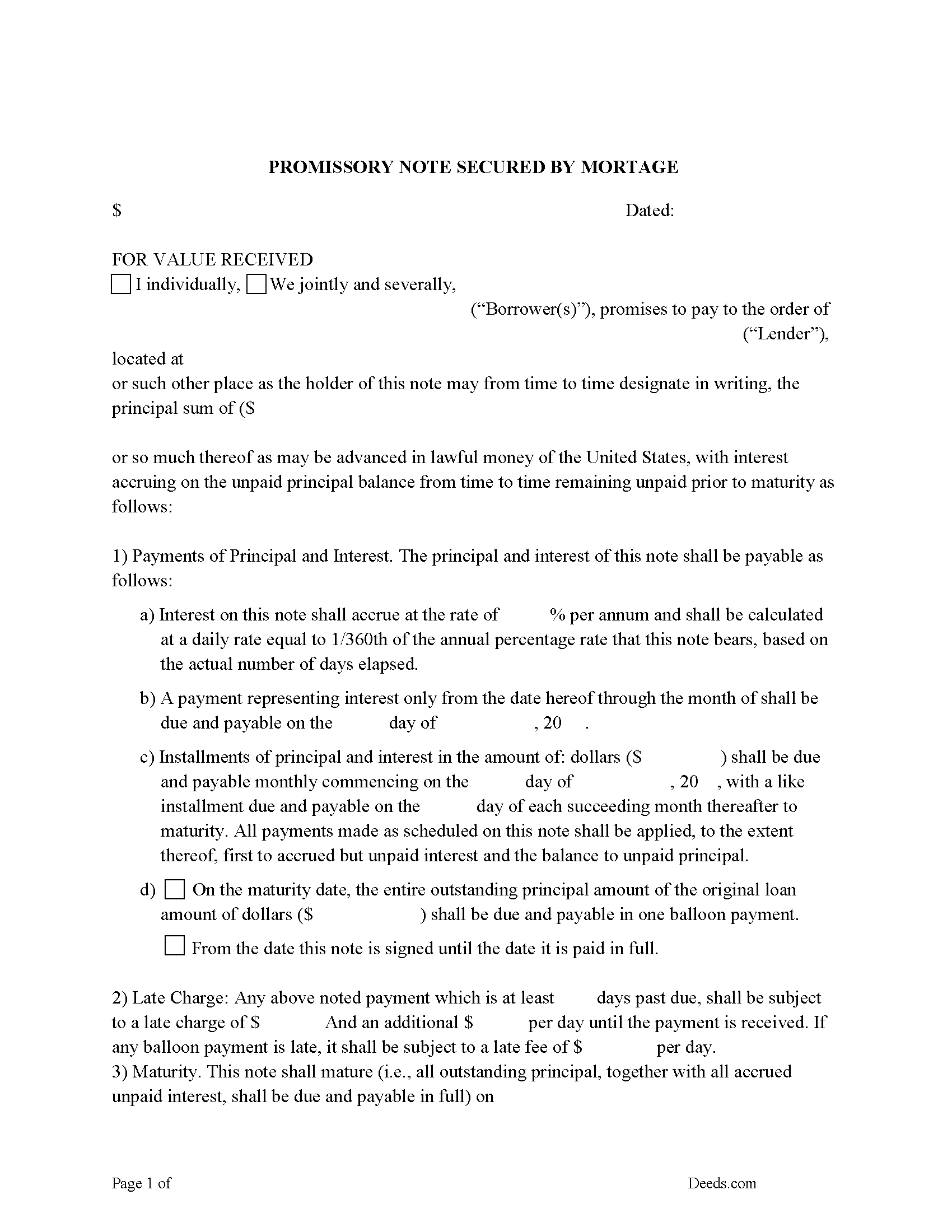
Rawlins County Promissory Note Form
Promissory Note secured by Mortgage.
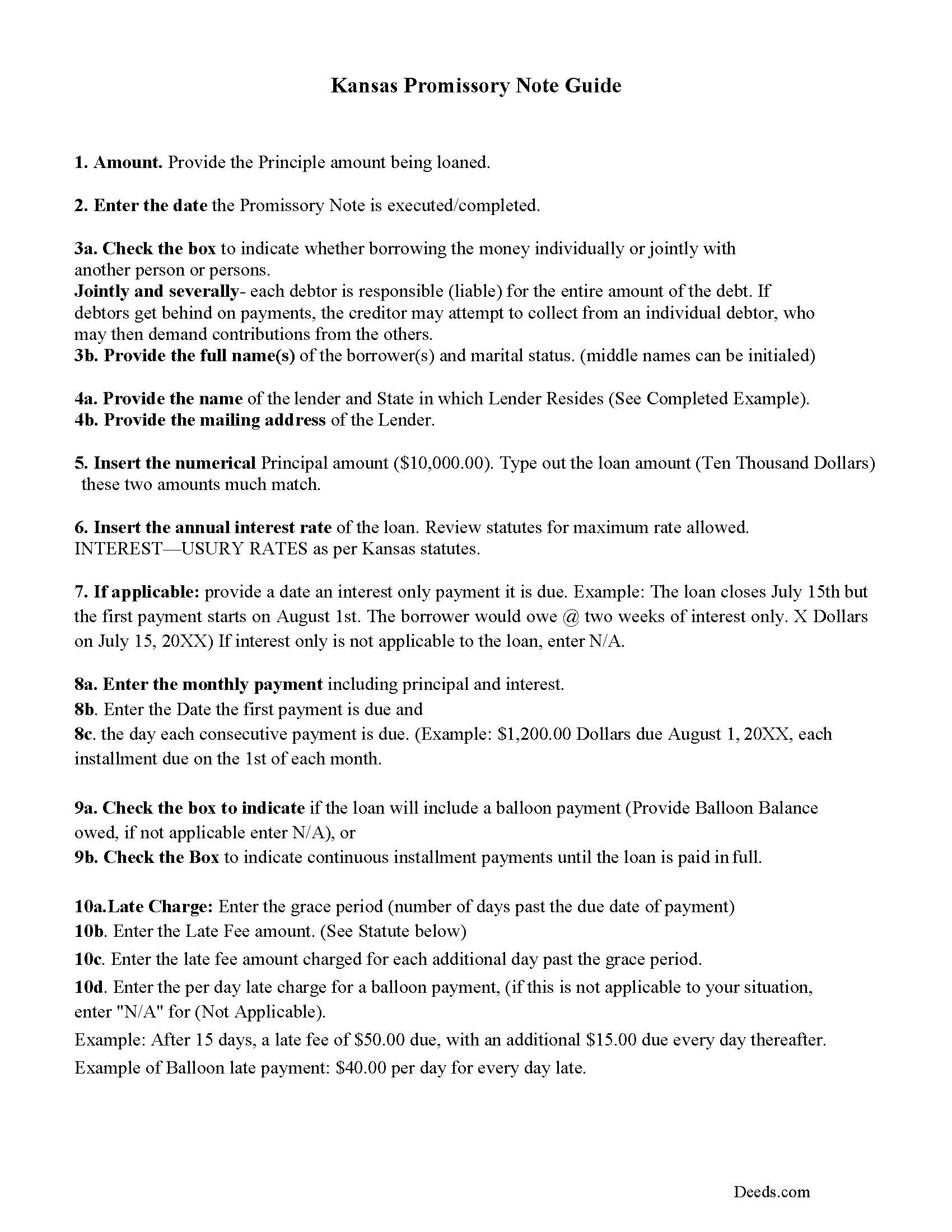
Rawlins County Promissory Note Guidelines
Line by line guide explaining every blank on the form.
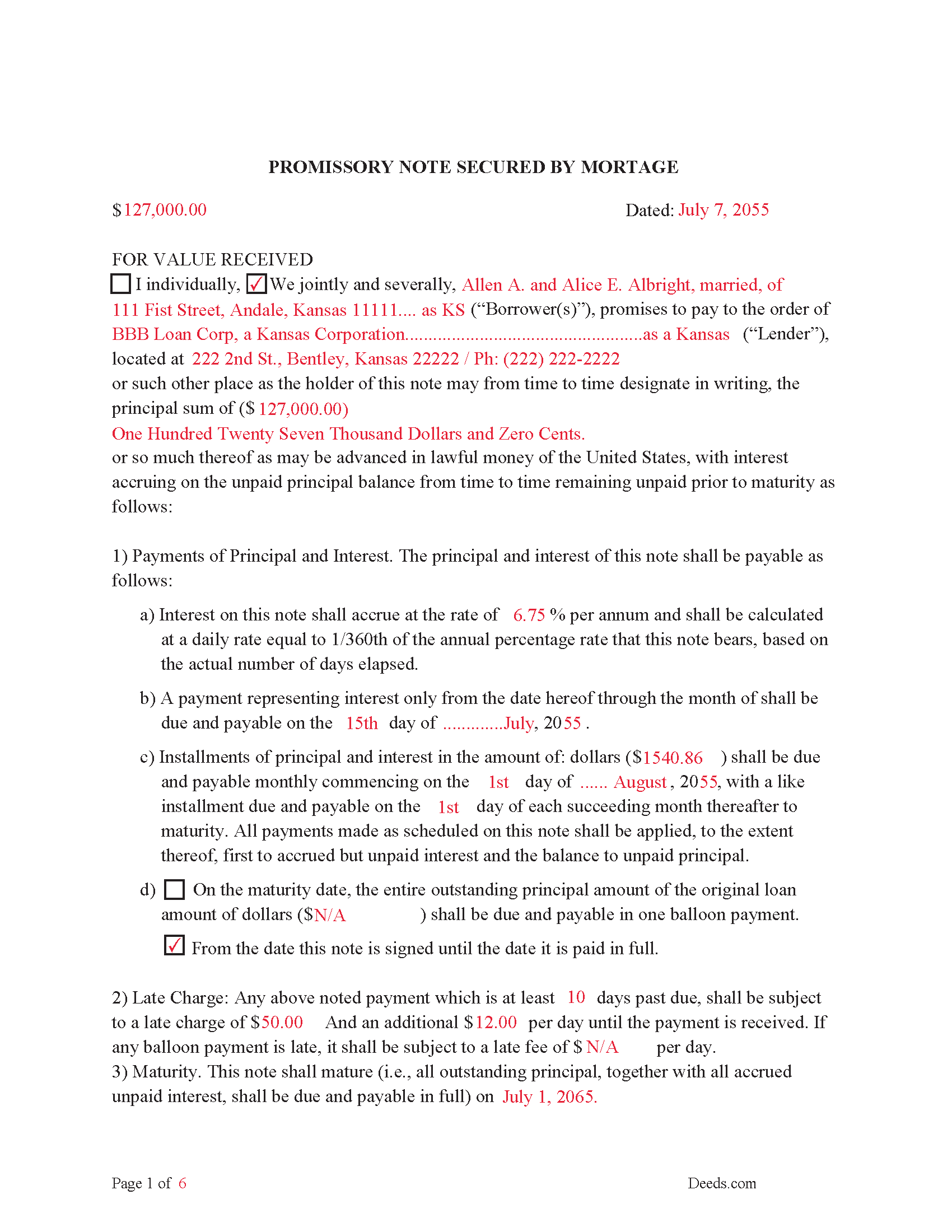
Rawlins County Completed Example of the Promissory Note Document
This Promissory Note is filled in and highlighted, showing how the guideline information, can be interpreted into the document.
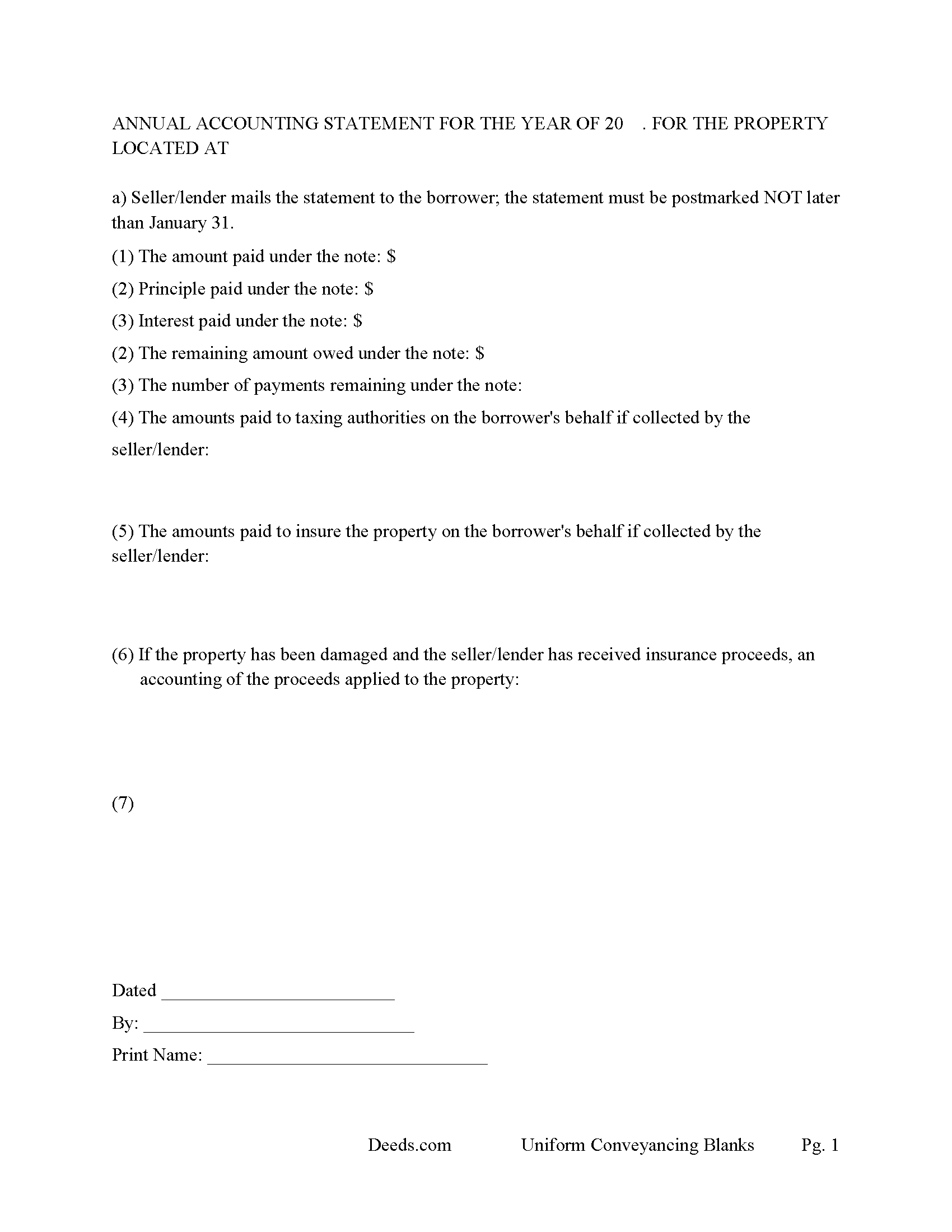
Rawlins County Annual Accounting Statement Form
Mail to borrower for fiscal year reporting.
All 8 documents above included • One-time purchase • No recurring fees
Immediate Download • Secure Checkout
Additional Kansas and Rawlins County documents included at no extra charge:
Where to Record Your Documents
Rawlins County Register of Deeds
Atwood, Kansas 67730
Hours: 9:00 to 12:00 & 1:00 to 5:00 M-F
Phone: (785) 626-3172
Recording Tips for Rawlins County:
- Bring your driver's license or state-issued photo ID
- Ensure all signatures are in blue or black ink
- Ask about accepted payment methods when you call ahead
- Ask for certified copies if you need them for other transactions
- Ask if they accept credit cards - many offices are cash/check only
Cities and Jurisdictions in Rawlins County
Properties in any of these areas use Rawlins County forms:
- Atwood
- Herndon
- Ludell
- Mc Donald
Hours, fees, requirements, and more for Rawlins County
How do I get my forms?
Forms are available for immediate download after payment. The Rawlins County forms will be in your account ready to download to your computer. An account is created for you during checkout if you don't have one. Forms are NOT emailed.
Are these forms guaranteed to be recordable in Rawlins County?
Yes. Our form blanks are guaranteed to meet or exceed the applicable formatting requirements used for recording in Rawlins County, including margin requirements, font requirements, and other layout standards. This guarantee applies to formatting, not to the legal sufficiency of information entered by the user or the suitability of a form for a particular transaction.
Can I reuse these forms?
Yes. You can reuse the forms for your personal use. For example, if you have multiple properties in Rawlins County you only need to order once.
What do I need to use these forms?
The forms are PDFs that you fill out on your computer. The free Adobe Acrobat Reader is recommended, and most PDF apps also work. You do NOT enter your property information online - you download the blank forms and complete them privately on your own computer.
Are there any recurring fees?
No. This is a one-time purchase. Nothing to cancel, no memberships, no recurring fees.
How much does it cost to record in Rawlins County?
Recording fees in Rawlins County vary. Contact the recorder's office at (785) 626-3172 for current fees.
Questions answered? Let's get started!
In this mortgage the grantor/borrower "Warrants" title to grantee/lender (the said mortgage being dated, and duly signed and acknowledged by the grantor, shall be deemed and held to be a good and sufficient mortgage to the grantee, his or her heirs, assigns, executors and administrators, with warranty from the grantor and his or her legal representatives of a perfect title in the grantor, and against all previous encumbrances; and if in the above form the words "and warrants" be omitted, the mortgage shall be good without warranty. (KS Statute 58-2303)
Use this form to finance residential property, vacant land, rental property, condominiums, small commercial property and planned unit developments. For use in Kansas only.
(Kansas Mortgage Package includes forms, guidelines, and completed examples)
Important: Your property must be located in Rawlins County to use these forms. Documents should be recorded at the county recording office listed above.
This Mortgage Instrument and Promissory Note meets all recording requirements specific to Rawlins County.
Our Promise
The documents you receive here are guaranteed to meet or exceed the applicable Rawlins County recording format requirements. If there is a rejection caused by our formatting, we will correct the issue or refund your payment. This guarantee applies to document formatting only and does not extend to information entered by the user, the selection of the form, or the legal effect of the completed document.
Save Time and Money
Get your Rawlins County Mortgage Instrument and Promissory Note form done right the first time with Deeds.com Uniform Conveyancing Blanks. At Deeds.com, we understand that your time and money are valuable resources, and we don't want you to face a penalty fee or rejection imposed by a county recorder for submitting nonstandard documents. We constantly review and update our forms to meet rapidly changing state and county recording requirements for roughly 3,500 counties and local jurisdictions.
4.8 out of 5 - ( 4,867 Reviews )
John B. 5 out of 5 stars
I bought a Quitclaim Deed package for Fayette County, Kentucky, to transfer my house into a Living Trust that I had set up previously. Creating my Quitclaim Deed was pretty straightforward, using the form, the instructions, and the sample Quitclaim Deed. I signed my Quitclaim Deed at a nearby Notary Public, then took it to the Fayette County Clerk's office to be recorded. The clerk there asked me to make two small changes to the Quitclaim Deed, which she let me do in pen on the spot: * In the signature block for the receiver of the property, filled in "Capacity" as "Grantee as Trustee ______________________________ Living Trust". * In the notary's section, changed "were acknowledged before me" to "were acknowledged and sworn to before me".
Thank you for your feedback. We really appreciate it. Have a great day!
Dominick D. 5 out of 5 stars
Deed.com was easy to work with, not just a website, they have real people that speak to you. They were extremely helpful with a VERY difficult Northeast county. They made the process smooth and effortless.
We appreciate your business and value your feedback. Thank you. Have a wonderful day!
Robert M. 5 out of 5 stars
Quick and friendly answers. So Easy!
We appreciate your business and value your feedback. Thank you. Have a wonderful day!
Roger S. 1 out of 5 stars
status was canceled. said i needed to record directly. would be 5 stars if it worked.
Sorry for the inconvenience Roger. Unfortunately, not all jurisdictions in the country have progressed to the point of being able to accept all document types for e-recording.
Haydee P. 5 out of 5 stars
Thanks for advertising the forms and sharing to the public for easy access. I have been looking for a lawyer to process the papers but did not realize that I can do it myself until I googled the information. I found your website. Thanks again
Thank you for your feedback. We really appreciate it. Have a great day!
Keith R. 5 out of 5 stars
Great! Love the platform. Very helpful!!
Thank you!
Cynthia B. 5 out of 5 stars
So simple to e-record my two documents. The communication was fast and very helpful. Thank you so much!
Thank you for your feedback. We really appreciate it. Have a great day!
James R. 5 out of 5 stars
Easy to understand instructions. Love the examples. Info on the deeds purpose easily comprehendible. Able to Kiosk record without difficulty. Am I pleased? Oh Yeah!!!!
We appreciate your business and value your feedback. Thank you. Have a wonderful day!
Linley S. 5 out of 5 stars
This website is extremely easy to use and provides exactly what is needed to record things. I am very appreciative of this service, especially when I can't get to the court right now due to them being closed due to COVID-19 right now. Thank you!
Thank you Linley, glad we are able to help.
William S. 5 out of 5 stars
Contents were well done. Could not remove and replace the "Deeds/" footer, rendering the form unusable for filing with a court and county deed records. This should be corrected.
Thank you for your feedback. We really appreciate it. Have a great day!
Eric B. 5 out of 5 stars
Document was well formatted with the extra help of an example and useful instructions. I ended up with a better warranty deed than I was getting on another website. Worth the small price.
Thank you for your feedback. We really appreciate it. Have a great day!
Virginia P. 1 out of 5 stars
Not user friendly despite additional guide. There are other products out there that are superior. A waste of $20.
Sorry to hear that Virginia. Your order and payment has been canceled. We do hope that you find something more suitable to your needs elsewhere. Have a wonderful day.
MARILEE S. 5 out of 5 stars
A very easy website....consumer friendly, which is what is so important to me. I will be using your service again. Thank you
Thank you!
Toni M. 5 out of 5 stars
I liked having the forms. Some may need to know they can look at the legal Description from online county records, then type up in Word document line by line, the degree sign in Word program is achieved by using alt and 248 on number pad. Then on the form page one write SEE Exibit A and title your Word program description as Exibit A. Goes without saying the legal description should be looked over many times and it is easier to do so if you format your Word the same lineage as the legal description online which is usually not text which is why you have to retype it.
Thank you for your feedback. We really appreciate it. Have a great day!
FE P. 5 out of 5 stars
Looked into a good number of DIY deeds on the internet. Very glad that I chose Deeds.com. They made it easy to make your own deed based on your state and the process based on the sample included was easy to follow. Also the cost was very reasonable. Great company.
We appreciate your business and value your feedback. Thank you. Have a wonderful day!