Larue County Affidavit of Abandonment Form
Last validated November 3, 2026 by our Forms Development TeamFormatted for recording in Larue County, for property anywhere in the county: rural and unincorporated areas as well as Buffalo, Hodgenville, Magnolia, Mount Sherman.
- 3 documents included
- Immediate PDF download
- Formatting guarantee
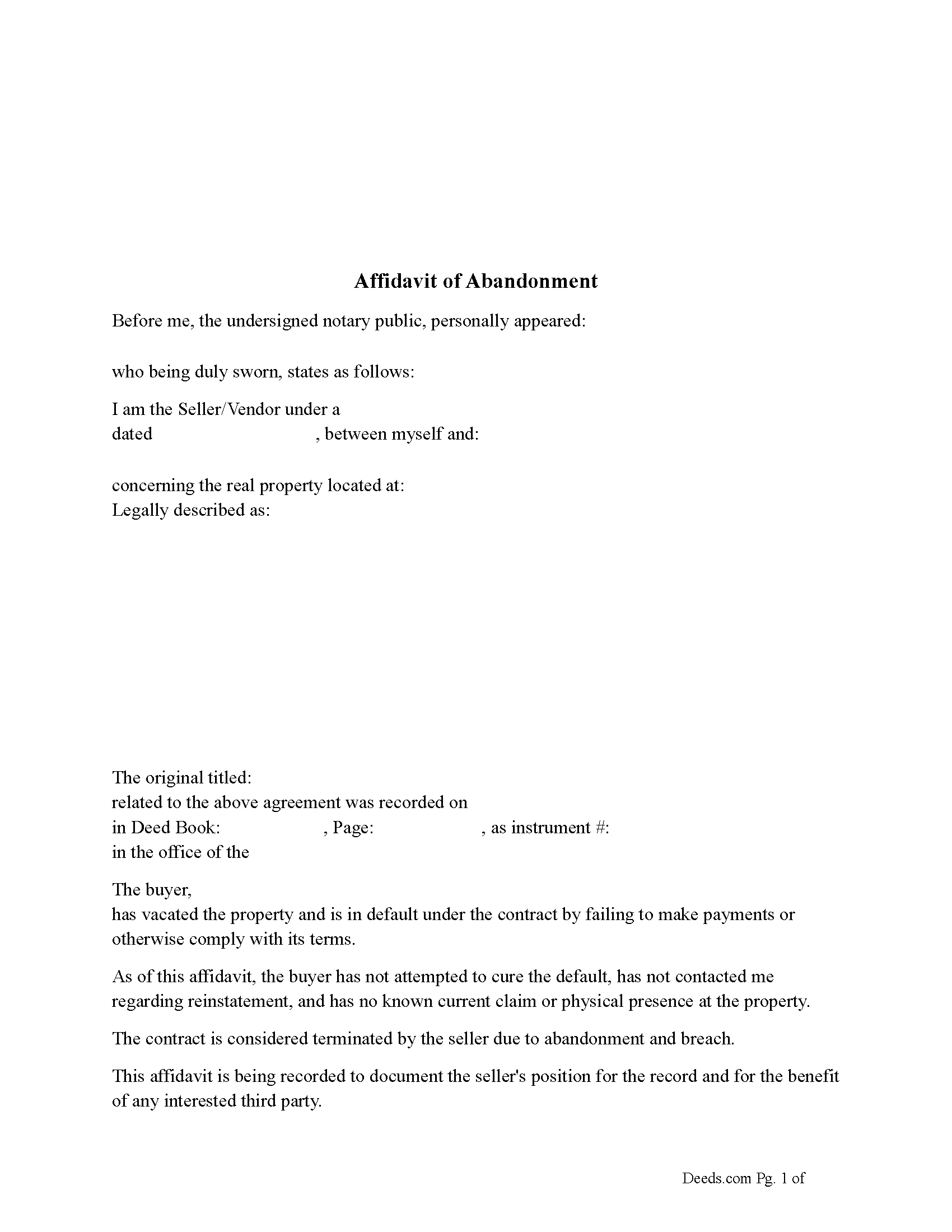
Larue County Affidavit of Abandonment Form
Fill in the blank Affidavit of Abandonment form formatted to comply with all Kentucky recording and content requirements.
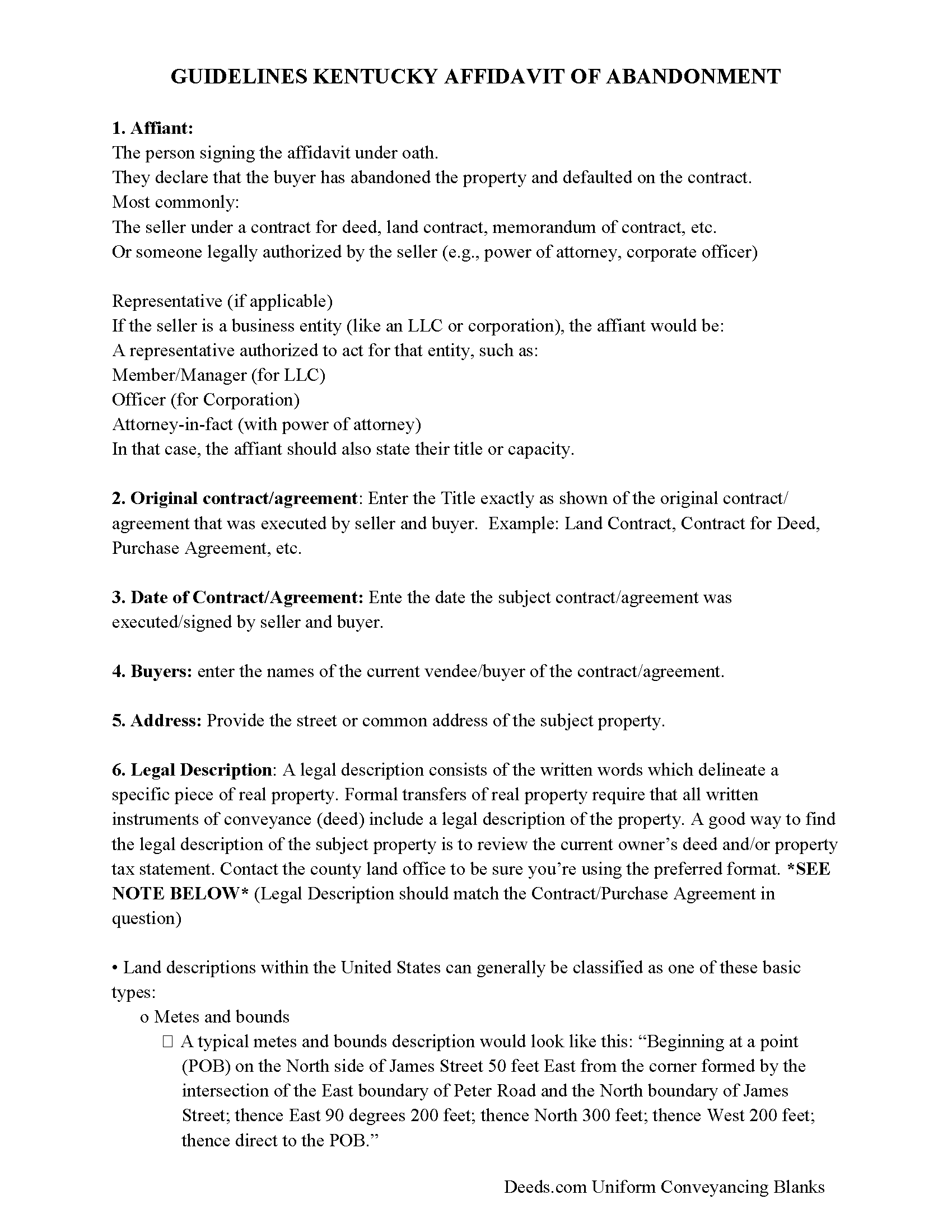
Larue County Affidavit of Abandonment Guide
Line by line guide explaining every blank on the Affidavit of Abandonment form.
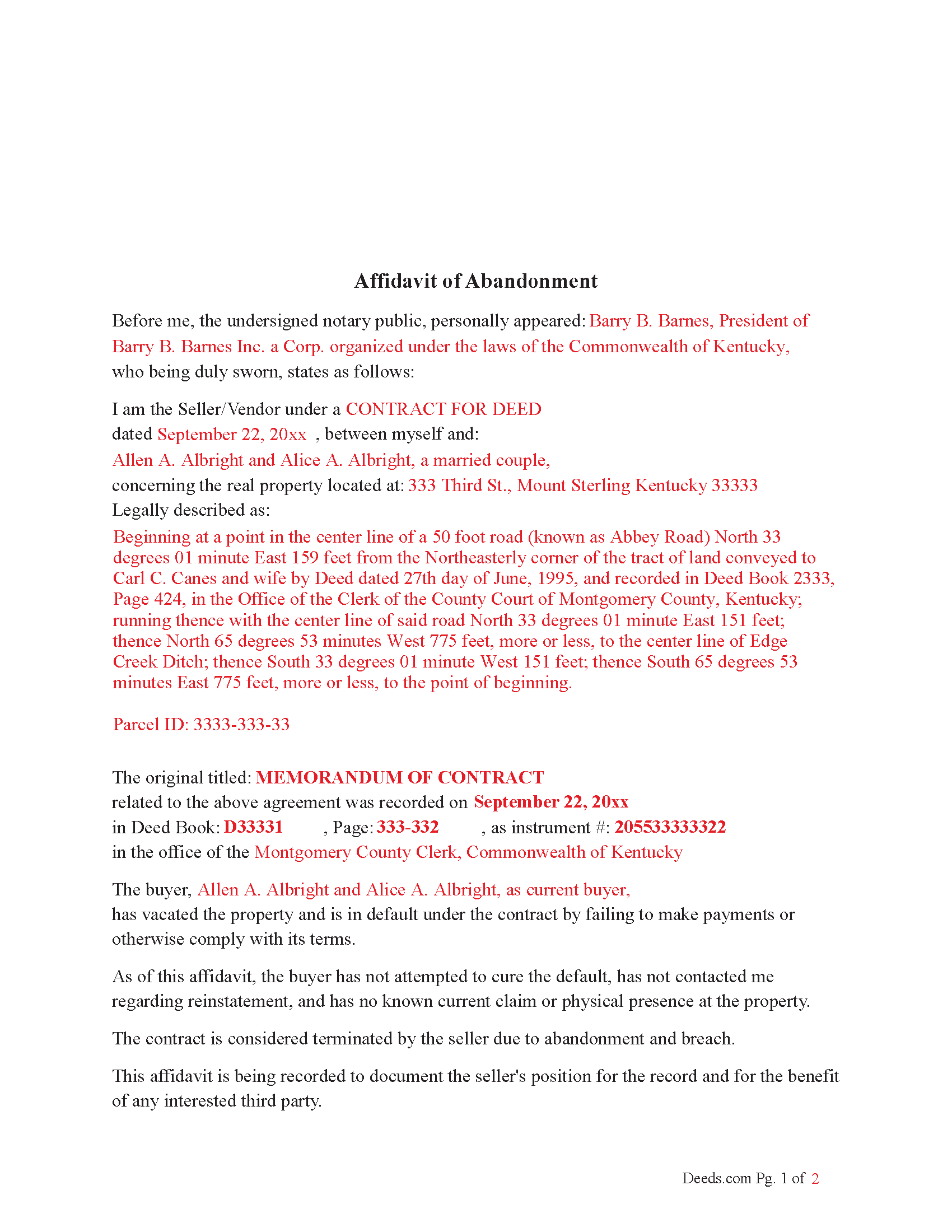
Larue County Completed Example of the Affidavit of Abandonment Document
Example of a properly completed Kentucky Affidavit of Abandonment document for reference.
All 3 documents above included • One-time purchase • No recurring fees
Immediate Download • Secure Checkout
Additional Kentucky and Larue County documents included at no extra charge:
Where to Record Your Documents
Larue County Clerk
Hodgenville, Kentucky 42748-1543
Hours: 8:00 to 4:30 Monday - Friday
Phone: (270) 358-3544 & 9902
Recording Tips for Larue County:
- Bring your driver's license or state-issued photo ID
- Ensure all signatures are in blue or black ink
- Avoid the last business day of the month when possible
- Both spouses typically need to sign if property is jointly owned
- Bring extra funds - fees can vary by document type and page count
Cities and Jurisdictions in Larue County
Properties in any of these areas use Larue County forms:
- Buffalo
- Hodgenville
- Magnolia
- Mount Sherman
Hours, fees, requirements, and more for Larue County
How do I get my forms?
Forms are available for immediate download after payment. The Larue County forms will be in your account ready to download to your computer. An account is created for you during checkout if you don't have one. Forms are NOT emailed.
Are these forms guaranteed to be recordable in Larue County?
Yes. Our form blanks are guaranteed to meet or exceed the applicable formatting requirements used for recording in Larue County, including margin requirements, font requirements, and other layout standards. This guarantee applies to formatting, not to the legal sufficiency of information entered by the user or the suitability of a form for a particular transaction.
Can I reuse these forms?
Yes. You can reuse the forms for your personal use. For example, if you have multiple properties in Larue County you only need to order once.
What do I need to use these forms?
The forms are PDFs that you fill out on your computer. The free Adobe Acrobat Reader is recommended, and most PDF apps also work. You do NOT enter your property information online - you download the blank forms and complete them privately on your own computer.
Are there any recurring fees?
No. This is a one-time purchase. Nothing to cancel, no memberships, no recurring fees.
How much does it cost to record in Larue County?
Recording fees in Larue County vary. Contact the recorder's office at (270) 358-3544 & 9902 for current fees.
Questions answered? Let's get started!
How It Helps a Quiet Title Action, Foreclosure Action or Release of Memorandum of Contract when the buyer has abandoned the property.
1. Creates a Public Record
Establishes a recorded timeline of default and abandonment.
Can be used to show that you made efforts to notify the buyer and that they ceased fulfilling obligations.
Helps satisfy the court’s requirement that the seller is acting in good faith.
2. Supports a Claim of Abandonment
Quiet title actions often require showing that no one else has a valid interest in the property.
The affidavit provides sworn, written evidence that the buyer no longer occupies, claims, or maintains the property.
3. Supplements Notice Requirements
Even if the buyer cannot be reached, the recorded affidavit can:
Show that you tried to locate or contact them
Help justify constructive notice (notice through public record) in lieu of personal service
4. Strengthens Foreclosure or Termination Case If proceeding with judicial foreclosure, the affidavit:
Lays out the buyer’s default in advance
Helps establish that default was material and ongoing
May streamline the case, especially if the buyer doesn’t respond
5. “Release of Memorandum of Contract” when property is abandoned.
If you cannot get the buyer to sign, but have evidence of:
Default
Abandonment
No claim or performance under the contract
Reference The recorded affidavit of abandonment (include its book/page)
Send notice of the release to the buyer’s last known address (optional but strongly advised)
You can move to release the memorandum yourself, but this is a legal gray area unless the contract authorizes you to do so unilaterally.
Legal Caution: While this approach is commonly used in practical title clearing, it’s not guaranteed to be bulletproof if the buyer later contests it. If the buyer resurfaces and claims an interest, you may still need to: File a quiet title action, or Get a court order confirming the termination.
An Affidavit of Abandonment strengthens your case to be most effective. While you still may need a court action to formally extinguish the buyer’s interest, a well-written, recorded Affidavit of Abandonment shows due diligence, documents breach and abandonment and may shorten or simplify litigation.
Important: Your property must be located in Larue County to use these forms. Documents should be recorded at the county recording office listed above.
This Affidavit of Abandonment meets all recording requirements specific to Larue County.
Our Promise
The documents you receive here are guaranteed to meet or exceed the applicable Larue County recording format requirements. If there is a rejection caused by our formatting, we will correct the issue or refund your payment. This guarantee applies to document formatting only and does not extend to information entered by the user, the selection of the form, or the legal effect of the completed document.
Save Time and Money
Get your Larue County Affidavit of Abandonment form done right the first time with Deeds.com Uniform Conveyancing Blanks. At Deeds.com, we understand that your time and money are valuable resources, and we don't want you to face a penalty fee or rejection imposed by a county recorder for submitting nonstandard documents. We constantly review and update our forms to meet rapidly changing state and county recording requirements for roughly 3,500 counties and local jurisdictions.
4.8 out of 5 - ( 4,845 Reviews )
Dawn L. 5 out of 5 stars
Not totally satisfied as unable to edit as needed on signature page of the deed. I want to be able to date the document and don't want the verbage "signed, sealed and delivered in the presence of" to appear and cannot remove it. The notary will make his or her own statement below as to the date executed.
Thank you for your feedback. We really appreciate it. Have a great day!
JOHN F. 5 out of 5 stars
Quick and easy! I had previously prepared a Lady Bird deed, submitted it through Deeds.com and it was accepted/recorded by my county in just a few hours. The Deed.com $21 fee was well worth it as I saved fuel, tolls and parking costs not to mention at least 2-3 hours of my time that it would've taken to get downtown and back home!
Thanks for the feedback John. We appreciate you taking the time to share your experience. Have an amazing day!
Linda F. 5 out of 5 stars
I can't recommend working with Deeds.com enough. I had been given incorrect information from another document service. The helpful staff member at Deeds.com that assisted in the submission of the recording was exceptionally helpful in making sure what I was submitting included the necessary elements required by the county. I am very thankful I chose Deeds.com for my eRecording service. Thank you!!
Thank you, Linda! We’re so glad our team could assist in making sure your submission met the county’s requirements. It means a lot that you chose Deeds.com after a frustrating experience elsewhere. We appreciate your trust and kind words!
Duane L. 4 out of 5 stars
Easy to use with very helpful directions.
Thank you!
Joseph S. 5 out of 5 stars
The best solution in creating deeds.
Thank you!
Ronald C. 5 out of 5 stars
My goal was to find the Covenant, Conditions, and Restrictions for my HOA. From what I can read, these documents should be attached to our Deed (single family, patio home in New Hanover County). I am not sure if I have a copy of my Deed. I would need to check my Safe Deposit Box. Unfortunately, I was not successful at finding these documents from your Website. If you can help me find them, I would appreciate that.
It is most common to obtain a copy of CC&Rs directly from the HOA. Alternatively, they are also usually a matter of public record recorded with the local recorder and you can obtain a copy there.
Gayela C. 5 out of 5 stars
Easy to use and I really like having the guides that come along with the forms.
Thank you!
AMY J. 5 out of 5 stars
Very easy user friendly thank you for that
Thank you!
chris m. 5 out of 5 stars
Was warned by attorney that forms from internet have lots of mistakes. But after looking all over, took a chance on here. So far, I am satisfied, and actually happy that I got something that (I believe) meets my state and local requirements. Haven't filed the deed yet, or had to put it into effect, but being able to pick the local area, and have the relevant state law listed on the deed, gives me confidence. Also, got the whole package of possibly relevant forms, and a very good guide how to prep the deed with a sample completed deed - greatly appreciated!
We appreciate your business and value your feedback. Thank you. Have a wonderful day!
Pierre M. 5 out of 5 stars
The form was very easy to fill out. The instructions were clear. Overall, a very user friendly product that made my job easier. Thanks you.
Thank you!
Pamela W. 5 out of 5 stars
This was so easy! Doing it this way saved me a bundle. I used the example form to make sure mine was correct. I would highly recommend this to anyone.
Thanks Pamela. We're glad the completed example was helpful.
Thomas J. 5 out of 5 stars
Seems to be just what I needed. I will certainly keep your services handy in the future. I will recommend your site whenever I can.
We are delighted to have been of service. Thank you for the positive review!
John Z. 5 out of 5 stars
This was an easy to use program. Easy payment. documents are on my desktop ready to fill out. I will have to update after my property transfer. Zuna
We appreciate your business and value your feedback. Thank you. Have a wonderful day!
Tricia M. 5 out of 5 stars
The document I purchased (QuitClaim Deed) had detailed directions explaining how to complete the form. This made it easy to complete without any doubt that it was completed incorrectly (which was my fear). I also used the E-File service and it was processed very quickly without any issues. Thank you for making this process simple! I will definitely use this service again.
We appreciate your business and value your feedback. Thank you. Have a wonderful day!
Robert R. 5 out of 5 stars
Just joined. Recommended by a strong source. Looking forward to doing business.
Thank you!