Franklin County Quitclaim Deed Form
Last validated November 3, 2026 by our Forms Development TeamFormatted for recording in Franklin County, for property anywhere in the county: rural and unincorporated areas as well as Frankfort.
- 3 documents included
- Immediate PDF download
- Formatting guarantee
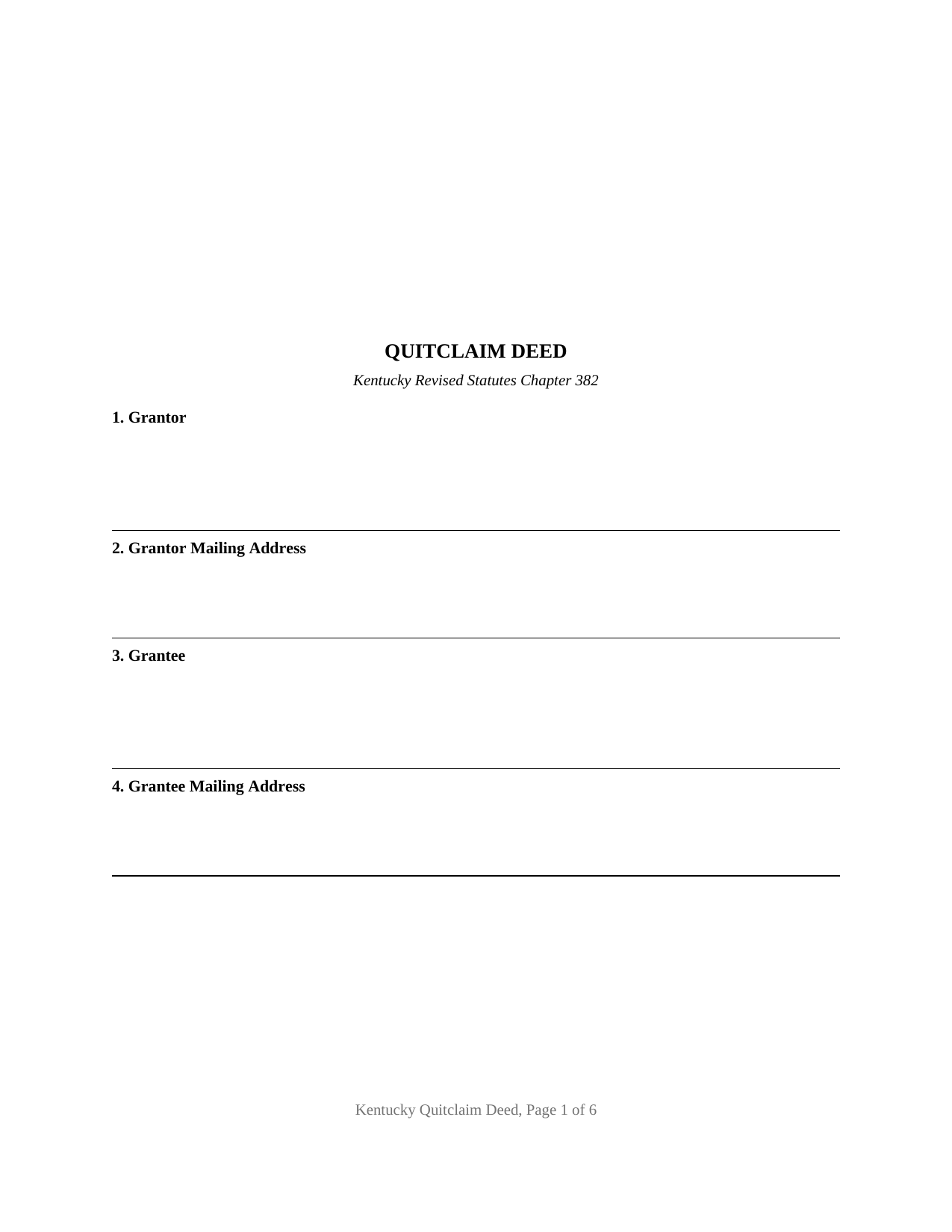
Franklin County Quitclaim Deed Form
Fill in the blank Quitclaim Deed form formatted to comply with all Kentucky recording and content requirements.
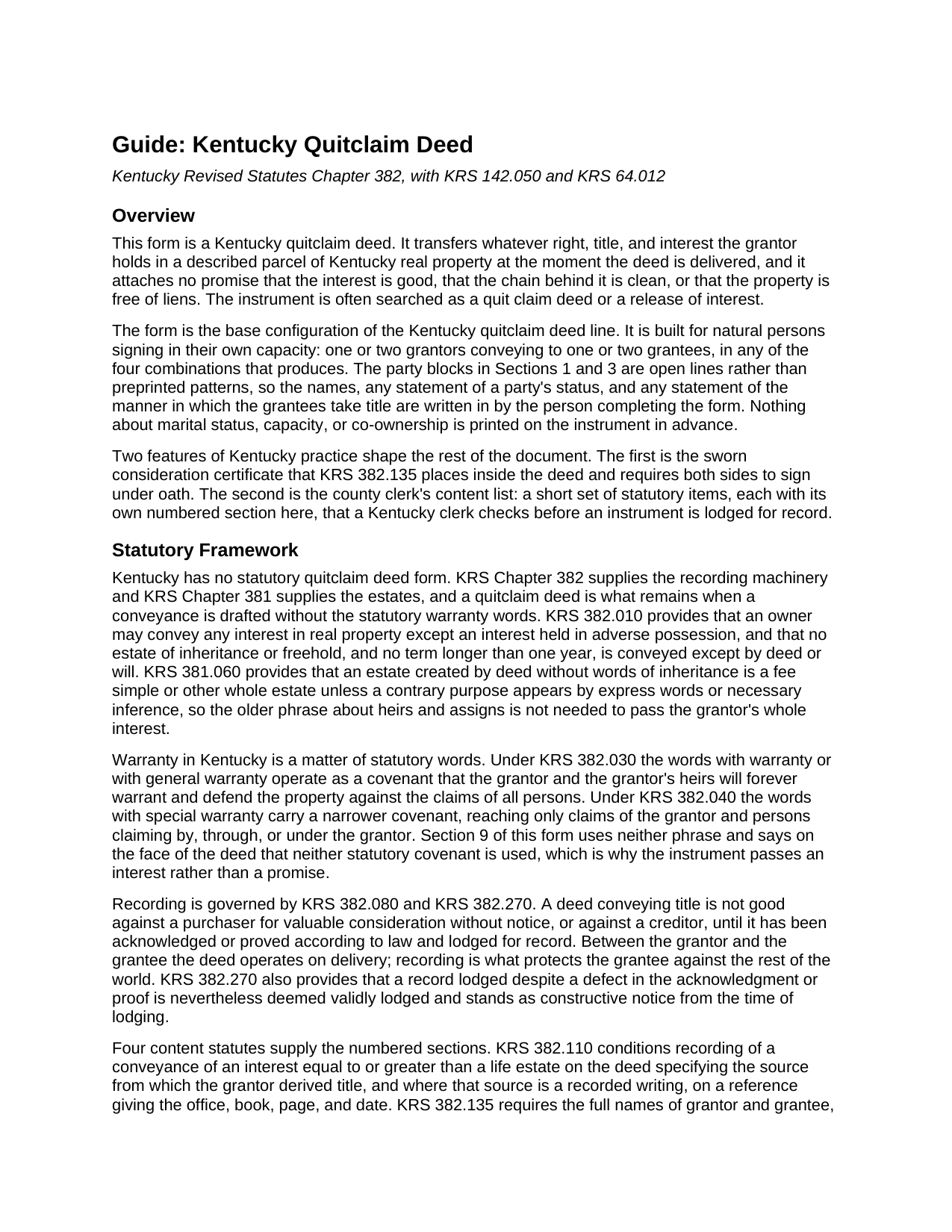
Franklin County Quitclaim Deed Guide
Line by line guide explaining every blank on the Quitclaim Deed form.
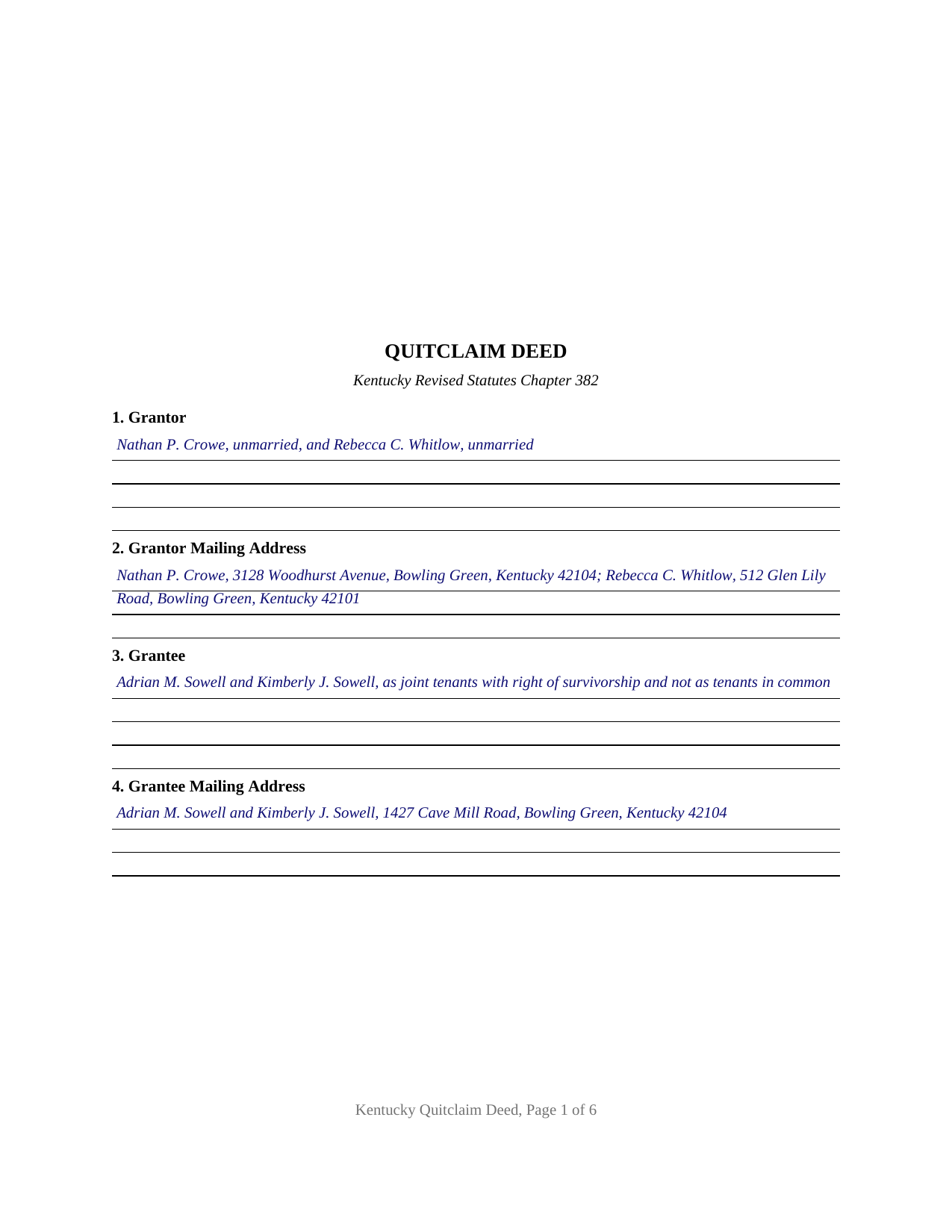
Franklin County Completed Example of the Quitclaim Deed Document
Example of a properly completed Kentucky Quitclaim Deed document for reference.
All 3 documents above included • One-time purchase • No recurring fees
Immediate Download • Secure Checkout
Additional Kentucky and Franklin County documents included at no extra charge:
Where to Record Your Documents
Franklin County Clerk
Frankfort, Kentucky 40602
Hours: 8:00am to 4:30pm M-F
Phone: (502) 875-8702
Recording Tips for Franklin County:
- Bring your driver's license or state-issued photo ID
- Ensure all signatures are in blue or black ink
- Documents must be on 8.5 x 11 inch white paper
- Double-check legal descriptions match your existing deed
- Verify all names are spelled correctly before recording
Cities and Jurisdictions in Franklin County
Properties in any of these areas use Franklin County forms:
- Frankfort
Hours, fees, requirements, and more for Franklin County
How do I get my forms?
Forms are available for immediate download after payment. The Franklin County forms will be in your account ready to download to your computer. An account is created for you during checkout if you don't have one. Forms are NOT emailed.
Are these forms guaranteed to be recordable in Franklin County?
Yes. Our form blanks are guaranteed to meet or exceed the applicable formatting requirements used for recording in Franklin County, including margin requirements, font requirements, and other layout standards. This guarantee applies to formatting, not to the legal sufficiency of information entered by the user or the suitability of a form for a particular transaction.
Can I reuse these forms?
Yes. You can reuse the forms for your personal use. For example, if you have multiple properties in Franklin County you only need to order once.
What do I need to use these forms?
The forms are PDFs that you fill out on your computer. The free Adobe Acrobat Reader is recommended, and most PDF apps also work. You do NOT enter your property information online - you download the blank forms and complete them privately on your own computer.
Are there any recurring fees?
No. This is a one-time purchase. Nothing to cancel, no memberships, no recurring fees.
How much does it cost to record in Franklin County?
Recording fees in Franklin County vary. Contact the recorder's office at (502) 875-8702 for current fees.
Questions answered? Let's get started!
Two names on a Kentucky deed do not by themselves make a survivorship. This fillable Kentucky quitclaim deed is the base form of the line, written for one or two people conveying to one or two people, and the block that takes the grantee names is left open, because under Kentucky law the words deciding what happens at a co-owner's death have to be written into the deed. What passes is the interest the grantor holds at delivery, with nothing promised about it.
The survivorship words a Kentucky deed has to say out loud
KRS 381.120 is the section that catches people. When one joint tenant dies, that owner's part goes to the heirs, to a devisee, or to the personal representative, so the phrase joint tenants, standing alone, buys nothing at the first death. Survivorship comes from KRS 381.130, which lifts an instrument out of that rule where its language manifests the intent that a deceased owner's part belongs to the others; the wording Kentucky practice settled on is as joint tenants with right of survivorship and not as tenants in common. Spouses have a second route in KRS 381.050, which gives no mutual right to the entirety unless the deed expressly provides it. The grantee block here prints no pattern, so whichever form the deed intends is written on the line, and the guide sets out each one with its statute.
One or two on each side, with nothing preprinted
The form recites one or two grantors, natural persons signing for themselves, and one or two grantees, in any of the four combinations that allows. Both party blocks are open lines, so a name, a statement of status, a former name, or a fractional interest goes in as written rather than as a checkbox. Two owners named in one vesting deed passing a parcel on to two grantees, and a single owner releasing to a single grantee, present the count patterns this deed recites. It is not arranged for an entity signing through an officer, a member, or a partner, for a trustee conveying in a fiduciary capacity, for an agent signing under a power of attorney, for a spouse with no record title joining to relinquish a marital claim, or for three or more people on either side. Unused blocks are left blank.
Four signature lines, and why the receiving side signs
Kentucky puts a sworn statement inside the deed. KRS 382.135 asks for a notarized certificate signed by the grantor or an agent and by the grantee or an agent, stating either that the consideration reflected in the deed is the full consideration paid or, on a gift or nominal consideration transfer, that the transfer is a gift with the estimated fair cash value set out. Each side therefore has two signature lines, and each line its own notarial certificate: the grantor certificates take the oath and the acknowledgment together, and the grantee certificates take the jurat form, since a grantee signs to swear rather than to convey. Separate certificates let the signers appear on different days before different notaries.
A conveyance with no covenant behind it
Section 9 remises, releases, and forever quitclaims, and then says plainly that neither the general warranty words of KRS 382.030 nor the special warranty words of KRS 382.040 appear anywhere in the instrument. Mortgages, judgment liens, easements, mineral reservations, and breaks in the chain all ride through the transfer. Around that conveyance sit the entries a Kentucky clerk checks at intake. Section 7 gives the office, book, page, and date KRS 382.110 wants for the grantor's own title. Section 5 holds the address KRS 382.135 asks for so the year's tax bill can find someone. Section 8 has a line for purchase money still owed, which KRS 382.070 makes the condition of a grantor's lien standing up against later buyers, and Section 13 is the signed preparation statement no clerk may record an instrument without. The clerk computes the KRS 142.050 transfer tax from the figure the certificate swears to, fifty cents for each five hundred dollars of value, and KRS 382.260 keeps the deed out of the record until it is paid.
Sometimes searched as a quit claim deed or a release of interest, this download delivers the fillable deed, a completed Warren County example with every entry made, and a plain language guide covering each section, the vesting words, the four signatures, and recording. The materials are informational and are not legal advice.
Important: Your property must be located in Franklin County to use these forms. Documents should be recorded at the county recording office listed above.
This Quitclaim Deed meets all recording requirements specific to Franklin County.
Our Promise
The documents you receive here are guaranteed to meet or exceed the applicable Franklin County recording format requirements. If there is a rejection caused by our formatting, we will correct the issue or refund your payment. This guarantee applies to document formatting only and does not extend to information entered by the user, the selection of the form, or the legal effect of the completed document.
Save Time and Money
Get your Franklin County Quitclaim Deed form done right the first time with Deeds.com Uniform Conveyancing Blanks. At Deeds.com, we understand that your time and money are valuable resources, and we don't want you to face a penalty fee or rejection imposed by a county recorder for submitting nonstandard documents. We constantly review and update our forms to meet rapidly changing state and county recording requirements for roughly 3,500 counties and local jurisdictions.
4.8 out of 5 - ( 4,859 Reviews )
Daniel B. 5 out of 5 stars
The staff at Deeds.com was very patient and ensured the deed was in the correct format for recording. Had I tried to record it myself, it would have been rejected, as I did not have the home address for the 2 witnesses. I would definitely recommend deeds.com
Thanks for the kind words, Daniel. Witness address requirements catch a lot of people off guard. Glad we could get everything squared away before it hit the recorder's desk. We appreciate the recommendation.
Jay P. 5 out of 5 stars
Great site, even for Tech dummies like me. Easy to use and VERY prompt! Thanks!
Thank you for your feedback. We really appreciate it. Have a great day!
FELISA J. 5 out of 5 stars
I liked the ease of locating the document I needed and the sample document was extremely helpful. I would have liked the acknowledgement to be on the same page as the rest of the document. It costs for each page recorded.
We appreciate your business and value your feedback. Thank you. Have a wonderful day!
Cathleen H. 5 out of 5 stars
The pdf form is good; however, the input boxes merge into the line above so the text is hard to read when complete. I added a return before entering my data and this solved the problem.
Thank you for your feedback Cathleen. We will have staff take a look at the document for issues with the text fields. Have a great day!
Laura H. 5 out of 5 stars
I was very impressed with how quickly I was provided the data.
Thank you!
richard s. 5 out of 5 stars
had exactly what i needed and good price
Thank you Richard! Have an amazing day.
Jacqueline T. 5 out of 5 stars
Worth it for the time saved as the supplemental forms required were included the purchase. First time user, easy peasy. 5 stars from me.
We appreciate your business and value your feedback. Thank you. Have a wonderful day!
Dorothy B. 5 out of 5 stars
Love your deed service. Simple and easy.
Thank you!
Victoria Y. 5 out of 5 stars
Great response and painless. Very easy to use
Thank you for your feedback. We really appreciate it. Have a great day!
JOYCE R. 5 out of 5 stars
I am a tax attorney and had worked as a Valuation Engineer with Internal Revenue Service. I can access (almost immediately) complete title reports and transactions history of real estate transfers. It is a joy to have access to your valuable service. JOYCE REBHUN,JD,MBA,PhD,EA
Thank you for your feedback. We really appreciate it. Have a great day!
Thomas D. 2 out of 5 stars
The documents themselves are fine and the information provided with them is helpful. I find the actual processing of the documents, however, to be difficult particularly once the document has been saved. First, I note that the box for the date only allows entry of the last 2 digits of the year. Unfortunately, my download only allows me to enter one of the 2 digits required. When I delete it repeatedly, it eventually allows both digits to be entered but puts them in extremely small text and in superscrypt. I have not found a solution to this problem and am not sure the deed can even be recorded with this problem. Another problem is that if you try to revise the document after you have saved it the curser goes to the end of the line after each key entry. This means that there basically is no way to efficiently save the document for reworking later since you will have to delete everything you have entered in the text box unless you only need to make a single keystroke change or are willing to replace the curser after each entry. Try that with a long property description! Please note that I am using a Mac to prepare my documents and perhaps this is part of an "incompatibility problem". However, I didn't see a disclaimer regarding Mac use and so would expect the documents to perform correctly. Overall, I give the program a "2 star" rating because I am experiencing significant difficulties in entering dates in the documents even before saving them and because saving your work for later revision appears to be basically unworkable.
Thank you for your feedback Thomas, we appreciate you being specific about the issues you encountered. Adobe and Mac have a fairly long history of issues working together.
John A. 5 out of 5 stars
Very easy to use. Would recommend to anyone
We appreciate your business and value your feedback. Thank you. Have a wonderful day!
scott m. 5 out of 5 stars
thanks- easy as pie.
Thank you!
MANUEL O. 5 out of 5 stars
great service Loved!
Thank you!
Marsella F. 5 out of 5 stars
Thank you so much!! This is a fantastic tool!! Marsella F.
Thank you for your feedback. We really appreciate it. Have a great day!