Talbot County Assignment of Deed of Trust - Mortgage Form
Last validated October 22, 2026 by our Forms Development TeamFormatted for recording in Talbot County, for property anywhere in the county or independent city: rural and unincorporated areas as well as Bozman, Claiborne, Cordova, Easton, Mcdaniel, Neavitt, Newcomb, Oxford and 7 more.
- 6 documents included
- Immediate PDF download
- Formatting guarantee
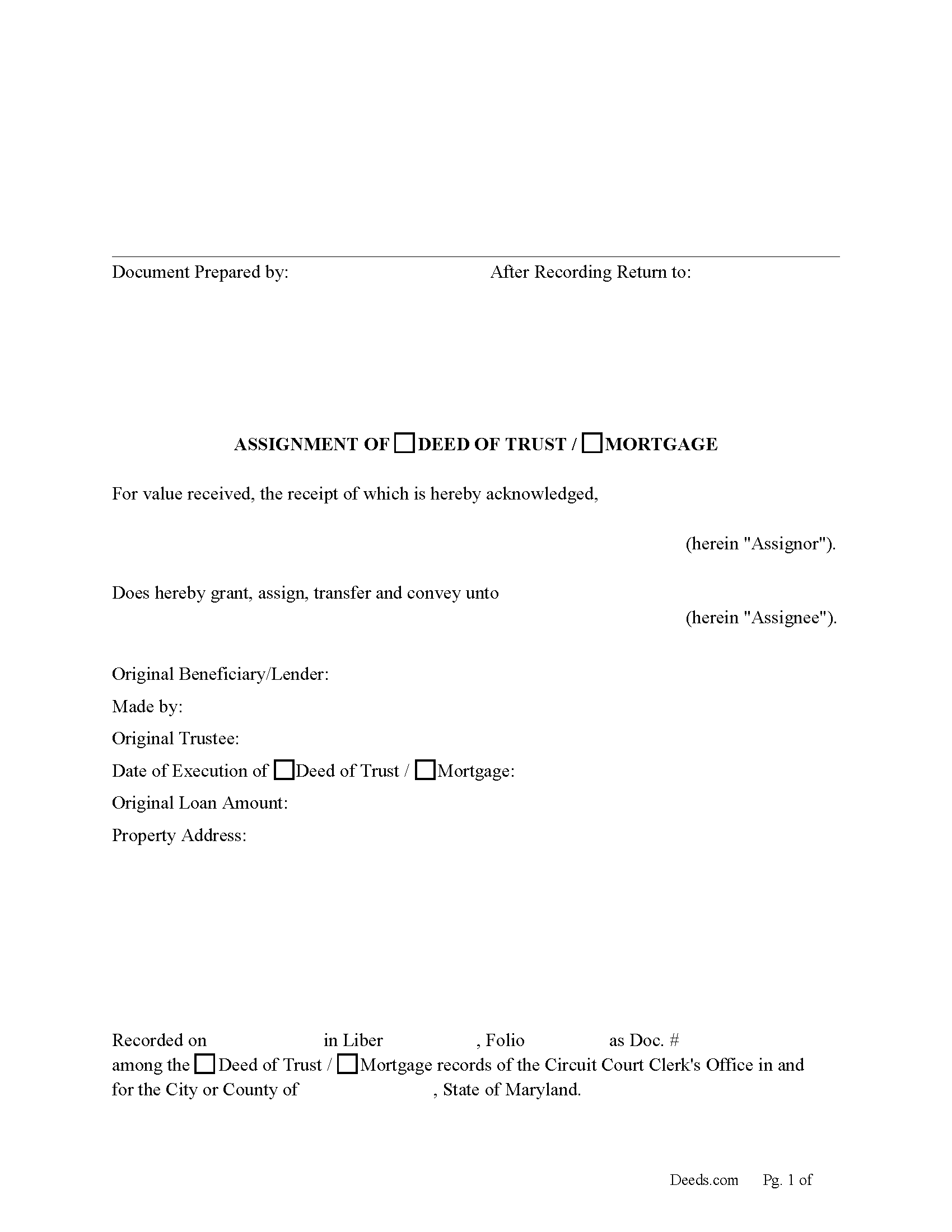
Talbot County Assignment of Deed of Trust or Mortgage Form
Fill in the blank form formatted to comply with all recording and content requirements.
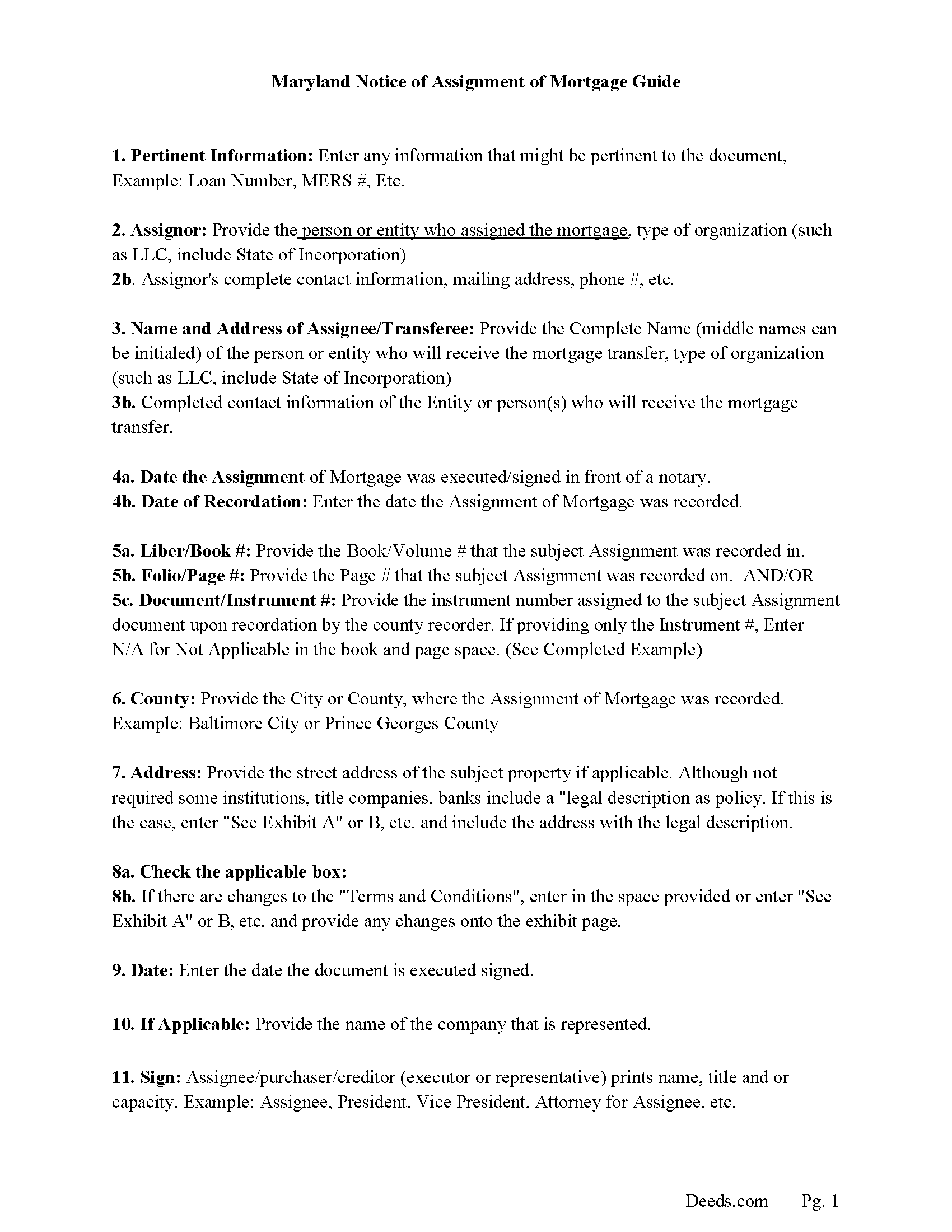
Talbot County Guidelines for Assignment of Deed of Trust-Mortgage
Line by line guide explaining every blank on the form.
Talbot County Completed Example of the Assignment of Deed of Trust-Mortgage Document
Example of a properly completed form for reference.
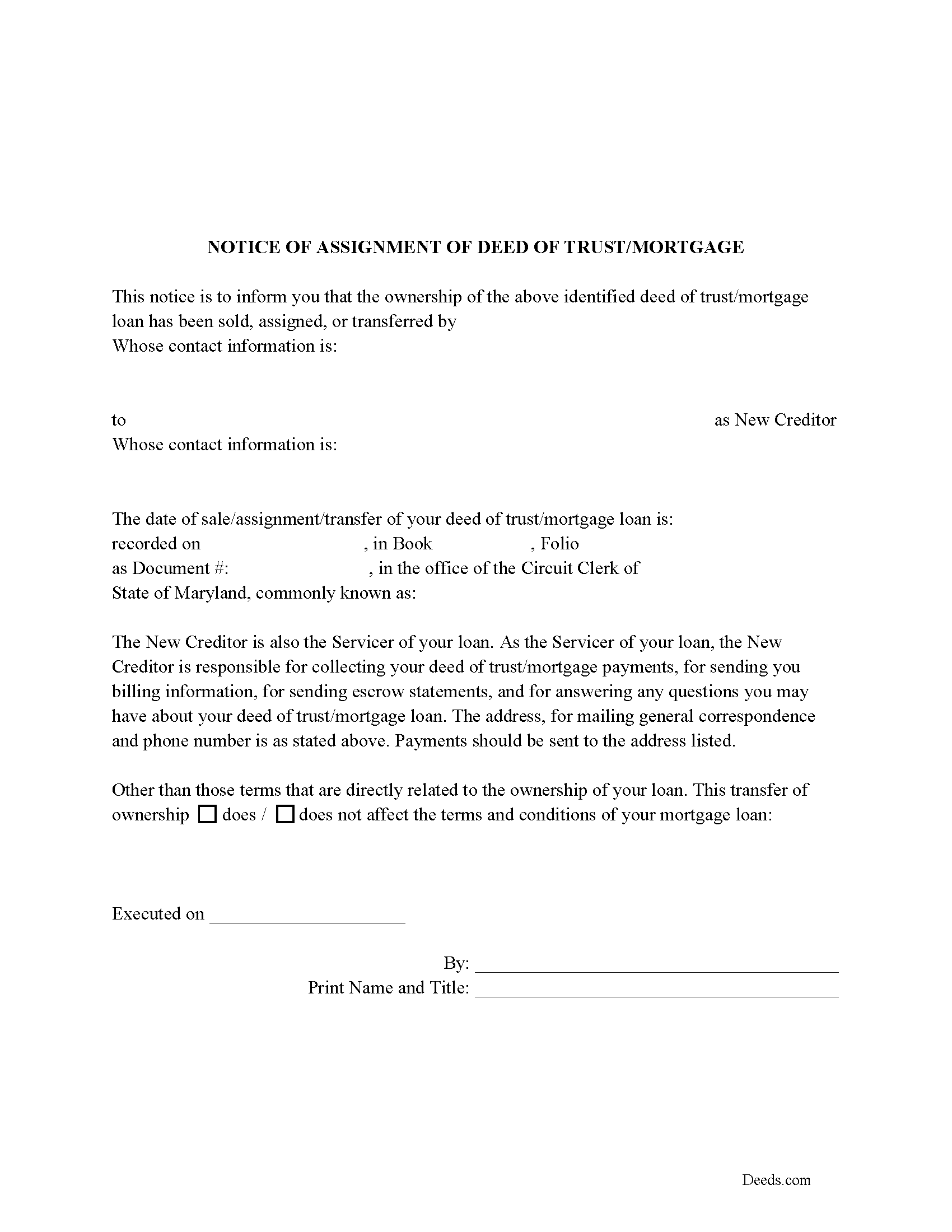
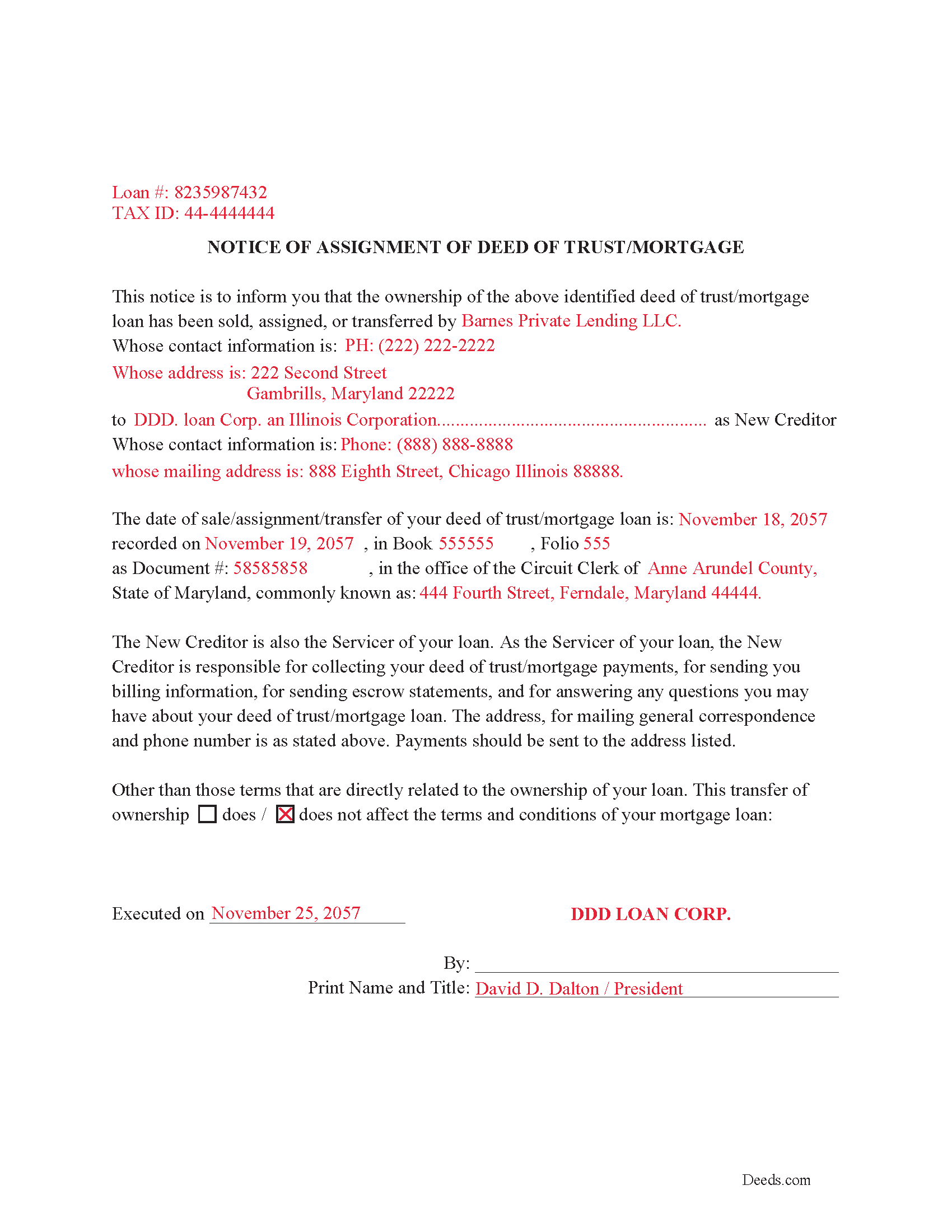
Talbot County Notice of Assignment of Deed of Trust or Mortgage Form
Required form notifies borrowers of the recorded Assignment.
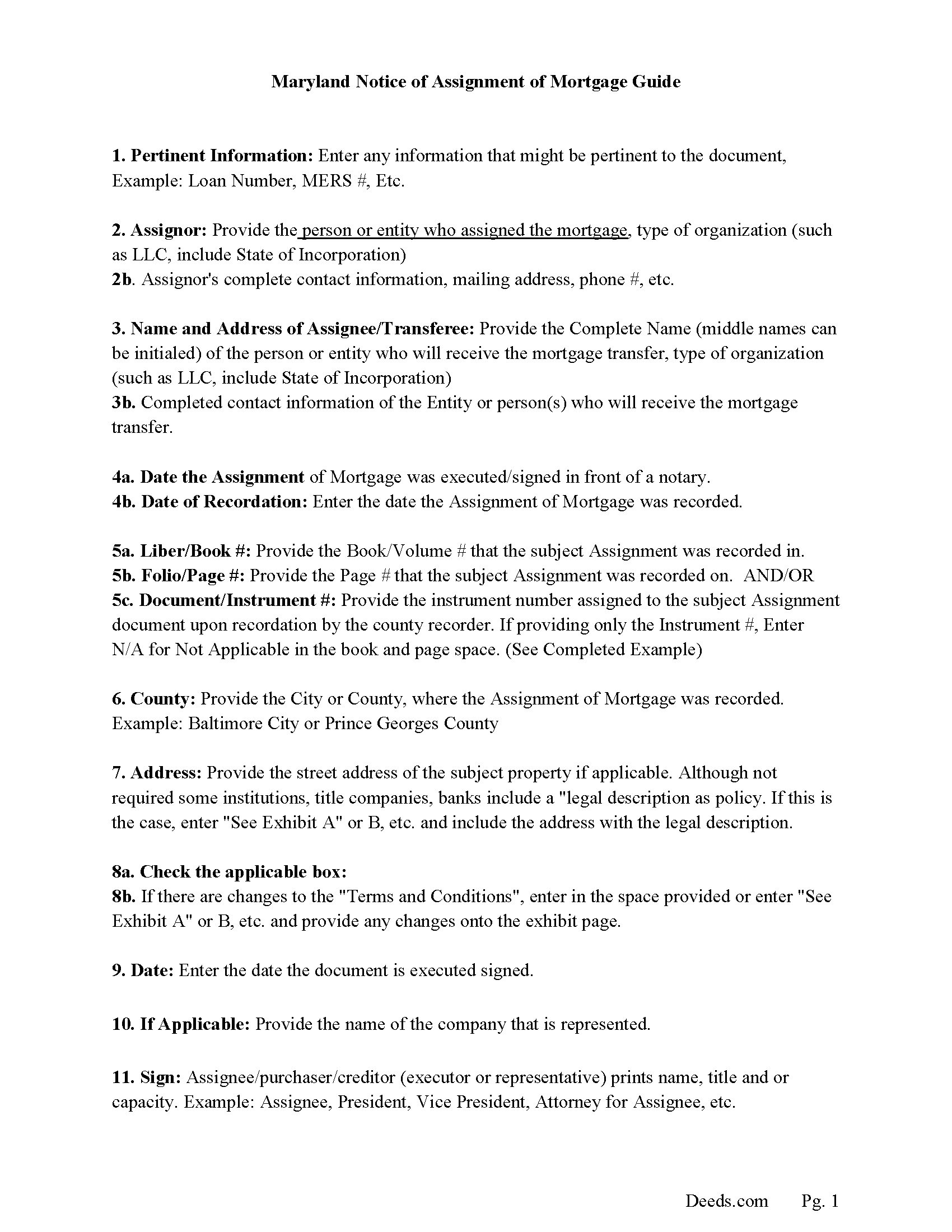
Talbot County Guidelines for Notice of Assignment
Line by line guide explaining every blank on the form.
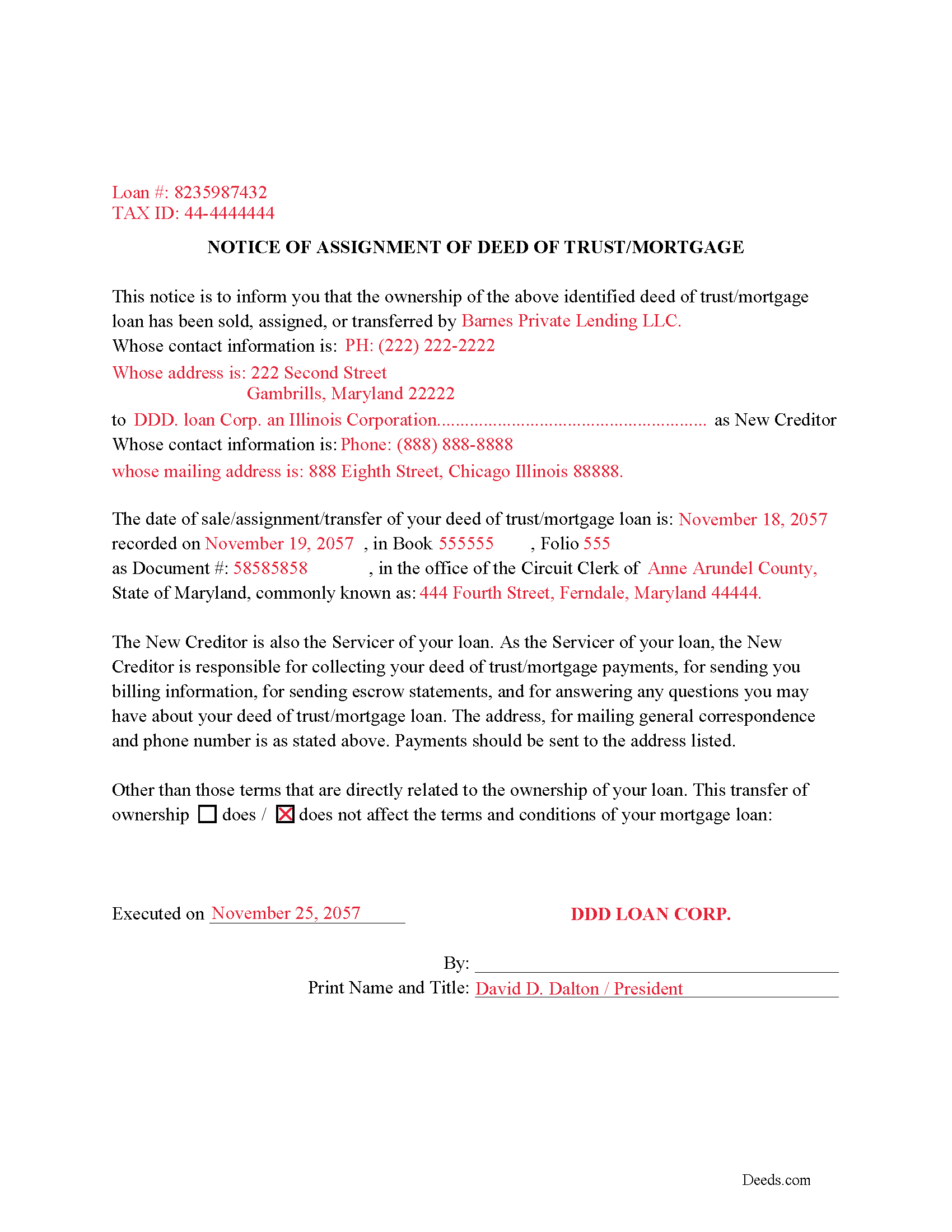
Talbot County Completed Example of the Notice of Assignment Document
Example of a properly completed form for reference.
All 6 documents above included • One-time purchase • No recurring fees
Immediate Download • Secure Checkout
Additional Maryland and Talbot County documents included at no extra charge:
Where to Record Your Documents
Circuit Court Clerk
Easton, Maryland 21601
Hours: 8:30 to 4:30 Monday through Friday
Phone: 410-822-2611
Recording Tips for Talbot County:
- Bring your driver's license or state-issued photo ID
- Ensure all signatures are in blue or black ink
- Ask if they accept credit cards - many offices are cash/check only
- Check that your notary's commission hasn't expired
- Documents must be on 8.5 x 11 inch white paper
Cities and Jurisdictions in Talbot County
Properties in any of these areas use Talbot County forms:
- Bozman
- Claiborne
- Cordova
- Easton
- Mcdaniel
- Neavitt
- Newcomb
- Oxford
- Royal Oak
- Saint Michaels
- Sherwood
- Tilghman
- Trappe
- Wittman
- Wye Mills
Hours, fees, requirements, and more for Talbot County
How do I get my forms?
Forms are available for immediate download after payment. The Talbot County forms will be in your account ready to download to your computer. An account is created for you during checkout if you don't have one. Forms are NOT emailed.
Are these forms guaranteed to be recordable in Talbot County?
Yes. Our form blanks are guaranteed to meet or exceed the applicable formatting requirements used for recording in Talbot County, including margin requirements, font requirements, and other layout standards. This guarantee applies to formatting, not to the legal sufficiency of information entered by the user or the suitability of a form for a particular transaction.
Can I reuse these forms?
Yes. You can reuse the forms for your personal use. For example, if you have multiple properties in Talbot County you only need to order once.
What do I need to use these forms?
The forms are PDFs that you fill out on your computer. The free Adobe Acrobat Reader is recommended, and most PDF apps also work. You do NOT enter your property information online - you download the blank forms and complete them privately on your own computer.
Are there any recurring fees?
No. This is a one-time purchase. Nothing to cancel, no memberships, no recurring fees.
How much does it cost to record in Talbot County?
Recording fees in Talbot County vary. Contact the recorder's office at 410-822-2611 for current fees.
Questions answered? Let's get started!
Both Deed of Trusts and Mortgages are used as security instruments to secure a debt on real property in Maryland. This form is used to assign either to another party, often used when the debt is sold to another lender.
(The clerk of the court shall record photographically any assignment of a mortgage with an attachment or rider affixed to it containing the names of the parties as they appear on the original mortgage and a reference to the book number and page number where the mortgage is recorded.) (3-106 - Recording of assignments of mortgages)
Notice of Assignment Form Included.
The Truth and lending act requires that borrowers be notified when their Deed of Trust/Mortgage debt has been sold, transferred, or assigned to a new creditor.
(Maryland Assignment Package includes form, guidelines, and completed example) For use in Maryland only.
Important: Your property must be located in Talbot County to use these forms. Documents should be recorded at the county or independent city recording office listed above.
This Assignment of Deed of Trust - Mortgage meets all recording requirements specific to Talbot County.
Our Promise
The documents you receive here are guaranteed to meet or exceed the applicable Talbot County recording format requirements. If there is a rejection caused by our formatting, we will correct the issue or refund your payment. This guarantee applies to document formatting only and does not extend to information entered by the user, the selection of the form, or the legal effect of the completed document.
Save Time and Money
Get your Talbot County Assignment of Deed of Trust - Mortgage form done right the first time with Deeds.com Uniform Conveyancing Blanks. At Deeds.com, we understand that your time and money are valuable resources, and we don't want you to face a penalty fee or rejection imposed by a county recorder for submitting nonstandard documents. We constantly review and update our forms to meet rapidly changing state and county recording requirements for roughly 3,500 counties and local jurisdictions.
4.8 out of 5 - ( 4,839 Reviews )
Douglas D. 5 out of 5 stars
WOW! What a great service! Incredibly fast (just under 3 hours from creating the package to getting a receipt from the county recorder!) Will definitely use this service again!
We appreciate your business and value your feedback. Thank you. Have a wonderful day!
Gertrude H. 5 out of 5 stars
I used this form and guide a couple years ago and found it helpful and easy to fill out. Had good results at the Recorder's Office. Would recommend Deeds.com.
Thank you for your feedback. We really appreciate it. Have a great day!
Howard N. 5 out of 5 stars
I tried several other online sites for lady bird deed. The county said they didn't contain the correct information. The form from Deeds.com was the right one. Thank you Howard Nielsen
Thank you for your positive words! We’re thrilled to hear about your experience.
SHIRLEY R. 5 out of 5 stars
This was Awesome!
We appreciate your business and value your feedback. Thank you. Have a wonderful day!
Charles S. 5 out of 5 stars
very happy with guidance and responses - thank you - not finished yet but confident
We are sincerely grateful for your feedback and are committed to providing the highest quality service. Thank you for your trust in us.
Matthew L. 5 out of 5 stars
I would make just two suggestions. (1) Create and example showing multiple grantor(s) and (2) In the same example, show where and estate is conveyed to two or more people. It would help in knowing the correct format.
Thank you for your feedback. We really appreciate it. Have a great day!
Margaret S. 5 out of 5 stars
Your service is second to none. Your website is user-friendly, easy to navigate and within minutes I had the forms I needed. Keep up the good work!
We appreciate your business and value your feedback. Thank you. Have a wonderful day!
Wanda C. 5 out of 5 stars
Site is very well laid out and easy to use. My only issue is that it wouldn't allow me to change my password, so I'm stuck with the "temporary" one. Not a big deal, but I would have preferred to change it.
Thank you for your feedback. We really appreciate it. Have a great day!
Nikie U. 5 out of 5 stars
This was my first time using this service and it worked smoothly and efficiently and I will definitely use them again.
Thank you for your feedback. We really appreciate it. Have a great day!
William Q. 5 out of 5 stars
The website and information is fine. The proof in the pudding, of course, is whether the forms I used now will provide the results I want if the changes are challenged at some future date.
Thank you for your feedback. We really appreciate it. Have a great day!
Beth O. 5 out of 5 stars
Easy peasy! Thank y'all so much.
Thank you!
Elaine D. 5 out of 5 stars
Easement deed contract was easy to complete, however after additional research raises some concerns because the Ohio deed does not list a requirement for witness signatures and does not provide lines or an area for witness signatures. The document does provide the necessary area for the notary information and the grantor and grantee.
Thank you for your feedback. We really appreciate it. Have a great day!
Scott M. 5 out of 5 stars
Complete Package don't spend good money for a title co. to do this
Thank you for your feedback. We really appreciate it. Have a great day!
Traci R. 1 out of 5 stars
I was disappointed in the form received. The language was not clear and for the price, one would think we would receive a Word version rather than a PDF.
Sorry to hear of your struggle Traci. We have canceled your order and payment. We do hope that you find something more suitable to your needs elsewhere. Have a wonderful day.
Thomas H. 5 out of 5 stars
Great service! The example completed form and instructions provided by Deeds.com were extremely helpful for properly filling out the blank form they provided. After completing my form and getting it notarized, I e-filed it to my county clerk's office and it was approved right away with no issues. The entire process was well worth the price and I'm very happy with the results.
Thanks, Thomas. First-try acceptance is the goal every time, and we're glad yours went that way. We appreciate your business.