Cecil County Trustee Deed Form
Last validated October 21, 2026 by our Forms Development TeamFormatted for recording in Cecil County, for property anywhere in the county or independent city: rural and unincorporated areas as well as Cecilton, Charlestown, Chesapeake City, Childs, Colora, Conowingo, Earleville, Elk Mills and 8 more.
- 3 documents included
- Immediate PDF download
- Formatting guarantee
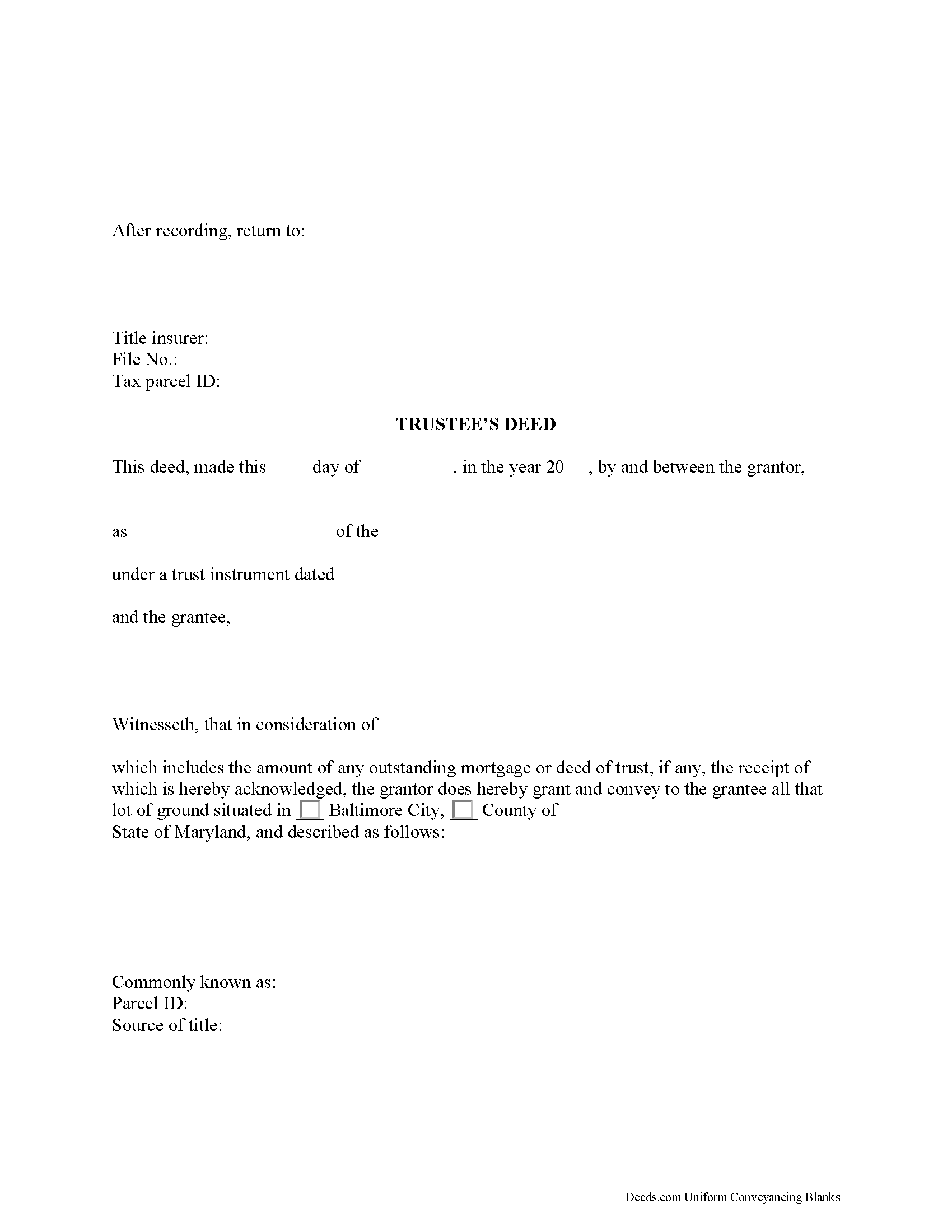
Cecil County Trustee Deed Form
Fill in the blank form formatted to comply with all recording and content requirements.
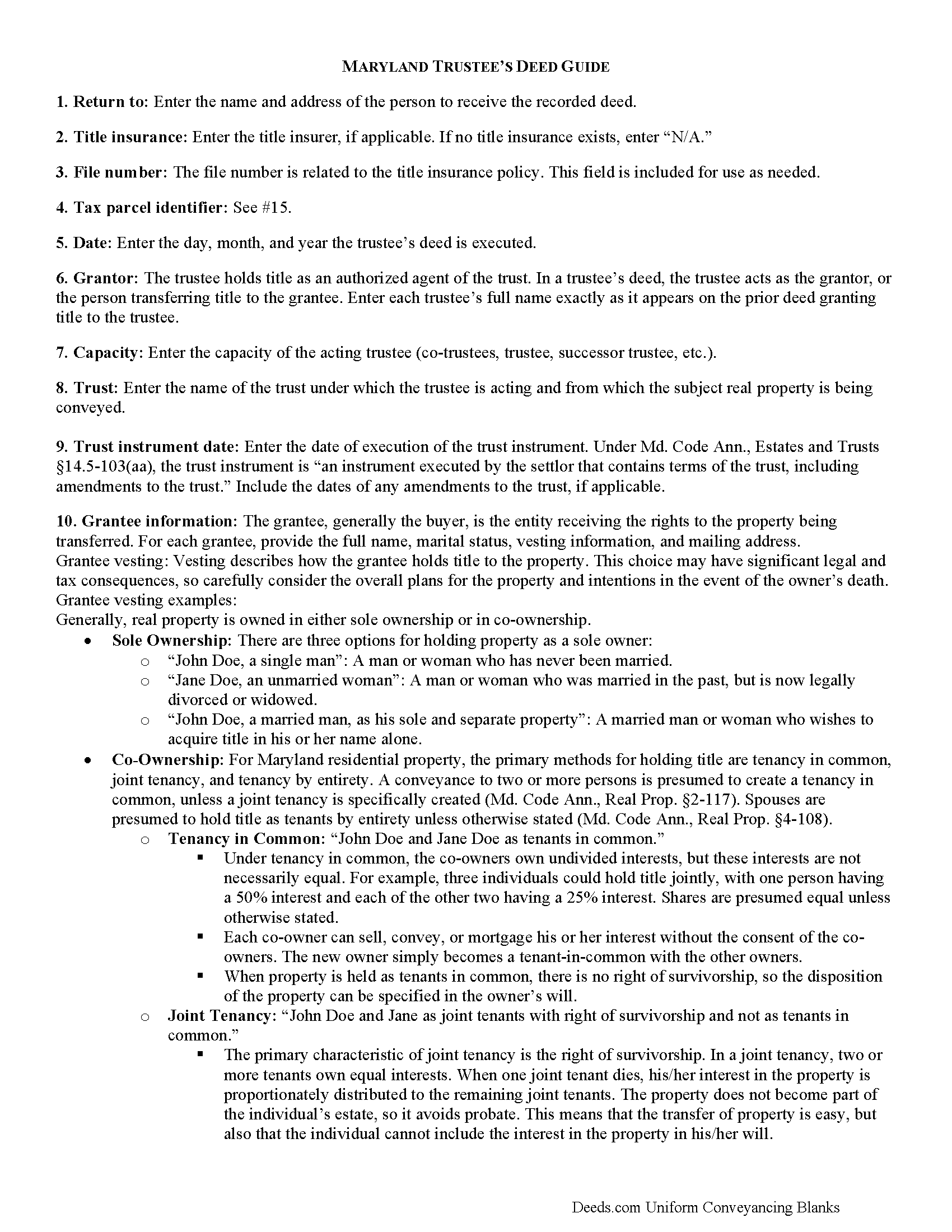
Cecil County Trustee Deed Guide
Line by line guide explaining every blank on the form.
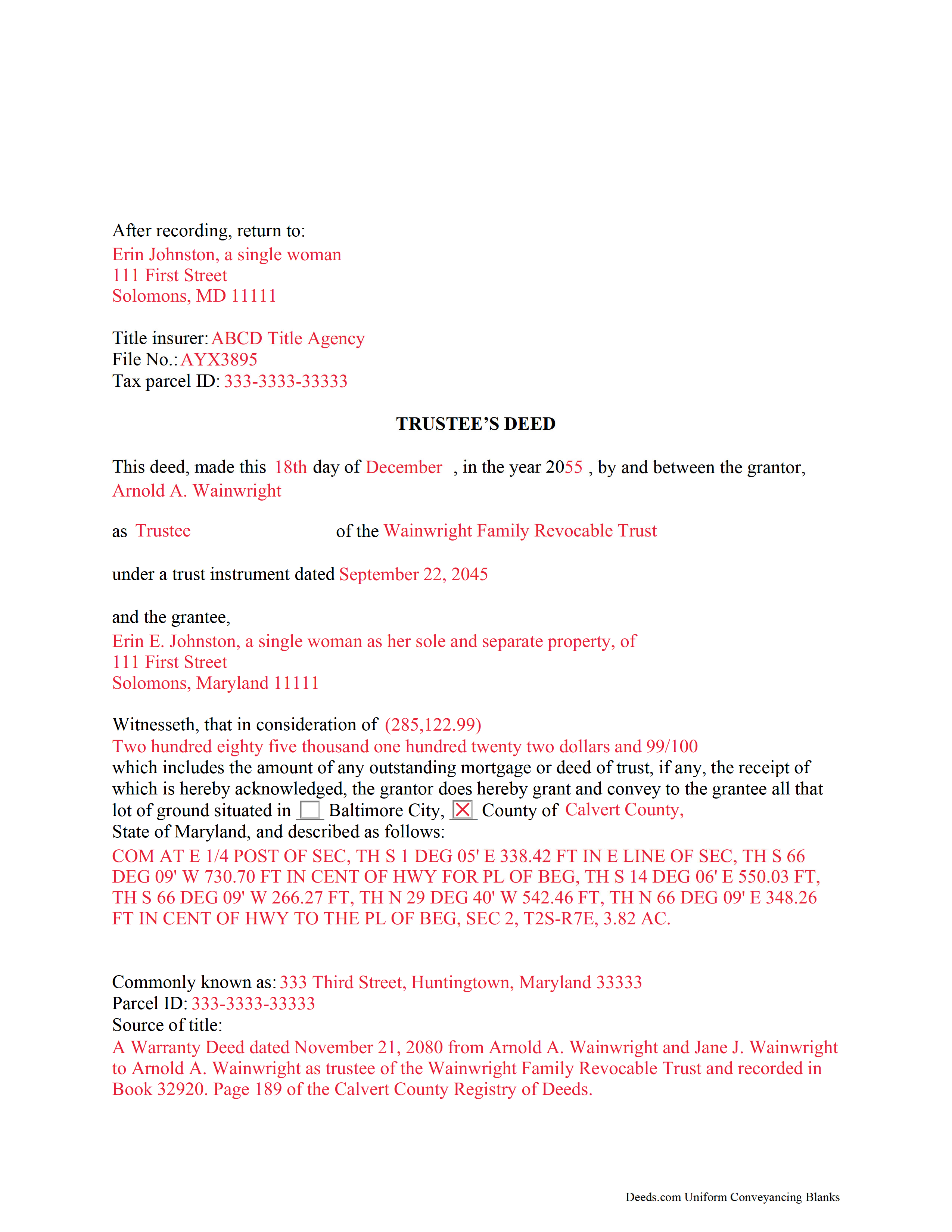
Cecil County Completed Example of the Trustee Deed Document
Example of a properly completed form for reference.
All 3 documents above included • One-time purchase • No recurring fees
Immediate Download • Secure Checkout
Additional Maryland and Cecil County documents included at no extra charge:
Where to Record Your Documents
Circuit Court Clerk's Office
Elkton, Maryland 21921
Hours: 8:30 to 4:30 M-F
Phone: 410-996-5375
Recording Tips for Cecil County:
- Bring your driver's license or state-issued photo ID
- Ensure all signatures are in blue or black ink
- Double-check legal descriptions match your existing deed
- Verify all names are spelled correctly before recording
- White-out or correction fluid may cause rejection
Cities and Jurisdictions in Cecil County
Properties in any of these areas use Cecil County forms:
- Cecilton
- Charlestown
- Chesapeake City
- Childs
- Colora
- Conowingo
- Earleville
- Elk Mills
- Elkton
- Georgetown
- North East
- Perry Point
- Perryville
- Port Deposit
- Rising Sun
- Warwick
Hours, fees, requirements, and more for Cecil County
How do I get my forms?
Forms are available for immediate download after payment. The Cecil County forms will be in your account ready to download to your computer. An account is created for you during checkout if you don't have one. Forms are NOT emailed.
Are these forms guaranteed to be recordable in Cecil County?
Yes. Our form blanks are guaranteed to meet or exceed the applicable formatting requirements used for recording in Cecil County, including margin requirements, font requirements, and other layout standards. This guarantee applies to formatting, not to the legal sufficiency of information entered by the user or the suitability of a form for a particular transaction.
Can I reuse these forms?
Yes. You can reuse the forms for your personal use. For example, if you have multiple properties in Cecil County you only need to order once.
What do I need to use these forms?
The forms are PDFs that you fill out on your computer. The free Adobe Acrobat Reader is recommended, and most PDF apps also work. You do NOT enter your property information online - you download the blank forms and complete them privately on your own computer.
Are there any recurring fees?
No. This is a one-time purchase. Nothing to cancel, no memberships, no recurring fees.
How much does it cost to record in Cecil County?
Recording fees in Cecil County vary. Contact the recorder's office at 410-996-5375 for current fees.
Questions answered? Let's get started!
Trusts formed in Maryland are governed by the Estates and Trusts Article of the Maryland Code. Effective since January 1, 2015, the Maryland Trust Act (MTA) under Title 14.5 is adapted from the Uniform Trust Code and supplements the prior Maryland Discretionary Trust Act codified under Title 14.
According to Black's Law Dictionary, 8th ed., a trust is "a property interest held by one person (the trustee) at the request of another (the settlor) for the benefit of a third party (the beneficiary)." The settlor executes a trust instrument establishing the terms of the trust and "contributes property to a trust" (Md. Code Ann., Estates and Trusts 14.5-103(v)(1)).
In a living trust, the trustee holds title to property at the request of the settlor, and as such, conveyances of trust property must be made through the trustee, who generally has a power of sale under the trust instrument. Transferring real property held in trust to another party requires the use of a trustee's deed.
Trustees' deeds take their name from the person conveying the property, rather than from the type of warranties of title they carry, as with warranty deeds or quitclaim deeds. In Maryland, the trustee's deed is a fee simple conveyance. The deed can contain certain covenants of title, such as special warranty language that warrants the title against claims arising under the grantor's tenure.
The trustee conveys title to real property held by the trust as the grantor of the trustee's deed. The deed names each acting trustee and the name and date of the trust on behalf of which they are acting in addition to vesting title in the name of the grantee. As with all documents affecting real property, the trustee' deed requires a legal description of the property conveyed, as well as a reference to the prior instrument under which the trustee as grantor received title.
In Maryland, consideration statements must include the actual amount of money paid for the transfer, including the amount of a mortgage or deed of trust assumed by the grantee. State transfer tax is calculated from the consideration, with an increased rate for the first-time Maryland homebuyers purchasing a principal place of residence.
Pursuant to Md. Code Ann., Real Prop. 3-104(f)(1), deeds require a signed statement that the document has been prepared by or under the supervision of a Maryland attorney, or a party listed on the instrument. The deed must be signed by each acting trustee in the presence of a notary public before submitted for recording. In addition to meeting state and local recording standards, trustee's deeds may also require supporting documentation, which may vary from case to case.
Contact an attorney with any questions regarding Maryland trusts and trustee's deeds.
(Maryland TD Package includes form, guidelines, and completed example)
Important: Your property must be located in Cecil County to use these forms. Documents should be recorded at the county or independent city recording office listed above.
This Trustee Deed meets all recording requirements specific to Cecil County.
Our Promise
The documents you receive here are guaranteed to meet or exceed the applicable Cecil County recording format requirements. If there is a rejection caused by our formatting, we will correct the issue or refund your payment. This guarantee applies to document formatting only and does not extend to information entered by the user, the selection of the form, or the legal effect of the completed document.
Save Time and Money
Get your Cecil County Trustee Deed form done right the first time with Deeds.com Uniform Conveyancing Blanks. At Deeds.com, we understand that your time and money are valuable resources, and we don't want you to face a penalty fee or rejection imposed by a county recorder for submitting nonstandard documents. We constantly review and update our forms to meet rapidly changing state and county recording requirements for roughly 3,500 counties and local jurisdictions.
4.8 out of 5 - ( 4,839 Reviews )
Larry H. 5 out of 5 stars
Wow! So easy and such a cost savings. Thanks
Thanks Larry, we appreciate your feedback.
Stephen B. 5 out of 5 stars
They have been fabulous not only for getting me the Title and Property info I needed quickly, but also for determining which Deed (of many) that I actually needed. They are an outstanding resource for any real estate investor, property owner, Realtor, or attorney.
Thank you for your feedback. We really appreciate it. Have a great day!
Charles R. 5 out of 5 stars
Pleased with the forms and their ease of use. No complaints.
Thank you Charles, we appreciate you.
Pamela B. 5 out of 5 stars
The process was not difficult but I don't think that it suited my needs. There were several fields that were not applicable to me but I had to enter something to proceed. I also filled out the other form and mailed it in with some documentation that the electronic service did not ask for. Questions of my attempt are still unanswered. I hope I didn't waste time with this process. We shall see. Thank you.
Thank you!
leila m. 5 out of 5 stars
Very good service, friendly customer service I absolutely will use the service again
Thank you!
Edward E. 5 out of 5 stars
Easy to use.
Your feedback is valuable to us and helps us improve. Thank you for sharing your thoughts!
Patricia C. 4 out of 5 stars
I found there were a large number of documents available to download. The file naming on the PDFs could be more descriptive, and it would be nice to be able to download a complete set with one click.
Thank you for your feedback. We really appreciate it. Have a great day!
Irwin C. 5 out of 5 stars
For starters, enrolling was as easy as could be. Then, it only took minutes before my entry was formatted and filed. Finally, when I asked a question, I got an answer within a few minutes. Couldn't be happier with service
We appreciate your business and value your feedback. Thank you. Have a wonderful day!
Rosa Leticia A. 5 out of 5 stars
Outstanding service, quick and efficient. Provides promptly updates of the process, highly recommended.
Thank you!
Michael H. 5 out of 5 stars
Very straightforward website. Helpful in getting county specific documents.
Thank you!
Chris K. 2 out of 5 stars
Wasn't able to get the deed from you. Had to wade through the county offices myself.
Sorry we were not able to help you find what you needed.
Ardith S. 5 out of 5 stars
Very informative and user friendly. Was able to get all information and forms needed without any problems.
We appreciate your business and value your feedback. Thank you. Have a wonderful day!
Jennifer H. 1 out of 5 stars
Price is too expensive.
Thank you for your feedback Jennifer.
Freda S. 5 out of 5 stars
Excellent Services!
Thank you!
Kevin V. 5 out of 5 stars
This is an option for recording that worked flawlessly with my county government. Given Covid19 has closed county offices to the public as well as the personal kiosks options to record shrunk dramatically. I recommend Deeds.Com for your recording needs.
Thank you for your feedback. We really appreciate it. Have a great day!