Franklin County Contractor Partial Waiver and Subordination of Lien Form
Last validated October 28, 2026 by our Forms Development TeamFormatted for recording in Franklin County, for property anywhere in the county: rural and unincorporated areas as well as Ashfield, Bernardston, Buckland, Charlemont, Colrain, Conway, Deerfield, Erving and 21 more.
- 3 documents included
- Immediate PDF download
- Formatting guarantee
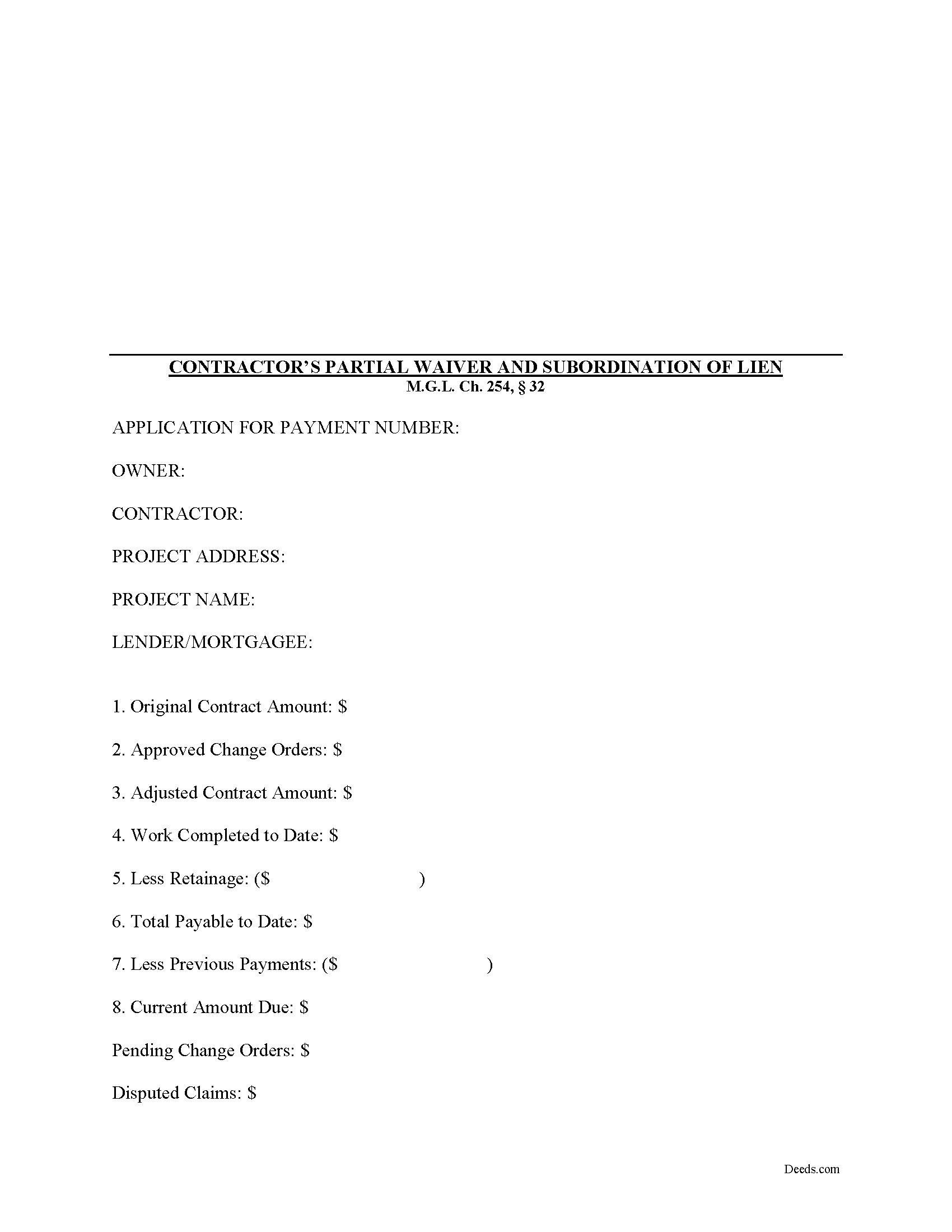
Franklin County Contractor Partial Waiver and Subordination of Lien Form
Fill in the blank Contractor Partial Waiver and Subordination of Lien form formatted to comply with all Massachusetts recording and content requirements.
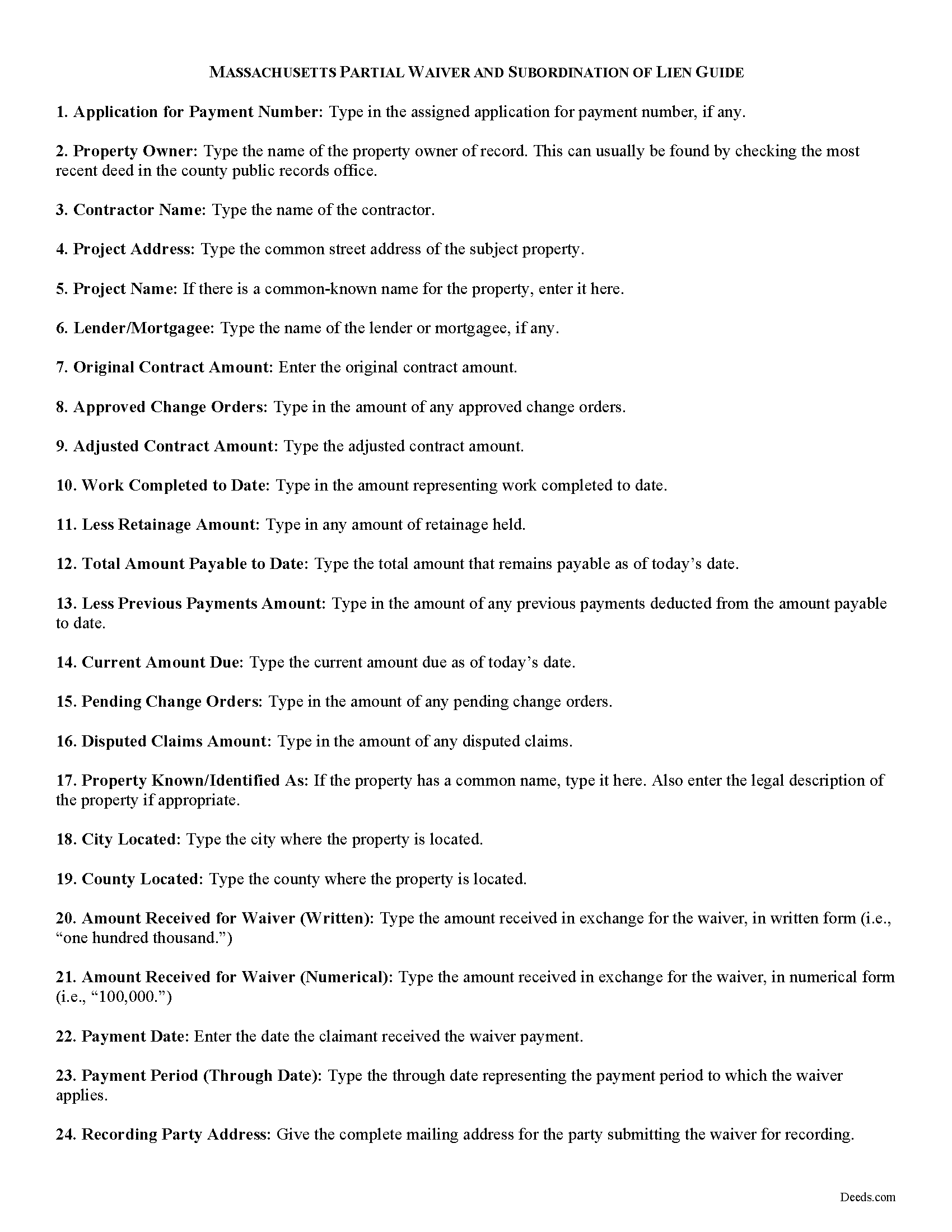
Franklin County Contractor Partial Waiver and Subordination of Lien Guide
Line by line guide explaining every blank on the form.
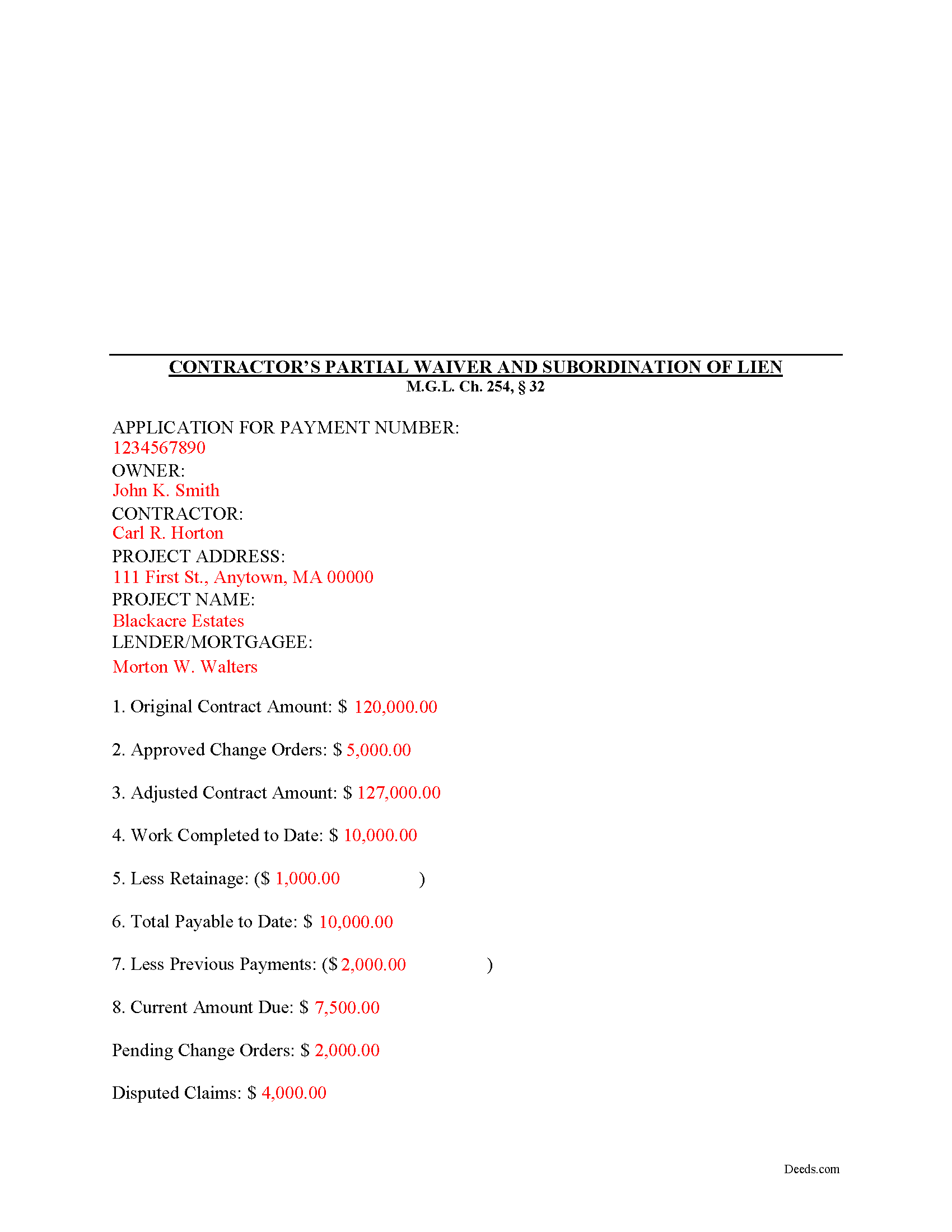
Franklin County Completed Example of the Contractor Partial Waiver and Subordination of Lien Document
Example of a properly completed form for reference.
All 3 documents above included • One-time purchase • No recurring fees
Immediate Download • Secure Checkout
Additional Massachusetts and Franklin County documents included at no extra charge:
Where to Record Your Documents
Franklin Registry of Deeds
Greenfield, Massachusetts 01302
Hours: 8:30 to 4:15 Monday through Friday
Phone: (413) 772-0239
Recording Tips for Franklin County:
- Bring your driver's license or state-issued photo ID
- Ensure all signatures are in blue or black ink
- Check margin requirements - usually 1-2 inches at top
- Leave recording info boxes blank - the office fills these
- Make copies of your documents before recording - keep originals safe
Cities and Jurisdictions in Franklin County
Properties in any of these areas use Franklin County forms:
- Ashfield
- Bernardston
- Buckland
- Charlemont
- Colrain
- Conway
- Deerfield
- Erving
- Gill
- Greenfield
- Heath
- Lake Pleasant
- Leverett
- Millers Falls
- Monroe Bridge
- Montague
- New Salem
- Northfield
- Orange
- Rowe
- Shelburne Falls
- Shutesbury
- South Deerfield
- Sunderland
- Turners Falls
- Warwick
- Wendell
- Wendell Depot
- Whately
Hours, fees, requirements, and more for Franklin County
How do I get my forms?
Forms are available for immediate download after payment. The Franklin County forms will be in your account ready to download to your computer. An account is created for you during checkout if you don't have one. Forms are NOT emailed.
Are these forms guaranteed to be recordable in Franklin County?
Yes. Our form blanks are guaranteed to meet or exceed the applicable formatting requirements used for recording in Franklin County, including margin requirements, font requirements, and other layout standards. This guarantee applies to formatting, not to the legal sufficiency of information entered by the user or the suitability of a form for a particular transaction.
Can I reuse these forms?
Yes. You can reuse the forms for your personal use. For example, if you have multiple properties in Franklin County you only need to order once.
What do I need to use these forms?
The forms are PDFs that you fill out on your computer. The free Adobe Acrobat Reader is recommended, and most PDF apps also work. You do NOT enter your property information online - you download the blank forms and complete them privately on your own computer.
Are there any recurring fees?
No. This is a one-time purchase. Nothing to cancel, no memberships, no recurring fees.
How much does it cost to record in Franklin County?
Recording fees in Franklin County vary. Contact the recorder's office at (413) 772-0239 for current fees.
Questions answered? Let's get started!
Massachusetts Contractors Partial Waiver and Subordination of Lien
The Contractor's Partial Waiver and Subordination of Lien form is useful for situations where a contractor seeks a partial payment to waive lien rights up to a specific date.
Lien waivers are used between contractors (also subcontractors and suppliers) and property owners as a quid-pro-quo arrangement between the contractor and owner. The purpose of a waiver is to influence payment from the owner in return for the contractor waiving future mechanic's lien rights.
In Massachusetts, any promise or agreement that bars the filing of a Notice of Contract is void and unenforceable, but that prohibition does not apply to full or partial lien waivers or dissolutions of liens. M.G.L. Ch. 254, 32. Therefore, the parties can use waivers to facilitate payment and ease concerns of hidden liens.
In general, Massachusetts recognizes four types of lien waivers: Partial Waiver by Contractor, Full Conditional Waiver by Contractor, Partial Waiver by Subcontractor, and Full Conditional Waiver by Subcontractor. Id. As their titles suggest, contractors should use a contractor's waiver and subcontractors should use a waiver designated for a subcontractor. Partial lien waivers should be provided upon a partial or progress payment and the waiver only applies to forfeit lien rights according to the terms stated within it.
Lawful waivers identify the parties to the contract, the claimant, the property, the nature of work, relevant dates, payment information, and anything else necessary for clarity or to meet local requirements. The claimant (or authorized representative) must sign the completed waiver in front of a notary, then submit the document to the recording office for the county where the property is located.
Using lien waivers properly can ensure smoother relations between the parties on a construction job and alleviate and feelings of mistrust or concern. This article is provided for informational purposes only and should not be relied upon as a substitute for advice from an attorney. Please speak with a Massachusetts attorney if you have any questions about lien waivers or for any other issues concerning mechanic's liens.
Important: Your property must be located in Franklin County to use these forms. Documents should be recorded at the county recording office listed above.
This Contractor Partial Waiver and Subordination of Lien meets all recording requirements specific to Franklin County.
Our Promise
The documents you receive here are guaranteed to meet or exceed the applicable Franklin County recording format requirements. If there is a rejection caused by our formatting, we will correct the issue or refund your payment. This guarantee applies to document formatting only and does not extend to information entered by the user, the selection of the form, or the legal effect of the completed document.
Save Time and Money
Get your Franklin County Contractor Partial Waiver and Subordination of Lien form done right the first time with Deeds.com Uniform Conveyancing Blanks. At Deeds.com, we understand that your time and money are valuable resources, and we don't want you to face a penalty fee or rejection imposed by a county recorder for submitting nonstandard documents. We constantly review and update our forms to meet rapidly changing state and county recording requirements for roughly 3,500 counties and local jurisdictions.
4.8 out of 5 - ( 4,867 Reviews )
Janet R. 5 out of 5 stars
Thanks great site
Thank you!
Michael K. 5 out of 5 stars
The link for the note guidelines just shows the same directions as for the mortgage. Other than that, very helpful.
Thank you for your feedback. We really appreciate it. Have a great day!
Denise L. 5 out of 5 stars
Using the Gift Deed form from Deeds.com, along with the example and instructions thy provided, saved me at least $200 in legal fees and saved me time as well!
We appreciate your business and value your feedback. Thank you. Have a wonderful day!
Joseph L. 5 out of 5 stars
I am an invalid and needed just one quitclaim form. I was able to quickly enter and complete the form. Unfortunately, it will probably be a last hurrah for me..
We appreciate your business and value your feedback. Thank you. Have a wonderful day!
RONNIE C. 5 out of 5 stars
Excellent service and the time the documents send back to me was also excellent
Thank you!
Caroline K. 5 out of 5 stars
SIMPLE, THAT IS GOOD
Thank you for your feedback. We really appreciate it. Have a great day!
Jean T. 5 out of 5 stars
It's wonderful that these forms are easily accessible!
Thank you for your feedback. We really appreciate it. Have a great day!
Terry M. 4 out of 5 stars
Application is not well laid out. I guess it does the job but leaves a lot to be desired. Hard to follow
Thank you for your feedback. We really appreciate it. Have a great day!
JERRY M. 2 out of 5 stars
Had to modify the document form fill field to accept the information required. Had limited number of characters.
Thank you for your feedback. We really appreciate it. Have a great day!
DEBBY G. 5 out of 5 stars
I was so confused on how to complete the form. But I followed the instructions and used the example and got it done.
Thank you for your feedback. We really appreciate it. Have a great day!
John B. 4 out of 5 stars
I purchased the Notice of Completion form because the City of Chula Vista did not have a "fillable" version of this form on their website. The Deeds.com version of this form is somewhat different than the City's version (8 numbered paragraphs vs. 11 numbered paragraphs.) However, it contains the same information in a different format. This form provided more blank space to fill in important items- like a long ownership name- than the version on the City's website. The recorder's office was satisfied with this form as I hand-delivered it to the Recorder's Office and they approved it for recording. Overall, I found this form easy to use and found the extra blank space for writing on the form helpful. My one comment for possible improvement is: it would be even more helpful (particularly for attorney users) to have strike-out capability. I would have liked having the ability to strike-out inapplicable portions of long awkward sentences. Still, I would use this form again.
Your feedback means a lot to us. Thank you.
Hans S. 5 out of 5 stars
This is my first time using this service so having not yet filed the documents I purchased, I will say that I am impressed at how comprehensive the instructions are that accompany the document I purchased.
We appreciate your business and value your feedback. Thank you. Have a wonderful day!
Dina O. 5 out of 5 stars
easy to use and efficient i like that they give you an example to compare your work to
We are motivated by your feedback to continue delivering excellence. Thank you!
Barbara W. 5 out of 5 stars
Easy website to navigate. Found the form I needed within seconds. Thank you
Thank you for your feedback. We really appreciate it. Have a great day!
Christopher M. 5 out of 5 stars
This was so painless and fast!
Thank you Christopher, that means a lot to us.