Worcester County Contractor Partial Waiver and Subordination of Lien Form
Last validated September 28, 2026 by our Forms Development TeamFormatted for recording in Worcester County, for property anywhere in the county: rural and unincorporated areas as well as Ashburnham, Athol, Auburn, Baldwinville, Barre, Berlin, Blackstone, Bolton and 76 more.
- 3 documents included
- Immediate PDF download
- Formatting guarantee
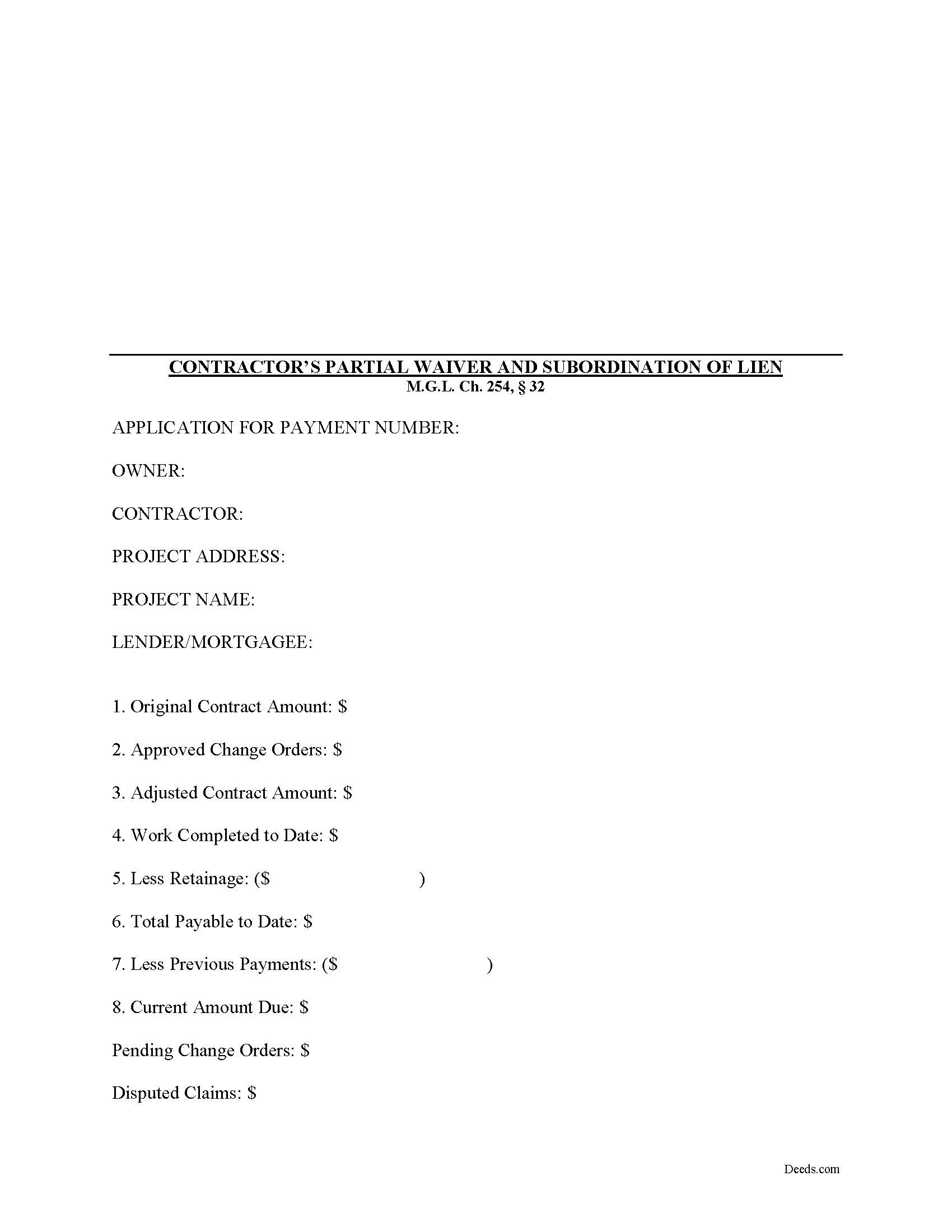
Worcester County Contractor Partial Waiver and Subordination of Lien Form
Fill in the blank Contractor Partial Waiver and Subordination of Lien form formatted to comply with all Massachusetts recording and content requirements.
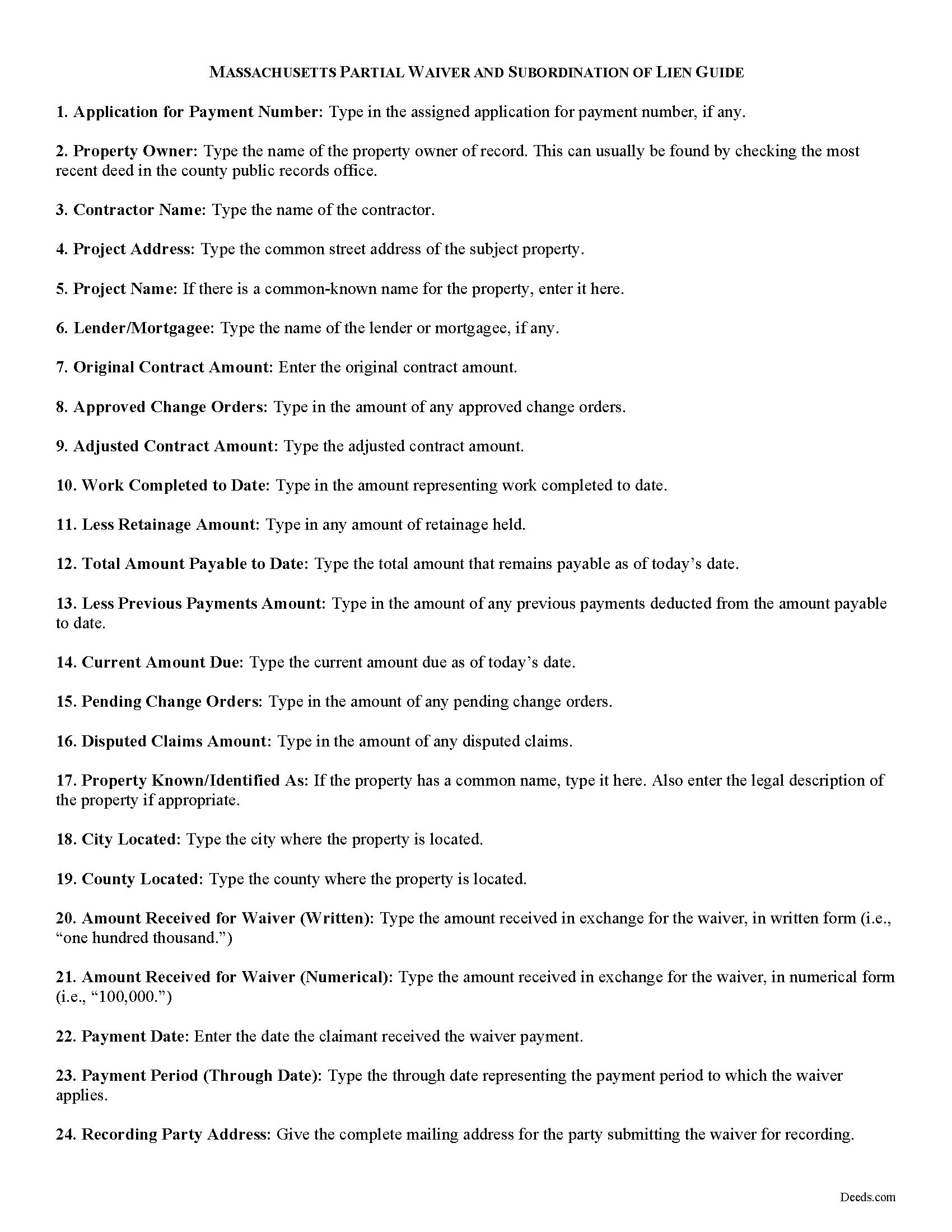
Worcester County Contractor Partial Waiver and Subordination of Lien Guide
Line by line guide explaining every blank on the form.
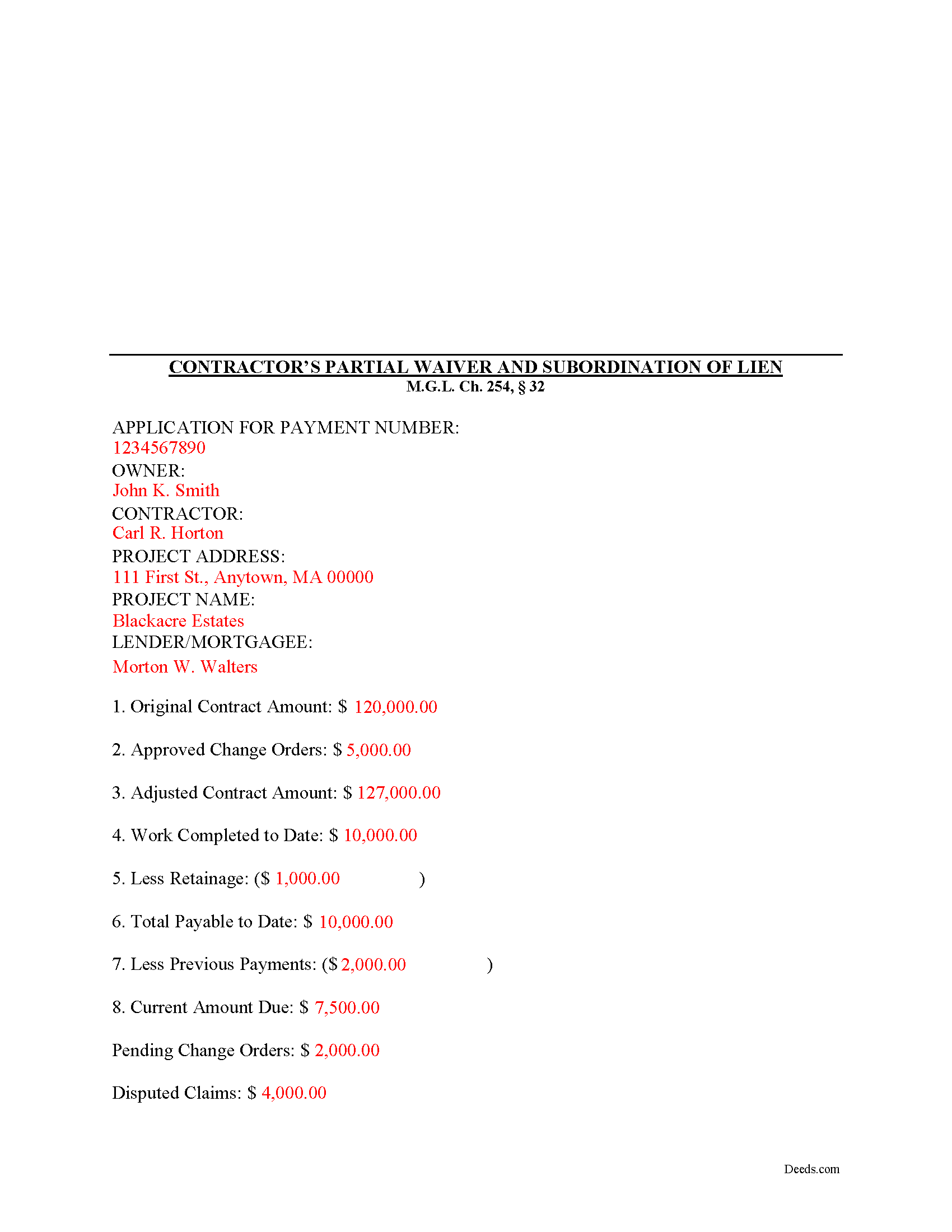
Worcester County Completed Example of the Contractor Partial Waiver and Subordination of Lien Document
Example of a properly completed form for reference.
All 3 documents above included • One-time purchase • No recurring fees
Immediate Download • Secure Checkout
Additional Massachusetts and Worcester County documents included at no extra charge:
Where to Record Your Documents
Worcester District Registry of Deeds
Worcester, Massachusetts 01608
Hours: 9:00am to 4:00 pm M-F
Phone: (508) 798-7717
Worcester Northern District Registry of Deeds
Fitchburg, Massachusetts 01420
Hours: 8:30 to 4:30 M-F / Recording until 4:00
Phone: (978) 342-2132
Recording Tips for Worcester County:
- Bring your driver's license or state-issued photo ID
- Ensure all signatures are in blue or black ink
- Recorded documents become public record - avoid including SSNs
- Recording fees may differ from what's posted online - verify current rates
- Request a receipt showing your recording numbers
Cities and Jurisdictions in Worcester County
Properties in any of these areas use Worcester County forms:
- Ashburnham
- Athol
- Auburn
- Baldwinville
- Barre
- Berlin
- Blackstone
- Bolton
- Boylston
- Brookfield
- Charlton
- Charlton City
- Charlton Depot
- Cherry Valley
- Clinton
- Douglas
- Dudley
- East Brookfield
- East Princeton
- East Templeton
- Fayville
- Fiskdale
- Fitchburg
- Gardner
- Gilbertville
- Grafton
- Hardwick
- Harvard
- Holden
- Hopedale
- Hubbardston
- Jefferson
- Lancaster
- Leicester
- Leominster
- Linwood
- Lunenburg
- Manchaug
- Mendon
- Milford
- Millbury
- Millville
- New Braintree
- North Brookfield
- North Grafton
- North Oxford
- North Uxbridge
- Northborough
- Northbridge
- Oakham
- Oxford
- Paxton
- Petersham
- Princeton
- Rochdale
- Royalston
- Rutland
- Shrewsbury
- South Barre
- South Grafton
- South Lancaster
- Southborough
- Southbridge
- Spencer
- Sterling
- Still River
- Sturbridge
- Sutton
- Templeton
- Upton
- Uxbridge
- Warren
- Webster
- West Boylston
- West Brookfield
- West Millbury
- West Warren
- Westborough
- Westminster
- Wheelwright
- Whitinsville
- Winchendon
- Winchendon Springs
- Worcester
Hours, fees, requirements, and more for Worcester County
How do I get my forms?
Forms are available for immediate download after payment. The Worcester County forms will be in your account ready to download to your computer. An account is created for you during checkout if you don't have one. Forms are NOT emailed.
Are these forms guaranteed to be recordable in Worcester County?
Yes. Our form blanks are guaranteed to meet or exceed the applicable formatting requirements used for recording in Worcester County, including margin requirements, font requirements, and other layout standards. This guarantee applies to formatting, not to the legal sufficiency of information entered by the user or the suitability of a form for a particular transaction.
Can I reuse these forms?
Yes. You can reuse the forms for your personal use. For example, if you have multiple properties in Worcester County you only need to order once.
What do I need to use these forms?
The forms are PDFs that you fill out on your computer. The free Adobe Acrobat Reader is recommended, and most PDF apps also work. You do NOT enter your property information online - you download the blank forms and complete them privately on your own computer.
Are there any recurring fees?
No. This is a one-time purchase. Nothing to cancel, no memberships, no recurring fees.
How much does it cost to record in Worcester County?
Recording fees in Worcester County vary. Contact the recorder's office at (508) 798-7717 for current fees.
Questions answered? Let's get started!
Massachusetts Contractors Partial Waiver and Subordination of Lien
The Contractor's Partial Waiver and Subordination of Lien form is useful for situations where a contractor seeks a partial payment to waive lien rights up to a specific date.
Lien waivers are used between contractors (also subcontractors and suppliers) and property owners as a quid-pro-quo arrangement between the contractor and owner. The purpose of a waiver is to influence payment from the owner in return for the contractor waiving future mechanic's lien rights.
In Massachusetts, any promise or agreement that bars the filing of a Notice of Contract is void and unenforceable, but that prohibition does not apply to full or partial lien waivers or dissolutions of liens. M.G.L. Ch. 254, 32. Therefore, the parties can use waivers to facilitate payment and ease concerns of hidden liens.
In general, Massachusetts recognizes four types of lien waivers: Partial Waiver by Contractor, Full Conditional Waiver by Contractor, Partial Waiver by Subcontractor, and Full Conditional Waiver by Subcontractor. Id. As their titles suggest, contractors should use a contractor's waiver and subcontractors should use a waiver designated for a subcontractor. Partial lien waivers should be provided upon a partial or progress payment and the waiver only applies to forfeit lien rights according to the terms stated within it.
Lawful waivers identify the parties to the contract, the claimant, the property, the nature of work, relevant dates, payment information, and anything else necessary for clarity or to meet local requirements. The claimant (or authorized representative) must sign the completed waiver in front of a notary, then submit the document to the recording office for the county where the property is located.
Using lien waivers properly can ensure smoother relations between the parties on a construction job and alleviate and feelings of mistrust or concern. This article is provided for informational purposes only and should not be relied upon as a substitute for advice from an attorney. Please speak with a Massachusetts attorney if you have any questions about lien waivers or for any other issues concerning mechanic's liens.
Important: Your property must be located in Worcester County to use these forms. Documents should be recorded at the county recording office listed above.
This Contractor Partial Waiver and Subordination of Lien meets all recording requirements specific to Worcester County.
Our Promise
The documents you receive here are guaranteed to meet or exceed the applicable Worcester County recording format requirements. If there is a rejection caused by our formatting, we will correct the issue or refund your payment. This guarantee applies to document formatting only and does not extend to information entered by the user, the selection of the form, or the legal effect of the completed document.
Save Time and Money
Get your Worcester County Contractor Partial Waiver and Subordination of Lien form done right the first time with Deeds.com Uniform Conveyancing Blanks. At Deeds.com, we understand that your time and money are valuable resources, and we don't want you to face a penalty fee or rejection imposed by a county recorder for submitting nonstandard documents. We constantly review and update our forms to meet rapidly changing state and county recording requirements for roughly 3,500 counties and local jurisdictions.
4.8 out of 5 - ( 4,824 Reviews )
Mary H. 5 out of 5 stars
Great source for forms acceptable to the county.
We appreciate your business and value your feedback. Thank you. Have a wonderful day!
Cynthia H. 5 out of 5 stars
The entire process was simple and easy, from purchasing, downloading and saving the documents.
We appreciate your business and value your feedback. Thank you. Have a wonderful day!
April K. 5 out of 5 stars
Thank you so much! Quick and easy. Received it in under 5 minutes.
We appreciate your business and value your feedback. Thank you. Have a wonderful day!
Gerald S. 5 out of 5 stars
Very pleased with the services provided by deeds.com. Quick response time after information was provided.
We appreciate your business and value your feedback. Thank you. Have a wonderful day!
PAMELA D. 5 out of 5 stars
great response!! Thank you
Thank you!
Karen C. 5 out of 5 stars
Quick and easy download. Got everything I needed. I would recommend deeds.com
We appreciate your business and value your feedback. Thank you. Have a wonderful day!
MARY LACEY M. 5 out of 5 stars
I am extremely impressed with the quality of this service. They are a pleasure to work with and I know I can rely on them.
Thank you for your feedback. We really appreciate it. Have a great day!
Michaela D. 1 out of 5 stars
I purchased this form to add my boyfriend to the deed of our home. He owns his own business so he cannot be on our mortgage. The guide doesn't clearly explain adding a person rather than focusing on transferring during a purchase or selling of a home. For future, I'd recommend make a few different examples for those who are trying to use this for the other options a Quit Claim Deed is needed for.
Thank you for your feedback. We really appreciate it. Have a great day!
Margaret G. 5 out of 5 stars
Easy to navigate.
Thank you!
Remon W. 5 out of 5 stars
Excellent and fast service. I will be using this site as needed in the future.
Thank you Remon, we appreciate you.
Garrett R. 2 out of 5 stars
I am a real estate attorney in CA. These Wyoming model deeds look too basic and barely adequate: no usual name and address at the top for tax statements and who recorded it. Some old fashioned legalese that only obfuscates. I won't use them. Your background info was good though.
Thank you for your feedback. We really appreciate it. Have a great day!
Larry P. 5 out of 5 stars
Love your site. I found just what I needed and it was so easy. Saved me countless time and effort. Worth every penny.
We appreciate your business and value your feedback. Thank you. Have a wonderful day!
Sterling H. 4 out of 5 stars
I liked being able to drill down to state and county. Just simply the search for all property records
We welcome your positive feedback and are thrilled to have met your expectations. Thank you for choosing our services.
Sandra A. 5 out of 5 stars
This site couldn't be any easier to use. Very pleased.
Great to hear — thank you for taking the time to write a review.
Debbie K. 5 out of 5 stars
I am very happy with Deeds.com. I found the site easy to use and all the directions I needed were available. I'm so happy I didn't have to go to a title company to get this done. The site is easy to navigate and the documents are easy to download.
Thank you for your feedback. We really appreciate it. Have a great day!