Suffolk County Dissolution of Lien Form
Last validated November 23, 2026 by our Forms Development TeamFormatted for recording in Suffolk County, for property anywhere in the county: rural and unincorporated areas as well as Allston, Boston, Brighton, Charlestown, Chelsea, East Boston, Hyde Park, Jamaica Plain and 6 more.
- 3 documents included
- Immediate PDF download
- Formatting guarantee
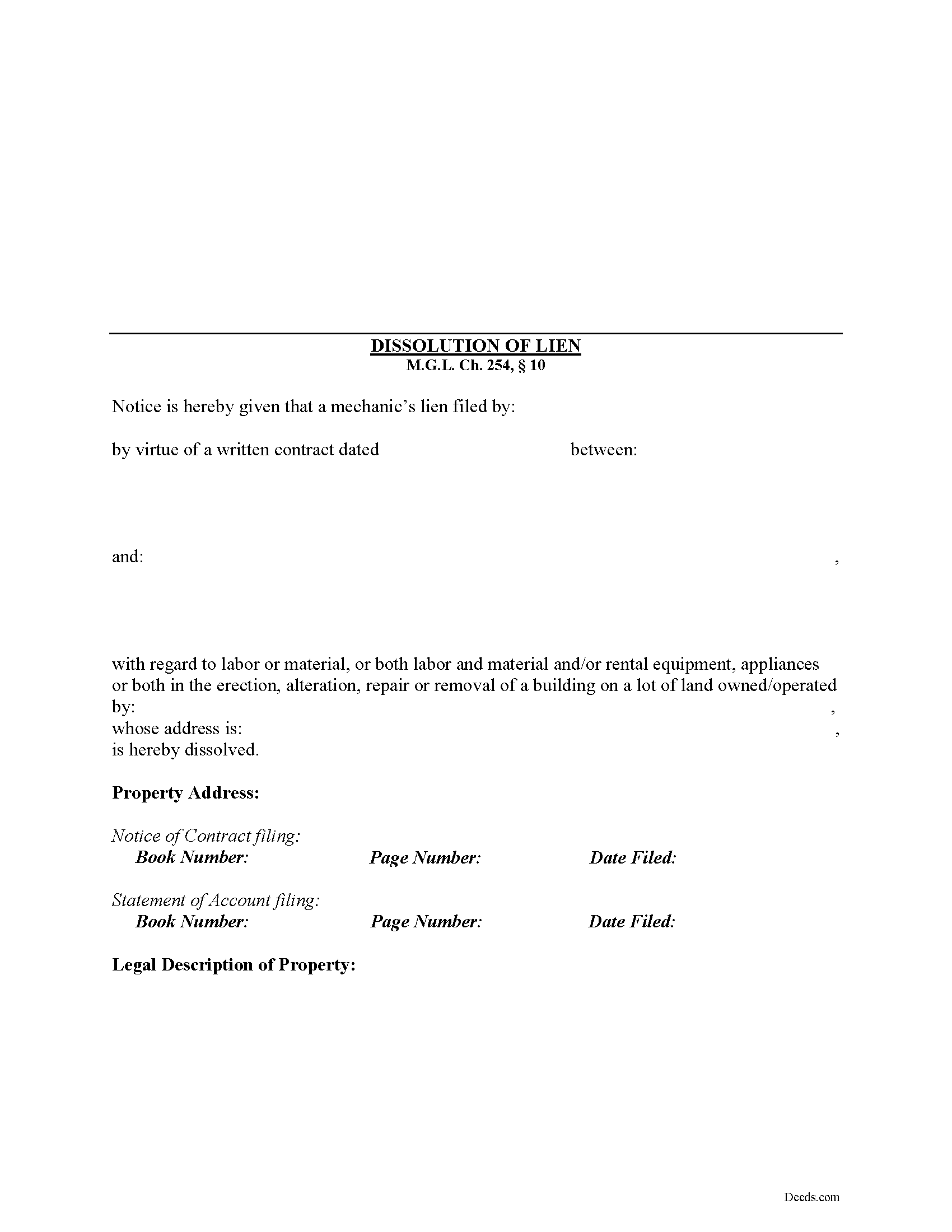
Suffolk County Dissolution of Lien Form
Fill in the blank Dissolution of Lien form formatted to comply with all Massachusetts recording and content requirements.
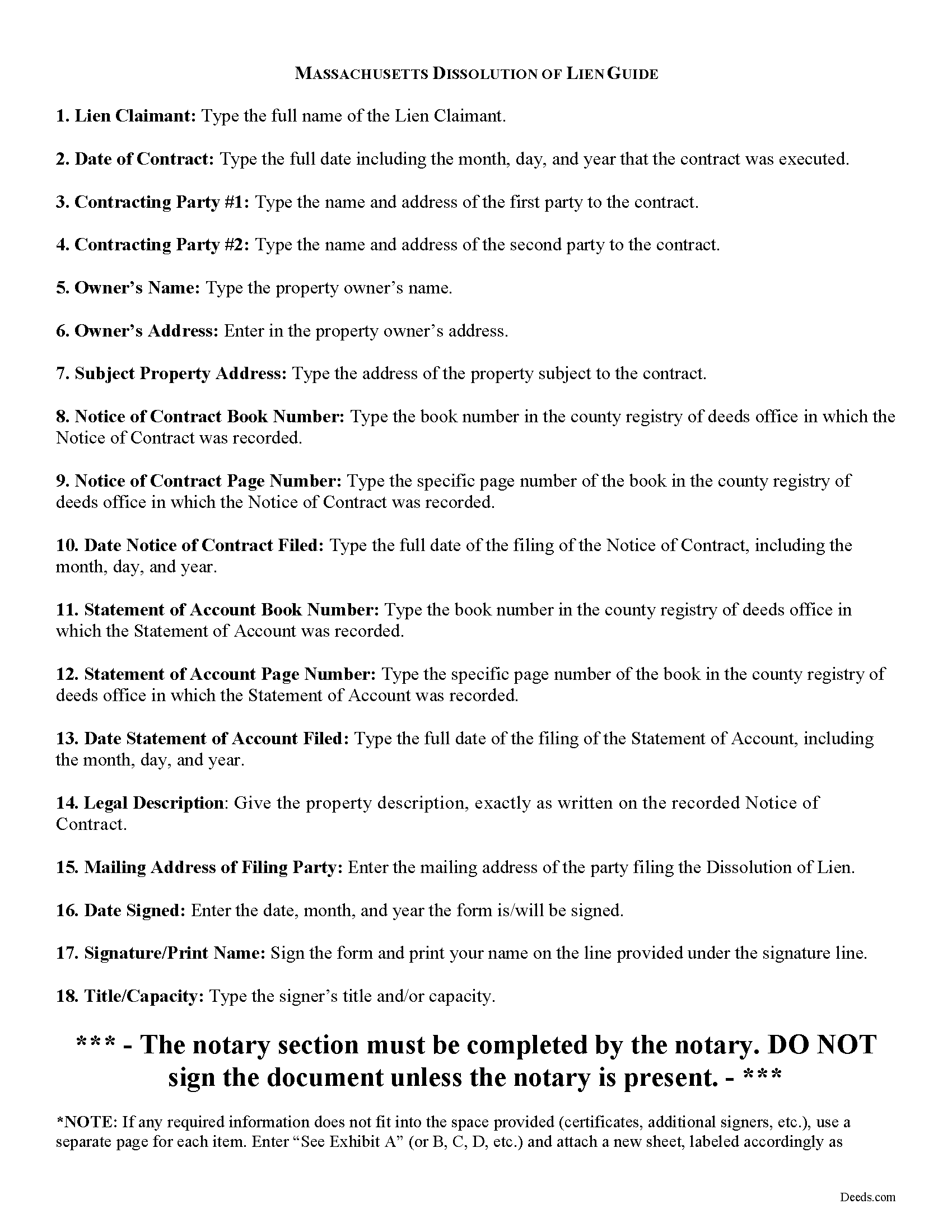
Suffolk County Dissolution of Lien Guide
Line by line guide explaining every blank on the form.
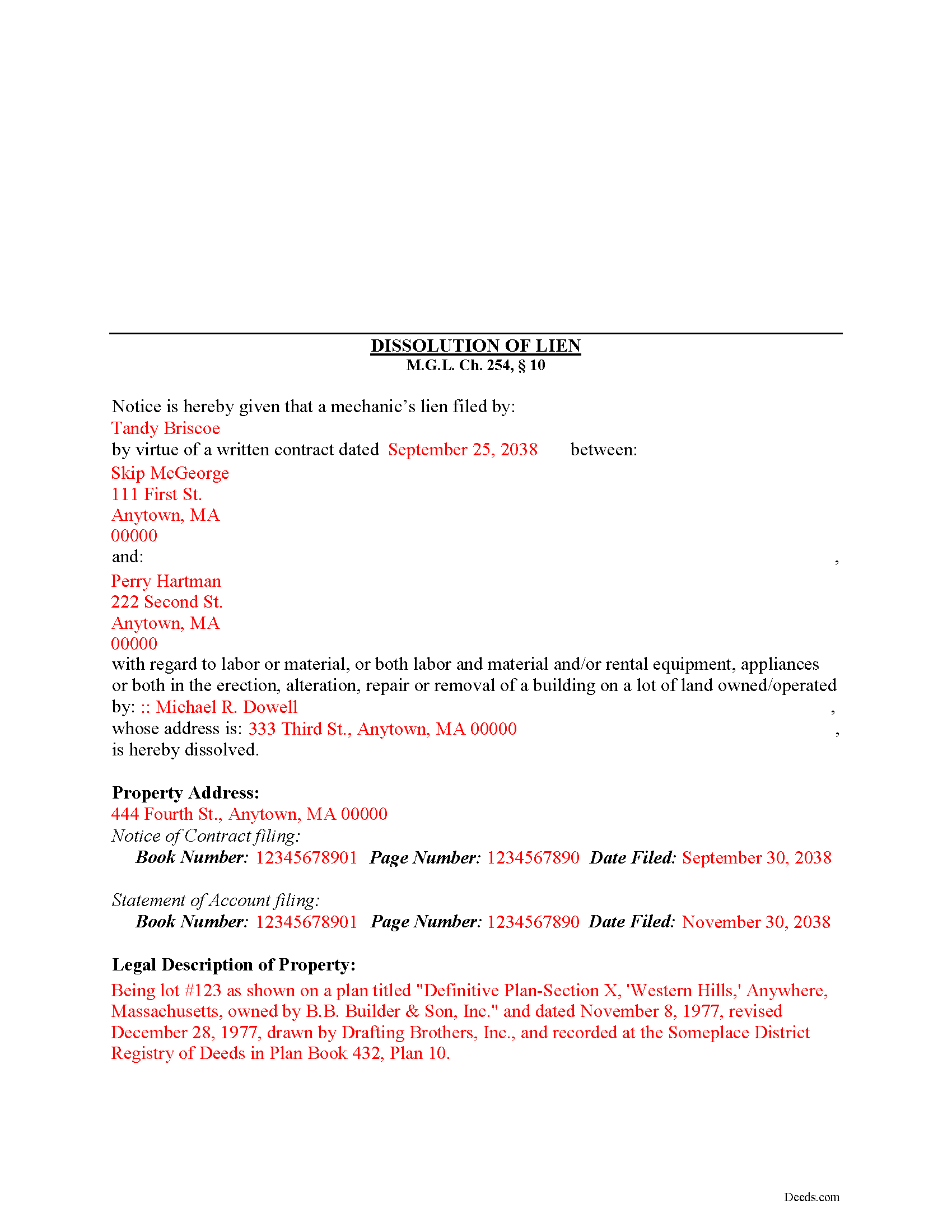
Suffolk County Completed Example of the Dissolution of Lien Document
Example of a properly completed form for reference.
All 3 documents above included • One-time purchase • No recurring fees
Immediate Download • Secure Checkout
Additional Massachusetts and Suffolk County documents included at no extra charge:
Where to Record Your Documents
Suffolk County Registry of Deeds
Boston, Massachusetts 02114-9660
Hours: 8:30 to 4:45 M-F / Recording until 4:15
Phone: (617) 788-8575 or 788-6221
Recording Tips for Suffolk County:
- Bring your driver's license or state-issued photo ID
- Ensure all signatures are in blue or black ink
- Make copies of your documents before recording - keep originals safe
- Recorded documents become public record - avoid including SSNs
- Recording fees may differ from what's posted online - verify current rates
Cities and Jurisdictions in Suffolk County
Properties in any of these areas use Suffolk County forms:
- Allston
- Boston
- Brighton
- Charlestown
- Chelsea
- East Boston
- Hyde Park
- Jamaica Plain
- Mattapan
- Readville
- Revere
- Roslindale
- West Roxbury
- Winthrop
Hours, fees, requirements, and more for Suffolk County
How do I get my forms?
Forms are available for immediate download after payment. The Suffolk County forms will be in your account ready to download to your computer. An account is created for you during checkout if you don't have one. Forms are NOT emailed.
Are these forms guaranteed to be recordable in Suffolk County?
Yes. Our form blanks are guaranteed to meet or exceed the applicable formatting requirements used for recording in Suffolk County, including margin requirements, font requirements, and other layout standards. This guarantee applies to formatting, not to the legal sufficiency of information entered by the user or the suitability of a form for a particular transaction.
Can I reuse these forms?
Yes. You can reuse the forms for your personal use. For example, if you have multiple properties in Suffolk County you only need to order once.
What do I need to use these forms?
The forms are PDFs that you fill out on your computer. The free Adobe Acrobat Reader is recommended, and most PDF apps also work. You do NOT enter your property information online - you download the blank forms and complete them privately on your own computer.
Are there any recurring fees?
No. This is a one-time purchase. Nothing to cancel, no memberships, no recurring fees.
How much does it cost to record in Suffolk County?
Recording fees in Suffolk County vary. Contact the recorder's office at (617) 788-8575 or 788-6221 for current fees.
Questions answered? Let's get started!
Dissolving a Lien in Massachusetts
Under M.G.L. Ch. 254, 10, liens that are no longer needed or must be discharged for any other reason can be lifted by filing a Dissolution of Lien in the country registry of deeds where the Notice of Contract was originally filed.
The Dissolution of Lien contains the names and addresses of the parties to the contract, the property owner's name and address, the recording information for the Notice of Contract and Statement of Account, and a legal description of the subject property. Id. Once properly filed and recorded, the clerk will strike the lien from the record. Id.
This article is provided for informational purposes only and should not be relied upon as a substitute for the advice from an attorney. If you have questions about dissolving a lien, or any other issues related to lien laws in Massachusetts, please consult with an attorney.
Important: Your property must be located in Suffolk County to use these forms. Documents should be recorded at the county recording office listed above.
This Dissolution of Lien meets all recording requirements specific to Suffolk County.
Our Promise
The documents you receive here are guaranteed to meet or exceed the applicable Suffolk County recording format requirements. If there is a rejection caused by our formatting, we will correct the issue or refund your payment. This guarantee applies to document formatting only and does not extend to information entered by the user, the selection of the form, or the legal effect of the completed document.
Save Time and Money
Get your Suffolk County Dissolution of Lien form done right the first time with Deeds.com Uniform Conveyancing Blanks. At Deeds.com, we understand that your time and money are valuable resources, and we don't want you to face a penalty fee or rejection imposed by a county recorder for submitting nonstandard documents. We constantly review and update our forms to meet rapidly changing state and county recording requirements for roughly 3,500 counties and local jurisdictions.
4.8 out of 5 - ( 4,867 Reviews )
Susan G. 5 out of 5 stars
This is very helpful.
Thank you!
John v. 4 out of 5 stars
Process is well laid out, clear and concise. Check out is easy. Recommendations: * Assign names to the downloadable files that are meaningful, such as: WARRANTY DEED instead of the useless and cryptic 1420490866F11417.pdf. * Provide a ONE BUTTON DOWNLOAD for all forms ordered. It's aggravating to have to click on each of the 20 documents and download them individually.
Thank you for your feedback. We really appreciate it. Have a great day!
Stacie S. 5 out of 5 stars
This process was very simple once I got the form right! I would definitely utilize this system in the future if I needed to.
We appreciate your business and value your feedback. Thank you. Have a wonderful day!
Carol R. 5 out of 5 stars
I found the site to be useful,informative and very accessable. Thank You
Thank you!
Christine S. 5 out of 5 stars
One stop shopping for your Deed needs. Downloaded the forms and filled them out with ease following the step by step instructions. Saved me hundreds of dollars for not having to hire an attorney to do the exact same thing.
Thank you for your feedback. We really appreciate it. Have a great day!
Michael B. 4 out of 5 stars
Download was easy to complete, but difficult to revisit site to review purchased forms on line. Suggest you download everything at one sitting to make sure you get everything you need from your purchase.
Thank you!
alex b. 5 out of 5 stars
I appreciate the very quick response that I received and I am very impressed with the access that you provide to records. I'm still in the process of trying to find out what's there but that will take a bit of time. All in all, you are to be commended for a first class operation.
Thank you!
Daniel D. 5 out of 5 stars
quick and easy
Thank you Daniel.
Susan Mary S. 5 out of 5 stars
Thank you for the thorough assortment of forms!
Thank you for your feedback. We really appreciate it. Have a great day!
Judy A D. 5 out of 5 stars
It was quick and easy.
Thank you!
Kenneth K. 5 out of 5 stars
It was fast and easy to use.
Thank you!
Ronald M. 5 out of 5 stars
Easy to use but can't seem to find LOGOUT control????
Thank you for the feedback Ronald. (The Sign Out control is on the top right of the account page)
Michael W. 5 out of 5 stars
Appreciate the help with DC's non-intuitive forms. Superb service.
Thank you!
leila m. 5 out of 5 stars
Very good service, friendly customer service I absolutely will use the service again
Thank you!
Carl T. 5 out of 5 stars
Very simple to download and manage. very Impressed!
We appreciate your business and value your feedback. Thank you. Have a wonderful day!