Hampshire County Easement Deed Form
Last validated September 17, 2026 by our Forms Development TeamFormatted for recording in Hampshire County, for property anywhere in the county: rural and unincorporated areas as well as Amherst, Belchertown, Chesterfield, Cummington, Easthampton, Florence, Goshen, Granby and 17 more.
- 4 documents included
- Immediate PDF download
- Formatting guarantee
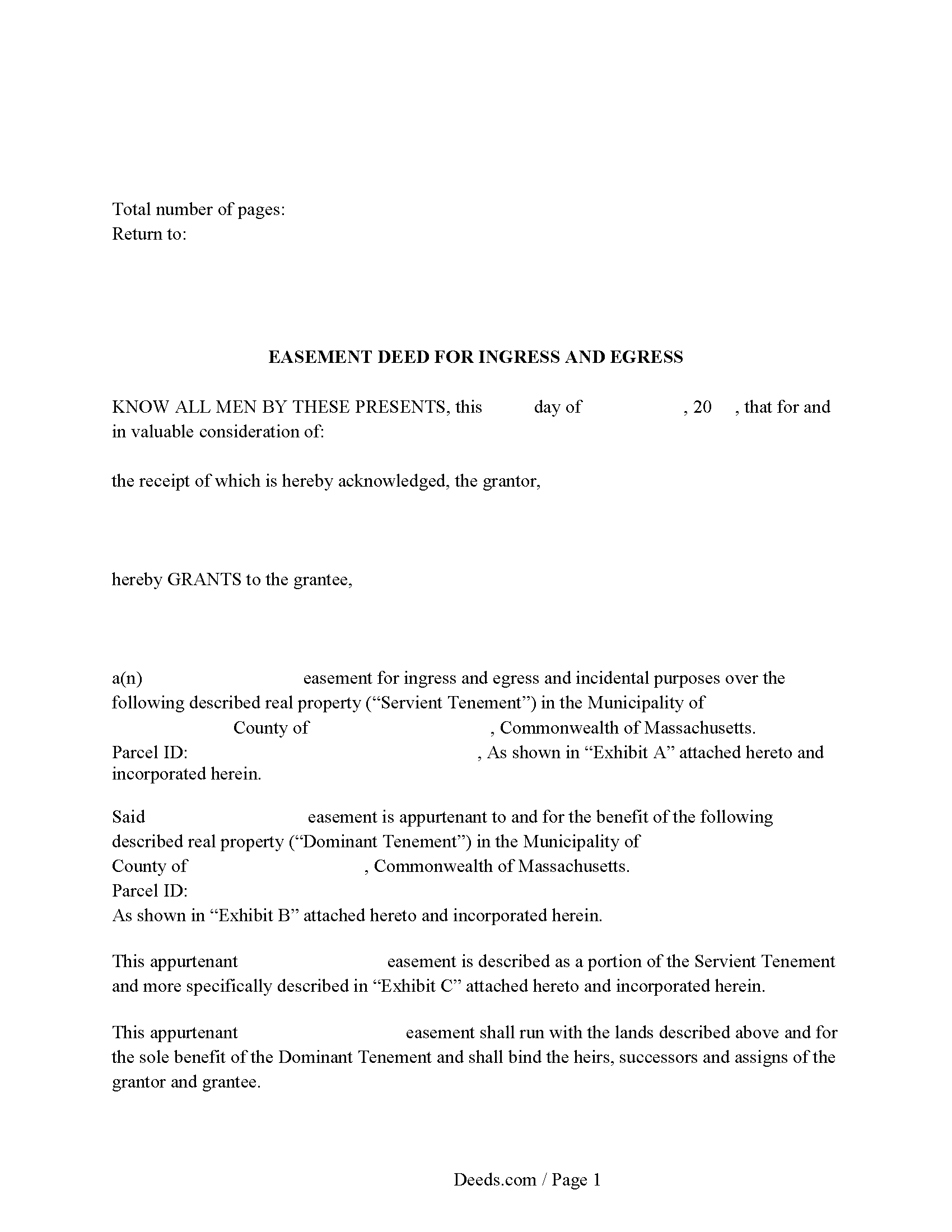
Hampshire County Easement Deed Form
Fill in the blank form formatted to comply with all recording and content requirements.
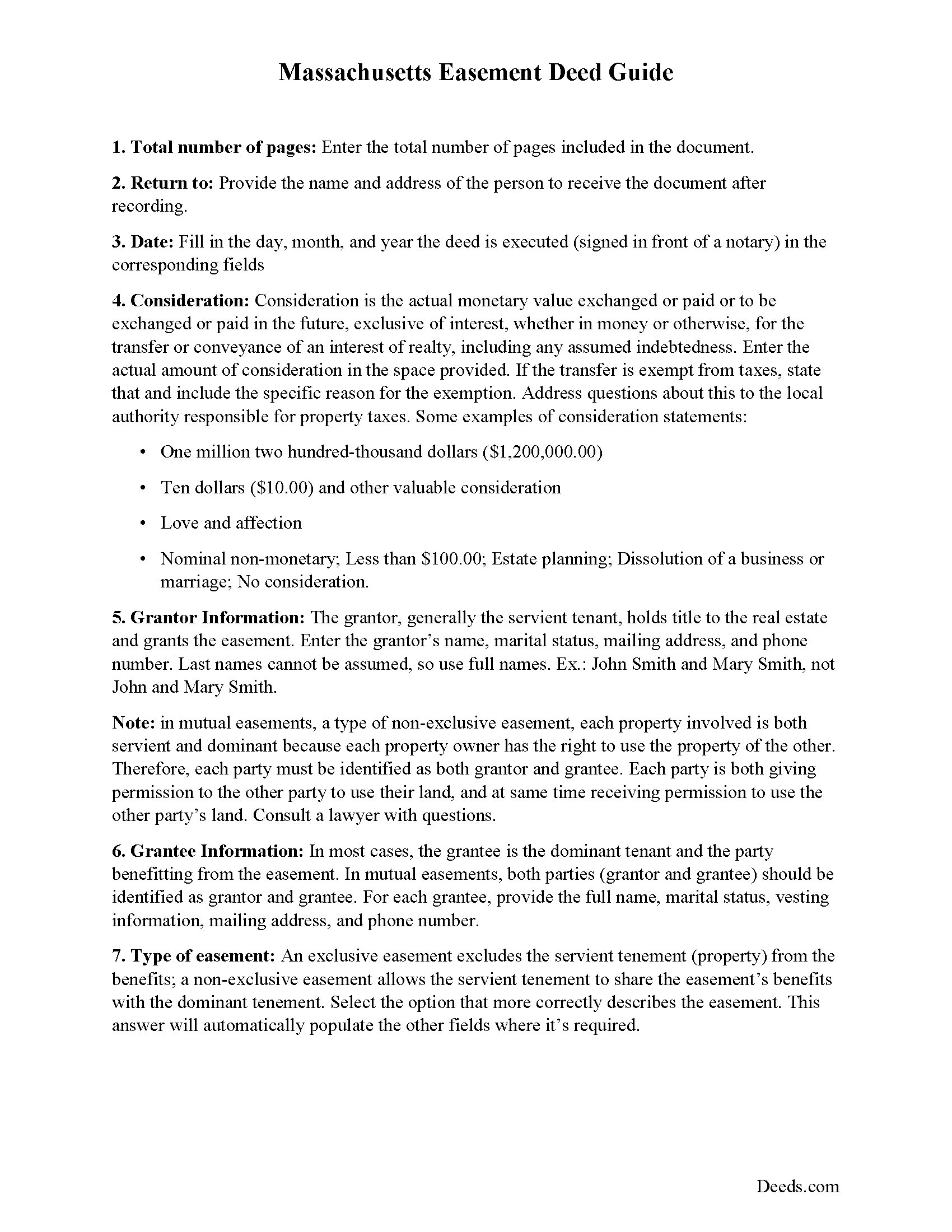
Hampshire County Easement Deed Guide
Line by line guide explaining every blank on the form.
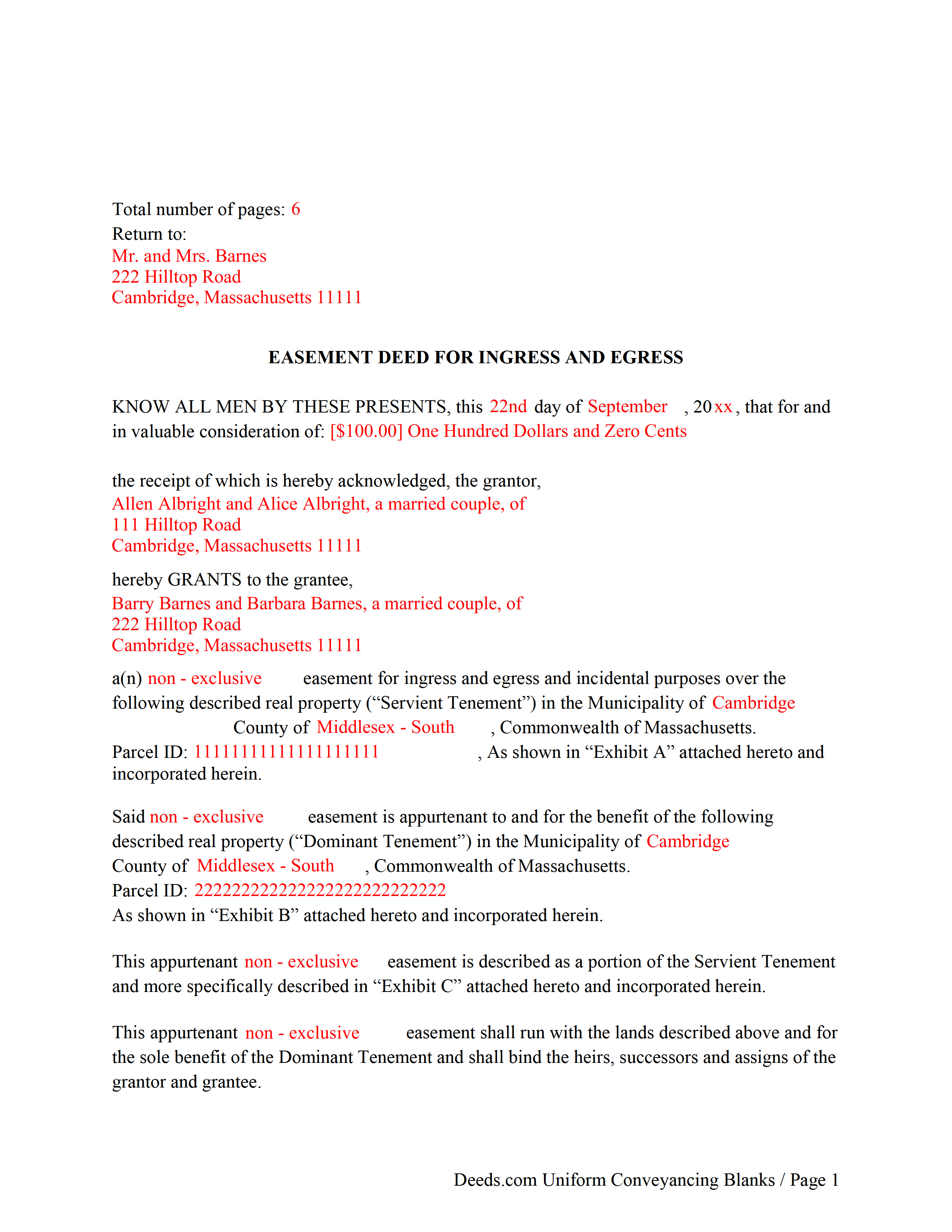
Hampshire County Completed Example of the Easement Deed Document
Example of a properly completed form for reference.
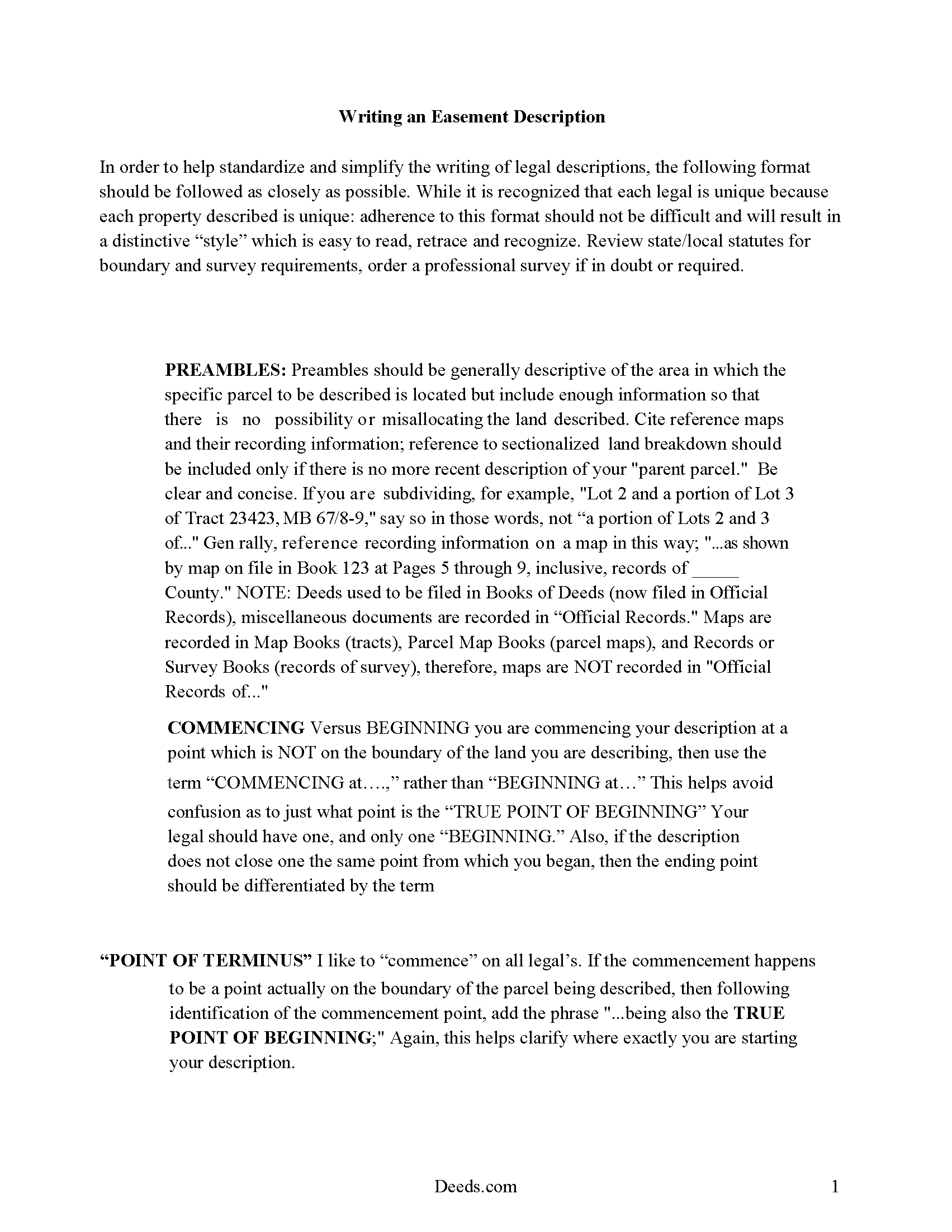
Hampshire County Guide to Writing an Easement Description
A Description of the Easement will be required. This will show how to write an acceptable description for a Right of Way Easement, which gives access, to and from - point A to point B.
All 4 documents above included • One-time purchase • No recurring fees
Immediate Download • Secure Checkout
Additional Massachusetts and Hampshire County documents included at no extra charge:
Where to Record Your Documents
Hampshire Registry of Deeds
Northampton, Massachusetts 01060
Hours: Mon-Fri 8:30 to 4:30 / Recording until 4:00
Phone: (413) 584-3637
Recording Tips for Hampshire County:
- Bring your driver's license or state-issued photo ID
- Ensure all signatures are in blue or black ink
- Both spouses typically need to sign if property is jointly owned
- Bring extra funds - fees can vary by document type and page count
- Check margin requirements - usually 1-2 inches at top
Cities and Jurisdictions in Hampshire County
Properties in any of these areas use Hampshire County forms:
- Amherst
- Belchertown
- Chesterfield
- Cummington
- Easthampton
- Florence
- Goshen
- Granby
- Hadley
- Hatfield
- Haydenville
- Huntington
- Leeds
- Middlefield
- North Amherst
- North Hatfield
- Northampton
- Plainfield
- South Hadley
- Southampton
- Ware
- West Chesterfield
- West Hatfield
- Williamsburg
- Worthington
Hours, fees, requirements, and more for Hampshire County
How do I get my forms?
Forms are available for immediate download after payment. The Hampshire County forms will be in your account ready to download to your computer. An account is created for you during checkout if you don't have one. Forms are NOT emailed.
Are these forms guaranteed to be recordable in Hampshire County?
Yes. Our form blanks are guaranteed to meet or exceed the applicable formatting requirements used for recording in Hampshire County, including margin requirements, font requirements, and other layout standards. This guarantee applies to formatting, not to the legal sufficiency of information entered by the user or the suitability of a form for a particular transaction.
Can I reuse these forms?
Yes. You can reuse the forms for your personal use. For example, if you have multiple properties in Hampshire County you only need to order once.
What do I need to use these forms?
The forms are PDFs that you fill out on your computer. The free Adobe Acrobat Reader is recommended, and most PDF apps also work. You do NOT enter your property information online - you download the blank forms and complete them privately on your own computer.
Are there any recurring fees?
No. This is a one-time purchase. Nothing to cancel, no memberships, no recurring fees.
How much does it cost to record in Hampshire County?
Recording fees in Hampshire County vary. Contact the recorder's office at (413) 584-3637 for current fees.
Questions answered? Let's get started!
An easement is a non-possessory and non-ownership right to use another person's property for a specific use. The easement deed is the legal instrument that creates this right. Easements are either affirmative or negative and can be appurtenant or an easement in gross. An appurtenant easement benefits the dominant estate and runs with the land. Easements in gross benefit an individual or legal entity. In Massachusetts, easements can be created by deed, will, or contract; or by prescription or implication. In a conveyance of real estate in Massachusetts, all rights, easements, privileges, and appurtenances belonging to the granted estate are included in the conveyance, unless a contrary intention is stated in the deed (183-15).
According to section 187-1A of the Massachusetts General Laws, an easement of direct sunlight can be acquired over the land of another by direct grant or covenant, or by a solar access permit. The contents of a solar easement should follow the guidelines as set forth in 187-1 of the Massachusetts General Laws. When a person erects a house or other structure with windows overlooking another's land, they do not, by the mere continuance of such windows, acquire an easement of light and air so as to prevent the erection of a building on such land (187-1).
A right or privilege of way or other easement cannot be acquired by adverse use or enjoyment upon or over the land of another, unless the use or enjoyment is continued uninterrupted for twenty years (183-2).
An easement deed should be signed and acknowledged by the grantor. A real estate deed that is required to be recorded in order to provide constructive notice must have a certificate of acknowledgment or proof of execution endorsed on the deed or attached to it. The certificate is recorded with the deed (183-29). An easement deed can be acknowledged by one or more of the grantors or by the attorney executing it. The officer before whom acknowledgements are made should endorse the certificate of acknowledgement on the deed. Acknowledgments made in Massachusetts can be made before a notary public or justice of the peace. Acknowledgments made out of state may be made before any of the officers listed in 183-30b of the Massachusetts General Laws (183-30).
In order for an easement deed to be valid against people other than the grantor, his heirs, and devisees, and persons having actual notice it must be recorded in the registry of deeds in the county or district where the land lies (183-4). The record of an easement deed, duly acknowledged or proved as provided, is conclusive evidence of the delivery of the instrument, in favor of purchasers for value without notice (183-5). Massachusetts has a race-notice recording act, which means that constructive notice is determined by the recording of documents.
(Massachusetts ED Package includes form, guidelines, and completed example)
Important: Your property must be located in Hampshire County to use these forms. Documents should be recorded at the county recording office listed above.
This Easement Deed meets all recording requirements specific to Hampshire County.
Our Promise
The documents you receive here are guaranteed to meet or exceed the applicable Hampshire County recording format requirements. If there is a rejection caused by our formatting, we will correct the issue or refund your payment. This guarantee applies to document formatting only and does not extend to information entered by the user, the selection of the form, or the legal effect of the completed document.
Save Time and Money
Get your Hampshire County Easement Deed form done right the first time with Deeds.com Uniform Conveyancing Blanks. At Deeds.com, we understand that your time and money are valuable resources, and we don't want you to face a penalty fee or rejection imposed by a county recorder for submitting nonstandard documents. We constantly review and update our forms to meet rapidly changing state and county recording requirements for roughly 3,500 counties and local jurisdictions.
4.8 out of 5 - ( 4,824 Reviews )
Wendy S. 5 out of 5 stars
Very easy and affordable.
We appreciate your business and value your feedback. Thank you. Have a wonderful day!
Mack H. 5 out of 5 stars
I got what I was looking for! Turned out well and like I thought it would.
Thank you!
David L. 5 out of 5 stars
Deeds.com makes recording quick and easier than driving a half an hour each way and needing to leave home! The fees are reasonable for the convenience, and while Covid is closing doors. Dave
Thank you!
Evan W. 5 out of 5 stars
Quick service. Thank you
Thank you!
Frazer W. 5 out of 5 stars
The great part about Deeds.com is that the staff works with filers to get the job done.
Thank you, Frazer! We appreciate your kind words and are glad our team could help get the job done.
Tong B. 5 out of 5 stars
hi, It is very easy to do it. tanks.
Thank you!
Rodrigo M. 5 out of 5 stars
Excellent service
Thank you!
ELIZABETH G. 5 out of 5 stars
This site was very easy to use. Great direction on how to complete the form.
We appreciate your business and value your feedback. Thank you. Have a wonderful day!
irene w. 5 out of 5 stars
Just found this site, what a great resource ! Thank you so much for providing affordable help to those of us navigating estate planning mazes. The forms were all very easy to download, even on our rather ancient computer, and the accompanying explanations were in clear, understandable English designed to explain, with appropriate cautions to avoid problems.
Thank you for your feedback. We really appreciate it. Have a great day!
tamica l. 5 out of 5 stars
Excellent Service! Fast and friendly. Thank you will use again!
Thank you!
raymond w. 5 out of 5 stars
answeed many questions I had.
Thank you!
Betty B. 5 out of 5 stars
So easy and convenient.
Thank you for your feedback. We really appreciate it. Have a great day!
William S. 5 out of 5 stars
Assuming that the downloads went without a hitch, the system was easy to follow and execute.
Thank you!
JAN F. 5 out of 5 stars
One day start to finish and so easy to complete.
Happy we could assist. Thank you for sharing your experience.
michael o. 5 out of 5 stars
After trying to get help locally I found your website. Very easy
Thank you for your feedback. We really appreciate it. Have a great day!