Dickinson County Notice of Furnishing Form
Last validated October 21, 2026 by our Forms Development TeamFormatted for recording in Dickinson County, for property anywhere in the county: rural and unincorporated areas as well as Channing, Felch, Foster City, Iron Mountain, Kingsford, Loretto, Norway, Quinnesec and 3 more.
- 3 documents included
- Immediate PDF download
- Formatting guarantee
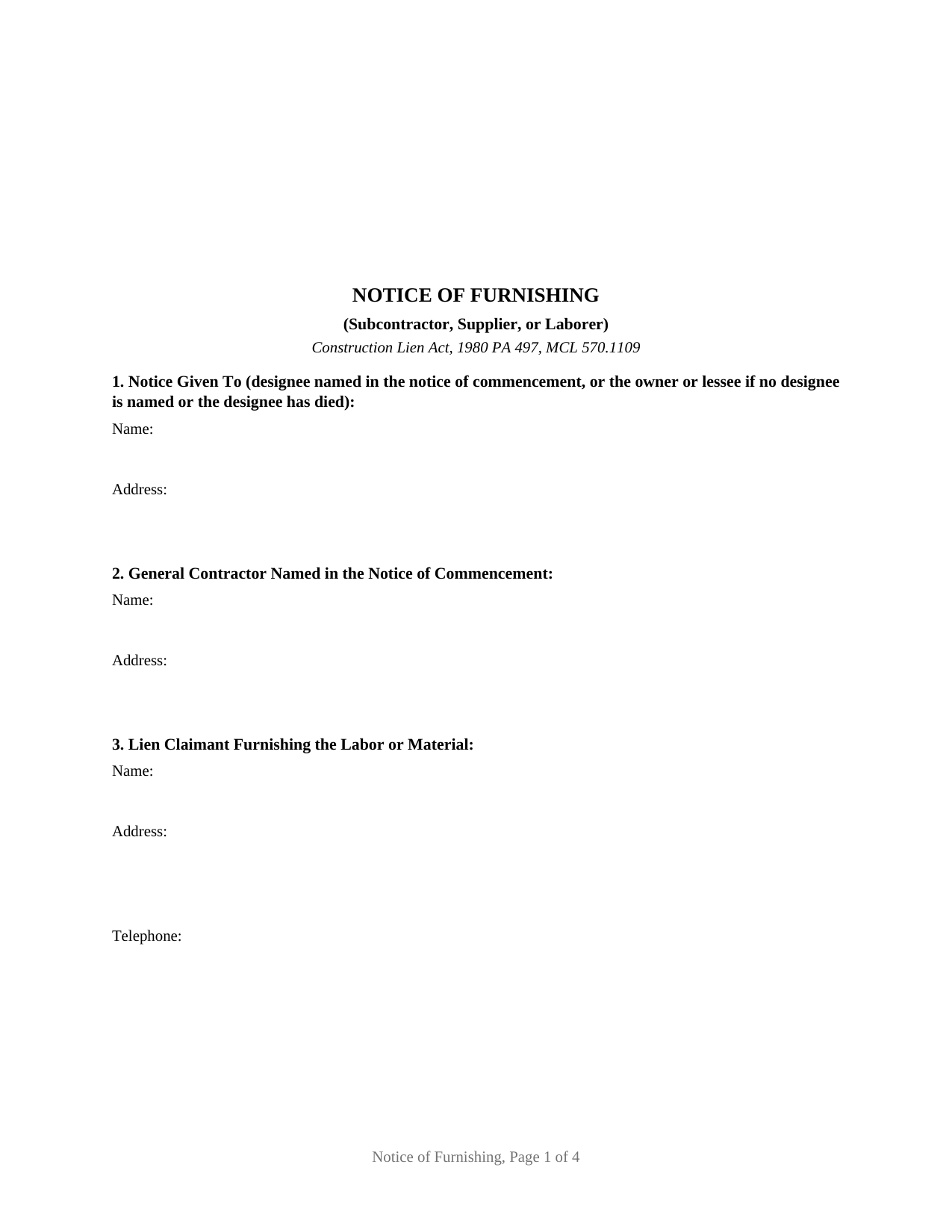
Dickinson County Notice of Furnishing Form
Fill in the blank Notice of Furnishing form formatted to comply with all Michigan recording and content requirements.
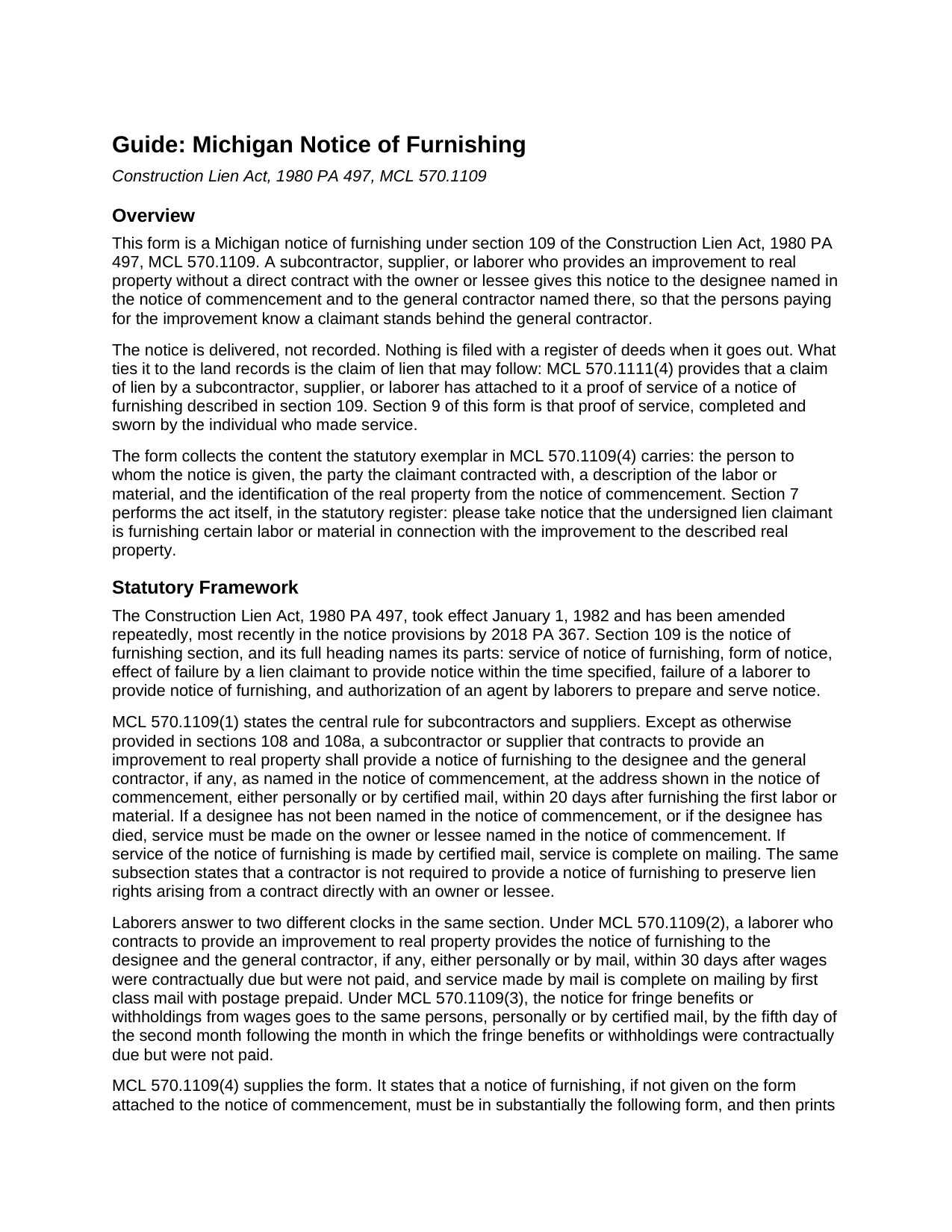
Dickinson County Notice of Furnishing Guide
Line by line guide explaining every blank on the Notice of Furnishing form.
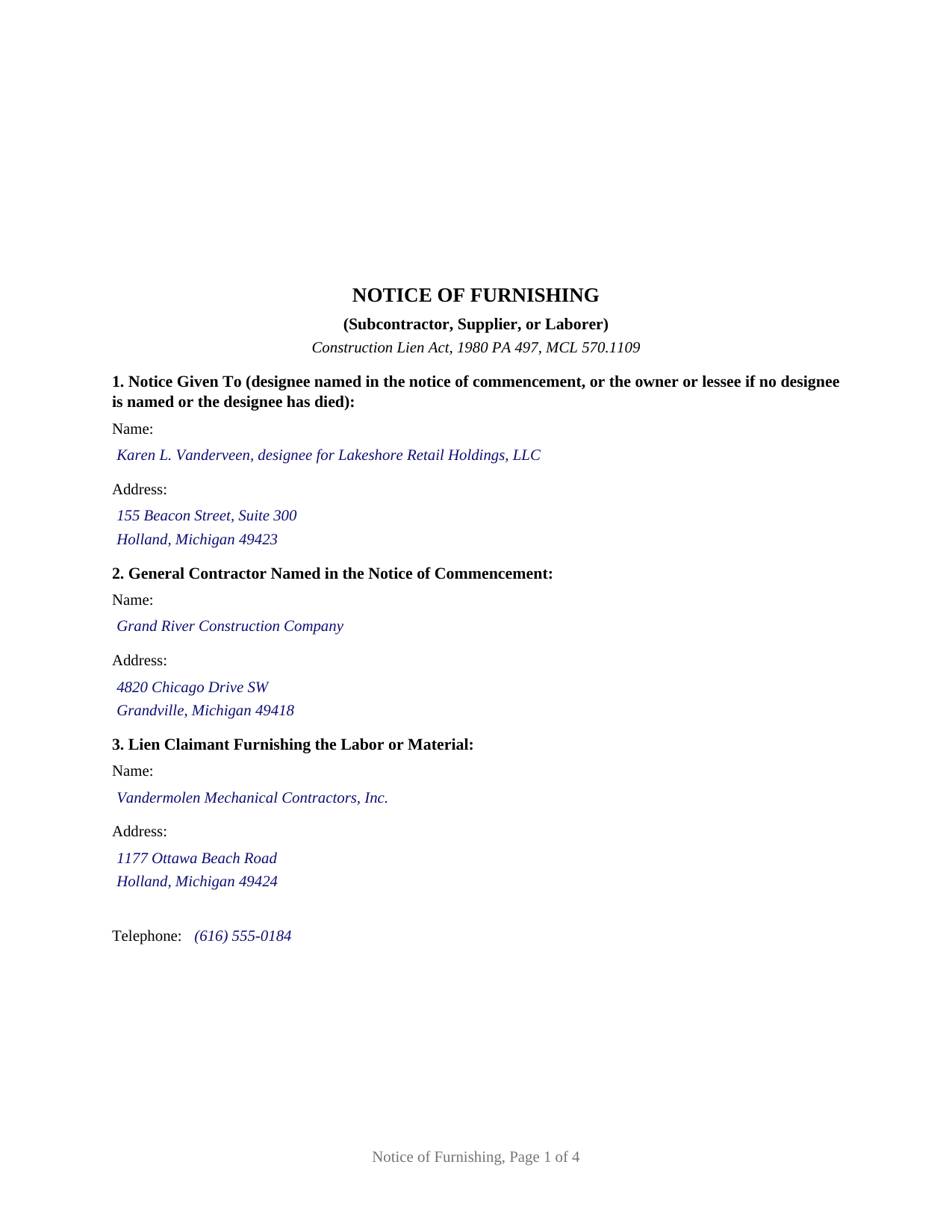
Dickinson County Completed Example of the Notice of Furnishing Document
Example of a properly completed Michigan Notice of Furnishing document for reference.
All 3 documents above included • One-time purchase • No recurring fees
Immediate Download • Secure Checkout
Additional Michigan and Dickinson County documents included at no extra charge:
Where to Record Your Documents
Dickinson County Register of Deeds
Iron Mountain, Michigan 49801
Hours: 8:30 to 4:30 M-F
Phone: (906) 774-0955
Recording Tips for Dickinson County:
- Bring your driver's license or state-issued photo ID
- Ensure all signatures are in blue or black ink
- Verify all names are spelled correctly before recording
- White-out or correction fluid may cause rejection
- Ask about their eRecording option for future transactions
Cities and Jurisdictions in Dickinson County
Properties in any of these areas use Dickinson County forms:
- Channing
- Felch
- Foster City
- Iron Mountain
- Kingsford
- Loretto
- Norway
- Quinnesec
- Ralph
- Sagola
- Vulcan
Hours, fees, requirements, and more for Dickinson County
How do I get my forms?
Forms are available for immediate download after payment. The Dickinson County forms will be in your account ready to download to your computer. An account is created for you during checkout if you don't have one. Forms are NOT emailed.
Are these forms guaranteed to be recordable in Dickinson County?
Yes. Our form blanks are guaranteed to meet or exceed the applicable formatting requirements used for recording in Dickinson County, including margin requirements, font requirements, and other layout standards. This guarantee applies to formatting, not to the legal sufficiency of information entered by the user or the suitability of a form for a particular transaction.
Can I reuse these forms?
Yes. You can reuse the forms for your personal use. For example, if you have multiple properties in Dickinson County you only need to order once.
What do I need to use these forms?
The forms are PDFs that you fill out on your computer. The free Adobe Acrobat Reader is recommended, and most PDF apps also work. You do NOT enter your property information online - you download the blank forms and complete them privately on your own computer.
Are there any recurring fees?
No. This is a one-time purchase. Nothing to cancel, no memberships, no recurring fees.
How much does it cost to record in Dickinson County?
Recording fees in Dickinson County vary. Contact the recorder's office at (906) 774-0955 for current fees.
Questions answered? Let's get started!
Twenty days after the first load of material hits a Michigan job site, a subcontractor or supplier that has no contract with the owner has already used up its introduction window. A notice of furnishing under the Construction Lien Act, 1980 PA 497, at MCL 570.1109, is that introduction. It goes to the designee named in the notice of commencement and to the general contractor named there, it names the party the claimant contracted with, it describes the labor or material, and it identifies the improved property. No lien exists yet and nothing is recorded; the notice protects the value of the lien that may come later.
Twenty days, thirty days, and the fifth of the second month
The clock depends on who is claiming. A subcontractor or supplier gives the notice within 20 days after furnishing the first labor or material, personally or by certified mail, at the address shown in the notice of commencement, under MCL 570.1109(1). A laborer claiming unpaid wages has 30 days after the wages were contractually due and unpaid, and that notice may travel by mail, with service complete on mailing by first class mail with postage prepaid, under MCL 570.1109(2). A laborer claiming unpaid fringe benefits or withholdings runs on a calendar of its own: the fifth day of the second month following the month in which they were contractually due and unpaid, under MCL 570.1109(3). A contractor holding a contract directly with the owner or lessee gives no notice of furnishing at all to preserve lien rights arising from that contract.
Where the notice goes, and when service is finished
The statute aims the notice at the designee, the person an owner or lessee names in the notice of commencement to receive notices, and at the general contractor if one is named there. Where no designee is named, or the designee has died, it goes instead to the owner or lessee named there. Certified mail finishes at the mailbox: MCL 570.1109(1) states that service by certified mail is complete on mailing, so the mailing date, not the delivery date, is the date that matters. A claimant without a copy of the notice of commencement may request one in writing by certified mail, and MCL 570.1108 and MCL 570.1108a require the copy to come with a blank notice of furnishing attached and extend the notice deadline where the request goes unanswered.
A late notice is graded, not erased
Michigan does not void a lien for a late notice of furnishing. MCL 570.1109(5) preserves the lien for work performed and materials furnished after service. MCL 570.1109(6) preserves it for work and material before service as well, except to the extent the owner or lessee already paid the contractor against a sworn account or a lien waiver covering that same work. Laborers are treated differently and more strictly: under MCL 570.1109(7) and (8), a laborer who does not reach the designee loses the lien for the wages or the fringe benefits and withholdings the notice covers, and under MCL 570.1109(9) a laborer who misses the general contractor keeps the lien but answers for the general contractor's actual damages.
The proof of service a claim of lien carries
This form is built for one claimant on one project, and it ends where the statute makes the notice provable. Sections 1 through 6 collect the designee, the general contractor, the claimant, the contracting party, the labor or material with its first furnishing date, and the property by recording reference and legal description. Section 7 performs the act in the statutory register. Section 8 carries the signature and the capacity of the individual signing for the claimant, with no notarial certificate, because section 109 makes no notarial act part of the notice. Section 9 is a proof of service, sworn by the individual who made service and finished with a jurat, because MCL 570.1111(4) provides that a claim of lien has attached to it a proof of service of a notice of furnishing described in section 109. Mechanical and electrical subcontractors on commercial work, equipment lessors, and material suppliers to a first tier subcontractor all present the single claimant pattern this notice recites.
This package includes the blank fillable notice, a completed example set on an Ottawa County commercial addition, and a guide covering the statute, each numbered section, the deadlines, the jurat, and the connection to a later claim of lien recorded under MCL 570.1111. The materials are informational and are not legal advice.
Important: Your property must be located in Dickinson County to use these forms. Documents should be recorded at the county recording office listed above.
This Notice of Furnishing meets all recording requirements specific to Dickinson County.
Our Promise
The documents you receive here are guaranteed to meet or exceed the applicable Dickinson County recording format requirements. If there is a rejection caused by our formatting, we will correct the issue or refund your payment. This guarantee applies to document formatting only and does not extend to information entered by the user, the selection of the form, or the legal effect of the completed document.
Save Time and Money
Get your Dickinson County Notice of Furnishing form done right the first time with Deeds.com Uniform Conveyancing Blanks. At Deeds.com, we understand that your time and money are valuable resources, and we don't want you to face a penalty fee or rejection imposed by a county recorder for submitting nonstandard documents. We constantly review and update our forms to meet rapidly changing state and county recording requirements for roughly 3,500 counties and local jurisdictions.
4.8 out of 5 - ( 4,839 Reviews )
MIMI T. 5 out of 5 stars
Absolutely the best ever!!!
Thank you!
Catherine B. 5 out of 5 stars
Was looking for information and forms relating to a trust my parents created, but what I purchased seems geared toward trusts containing real estate only, which is not what I needed. Clearly I missed something prior to purchasing something I can not use. Perhaps additional clarification for us without any experience is this area would be helpful.
Thank you for your feedback. We really appreciate it. Have a great day!
SheRon F. 5 out of 5 stars
It was a quick and easy process and deeds.com was very helpful and dealt with a very stressful situation, painless.
We appreciate your business and value your feedback. Thank you. Have a wonderful day!
David W. 5 out of 5 stars
The forms were exactly the ones required by that New Jersey county, and were very easy to fill out. I would use this site again, and highly recommend it.
We appreciate your business and value your feedback. Thank you. Have a wonderful day!
edward d. 5 out of 5 stars
used before awesome forms
Thank you!
Jo Anne C. 5 out of 5 stars
Excellent documentation. Thank you.
Thank you for your feedback. We really appreciate it. Have a great day!
Christine L. 5 out of 5 stars
I was very pleased with your service. You got me the information I required within one day. Thank you!
Thank you!
Lynd P. 5 out of 5 stars
Good
Thanks Lynd.
Shannon y. 5 out of 5 stars
Awesome , easy-to-use and find exactly what I was needing and saved me alot of headache and money. Will definitely recommend to anyone
Your review means a lot to us. Thank you for taking the time.
Kimberly M. 5 out of 5 stars
I love Deeds.com. I've never had any issues with the service, getting documents back, etc.
We appreciate your business and value your feedback. Thank you. Have a wonderful day!
Kenneth J. 5 out of 5 stars
I thought the forms were good but expensive, Spending almost 30 dollars for a 3 page form was a stiff price to pay. I won't be getting any more
Thank you for your feedback. We really appreciate it. Have a great day!
Jonathon K. 5 out of 5 stars
Recording deeds from the comfort of my office has never been simpler thanks to Deeds.com. The service is affordable, fast, and extremely user friendly. I highly recommend anyone who needs a deed recorded in the state of Florida to look into this website, it has made my job much easier.
We appreciate your business and value your feedback. Thank you. Have a wonderful day!
Pam G. 5 out of 5 stars
Loved the ease of use, the very helpful instructions, and samples to go along with the documents I needed to create.
Your feedback is valuable to us and helps us improve. Thank you for sharing your thoughts!
Susan R. 5 out of 5 stars
I found the documents I needed on Deeds.com. It was so easy to use and I received the items I purchased FAST! I'll be using their service again.
Thank you for your feedback. We really appreciate it. Have a great day!
David L. 5 out of 5 stars
Deeds.com makes recording quick and easier than driving a half an hour each way and needing to leave home! The fees are reasonable for the convenience, and while Covid is closing doors. Dave
Thank you!