Roseau County Affidavit of Identity and Survivorship Form
Last validated October 20, 2026 by our Forms Development TeamFormatted for recording in Roseau County, for property anywhere in the county: rural and unincorporated areas as well as Badger, Greenbush, Roosevelt, Roseau, Salol, Strathcona, Swift, Wannaska and 1 more.
- 3 documents included
- Immediate PDF download
- Formatting guarantee
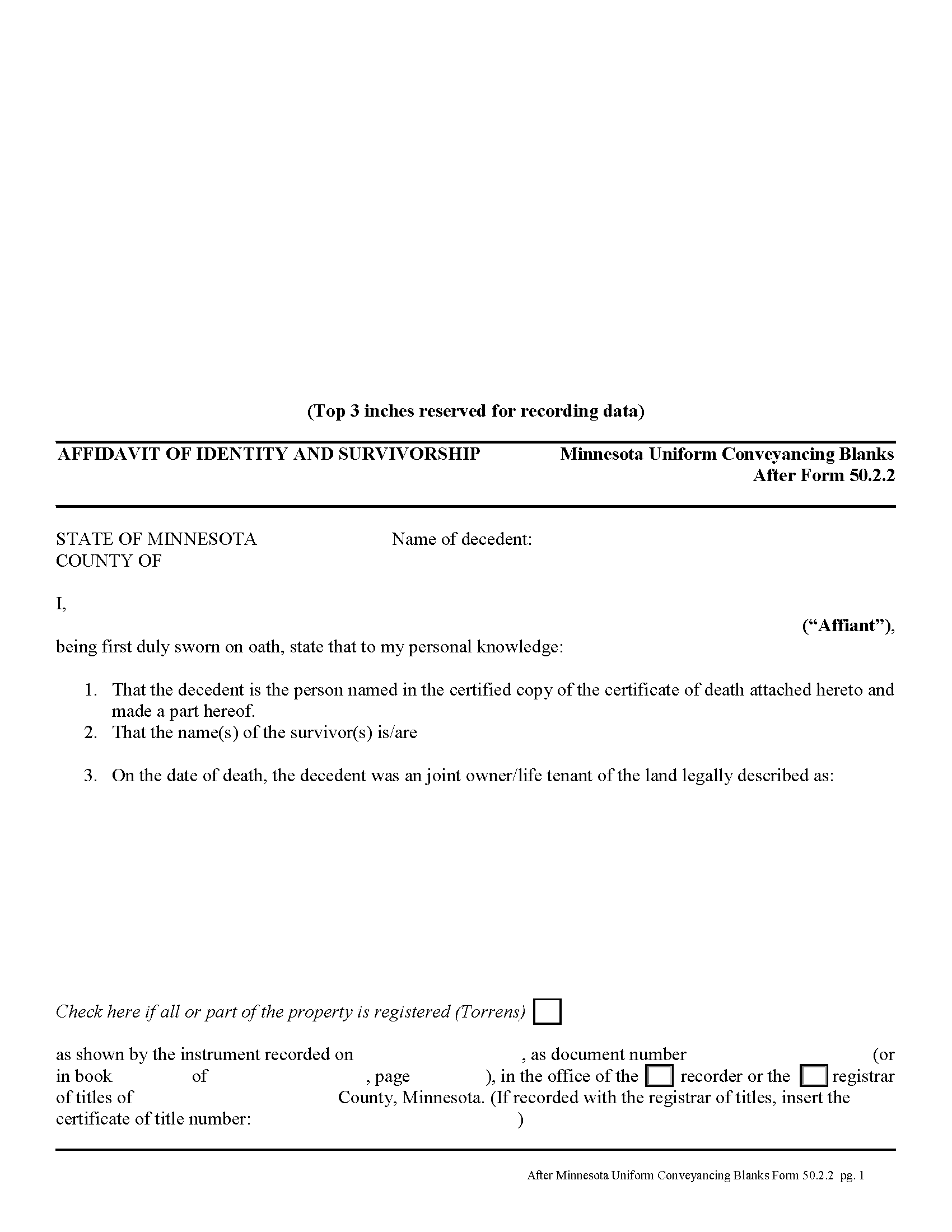
Roseau County Affidavit of Identity and Survivorship Form
Fill in the blank form formatted to comply with all recording and content requirements.
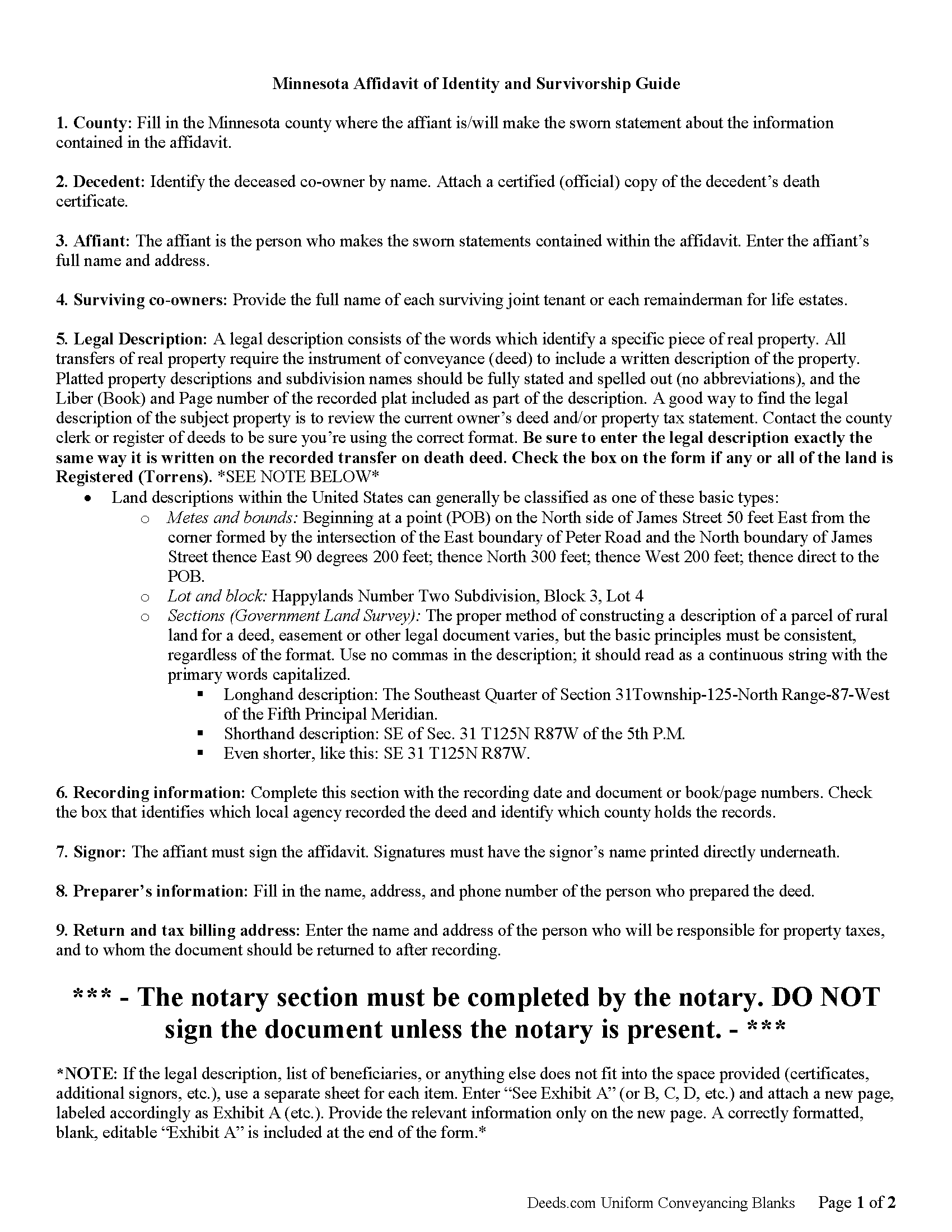
Roseau County Affidavit of Indentity and Survivorship Guide
Line by line guide explaining every blank on the form.
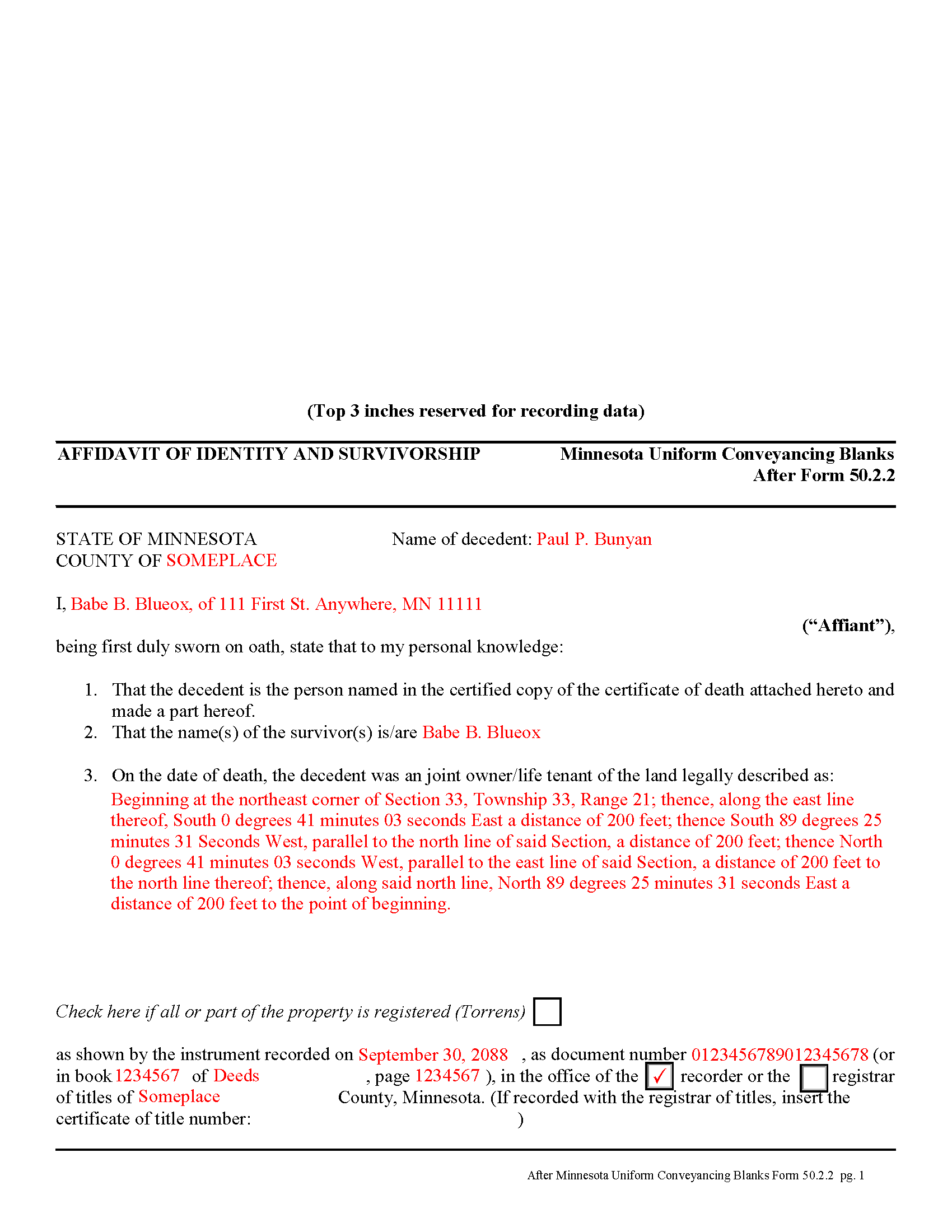
Roseau County Completed Example of the Affidavit of Identity and Survivorship Document
Example of a properly completed form for reference.
All 3 documents above included • One-time purchase • No recurring fees
Immediate Download • Secure Checkout
Additional Minnesota and Roseau County documents included at no extra charge:
Where to Record Your Documents
Roseau County Recorder
Roseau, Minnesota 56751
Hours: 8:00 to 4:30 M-F
Phone: (218) 463-2061
Recording Tips for Roseau County:
- Bring your driver's license or state-issued photo ID
- Ensure all signatures are in blue or black ink
- Avoid the last business day of the month when possible
- Both spouses typically need to sign if property is jointly owned
- Bring extra funds - fees can vary by document type and page count
Cities and Jurisdictions in Roseau County
Properties in any of these areas use Roseau County forms:
- Badger
- Greenbush
- Roosevelt
- Roseau
- Salol
- Strathcona
- Swift
- Wannaska
- Warroad
Hours, fees, requirements, and more for Roseau County
How do I get my forms?
Forms are available for immediate download after payment. The Roseau County forms will be in your account ready to download to your computer. An account is created for you during checkout if you don't have one. Forms are NOT emailed.
Are these forms guaranteed to be recordable in Roseau County?
Yes. Our form blanks are guaranteed to meet or exceed the applicable formatting requirements used for recording in Roseau County, including margin requirements, font requirements, and other layout standards. This guarantee applies to formatting, not to the legal sufficiency of information entered by the user or the suitability of a form for a particular transaction.
Can I reuse these forms?
Yes. You can reuse the forms for your personal use. For example, if you have multiple properties in Roseau County you only need to order once.
What do I need to use these forms?
The forms are PDFs that you fill out on your computer. The free Adobe Acrobat Reader is recommended, and most PDF apps also work. You do NOT enter your property information online - you download the blank forms and complete them privately on your own computer.
Are there any recurring fees?
No. This is a one-time purchase. Nothing to cancel, no memberships, no recurring fees.
How much does it cost to record in Roseau County?
Recording fees in Roseau County vary. Contact the recorder's office at (218) 463-2061 for current fees.
Questions answered? Let's get started!
Minnesota allows two or more people to share ownership of real estate as joint tenants. Unlike tenants in common, who each own individual portions of the property, joint tenants share equal parts of the undivided whole property. As a result, if one joint tenant dies, his/her rights are distributed evenly amongst the surviving joint tenants. Note that joint tenancy property passes outside of probate, so it does not become part of the decedent's estate.
To complete the transfer of ownership rights, the surviving joint tenant or tenants should execute an affidavit of identity and survivorship, based on Minnesota Form 50.2.2. The affidavit references the recorded deed where the joint tenants gained the property rights, and also requires a certified copy of the decedent's death certificate. Record the affidavit and its supporting documents in the office responsible for maintaining property records for the county where the land is located.
After recording the affidavit, the deceased joint tenant no longer holds any property rights, but his/her name will still appear as an owner in the records. To actually remove that name, the remaining joint tenant(s) should execute a new deed listing all original joint tenants as grantors, but identifying the deceased individual and including a certified copy of the death certificate. Name only the surviving tenants as grantees. After filing the new deed, the property records should only show the remaining owners.
(Minnesota AOI Package includes form, guidelines, and completed example)
Important: Your property must be located in Roseau County to use these forms. Documents should be recorded at the county recording office listed above.
This Affidavit of Identity and Survivorship meets all recording requirements specific to Roseau County.
Our Promise
The documents you receive here are guaranteed to meet or exceed the applicable Roseau County recording format requirements. If there is a rejection caused by our formatting, we will correct the issue or refund your payment. This guarantee applies to document formatting only and does not extend to information entered by the user, the selection of the form, or the legal effect of the completed document.
Save Time and Money
Get your Roseau County Affidavit of Identity and Survivorship form done right the first time with Deeds.com Uniform Conveyancing Blanks. At Deeds.com, we understand that your time and money are valuable resources, and we don't want you to face a penalty fee or rejection imposed by a county recorder for submitting nonstandard documents. We constantly review and update our forms to meet rapidly changing state and county recording requirements for roughly 3,500 counties and local jurisdictions.
4.8 out of 5 - ( 4,836 Reviews )
James M. 5 out of 5 stars
Great selection of documents. Easy to use, with guidance material.
Thank you for taking the time to leave your feedback James. We appreciate you.
Mary S. 5 out of 5 stars
Very helpful and an easy site to use so far.
Thank you for your feedback. We really appreciate it. Have a great day!
Judith C. 5 out of 5 stars
very happy so far. Haven't gone to record deeds yet so am in good hopes everything will be in good order. Time saver!!!
Thank you!
Jeffrey W. 5 out of 5 stars
One of the most user-friendly services I have used. HIGHLY reccomended.
Thank you!
Evelyn A. 5 out of 5 stars
Was easy to use. Just didnt find what i needed
Thank you for your feedback. We really appreciate it. Have a great day!
Sidney L. 3 out of 5 stars
Not a fan. Filling in the WI RE transfer return was simple enough. However, it downloaded as a DOR file and I can't find a program to open it. So, I have no way to print the form to complete the process.
Thank you for your feedback. We really appreciate it. Have a great day!
Joan B. 5 out of 5 stars
So quick and easy! No searching for a parking place or waiting in line. Thank you!
We appreciate your business and value your feedback. Thank you. Have a wonderful day!
Celestine U. 5 out of 5 stars
Very well done
Thank you!
Carlin L. 5 out of 5 stars
I have yet to have my Certification of Trust notarized nor have I gone to my bank to see if it's acceptable I hope it will be it was rather easy to do thank you so much.
Thank you for your feedback Carlin.
Phillip B. 5 out of 5 stars
Nice. Quick and very easy to find and download the exact forms I needed.
Thank you for your feedback. We really appreciate it. Have a great day!
Patricia C. 3 out of 5 stars
Only source I could find. Wasn't sure if I needed same certificate from each state and site had me checkout separately for each. Good way to keep you customer paying up. Just hope what I received is acceptable.
Thank you!
sheila B. 5 out of 5 stars
awesome
Thank you!
R Rodney H. 5 out of 5 stars
Excellent service--I got just the information I needed quickly and reasonably priced. I am glad to know of this service for future needs, as an individual, in this sector. Cheers, RRH
We appreciate your business and value your feedback. Thank you. Have a wonderful day!
Mary W. 5 out of 5 stars
Easy to access and good instructions. Where to mail would be the only thing I would add.
Thank you for your feedback. We really appreciate it. Have a great day!
Lucus S. 5 out of 5 stars
I tried to do it myself by copying an old deed and ended up with a bunch of headaches (expensive ones) wish I would have used these documents first. Live and learn.
Thank you!