Goodhue County Disclaimer of Interest Form
Last validated September 3, 2026 by our Forms Development TeamFormatted for recording in Goodhue County, for property anywhere in the county: rural and unincorporated areas as well as Cannon Falls, Dennison, Frontenac, Goodhue, Kenyon, Pine Island, Red Wing, Wanamingo and 2 more.
- 3 documents included
- Immediate PDF download
- Formatting guarantee
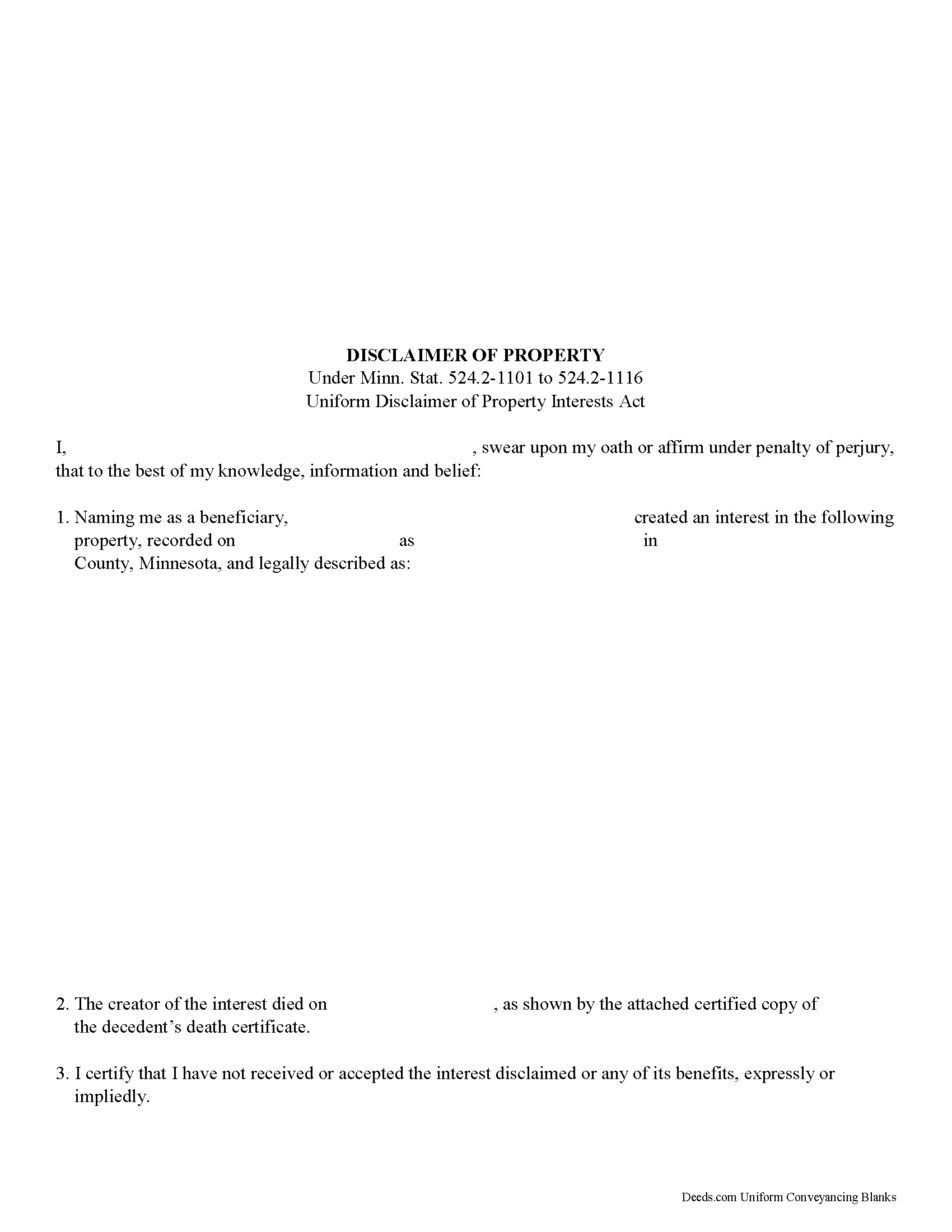
Goodhue County Disclaimer of Interest Form
Fill in the blank form formatted to comply with all recording and content requirements.
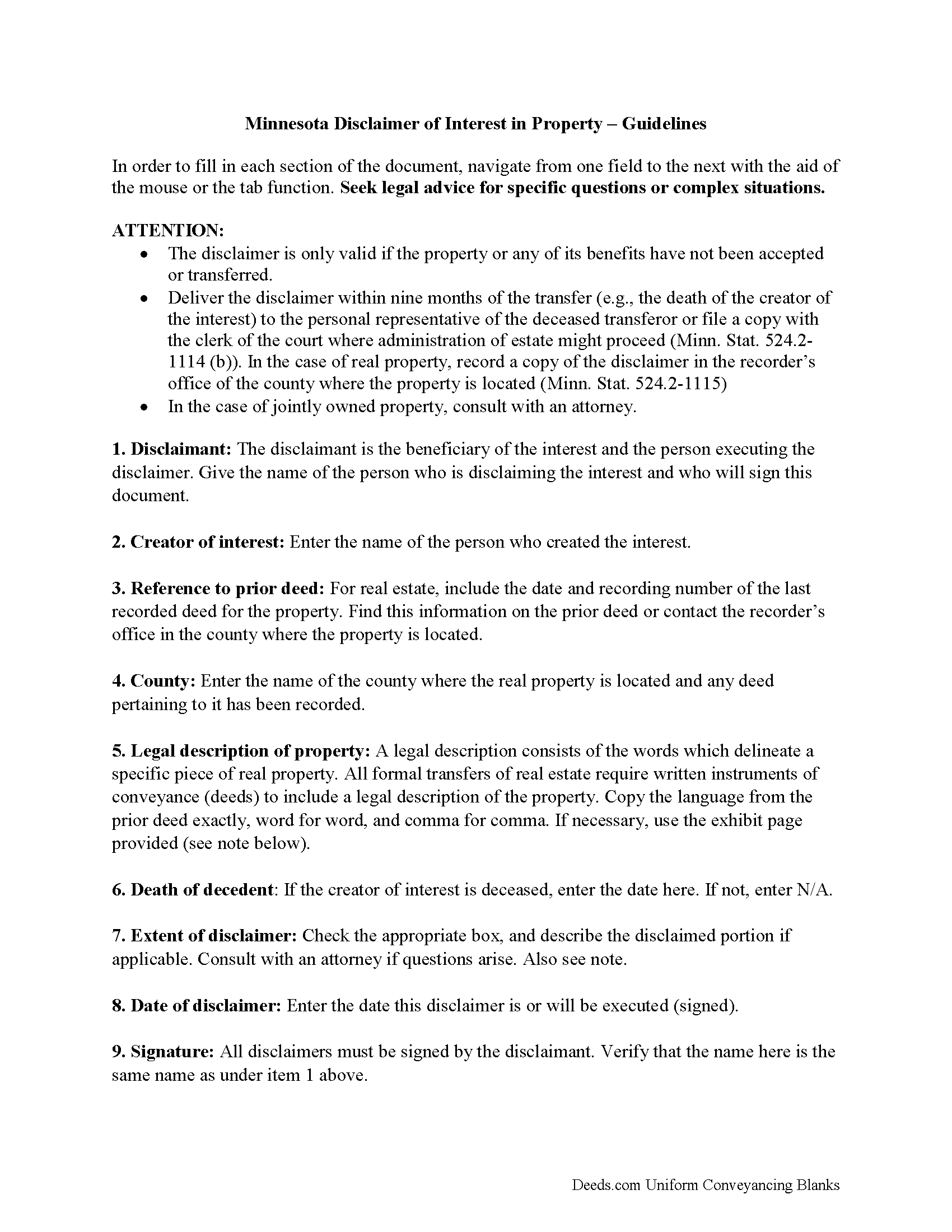
Goodhue County Disclaimer of Interest Guide
Line by line guide explaining every blank on the form.
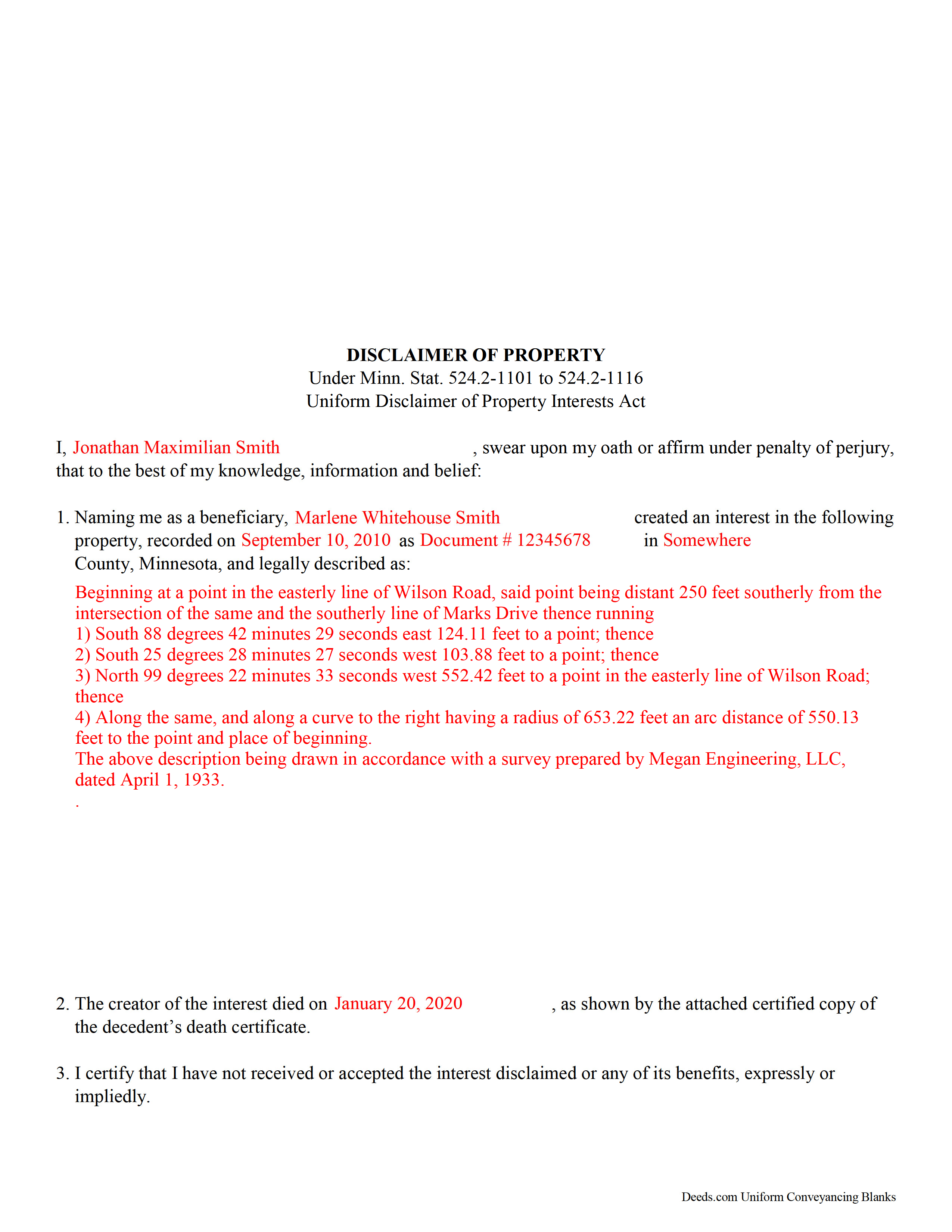
Goodhue County Completed Example of the Disclaimer of Interest Document
Example of a properly completed form for reference.
All 3 documents above included • One-time purchase • No recurring fees
Immediate Download • Secure Checkout
Additional Minnesota and Goodhue County documents included at no extra charge:
Where to Record Your Documents
Goodhue County Recorder
Red Wing, Minnesota 55066
Hours: 8:00am to 4:30pm Monday through Friday
Phone: (651) 385-3152
Recording Tips for Goodhue County:
- Bring your driver's license or state-issued photo ID
- Ensure all signatures are in blue or black ink
- Documents must be on 8.5 x 11 inch white paper
- Double-check legal descriptions match your existing deed
- Verify all names are spelled correctly before recording
Cities and Jurisdictions in Goodhue County
Properties in any of these areas use Goodhue County forms:
- Cannon Falls
- Dennison
- Frontenac
- Goodhue
- Kenyon
- Pine Island
- Red Wing
- Wanamingo
- Welch
- Zumbrota
Hours, fees, requirements, and more for Goodhue County
How do I get my forms?
Forms are available for immediate download after payment. The Goodhue County forms will be in your account ready to download to your computer. An account is created for you during checkout if you don't have one. Forms are NOT emailed.
Are these forms guaranteed to be recordable in Goodhue County?
Yes. Our form blanks are guaranteed to meet or exceed the applicable formatting requirements used for recording in Goodhue County, including margin requirements, font requirements, and other layout standards. This guarantee applies to formatting, not to the legal sufficiency of information entered by the user or the suitability of a form for a particular transaction.
Can I reuse these forms?
Yes. You can reuse the forms for your personal use. For example, if you have multiple properties in Goodhue County you only need to order once.
What do I need to use these forms?
The forms are PDFs that you fill out on your computer. The free Adobe Acrobat Reader is recommended, and most PDF apps also work. You do NOT enter your property information online - you download the blank forms and complete them privately on your own computer.
Are there any recurring fees?
No. This is a one-time purchase. Nothing to cancel, no memberships, no recurring fees.
How much does it cost to record in Goodhue County?
Recording fees in Goodhue County vary. Contact the recorder's office at (651) 385-3152 for current fees.
Questions answered? Let's get started!
Under the Minnesota statutes, the beneficiary of an interest in property may renounce the gift, either in part or in full (Minn. Stat. 524.2-1101 to 524.2-1116 Uniform Disclaimer of Property Interests Act). Note that the option to disclaim is only available to beneficiaries who have not acted in any way to indicate acceptance or ownership of the interest.
The disclaimer must be in writing and include a description of the interest, a declaration of intent to disclaim all or a defined portion of the interest, and be signed by the disclaimant (Minn. Stat. 524.2-1107 (c)).
Deliver the disclaimer within nine months of the transfer (e.g., the death of the creator of the interest) to the personal representative of the decedent's estate, or file it with the clerk of the court in any county where administration of estate might proceed (524.2-1114 (b)). In the case of real property, record a copy of the disclaimer in the office of the county recorder or the registrar of titles in the county or counties where the real estate is located (524.2-1115).
A disclaimer is irrevocable and binding for the disclaiming party and his or her creditors, so be sure to consult an attorney when in doubt about the drawbacks and benefits of disclaiming inherited property. If the disclaimed interest arises out of jointly-owned property, seek legal advice as well.
(Minnesota DOI Package includes form, guidelines, and completed example)
Important: Your property must be located in Goodhue County to use these forms. Documents should be recorded at the county recording office listed above.
This Disclaimer of Interest meets all recording requirements specific to Goodhue County.
Our Promise
The documents you receive here are guaranteed to meet or exceed the applicable Goodhue County recording format requirements. If there is a rejection caused by our formatting, we will correct the issue or refund your payment. This guarantee applies to document formatting only and does not extend to information entered by the user, the selection of the form, or the legal effect of the completed document.
Save Time and Money
Get your Goodhue County Disclaimer of Interest form done right the first time with Deeds.com Uniform Conveyancing Blanks. At Deeds.com, we understand that your time and money are valuable resources, and we don't want you to face a penalty fee or rejection imposed by a county recorder for submitting nonstandard documents. We constantly review and update our forms to meet rapidly changing state and county recording requirements for roughly 3,500 counties and local jurisdictions.
4.8 out of 5 - ( 4,824 Reviews )
raquel f. 5 out of 5 stars
Wow!!! that was super easy to record a mechanic lien! I will definitely use your service again but I hope I won't have to.
We appreciate your business and value your feedback. Thank you. Have a wonderful day!
Djala C. 5 out of 5 stars
my experience was excellent.
Thank you!
Samuel J M. 5 out of 5 stars
I needed to prepare a Correction Warranty Deed and have not done so in years. I ordered your form and modified it to fit my situation. Saved me a lot of time. Thanks.
Thank you for your feedback. We really appreciate it. Have a great day!
Jayne B. 5 out of 5 stars
This makes it so easy and I'm so glad I found you. I visited two other sites before I found this one. They were cumbersome to use to the point where I abandoned them and kept on looking. Then I found yours, and it was a breeze. Thank you so much!
We appreciate your business and value your feedback. Thank you. Have a wonderful day!
Paula P. 2 out of 5 stars
Important: Click Download to save each PDF to your device. Open and complete the PDFs using Adobe Acrobat Reader (free). Get Adobe Acrobat Reader Browser PDF viewers (Chrome, Edge, Firefox, Mac Preview) may display fillable fields incorrectly. This information should be shared with the potential buyer BEFORE purchase. Messy formatting and a deeds.com advertisement on each page. I will not purchase from deeds.com again.
Paula, thank you for taking the time to leave feedback. As the product wasn’t a good fit for you, we’ve canceled your order and provided a full refund so there’s no need for you to use the documents.
Daniel F. 4 out of 5 stars
It was convenient to be able to download the deed template, instructions, and a completed sample deed all from deeds.com. I was able to complete my deed with little effort. My only complaint is that the editable fields in the pdf document are of fixed size, leaving some large spaces within a sentence, for example: Executed on this 1st day of July ,2020. This makes the printed document look a little peculiar.
Thank you for your feedback. We really appreciate it. Have a great day!
Rhonda D. 3 out of 5 stars
The boxes do not allow you to add the entire information. The after recording return to box would not let me add a zipcode.
Thanks for the feedback Rhonda, we’ll take a look at that input field.
Marcell E. 1 out of 5 stars
I am not very happy about the fact that I paid 27.00 to not even have the forms filled out. I thought that it was going to be all done for me and I was told that I need a lawyer to have the form filled out properly.
The order you placed for the do it yourself forms has been canceled. We do hope that you find the $27 attorney you deserve. Have a wonderful day.
Vera P. 5 out of 5 stars
An excellent service!
Thank you!
Stan P. 5 out of 5 stars
Great, covered all the legal area I needed to identify.
Thank you!
Raj J. 5 out of 5 stars
Perfect, thanks
Thank you!
Darren D. 5 out of 5 stars
Easy-peasy to find, download and use the forms!
We appreciate your business and value your feedback. Thank you. Have a wonderful day!
Debbie C. 5 out of 5 stars
Wonderful forms and service.
Thank you for your feedback. We really appreciate it. Have a great day!
Amanda P. 5 out of 5 stars
Quick kind and useful feedback provided related to issues.
We appreciate your business and value your feedback. Thank you. Have a wonderful day!
Armstrong K. 5 out of 5 stars
Very smooth and speedy process. Thank you.
Thank you!