Morrison County Termination of Easement Form
Last validated November 12, 2026 by our Forms Development TeamFormatted for recording in Morrison County, for property anywhere in the county: rural and unincorporated areas as well as Bowlus, Buckman, Cushing, Flensburg, Hillman, Lastrup, Little Falls, Motley and 5 more.
- 3 documents included
- Immediate PDF download
- Formatting guarantee
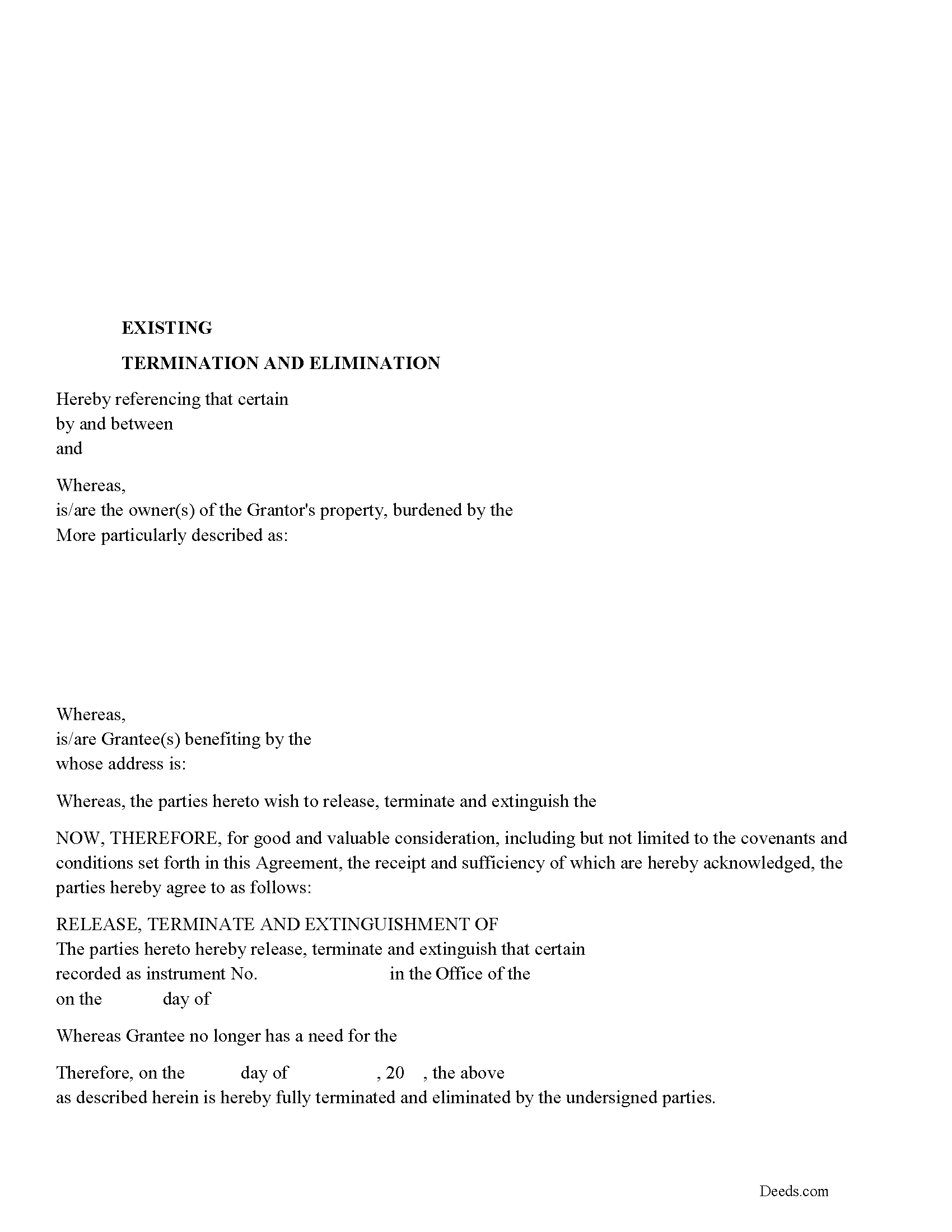
Morrison County Release of Easement, Right of Way Form
Fill in the blank form formatted to comply with all recording and content requirements.
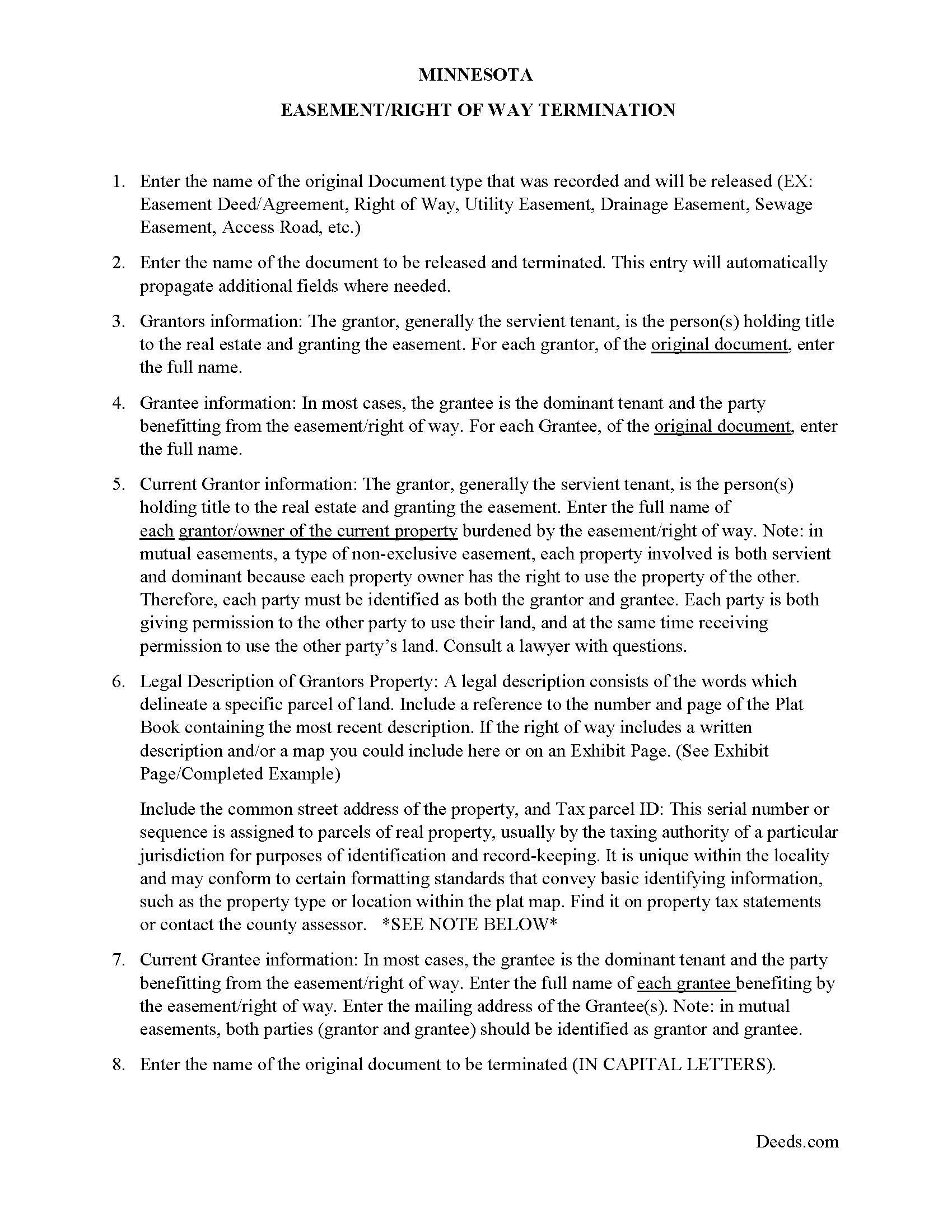
Morrison County Guidelines for Release of Easement
Line by line guide explaining every blank on the form.
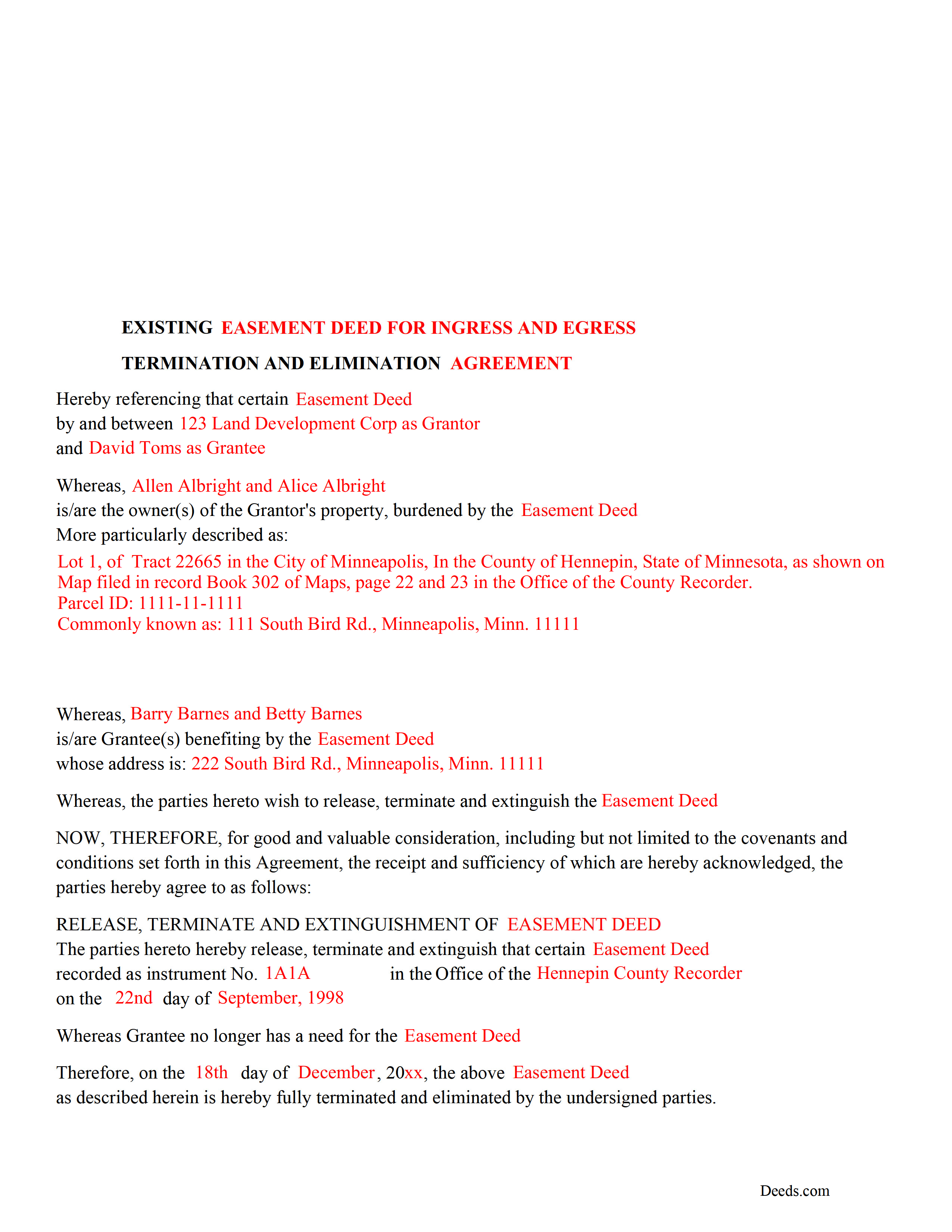
Morrison County Completed Example of the Release of Easement Document
Example of a properly completed form for reference.
All 3 documents above included • One-time purchase • No recurring fees
Immediate Download • Secure Checkout
Additional Minnesota and Morrison County documents included at no extra charge:
Where to Record Your Documents
Morrison County Recorder
Little Falls, Minnesota 56345
Hours: 8:00am to 4:30pm Monday through Friday
Phone: (320) 632-0146
Recording Tips for Morrison County:
- Bring your driver's license or state-issued photo ID
- Ensure all signatures are in blue or black ink
- Documents must be on 8.5 x 11 inch white paper
- Double-check legal descriptions match your existing deed
- Verify all names are spelled correctly before recording
Cities and Jurisdictions in Morrison County
Properties in any of these areas use Morrison County forms:
- Bowlus
- Buckman
- Cushing
- Flensburg
- Hillman
- Lastrup
- Little Falls
- Motley
- Pierz
- Randall
- Royalton
- Swanville
- Upsala
Hours, fees, requirements, and more for Morrison County
How do I get my forms?
Forms are available for immediate download after payment. The Morrison County forms will be in your account ready to download to your computer. An account is created for you during checkout if you don't have one. Forms are NOT emailed.
Are these forms guaranteed to be recordable in Morrison County?
Yes. Our form blanks are guaranteed to meet or exceed the applicable formatting requirements used for recording in Morrison County, including margin requirements, font requirements, and other layout standards. This guarantee applies to formatting, not to the legal sufficiency of information entered by the user or the suitability of a form for a particular transaction.
Can I reuse these forms?
Yes. You can reuse the forms for your personal use. For example, if you have multiple properties in Morrison County you only need to order once.
What do I need to use these forms?
The forms are PDFs that you fill out on your computer. The free Adobe Acrobat Reader is recommended, and most PDF apps also work. You do NOT enter your property information online - you download the blank forms and complete them privately on your own computer.
Are there any recurring fees?
No. This is a one-time purchase. Nothing to cancel, no memberships, no recurring fees.
How much does it cost to record in Morrison County?
Recording fees in Morrison County vary. Contact the recorder's office at (320) 632-0146 for current fees.
Questions answered? Let's get started!
Use this form to release, terminate, extinguish a previously recorded document that involves access to and from a property.
Documents such as:
1. Easement Deeds or Agreements (An easement is a non-possessory interest in land, granting the right to use someone else's property for a specific purpose, like a driveway or utility line)
2. Access Roads
3. Right of Ways
4. Utility Easements (Power, Gas, Water, Sewer, Etc.)
5. Drainage Easements
This document allows the owner of the land, burdened by the access and the party that benefits from the access, to sign an agreement releasing the property from such access, under the premises the benefiting party no longer needs access. Once the easement is successfully terminated and the release is recorded, it should be reflected in the title records for the property, effectively removing the easement from the property's title.
(MINN Termination of Easement Package includes form, guidelines, and completed example)
Important: Your property must be located in Morrison County to use these forms. Documents should be recorded at the county recording office listed above.
This Termination of Easement meets all recording requirements specific to Morrison County.
Our Promise
The documents you receive here are guaranteed to meet or exceed the applicable Morrison County recording format requirements. If there is a rejection caused by our formatting, we will correct the issue or refund your payment. This guarantee applies to document formatting only and does not extend to information entered by the user, the selection of the form, or the legal effect of the completed document.
Save Time and Money
Get your Morrison County Termination of Easement form done right the first time with Deeds.com Uniform Conveyancing Blanks. At Deeds.com, we understand that your time and money are valuable resources, and we don't want you to face a penalty fee or rejection imposed by a county recorder for submitting nonstandard documents. We constantly review and update our forms to meet rapidly changing state and county recording requirements for roughly 3,500 counties and local jurisdictions.
4.8 out of 5 - ( 4,856 Reviews )
Sharon C. 5 out of 5 stars
Easy process considering not too technical savvy!
We appreciate your business and value your feedback. Thank you. Have a wonderful day!
Gretchen B. 2 out of 5 stars
I wanna give more stars because the required information is there, but the character spacing is disjointed on the first page, rendering a gap-filled, awkward-looking document. Also, the opening parenthesis for the first field on the first page is on the wrong line and is backwards, which sets the wrong tone especially since it's the first thing you have to fill out.
Thank you for your feedback. We really appreciate it. Have a great day!
SHARON R. 5 out of 5 stars
Excellent Service! Please note that form Realty Transfer Tax Statement of Value does not print completely. Part of the pages are cut off. Otherwise, excellent service.
Thank you for your feedback. We really appreciate it. Have a great day!
Cheryl G. 5 out of 5 stars
Everyhing went smoothly
Thank you for your feedback. We really appreciate it. Have a great day!
Virginia P. 1 out of 5 stars
Not user friendly despite additional guide. There are other products out there that are superior. A waste of $20.
Sorry to hear that Virginia. Your order and payment has been canceled. We do hope that you find something more suitable to your needs elsewhere. Have a wonderful day.
MIMI T. 5 out of 5 stars
Awesome great service!
Fantastic! Thanks for the feedback Mimi.
JESSICA B. 5 out of 5 stars
easy to move through the site and create an account.
Thank you!
Crystal W. 5 out of 5 stars
This is the easiest process.
Thank you for your feedback. We really appreciate it. Have a great day!
Tim M. 5 out of 5 stars
This is my first time using this amazing service. I wish I was told about this before I went all the way downtown, drove thru construction zones, paid for parking only to be told the computer system had crashed. I was referred to Deeds.com and I will not use the downtown system again.
Your feedback is greatly appreciated. Thank you for taking the time to share your experience!
Hal M. 5 out of 5 stars
Very good, and easy and fast to use.
Thank you!
Ena D. 5 out of 5 stars
Very easy process. great customer service
We appreciate your business and value your feedback. Thank you. Have a wonderful day!
Claire W. 5 out of 5 stars
The price is right, and very simple to follow
Thank you!
David R. 3 out of 5 stars
$40 is an excessively expensive price for this very simple form, especially since I couldn't view it before purchasing. I did successfully register the TODD at my county clerks office, although I wasn't certain it would be accepted given the notary format was on a separate page. Knowing what I know now, I would have formatted a form on my computer and filled it in with a pen. The background materials were superfluous and in my case, didn't add value.
David, we’re glad you successfully recorded your deed using our form. The value of a DIY package is not measured by how complicated the finished document looks or how easily it could be recreated on a computer. It provides a prepared form and supporting information rather than requiring you to research and draft a document from scratch. Having that starting point is what the purchase provides—even when, in hindsight, doing it yourself appears straightforward.
Kay Y. 5 out of 5 stars
Fast and easy service.
Your words of encouragement and feedback are greatly appreciated. They motivate us to maintain high standards in our service.
Gina M. 5 out of 5 stars
Wow, great forms. They do have some protections in place to keep you from doing something stupid but if you use the forms as intended they will work perfectly for you.
Thank you for your feedback. We really appreciate it. Have a great day!