Brown County Transfer on Death Revocation Form
Last validated September 14, 2026 by our Forms Development TeamFormatted for recording in Brown County, for property anywhere in the county: rural and unincorporated areas as well as Comfrey, Essig, Hanska, New Ulm, Searles, Sleepy Eye, Springfield.
- 3 documents included
- Immediate PDF download
- Formatting guarantee
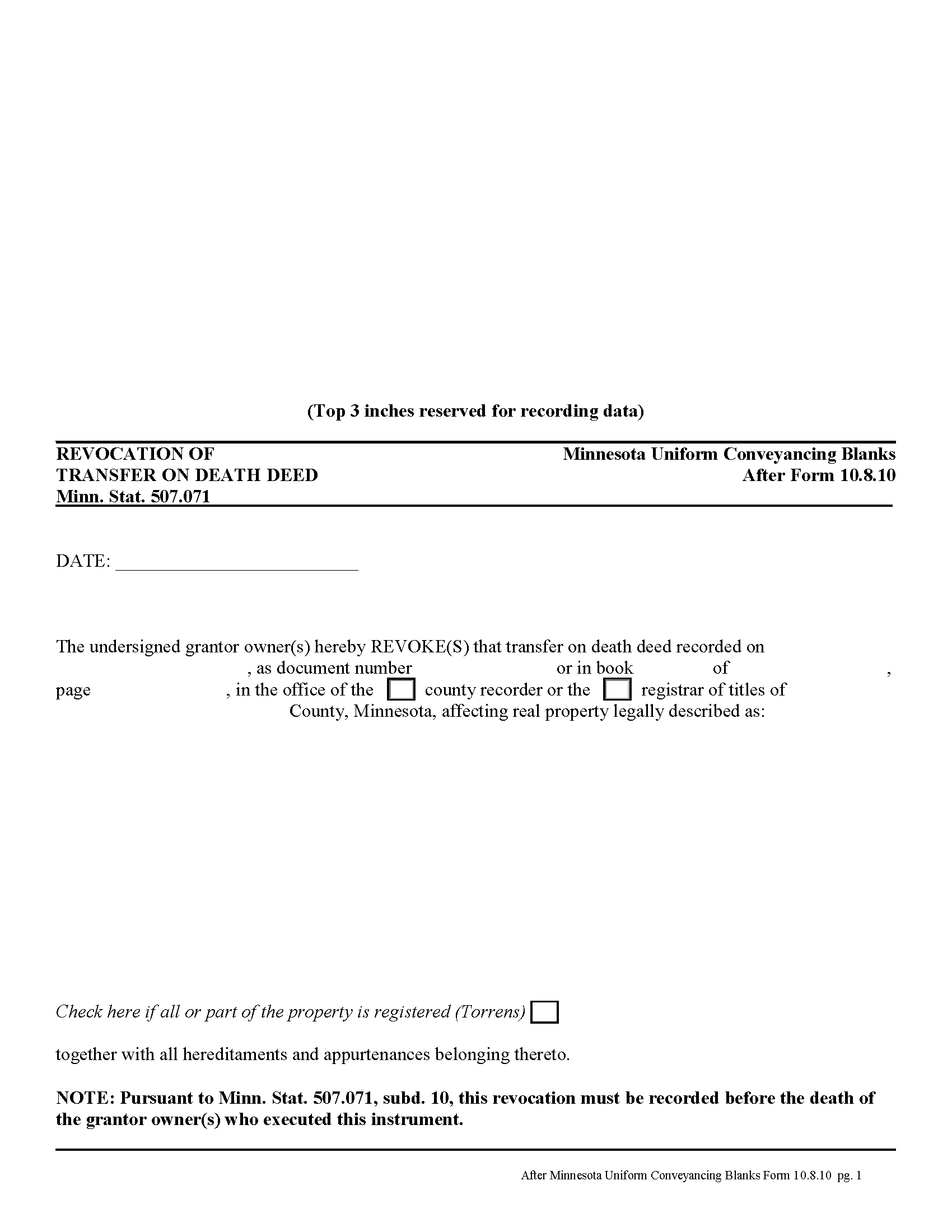
Brown County Transfer on Death Revocation Form
Fill in the blank form formatted to comply with all recording and content requirements.
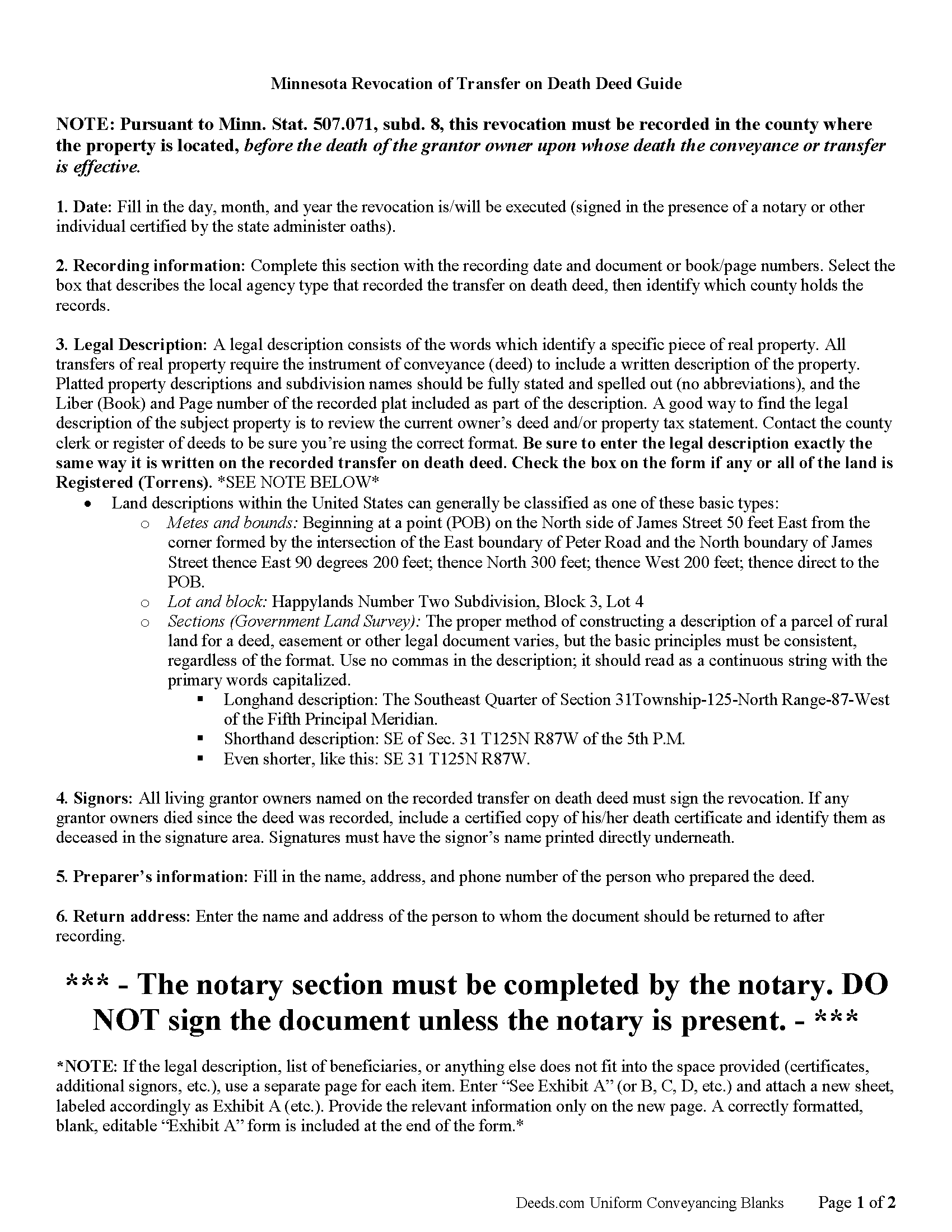
Brown County Transfer on Death Revocation Guide
Line by line guide explaining every blank on the form.
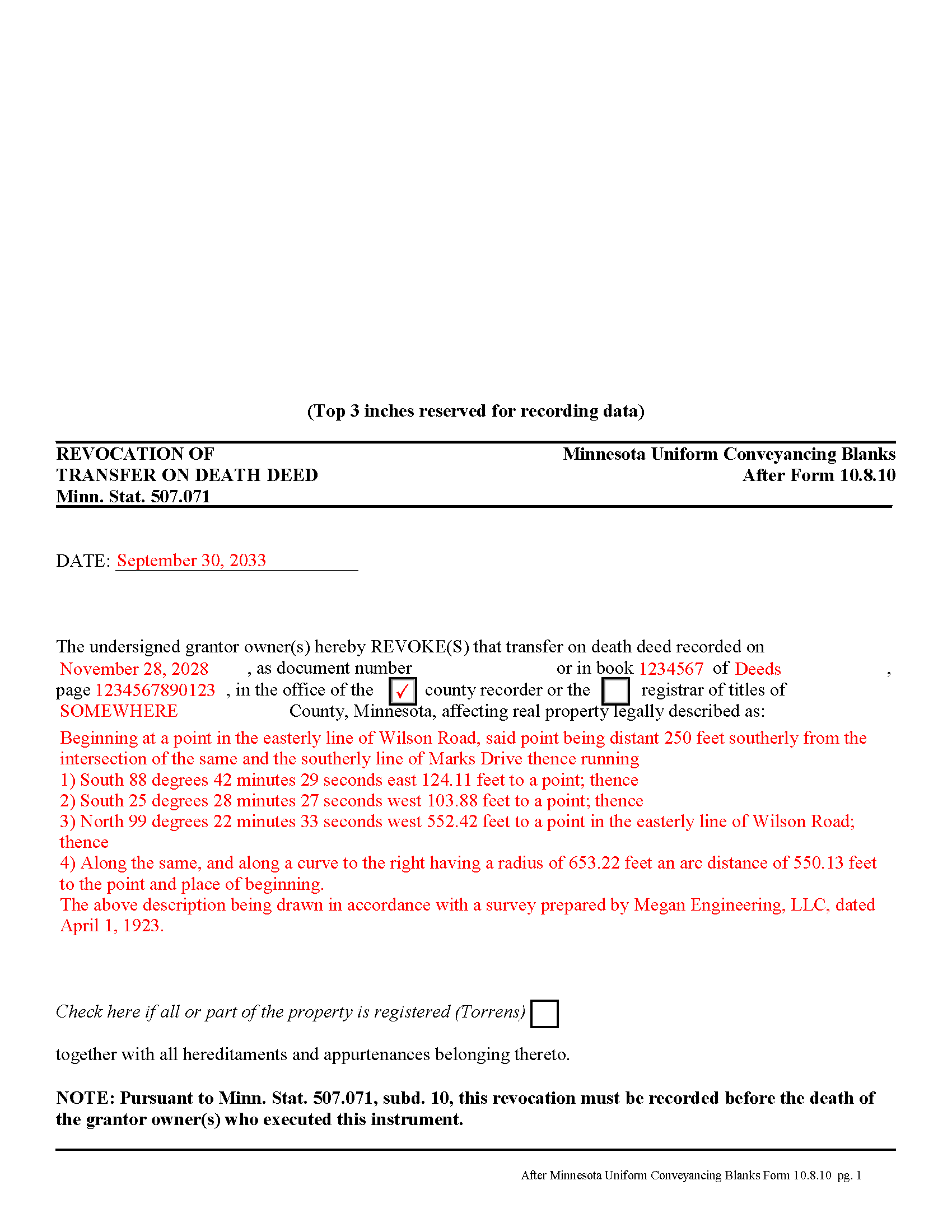
Brown County Completed Example of the Transfer on Death Revocation Document
Example of a properly completed form for reference.
All 3 documents above included • One-time purchase • No recurring fees
Immediate Download • Secure Checkout
Additional Minnesota and Brown County documents included at no extra charge:
Where to Record Your Documents
Brown County Recorder
New Ulm, Minnesota 56073
Hours: 8:00 to 4:30 M-F
Phone: (507) 233-6653
Recording Tips for Brown County:
- Bring your driver's license or state-issued photo ID
- Ensure all signatures are in blue or black ink
- Verify all names are spelled correctly before recording
- White-out or correction fluid may cause rejection
- Ask about their eRecording option for future transactions
Cities and Jurisdictions in Brown County
Properties in any of these areas use Brown County forms:
- Comfrey
- Essig
- Hanska
- New Ulm
- Searles
- Sleepy Eye
- Springfield
Hours, fees, requirements, and more for Brown County
How do I get my forms?
Forms are available for immediate download after payment. The Brown County forms will be in your account ready to download to your computer. An account is created for you during checkout if you don't have one. Forms are NOT emailed.
Are these forms guaranteed to be recordable in Brown County?
Yes. Our form blanks are guaranteed to meet or exceed the applicable formatting requirements used for recording in Brown County, including margin requirements, font requirements, and other layout standards. This guarantee applies to formatting, not to the legal sufficiency of information entered by the user or the suitability of a form for a particular transaction.
Can I reuse these forms?
Yes. You can reuse the forms for your personal use. For example, if you have multiple properties in Brown County you only need to order once.
What do I need to use these forms?
The forms are PDFs that you fill out on your computer. The free Adobe Acrobat Reader is recommended, and most PDF apps also work. You do NOT enter your property information online - you download the blank forms and complete them privately on your own computer.
Are there any recurring fees?
No. This is a one-time purchase. Nothing to cancel, no memberships, no recurring fees.
How much does it cost to record in Brown County?
Recording fees in Brown County vary. Contact the recorder's office at (507) 233-6653 for current fees.
Questions answered? Let's get started!
Minnesota's transfer on death deeds are governed by Minn. Stat. 507.071.
Transfer on death deeds offer an excellent alternative for people who wish to designate a beneficiary for their real estate, while remaining outside the complexity of the probate process. Life is unpredictable, however, and the grantor owner of the property might wish to change or revoke the previously recorded transfer on death deed. The same statute covering the deed also includes a section about revoking it (subd. 10).
There are several ways to revoke a transfer on death deed in Minnesota:
1. Complete and record a statutory revocation form (subd. 25). This is the source for the general revocation form. The statute states that a transfer on death deed "may be revoked at any time by the grantor owner or, if there is more than one grantor owner, by any of the grantor owners. To be effective, the revocation must be recorded in the county in which at least a part of the real property is located before the death of the grantor owner or owners who execute the revocation." The revocation is not effective . . . until the revocation is recorded in the county in which the real property is located.
2. Minnesota transfer on death deeds allow grantor owners full use of and control over the property to be conveyed. If the grantor owner who executed and recorded a transfer on death deed decides to convey the same property to a third party using anything "other than a transfer on death deed, all or a part of such grantor owner's interest in the property described in the transfer on death deed, no transfer of the conveyed interest shall occur on such grantor owner's death and the transfer on death deed shall be ineffective as to the conveyed or transferred interests, but the transfer on death deed remains effective with respect to the conveyance or transfer on death of any other interests described in the transfer on death deed owned by the grantor owner at the time of the grantor owner's death."
3. "If a grantor owner executes and records more than one transfer on death deed conveying the same interest in real property or a greater interest in the real property, the transfer on death deed that has the latest acknowledgment date and that is recorded before the death of the grantor owner upon whose death the conveyance or transfer is conditioned is the effective transfer on death deed and all other transfer on death deeds, if any, executed by the grantor owner or the grantor owners are ineffective to transfer any interest and are void." (subd. 13)
NOTE: a correctly executed, acknowledged, and recorded transfer on death deed cannot be revoked by a will. (subd. 19)
To summarize, once a transfer on death deed is recorded, there are three primary ways to revoke it: a revocation form, conveying the property to a third party by another kind of deed (warranty, quitclaim, etc.), or by executing and recording a new transfer on death deed with a different beneficiary. They may also be invalidated as part of a final divorce decree, but that is part of a different process. To maintain the most clarity in the chain of title (ownership history), however, it makes sense to record a revocation before changing anything else about the status of real estate covered by a transfer on death deed.
Remember that the revocation must be recorded, DURING THE GRANTOR OWNER'S LIFE, in the county where the property is located.
(Minnesota TOD Revocation Package includes form, guidelines, and completed example)
Important: Your property must be located in Brown County to use these forms. Documents should be recorded at the county recording office listed above.
This Transfer on Death Revocation meets all recording requirements specific to Brown County.
Our Promise
The documents you receive here are guaranteed to meet or exceed the applicable Brown County recording format requirements. If there is a rejection caused by our formatting, we will correct the issue or refund your payment. This guarantee applies to document formatting only and does not extend to information entered by the user, the selection of the form, or the legal effect of the completed document.
Save Time and Money
Get your Brown County Transfer on Death Revocation form done right the first time with Deeds.com Uniform Conveyancing Blanks. At Deeds.com, we understand that your time and money are valuable resources, and we don't want you to face a penalty fee or rejection imposed by a county recorder for submitting nonstandard documents. We constantly review and update our forms to meet rapidly changing state and county recording requirements for roughly 3,500 counties and local jurisdictions.
4.8 out of 5 - ( 4,836 Reviews )
Jennifer O. 5 out of 5 stars
Quick, easy, affordable, eliminated the need for a lawyer.
Thank you for your feedback. We really appreciate it. Have a great day!
Veronica F. 5 out of 5 stars
Fabulous service team. VERY responsive with any issue I encountered. Preparing forms out of state to record in another is never easy but this team assists expeditiously.
Your feedback is greatly appreciated. Thank you for taking the time to share your experience!
joni e. 5 out of 5 stars
It was everything that I needed. The county clerk's office kept telling me to get a lawyer for this form, but I didn't need one. Saved myself hundreds of dollars. I've used them many times.
Thank you for your feedback. We really appreciate it. Have a great day!
Tracey M. 5 out of 5 stars
Using Deeds.com was unbelievably quick and easy to file a deed restriction with our local county office. From uploading the initial file to deeds.com, to having a fully recorded document was right on one hour - and all from the comfort of my home. I found your service was easy to use and your staff were very quick in responding to my filing. I will definitely use and recommend deeds.com in the future.
Thank you for your feedback. We really appreciate it. Have a great day!
Marissa M. 5 out of 5 stars
I bought the Quitclaim deed and it was perfect to record at the courthouse
Thank you for your kind words and for choosing us.
Roberta C. 3 out of 5 stars
Expensive service but I had to have it so I paid.
Thank you for your feedback, Roberta. We understand that cost is an important consideration, and we appreciate you choosing our service when you needed it.
Danelle S. 5 out of 5 stars
So easy and fast that even I could do it, and I'm technologically challenged! Thank you Deeds.com for taking care of the technical stuff so I can live and play. Definitely speedy delivery!
Thank you!
candy h. 5 out of 5 stars
service was great!
Thank you!
Bayyinah M. 5 out of 5 stars
EasyPeasy!
Thank you!
Nancy A. 5 out of 5 stars
This is an excellent resource. I was surprised because the price is so low I thought the products might be inferior. Not only were were the requested documents high quality, additional unrequested documents were added to my order that I didn't realize I would need until I read them. I especially appreciate that all the documents were specific to my county. I highly recommend using deeds.com.
Your satisfaction with our services is of utmost importance to us. Thank you for letting us know how we did!
Albo A. 5 out of 5 stars
Deeds.com was fast and easy to file documents
Thank you!
THOMAS C. 5 out of 5 stars
Thank you for the fine, easy to implement service.
Thank you for your feedback. We really appreciate it. Have a great day!
MARILYN I. 5 out of 5 stars
Very pleased with your user friendly site.
Thank you!
Marjorie D. 5 out of 5 stars
Makes recording fast and easy. Great service!
Knowing our customers are happy is our top priority. Thank you for the wonderful feedback!
Kenneth C. 5 out of 5 stars
I am not done yet but so far this has worked very slick
Thank you for your feedback. We really appreciate it. Have a great day!