Amite County Release of Lis Pendens Form
Last validated October 9, 2026 by our Forms Development TeamFormatted for recording in Amite County, for property anywhere in the county: rural and unincorporated areas as well as Crosby, Gloster, Liberty, Smithdale.
- 3 documents included
- Immediate PDF download
- Formatting guarantee
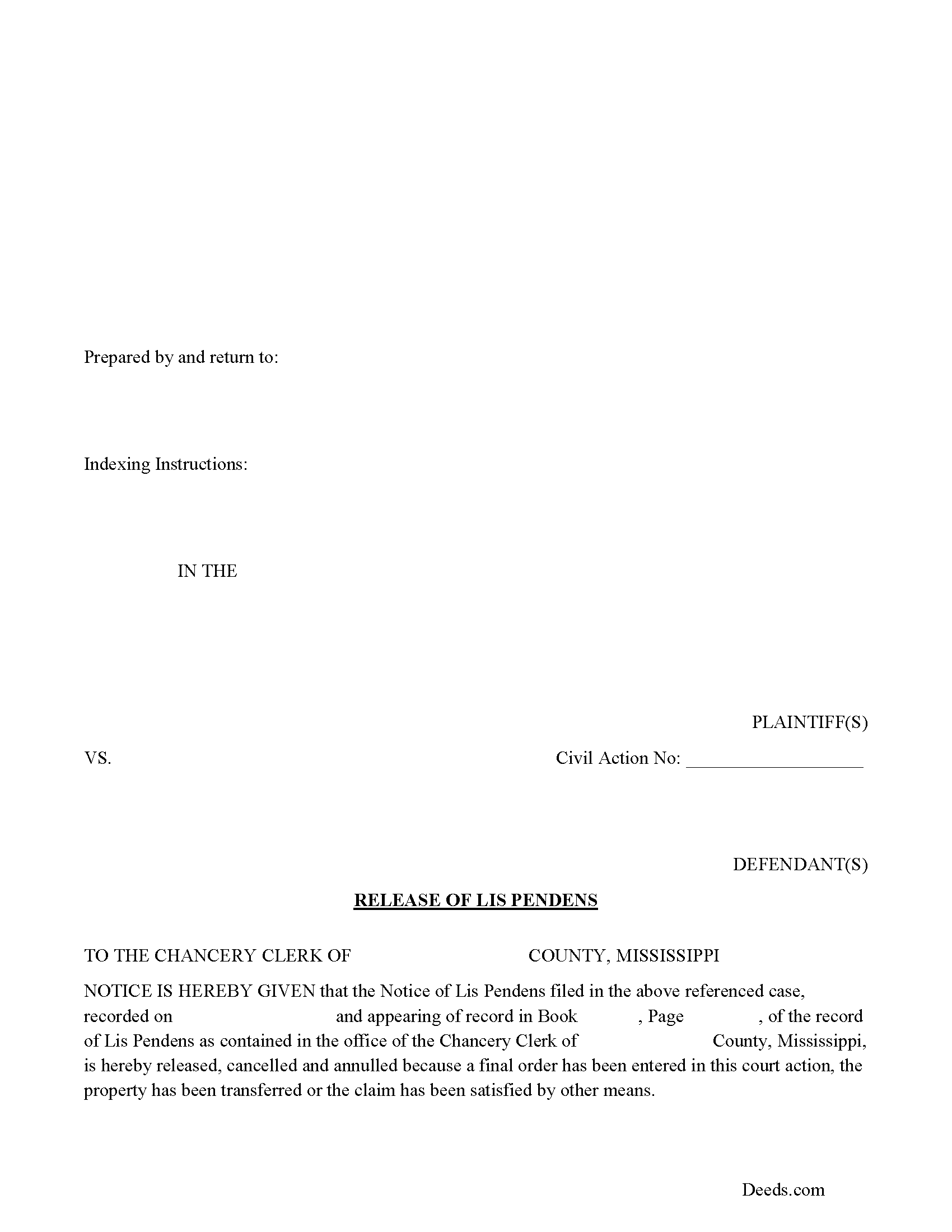
Amite County Release of Lis Pendens Form
Fill in the blank form, formatted to Mississippi recording requirements.
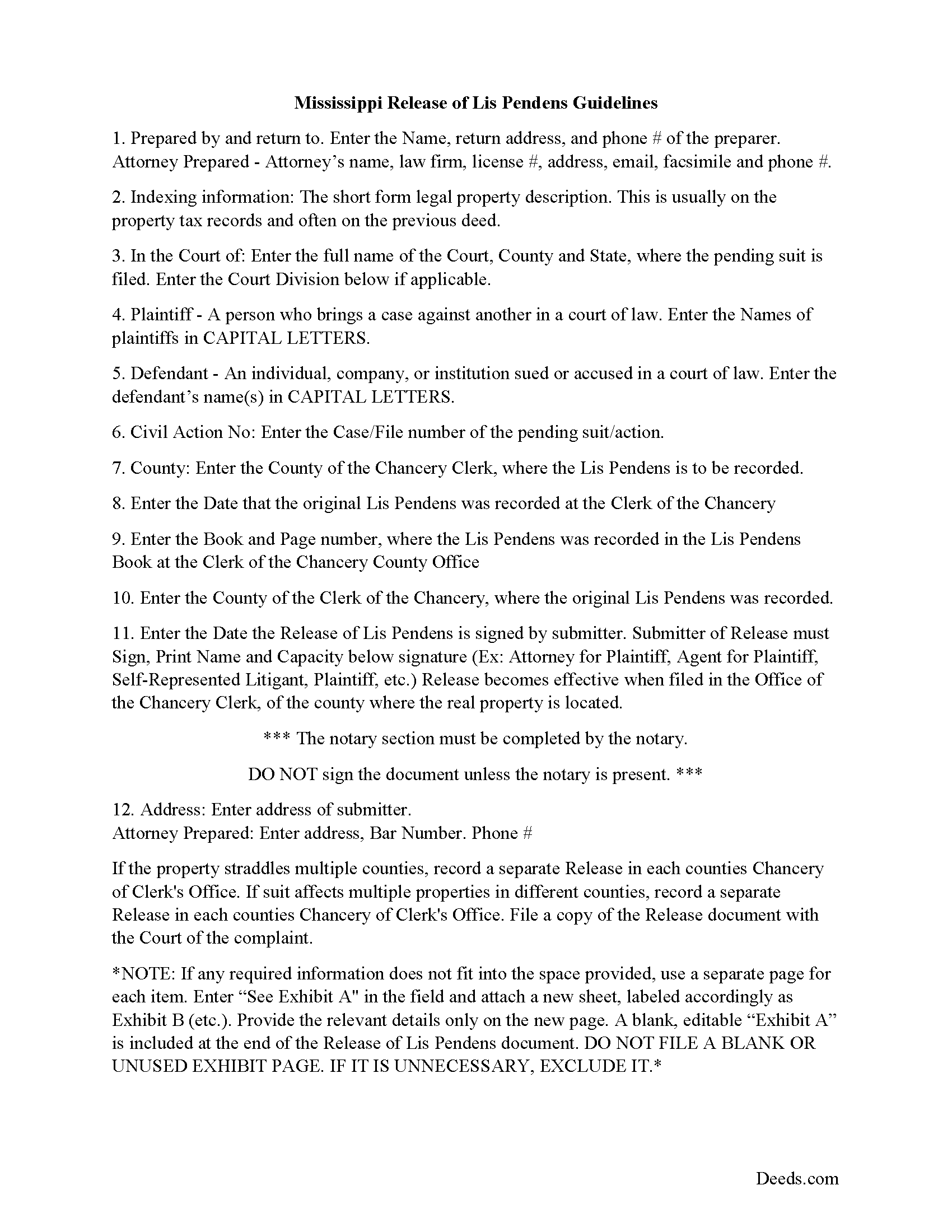
Amite County Release of Lis Pendens Guide
Line by line guide explaining every blank on the form.
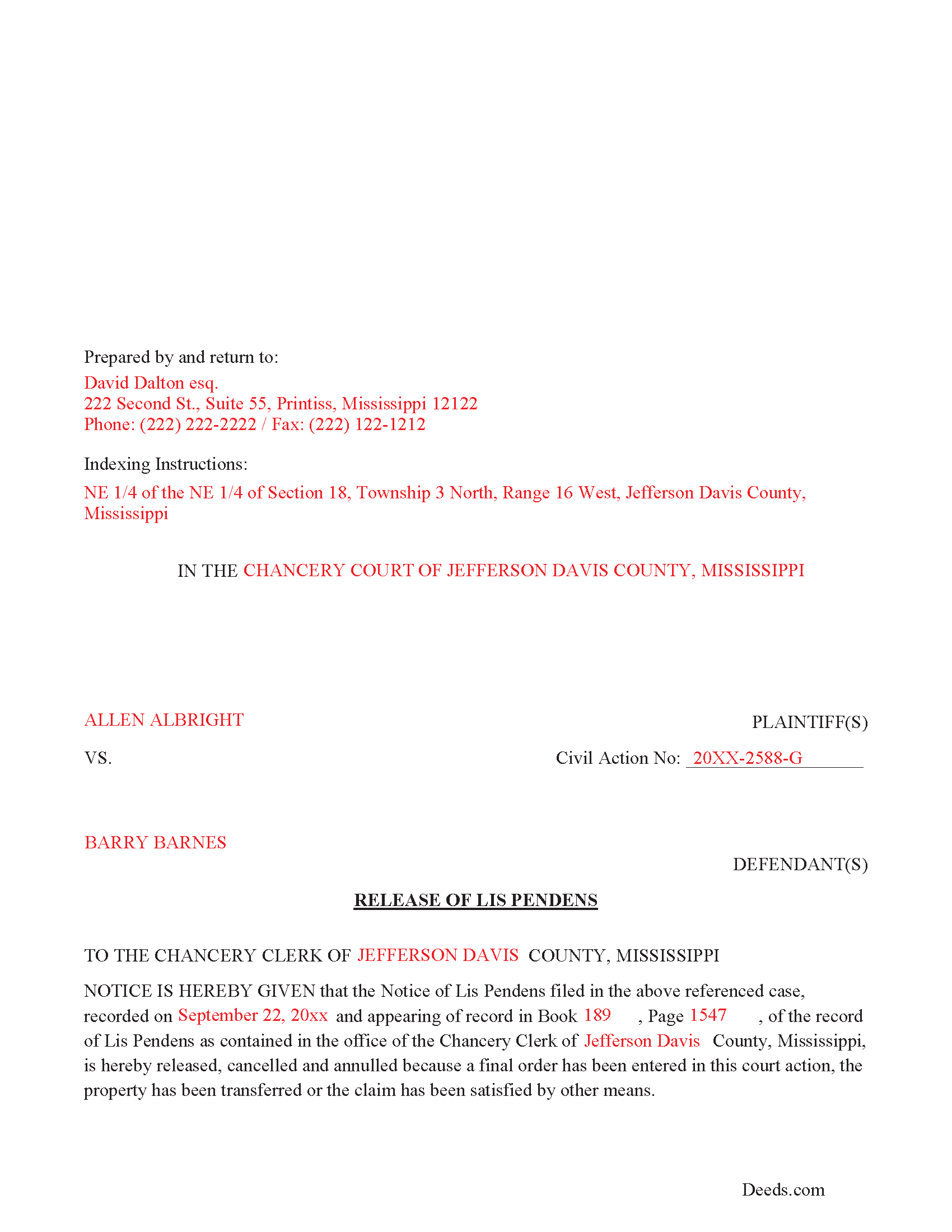
Amite County Completed Example of the Release of Lis Pendens Document
Example of a properly completed form for reference.
All 3 documents above included • One-time purchase • No recurring fees
Immediate Download • Secure Checkout
Additional Mississippi and Amite County documents included at no extra charge:
Where to Record Your Documents
Amite County Chancery Clerk
Liberty, Mississippi 39645-0680
Hours: 8:30 to 4:30 M-F
Phone: (601) 657-8022
Recording Tips for Amite County:
- Bring your driver's license or state-issued photo ID
- Ensure all signatures are in blue or black ink
- Recording fees may differ from what's posted online - verify current rates
- Request a receipt showing your recording numbers
- Ask about accepted payment methods when you call ahead
Cities and Jurisdictions in Amite County
Properties in any of these areas use Amite County forms:
- Crosby
- Gloster
- Liberty
- Smithdale
Hours, fees, requirements, and more for Amite County
How do I get my forms?
Forms are available for immediate download after payment. The Amite County forms will be in your account ready to download to your computer. An account is created for you during checkout if you don't have one. Forms are NOT emailed.
Are these forms guaranteed to be recordable in Amite County?
Yes. Our form blanks are guaranteed to meet or exceed the applicable formatting requirements used for recording in Amite County, including margin requirements, font requirements, and other layout standards. This guarantee applies to formatting, not to the legal sufficiency of information entered by the user or the suitability of a form for a particular transaction.
Can I reuse these forms?
Yes. You can reuse the forms for your personal use. For example, if you have multiple properties in Amite County you only need to order once.
What do I need to use these forms?
The forms are PDFs that you fill out on your computer. The free Adobe Acrobat Reader is recommended, and most PDF apps also work. You do NOT enter your property information online - you download the blank forms and complete them privately on your own computer.
Are there any recurring fees?
No. This is a one-time purchase. Nothing to cancel, no memberships, no recurring fees.
How much does it cost to record in Amite County?
Recording fees in Amite County vary. Contact the recorder's office at (601) 657-8022 for current fees.
Questions answered? Let's get started!
Use this form to release a previously recorded Lis Pendens document. Many civil cases involve multiple parties, this form provides space for such.
(Mississippi Release of LP Package includes form, guidelines, and completed example)
Important: Your property must be located in Amite County to use these forms. Documents should be recorded at the county recording office listed above.
This Release of Lis Pendens meets all recording requirements specific to Amite County.
Our Promise
The documents you receive here are guaranteed to meet or exceed the applicable Amite County recording format requirements. If there is a rejection caused by our formatting, we will correct the issue or refund your payment. This guarantee applies to document formatting only and does not extend to information entered by the user, the selection of the form, or the legal effect of the completed document.
Save Time and Money
Get your Amite County Release of Lis Pendens form done right the first time with Deeds.com Uniform Conveyancing Blanks. At Deeds.com, we understand that your time and money are valuable resources, and we don't want you to face a penalty fee or rejection imposed by a county recorder for submitting nonstandard documents. We constantly review and update our forms to meet rapidly changing state and county recording requirements for roughly 3,500 counties and local jurisdictions.
4.8 out of 5 - ( 4,847 Reviews )
DARRYL B. 5 out of 5 stars
Professional and convenient.
Thank you for your feedback. We really appreciate it. Have a great day!
Glenda M. 5 out of 5 stars
I am very pleased with my purchase of the Affidavit Death of Joint Tenant form. I previously purchased this form from the leading providing of DIY legal forms and it was rejected by the Registrar in my state. I then had to start over. Plus I needed a form that would show me a completed example and give me line-by-line instructions. Deeds.com filled the bill perfectly. Their website also let me know the last date the form was updated.
We appreciate your business and value your feedback. Thank you. Have a wonderful day!
Diyang W. 5 out of 5 stars
Very Good Product. Provided a lot of good info to assist people to DIY various Deed
We are grateful for your engagement and feedback, which help us to serve you better. Thank you for being an integral part of our community.
David R. 3 out of 5 stars
$40 is an excessively expensive price for this very simple form, especially since I couldn't view it before purchasing. I did successfully register the TODD at my county clerks office, although I wasn't certain it would be accepted given the notary format was on a separate page. Knowing what I know now, I would have formatted a form on my computer and filled it in with a pen. The background materials were superfluous and in my case, didn't add value.
David, we’re glad you successfully recorded your deed using our form. The value of a DIY package is not measured by how complicated the finished document looks or how easily it could be recreated on a computer. It provides a prepared form and supporting information rather than requiring you to research and draft a document from scratch. Having that starting point is what the purchase provides—even when, in hindsight, doing it yourself appears straightforward.
FRANK O. 4 out of 5 stars
Easy to download and use the forms, however two forms needed for my county recording were not included.
Thank you for your feedback Frank. We'll look into finding and including the additional supplemental documents. Sometimes supplemental documents have to be generated by the county's system, specific to the transaction.
Lutz P. 5 out of 5 stars
Your forms are great but I couldn’t use them with my computer and acrobats reader didn’t work. And then my thermal printer would only print 1/3 size pages with no way to fix it. I ordered a new color printer and we’ll see what happens.
Thank you, Lutz. We're glad you like the forms, and we're sorry getting them working turned into such a hassle. That shrunken page is typical of thermal printers: most use narrow receipt or label paper, so a full page gets scaled down to fit, and no setting can change that. Thermal paper also fades over time, which you don't want on a document you're recording, so the new printer is the right call. When it arrives, print on plain white paper with “Actual size” selected in the print settings so the page comes out full size with its margins intact. If Acrobat Reader gives you trouble again, save the form to your computer first and open the saved file in Acrobat Reader rather than in your web browser. Still stuck? Contact our support team and we'll walk you through it.
Patricia D. 5 out of 5 stars
I looked around for forms and came to this site. I had to do 15 deeds and this form was very useful to completing that. Very impressed. Thanks
Thank you for your feedback. We really appreciate it. Have a great day!
Vita L. 5 out of 5 stars
A coworker recommended this service to me and I was hesitant to try it. Turned out to be a life saver, they filed my document in 24 hours. No standing in line and no confusing government websites to navigate.
Thank you!
ALI T. 5 out of 5 stars
It is very easy to use Deeds.Com to perform eRecording. The case staff are very professional and punctual. My eRecording package was completed within a day where it usually takes months. Thank You
We appreciate your business and value your feedback. Thank you. Have a wonderful day!
MARILYN I. 5 out of 5 stars
Very pleased with your user friendly site.
Thank you!
Noble Mikhail F. 5 out of 5 stars
The system is wonderful, and makes recording and searching simple, thanks a lot
Thank you!
Conrad R. 5 out of 5 stars
Easy to obtain form, easy to use. Came with instrucions and references to state statutes. Very Helpful.
We appreciate your business and value your feedback. Thank you. Have a wonderful day!
Maria C. 5 out of 5 stars
Amazing service truly great to work with your team on a difficult filing!
Thank you!
Deborah V. 5 out of 5 stars
Helpful and informative.
We appreciate your business and value your feedback. Thank you. Have a wonderful day!
Teresa H. 5 out of 5 stars
cost effective and quick!
Thank you!