Dunklin County Affidavit of Deceased Joint Tenant Form
Last validated September 25, 2026 by our Forms Development TeamFormatted for recording in Dunklin County, for property anywhere in the county or independent city: rural and unincorporated areas as well as Arbyrd, Campbell, Cardwell, Clarkton, Gibson, Holcomb, Hornersville, Kennett and 4 more.
- 3 documents included
- Immediate PDF download
- Formatting guarantee
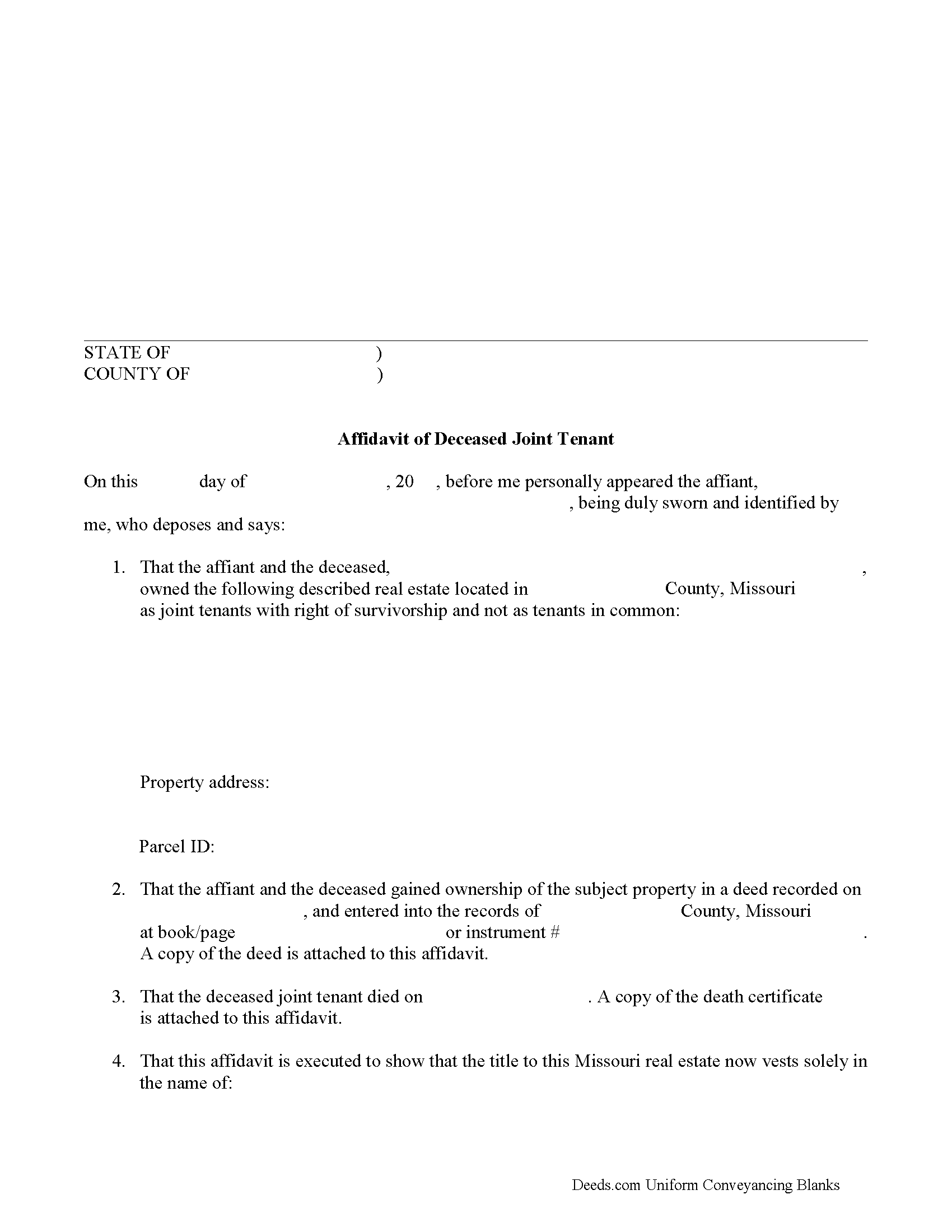
Dunklin County Affidavit of Deceased Joint Tenant Form
Fill in the blank form formatted to comply with all recording and content requirements.
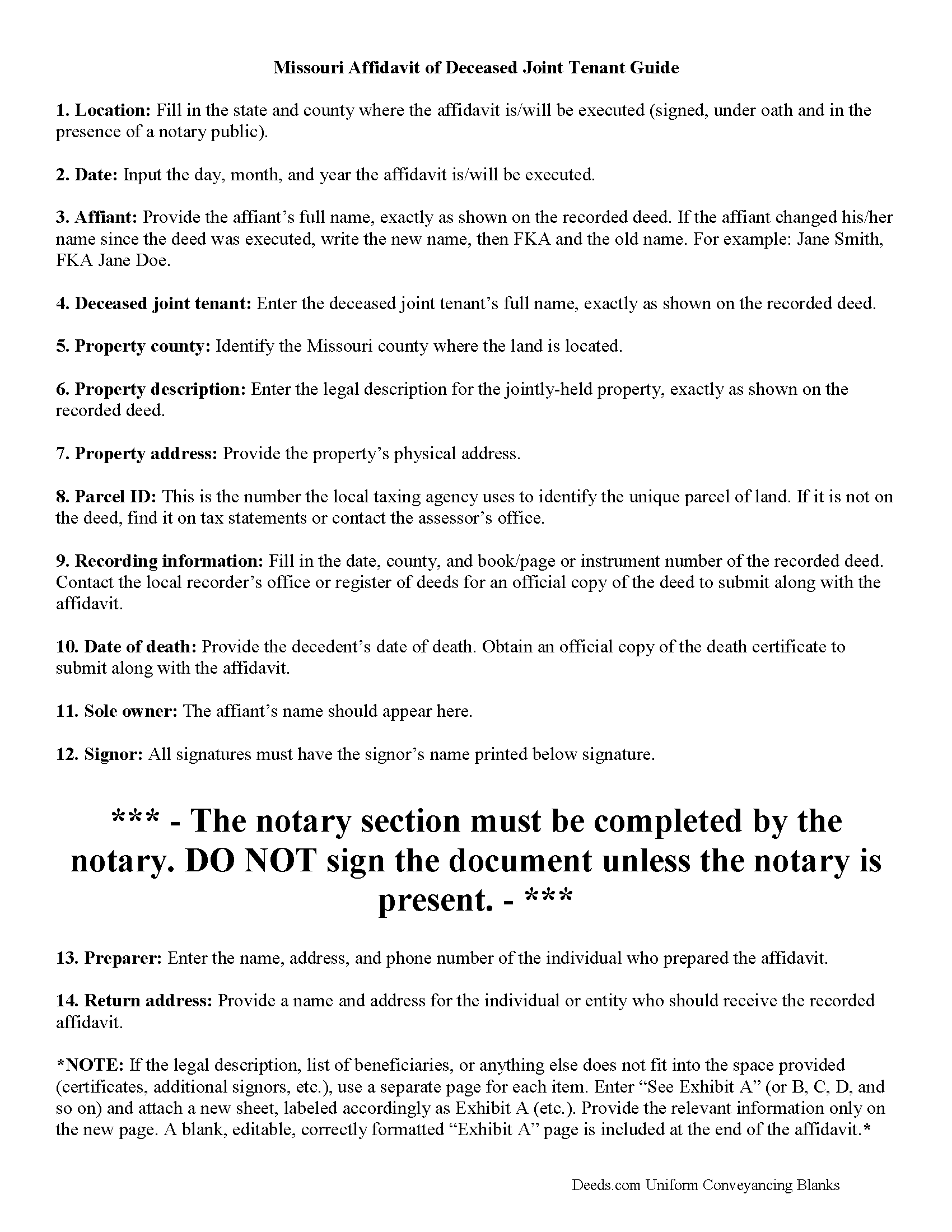
Dunklin County Affidavit of Deceased Joint Tenant Guide
Line by line guide explaining every blank on the form.
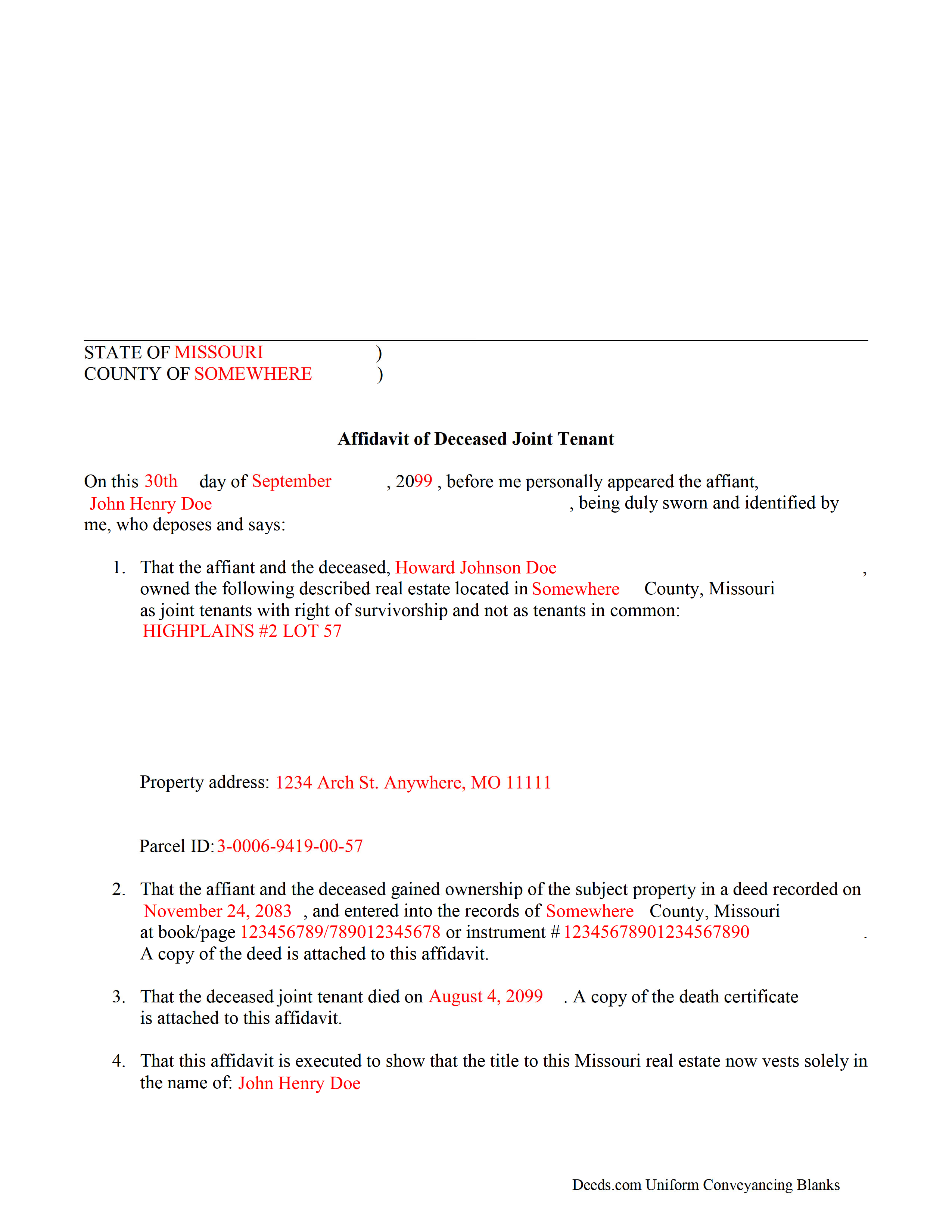
Dunklin County Completed Example of the Affidavit of Deceased Joint Tenant Document
Example of a properly completed form for reference.
All 3 documents above included • One-time purchase • No recurring fees
Immediate Download • Secure Checkout
Additional Missouri and Dunklin County documents included at no extra charge:
Where to Record Your Documents
Dunklin County Recorder of Deeds
Kennett, Missouri 63857
Hours: 8:30 to 12:00 & 1:00 to 4:30 M-F
Phone: (573) 888-3468
Recording Tips for Dunklin County:
- Bring your driver's license or state-issued photo ID
- Ensure all signatures are in blue or black ink
- Verify all names are spelled correctly before recording
- White-out or correction fluid may cause rejection
- Ask about their eRecording option for future transactions
Cities and Jurisdictions in Dunklin County
Properties in any of these areas use Dunklin County forms:
- Arbyrd
- Campbell
- Cardwell
- Clarkton
- Gibson
- Holcomb
- Hornersville
- Kennett
- Malden
- Rives
- Senath
- Whiteoak
Hours, fees, requirements, and more for Dunklin County
How do I get my forms?
Forms are available for immediate download after payment. The Dunklin County forms will be in your account ready to download to your computer. An account is created for you during checkout if you don't have one. Forms are NOT emailed.
Are these forms guaranteed to be recordable in Dunklin County?
Yes. Our form blanks are guaranteed to meet or exceed the applicable formatting requirements used for recording in Dunklin County, including margin requirements, font requirements, and other layout standards. This guarantee applies to formatting, not to the legal sufficiency of information entered by the user or the suitability of a form for a particular transaction.
Can I reuse these forms?
Yes. You can reuse the forms for your personal use. For example, if you have multiple properties in Dunklin County you only need to order once.
What do I need to use these forms?
The forms are PDFs that you fill out on your computer. The free Adobe Acrobat Reader is recommended, and most PDF apps also work. You do NOT enter your property information online - you download the blank forms and complete them privately on your own computer.
Are there any recurring fees?
No. This is a one-time purchase. Nothing to cancel, no memberships, no recurring fees.
How much does it cost to record in Dunklin County?
Recording fees in Dunklin County vary. Contact the recorder's office at (573) 888-3468 for current fees.
Questions answered? Let's get started!
The process of removing a deceased joint tenant from a Missouri deed is fairly simple.
When two or more property owners hold title as joint tenants with right of survivorship, and one co-owner dies, the surviving owners share the decedent's interest in the land by function of law, and outside of the probate process.
Even though the transfer of ownership rights is, in theory, automatic, it makes sense to formalize the change in title. One way to accomplish this is by completing and recording an affidavit of deceased joint tenant document, accompanied by official copies of the recorded deed showing the joint tenancy and the deceased owner's death certificate. His/her name will still appear on the deed, but the records will show that the property rights were transferred to the surviving owner.
To remove the decedent's name altogether, execute a new deed showing both joint tenants as grantors and only the survivor as a grantee. For example: "John Doe (deceased) and Richard Roe, as joint tenants with right of survivorship, convey to Richard Roe as sole owner." Present the new deed along with the affidavit of surviving joint tenant or submit it for recording on its own at a later date.
By following this procedure, the survivor helps to maintain a clear chain of title (ownership history), which will simplify future transactions relating to the property.
(Missouri Affidavit of DJT Package includes form, guidelines, and completed example)
Important: Your property must be located in Dunklin County to use these forms. Documents should be recorded at the county or independent city recording office listed above.
This Affidavit of Deceased Joint Tenant meets all recording requirements specific to Dunklin County.
Our Promise
The documents you receive here are guaranteed to meet or exceed the applicable Dunklin County recording format requirements. If there is a rejection caused by our formatting, we will correct the issue or refund your payment. This guarantee applies to document formatting only and does not extend to information entered by the user, the selection of the form, or the legal effect of the completed document.
Save Time and Money
Get your Dunklin County Affidavit of Deceased Joint Tenant form done right the first time with Deeds.com Uniform Conveyancing Blanks. At Deeds.com, we understand that your time and money are valuable resources, and we don't want you to face a penalty fee or rejection imposed by a county recorder for submitting nonstandard documents. We constantly review and update our forms to meet rapidly changing state and county recording requirements for roughly 3,500 counties and local jurisdictions.
4.8 out of 5 - ( 4,846 Reviews )
RICHARD A. 5 out of 5 stars
Smooth, simple, and complete. A great forms service.
We appreciate your business and value your feedback. Thank you. Have a wonderful day!
Van S. 5 out of 5 stars
Easy to use...very informative...ttook care of exactly what I was looking for.
Thank you for your feedback. We really appreciate it. Have a great day!
Timothy G. 5 out of 5 stars
Very happy with the cost and with the speed in which the deed was recorded.
We appreciate your business and value your feedback. Thank you. Have a wonderful day!
Diana H. 4 out of 5 stars
little expensive same document in other county is free. however quite fast in responding. and just what i needed.
We appreciate your business and value your feedback. Thank you. Have a wonderful day!
David D. 5 out of 5 stars
Very easy to us & thanks for all the info to fill out the form.
We appreciate your business and value your feedback. Thank you. Have a wonderful day!
Rita M. 5 out of 5 stars
I have not received the deed via email. That is what I was expecting. Let me know if I am incorrect in my thinking.
Thanks for reaching out. While we do send some email notifications, we do not email documents. All orders are available via your account. You can log into your account from the menu button at the top left of most pages on the website.
Emily P. 5 out of 5 stars
Amazing service, thanks for all your help!
Thank you for your feedback. We really appreciate it. Have a great day!
Hinz H. 4 out of 5 stars
Prompt accurate service
Thank you!
Keith R. 5 out of 5 stars
Great! Love the platform. Very helpful!!
Thank you!
Noble Mikhail F. 5 out of 5 stars
The system is wonderful, and makes recording and searching simple, thanks a lot
Thank you!
Roy S. 5 out of 5 stars
The website is easy to maneuver and information needed was readily available. Thanks so much!
Thank you!
Cindy H. 5 out of 5 stars
It was easy and quick. Such a pleasure to use since we live out of town. So convenient. Definitely would recommend.
Thank you for your feedback. We really appreciate it. Have a great day!
Karen F. 5 out of 5 stars
The documents' format contained information needed to complete the necessary paperwork for filing with Georgia. However, the fields were not large enough to put the legal description in, and there was no way to enlarge the area. These were only semi-helpful in providing what I needed per Georgia's filing requirement.
Thank you!
Frank C. 5 out of 5 stars
It was easy
Thank you Frank.
Kyle E. 5 out of 5 stars
Works great thank you for saving us driving time!!
We appreciate your business and value your feedback. Thank you. Have a wonderful day!