Wayne County Affidavit of Deceased Joint Tenant Form
Last validated September 25, 2026 by our Forms Development TeamFormatted for recording in Wayne County, for property anywhere in the county or independent city: rural and unincorporated areas as well as Cascade, Clubb, Greenville, Lodi, Lowndes, Mc Gee, Mill Spring, Patterson and 5 more.
- 3 documents included
- Immediate PDF download
- Formatting guarantee
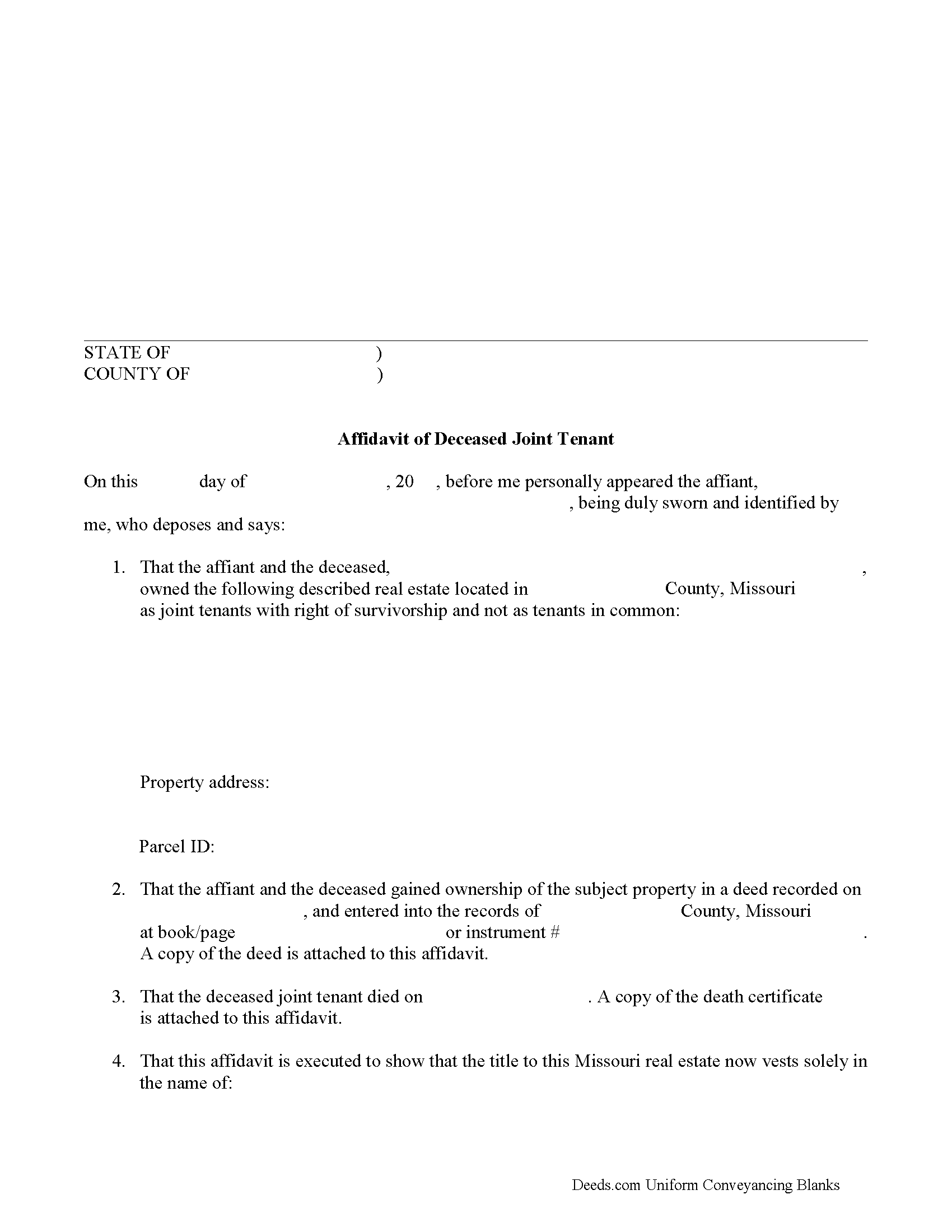
Wayne County Affidavit of Deceased Joint Tenant Form
Fill in the blank form formatted to comply with all recording and content requirements.
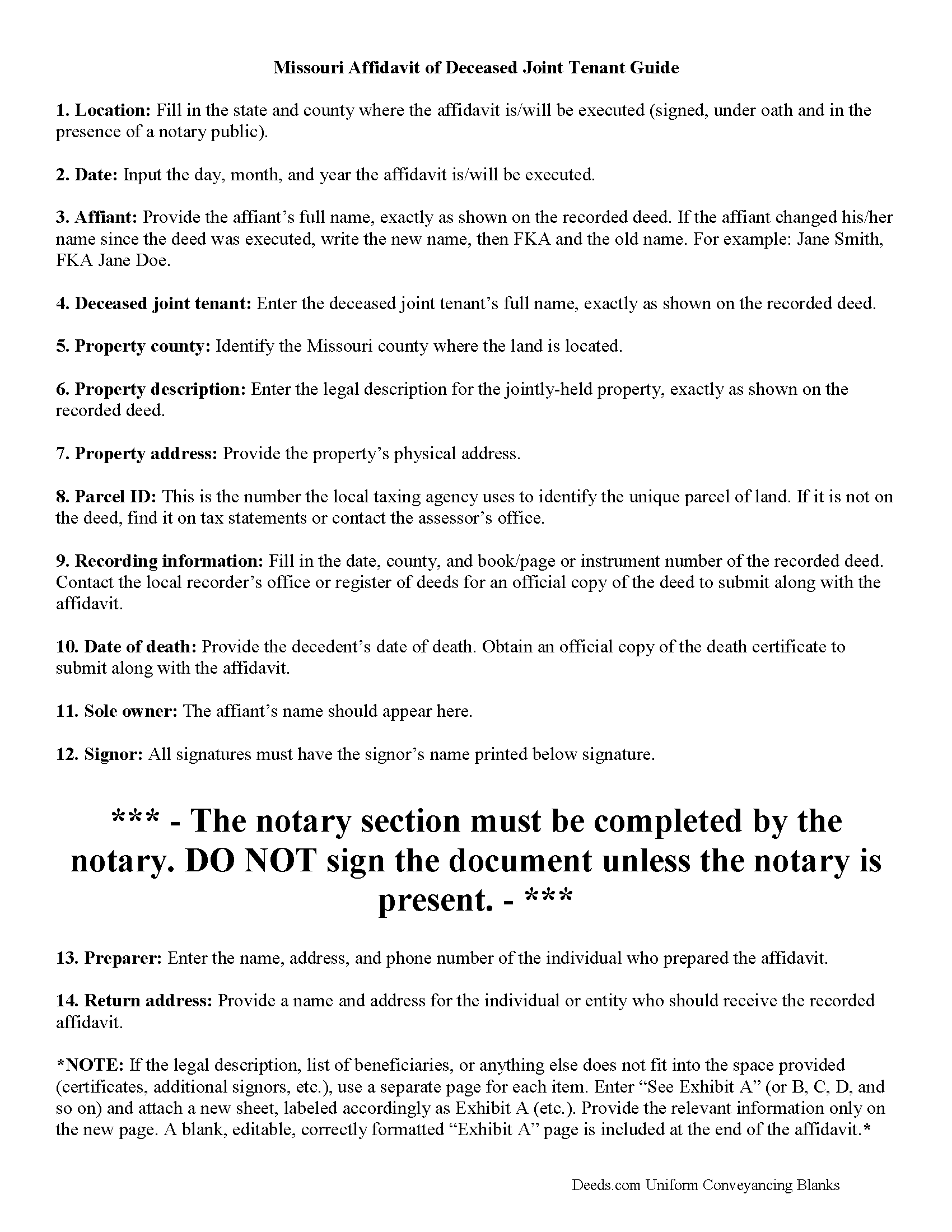
Wayne County Affidavit of Deceased Joint Tenant Guide
Line by line guide explaining every blank on the form.
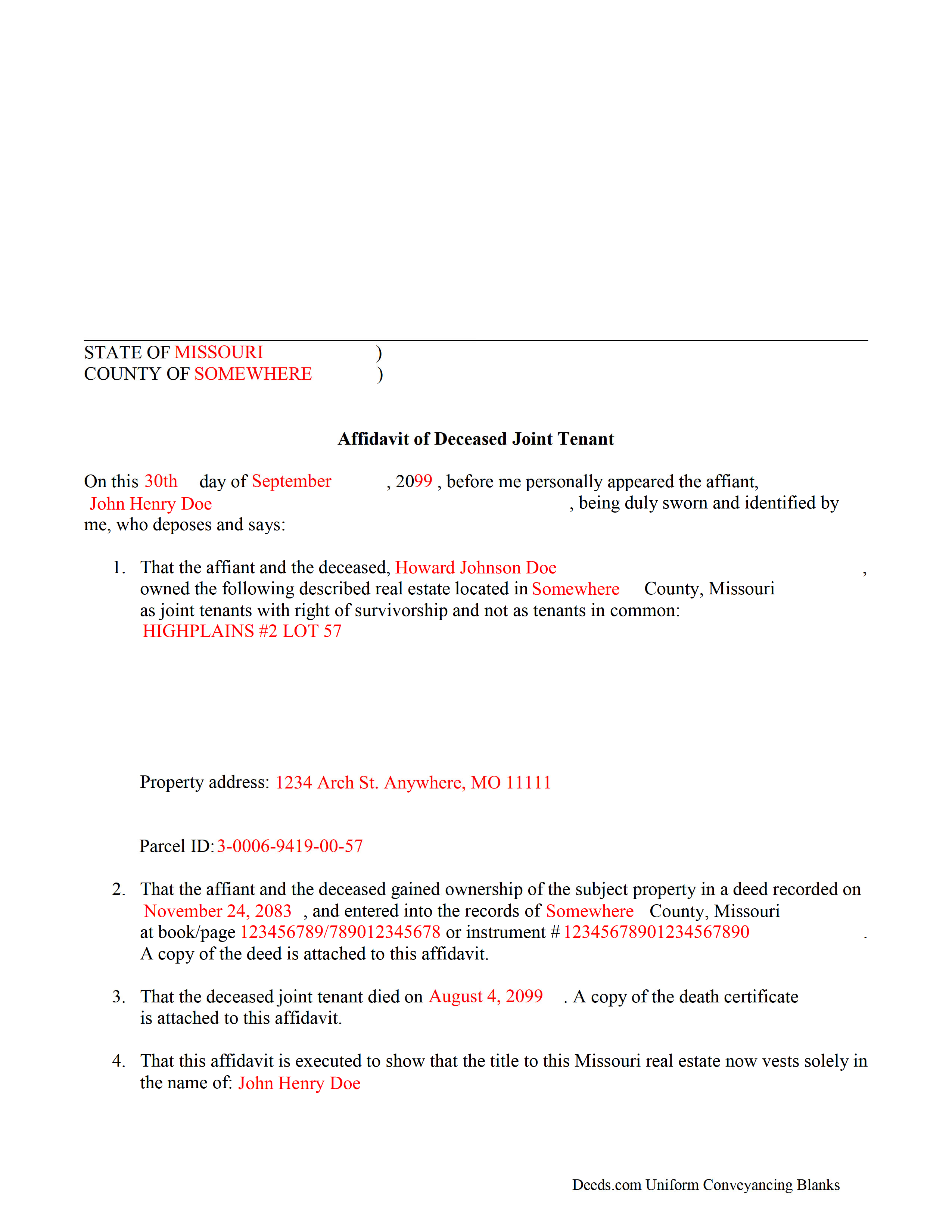
Wayne County Completed Example of the Affidavit of Deceased Joint Tenant Document
Example of a properly completed form for reference.
All 3 documents above included • One-time purchase • No recurring fees
Immediate Download • Secure Checkout
Additional Missouri and Wayne County documents included at no extra charge:
Where to Record Your Documents
Wayne County Recorder of Deeds
Greenville, Missouri 63944
Hours: 8:30 -12:00 & 1:00 to 4:30 Monday through Friday
Phone: (573) 224-5600 Ext 257
Recording Tips for Wayne County:
- Bring your driver's license or state-issued photo ID
- Ensure all signatures are in blue or black ink
- Ask about accepted payment methods when you call ahead
- Ask for certified copies if you need them for other transactions
- Ask if they accept credit cards - many offices are cash/check only
Cities and Jurisdictions in Wayne County
Properties in any of these areas use Wayne County forms:
- Cascade
- Clubb
- Greenville
- Lodi
- Lowndes
- Mc Gee
- Mill Spring
- Patterson
- Piedmont
- Shook
- Silva
- Wappapello
- Williamsville
Hours, fees, requirements, and more for Wayne County
How do I get my forms?
Forms are available for immediate download after payment. The Wayne County forms will be in your account ready to download to your computer. An account is created for you during checkout if you don't have one. Forms are NOT emailed.
Are these forms guaranteed to be recordable in Wayne County?
Yes. Our form blanks are guaranteed to meet or exceed the applicable formatting requirements used for recording in Wayne County, including margin requirements, font requirements, and other layout standards. This guarantee applies to formatting, not to the legal sufficiency of information entered by the user or the suitability of a form for a particular transaction.
Can I reuse these forms?
Yes. You can reuse the forms for your personal use. For example, if you have multiple properties in Wayne County you only need to order once.
What do I need to use these forms?
The forms are PDFs that you fill out on your computer. The free Adobe Acrobat Reader is recommended, and most PDF apps also work. You do NOT enter your property information online - you download the blank forms and complete them privately on your own computer.
Are there any recurring fees?
No. This is a one-time purchase. Nothing to cancel, no memberships, no recurring fees.
How much does it cost to record in Wayne County?
Recording fees in Wayne County vary. Contact the recorder's office at (573) 224-5600 Ext 257 for current fees.
Questions answered? Let's get started!
The process of removing a deceased joint tenant from a Missouri deed is fairly simple.
When two or more property owners hold title as joint tenants with right of survivorship, and one co-owner dies, the surviving owners share the decedent's interest in the land by function of law, and outside of the probate process.
Even though the transfer of ownership rights is, in theory, automatic, it makes sense to formalize the change in title. One way to accomplish this is by completing and recording an affidavit of deceased joint tenant document, accompanied by official copies of the recorded deed showing the joint tenancy and the deceased owner's death certificate. His/her name will still appear on the deed, but the records will show that the property rights were transferred to the surviving owner.
To remove the decedent's name altogether, execute a new deed showing both joint tenants as grantors and only the survivor as a grantee. For example: "John Doe (deceased) and Richard Roe, as joint tenants with right of survivorship, convey to Richard Roe as sole owner." Present the new deed along with the affidavit of surviving joint tenant or submit it for recording on its own at a later date.
By following this procedure, the survivor helps to maintain a clear chain of title (ownership history), which will simplify future transactions relating to the property.
(Missouri Affidavit of DJT Package includes form, guidelines, and completed example)
Important: Your property must be located in Wayne County to use these forms. Documents should be recorded at the county or independent city recording office listed above.
This Affidavit of Deceased Joint Tenant meets all recording requirements specific to Wayne County.
Our Promise
The documents you receive here are guaranteed to meet or exceed the applicable Wayne County recording format requirements. If there is a rejection caused by our formatting, we will correct the issue or refund your payment. This guarantee applies to document formatting only and does not extend to information entered by the user, the selection of the form, or the legal effect of the completed document.
Save Time and Money
Get your Wayne County Affidavit of Deceased Joint Tenant form done right the first time with Deeds.com Uniform Conveyancing Blanks. At Deeds.com, we understand that your time and money are valuable resources, and we don't want you to face a penalty fee or rejection imposed by a county recorder for submitting nonstandard documents. We constantly review and update our forms to meet rapidly changing state and county recording requirements for roughly 3,500 counties and local jurisdictions.
4.8 out of 5 - ( 4,829 Reviews )
Shane S. 5 out of 5 stars
Great forms, exactly what I needed. Easy to understand. No problems recording. Thanks!
Thank you!
MARC G. 5 out of 5 stars
Very easy. Very helpful.
Thank you!
Cynthia S. 5 out of 5 stars
Great service got everything I needed with a click of a tab. Thank You...
Thank you for your feedback. We really appreciate it. Have a great day!
Jin L. 5 out of 5 stars
Your service is pretty awesome! I needed to get my docs recorded before year end, and you guys were on it. Thank you very much for the quick turnaround!
We appreciate your business and value your feedback. Thank you. Have a wonderful day!
Maria B. 5 out of 5 stars
Deeds.com has excellent customer service and great processing times! I highly recommend their services.
We appreciate your business and value your feedback. Thank you. Have a wonderful day!
Shelleen A. 5 out of 5 stars
Very helpful.
We appreciate your business and value your feedback. Thank you. Have a wonderful day!
Isaac T. 5 out of 5 stars
Had no problem getting my forms. It was quick,easy, and reasonable priced. Will use again if needed
We appreciate your business and value your feedback. Thank you. Have a wonderful day!
Tim H. 5 out of 5 stars
Found the service useful and straightforward. The only recommendation would be to send an e-mail notification to the request or when their package is ready for download. Mine, apparently, was ready within and hour or so after placing the request but did not go back onto the site until a day later to find it was ready.
Thank you for your feedback. We really appreciate it. Have a great day!
Pamela B. 5 out of 5 stars
Fantastic system, so easy to use even for a simpleton like me.
Thank you!
Mark G. 5 out of 5 stars
I would recommend this product for little effort needed to complete any action you might require.
We appreciate your business and value your feedback. Thank you. Have a wonderful day!
Susan M. 5 out of 5 stars
It was easy to use and clear directions.
Thank you!
Jennifer H. 1 out of 5 stars
Price is too expensive.
Thank you for your feedback Jennifer.
Katherine H. 5 out of 5 stars
extremely thorough by covering all bases, easy to understand, direct access, fair price with no strings attached. I recommend the service to everyone.
We appreciate your business and value your feedback. Thank you. Have a wonderful day!
Andrea R. 5 out of 5 stars
I was pleasantly surprised as I didn't even know you can record a quit claim deed digitally. I am in the mortgage business so I will gladly refer all my clients to this website! Deeds.com was prompt and fast with the entire process. My document was recorded and completed in less than 24 hours! Thank you again!
We appreciate your business and value your feedback. Thank you. Have a wonderful day!
Charles R. 5 out of 5 stars
No review provided.
Thank you for your review. Have a fantastic day!