Buchanan County Contract for Deed Form
Last validated October 16, 2026 by our Forms Development TeamFormatted for recording in Buchanan County, for property anywhere in the county or independent city: rural and unincorporated areas as well as Agency, De Kalb, Easton, Faucett, Rushville, Saint Joseph.
- 7 documents included
- Immediate PDF download
- Formatting guarantee
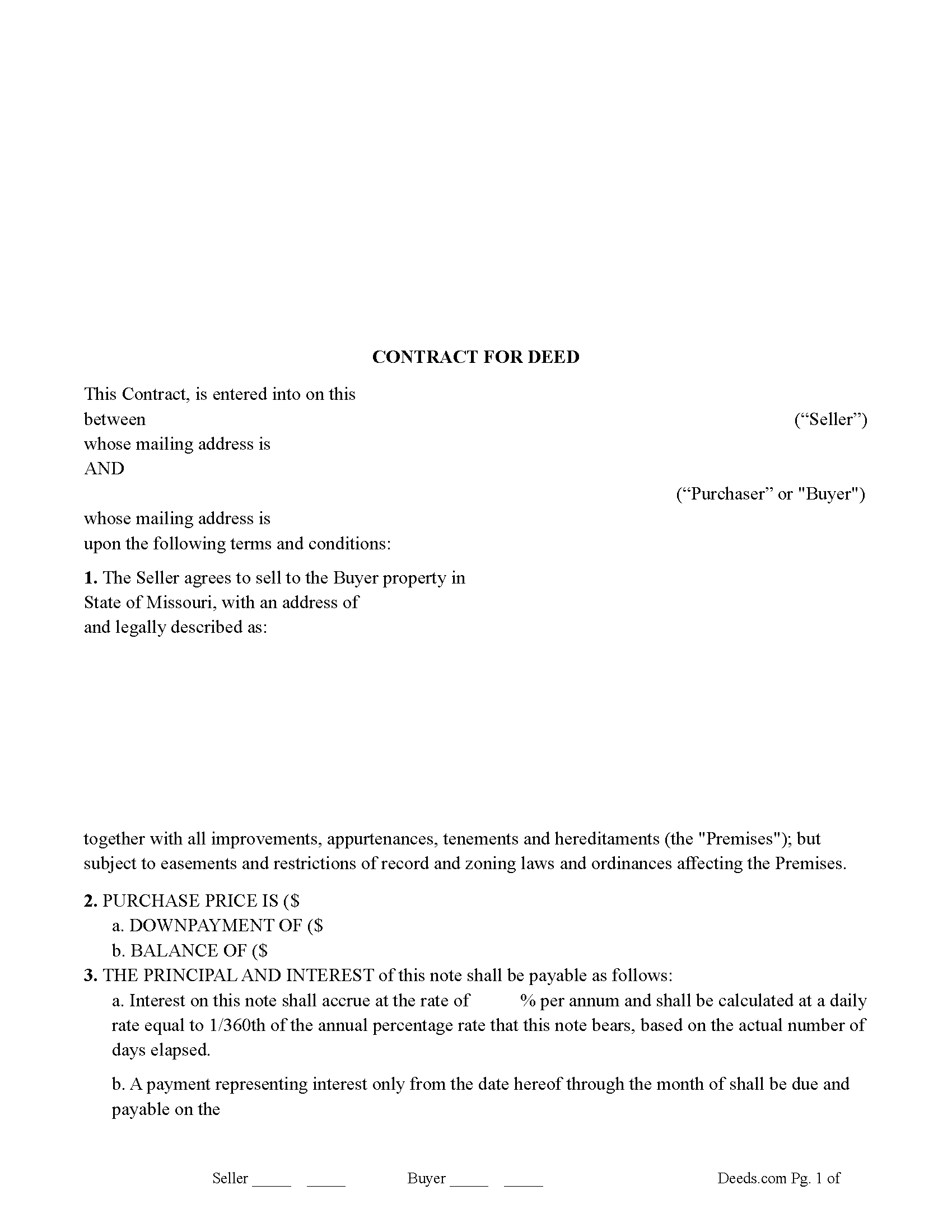
Buchanan County Contract for Deed Form
Fill in the blank Contract for Deed form formatted to comply with all Missouri recording and content requirements.
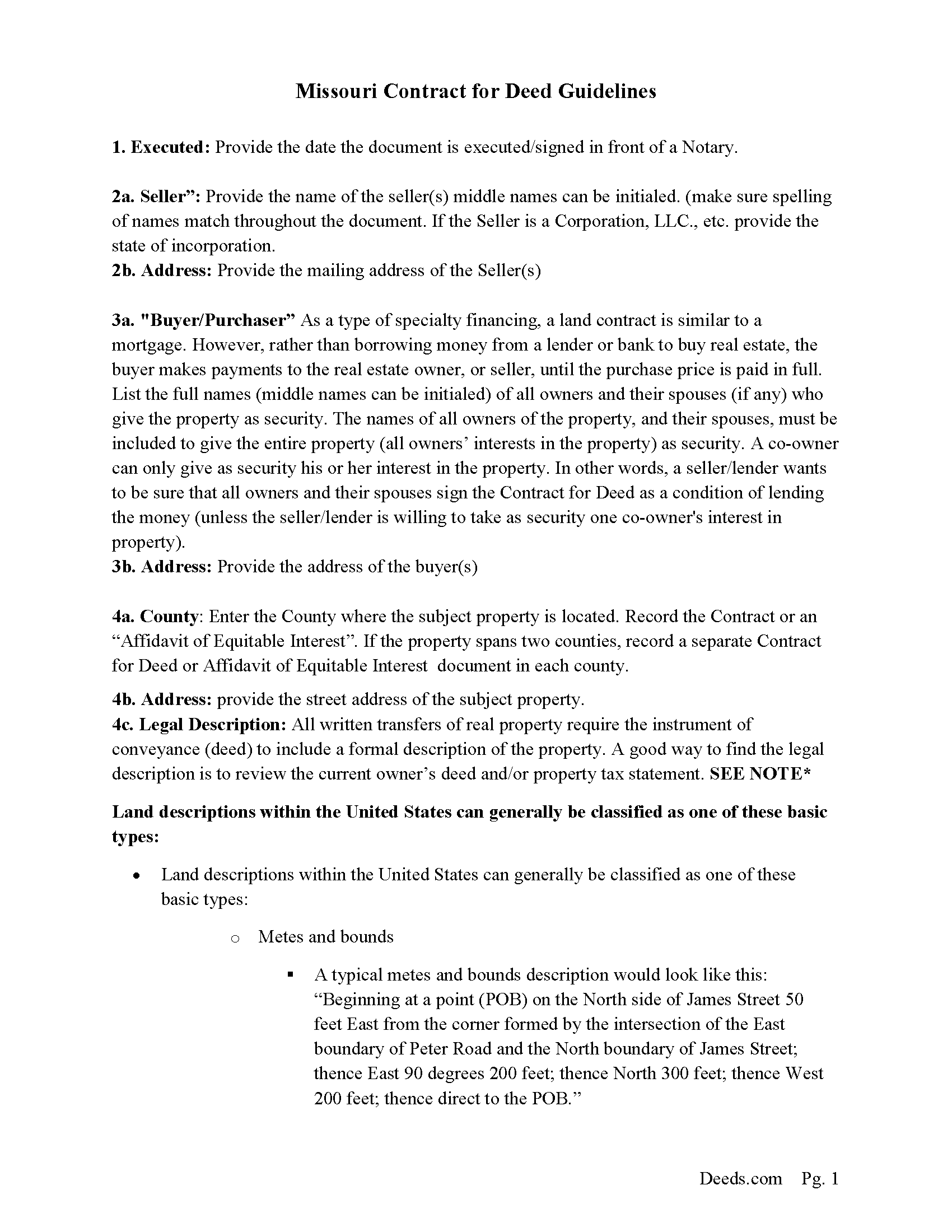
Buchanan County Contract for Deed Guide
Line by line guide explaining every blank on the Contract for Deed form.
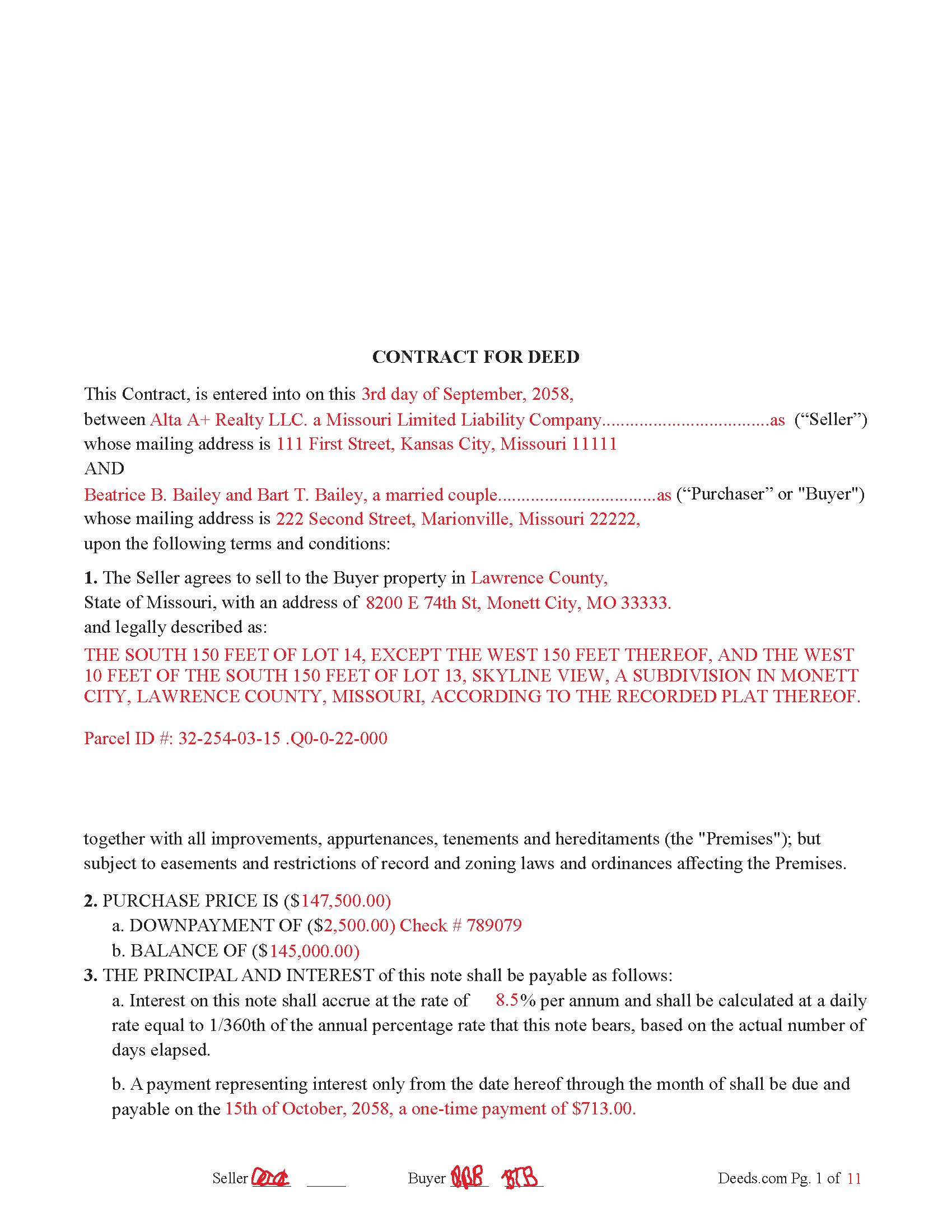
Buchanan County Completed Example of the Contract for Deed Document
Example of a properly completed Missouri Contract for Deed document for reference.

Buchanan County Sellers Residential Disclosure Form
Required when subject property is sold for residential use.
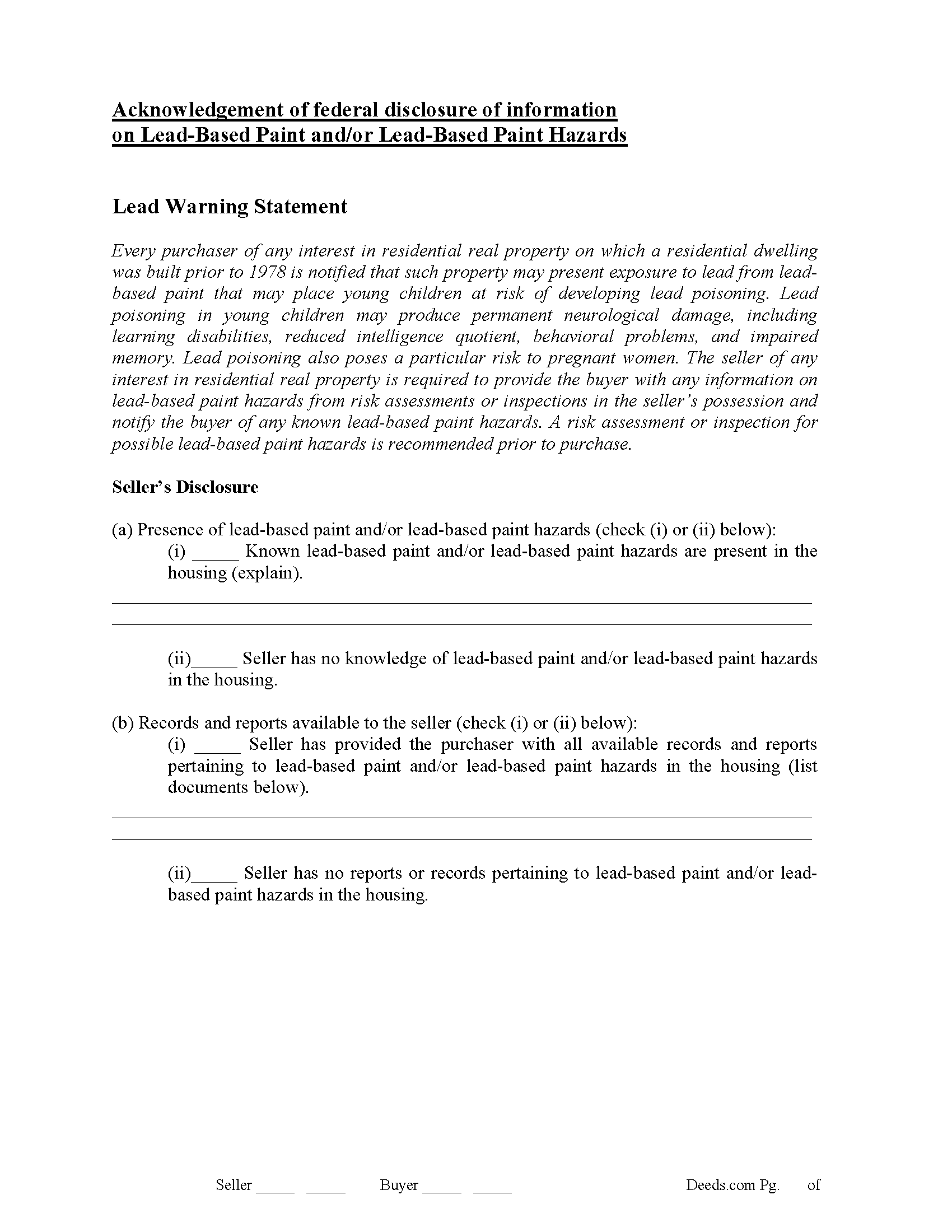
Buchanan County Lead Based Paint Disclosure Form
Required for residential property built before 1978.
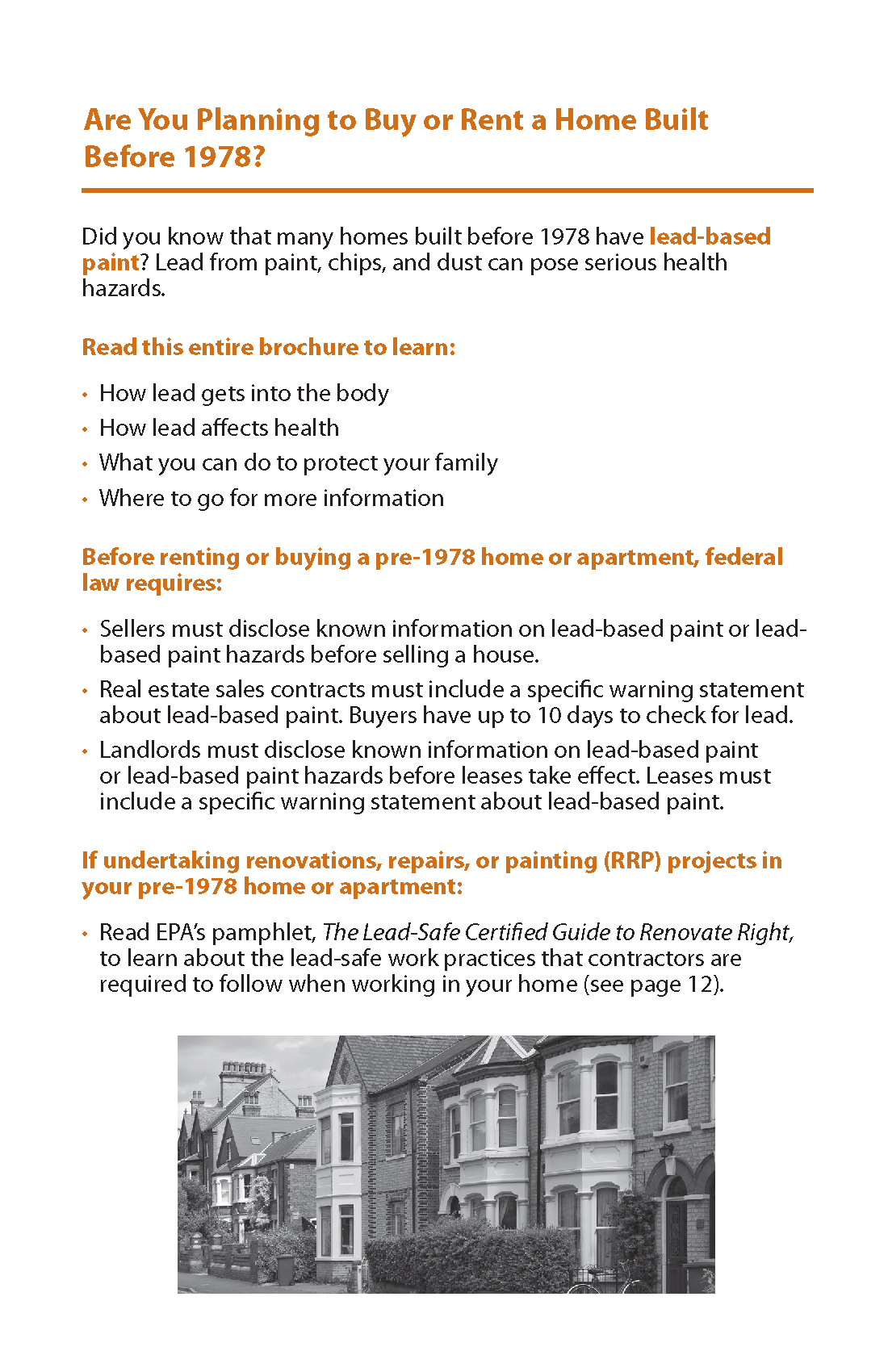
Buchanan County Protect your family from lead based paint
Required for residential property built before 1978.
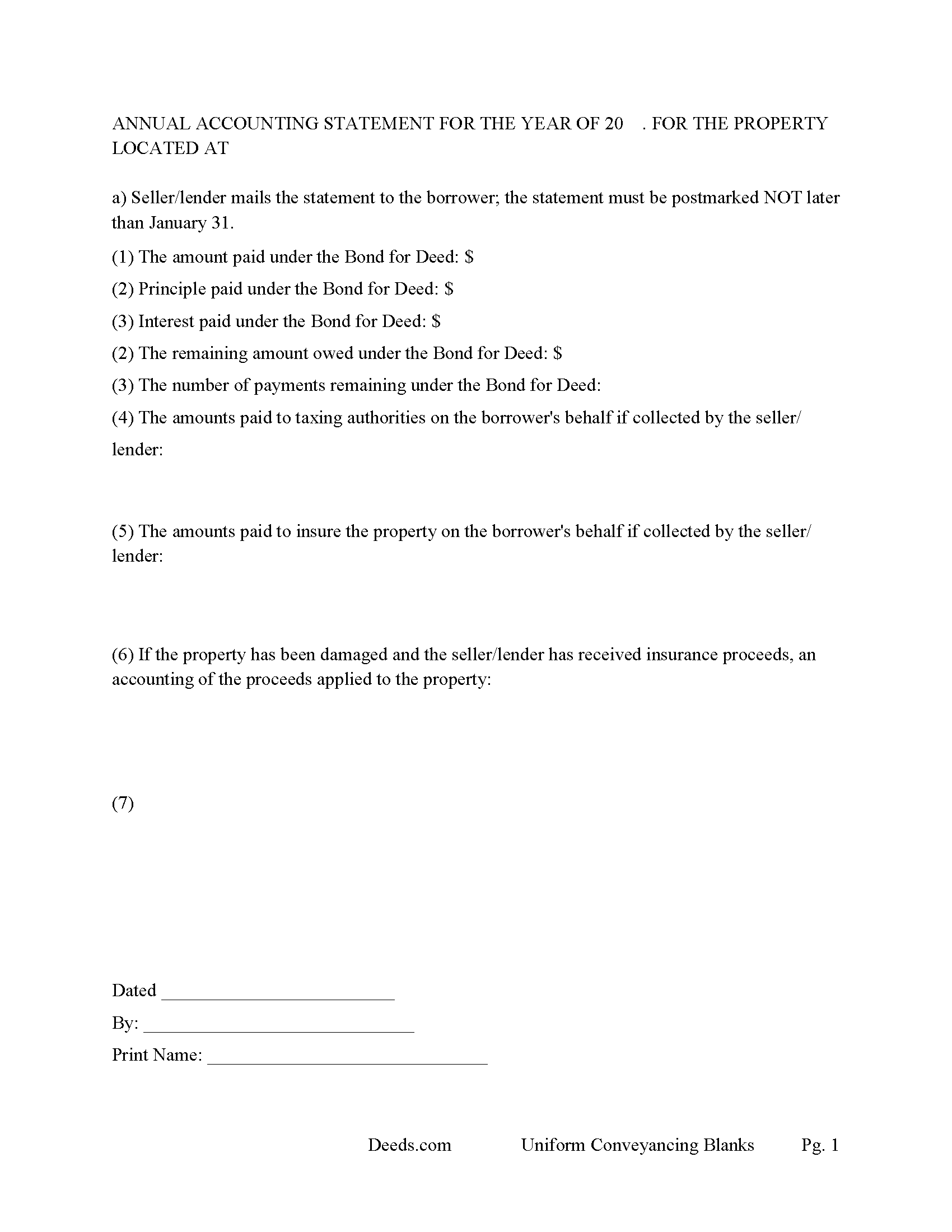
Buchanan County Annual Accounting Statement Form
Issue to buyers for fiscal year reporting.
All 7 documents above included • One-time purchase • No recurring fees
Immediate Download • Secure Checkout
Additional Missouri and Buchanan County documents included at no extra charge:
Where to Record Your Documents
Recorder of Deeds
Saint Joseph, Missouri 64501
Hours: 8:00am to 4:30pm M-F
Phone: (816) 271-1437
Recording Tips for Buchanan County:
- Bring your driver's license or state-issued photo ID
- Ensure all signatures are in blue or black ink
- Ask about accepted payment methods when you call ahead
- Ask for certified copies if you need them for other transactions
- Ask if they accept credit cards - many offices are cash/check only
Cities and Jurisdictions in Buchanan County
Properties in any of these areas use Buchanan County forms:
- Agency
- De Kalb
- Easton
- Faucett
- Rushville
- Saint Joseph
Hours, fees, requirements, and more for Buchanan County
How do I get my forms?
Forms are available for immediate download after payment. The Buchanan County forms will be in your account ready to download to your computer. An account is created for you during checkout if you don't have one. Forms are NOT emailed.
Are these forms guaranteed to be recordable in Buchanan County?
Yes. Our form blanks are guaranteed to meet or exceed the applicable formatting requirements used for recording in Buchanan County, including margin requirements, font requirements, and other layout standards. This guarantee applies to formatting, not to the legal sufficiency of information entered by the user or the suitability of a form for a particular transaction.
Can I reuse these forms?
Yes. You can reuse the forms for your personal use. For example, if you have multiple properties in Buchanan County you only need to order once.
What do I need to use these forms?
The forms are PDFs that you fill out on your computer. The free Adobe Acrobat Reader is recommended, and most PDF apps also work. You do NOT enter your property information online - you download the blank forms and complete them privately on your own computer.
Are there any recurring fees?
No. This is a one-time purchase. Nothing to cancel, no memberships, no recurring fees.
How much does it cost to record in Buchanan County?
Recording fees in Buchanan County vary. Contact the recorder's office at (816) 271-1437 for current fees.
Questions answered? Let's get started!
Contract for Deed (sometimes referred to as a Land Contract) – Missouri use and applications:
When Buyer Cannot Qualify for Traditional Financing.
Often used by buyers who may not meet bank loan requirements due to credit or income issues.
When Seller Financing is Preferred or Necessary.
When Sellers may offer this arrangement to broaden their buyer pool or avoid dealing with banks.
When Property is Being Sold “As Is”.
Often used in cases involving older or distressed properties where a conventional mortgage would be harder to obtain.
Investment Property Transactions.
Sometimes used in investor deals where holding title back until payment completion is part of the deal structure.
For Sale by Owner (FSBO) Deals.
Common in informal or family transactions without a real estate agent.
Land Sales or Rural Property.
Sometimes used when raw land or agricultural property is sold, especially if the buyer is planning gradual development. Use this form for residential property, rental property, Condominiums, vacant land, small commercial property and planned unit development property. For use in Missouri only.
Things to Consider:
Buyer Risk: Since legal title doesn't transfer until full payment, the buyer can lose the property (and payments made) if they default.
Seller Risk: The seller may have to go through legal action (sometimes similar to eviction or foreclosure) if the buyer defaults.
Recording: Buyer shall be authorized to execute and record this “Contract for Deed” or an “Affidavit of Equitable Agreement” on or after Initial closing.
Important: Your property must be located in Buchanan County to use these forms. Documents should be recorded at the county or independent city recording office listed above.
This Contract for Deed meets all recording requirements specific to Buchanan County.
Our Promise
The documents you receive here are guaranteed to meet or exceed the applicable Buchanan County recording format requirements. If there is a rejection caused by our formatting, we will correct the issue or refund your payment. This guarantee applies to document formatting only and does not extend to information entered by the user, the selection of the form, or the legal effect of the completed document.
Save Time and Money
Get your Buchanan County Contract for Deed form done right the first time with Deeds.com Uniform Conveyancing Blanks. At Deeds.com, we understand that your time and money are valuable resources, and we don't want you to face a penalty fee or rejection imposed by a county recorder for submitting nonstandard documents. We constantly review and update our forms to meet rapidly changing state and county recording requirements for roughly 3,500 counties and local jurisdictions.
4.8 out of 5 - ( 4,828 Reviews )
TIFFANY B. 5 out of 5 stars
THIS SERVICE IS AMAZING! IT SAVES ME SO MUCH TIME!
We are grateful for your engagement and feedback, which help us to serve you better. Thank you for being an integral part of our community.
Leroy B. 5 out of 5 stars
I have a Timeshare in Florida and started looking to sell it. Just finally downloaded this site, it looks fairly simple. I will start getting more serious soon. Looking forward to working with Deeds.com.
Thank you!
James B. 5 out of 5 stars
Was a lot easier than driving to the County Building and faster than expected. Thank you!
We appreciate your business and value your feedback. Thank you. Have a wonderful day!
Jennifer E. 5 out of 5 stars
Very fast Process to get this to ROD
We are grateful for your feedback and looking forward to serving you again. Thank you!
Jerome K. 5 out of 5 stars
Very Fast and simple process for finding documents and downloading
Thank you!
Thomas F. 5 out of 5 stars
Very convenient!
Thank you!
Tracy A. 5 out of 5 stars
Thanks, it was a big help!!!
Thank you!
James W. 5 out of 5 stars
We were able to find deceased parents' deed.
Thank you!
Caville B. 3 out of 5 stars
Received the documents, but the explanation and process is not as straightforward as I would have liked. The Instructions and Sample document were not always easy to follow. I may just have a real estate lawyer perform the task.
Thank you for your feedback. We really appreciate it. Have a great day!
Barry B. 5 out of 5 stars
I was very impressed on how simple the process was to record the documents I needed recorded. Thank you for all of your help.
Thank you!
Ronald P. 5 out of 5 stars
Very easy to use... awaiting info
Thank you for your feedback. We really appreciate it. Have a great day!
ALAN C. 5 out of 5 stars
Everything was as advertised, and easily downloaded.
We appreciate your business and value your feedback. Thank you. Have a wonderful day!
Cindy J. 5 out of 5 stars
I'm stuck in Florida due to family business and needed to file documents in Virginia for other family business. Deeds.com made it easy and efficient and cost effective. I'm so grateful for this service!
Thank you!
Dapo L. 5 out of 5 stars
The team is very responsive and gets the job done. Thank you.
We appreciate your business and value your feedback. Thank you. Have a wonderful day!
Barbara B. 5 out of 5 stars
A great help! Thank you.
Thank you!