Linn County Disclaimer of Interest Form
Last validated October 13, 2026 by our Forms Development TeamFormatted for recording in Linn County, for property anywhere in the county or independent city: rural and unincorporated areas as well as Brookfield, Browning, Bucklin, Laclede, Linneus, Marceline, Meadville, New Boston and 1 more.
- 3 documents included
- Immediate PDF download
- Formatting guarantee
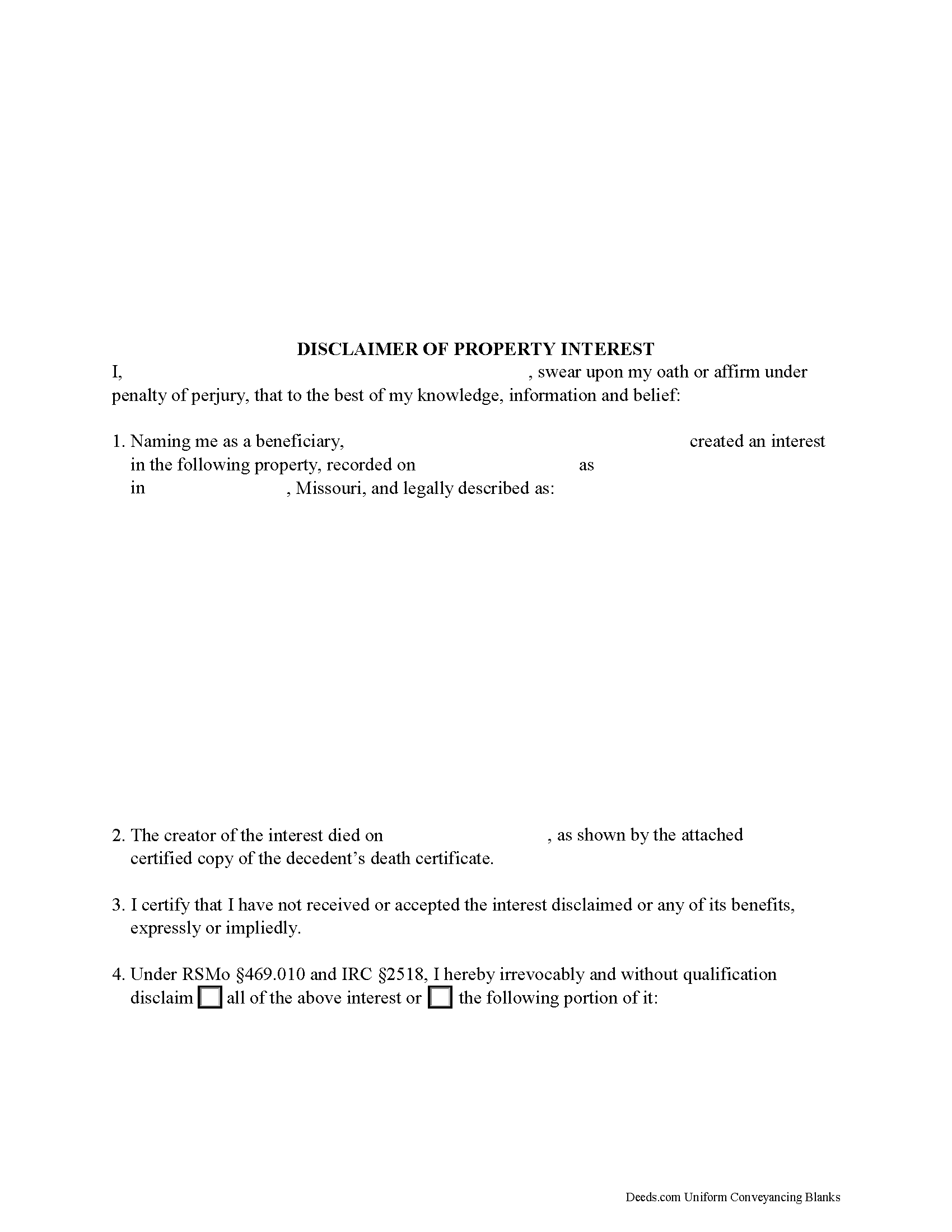
Linn County Disclaimer of Interest Form
Fill in the blank form formatted to comply with all recording and content requirements.
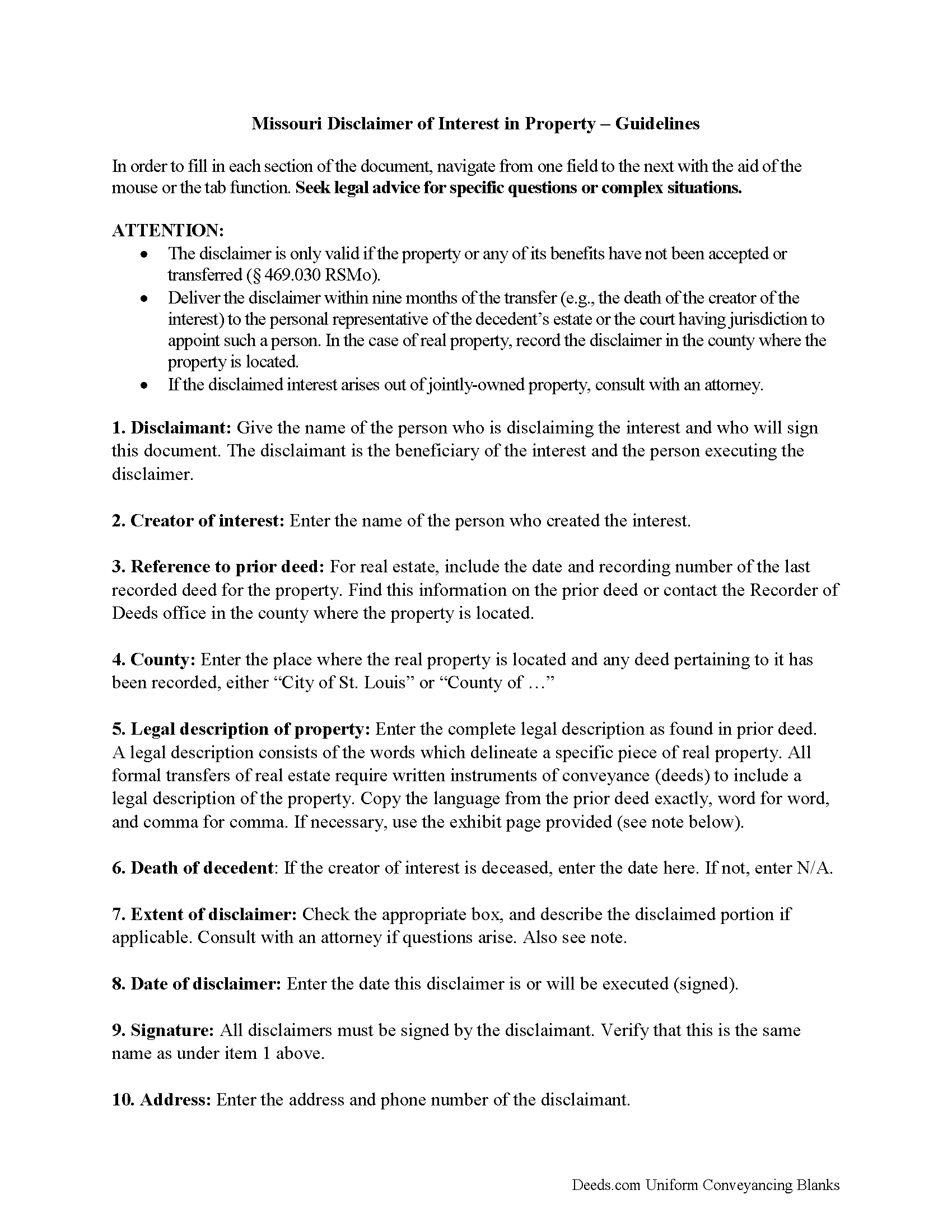
Linn County Disclaimer of Interest Guide
Line by line guide explaining every blank on the form.
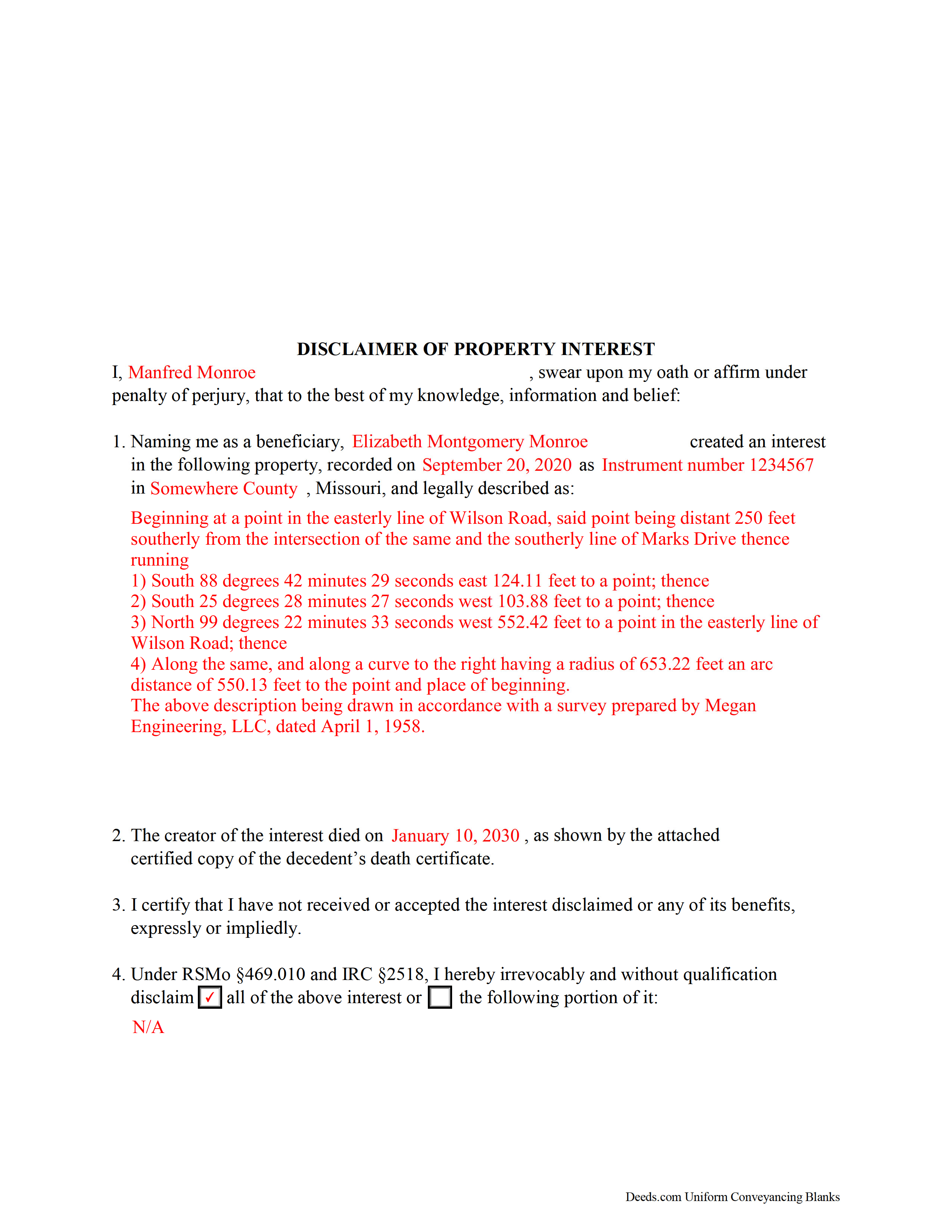
Linn County Completed Example of the Disclaimer of Interest Document
Example of a properly completed form for reference.
All 3 documents above included • One-time purchase • No recurring fees
Immediate Download • Secure Checkout
Additional Missouri and Linn County documents included at no extra charge:
Where to Record Your Documents
Linn County Recorder of Deeds
Linneus, Missouri 64653
Hours: 9:00 to 12:00 & 1:00 to 4:30 M-F
Phone: (660) 895-5216
Recording Tips for Linn County:
- Bring your driver's license or state-issued photo ID
- Ensure all signatures are in blue or black ink
- Ask if they accept credit cards - many offices are cash/check only
- Check that your notary's commission hasn't expired
- Documents must be on 8.5 x 11 inch white paper
Cities and Jurisdictions in Linn County
Properties in any of these areas use Linn County forms:
- Brookfield
- Browning
- Bucklin
- Laclede
- Linneus
- Marceline
- Meadville
- New Boston
- Purdin
Hours, fees, requirements, and more for Linn County
How do I get my forms?
Forms are available for immediate download after payment. The Linn County forms will be in your account ready to download to your computer. An account is created for you during checkout if you don't have one. Forms are NOT emailed.
Are these forms guaranteed to be recordable in Linn County?
Yes. Our form blanks are guaranteed to meet or exceed the applicable formatting requirements used for recording in Linn County, including margin requirements, font requirements, and other layout standards. This guarantee applies to formatting, not to the legal sufficiency of information entered by the user or the suitability of a form for a particular transaction.
Can I reuse these forms?
Yes. You can reuse the forms for your personal use. For example, if you have multiple properties in Linn County you only need to order once.
What do I need to use these forms?
The forms are PDFs that you fill out on your computer. The free Adobe Acrobat Reader is recommended, and most PDF apps also work. You do NOT enter your property information online - you download the blank forms and complete them privately on your own computer.
Are there any recurring fees?
No. This is a one-time purchase. Nothing to cancel, no memberships, no recurring fees.
How much does it cost to record in Linn County?
Recording fees in Linn County vary. Contact the recorder's office at (660) 895-5216 for current fees.
Questions answered? Let's get started!
Under the Missouri Revised Statutes, the beneficiary of an interest in property may renounce the gift, either in part or in full (469.010). Note that the option to disclaim is only available to beneficiaries who have not acted in any way to indicate acceptance or ownership of the interest (469.020).
The disclaimer must be in writing and include a description of the interest, a declaration of intent to disclaim all or a defined portion of the interest, and be signed by the disclaimant.
Deliver the disclaimer within nine months of the transfer (e.g., the death of the creator of the interest) to the transferor or his representative or the holder of legal title (469.020). In the case of real property, acknowledge the disclaimer as is required for a deed and record it in the county where the property is located. In addition, deliver a copy of the disclaimer to the person or legal entity with current custody or possession of the property.
A disclaimer is irrevocable and binding for the disclaiming party and his or her creditors (469.010), so be sure to consult an attorney when in doubt about the drawbacks and benefits of disclaiming inherited property. If the disclaimed interest arises out of jointly-owned property, seek legal advice as well.
(Missouri DOI Package includes form, guidelines, and completed example)
Important: Your property must be located in Linn County to use these forms. Documents should be recorded at the county or independent city recording office listed above.
This Disclaimer of Interest meets all recording requirements specific to Linn County.
Our Promise
The documents you receive here are guaranteed to meet or exceed the applicable Linn County recording format requirements. If there is a rejection caused by our formatting, we will correct the issue or refund your payment. This guarantee applies to document formatting only and does not extend to information entered by the user, the selection of the form, or the legal effect of the completed document.
Save Time and Money
Get your Linn County Disclaimer of Interest form done right the first time with Deeds.com Uniform Conveyancing Blanks. At Deeds.com, we understand that your time and money are valuable resources, and we don't want you to face a penalty fee or rejection imposed by a county recorder for submitting nonstandard documents. We constantly review and update our forms to meet rapidly changing state and county recording requirements for roughly 3,500 counties and local jurisdictions.
4.8 out of 5 - ( 4,840 Reviews )
Shawn H. 5 out of 5 stars
The site provided exactly what I needed when I needed it.
Thank you for your feedback. We really appreciate it. Have a great day!
Barry B. 5 out of 5 stars
I was very impressed on how simple the process was to record the documents I needed recorded. Thank you for all of your help.
Thank you!
Joel B. 5 out of 5 stars
I would have liked more room in the text fields for describing the potential claim. had to use Exhibit A. Could not delete Exhibit B. Alo would like to have a custom footer - not deeds.com. Unprofessional.
Thank you for your feedback. We really appreciate it. Have a great day!
Patricia N. 5 out of 5 stars
Wonderful fast service, quick thoughtful responses on chat! Files download easily too, great pruces
We are delighted to have been of service. Thank you for the positive review!
Michael B. 5 out of 5 stars
Amazing! I was able to submit my documentation and it was on record within one hour! Highly Recommend.
Thank you for your feedback. We really appreciate it. Have a great day!
John K. 5 out of 5 stars
The website was very easy to work. The documents were just what I needed and everything that my state and county required.
We appreciate your business and value your feedback. Thank you. Have a wonderful day!
Alan C. 5 out of 5 stars
The Transfer on Death Deed paperwork was easy to complete, as it included a detailed guide and a completed example. We encountered no issues recording the document with our County. Thanks to Deeds.com, we were also able to save time and money by utilizing a DIY approach for our situation.
We are delighted to have been of service. Thank you for the positive review!
Daniel L. 5 out of 5 stars
so far appears to meet my needs!
Thank you for your feedback. We really appreciate it. Have a great day!
Ryan K. 5 out of 5 stars
Excellent service! Quick and much easier than having to do everything through the mail. The agent was quick to answer questions and everything was processed and submitted from Deeds.com within a couple of hours. Will definitely use again if the need arises.
We appreciate your business and value your feedback. Thank you. Have a wonderful day!
Renu A. 5 out of 5 stars
The service was very reliable and they even helped with filling out the paperwork properly. Very quick turn around and efficient!
Thank you!
Marsella F. 5 out of 5 stars
Thank you so much!! This is a fantastic tool!! Marsella F.
Thank you for your feedback. We really appreciate it. Have a great day!
Lance T. W. 4 out of 5 stars
All in all an easy, cost-effective approach to simple legal work.
Thank you for your feedback. We really appreciate it. Have a great day!
Jane D. 5 out of 5 stars
Very easy to navigate and we get exactly what we need, when we need it! Also, they keep Tra k of previous purchases, so you don't have to repurchase! It's great!
We appreciate your business and value your feedback. Thank you. Have a wonderful day!
SHALINI W. 5 out of 5 stars
Exceptionally easy to use. Very user friendly. Would highly recommend.
We appreciate your business and value your feedback. Thank you. Have a wonderful day!
Robert O. 5 out of 5 stars
A very easy site to use and got the documents that I needed without any problems. Would highly recommend this site.
Thank you Robert, Have a great day!