Andrew County Special Warranty Deed Form
Last validated September 29, 2026 by our Forms Development TeamFormatted for recording in Andrew County, for property anywhere in the county or independent city: rural and unincorporated areas as well as Amazonia, Bolckow, Cosby, Fillmore, Helena, Rea, Rosendale, Savannah.
- 3 documents included
- Immediate PDF download
- Formatting guarantee
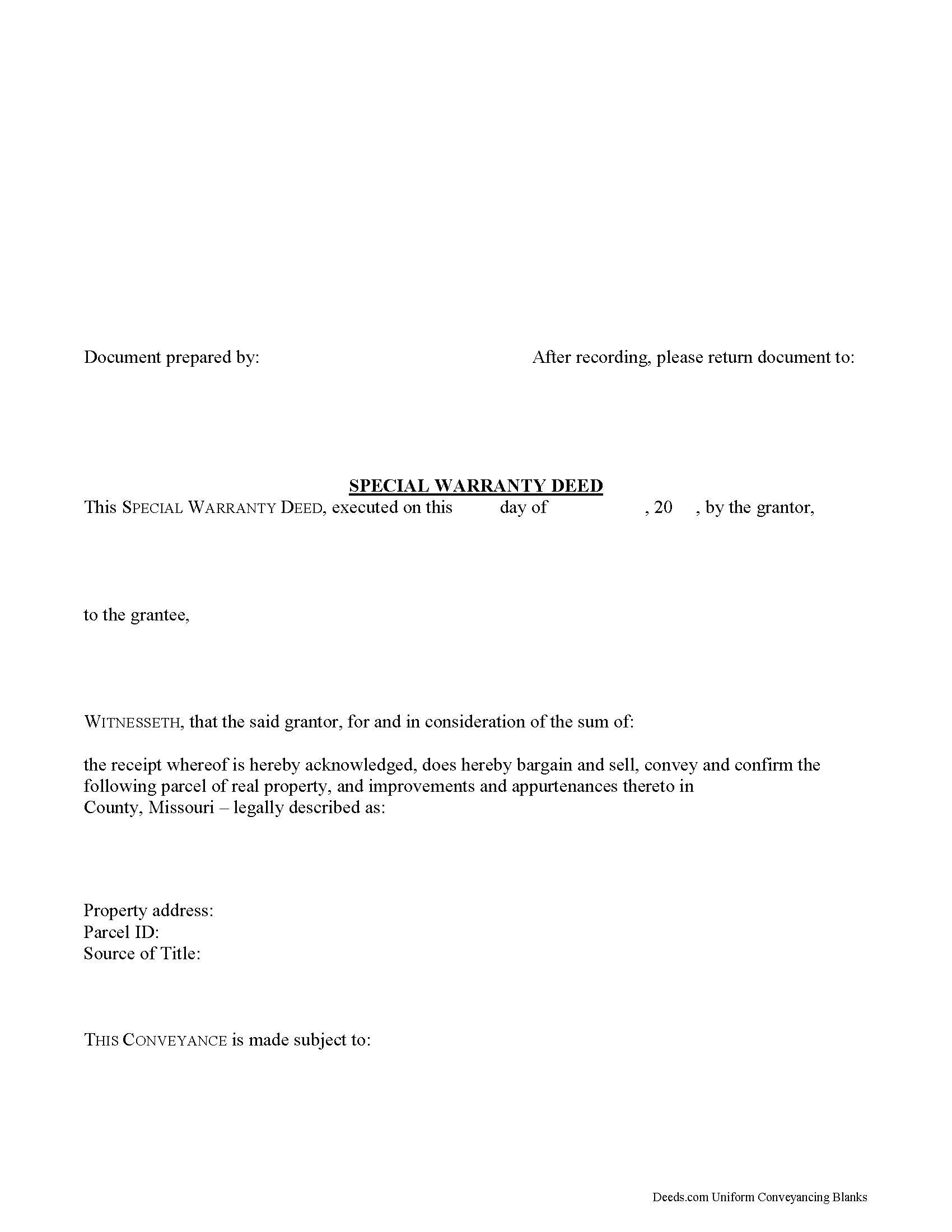
Andrew County Special Warranty Deed Form
Fill in the blank form formatted to comply with all recording and content requirements.
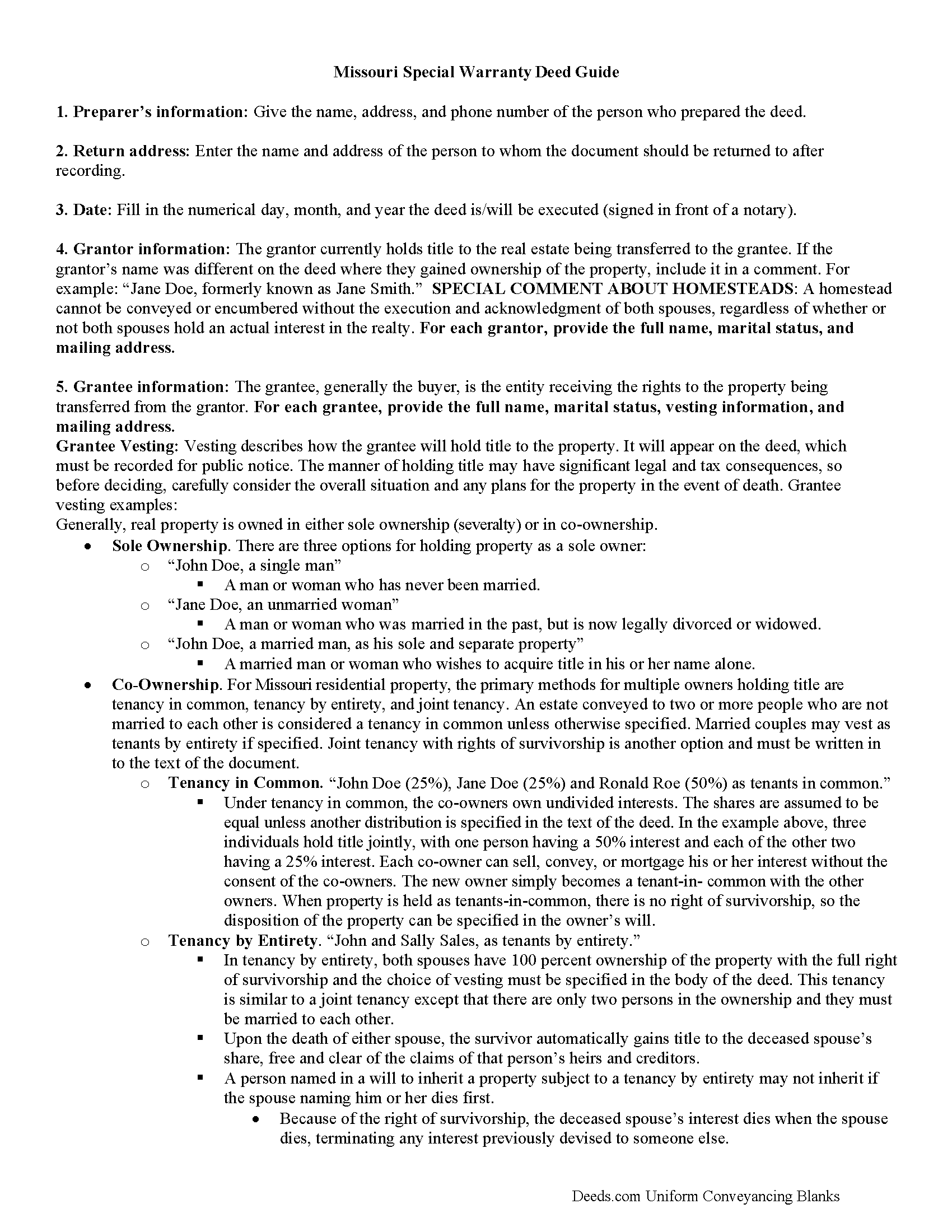
Andrew County Special Warranty Deed Guide
Line by line guide explaining every blank on the form.
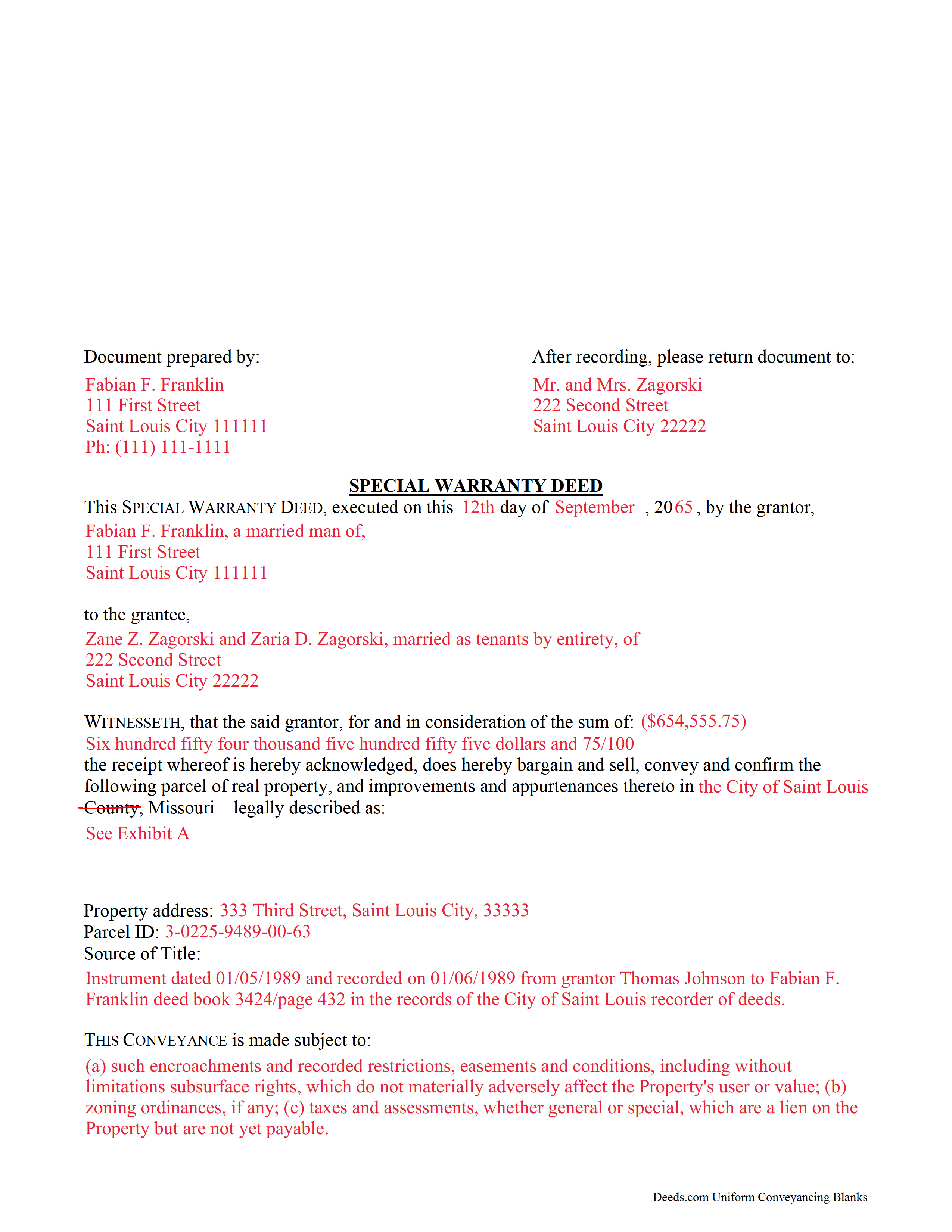
Andrew County Completed Example of the Special Warranty Deed Document
Example of a properly completed form for reference.
All 3 documents above included • One-time purchase • No recurring fees
Immediate Download • Secure Checkout
Additional Missouri and Andrew County documents included at no extra charge:
Where to Record Your Documents
Andrew County Recorder of Deeds
Savannah, Missouri 64485
Hours: 8:00 to 4:30 Monday through Friday
Phone: (816) 324-4221
Recording Tips for Andrew County:
- Bring your driver's license or state-issued photo ID
- Ensure all signatures are in blue or black ink
- Avoid the last business day of the month when possible
- Both spouses typically need to sign if property is jointly owned
- Bring extra funds - fees can vary by document type and page count
Cities and Jurisdictions in Andrew County
Properties in any of these areas use Andrew County forms:
- Amazonia
- Bolckow
- Cosby
- Fillmore
- Helena
- Rea
- Rosendale
- Savannah
Hours, fees, requirements, and more for Andrew County
How do I get my forms?
Forms are available for immediate download after payment. The Andrew County forms will be in your account ready to download to your computer. An account is created for you during checkout if you don't have one. Forms are NOT emailed.
Are these forms guaranteed to be recordable in Andrew County?
Yes. Our form blanks are guaranteed to meet or exceed the applicable formatting requirements used for recording in Andrew County, including margin requirements, font requirements, and other layout standards. This guarantee applies to formatting, not to the legal sufficiency of information entered by the user or the suitability of a form for a particular transaction.
Can I reuse these forms?
Yes. You can reuse the forms for your personal use. For example, if you have multiple properties in Andrew County you only need to order once.
What do I need to use these forms?
The forms are PDFs that you fill out on your computer. The free Adobe Acrobat Reader is recommended, and most PDF apps also work. You do NOT enter your property information online - you download the blank forms and complete them privately on your own computer.
Are there any recurring fees?
No. This is a one-time purchase. Nothing to cancel, no memberships, no recurring fees.
How much does it cost to record in Andrew County?
Recording fees in Andrew County vary. Contact the recorder's office at (816) 324-4221 for current fees.
Questions answered? Let's get started!
A special warranty deed can be used in Missouri to transfer title to real property. This type of deed does not offer as much protection as a warranty deed. A special warranty deed includes a covenant that the land is free of any encumbrances done or suffered by the grantor and that the grantor will defend the title against the claims and demands of those claiming by, through, or under the grantor.
A special warranty deed needs to be signed by the party granting the conveyance and should be acknowledged or proved and certified in the manner prescribed by Missouri Statutes. However, all parties are required to sign if the deed is being recorded in the City of St. Louis. For special warranty deeds acknowledged or proved within Missouri, the proof or acknowledgement can be taken before a court having seal or a judge, justice or clerk of such court, or by a notary public. If the acknowledgment or proof of a deed is taken outside of Missouri but within the United States, it can be done before any of the officers listed in 442.150 of the Missouri Statutes (442.150). The officer taking acknowledgements should have a certificate of acknowledgment or proof endorsed on the deed (442.180).
Every special warranty deed that has been proved or acknowledged and certified in the manner provided should be recorded in the office of the county recorder in the county where the real estate is located (442.380). Once a special warranty deed has been filed for record, it will serve as notice to all persons of the contents thereof, and all subsequent purchasers and mortgagees are deemed, in law and equity, to purchase with notice (442.390).
(Missouri SWD Package includes form, guidelines, and completed example)
Important: Your property must be located in Andrew County to use these forms. Documents should be recorded at the county or independent city recording office listed above.
This Special Warranty Deed meets all recording requirements specific to Andrew County.
Our Promise
The documents you receive here are guaranteed to meet or exceed the applicable Andrew County recording format requirements. If there is a rejection caused by our formatting, we will correct the issue or refund your payment. This guarantee applies to document formatting only and does not extend to information entered by the user, the selection of the form, or the legal effect of the completed document.
Save Time and Money
Get your Andrew County Special Warranty Deed form done right the first time with Deeds.com Uniform Conveyancing Blanks. At Deeds.com, we understand that your time and money are valuable resources, and we don't want you to face a penalty fee or rejection imposed by a county recorder for submitting nonstandard documents. We constantly review and update our forms to meet rapidly changing state and county recording requirements for roughly 3,500 counties and local jurisdictions.
4.8 out of 5 - ( 4,845 Reviews )
George S. 5 out of 5 stars
Excellent product- very easy to use. Will use again...
Thank you for your feedback. We really appreciate it. Have a great day!
Debra W. 5 out of 5 stars
Thorough information, quickly received !! I'm going to order more! Helpful due to an ILLEGAL FORECLOSURE! Thank you!!!
Thank you for your feedback. We really appreciate it. Have a great day!
Randall S. 5 out of 5 stars
I have had great success with this so far. The site had the correct forms and I was able complete the documents. It seems like a great resource!
Thank you for your feedback. We really appreciate it. Have a great day!
Jerry E. 5 out of 5 stars
7 stars!
Thank you!
Tammy B. 5 out of 5 stars
I am so happy that I was able to get these forms. So simple to get and seems like will be easy to fill out . Thank you
We appreciate your business and value your feedback. Thank you. Have a wonderful day!
Anitra C. 5 out of 5 stars
This was so easy and the instructions were great.
We appreciate your business and value your feedback. Thank you. Have a wonderful day!
Bohdan F. 5 out of 5 stars
Quick, efficient and the instructions were clear. Thank you
Thank you!
George R. 5 out of 5 stars
Your website worked but I am waiting for answers for two questions.
Thank you for your feedback. We really appreciate it. Have a great day!
Heather F. 5 out of 5 stars
Quality forms and information. Everything went smoothly.
Great to hear Heather. Have a fantastic day!
Mary H. 5 out of 5 stars
Your site was very informative and I was able to instantly and easily download the documents that I needed. I could not be happier with your service. Thank You Mary Harju
Thank you Mary, we really appreciate your feedback.
Kurt P. 5 out of 5 stars
I like the basics. The one thing I would recommend changing would be, something that tells me I have actually have submitted my package, or that I can leave at any time without needing to click on a "Submit" button.
Thank you for your feedback. We really appreciate it. Have a great day!
Laura L. 5 out of 5 stars
Used a form from this service. Best part about these forms is that they don't let you get in trouble by removing or changing things that should not be changed. It's easy to look at something and think why is this margin so big, why is this field so small and want to change it only to find out it is incredibly important. That's why they are the deed document pros.
Thank you for the thoughtful review! We're so glad to hear you found our forms reliable and well-structured. It’s true—what might look like an odd margin or a small field is often there for a very specific legal or recording reason. We’ve seen how small changes can lead to big headaches, which is why we design our documents to be both user-friendly and compliant with strict recording standards. We really appreciate you recognizing the care that goes into each one. Thanks again for choosing us!
Jason U. 5 out of 5 stars
Extremely useful! The guide was excellent with the sample. Used and went exceptionally smoothly.
Thank you for your positive words! We’re thrilled to hear about your experience.
Tamyra M. 5 out of 5 stars
Easy instructions.
Thanks for your feedback. We’re glad we could help.
Kerianne B. 5 out of 5 stars
I would definitely recommend Deeds.com. It was so easy! I wish we knew about them a long time ago.
Thank you for your feedback. We really appreciate it. Have a great day!