Johnson County Trustee Deed Form
Last validated September 29, 2026 by our Forms Development TeamFormatted for recording in Johnson County, for property anywhere in the county or independent city: rural and unincorporated areas as well as Centerview, Chilhowee, Holden, Kingsville, Knob Noster, Leeton, Warrensburg, Whiteman Air Force Base.
- 3 documents included
- Immediate PDF download
- Formatting guarantee
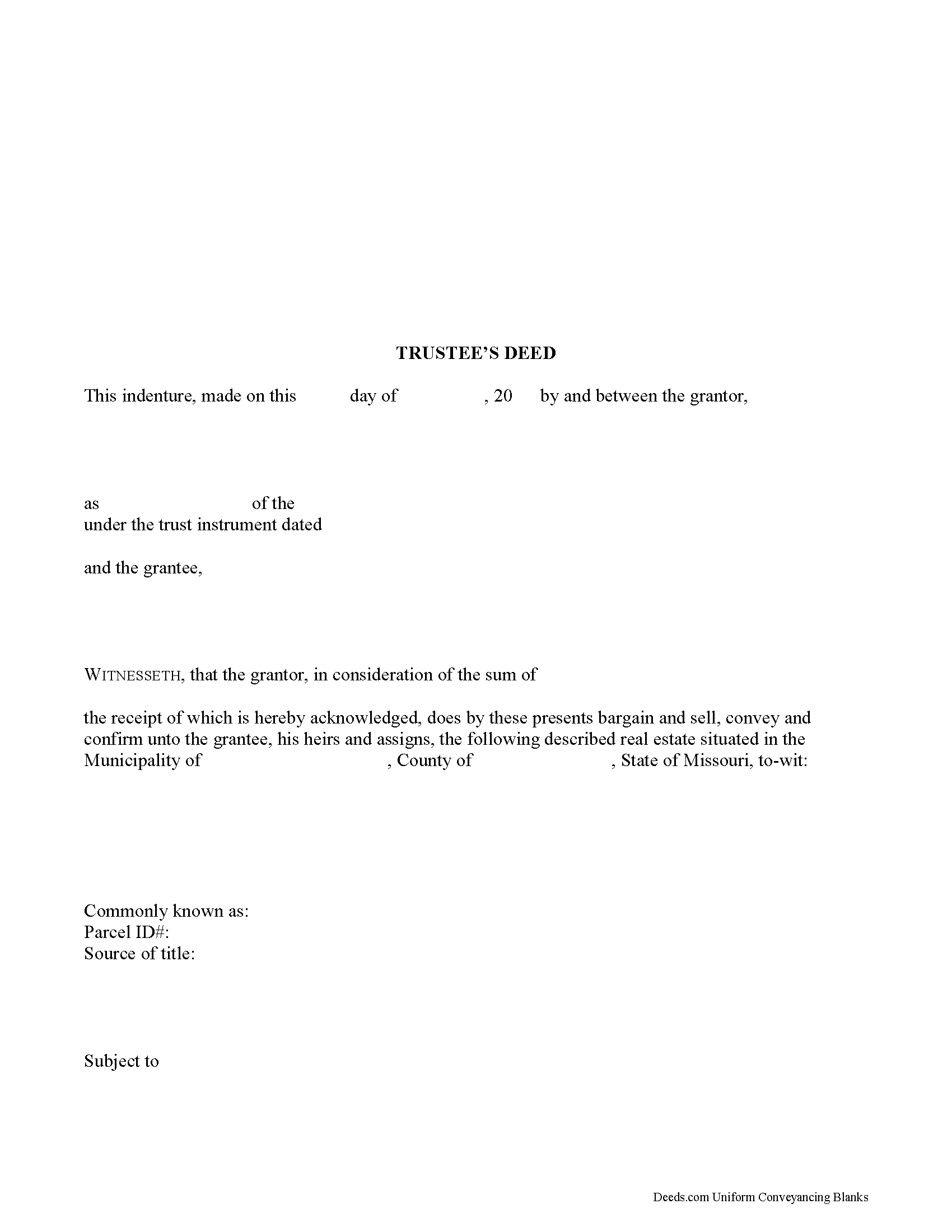
Johnson County Trustee Deed Form
Fill in the blank form formatted to comply with all recording and content requirements.
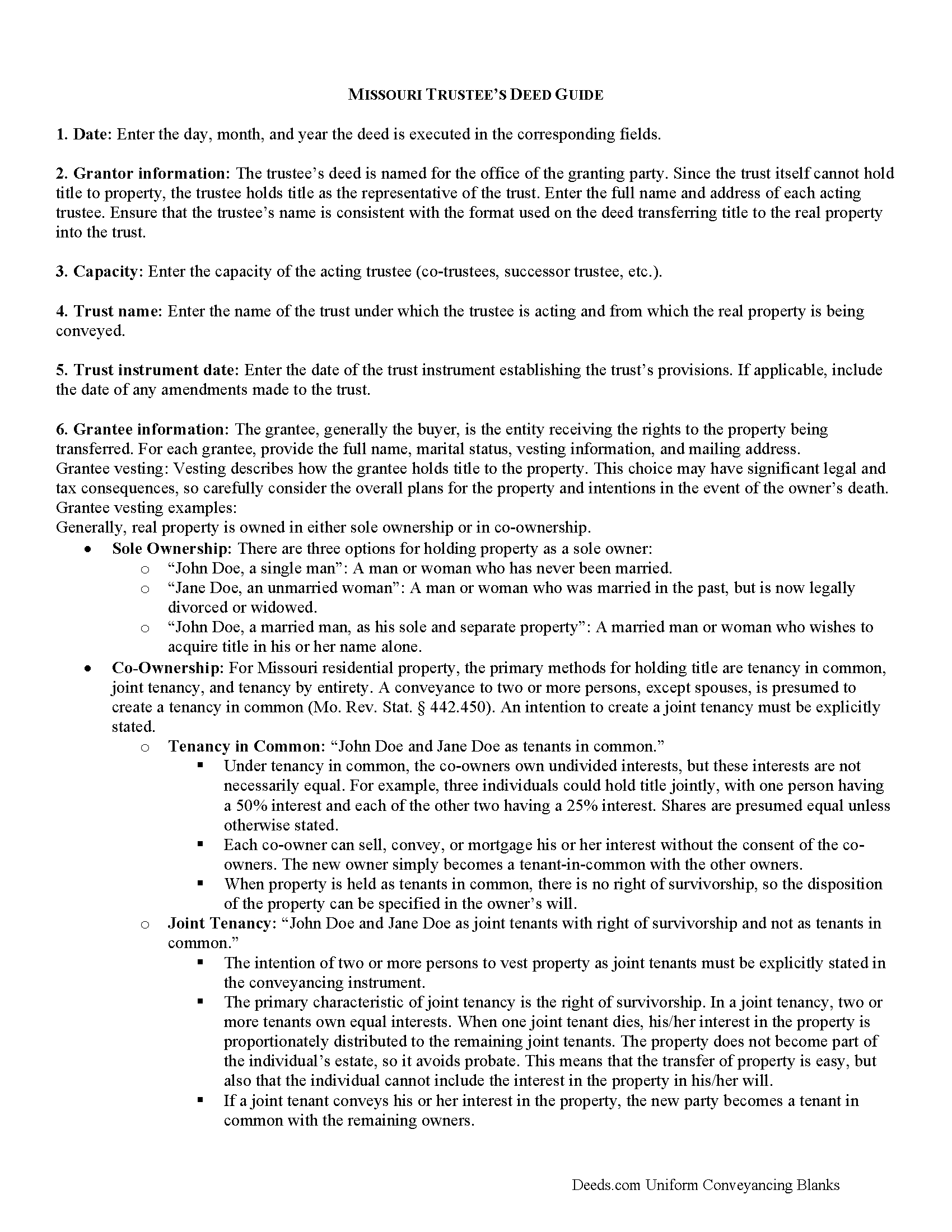
Johnson County Trustee Deed Guide
Line by line guide explaining every blank on the form.
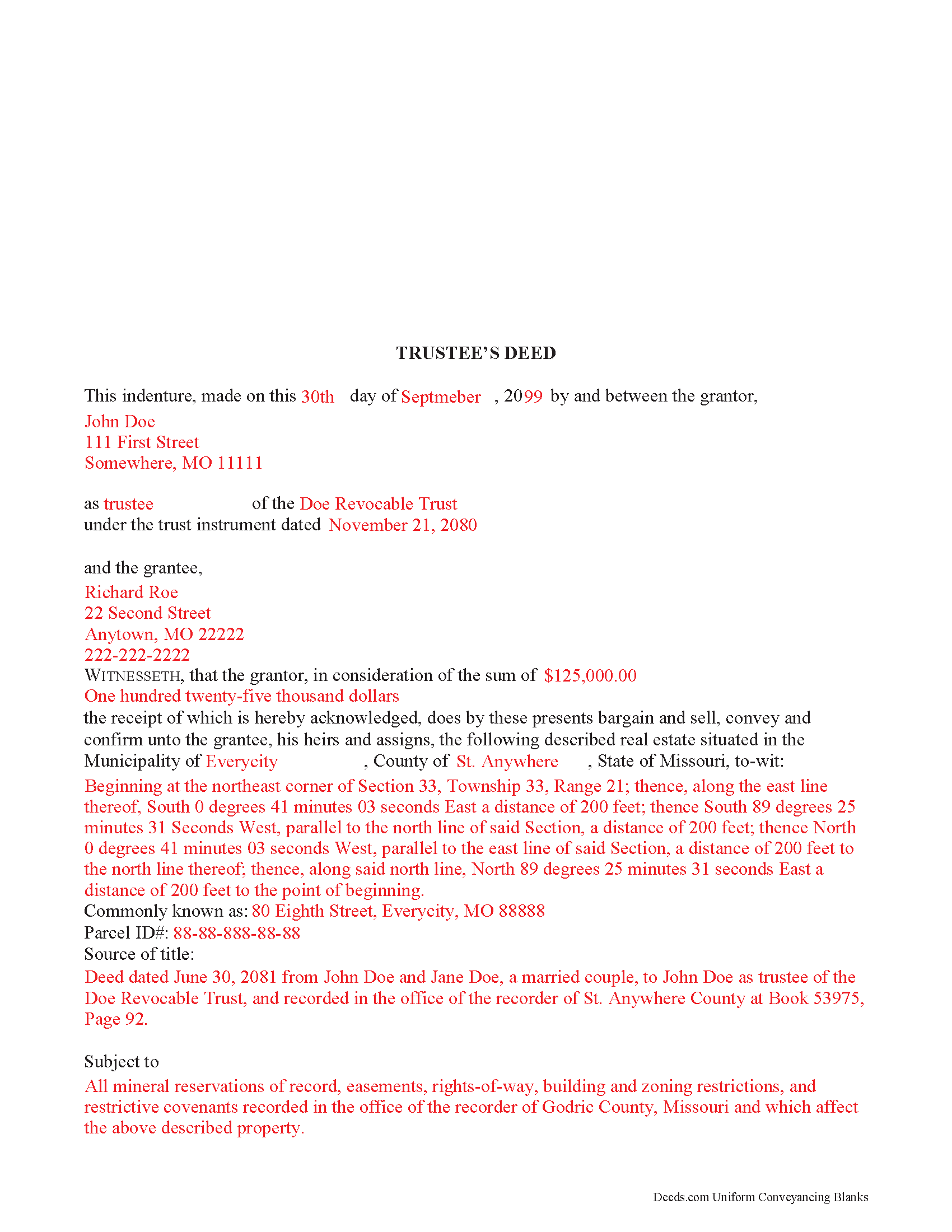
Johnson County Completed Example of the Trustee Deed Document
Example of a properly completed form for reference.
All 3 documents above included • One-time purchase • No recurring fees
Immediate Download • Secure Checkout
Additional Missouri and Johnson County documents included at no extra charge:
Where to Record Your Documents
Johnson County Recorder of Deeds
Warrensburg, Missouri 64093
Hours: 8:30 to 4:30 M-F
Phone: (660) 747-6811
Recording Tips for Johnson County:
- Bring your driver's license or state-issued photo ID
- Ensure all signatures are in blue or black ink
- Check margin requirements - usually 1-2 inches at top
- Leave recording info boxes blank - the office fills these
- Make copies of your documents before recording - keep originals safe
Cities and Jurisdictions in Johnson County
Properties in any of these areas use Johnson County forms:
- Centerview
- Chilhowee
- Holden
- Kingsville
- Knob Noster
- Leeton
- Warrensburg
- Whiteman Air Force Base
Hours, fees, requirements, and more for Johnson County
How do I get my forms?
Forms are available for immediate download after payment. The Johnson County forms will be in your account ready to download to your computer. An account is created for you during checkout if you don't have one. Forms are NOT emailed.
Are these forms guaranteed to be recordable in Johnson County?
Yes. Our form blanks are guaranteed to meet or exceed the applicable formatting requirements used for recording in Johnson County, including margin requirements, font requirements, and other layout standards. This guarantee applies to formatting, not to the legal sufficiency of information entered by the user or the suitability of a form for a particular transaction.
Can I reuse these forms?
Yes. You can reuse the forms for your personal use. For example, if you have multiple properties in Johnson County you only need to order once.
What do I need to use these forms?
The forms are PDFs that you fill out on your computer. The free Adobe Acrobat Reader is recommended, and most PDF apps also work. You do NOT enter your property information online - you download the blank forms and complete them privately on your own computer.
Are there any recurring fees?
No. This is a one-time purchase. Nothing to cancel, no memberships, no recurring fees.
How much does it cost to record in Johnson County?
Recording fees in Johnson County vary. Contact the recorder's office at (660) 747-6811 for current fees.
Questions answered? Let's get started!
A trustee uses a trustee's deed to convey property held in a living trust in Missouri.
In a trust arrangement, the settlor conveys property to the trustee, who holds title to the property for the benefit of a third party, the trust's beneficiary.
The trustee is the administrator of the trust whose power to sell trust property, in this case, is conferred by the trust instrument, the document executed by the trust's settlor establishing the trust and containing the trust provisions. The Missouri Uniform Trust Code also confirms the trustee's power to "acquire or sell property in divided or undivided interests, for cash or on credit, at public or private sale" ( 456.8-816, RSMo).
The granting language of "bargain and sell, convey and confirm" is the common language used in Missouri to transfer property to a grantee with special warranty. A special warranty contains limited covenants of clear title (subject to noted encumbrances), and protection against claims arising by or through the grantor only.
In addition to meeting the requirements for content and format required by standard deeds, such as quitclaim or warranty deeds, trustee's deeds must also reference the trust instrument designating the acting trustee. The deed must be signed by the acting trustee's in the presence of a notary public for a valid transfer. A distinct acknowledgment form for trustees is codified at 486.330(5), RSMo.
Contact an attorney with any questions about Missouri trustee's deeds, or living trusts in general.
(Missouri TD Package includes form, guidelines, and completed example)
Important: Your property must be located in Johnson County to use these forms. Documents should be recorded at the county or independent city recording office listed above.
This Trustee Deed meets all recording requirements specific to Johnson County.
Our Promise
The documents you receive here are guaranteed to meet or exceed the applicable Johnson County recording format requirements. If there is a rejection caused by our formatting, we will correct the issue or refund your payment. This guarantee applies to document formatting only and does not extend to information entered by the user, the selection of the form, or the legal effect of the completed document.
Save Time and Money
Get your Johnson County Trustee Deed form done right the first time with Deeds.com Uniform Conveyancing Blanks. At Deeds.com, we understand that your time and money are valuable resources, and we don't want you to face a penalty fee or rejection imposed by a county recorder for submitting nonstandard documents. We constantly review and update our forms to meet rapidly changing state and county recording requirements for roughly 3,500 counties and local jurisdictions.
4.8 out of 5 - ( 4,824 Reviews )
Gerald B. 5 out of 5 stars
Thank you so much for the helpful service and quick action! If needed, I will definitely choose Deeds.com again.
We appreciate your business and value your feedback. Thank you. Have a wonderful day!
Rhonda L. 5 out of 5 stars
This was one of the most simple but efficient process. Walked me thru every step. Total process was less than 2 weeks.
Thank you!
Marilyn C. 5 out of 5 stars
My document got recorded right away. Thank you! Will use again in the future when needed.
We appreciate your business and value your feedback. Thank you. Have a wonderful day!
Johnnie R. 5 out of 5 stars
quick and easy to use
We appreciate your business and value your feedback. Thank you. Have a wonderful day!
Amy C. 5 out of 5 stars
Easy enough to use the forms. Will probably get them reviewed before recording just to be sure.
Thank you for your feedback. We really appreciate it. Have a great day!
Debbie C. 5 out of 5 stars
Wonderful forms and service.
Thank you for your feedback. We really appreciate it. Have a great day!
Paul R. 5 out of 5 stars
Worked very quickly and smoothly. Helps if you know what documents you need. Thanks.
Thank you for your feedback. We really appreciate it. Have a great day!
George A. 5 out of 5 stars
Excellent Service.
Thank you for your feedback. We really appreciate it. Have a great day!
Catherine W. 5 out of 5 stars
I appreciate your prompt and honest response. You did not find what I was looking for but You also did not charge Me. It was a pleasure working with You.
Thank you for your feedback Catherine, sorry we were unable to find what you needed. Have a wonderful day.
Madline J. 5 out of 5 stars
amazing job!!
Thank you!
Heather W. 5 out of 5 stars
Easy to use Example provided Clear instructions
Thank you for your feedback. We really appreciate it. Have a great day!
Patrick S. 5 out of 5 stars
Excellent!
Thank you!
Don M. 5 out of 5 stars
The process was easy going. The process is one thing, the results another. I have attempting to resolve this matter, of claiming sole ownership of the property for several YEARS. I lost my Bride of 65 years in 2015. A lawyer I hired failed in his attempt, so I'm waiting to see the actual results. I also have two parcels in New Mexico under the same situation, so if this is successful, I'll gladly be back. Thank You so very much. Don Martin
We appreciate your business and value your feedback. Thank you. Have a wonderful day!
Deborah D. 5 out of 5 stars
Very easy to use, got everything I needed. Reasonable price.
Thank you!
Diane S. 5 out of 5 stars
Money well spent. I used the example and filled out with no problem.
We appreciate your business and value your feedback. Thank you. Have a wonderful day!