Prairie County Affidavit of Deceased Joint Tenant Form
Last validated October 16, 2026 by our Forms Development TeamFormatted for recording in Prairie County, for property anywhere in the county: rural and unincorporated areas as well as Fallon, Mildred, Terry.
- 3 documents included
- Immediate PDF download
- Formatting guarantee
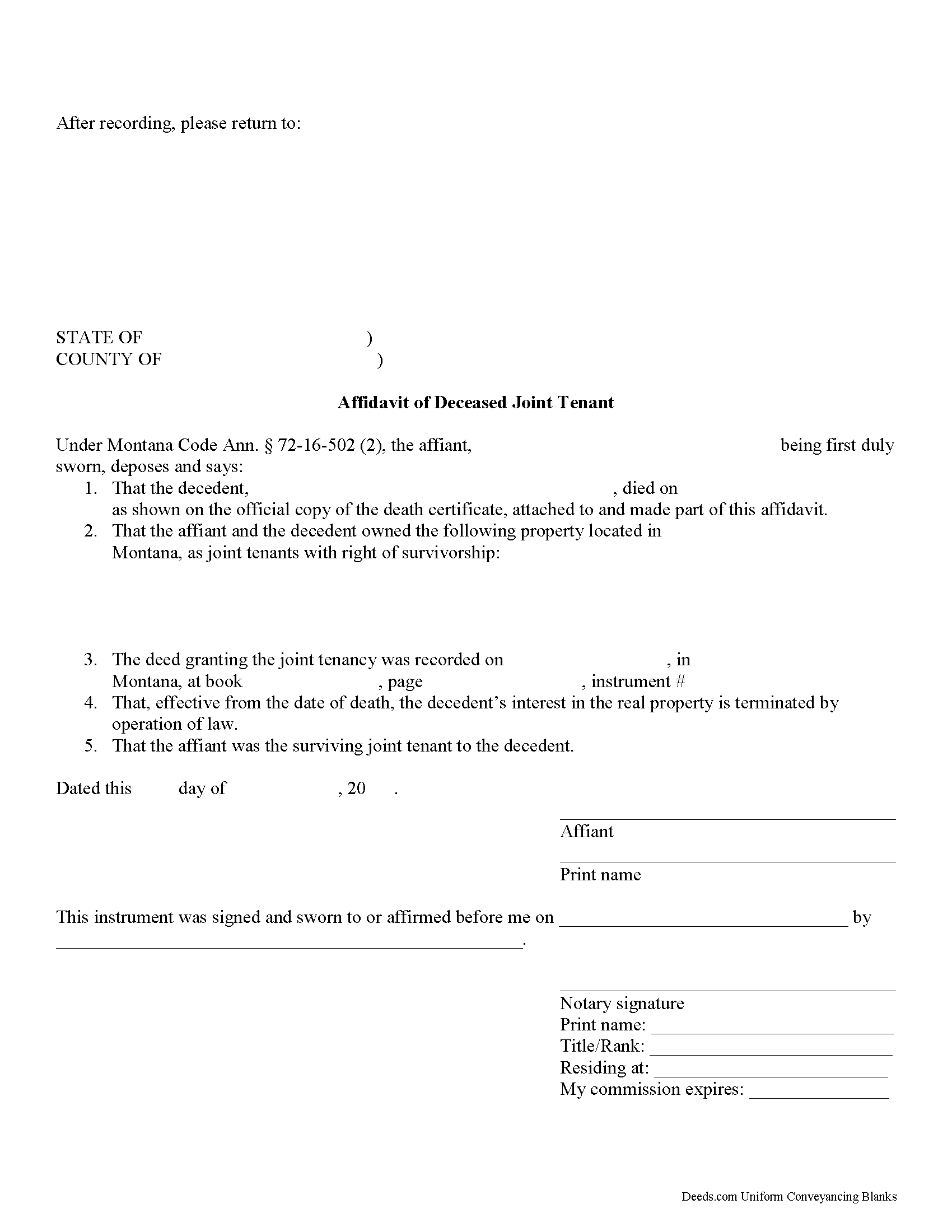
Prairie County Affidavit of Deceased Joint Tenant Form
Fill in the blank form formatted to comply with all recording and content requirements.
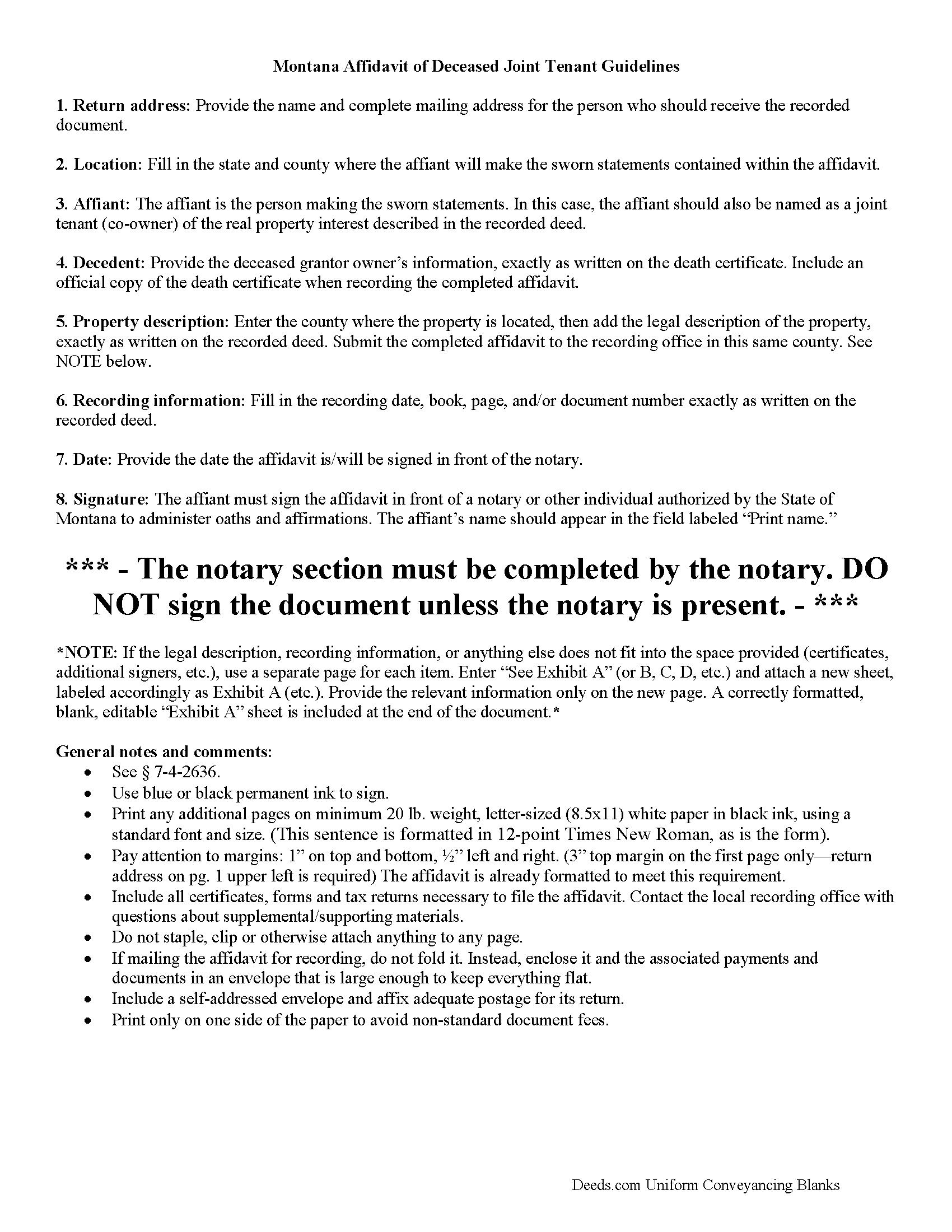
Prairie County Affidavit of Deceased Joint Tenant Guide
Line by line guide explaining every blank on the form.
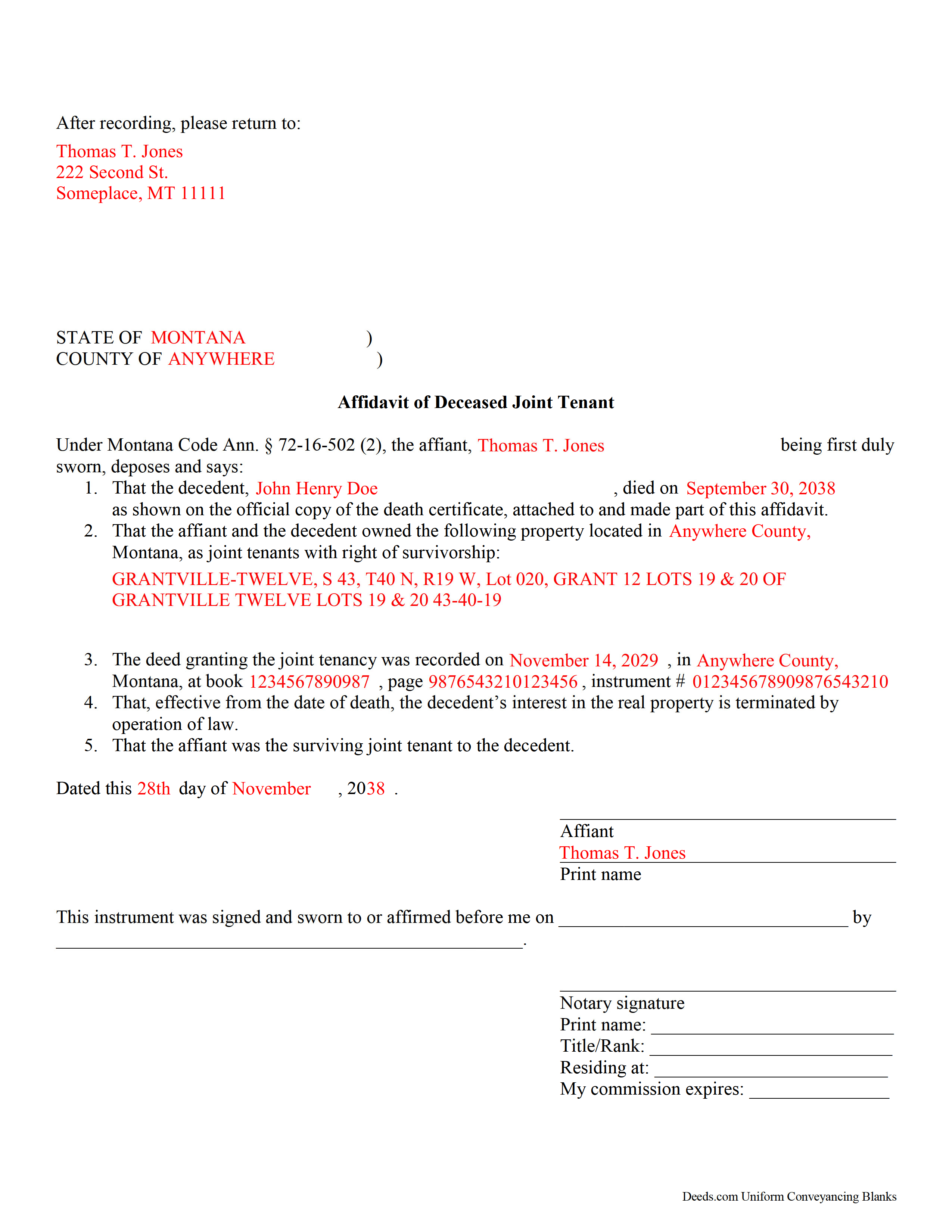
Prairie County Completed Example of the Affidavit of Deceased Joint Tenant Document
Example of a properly completed form for reference.
All 3 documents above included • One-time purchase • No recurring fees
Immediate Download • Secure Checkout
Additional Montana and Prairie County documents included at no extra charge:
Where to Record Your Documents
Prairie County Clerk / Recorder
Terry, Montana 59349-0125
Hours: 8:00 to 12:00 & 1:00 to 5:00 Monday - Friday
Phone: (406) 635-5575
Recording Tips for Prairie County:
- Bring your driver's license or state-issued photo ID
- Ensure all signatures are in blue or black ink
- Verify all names are spelled correctly before recording
- White-out or correction fluid may cause rejection
- Ask about their eRecording option for future transactions
Cities and Jurisdictions in Prairie County
Properties in any of these areas use Prairie County forms:
- Fallon
- Mildred
- Terry
Hours, fees, requirements, and more for Prairie County
How do I get my forms?
Forms are available for immediate download after payment. The Prairie County forms will be in your account ready to download to your computer. An account is created for you during checkout if you don't have one. Forms are NOT emailed.
Are these forms guaranteed to be recordable in Prairie County?
Yes. Our form blanks are guaranteed to meet or exceed the applicable formatting requirements used for recording in Prairie County, including margin requirements, font requirements, and other layout standards. This guarantee applies to formatting, not to the legal sufficiency of information entered by the user or the suitability of a form for a particular transaction.
Can I reuse these forms?
Yes. You can reuse the forms for your personal use. For example, if you have multiple properties in Prairie County you only need to order once.
What do I need to use these forms?
The forms are PDFs that you fill out on your computer. The free Adobe Acrobat Reader is recommended, and most PDF apps also work. You do NOT enter your property information online - you download the blank forms and complete them privately on your own computer.
Are there any recurring fees?
No. This is a one-time purchase. Nothing to cancel, no memberships, no recurring fees.
How much does it cost to record in Prairie County?
Recording fees in Prairie County vary. Contact the recorder's office at (406) 635-5575 for current fees.
Questions answered? Let's get started!
Montana's Affidavit of Deceased Joint Tenant
The Montana Affidavit of Deceased Joint Tenant form is appropriate for use by a surviving joint tenant, as identified on a recorded real property deed.
Montana Code Annotated defines how joint tenancy is created at Section 70-20-105 and the associated right of survivorship at 70-20-310.
Under 72-16-503, to formally initiate the process of perfecting the title, the surviving owner should complete and record an affidavit containing those matters required by 7-4-2613(1)(c). Among other details, this document should identify the parties, the property, and the recording information. Also include an official copy of the deceased owner's death certificate.
Submit the affidavit and any other necessary paperwork to the clerk and recorder for each county in which the real property or any part of the property is located.
This is an important step because it contributes to a clear chain of title (ownership history), which should, in turn, make future sales of the property less complex. It also serves as public notice of the change in the property's status.
Each case is unique, however, so contact an attorney for complex situations or with specific questions.
(Montana Affidavit of DJT Package includes form, guidelines, and completed example)
Important: Your property must be located in Prairie County to use these forms. Documents should be recorded at the county recording office listed above.
This Affidavit of Deceased Joint Tenant meets all recording requirements specific to Prairie County.
Our Promise
The documents you receive here are guaranteed to meet or exceed the applicable Prairie County recording format requirements. If there is a rejection caused by our formatting, we will correct the issue or refund your payment. This guarantee applies to document formatting only and does not extend to information entered by the user, the selection of the form, or the legal effect of the completed document.
Save Time and Money
Get your Prairie County Affidavit of Deceased Joint Tenant form done right the first time with Deeds.com Uniform Conveyancing Blanks. At Deeds.com, we understand that your time and money are valuable resources, and we don't want you to face a penalty fee or rejection imposed by a county recorder for submitting nonstandard documents. We constantly review and update our forms to meet rapidly changing state and county recording requirements for roughly 3,500 counties and local jurisdictions.
4.8 out of 5 - ( 4,829 Reviews )
Regina W. 5 out of 5 stars
So glad I found this form. Very easy to download and looks like all the instructions are there to correctly fill out my paperwork. Thanks.
We appreciate your business and value your feedback. Thank you. Have a wonderful day!
Deborah B. 5 out of 5 stars
I was skeptical after experiencing other websites. However not only did we get the form we needed for a fraction of the cost vs going to an attorney, the additional resources (guides and samples) made the completion of the Enhanced Life Quitclaim deed quite simple, quick, and painless. We were having difficulty getting my mom to agree to meeting with an attorney or even considering a Lady Bird deed. Deeds.com gave us the ability to move forward with necessary actions with family members walking my mom through the steps, explaining the process and giving her plenty of time to find the needed information. She became part of the process which made it easy for her at a time when decision making was hard. We did everything in the comfort of her own home. I can't think of a better experience or service and I would consider Deeds.com for future needs.
Thank you for the kinds words Deborah. We appreciate you taking the time to share your experience.
Robert K. 5 out of 5 stars
Very user friendly - I found the affidavit I needed right away together with the guide to filling it out.
Thank you!
Julie A. 5 out of 5 stars
This process was so easy. I am pleased with efficiency and ease of it all.
Thank you!
Benjamin A. 4 out of 5 stars
This method seems simple for me to complete. Wish me luck.
Thank you for your feedback. We really appreciate it. Have a great day!
Sharon B. 3 out of 5 stars
Downloaded pdf form was difficult to use,/modify and has too much space between sections.
Your feedback is valuable to us and helps us improve. Thank you for sharing your thoughts!
Rechantell A. 5 out of 5 stars
It was quick and easy. Trust worthy. Very satisfied and would recommend. Thank you for your services.
We appreciate your business and value your feedback. Thank you. Have a wonderful day!
Stephen B. 1 out of 5 stars
5 stars. Licensed to practice law for 25 years in multiple jurisdictions, the most dreaded part of doing what you already know how to do is researching again to make sure the legislatures have not changed the rules while you were doing something else. 22 bucks for this package is one hell of a deal and a real timesaver. Many thanks.
Thank you for your feedback. We really appreciate it. Have a great day!
Donna R. 5 out of 5 stars
Hi! Is there a setting that I can click on that will make sure I'm notified via email when an update is made to my requests? Thank you!
Thanks for your feedback, we'll have someone look into it.
Lynne B. 5 out of 5 stars
It was very easy to navigate and very fast response time.
Thank you!
Margaret A. 5 out of 5 stars
Thank for the help. Needed that disclaimer to avoid filing a full ITR tax return to get an L-9
We appreciate your business and value your feedback. Thank you. Have a wonderful day!
wendell s. 5 out of 5 stars
The forms were everything promised. The guide was very helpful and made the process painless.
We appreciate your business and value your feedback. Thank you. Have a wonderful day!
John S. 5 out of 5 stars
Easy system to use. good information.
Thank you for taking a moment to share your thoughts.
Stephen P. 5 out of 5 stars
Quick and Easy
Thank you!
Christopher S. 5 out of 5 stars
very easy to use, and comprehensive...I like the e-recording package
We are grateful for your feedback and looking forward to serving you again. Thank you!