Mccone County Certificate of Trust Form
Last validated October 22, 2026 by our Forms Development TeamFormatted for recording in Mccone County, for property anywhere in the county: rural and unincorporated areas as well as Brockway, Circle, Vida.
- 3 documents included
- Immediate PDF download
- Formatting guarantee
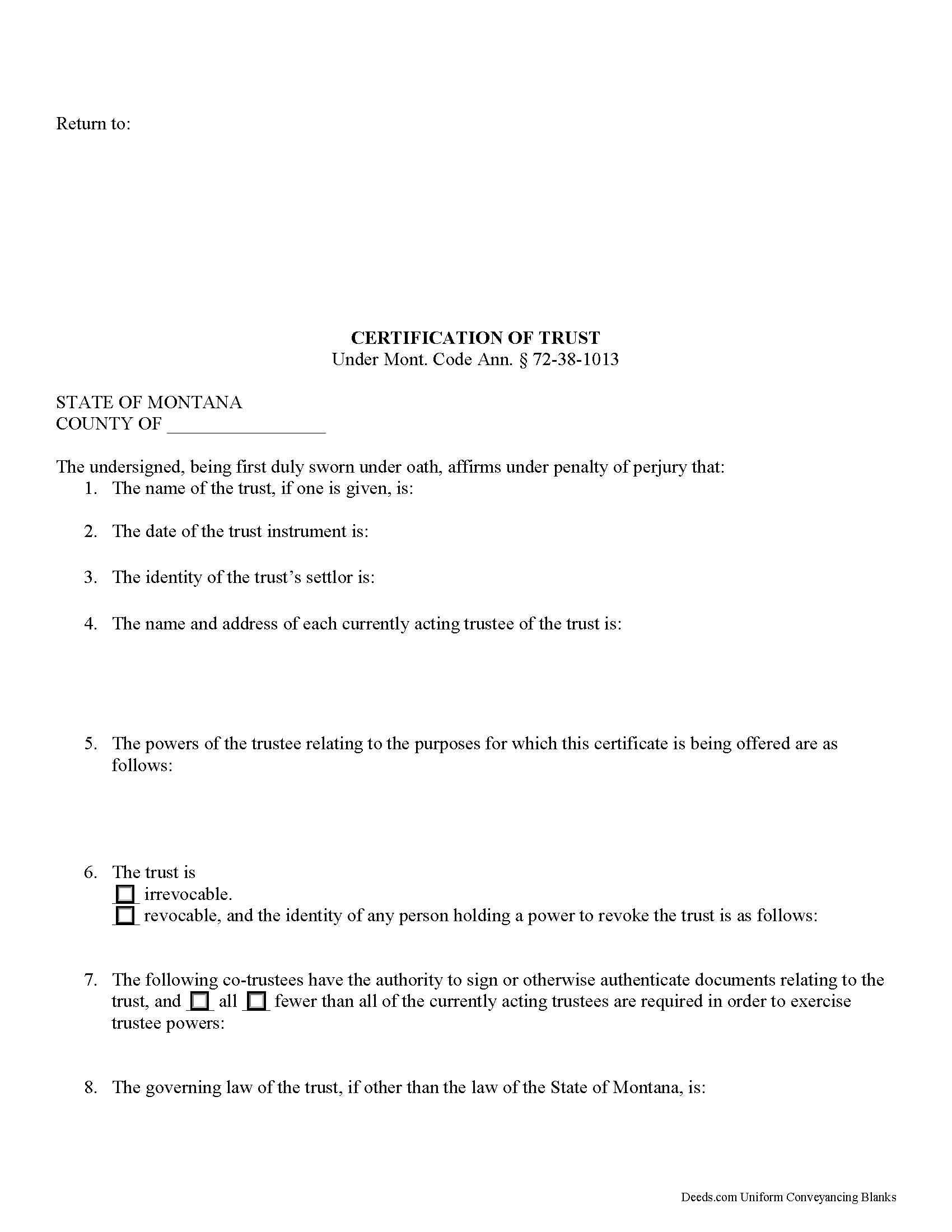
Mccone County Certificate of Trust Form
Fill in the blank form formatted to comply with all recording and content requirements.
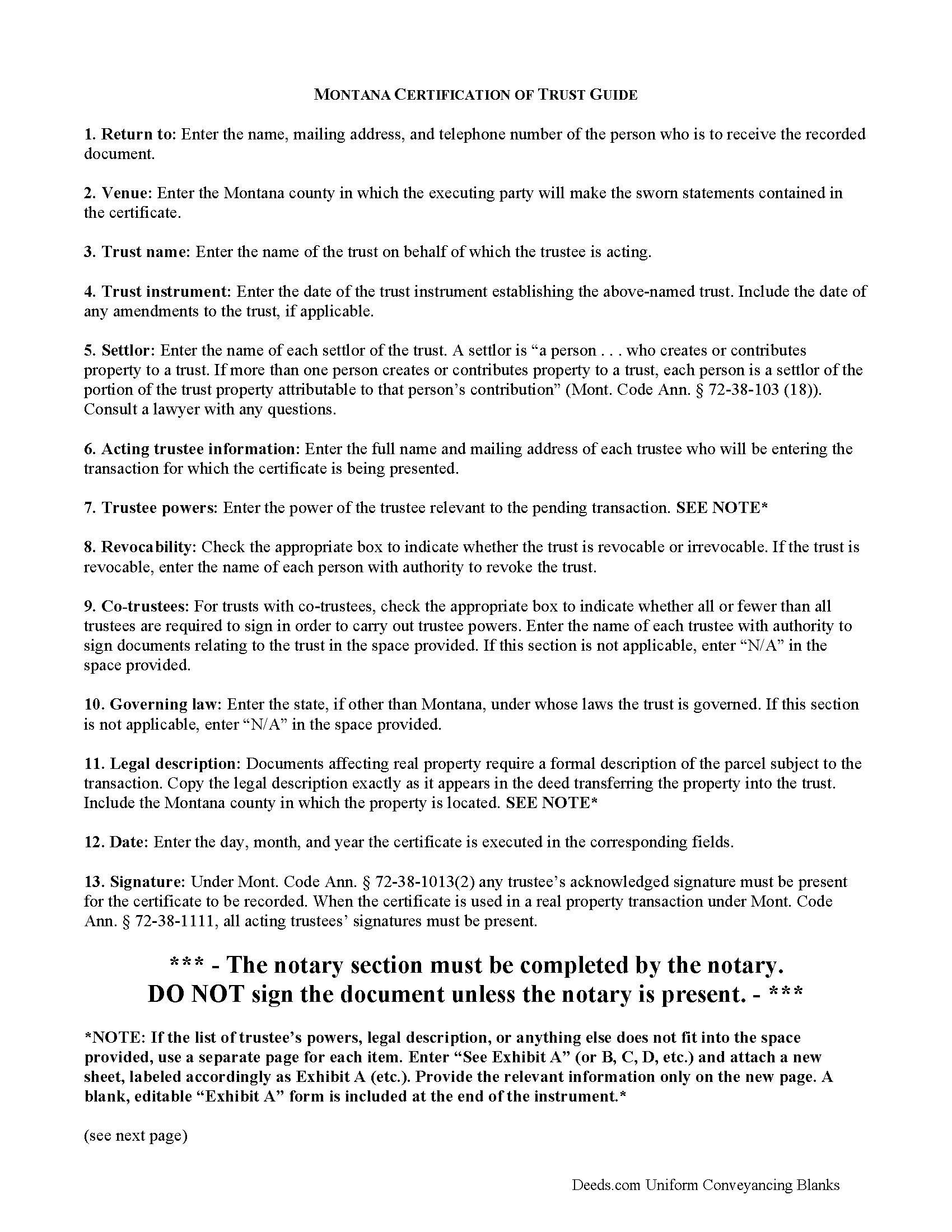
Mccone County Certificate of Trust Guide
Line by line guide explaining every blank on the form.
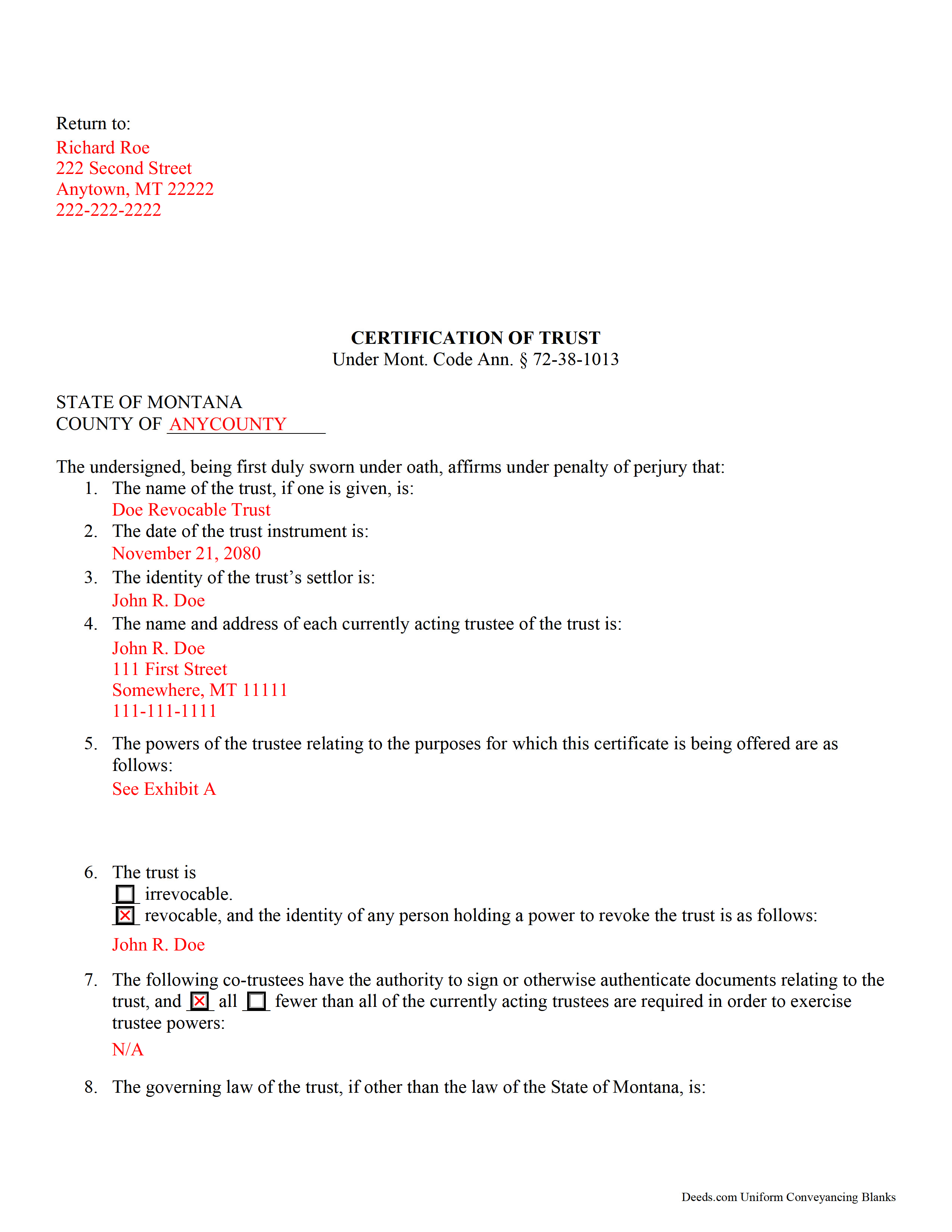
Mccone County Completed Example of the Certificate of Trust Document
Example of a properly completed form for reference.
All 3 documents above included • One-time purchase • No recurring fees
Immediate Download • Secure Checkout
Additional Montana and Mccone County documents included at no extra charge:
Where to Record Your Documents
McCone County Clerk / Recorder
Circle, Montana 59215
Hours: 8:00am-5:00pm M-F
Phone: (406) 485-3505
Recording Tips for Mccone County:
- Bring your driver's license or state-issued photo ID
- Ensure all signatures are in blue or black ink
- Avoid the last business day of the month when possible
- Both spouses typically need to sign if property is jointly owned
- Bring extra funds - fees can vary by document type and page count
Cities and Jurisdictions in Mccone County
Properties in any of these areas use Mccone County forms:
- Brockway
- Circle
- Vida
Hours, fees, requirements, and more for Mccone County
How do I get my forms?
Forms are available for immediate download after payment. The Mccone County forms will be in your account ready to download to your computer. An account is created for you during checkout if you don't have one. Forms are NOT emailed.
Are these forms guaranteed to be recordable in Mccone County?
Yes. Our form blanks are guaranteed to meet or exceed the applicable formatting requirements used for recording in Mccone County, including margin requirements, font requirements, and other layout standards. This guarantee applies to formatting, not to the legal sufficiency of information entered by the user or the suitability of a form for a particular transaction.
Can I reuse these forms?
Yes. You can reuse the forms for your personal use. For example, if you have multiple properties in Mccone County you only need to order once.
What do I need to use these forms?
The forms are PDFs that you fill out on your computer. The free Adobe Acrobat Reader is recommended, and most PDF apps also work. You do NOT enter your property information online - you download the blank forms and complete them privately on your own computer.
Are there any recurring fees?
No. This is a one-time purchase. Nothing to cancel, no memberships, no recurring fees.
How much does it cost to record in Mccone County?
Recording fees in Mccone County vary. Contact the recorder's office at (406) 485-3505 for current fees.
Questions answered? Let's get started!
The certification of trust in Montana is an affidavit containing sworn statements made by the trustee or trustees of a trust.
In a trust arrangement, a settlor entrusts property to a trustee for the benefit of a beneficiary. The trustee is the administrator of the trust's assets.
Instead of furnishing the trust instrument (an unrecorded document containing the trust's provisions, including the designation of the trust's beneficiary) the certificate is an abstract supplying only the relevant information required of the trustee in order to prove his authority to enter into a transaction on the trust's behalf.
Codified under the Montana Uniform Trust Code at 72-38-1013, the certification of trust contains basic information, such as the trust's name, date, settlor, and each trustee's name and address. The certificate verifies that the trust exists and that the trustee is authorized to act by providing a description of the trustee's powers relating to the pending action.
For example, a trustee may furnish a certificate when conveying real property held in a living trust. When used in real property transactions, a recorded certificate fulfills the requirements under Mont. Code Ann. 72-38-1111 for a valid transfer of real property by a trustee. When used for transactions involving real property, the certificate should also include the legal description of the parcel subject to the transaction.
The certificate must also designate whether or not the trust is revocable, and who, if any, has authority to revoke the trust. For trusts with multiple trustees, the document also specifies which trustees have signing authority, and how many are required in order to execute the trustee's powers. The certificate also cites the governing law under which the trust was formed.
Mont. Code Ann. 72-38-1013 provides that the certificate can be signed by any trustee, and signatures must be acknowledged if the document is recorded. When used in real property transfers under 72-38-1111, each acting trustee must sign before the document is recorded, and the certificate should meet all requirements of form and content for recording documents in Montana under 7-4-2636.
Recipients of the certificate can request, in addition, excerpts and/or later amendments from the trust instrument which name the trustee and confer the relevant powers upon the trustee. Requesting the entire trust document exposes the person making the request to certain liabilities ( 72-38-1013(8)).
Finally, the certificate contains a statement confirming that the trust has not been modified in any way that would cause the statements made within to be inaccurate, and the recipient "may assume without inquiry the existence of the facts contained" within ( 72-38-1013(6)).
Consult a lawyer with any questions and for professional guidance regarding certifications of trust in Montana, as each situation is unique.
(Montana COT Package includes form, guidelines, and completed example)
Important: Your property must be located in Mccone County to use these forms. Documents should be recorded at the county recording office listed above.
This Certificate of Trust meets all recording requirements specific to Mccone County.
Our Promise
The documents you receive here are guaranteed to meet or exceed the applicable Mccone County recording format requirements. If there is a rejection caused by our formatting, we will correct the issue or refund your payment. This guarantee applies to document formatting only and does not extend to information entered by the user, the selection of the form, or the legal effect of the completed document.
Save Time and Money
Get your Mccone County Certificate of Trust form done right the first time with Deeds.com Uniform Conveyancing Blanks. At Deeds.com, we understand that your time and money are valuable resources, and we don't want you to face a penalty fee or rejection imposed by a county recorder for submitting nonstandard documents. We constantly review and update our forms to meet rapidly changing state and county recording requirements for roughly 3,500 counties and local jurisdictions.
4.8 out of 5 - ( 4,836 Reviews )
Nancy S. 5 out of 5 stars
Terrific service, I found just what I needed, and priced reasonably. The decision to purchase a form instead of trying to create one of my own was easy to make. I will return to this service again.
Thank you!
Jane E. 5 out of 5 stars
The form was incompatible with my son's new computer. I do not have a printer. We did use your form to type a copy into "word" so he could print it.
Thank you!
Thomas H. 5 out of 5 stars
I received every form I requested, immediately upon payment. All forms were up to date and easy to edit as needed. I'll come back here for all my future needs of this nature.
We appreciate your business and value your feedback. Thank you. Have a wonderful day!
Tamara H. 5 out of 5 stars
Absolutely awesome! Quick, easy and efficient. I will definitely be using again!
Thank you Tamara. We really appreciate you taking the time to leave your comments. Have an amazing day!
Quinlyn H. 5 out of 5 stars
They didn't have what I was looking for so they refunded my money immediately. Very easy to work with!
Thank you!
Dee S. 5 out of 5 stars
Great service and so quick at responding!
We are motivated by your feedback to continue delivering excellence. Thank you!
Kerrin S. 5 out of 5 stars
This was so efficient. Thank you for offering this service!
Thank you for your feedback. We really appreciate it. Have a great day!
Christine B. B. 4 out of 5 stars
The Personal Representatives Deed is definitely a helpful document for my files. I find it need just a little tweaking by deeds.com , There should be more space for the legal description. I did see in the FAQ's you recommend putting it in the Exhibit and this is what I did. Also I couldn't get the year to be accepted and had to write it in. These are just some minor suggestions, on the whole I was grateful to find this document. Thank you.
Thank you for your feedback. Sorry to hear that you had trouble with the date field, we will have it reviewed.
Daren K. 5 out of 5 stars
Awesome, so far. Thanks
Thank you!
lisa c. 1 out of 5 stars
I didn't like your website. It was complicated for an elderly person to use.
Sorry to hear that we failed you Lisa. We do hope that you found something more suitable to your needs elsewhere. Have a wonderful day.
Denise G. 5 out of 5 stars
It would be helpful if an email was sent to notify you of any additional invoices needed, documents were accepted and/or recorded. It is not always convenient to check your website on a daily basis to determine the status of the requesting recordings.
Thank you for your feedback. We really appreciate it. Have a great day!
Linda K. 5 out of 5 stars
This service was easy, quick, and to the point. It was a lifesaver! Downloaded quickly and without issues. I was able to fill out a soecifice form for my state and county, which saved me from making errors from a universal form.
Thank you for your feedback. We really appreciate it. Have a great day!
Stephanie G. 5 out of 5 stars
Wonderful. Easier to fill out this form than I thought it would be.
Thank you for your feedback. We really appreciate it. Have a great day!
QINGXIONG L. 2 out of 5 stars
The major problem is too expensive, particularly sometime, only few words need to file correction deed which cost 20 dollars!!
Thank you for your feedback. We really appreciate it. Have a great day!
Dora O. 5 out of 5 stars
Best platform to buy forms. Simple and easy.
It was a pleasure serving you. Thank you for the positive feedback!